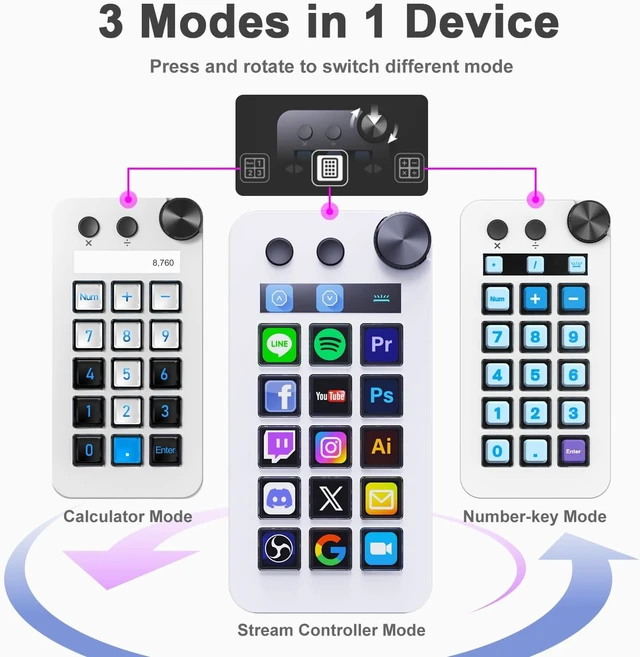
- Numeric Keypad Mode The N1 Stream Controller Deck offers three different modes of operation, whereas similar products on the market only support custom keyboard mode. By pressing and turning the knob, you can switch between shortcut key mode, calculator mode, and numeric keypad mode. Calculator mode simplifies mathematical operations, while numeric keypad mode compensates for the limitations of a compact keyboard as well as being a very good left-hand device.
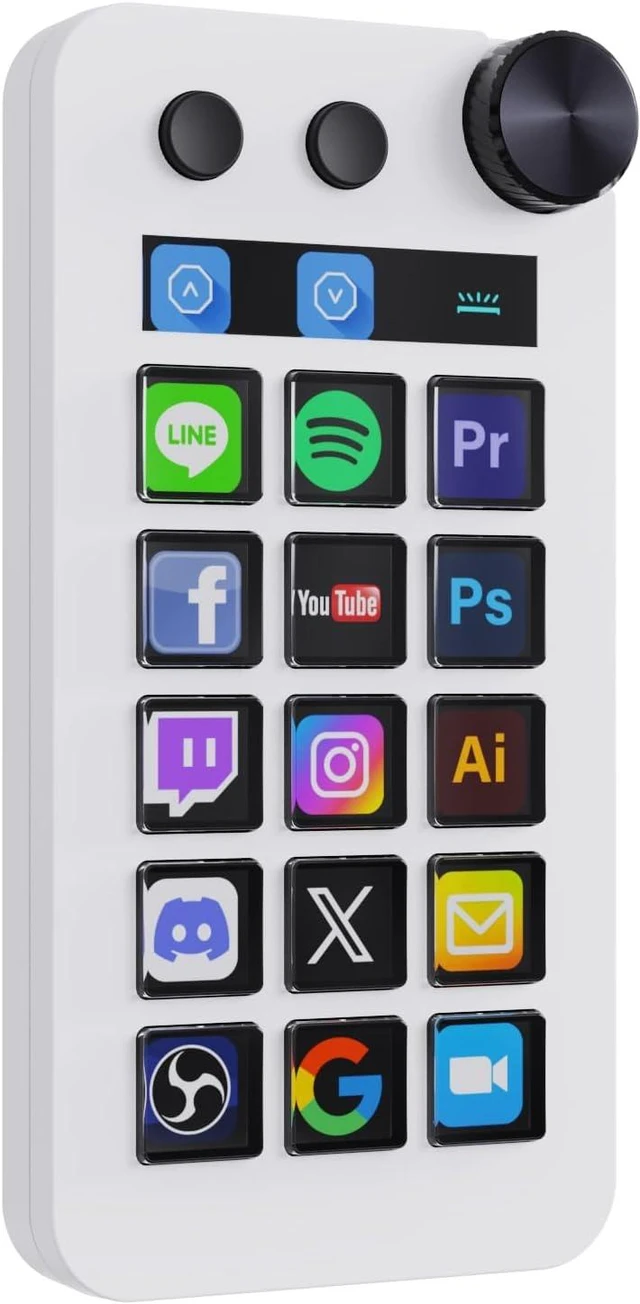
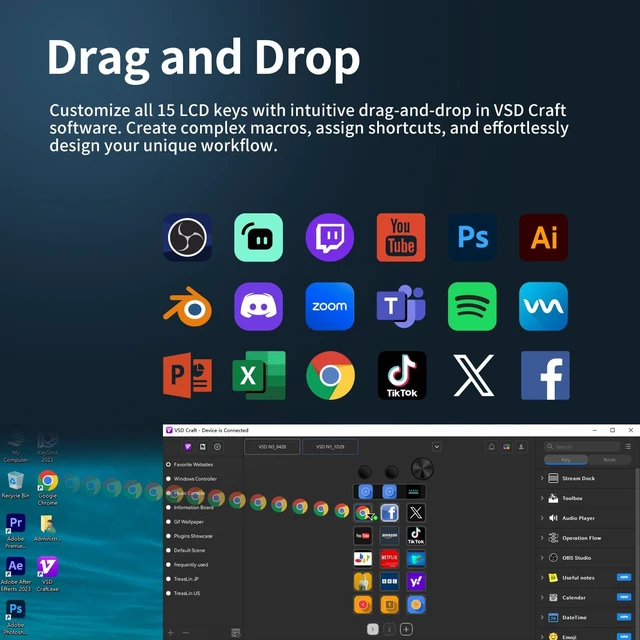
- 18-key Customizable Macro Keyboard The N1 features 18 macro keys, consisting of 15 visual LCD buttons, 2 clickable buttons, and 1 rotary knob. In conjunction with the dedicated VSD Craft software, you can freely assign the function of each key to suit your preference. Key icons can be customized by drag & drop, taking screenshots, or selecting images. This unleashes unlimited personalization possibilities and instantly transforms your desktop into a highly efficient tool.
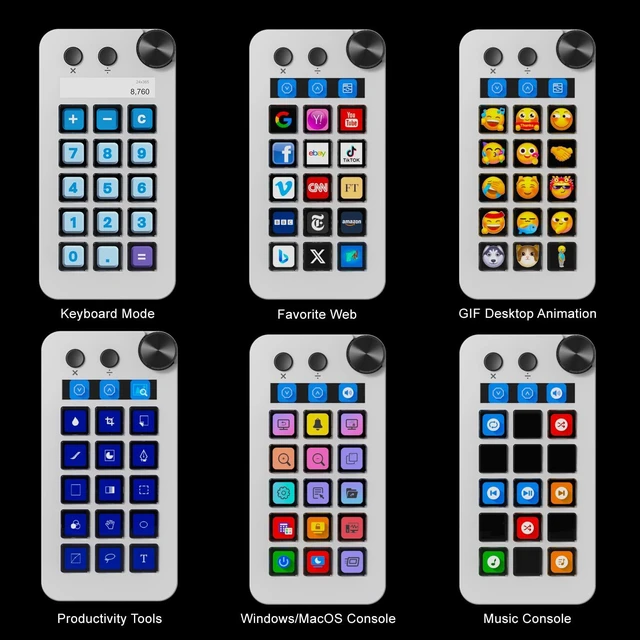
- Multi-Scenario Quick Controls Customize dedicated shortcut scenarios to suit your needs: Daily mode instantly launches frequently used software, documents, and web pages; Work mode sets up quick controls for Photoshop/DAW/Premiere Pro/Blender and other software; Live mode sets up quick controls for your favorite software; and Work mode sets up quick controls for your favorite software. Live Streaming mode provides easy control of OBS streaming, while Media mode conveniently adjusts playback controls. In addition, automatic workflows can be set up to perform multiple tasks in a specified order, precisely tailored to your usage requirements.
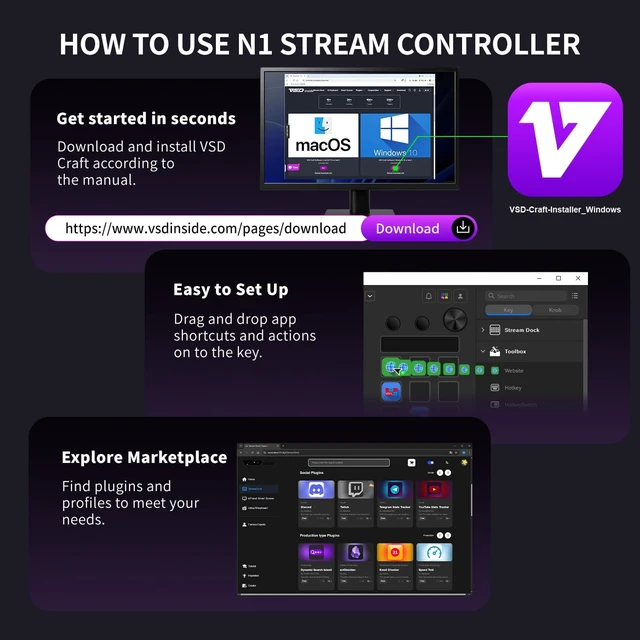
- Wide Application CompatibleN1 Stream dock works seamlessly with PC, Windows, and macOS, plus OBS Studio (Windows 10 64-bit+/macOS Catalina 10.15+), Streamlabs, Just connect via USB-C and you're up and running in seconds, and the included software is very easy to install and operate. The USB-C connection makes it easy to get up and running in seconds, and the included software is very easy to install and operate.
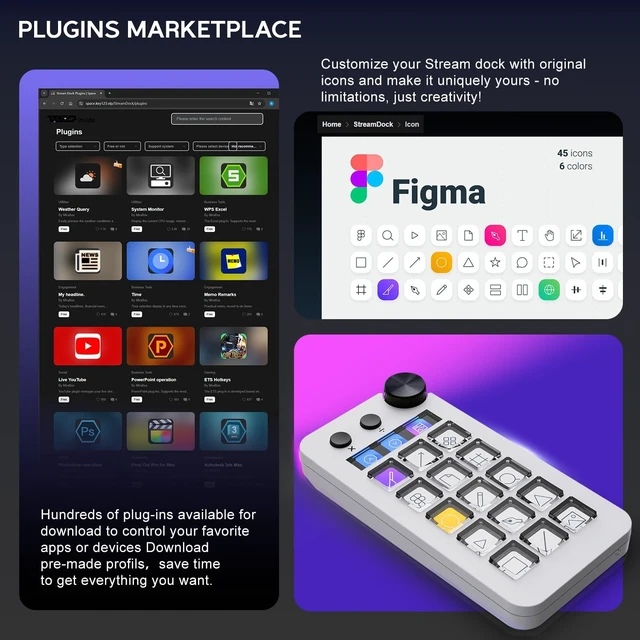
- Extensive Plugins MarketplaceThe Stream Dock equiped with VSDinside marketplace for you to download, It offers thousands of free and premium options, including 200+ plugins, icons profiles and scenes for controlling apps like Discord, Twitch, and OBS for streamers and podcasters.
- Supports dynamic iconsWhile most stream dock on the market are limited to static image icons, the N3 breaks new groundgoing beyond basic picture icons to support dynamic animated ones. Whats more, you can even use your favorite animations to create custom animated icon scenes for your device, transforming your interface from dull and static to uniquely vibrant and full of personality.
- Please NoteIf you want use Spotify integration, you must have an active Spotify Premium account.
- Technical SupportIf you encounter any issues during use, our dedicated engineering team is ready to assist you promptly.


Power Supply Instructions For stable operation, connect the device to a rear USB port on your computer and avoid using too many USB devices at once. Front ports or USB hubs may cause insufficient power and prevent the device from powering on, laptop users should connect directly rather than through USB hubs; ensure the computer maintains adequate power supply.
You can update the product's software and hardware in the Settings menu in the upper-left corner of the software.
Knob Operation Instructions To switch modes, press and hold the knob before turning it. To customize the rotation function, set it up in Custom Mode.
Mode Switching & Synchronization Instructions This product has three modes: Custom, Number Key, and Calculator. All sync operations must be performed in Custom Mode. Switch modes easily via the knobalways check your current mode before syncing.





 here!
here!