



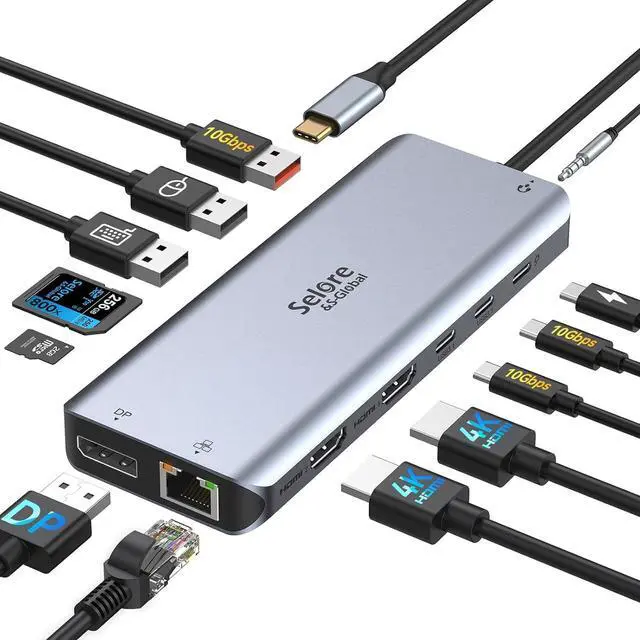
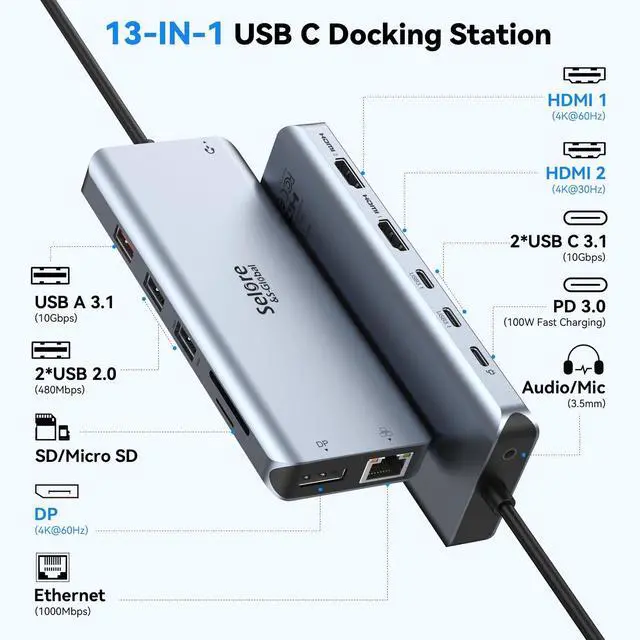
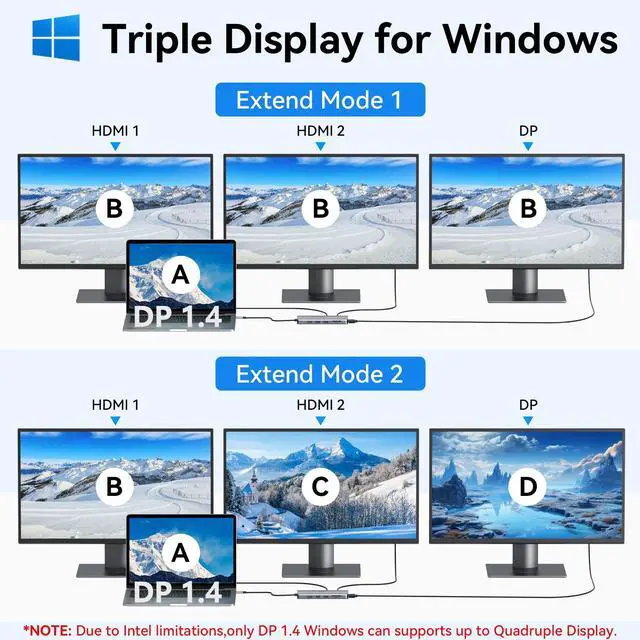
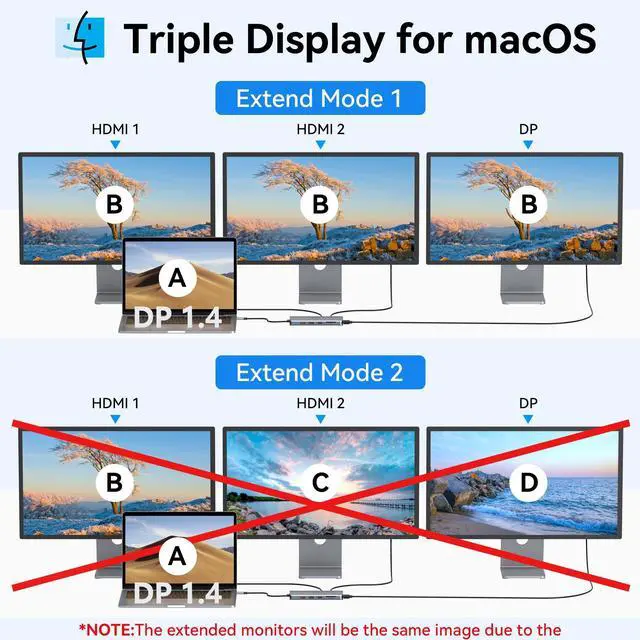






Do I need to install drivers to connect the docking station to my laptop?
Ideal for Thunderbolt 3/4 laptops or USB-C devices supporting charging and video output. No driver installation required—simply plug in and start using hassle-free
Can I implement Extended Mode on my Apple laptop?
Mac notebooks do not support Multi-Stream Transport (MST). Displays connected via HDMI/DP/VGA (if these video ports are available) will mirror the display to show the same image
Does this usb c docking station compatible with my laptop?
If your laptop is Windows, Mac OS, Chrome OS, Linux, iPad OS, iOS, Harmony OS, Android, etc., please check if your laptop's Thunderbolt 3/4 or USB-C port supports charging and video output, and if it does, you can use our Docking Station
After connecting the docking station, there is no signal from the external monitor, how to solve it?
Ensure your laptop's USB-C port supports video output. Ensure that the HDMI or DisplayPort cable is working properly, check that the device's display settings detect an external monitor, and adjust the display mode (e.g., Copy or Extended)
How can I achieve optimal connection stability with the docking station?
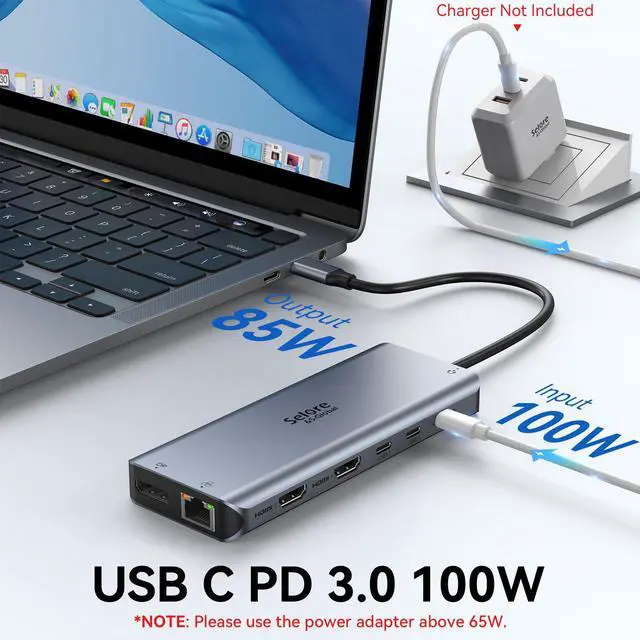
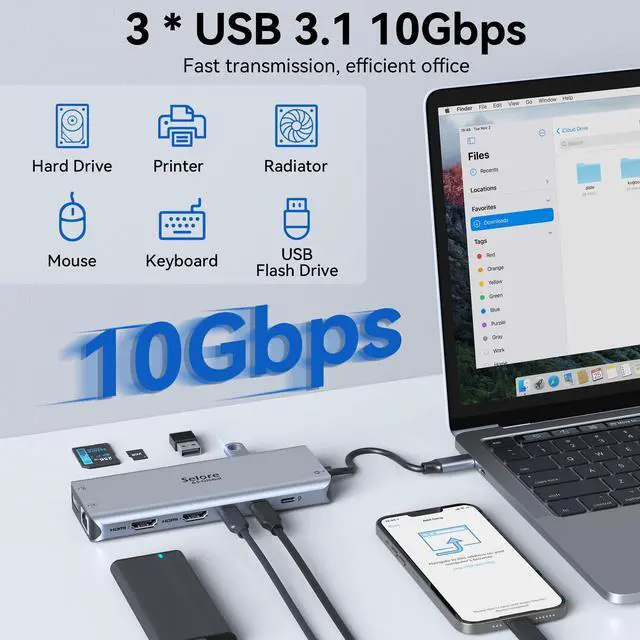
Always use a genuine, high-power power adapter to charge your laptop and connect your keyboard and mouse to the docking station's USB 2.0 port.


Do I need to install drivers to connect the docking station to my laptop?
Ideal for Thunderbolt 3/4 laptops or USB-C devices supporting charging and video output. No driver installation required—simply plug in and start using hassle-free
Can I implement Extended Mode on my Apple laptop?
Mac notebooks do not support Multi-Stream Transport (MST). Displays connected via HDMI/DP/VGA (if these video ports are available) will mirror the display to show the same image
Does this usb c docking station compatible with my laptop?
If your laptop is Windows, Mac OS, Chrome OS, Linux, iPad OS, iOS, Harmony OS, Android, etc., please check if your laptop's Thunderbolt 3/4 or USB-C port supports charging and video output, and if it does, you can use our Docking Station
After connecting the docking station, there is no signal from the external monitor, how to solve it?
Ensure your laptop's USB-C port supports video output. Ensure that the HDMI or DisplayPort cable is working properly, check that the device's display settings detect an external monitor, and adjust the display mode (e.g., Copy or Extended)
How can I achieve optimal connection stability with the docking station?
Always use a genuine, high-power power adapter to charge your laptop and connect your keyboard and mouse to the docking station's USB 2.0 port.
MST for Windows
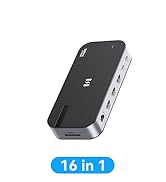
USB C Hub
MacBook Adapter
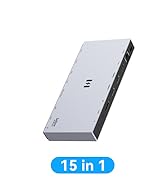
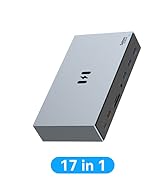
Docking Station
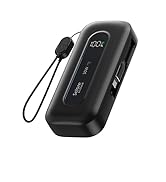
Power Bank