





Please Read Before Purchase
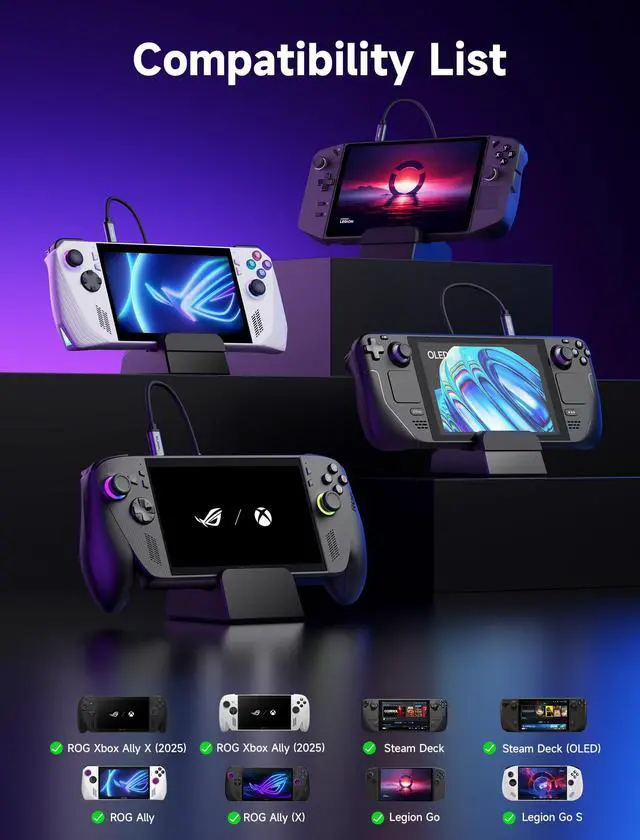
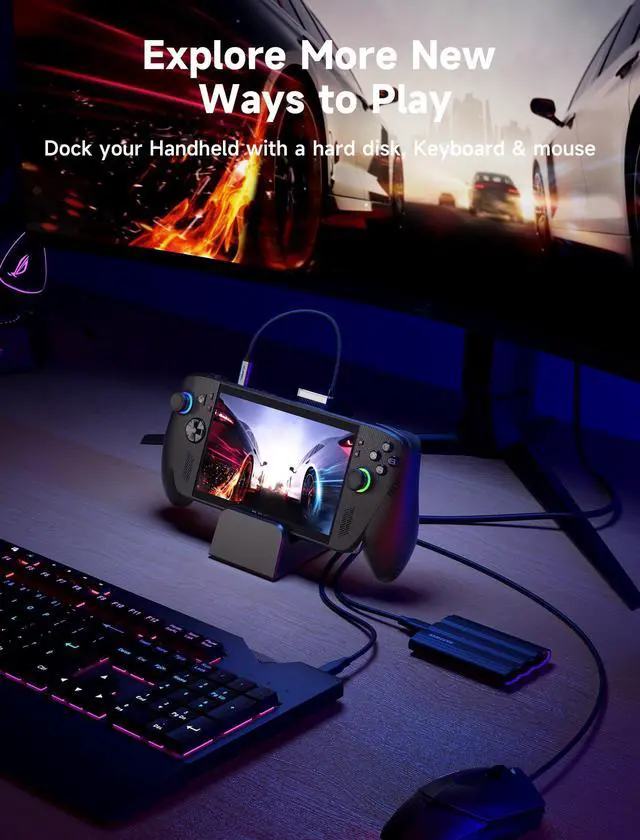
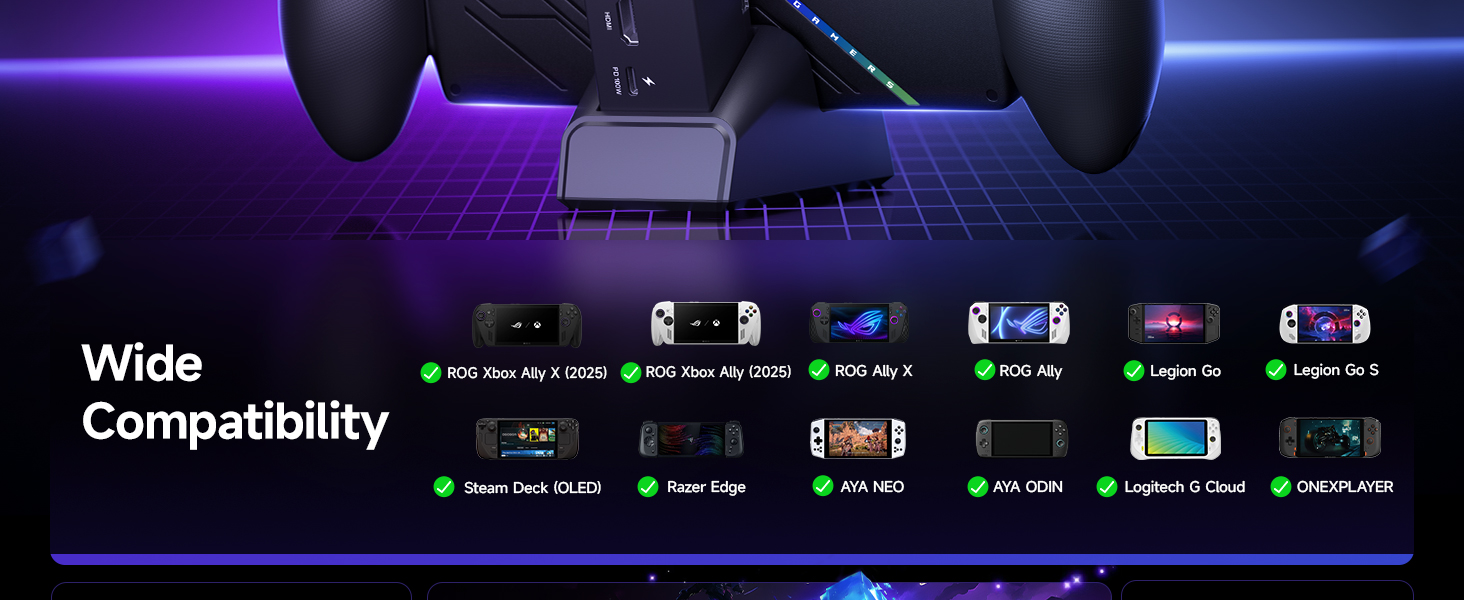
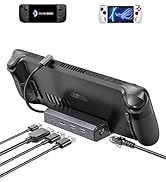
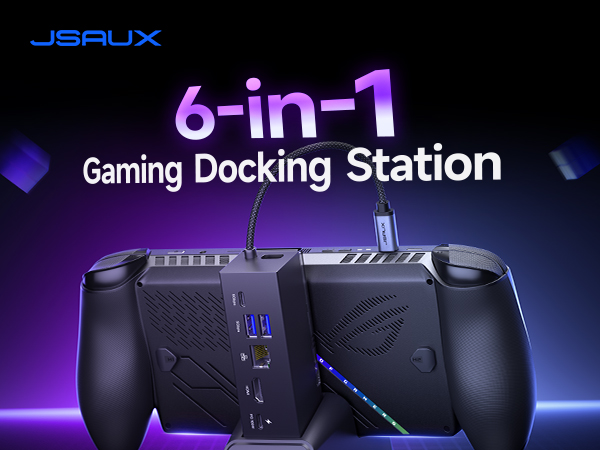
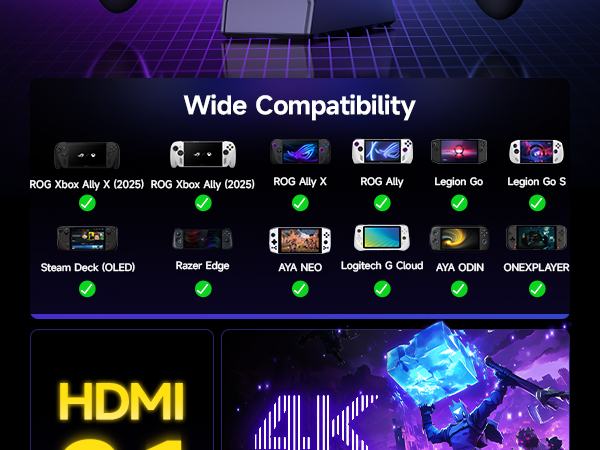
1. Compatibility: Compatible with ROG Xbox Ally X (2025) , ROG Xbox Ally (2025), ROG Ally X, ROG Ally, Steam Deck, Legion Go, Legion Go S, Razer Edge, AYA NEO, AYA ODIN, Logitech G Cloud, and ONEXPLAYER.
2. NOT compatible with Nintendo Switch / Switch 2.
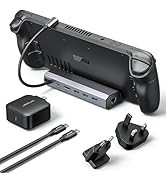
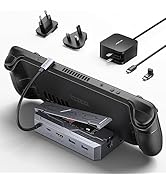
3. Actual charging is limited by each handheld’s own maximum input: Steam Deck (up to 45 W), ROG Ally / Ally X (up to 65 W), and Legion Go (up to 65 W).
4. When the ROG Xbox Ally / ROG Xbox Ally X is connected to the dock, part of the input power is consumed by the dock itself. Using the original 65W or lower PD charger may trigger the message “Not enough power to charge efficiently.” This does not affect gameplay, but charging speed may be slower and overall charging time may be longer. For optimal performance, a PD 100W charger is recommended.
5. Supports the Turbo Mode of ROG Ally (X). To enable Turbo Mode, press the Control Center button on the left side of your ROG Ally (X) and switch to Turbo. The 30W Turbo performance can be achieved only when connected to a 100W PD charger; otherwise, the device runs at 25W.
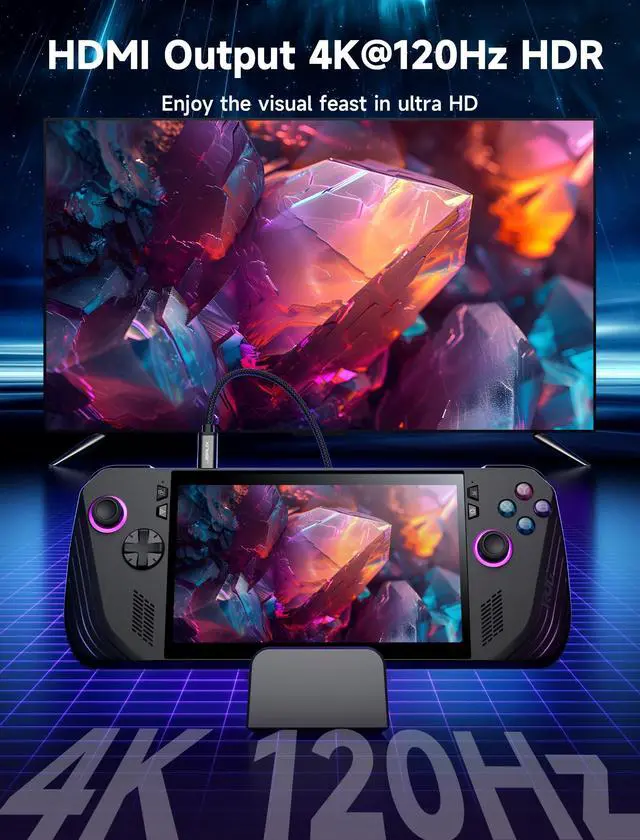
6. The HB0609 dock does not support VRR or ALLM. For VRR/ALLM support, please choose the HB0705 dock, listed as “Color: Black-RGB Fan Cooling.”
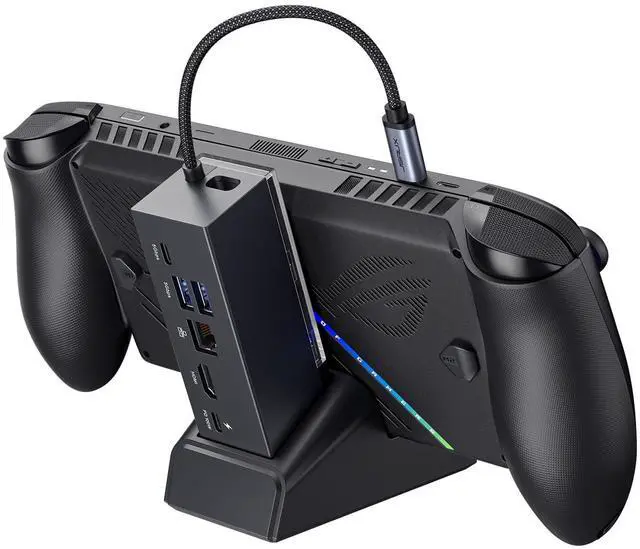
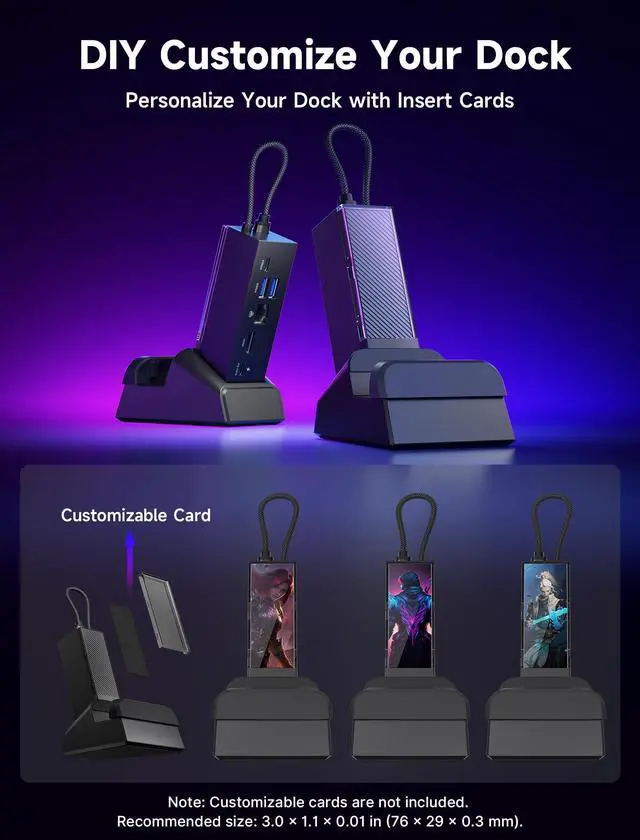
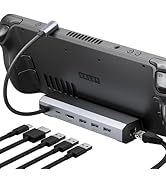
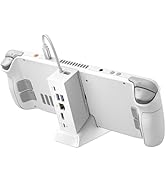
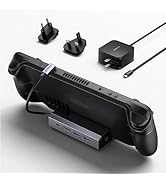
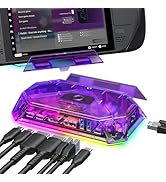
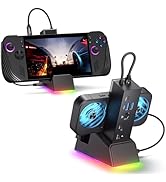
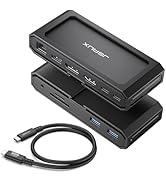
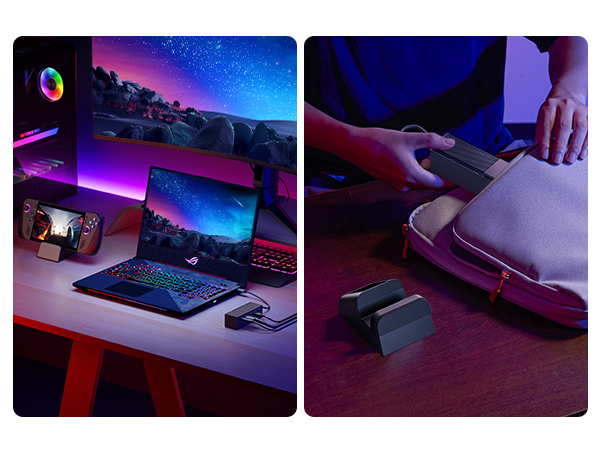
7. Dimensions: Dock Size: 120 × 37 × 33 mm (4.72" × 1.46" × 1.30"); Standbase Size: 103 × 75 mm (4.06" × 2.95"). *For stability, do not use the base as a standalone stand.
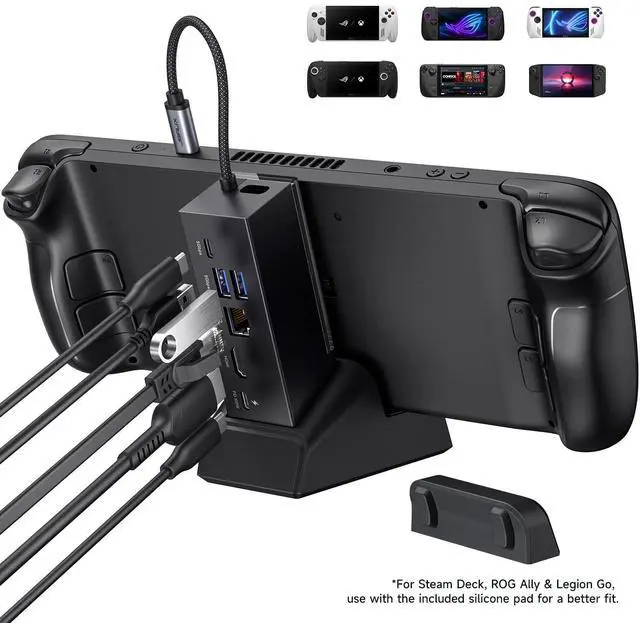
8. When used bare (without a case): For ROG Ally, Steam Deck, and Legion Go, we recommend using the included silicone pad to ensure better stability.
9. These monitor models may not be compatible: Samsung LG32G73TQSNXZA / 65” Sony Bravia K65XR80 / Samsung UE50NU7400U 50" 4K Ultra HD Smart / LG UM7180PVB.
Interface Parameters





Steam Deck Accessories


Steam Deck Accessories

Steam Deck Accessories
Steam Deck Accessories
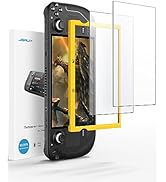
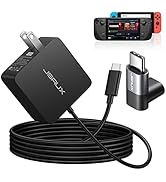
Steam Deck Accessories
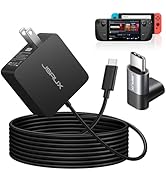
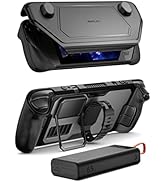
Steam Deck Accessories
Steam Deck Accessories
Steam Deck Accessories
Steam Deck Accessories
Steam Deck Accessories

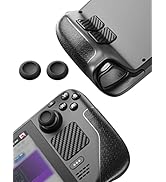
Steam Deck Accessories
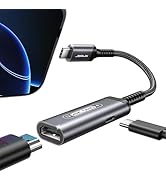
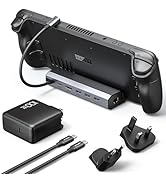
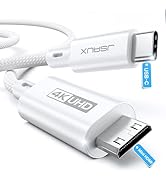
Steam Deck Accessories
Steam Deck Accessories
![JSAUX PS5 Controller Charging Cable 10FT, USB C [Anti-Interference Magnetic Ring] Fast Charger Co...](//c1.neweggimages.com/sellingpilot/modules/product/a-plus/e2011b2b59f84c247b10278f49fdce55879a6407c42a73ece7c922ff34923036.jpg)
Steam Deck Accessories
![JSAUX PS5 Controller Charging Cable 10FT, USB C [Anti-Interference Magnetic Ring] Fast Charger Co...](http://c1.neweggimages.com/sellingpilot/modules/product/a-plus/e2011b2b59f84c247b10278f49fdce55879a6407c42a73ece7c922ff34923036.jpg)
Please Read Before Purchase
1. Compatibility: Compatible with ROG Xbox Ally X (2025) , ROG Xbox Ally (2025), ROG Ally X, ROG Ally, Steam Deck, Legion Go, Legion Go S, Razer Edge, AYA NEO, AYA ODIN, Logitech G Cloud, and ONEXPLAYER.
2. NOT compatible with Nintendo Switch / Switch 2.
3. Actual charging is limited by each handheld’s own maximum input: Steam Deck (up to 45 W), ROG Ally / Ally X (up to 65 W), and Legion Go (up to 65 W).
4. When the ROG Xbox Ally / ROG Xbox Ally X is connected to the dock, part of the input power is consumed by the dock itself. Using the original 65W or lower PD charger may trigger the message “Not enough power to charge efficiently.” This does not affect gameplay, but charging speed may be slower and overall charging time may be longer. For optimal performance, a PD 100W charger is recommended.
5. Supports the Turbo Mode of ROG Ally (X). To enable Turbo Mode, press the Control Center button on the left side of your ROG Ally (X) and switch to Turbo. The 30W Turbo performance can be achieved only when connected to a 100W PD charger; otherwise, the device runs at 25W.
6. The HB0609 dock does not support VRR or ALLM. For VRR/ALLM support, please choose the HB0705 dock, listed as “Color: Black-RGB Fan Cooling.”
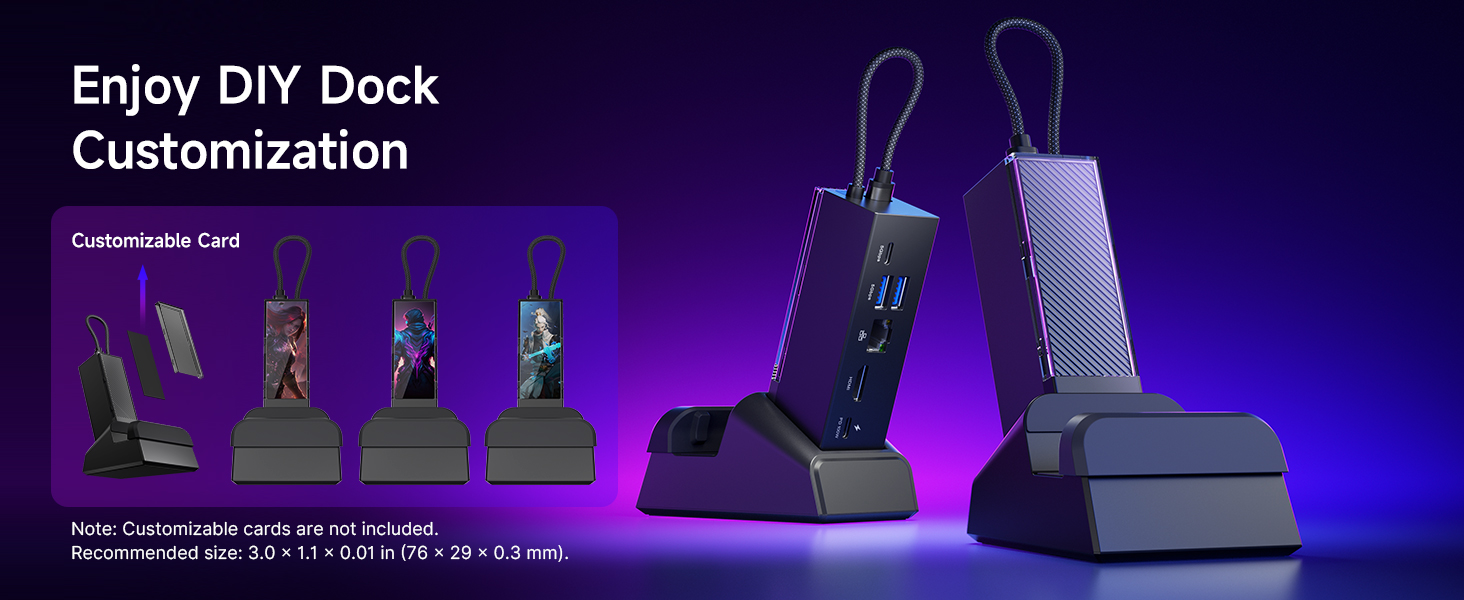
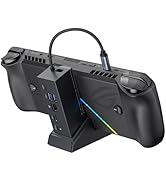
7. Dimensions: Dock Size: 120 × 37 × 33 mm (4.72" × 1.46" × 1.30"); Standbase Size: 103 × 75 mm (4.06" × 2.95"). *For stability, do not use the base as a standalone stand.
8. When used bare (without a case): For ROG Ally, Steam Deck, and Legion Go, we recommend using the included silicone pad to ensure better stability.
9. These monitor models may not be compatible: Samsung LG32G73TQSNXZA / 65” Sony Bravia K65XR80 / Samsung UE50NU7400U 50" 4K Ultra HD Smart / LG UM7180PVB.
Interface Parameters
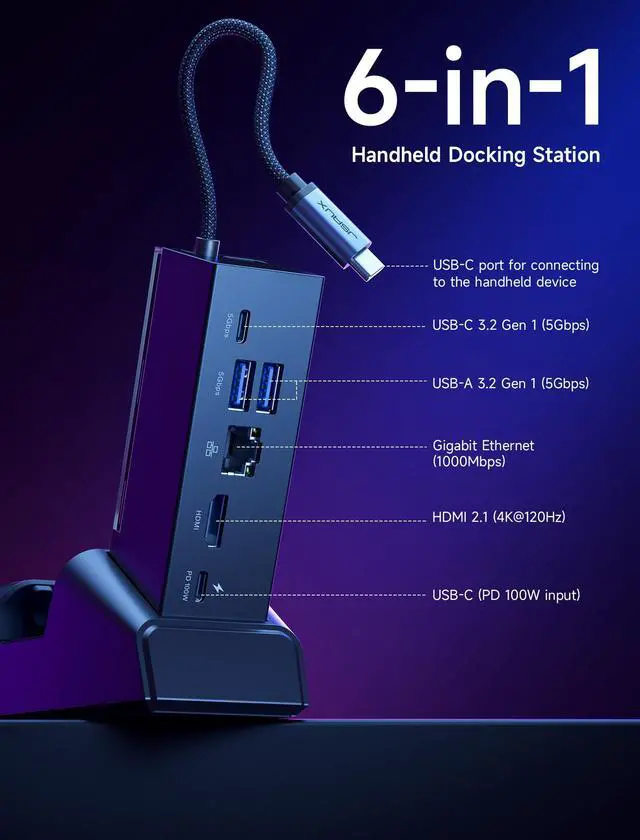
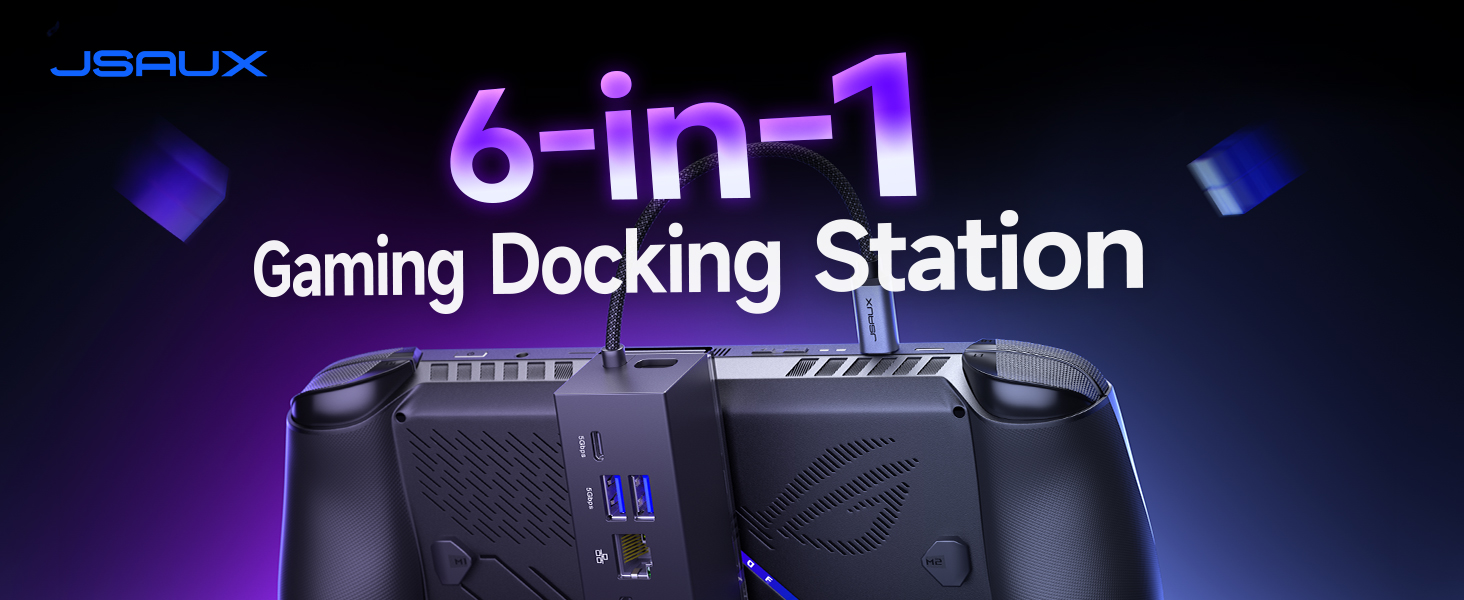
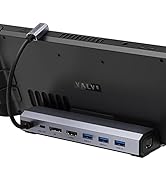
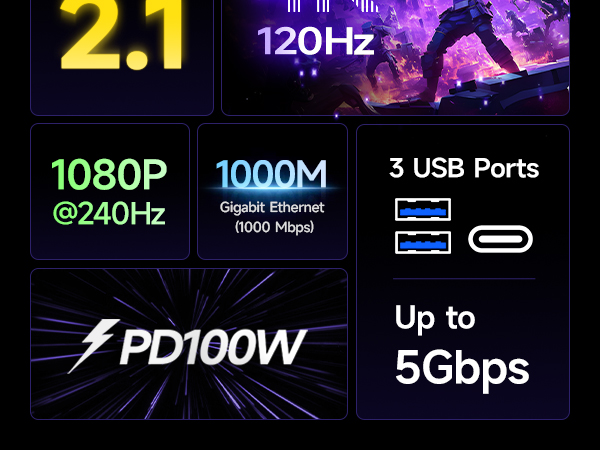
| * | 1x USB C port for connecting to the handheld device |
|---|---|
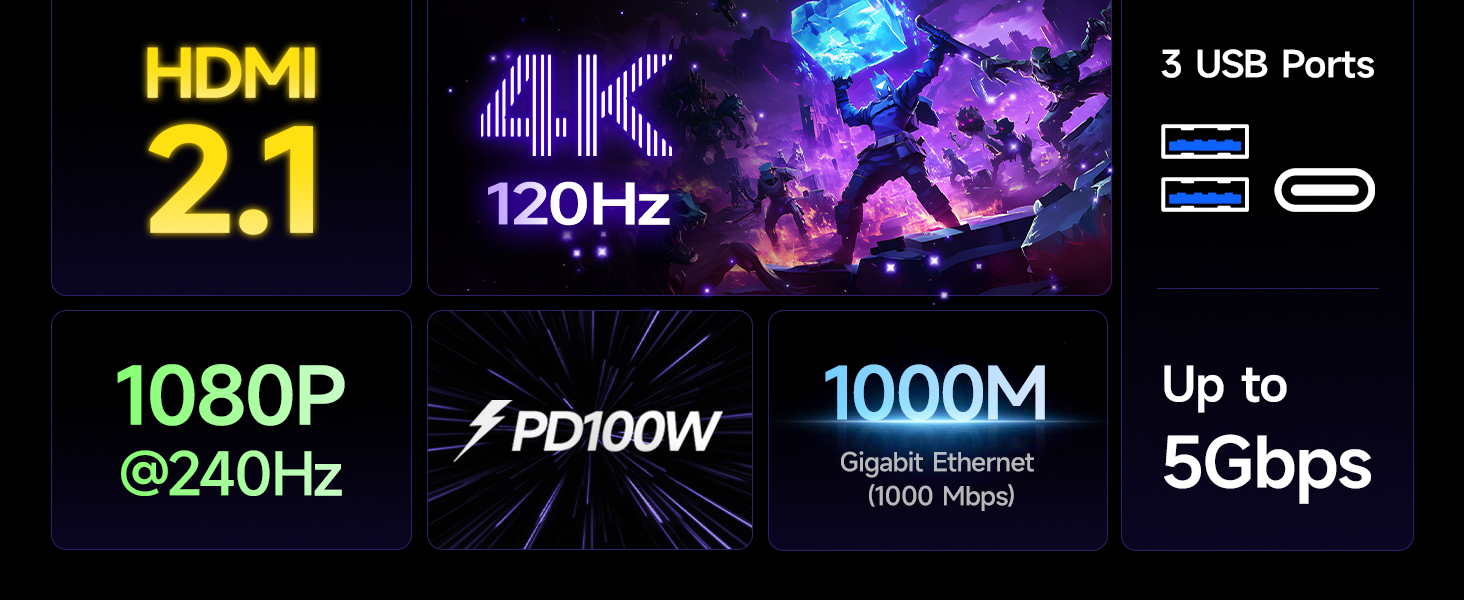
| * | 1x USB C 3.2 Gen 1 (5Gbps) |
| * | 2x USB A 3.2 Gen 1 (5Gbps) |
| * | 1x Gigabit Ethernet (1000 Mbps) |
| * | 1x HDMI (4K@120Hz /1080P@240Hz) |
| * | 1x USB C (PD 100W input) |
Steam Deck Accessories
Steam Deck Accessories
Steam Deck Accessories
Steam Deck Accessories
Steam Deck Accessories
Steam Deck Accessories
Steam Deck Accessories
Steam Deck Accessories
Steam Deck Accessories
Steam Deck Accessories
Steam Deck Accessories
Steam Deck Accessories
Steam Deck Accessories
Steam Deck Accessories