










Steam Deck Accessories



Steam Deck Accessories



Steam Deck Accessories
Steam Deck Accessories
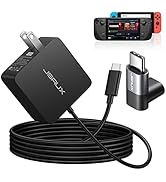
Steam Deck Accessories
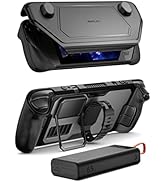
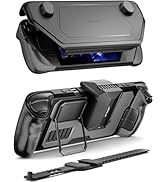
Steam Deck Accessories
Steam Deck Accessories
Steam Deck Accessories
Steam Deck Accessories
Steam Deck Accessories
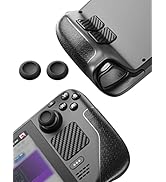
Steam Deck Accessories
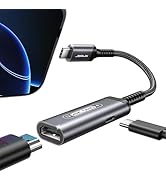
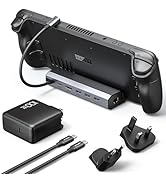
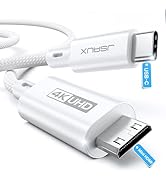
Steam Deck Accessories
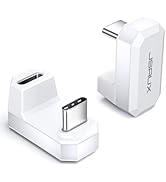
Steam Deck Accessories
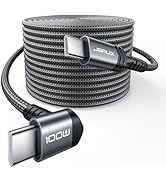
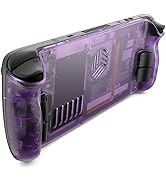
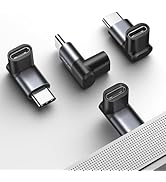
![JSAUX PS5 Controller Charging Cable 10FT, USB C [Anti-Interference Magnetic Ring] Fast Charger Co...](//c1.neweggimages.com/sellingpilot/modules/product/a-plus/e2011b2b59f84c247b10278f49fdce55879a6407c42a73ece7c922ff34923036.jpg)
Steam Deck Accessories
![JSAUX PS5 Controller Charging Cable 10FT, USB C [Anti-Interference Magnetic Ring] Fast Charger Co...](http://c1.neweggimages.com/sellingpilot/modules/product/a-plus/e2011b2b59f84c247b10278f49fdce55879a6407c42a73ece7c922ff34923036.jpg)

Higher Parameter
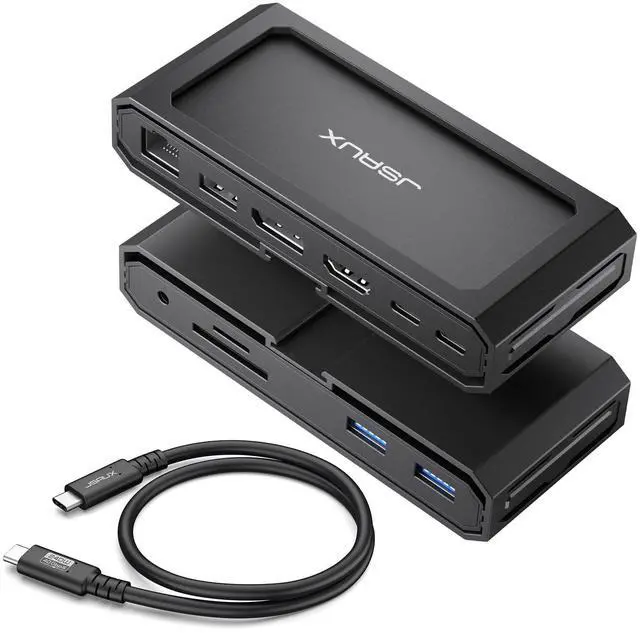
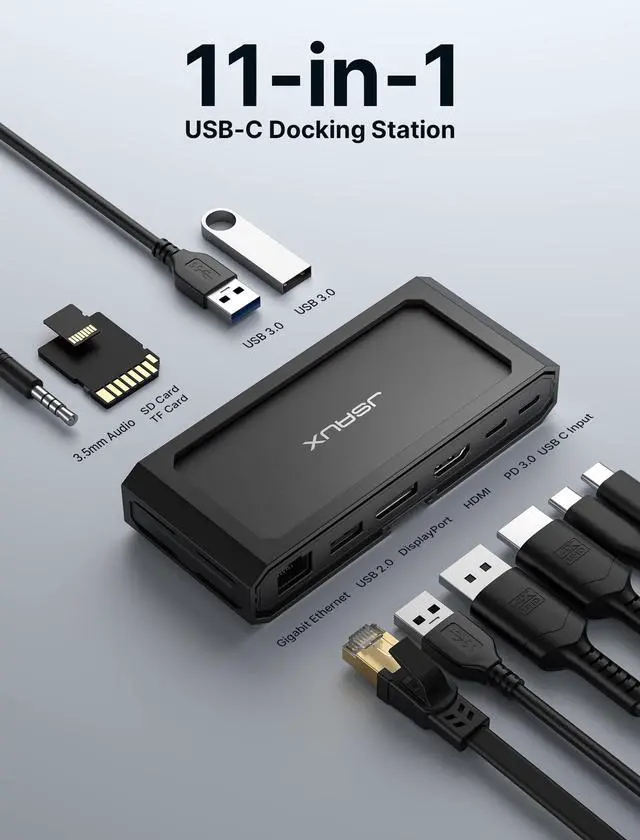
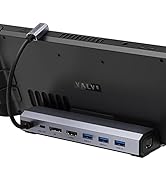
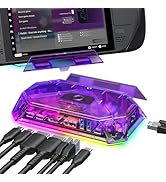
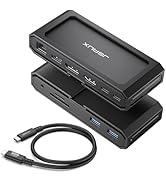
JSAUX 11-in-1 USB C Laptop Docking Station
Maximize your device's potential and resolve port connectivity issues with our docking station.
Note: Due to different batches, the included cables may look different, but they do not affect use and have the same function.


Note:
- It is recommended to use the included C-C cable to connect the docking station for full functionality.
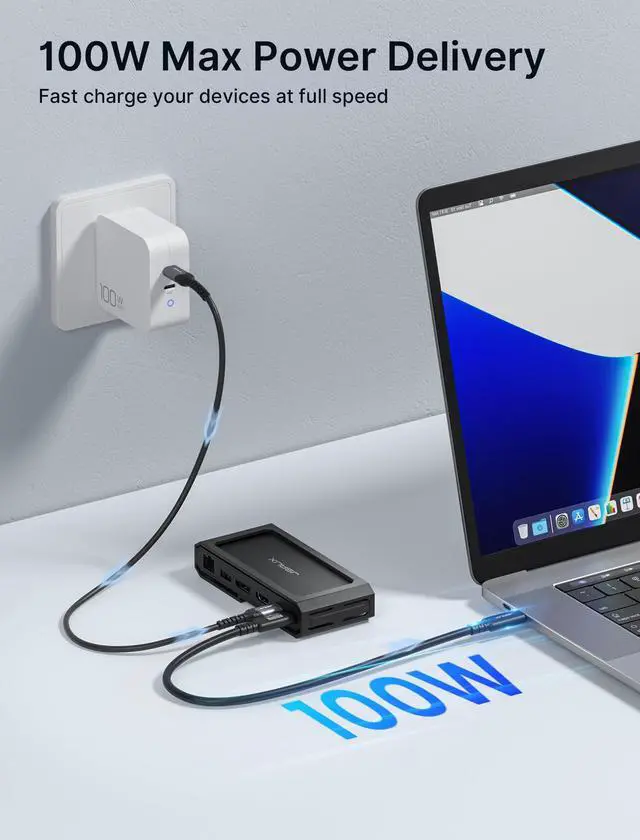
- A PD charger connection is required during operation.
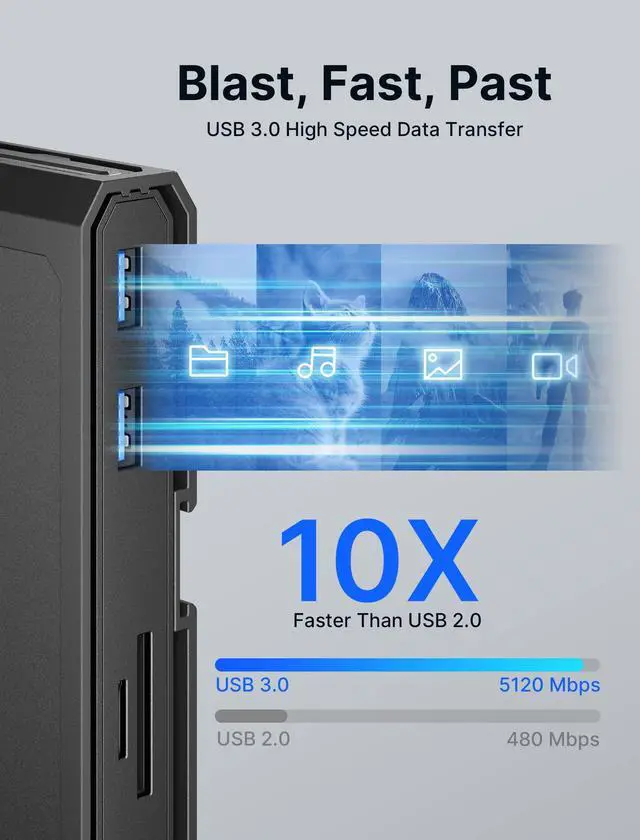
- When using other brands of C-C cables or lower version cables to connect the docking station, the HDMI & DP interfaces may not output video. The USB-A port can still transmit data and provide charging, but the speed is influenced by the connection interface. The SD/TF card reader supports simultaneous reading, with the speed also dependent on the connection interface.
- The product should not be subjected to severe vibration during operation to avoid the risk of data loss and product damage.
- Avoid pulling or straining the docking station, as it may lead to damage to the internal wiring, resulting in product malfunction and potential safety hazards.
Why do we design plastic casings?
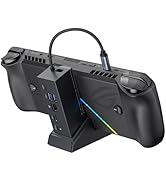
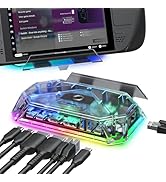
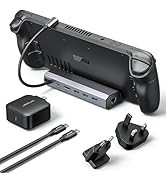
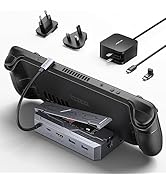
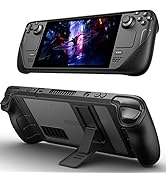
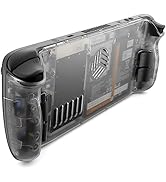
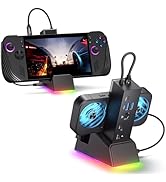
- First, the unique shell design of our docking station is specially designed for steam deck users. It can also be used as a stand when paired with PC0104 protective case from our store.
- In the meantime, if you don’t have a steam deck, you can use it as a decoration.
JSAUX Dock: Why & how different from other 11-in-1 models?
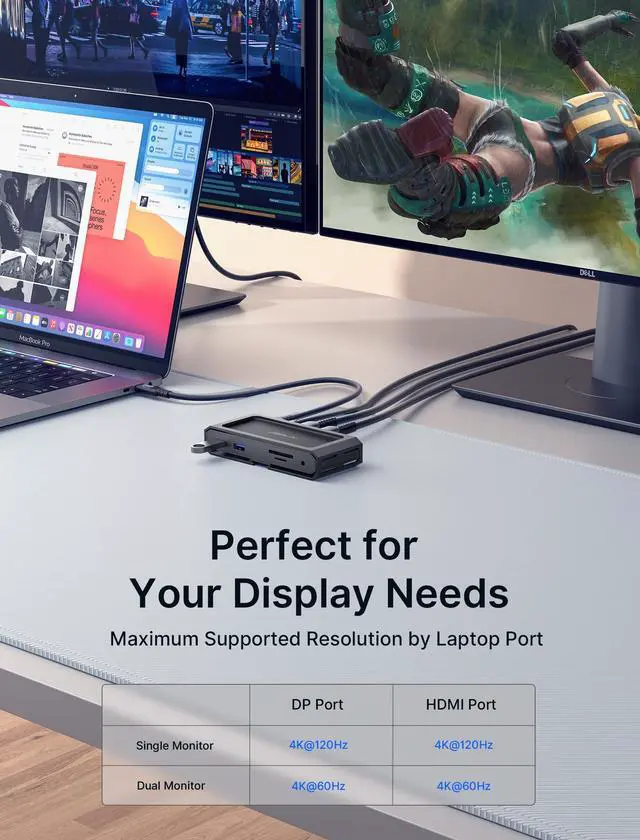
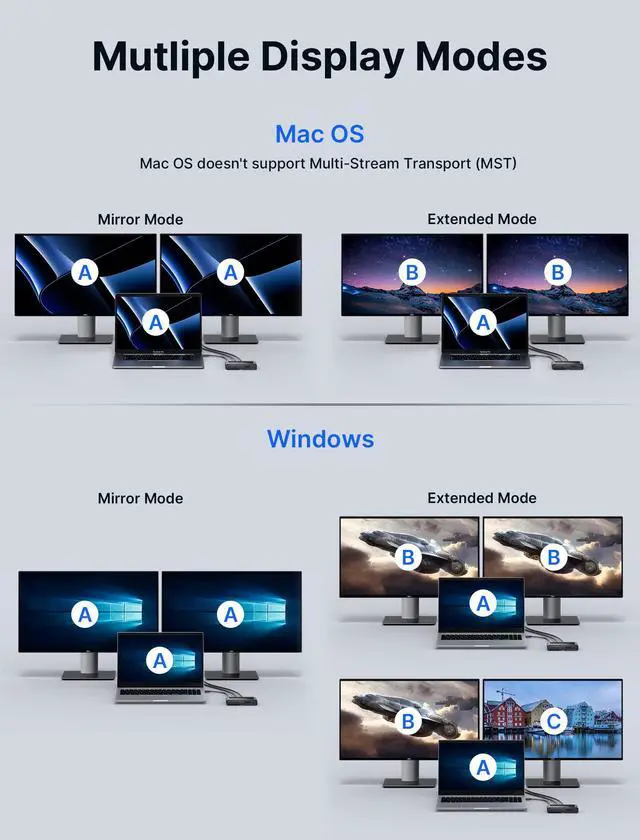
Our products feature a DisplayPort as well as HDMI ports that support up to 8K resolution (backward compatible with 4K@165Hz/4K@144Hz/4K@120Hz) when used individually. In dual display mode, they can simultaneously output up to 4K@60Hz.
How does it work ?
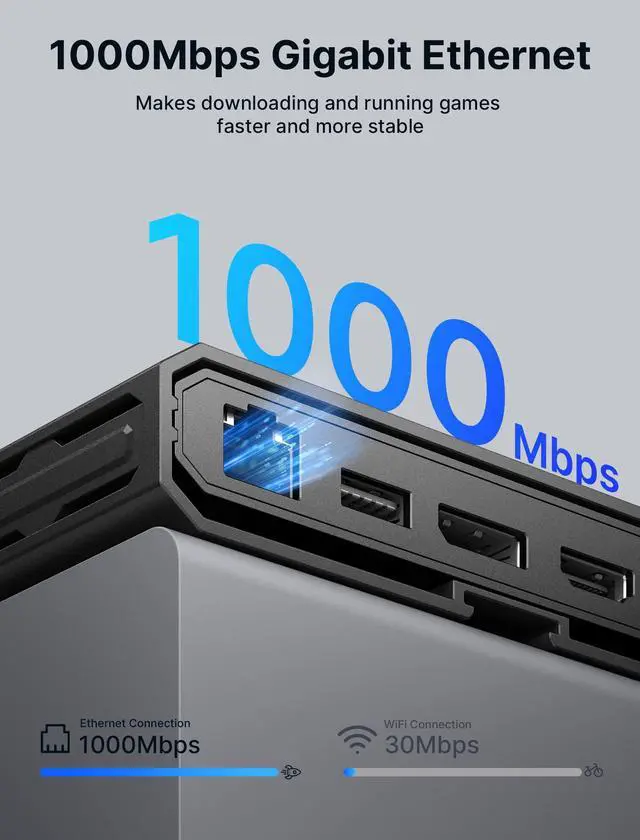
Laptops often feature just a USB C port, necessitating the use of a multi-functional docking station. By connecting the docking station to the USB C port, you can access a wide array of connections including Ethernet, HDMI, DisplayPort, and USB A.
Can USB C PD connect to other USB C devices and transfer data?
The USB C PD interface is solely designed for device charging purposes and does not support data transfer. It is not intended to connect to other USB C devices.
Is it capable of simultaneously reading TF and SD cards?
Yes, but iPad Pro2020 interface restrictions, only single card read and write.
No video output detected when HDMI and DP ports are connected. What might be the missing component or issue?
Troubleshooting steps:
1.Check proper HDMI cable connection to the display or PC's HDMI port.
2.Ensure the use of an HDMI cable version 2.1 or higher.
3.Confirm connection of the PD charger to the product.


JSAUX 11-in-1 USB C Laptop Docking Station
Maximize your device's potential and resolve port connectivity issues with our docking station.
Note: Due to different batches, the included cables may look different, but they do not affect use and have the same function.


Note:
- It is recommended to use the included C-C cable to connect the docking station for full functionality.
- A PD charger connection is required during operation.
- When using other brands of C-C cables or lower version cables to connect the docking station, the HDMI & DP interfaces may not output video. The USB-A port can still transmit data and provide charging, but the speed is influenced by the connection interface. The SD/TF card reader supports simultaneous reading, with the speed also dependent on the connection interface.
- The product should not be subjected to severe vibration during operation to avoid the risk of data loss and product damage.
- Avoid pulling or straining the docking station, as it may lead to damage to the internal wiring, resulting in product malfunction and potential safety hazards.
Why do we design plastic casings?
- First, the unique shell design of our docking station is specially designed for steam deck users. It can also be used as a stand when paired with PC0104 protective case from our store.
- In the meantime, if you don’t have a steam deck, you can use it as a decoration.
JSAUX Dock: Why & how different from other 11-in-1 models?
Our products feature a DisplayPort as well as HDMI ports that support up to 8K resolution (backward compatible with 4K@165Hz/4K@144Hz/4K@120Hz) when used individually. In dual display mode, they can simultaneously output up to 4K@60Hz.
How does it work ?
Laptops often feature just a USB C port, necessitating the use of a multi-functional docking station. By connecting the docking station to the USB C port, you can access a wide array of connections including Ethernet, HDMI, DisplayPort, and USB A.
Can USB C PD connect to other USB C devices and transfer data?
The USB C PD interface is solely designed for device charging purposes and does not support data transfer. It is not intended to connect to other USB C devices.
Is it capable of simultaneously reading TF and SD cards?
Yes, but iPad Pro2020 interface restrictions, only single card read and write.
No video output detected when HDMI and DP ports are connected. What might be the missing component or issue?
Troubleshooting steps:
1.Check proper HDMI cable connection to the display or PC's HDMI port.
2.Ensure the use of an HDMI cable version 2.1 or higher.
3.Confirm connection of the PD charger to the product.
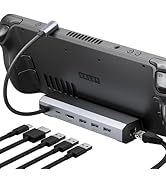
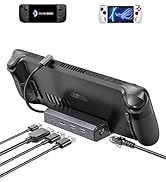
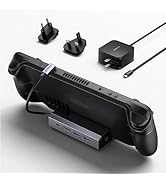
Specially designed for Steam Deck
The dock with our PC0104 Modcase can be used as a Steam Deck stand to explore more ways to play game


Steam Deck Accessories
Steam Deck Accessories
Steam Deck Accessories
Steam Deck Accessories
Steam Deck Accessories
Steam Deck Accessories
Steam Deck Accessories
Steam Deck Accessories
Steam Deck Accessories
Steam Deck Accessories
Steam Deck Accessories
Steam Deck Accessories
Steam Deck Accessories
Steam Deck Accessories