




User Manual
How to use:
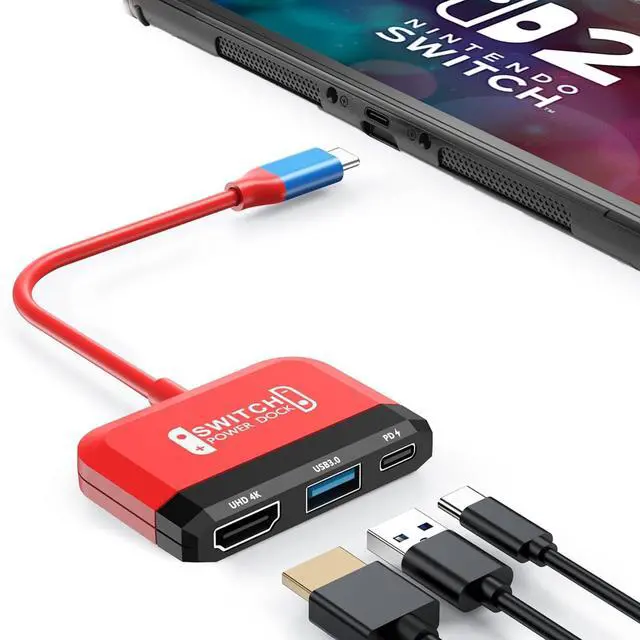
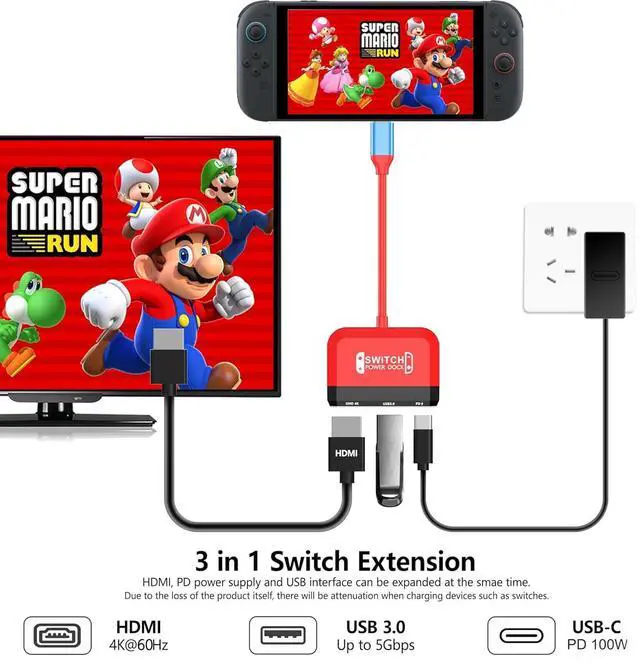
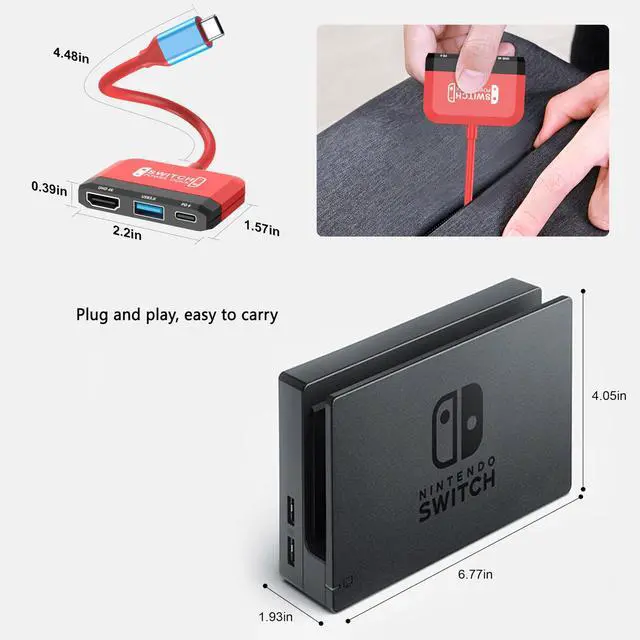
First connect the original Switch1/Switch2 power supply to the PD interface of the Adapter Dock.
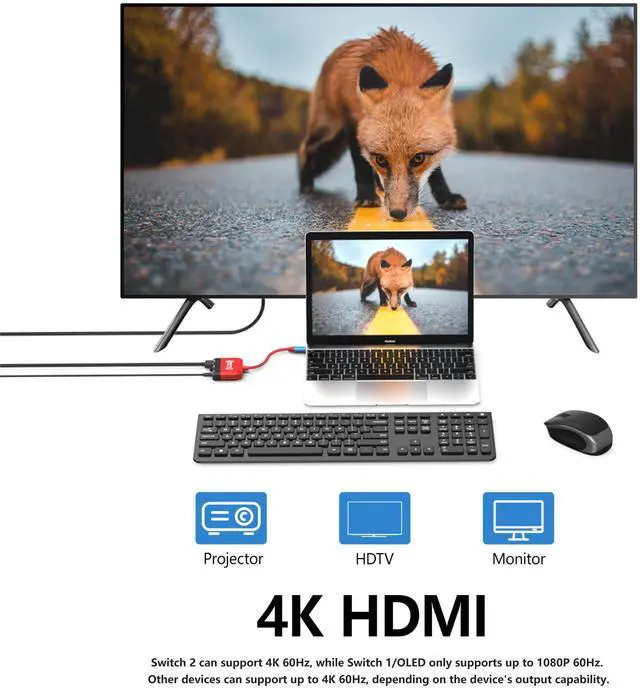
Before use, please check whether the monitor resolution meets the relevant requirements, then plug the HDMI cable into the HDMI input port of the monitor and connect one end to the HDMI interface of the adapter dock.
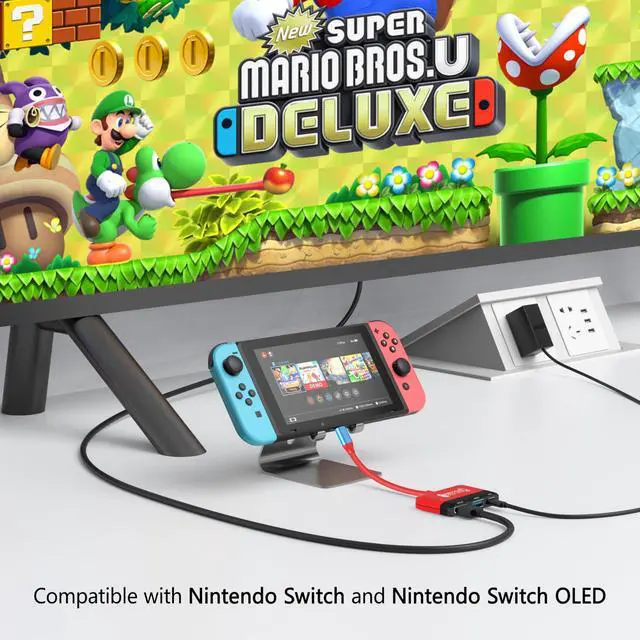
Connect the TYPE C port of the Adapter Dock to the charging port of Switch1/Switch2 and wait 5-10 seconds.
Notice
The package does not include an HDMI cable and charger.
Switch 1 is supported up to 1080p 60Hz,and Switch 2 is supported up to 4K 60Hz.
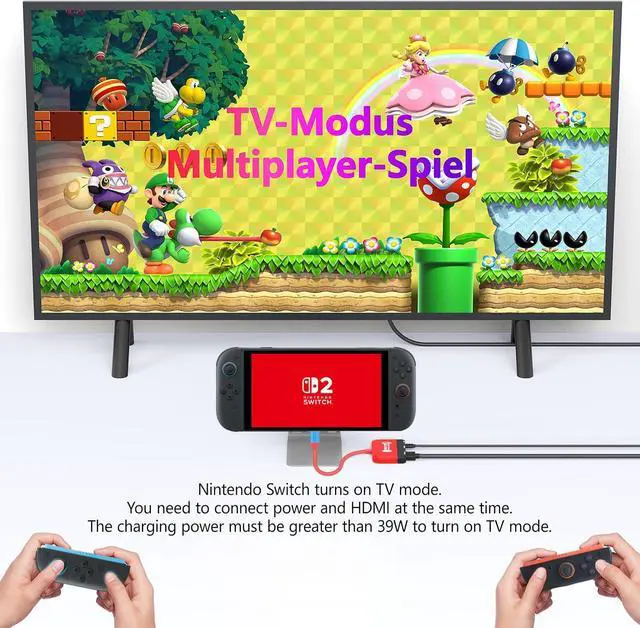
We recommend using the original Switch charger or a charger with an output power greater than 39W to avoid affecting normal use.


User Manual
How to use:
First connect the original Switch1/Switch2 power supply to the PD interface of the Adapter Dock.
Before use, please check whether the monitor resolution meets the relevant requirements, then plug the HDMI cable into the HDMI input port of the monitor and connect one end to the HDMI interface of the adapter dock.
Connect the TYPE C port of the Adapter Dock to the charging port of Switch1/Switch2 and wait 5-10 seconds.
Notice
The package does not include an HDMI cable and charger.
Switch 1 is supported up to 1080p 60Hz,and Switch 2 is supported up to 4K 60Hz.
We recommend using the original Switch charger or a charger with an output power greater than 39W to avoid affecting normal use.