



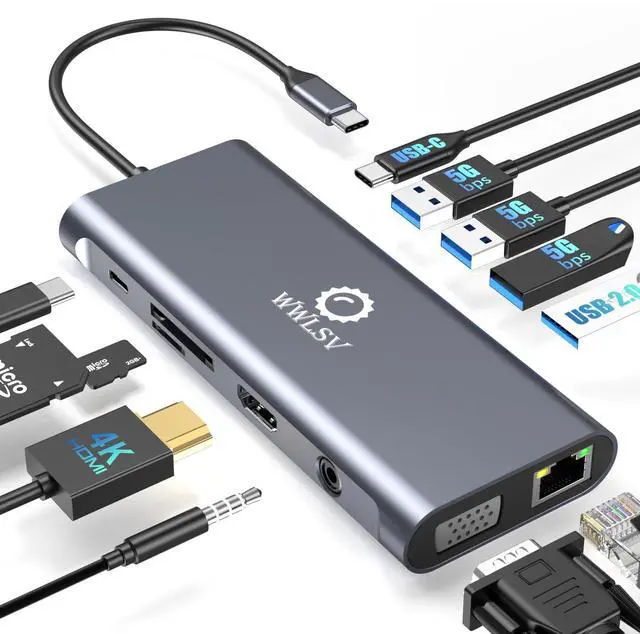




WWLSV is built on craftsmanship and innovation, delivering stable, high-performance docking solutions. We believe in seamless connectivity and powerful performance, helping professionals work smarter.
“Docking Made Simple, Performance Made Powerful.” Through precise engineering and rigorous testing, we ensure quality-driven products that enhance efficiency.
WWLSV Effortless Docking, Limitless Performance.
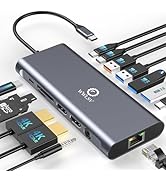
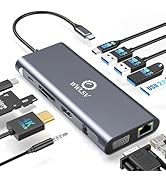
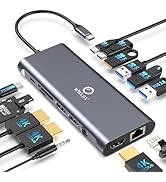
WWLSV Docking Station
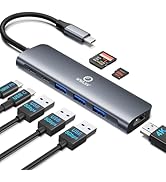
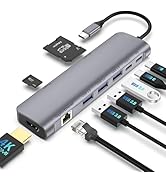
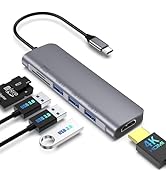
WWLSV USB C Hub
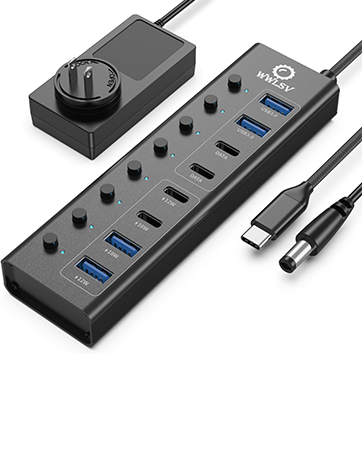
8-in-1 Powered USB Hub
This powered USB hub featuring a 65W USB-C PD-IN port, 2 USB-A 3.0 ports (5Gbps), 2 USB-C data ports, and 4 dedicated charging ports.
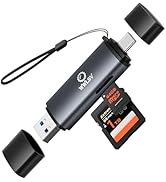

Memory Card Readers


At WWLSV, we are committed to delivering high-quality, durable, and performance-driven products. Each item undergoes rigorous testing to ensure reliability and efficiency. Our goal is to provide a seamless experience, so you can use our docking solutions with confidence, every day.
Specifications
WWLSV Laptop Docking Stations
 12 in 1 Docking Station |  14 in 1 Docking Station | 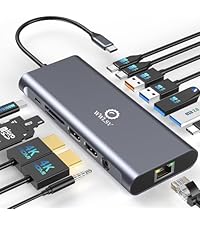 14 in 1 Docking Station | 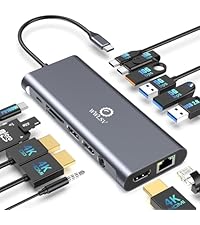 14 in 1 Docking Station | 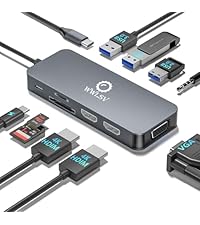 10 in 1 Docking Station | |
|---|---|---|---|---|---|
Customer Reviews | — | — | — | — | — |
Price | — | — | — | — | — |
Daul HDMI | ? | ? | ? | ? | ? |
DisplayPort | ? | ? | ? | ? | ? |
VGA | ? | ? | ? | ? | ? |
Data Transfer Speed | 5Gbps | 10Gbps | 10Gbps | 10Gbps | 5Gbps |
USB Data Ports | 1*USB C + 4*USB A | 1*USB C + 5*USB A | 3*USB C + 4*USB A | 2*USB C + 4*USB A | 3*USB A |
1000Mbps Gigabit Ethernet | ? | ? | ? | ? | ? |
100W Charge Power | ? | ? | ? | ? | ? |
SD/TF | ? | ? | ? | ? | ? |
Audio/Mic | Audio | Audio&Mic | Audio&Mic | Audio&Mic | Audio |
Compatible Devices (INCOMPLETE LIST)
Specifications
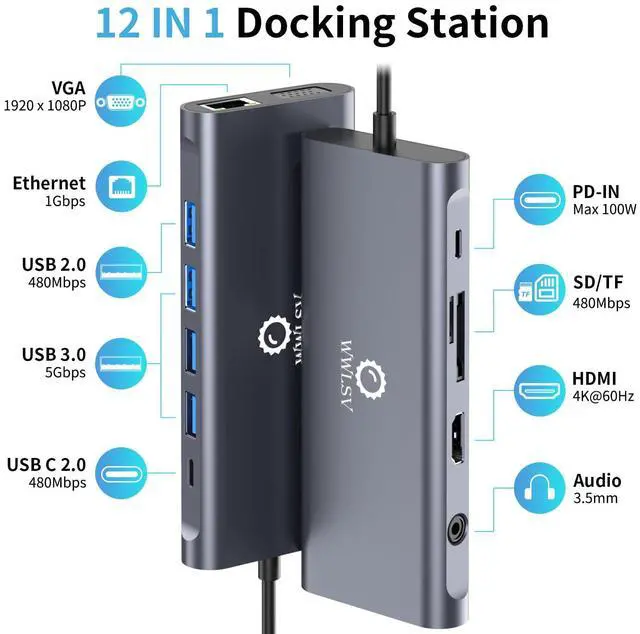
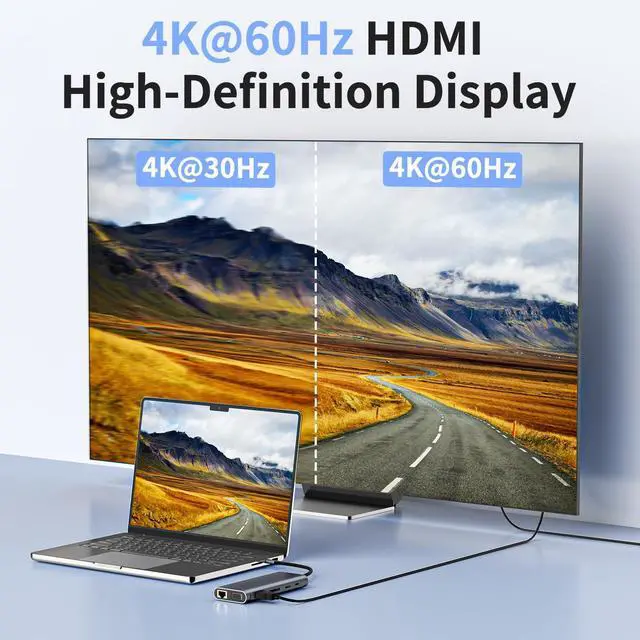
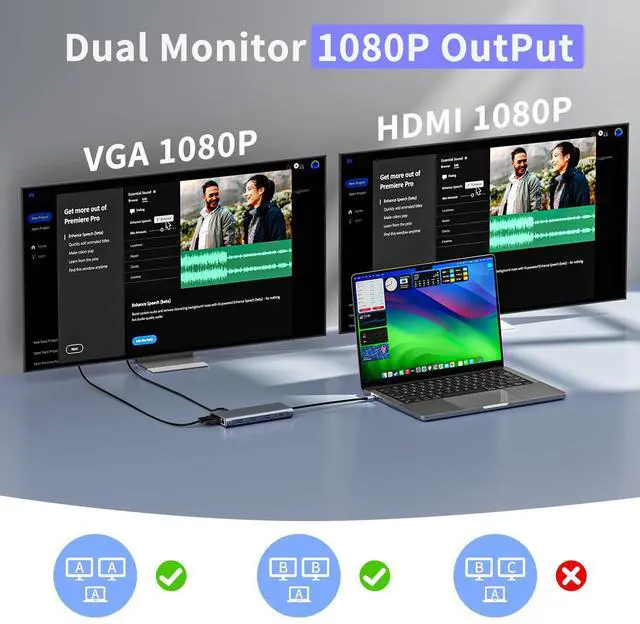
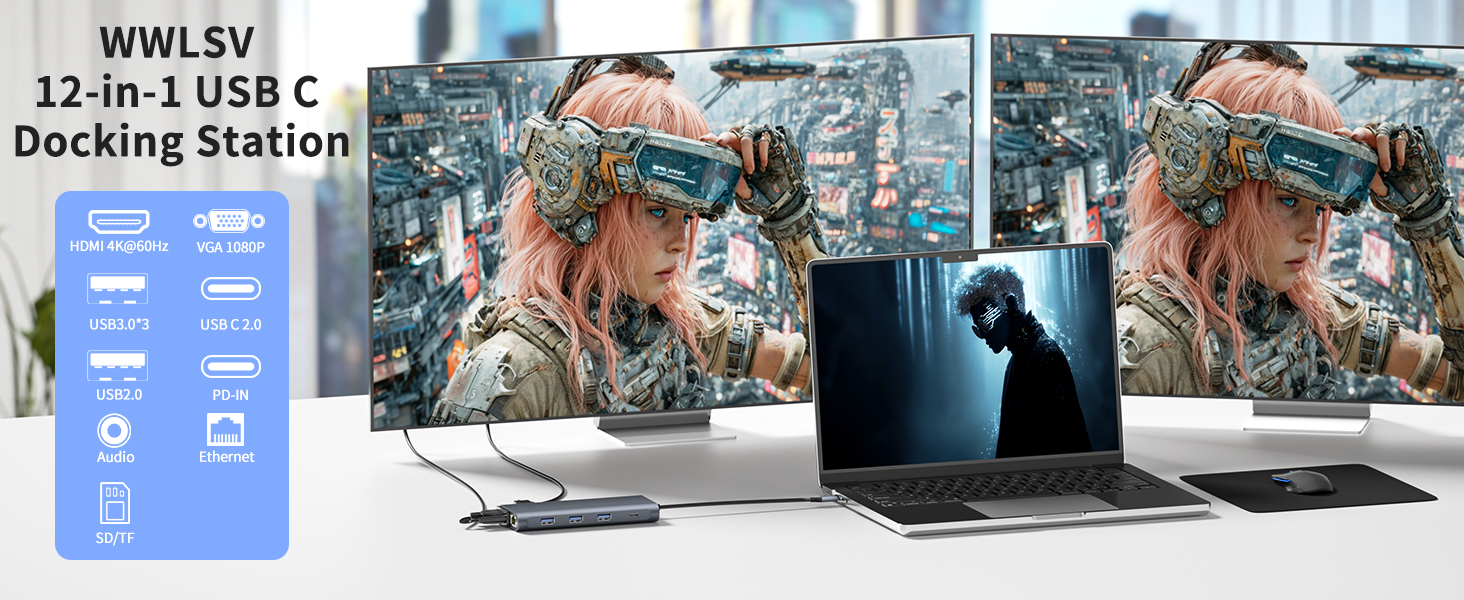
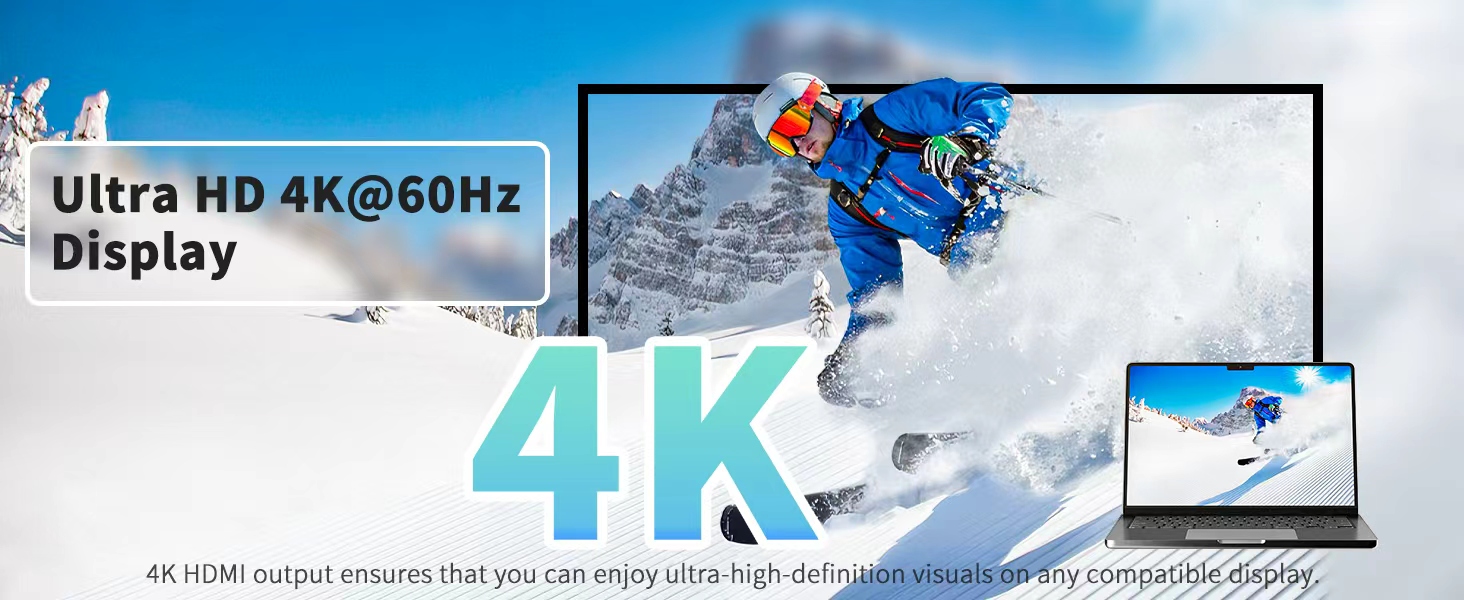
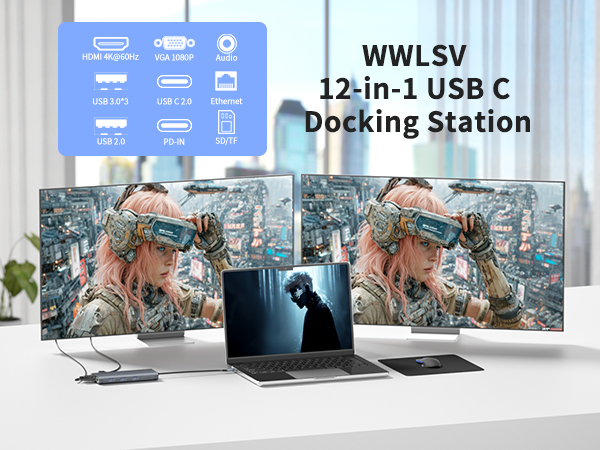
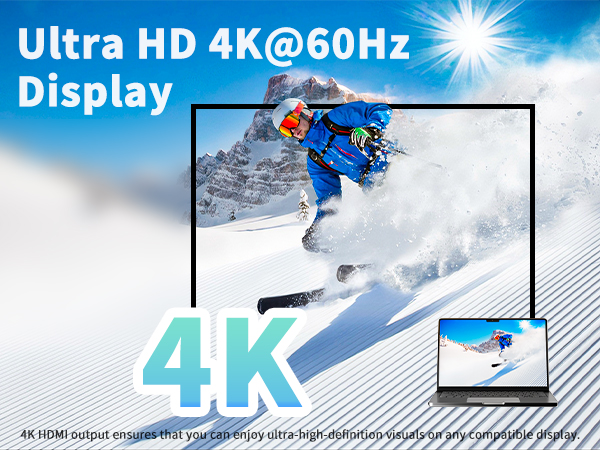
| HDMI resolution: | Supports 4K@60Hz on Single Monitor and 1920*1080P on dual monitor |
|---|---|
| VGA resolution: | Supports 1920*1080P |
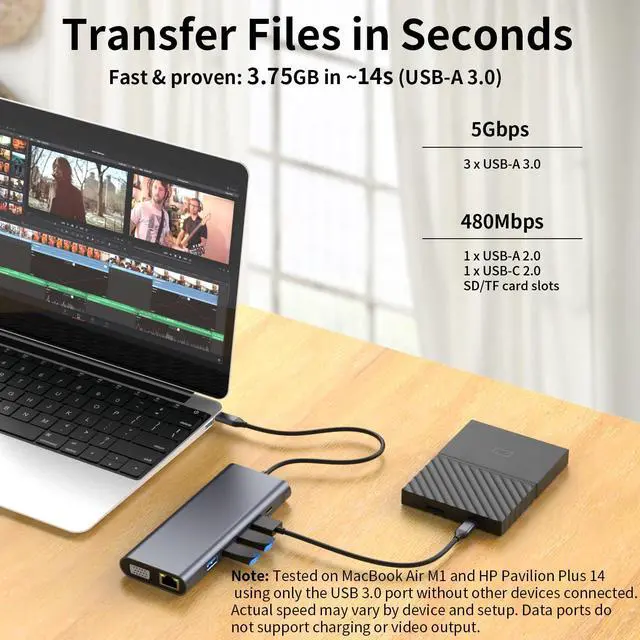
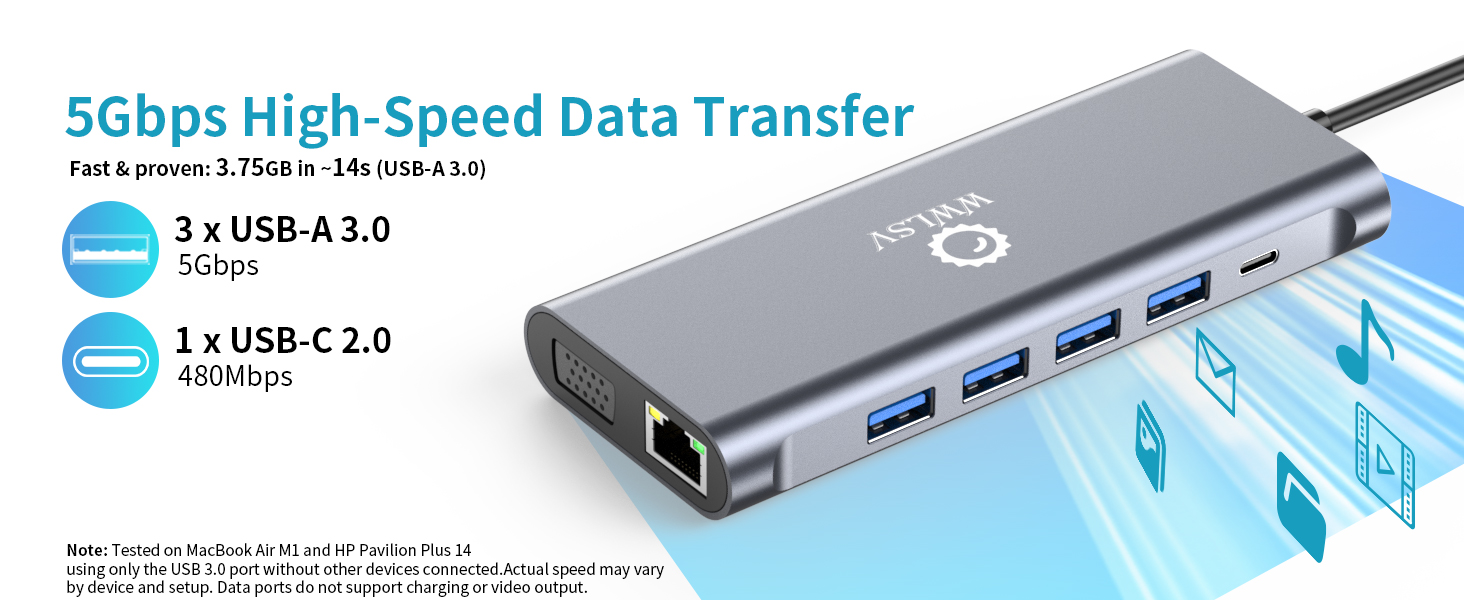
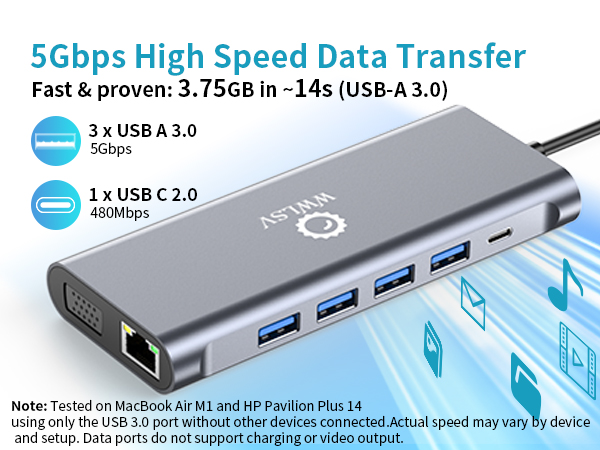
| USB-A 3.0: | Transfer speed up to 5Gbps(tested: 3.75GB file transferred in ~14 seconds under optimal conditions) |
| USB-C 2.0: | Transfer speed up to 480Mbps |
| USB-A 2.0: | Transfer speed up to 480Mbps |
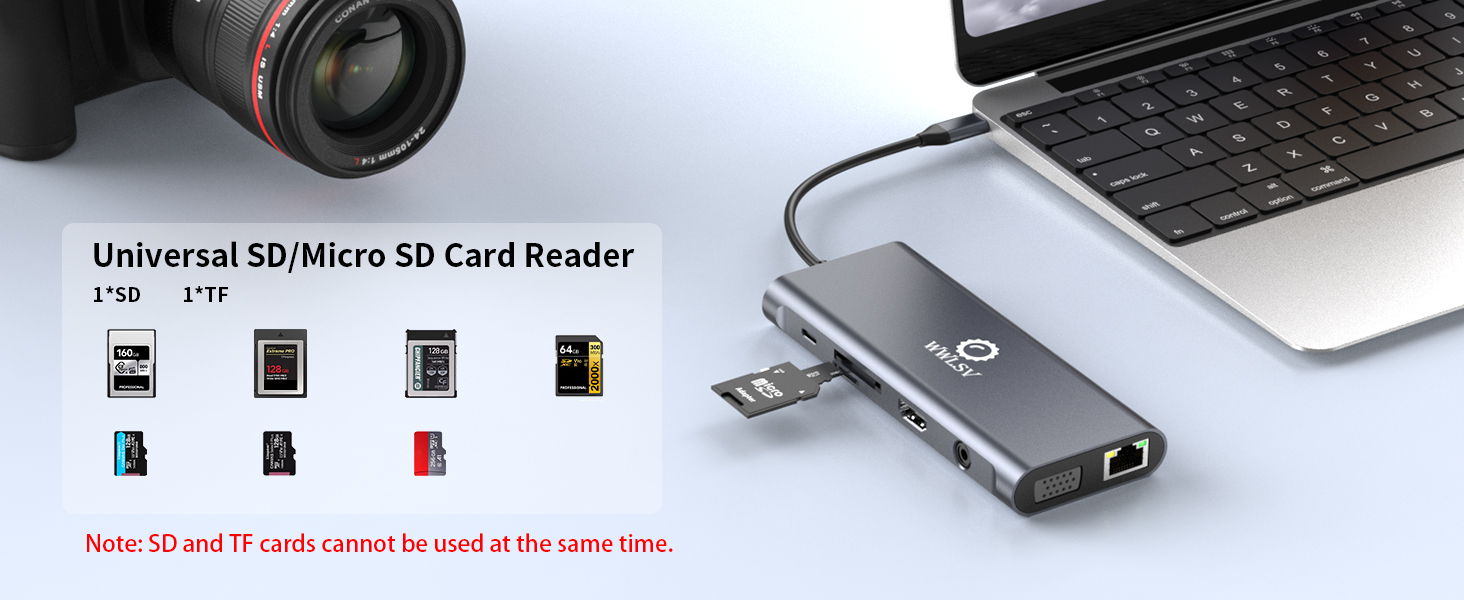
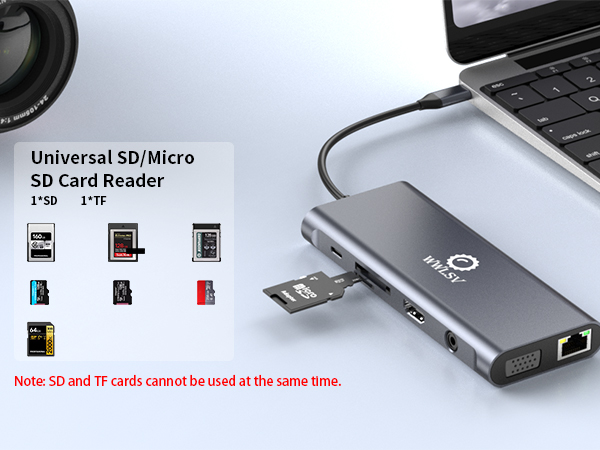
| Card reader interface: | SD/MicroSD card reader 480Mbps simultaneous card reading |
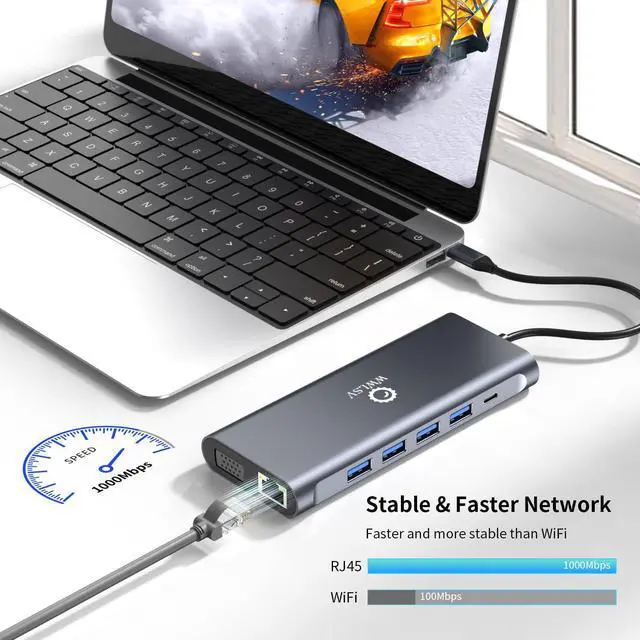
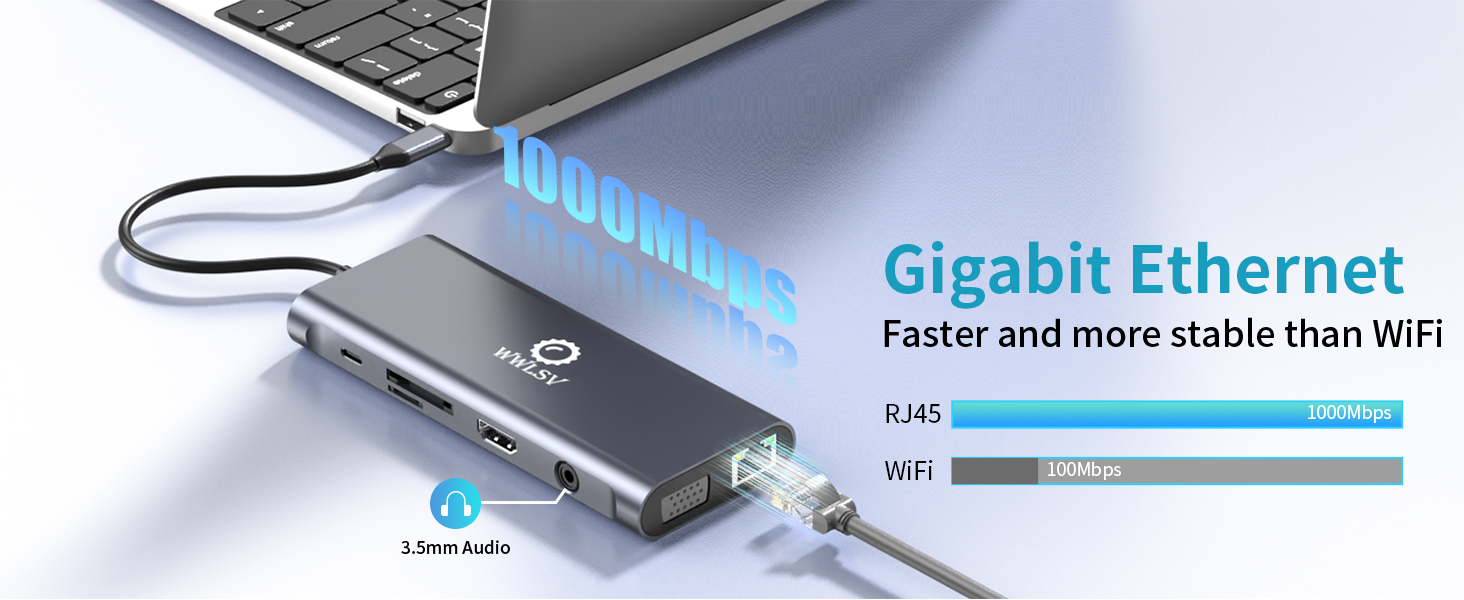
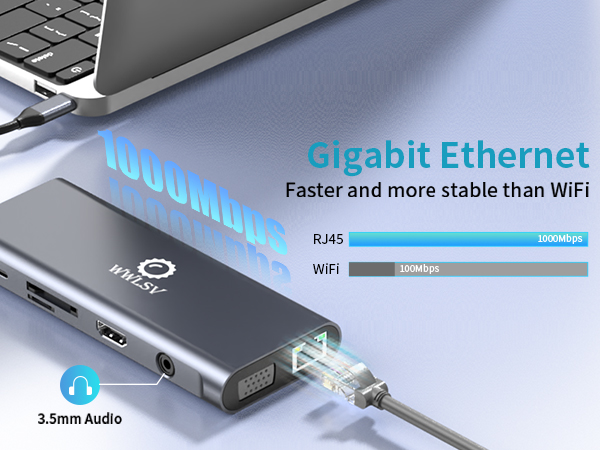
| Network interface: | RJ45 Gigabit (1000Mbps) |
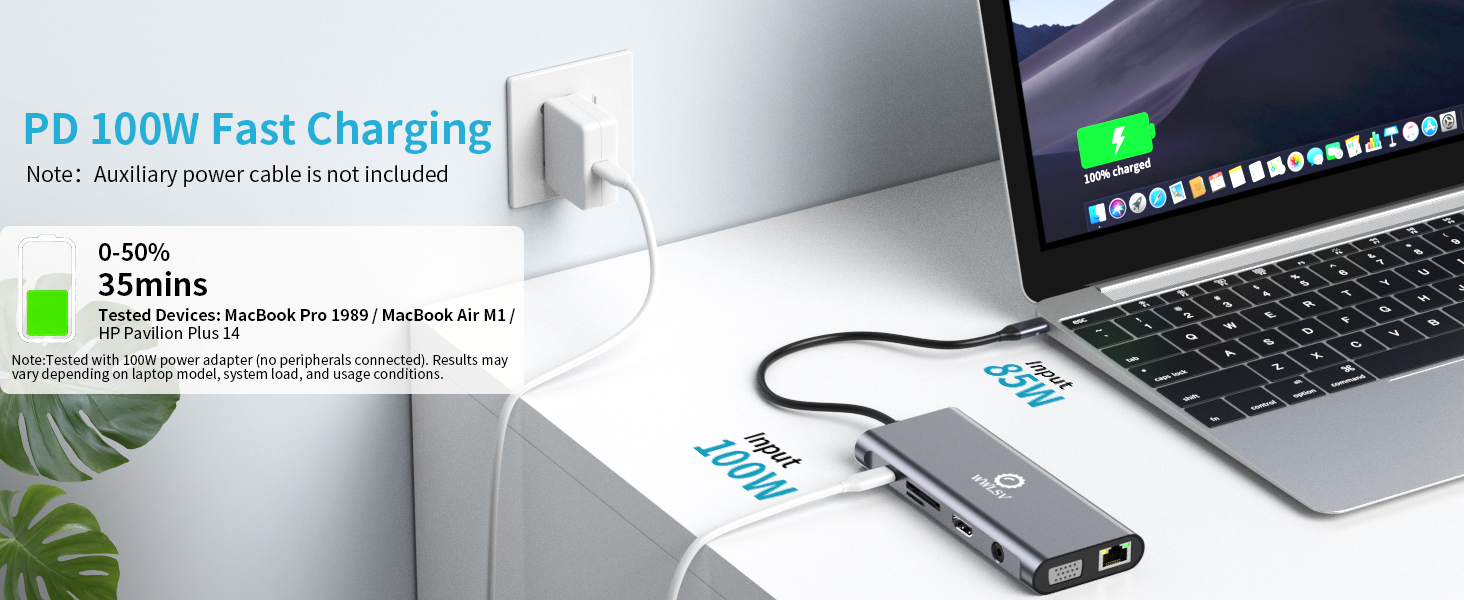
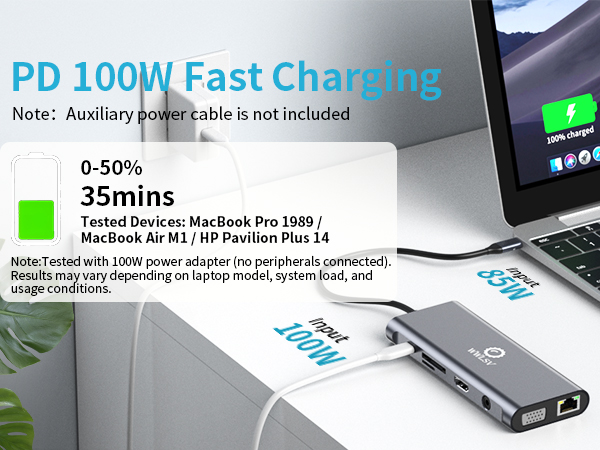
| USB-C PD: | Standard 60 Watts – Maximum 100 Watts. Tested with a 100W charger: charges a laptop from 0% to 50% in approximately 35 minutes (with no other devices connected) |
| 3.5mm Audio: | Supports audio jack |
| Material: | Aluminium |
| Cable length: | +/- 6.7 inches |
| Dimensions: | 4.92 * 2.20 * 0.67 in |
| Weight: | 90 grams |
| Note: | *Aluminum dissipates heat quickly through the chassis. Surface may be warmer to touch when all ports are connected. This does not affect the integrity of the internal components. Normal operating temperature: 25°C – 50°C (82°F-122°F) |

WWLSV Laptop Docking Stations
12 in 1 Docking Station | 14 in 1 Docking Station | 14 in 1 Docking Station | 14 in 1 Docking Station | 10 in 1 Docking Station |
|---|---|---|---|---|
| Customer Reviews | ||||
| — | — | — | — | — |
| Price | ||||
| — | — | — | — | — |
| Daul HDMI | ||||
| ? | ? | ? | ? | ? |
| DisplayPort | ||||
| ? | ? | ? | ? | ? |
| VGA | ||||
| ? | ? | ? | ? | ? |
| Data Transfer Speed | ||||
| 5Gbps | 10Gbps | 10Gbps | 10Gbps | 5Gbps |
| USB Data Ports | ||||
| 1*USB C + 4*USB A | 1*USB C + 5*USB A | 3*USB C + 4*USB A | 2*USB C + 4*USB A | 3*USB A |
| 1000Mbps Gigabit Ethernet | ||||
| ? | ? | ? | ? | ? |
| 100W Charge Power | ||||
| ? | ? | ? | ? | ? |
| SD/TF | ||||
| ? | ? | ? | ? | ? |
| Audio/Mic | ||||
| Audio | Audio&Mic | Audio&Mic | Audio&Mic | Audio |
Compatible Devices (INCOMPLETE LIST)
| compatible Mac Laptops:: | MacBook Pro (2023 / 2022/2021/2020/2019/2018/2016); MacBook Air (2022); Mac mini (2022); MacBook A1534; Mac mini A1993 , etc |
|---|---|
| compatible Lenovo Laptops: | ThinkBook 14 Gen4 (14”Intel) Laptop; ThinkPad X1 Carbon Gen10/12 (14”Intel) Laptop; ThinkPad P16/s Gen2 (16”Intel); ThinkPad T16 (16” Intel); ThinkPad X1 Yoga Gen8 (14”Intel) 2-in-1; ThinkPad?E16?Gen?1 (16? Intel); Thinkpad L14 Gen1 , etc |
| compatible HP Laptops: | HP?EliteBook?830?G10/840; HP?ZBook?Fury?16?G10; HP?OMEN?16;HP?Envy?x360?(14?); HP?Victus?15;HP?Pavilion?x360?14; HP Spectre?x360?13; HP Envy?x360?13;ProBook 635 , etc |
| compatible Surface Laptops: | Surface Laptop 4/5; Surface Go 4; Surface Laptop Studio2; Microsoft Surface Book , etc |
| compatible Dell Laptops: | Latitude?3440/3540/5430/5440; Inspiron?14?5425/5430/7420/7445; Inspiron?16 5620/5625/5630/5635/5420/7425; Vostro 16 5620; XPS 13/15 , etc |
| Incompatible MacBook Devices: | MacBook Air 7.2, Macbook pro 2020(M1), macbook air 2020(M1), Mac mini 2020(M1)Air 7.2, Macbook pro 2020(M1), macbook air 2020(M1), Mac mini 2020(M1), etc |
| Incompatible Lenovo Devices: | Lenovo AMD and IdeaPad Series;ThinkPad 1490/E580/T490;IdeaPad Slim 3 Chromebook (14? MediaTek)/Slim 3i Chromebook (14? Intel)/ Pro 5i (16? Intel); IdeaPad Flex 5 2 in 1, etc |
| Incompatible Dell Devices: | Dell Inspiron 17-5000 series/15-5000 series/14-5410 15-3000/15-3583/17-3793 Business, Dell inspiron 5379/5635/3593/3525 /7706 2n1,Dell Inspiron 15 Laptop Model 3000/3535/3525/3530/3520/3511/7000, etc |
| Incompatible HP Devices: | Elitebook 840 G3/745 G4/820 G3/828 G4/x360 1030 G2;ProBook 6550b/650 G2/440 G8/455 G4/430 G5;HP 15-dy2032nr/dw3xxx/dw3205ng/dy2176nr/ef2xxx/dw 3033 dx;HP model 15s-eq1355ng, etc |
| Q1: | Why is there no image output from HDMI or VGA after connecting? |
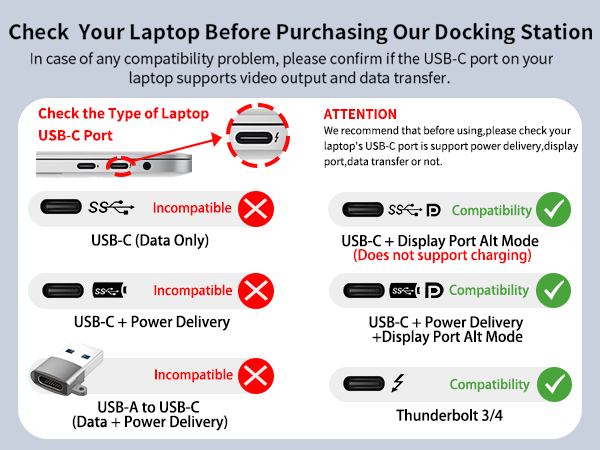
| A1: | (1) Make sure the USB-C port of the laptop supports the video function; (2)Check the port is firmly plugged in; Adjust the resolution setting of the laptop; (3)Select the correct input signal source (some require manual selection of the signal source. |
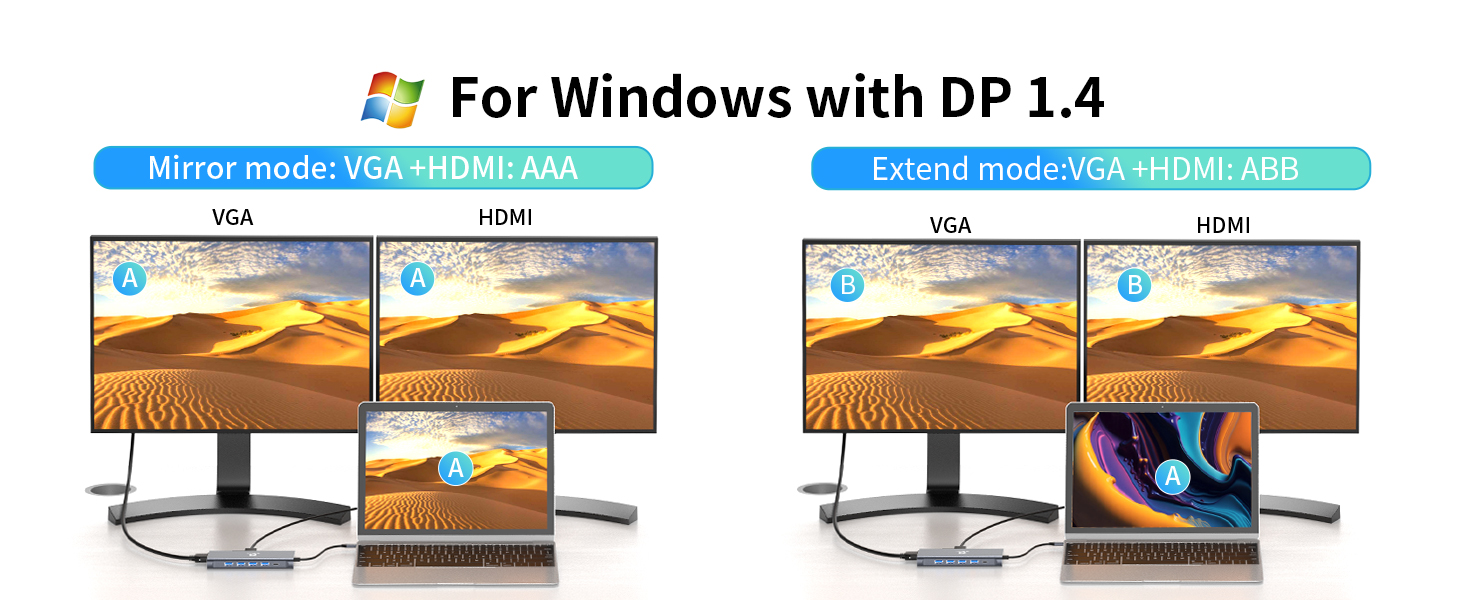
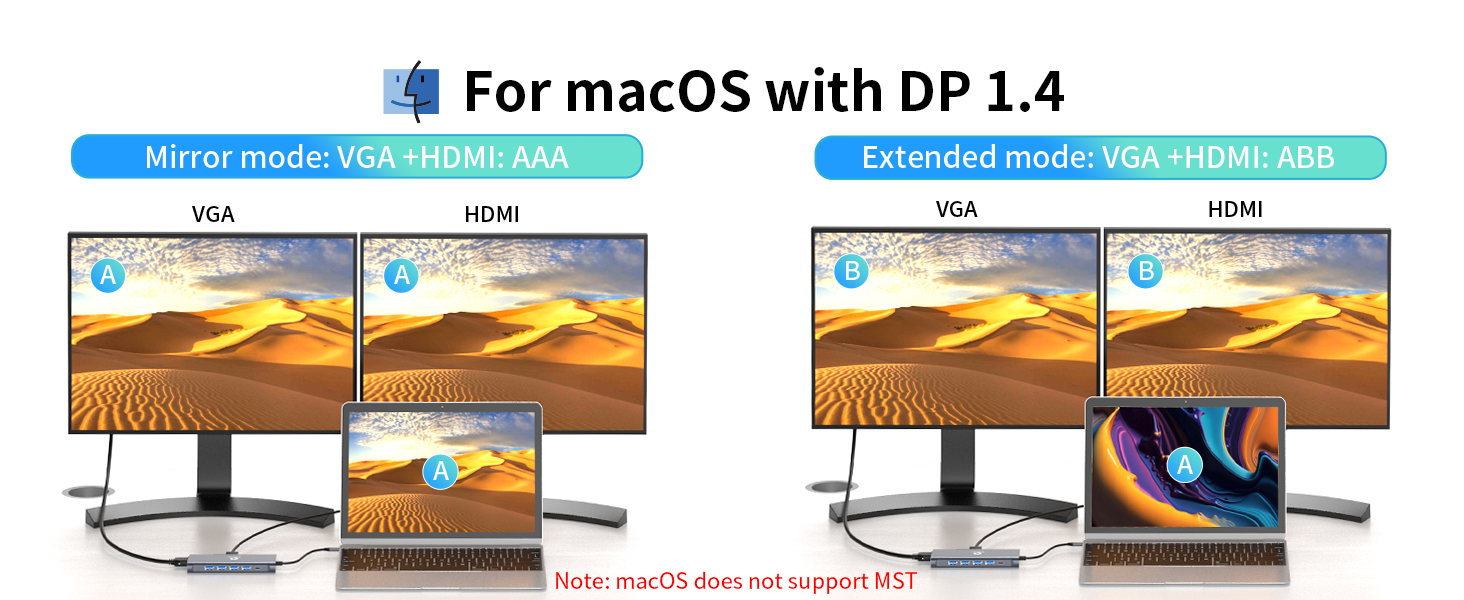
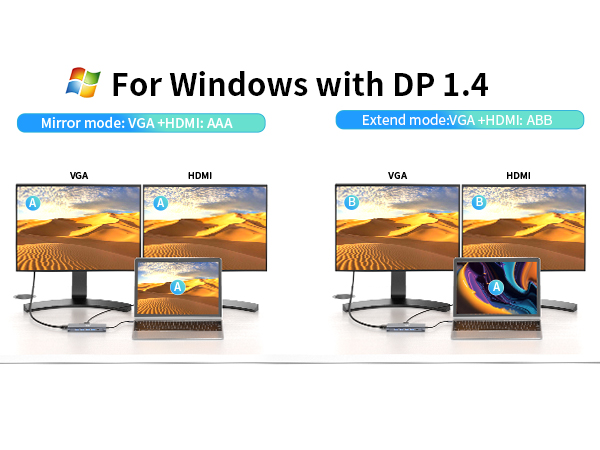
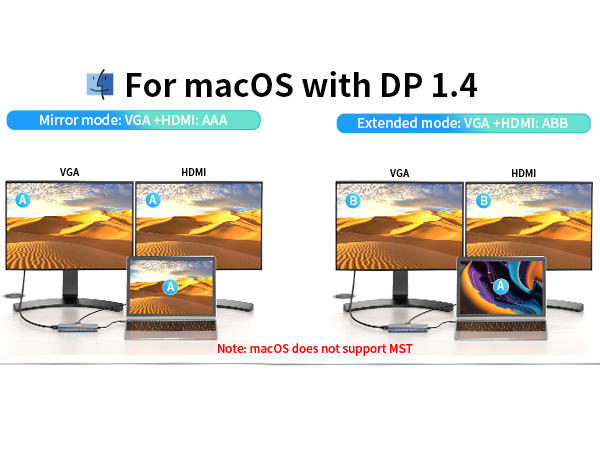
| Q2: | Can I extend different diaplays across two monitors when connecting HDMI and VGA? |
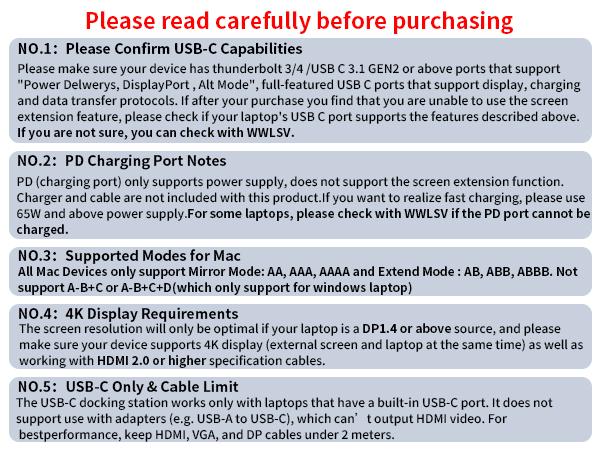
| A2: | No, when connecting two additional monitors with HDMI and VGA, they can only show the same content, such as AAA and ABB. |
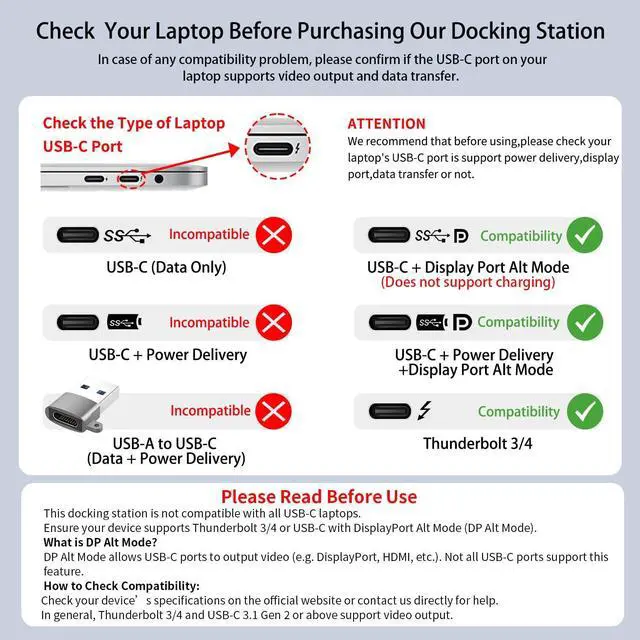
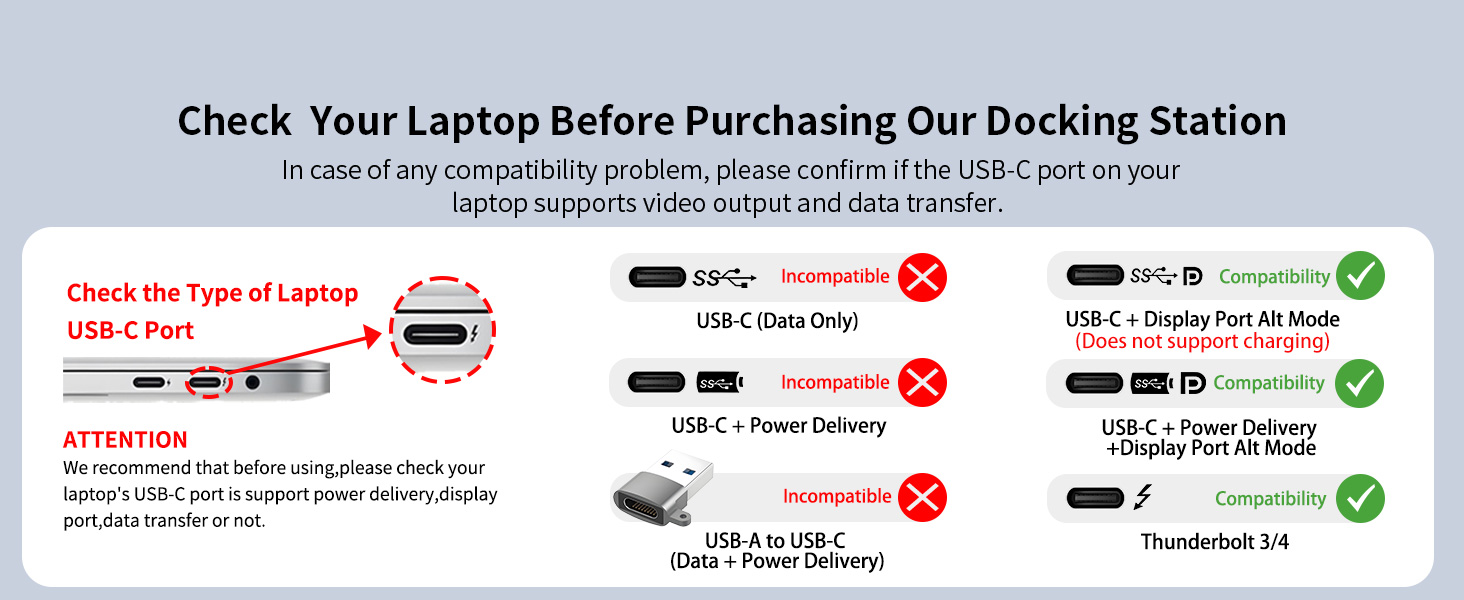
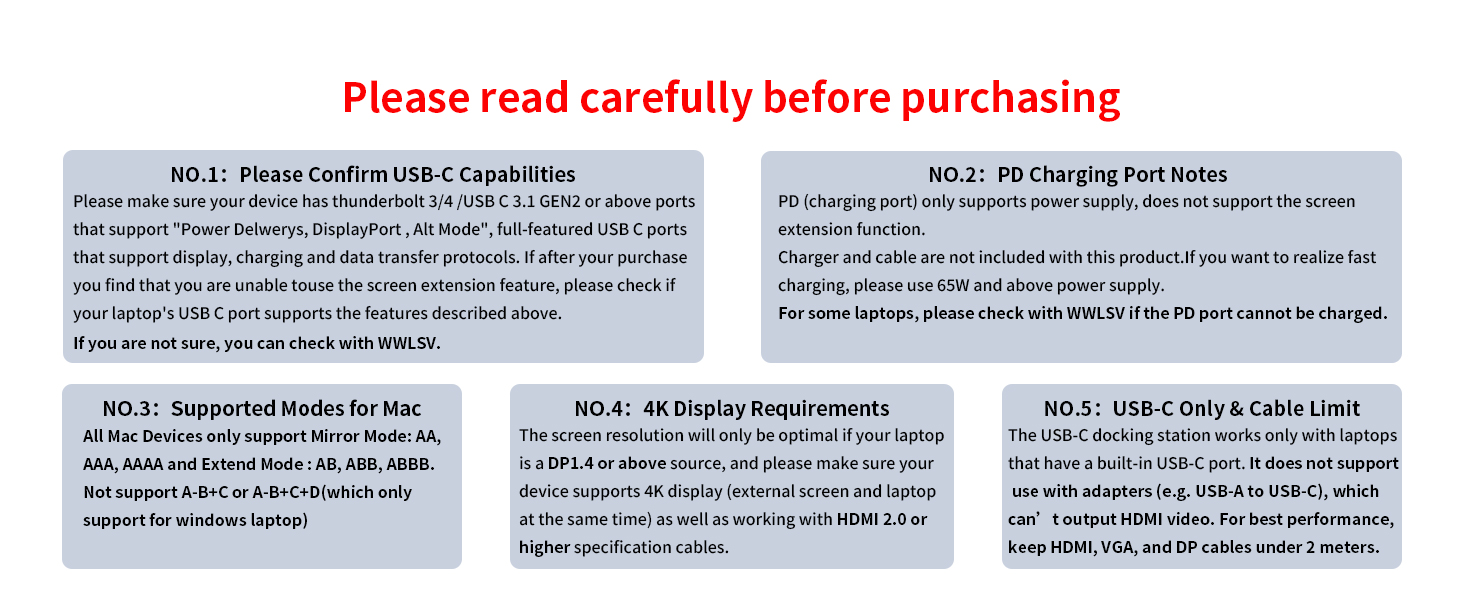
| **NOTE 1** | Please ensure that your device has a thunderbolt 3/4 / USB-C 3.1 Gen 2 or USB-C 3.2 Gen 2 that support "Power Delivery&DisplayPort Alt Mode" to support video output. HDMI function needs to confirm if the usb c port of your device supports DisplayPort Alternate Mode. If not sure please check with us. WWLSV Dokcing Station are happy check if this dock is compatible for your device. |
| **NOTE 2** | When using the HDMI port external monitor for the first time, it takes a few seconds to recognize the connection. If the monitor has multiple video ports, it may need to check each signal source one by one (which also takes a few seconds). |
| **NOTE 3** | The USB-C Power Delivery input only supports charging. The USB-A and USB-C data ports do not support media display or charging. |
WWLSV is built on craftsmanship and innovation, delivering stable, high-performance docking solutions. We believe in seamless connectivity and powerful performance, helping professionals work smarter.
“Docking Made Simple, Performance Made Powerful.” Through precise engineering and rigorous testing, we ensure quality-driven products that enhance efficiency.
WWLSV Effortless Docking, Limitless Performance.
WWLSV Docking Station
WWLSV USB C Hub
8-in-1 Powered USB Hub
This powered USB hub featuring a 65W USB-C PD-IN port, 2 USB-A 3.0 ports (5Gbps), 2 USB-C data ports, and 4 dedicated charging ports.
Memory Card Readers
At WWLSV, we are committed to delivering high-quality, durable, and performance-driven products. Each item undergoes rigorous testing to ensure reliability and efficiency. Our goal is to provide a seamless experience, so you can use our docking solutions with confidence, every day.