here!
I’m your shopping assistant for PC builds, upgrades, and everything tech.
Got questions? Ask away!
Start a conversation
here!
I’m your shopping assistant for PC builds, upgrades, and everything tech.
Got questions? Ask away!
Start a conversation
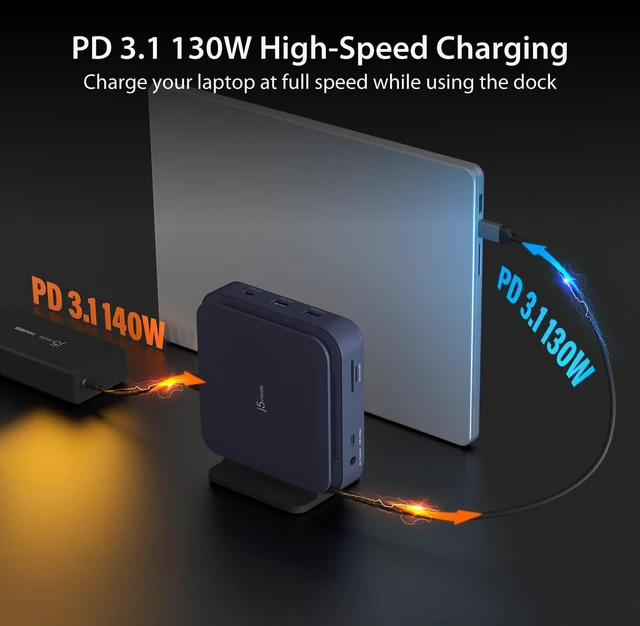
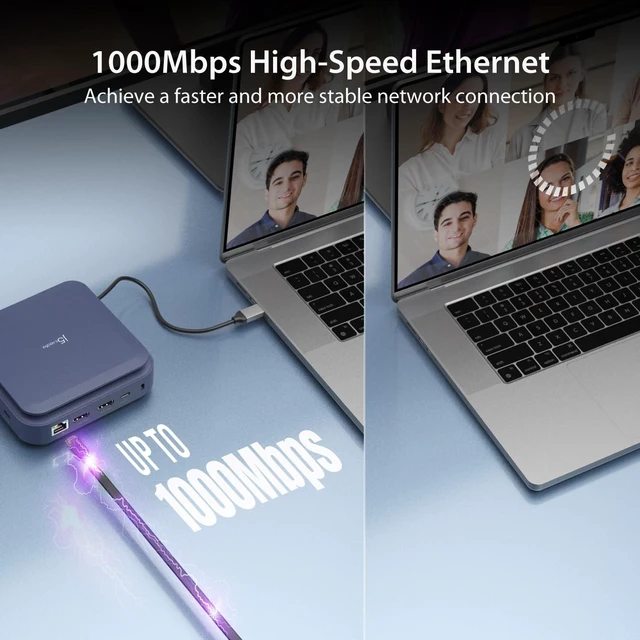
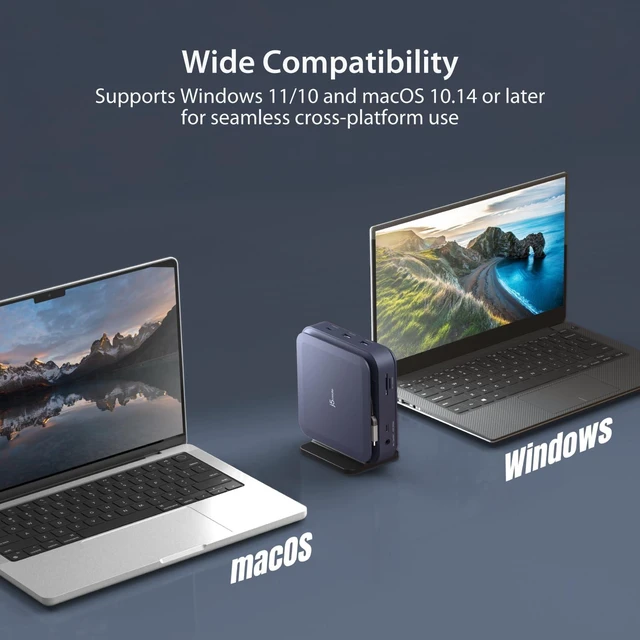



Any questions? Ask CelesteSM will help you find out quickly.


We develop. We innovate. We create. j5create is a team that has come together from a diverse set of backgrounds to make technologies more meaningful and inclusive. We design, build, sell and support innovative technology, and we find creative ways to apply new technologies to provide computing solutions.

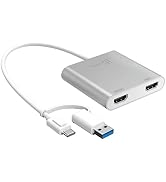






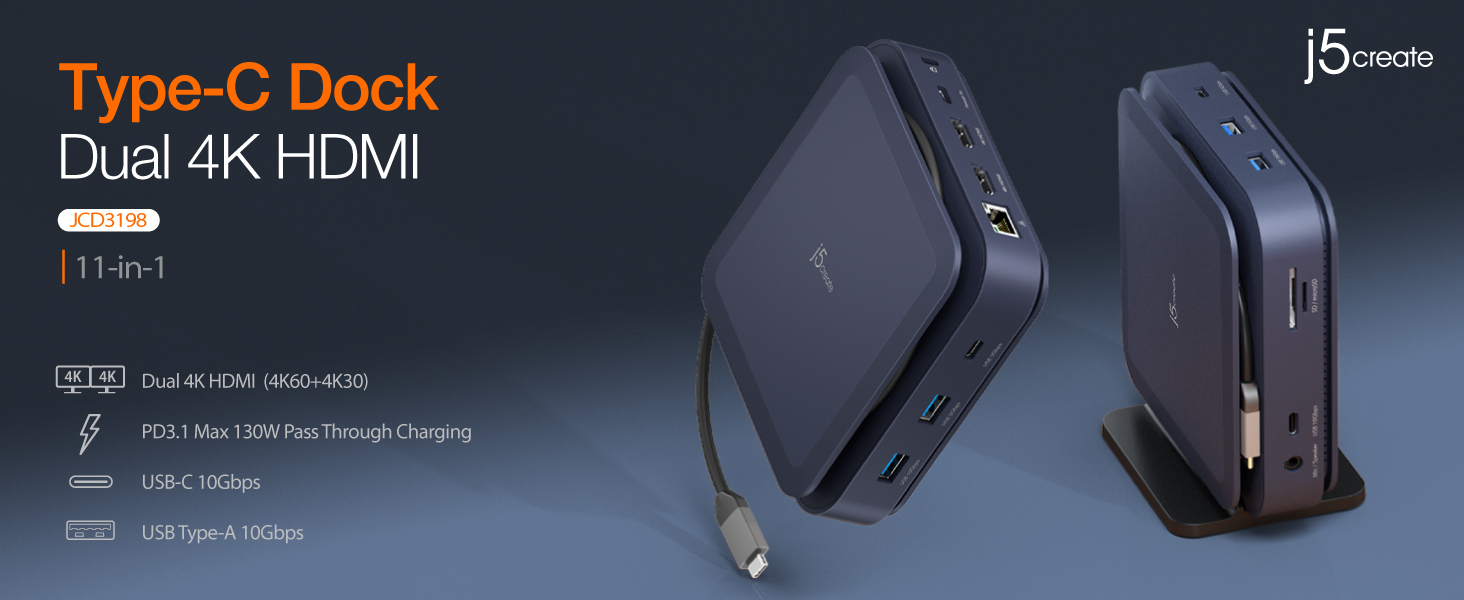
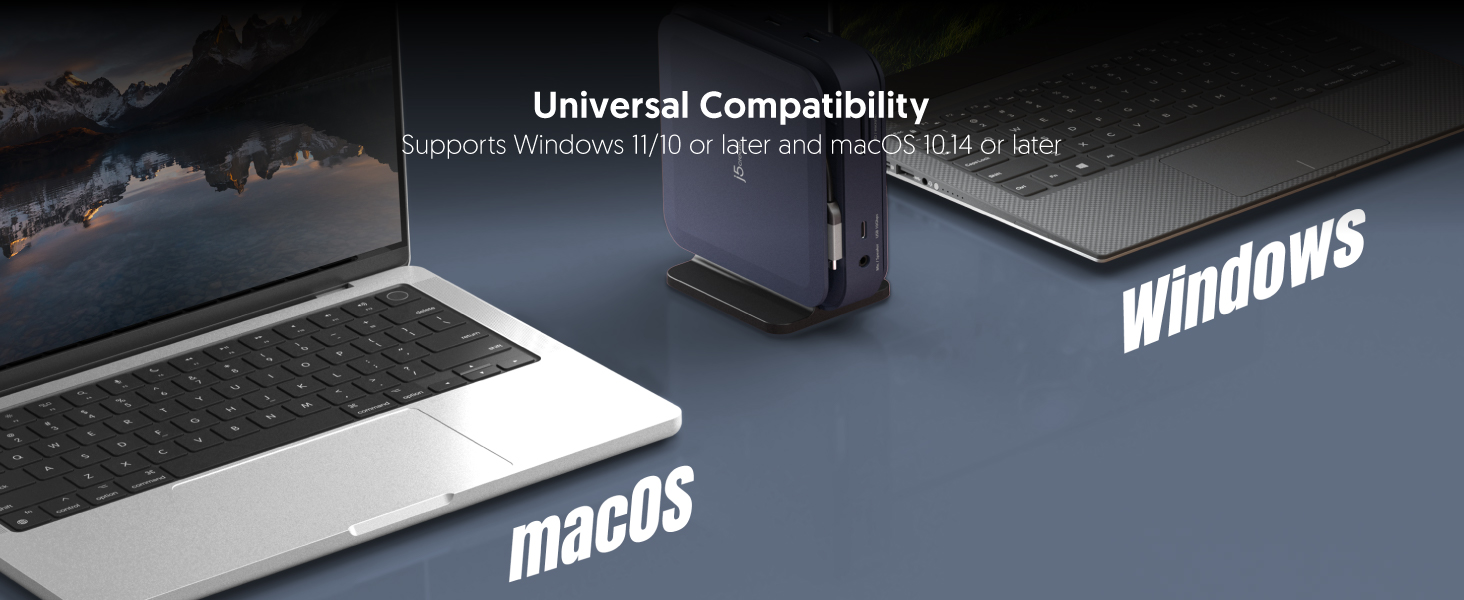
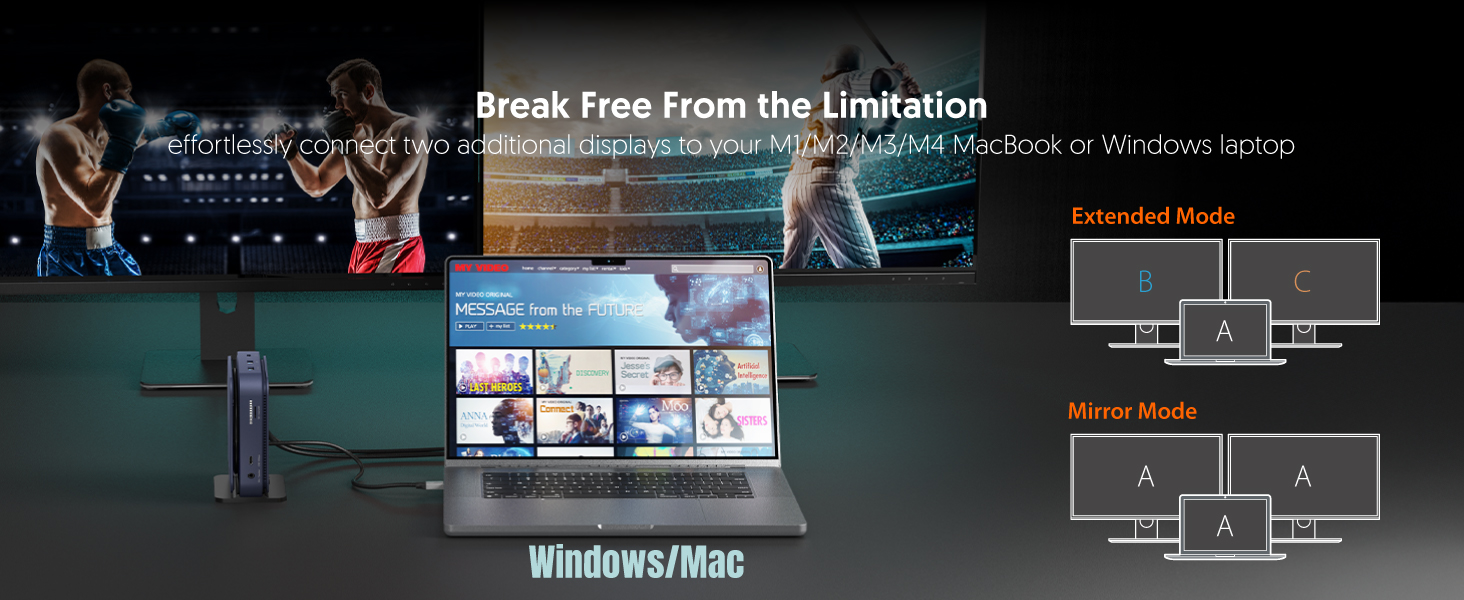
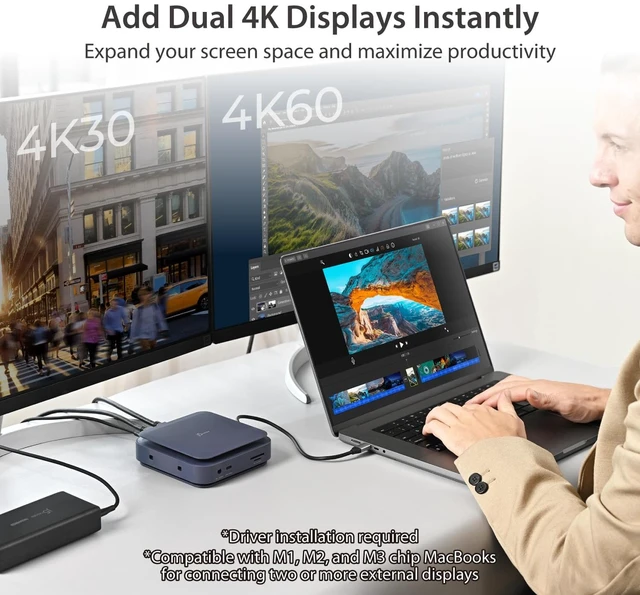
Why do I only can use one additional display?
Please ensure that the driver is installed correctly by following the Driver Installation Guide. Please also verify that your computer's USB-C port supports video output (DisplayPort Alt Mode).
Windows Driver Installation Guide
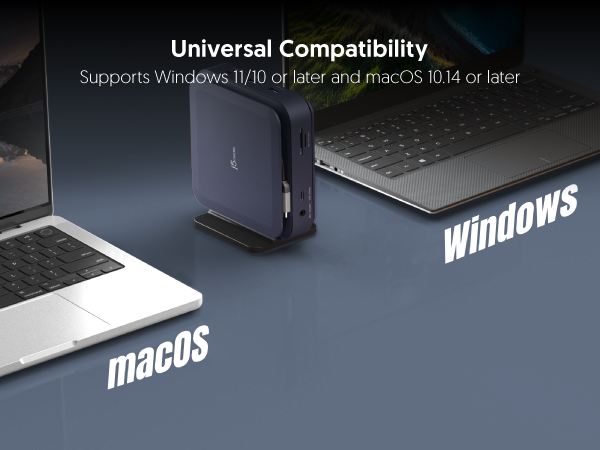
Auto-installs on Win 11/10 (requires internet/admin).
For manual install, keep device unplugged:
1.Download the driver at j5create website (Support->Downloads).
2.Run the file as admin and follow prompts.
3.Reboot PC, then plug in the device.
macOS Driver Installation Guide
1.Keep device unplugged. Download the driver at j5create website.
2.Run .pkg file, install Rosetta if prompted.
3.Plug in the device and active driver system extension
4.Allow USB Display.
5.Allow Screen & System Audio Recording, and restart driver
Why does a screen recording permission request appear when I install the driver on a macOS system?
To send video over USB, j5create uses macOS screen recording to capture a local virtual display and transmit pixels to your monitor. Your privacy is safe: this happens entirely locally, and no data is ever sent over the internet.
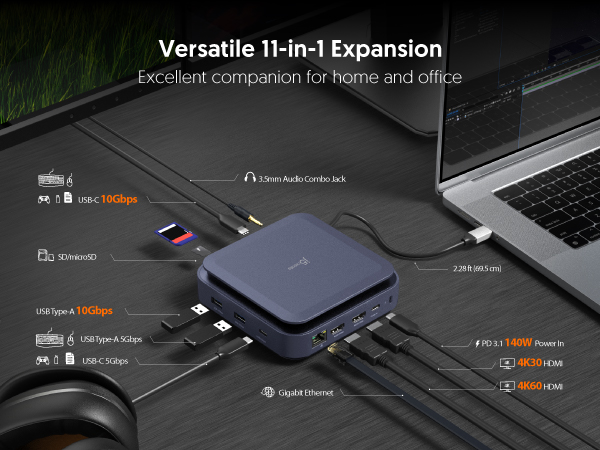
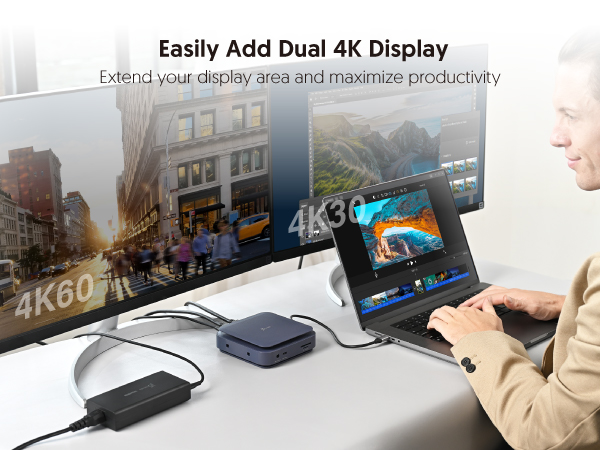
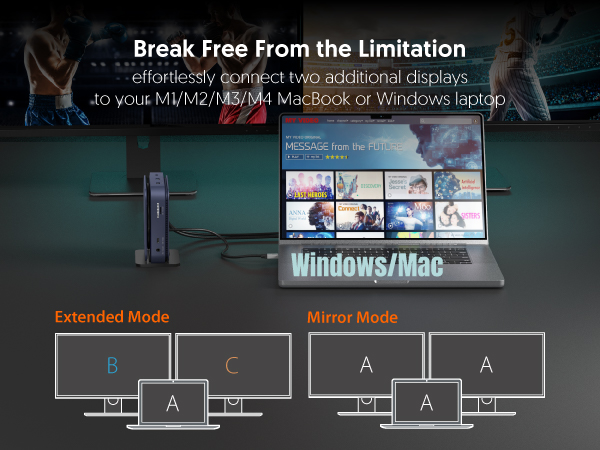
Why do I only can use one additional display?
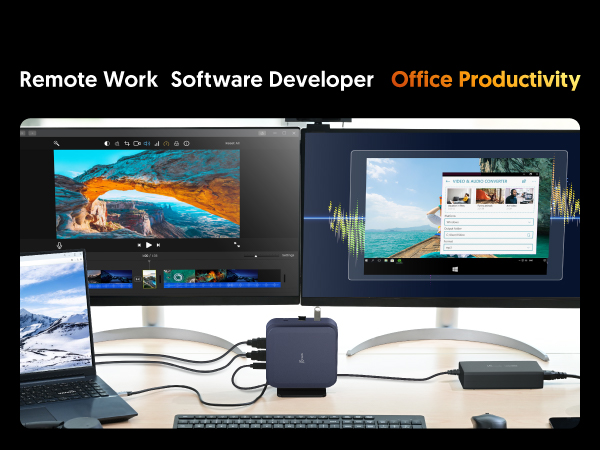
Please ensure that the driver is installed correctly by following the Driver Installation Guide. Please also verify that your computer's USB-C port supports video output (DisplayPort Alt Mode).
Windows Driver Installation Guide
Auto-installs on Win 11/10 (requires internet/admin).
For manual install, keep device unplugged:
1.Download the driver at j5create website (Support->Downloads).
2.Run the file as admin and follow prompts.
3.Reboot PC, then plug in the device.
macOS Driver Installation Guide
1.Keep device unplugged. Download the driver at j5create website.
2.Run .pkg file, install Rosetta if prompted.
3.Plug in the device and active driver system extension
4.Allow USB Display.
5.Allow Screen & System Audio Recording, and restart driver
Why does a screen recording permission request appear when I install the driver on a macOS system?
To send video over USB, j5create uses macOS screen recording to capture a local virtual display and transmit pixels to your monitor. Your privacy is safe: this happens entirely locally, and no data is ever sent over the internet.
We develop. We innovate. We create. j5create is a team that has come together from a diverse set of backgrounds to make technologies more meaningful and inclusive. We design, build, sell and support innovative technology, and we find creative ways to apply new technologies to provide computing solutions.