




 here!
I’m your shopping assistant for PC builds, upgrades, and everything tech.
Got questions? Ask away!
Start a conversation
here!
I’m your shopping assistant for PC builds, upgrades, and everything tech.
Got questions? Ask away!
Start a conversation



Any questions? Ask CelesteSM will help you find out quickly.

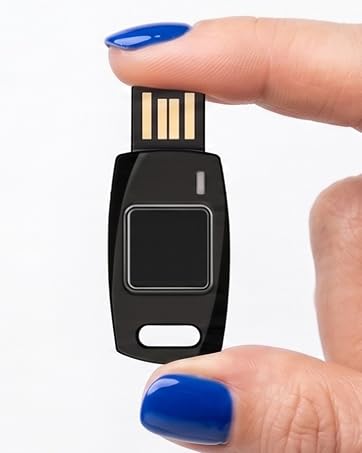
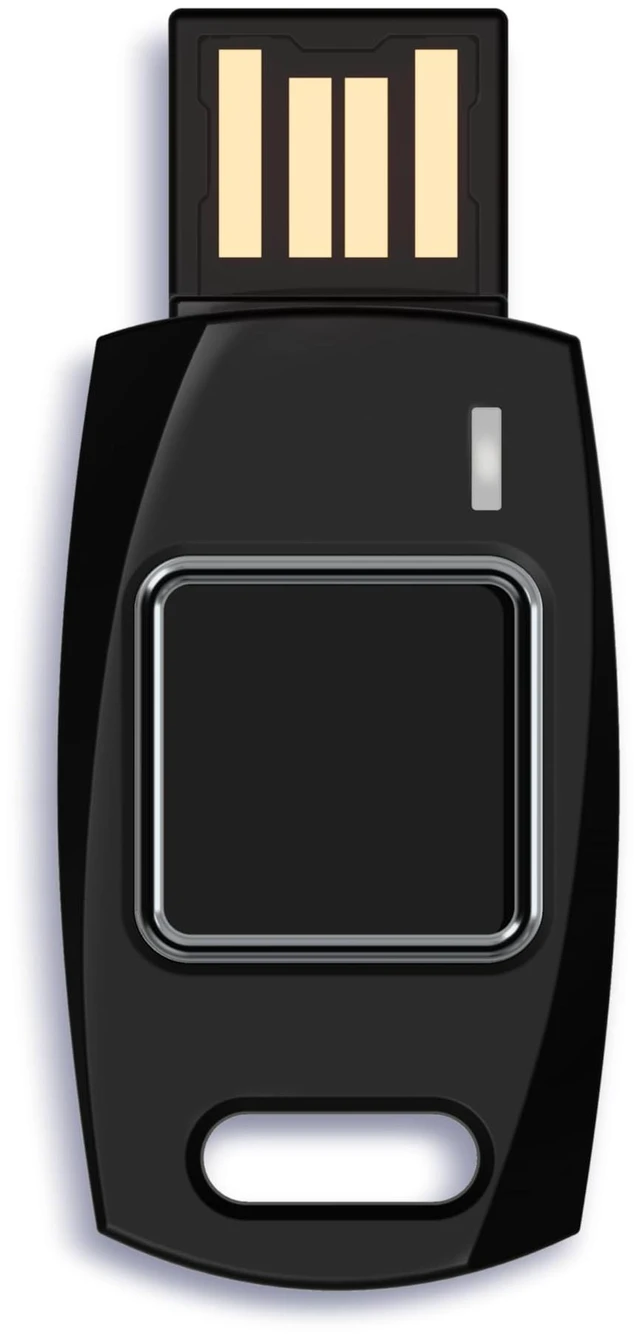
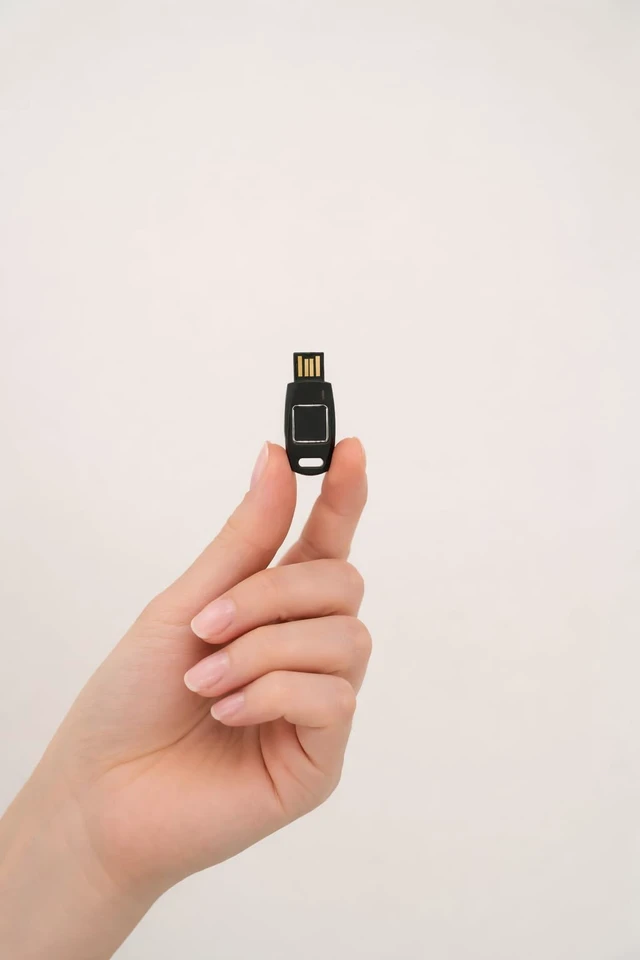
Compact enough to carry every day, powerful enough to protect your digital life. Secure sign-ins with fast fingerprint authentication.
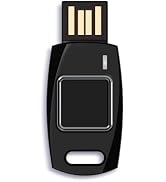


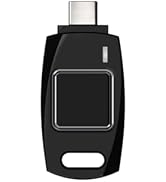
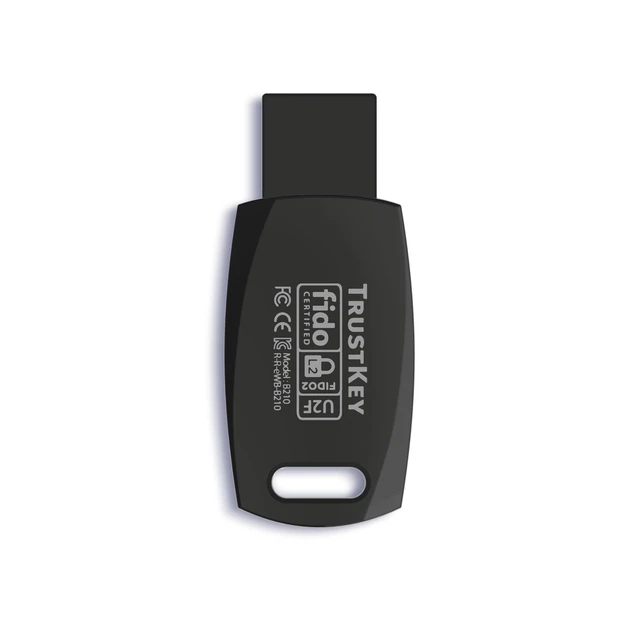
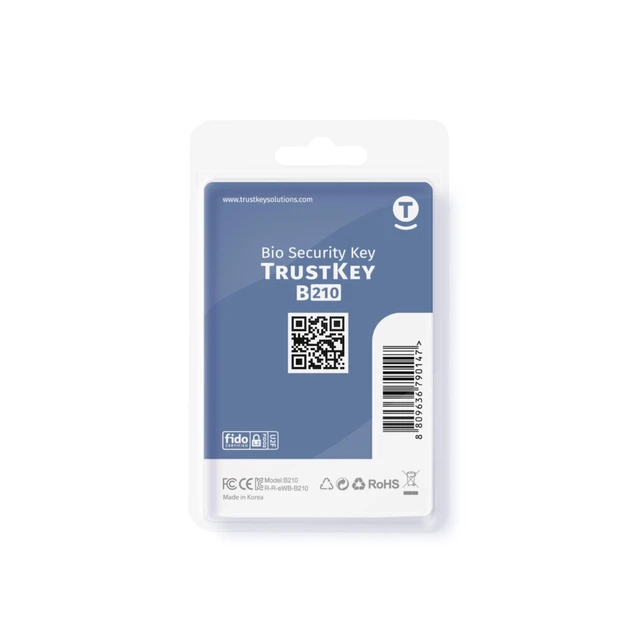
Check the QR on the back before opening. Download ‘TrustKey Manager’, complete setup, and register your Security Key in your online account.
No. The security key works with built-in USB drivers. TrustKey Manager is only required for initial PIN setup and fingerprint enrollment.
Yes. It supports authentication on compatible smartphones. Initial PIN setup and fingerprint enrollment must be completed on a PC first.
No.
TrustKey Security Keys are designed exclusively for secure account authentication. They do not provide storage for files or other data.
No. Your fingerprint data is securely encrypted and stored only inside the security key. It is never uploaded to a server or cloud service.
Ensure alternative authentication methods (e.g., backup codes, phone authentication) are set up in advance. You can also use multiple security keys for added flexibility.
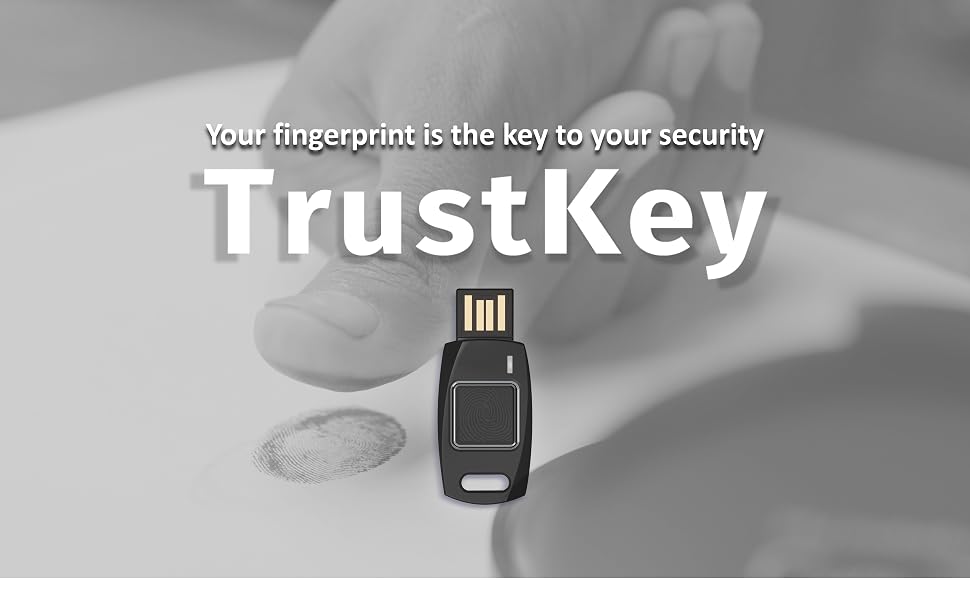
TrustKey B210H is a USB token for FIDO authentication, supporting strong multi-factor authentication (MFA) and passwordless login using fingerprints. Equipped with Windows Hello authentication, it enables instant access to Windows 10 and 11 devices. B210H offers a complete passwordless login system—from logging into Windows PCs to accessing online web applications.
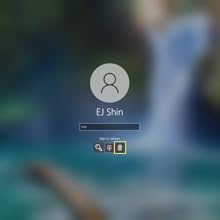
You can use your B210H security key to logon to your local Windows10 (running on Windows10 1903 version above) and Windows 11 PC via Windows Hello.
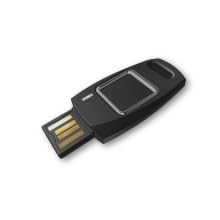
Fingerprint data never leaves the key during the registration or authentication. It always remains in a secure area in the key.
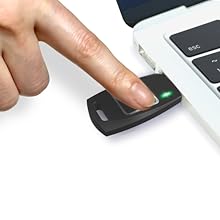
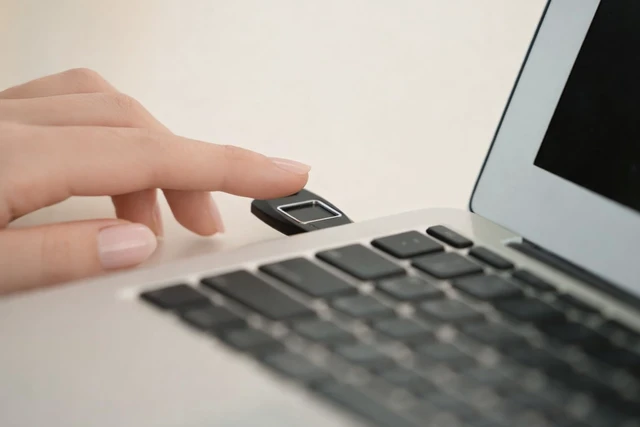
Simply plug your key into the USB port on your PC. And light touch will do the job.
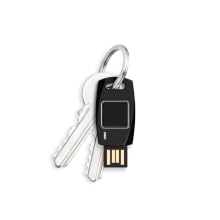
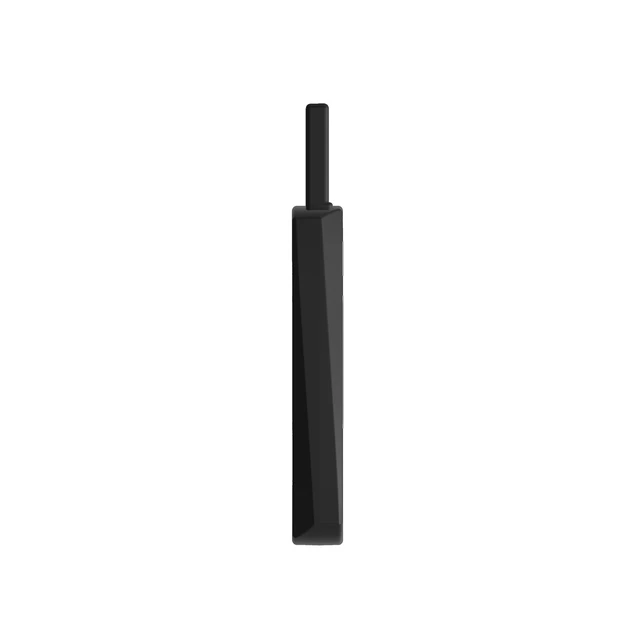
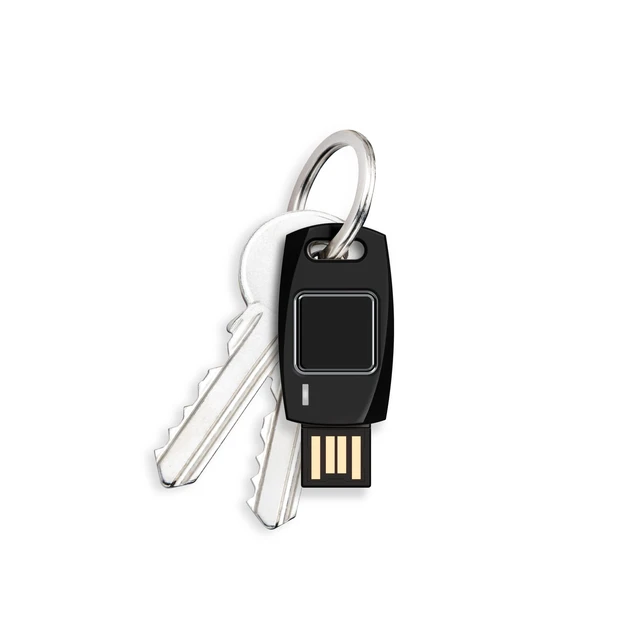
Lightweight, durable and easy to connect to the key-chain.
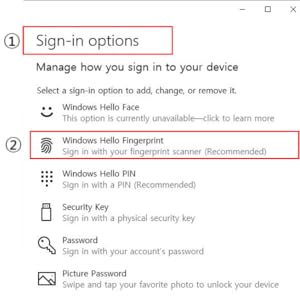
Click 'Windows Hello Fingerprint' in 'Sign-in options' to start fingerprint registration for Windows10(running on Windows10 1903 version above) and Windows 11 local PC logon.
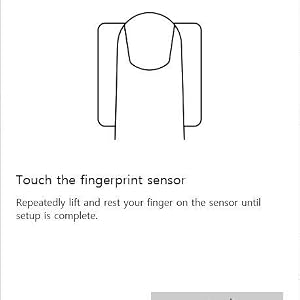
Repeatedly touch your finger on the fingerprint sensor of the security key and release it until the setting is complete.
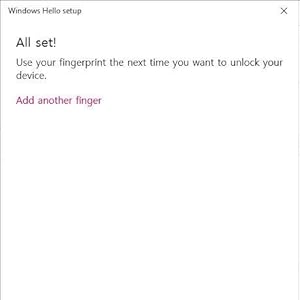
Fingerprint registration is complete. If the user wants, additional fingerprints can be registered.

TrustKey Manager
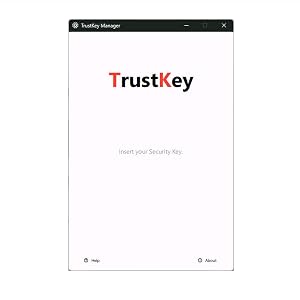
Plug and Play
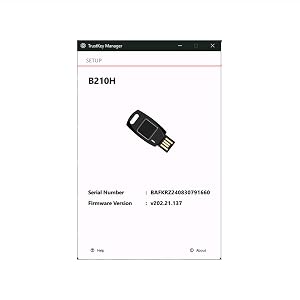
Easy Key Identification
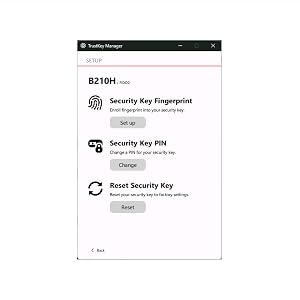
FIDO2 Function Configuration
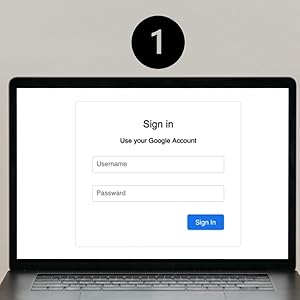
Log in to an online service that supports FIDO2/U2F security keys.
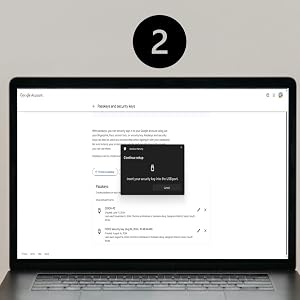
Select "Register Security Key" or "Two-Factor Authentication" from the security settings menu and follow the on-screen instructions to register your PIN-enabled TrustKey security key as your authentication method.

Once registration is complete, you can start using your security key for login immediately. It is also recommended to register a backup key in case of loss.

TrustKey B210H is a USB token for FIDO authentication, supporting strong multi-factor authentication (MFA) and passwordless login using fingerprints. Equipped with Windows Hello authentication, it enables instant access to Windows 10 and 11 devices. B210H offers a complete passwordless login system—from logging into Windows PCs to accessing online web applications.
You can use your B210H security key to logon to your local Windows10 (running on Windows10 1903 version above) and Windows 11 PC via Windows Hello.
Fingerprint data never leaves the key during the registration or authentication. It always remains in a secure area in the key.
Simply plug your key into the USB port on your PC. And light touch will do the job.
Lightweight, durable and easy to connect to the key-chain.
Click 'Windows Hello Fingerprint' in 'Sign-in options' to start fingerprint registration for Windows10(running on Windows10 1903 version above) and Windows 11 local PC logon.
Repeatedly touch your finger on the fingerprint sensor of the security key and release it until the setting is complete.
Fingerprint registration is complete. If the user wants, additional fingerprints can be registered.
With TrustKey Manager, you can configure the FIDO2 functionality of TrustKey devices on both Windows and macOS. This tool supports all current TrustKey devices. Additionally, it allows you to check the type of device and firmware version.
Downloads are available from the "DOWNLOAD" section under the "SUPPORT" menu on the official TrustKey website. **Since fingerprint registration with Windows Hello and with a security key use different methods, each must be set up separately. With the TrustKey Manager, you can register and delete fingerprints for the security key, but Windows Hello fingerprint registration is not supported. To register a fingerprint for Windows Hello, please go to Settings ? Accounts ? Sign-in options in Windows.
Compatible with all TrustKey security keys. Simply connect the device to check the available settings and get started.
By using TrustKey Manager, you can quickly check the model, firmware, and serial number of your TrustKey device.
You can view detailed information about the supported TrustKey devices from the FIDO2 tab within the application. It allows you to configure FIDO2 functions, including PIN registration, changes, deletion, and initialization.
Log in to an online service that supports FIDO2/U2F security keys.
Select "Register Security Key" or "Two-Factor Authentication" from the security settings menu and follow the on-screen instructions to register your PIN-enabled TrustKey security key as your authentication method.
Once registration is complete, you can start using your security key for login immediately. It is also recommended to register a backup key in case of loss.
| FIDO Standard | FIDO2 / U2F |
| USB Type | Type A |
| Authentication Method | Fingerprint (biometric) |
| Condition Indicator | 3 Color LED |
| Size | 20.1 X 45.8 X 5.4 mm |
| Weight | 4.0 g |
| Material | Poly-carbonate |
| Fingerprint Algorithm | Precise Biometrics |
| Manufacturer | TrustKey Co., Ltd. |
| Country of Manufacture | KOREA |
| Supported OS | Windows, mac OS, Linux, iPadOS, Android, Chrome OS.. |
| Supported Browser | Chrome, Edge, Firefox, Safari, Brave, Whale, Opera, Chromium, Malar Browser.. |
| (Web Service) Works with | Apple iCloud, , AWS, Google, Gmail, Youtube, Microsoft, Microsoft Azure, Dropbox, Github, Bank of America, Binance, 1Password, eBay, Facebook, yahoo, Twitter, shopify.. |
Compact enough to carry every day, powerful enough to protect your digital life. Secure sign-ins with fast fingerprint authentication.
Check the QR on the back before opening. Download ‘TrustKey Manager’, complete setup, and register your Security Key in your online account.
No. The security key works with built-in USB drivers. TrustKey Manager is only required for initial PIN setup and fingerprint enrollment.
Yes. It supports authentication on compatible smartphones. Initial PIN setup and fingerprint enrollment must be completed on a PC first.
No.
TrustKey Security Keys are designed exclusively for secure account authentication. They do not provide storage for files or other data.
No. Your fingerprint data is securely encrypted and stored only inside the security key. It is never uploaded to a server or cloud service.
Ensure alternative authentication methods (e.g., backup codes, phone authentication) are set up in advance. You can also use multiple security keys for added flexibility.
| Brand | Trustkey |
| Hardware Interface | USB |
| Special Feature | Portable, Lightweight, FIDO2/U2F Authentication, Secure Fingerprint Recognition |
| Connectivity Technology | USB |
| Color | Black |
| Additional Features | Portable, Lightweight, FIDO2/U2F Authentication, Secure Fingerprint Recognition |
| Flash Memory Type | NAND |
| Hardware Connectivity Technology | USB Type A |
| Compatible Devices | Desktops, Personal Computer |
| Model Name | B210H |
| Manufacturer | TrustKey Co.,Ltd. |
| Unit Count | 1 Count |
| Number of Items | 100 |
| Number of Packs | 1 |
| Item Weight | 4 g |
| Model Number | B210H |
| Mfr Part Number | B210H |
| Warranty Description | Manufactuer |


