




 here!
I’m your shopping assistant for PC builds, upgrades, and everything tech.
Got questions? Ask away!
Start a conversation
here!
I’m your shopping assistant for PC builds, upgrades, and everything tech.
Got questions? Ask away!
Start a conversation



Any questions? Ask CelesteSM will help you find out quickly.
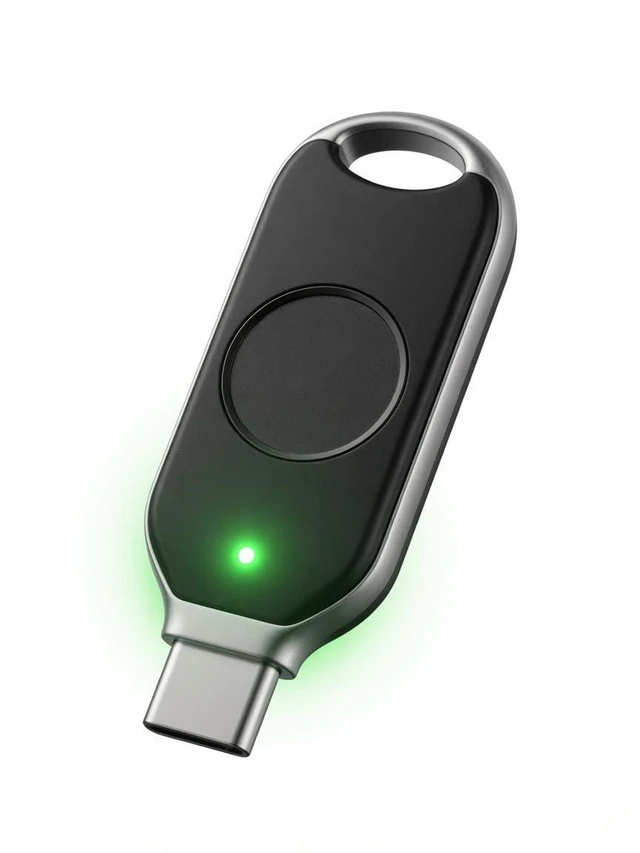
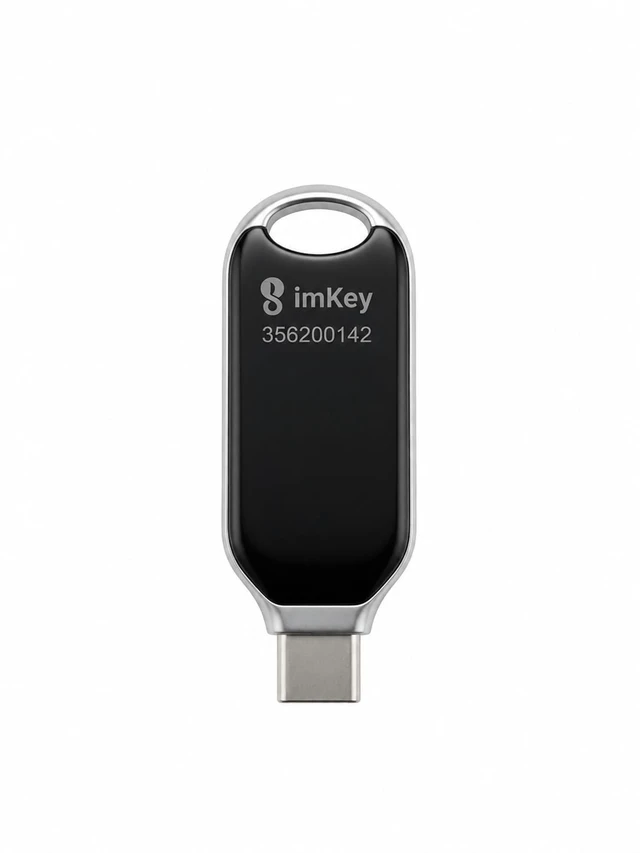
imKey provides a suite of security tools for your digital life and crypto assets. Your keys, your assets. Your data, your privacy.

Since 2018, imKey provides cold storage wallets and seed phrase backup solutions designed to keep your digital assets safe. From the imKey Pro hardware wallets to the imKey HeirBOX series, our products are trusted in over 100 countries. 7+ years. Zero major security incidents.
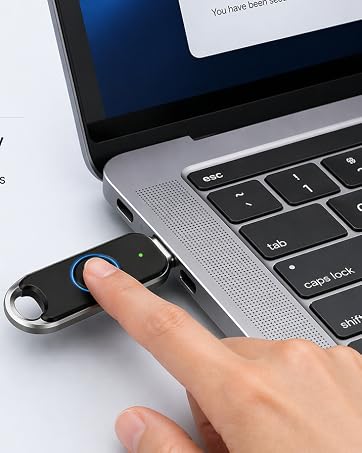
Protect your online accounts
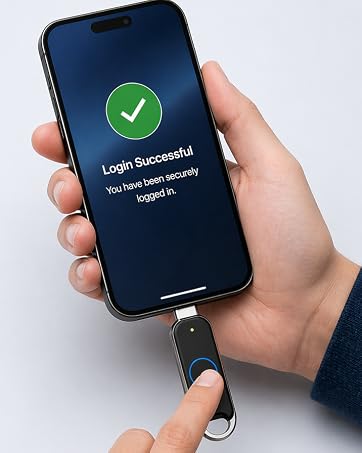
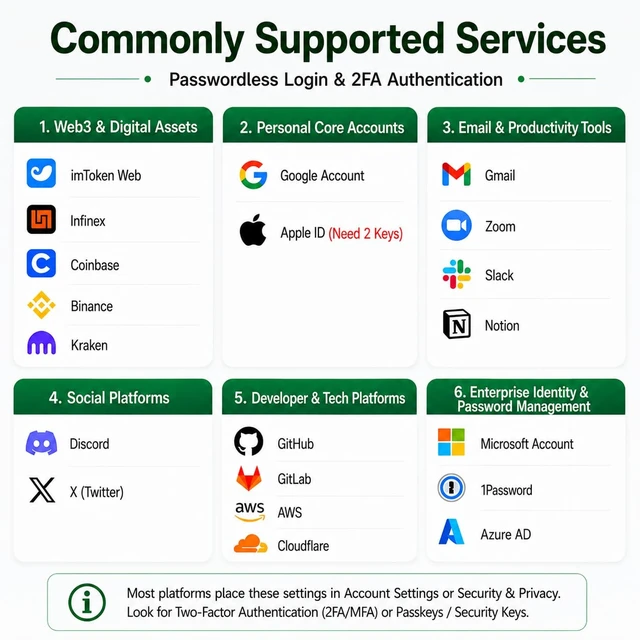
Passwordless Login 2FA for Multiple Platforms
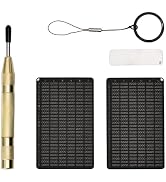
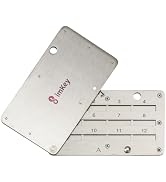
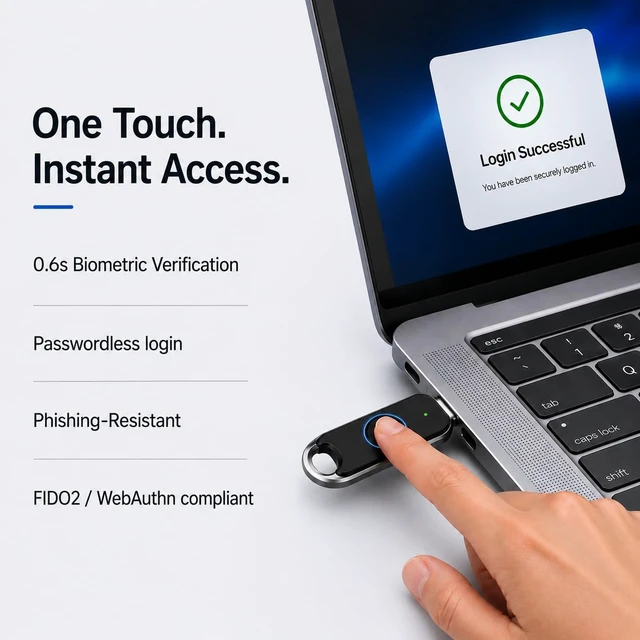
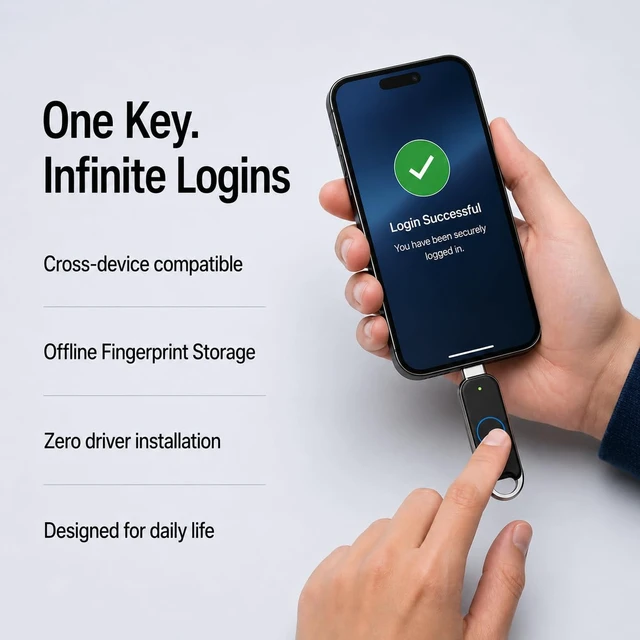
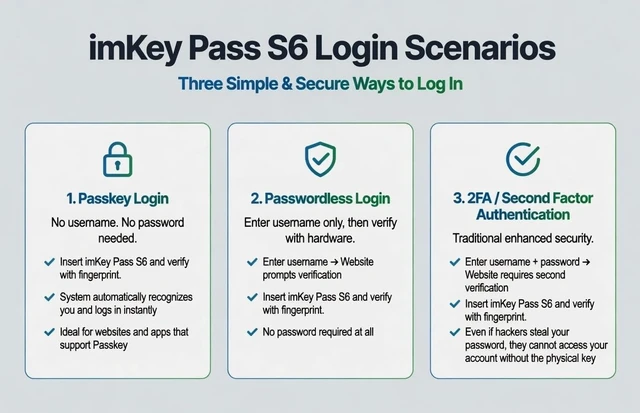
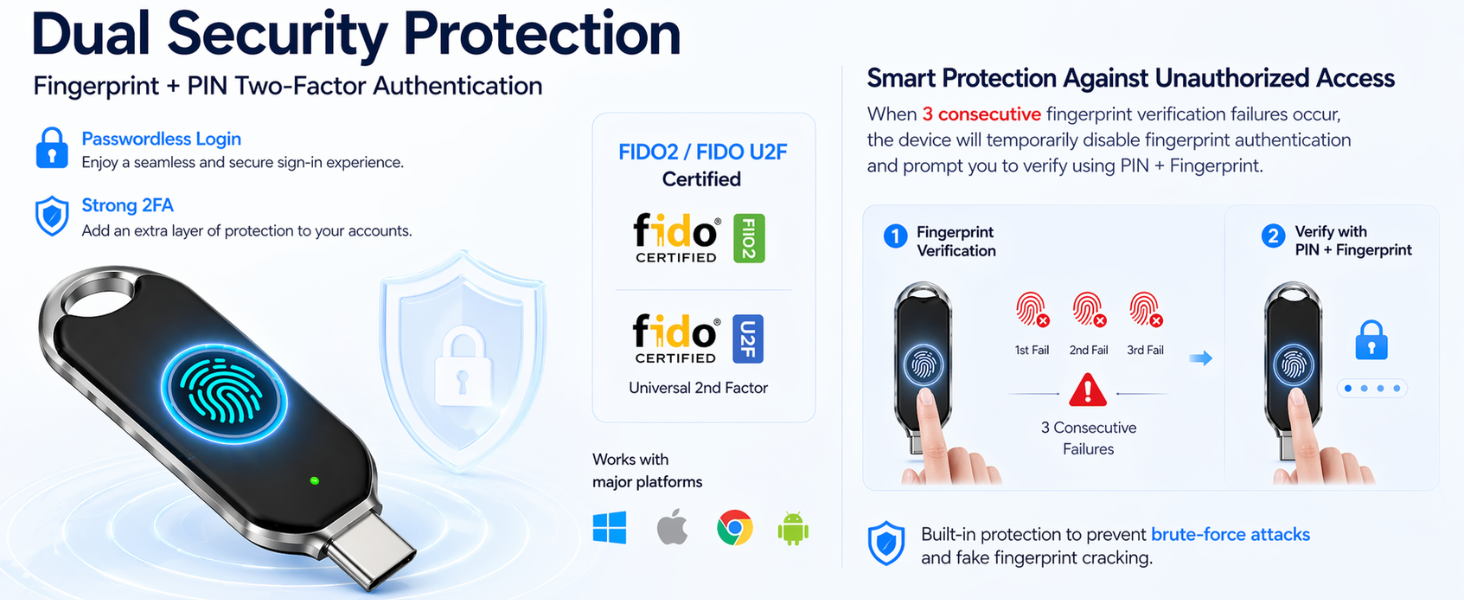
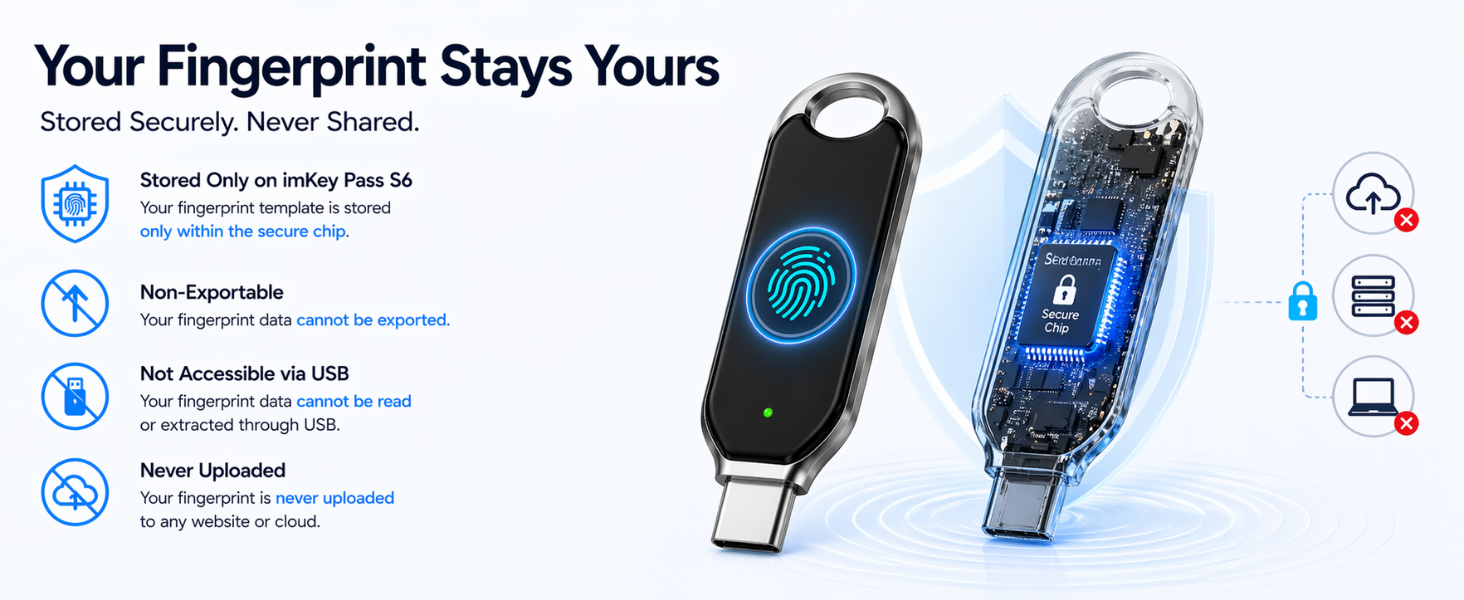
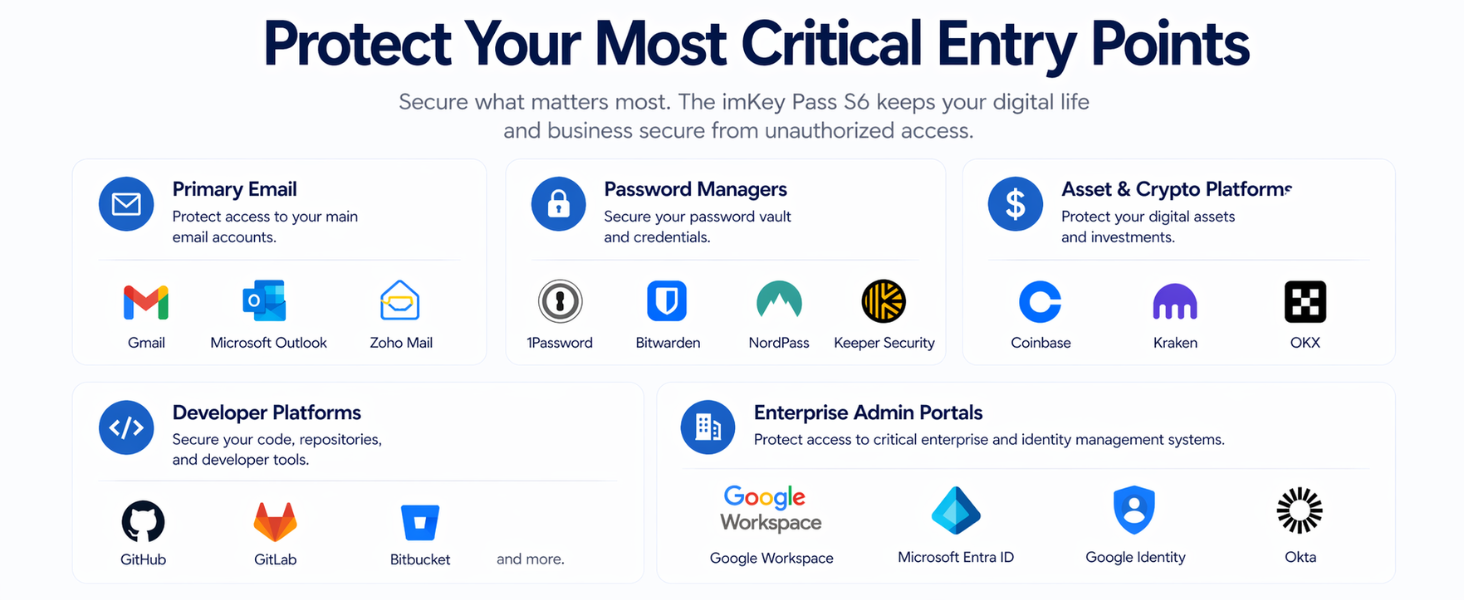
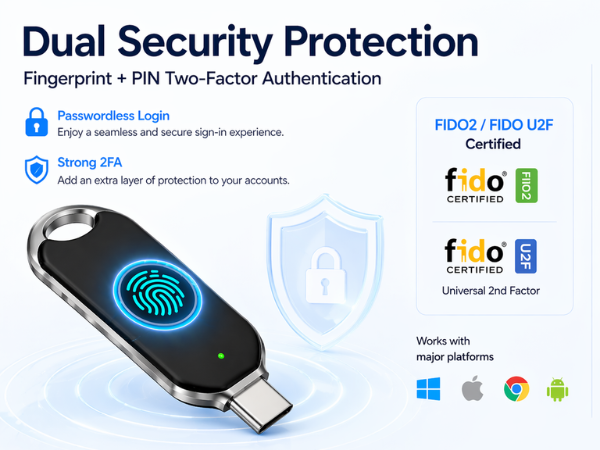
It adds a extra security layer to verify your identity and block unauthorized access. Even if hackers steal your login details, they cannot sign in without your physical key. Using asymmetric cryptography, it keeps your personal data unexposed, with no sensitive info stored remotely and strong defense against man-in-the-middle attacks. Widely supported across mainstream platforms, biometric-compatible keys also enable quick, simple, password-free login for smoother daily use.
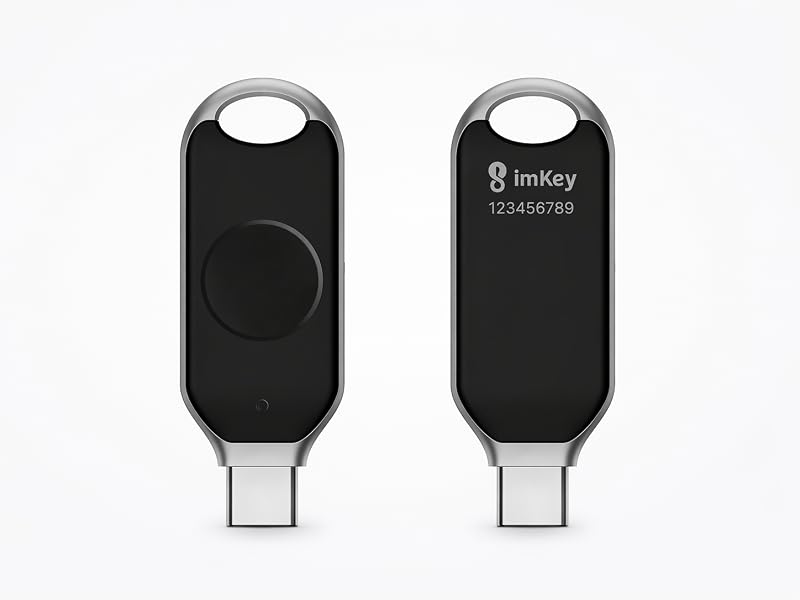
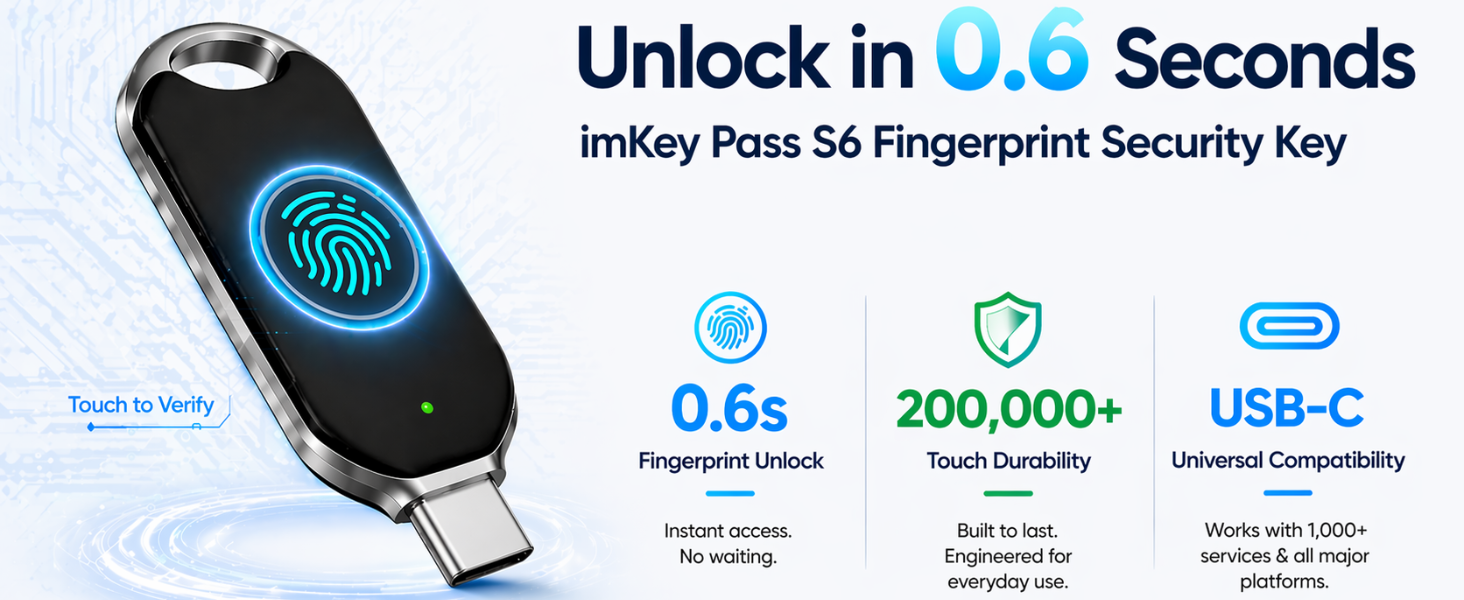
Take Google account as an example
Generally speaking. Insert Passkey. Go to Account Settings ? Privacy & Security/Login & Security, find “Passkey/Security Key or Two-step verification”. For first use, you should set a PIN and register your fingerprint according to the website directions. To log in, touch the fingerprint sensor when the light flashes.
If you don’t know how to settings, simply Google your app name + 'Security key' or 'Passkey'. you’ll easily find the official help guides. For example: "X security key".
Now that Apple and Android both support Passkeys, why buy a hardware key?
If your device is lost or your screen lock password is leaked, your passkeys can also be leaked. For imKey Pass, only your own fingerprint can unlock and log in the account.
Why do you recommend buying 2 imKey Pass S6?
One for daily use and one as backup. This avoids lockout if you lose or damage the main key. / Some accounts like Apple ID require two security keys to finish setup.
Do I need to download an app?
No, you don’t need to download any app. imKey Pass S6 works entirely through your browser (Chrome/Edge). Just insert the device and use your fingerprint. All setup is done in chrome://settings/securityKeys. No software required!
How many accounts can one imKey Pass S6 bind?
Multiple, virtually no limit.
Who is imKey Pass S6 most suitable for?
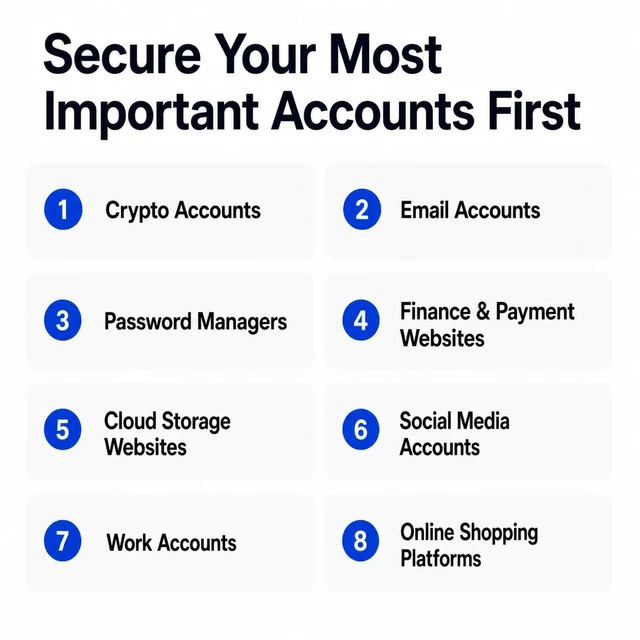
Ideal for cryptocurrency holders and advanced users who need to log into development, social media, and financial accounts across multiple platforms / Anyone who does not want to leak their privacy to third parties.
Protect your data with a hardware key
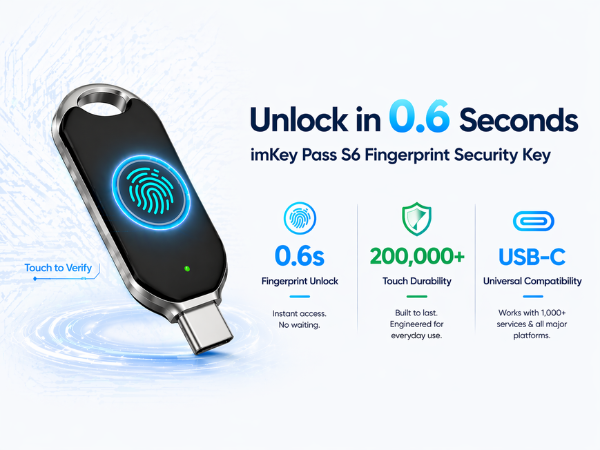
It adds a extra security layer to verify your identity and block unauthorized access. Even if hackers steal your login details, they cannot sign in without your physical key. Using asymmetric cryptography, it keeps your personal data unexposed, with no sensitive info stored remotely and strong defense against man-in-the-middle attacks. Widely supported across mainstream platforms, biometric-compatible keys also enable quick, simple, password-free login for smoother daily use.
Take Google account as an example
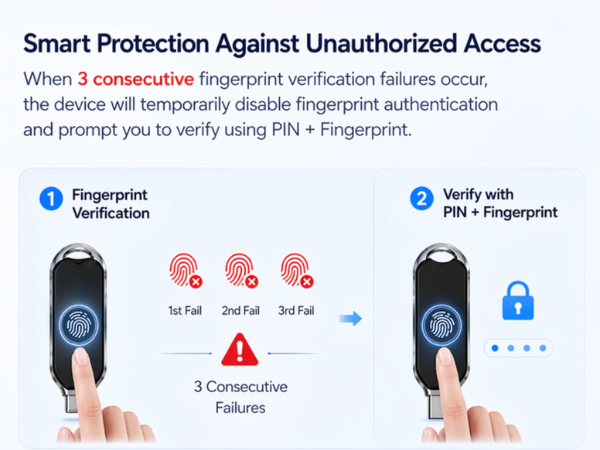
Generally speaking. Insert Passkey. Go to Account Settings ? Privacy & Security/Login & Security, find “Passkey/Security Key or Two-step verification”. For first use, you should set a PIN and register your fingerprint according to the website directions. To log in, touch the fingerprint sensor when the light flashes.
If you don’t know how to settings, simply Google your app name + 'Security key' or 'Passkey'. you’ll easily find the official help guides. For example: "X security key".
Now that Apple and Android both support Passkeys, why buy a hardware key?
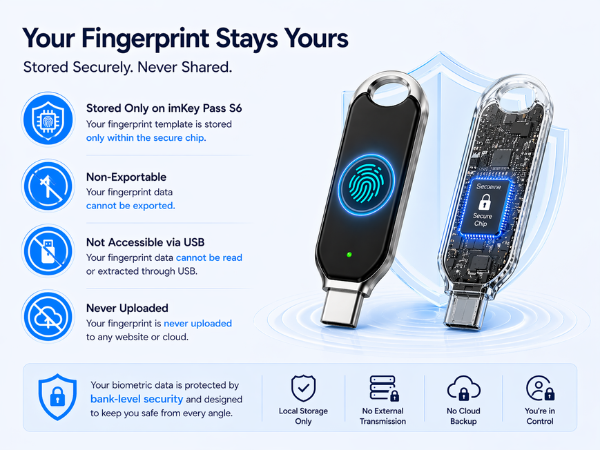
If your device is lost or your screen lock password is leaked, your passkeys can also be leaked. For imKey Pass, only your own fingerprint can unlock and log in the account.
Why do you recommend buying 2 imKey Pass S6?
One for daily use and one as backup. This avoids lockout if you lose or damage the main key. / Some accounts like Apple ID require two security keys to finish setup.
Do I need to download an app?
No, you don’t need to download any app. imKey Pass S6 works entirely through your browser (Chrome/Edge). Just insert the device and use your fingerprint. All setup is done in chrome://settings/securityKeys. No software required!
How many accounts can one imKey Pass S6 bind?
Multiple, virtually no limit.
Who is imKey Pass S6 most suitable for?
Ideal for cryptocurrency holders and advanced users who need to log into development, social media, and financial accounts across multiple platforms / Anyone who does not want to leak their privacy to third parties.
imKey provides a suite of security tools for your digital life and crypto assets. Your keys, your assets. Your data, your privacy.
Since 2018, imKey provides cold storage wallets and seed phrase backup solutions designed to keep your digital assets safe. From the imKey Pro hardware wallets to the imKey HeirBOX series, our products are trusted in over 100 countries. 7+ years. Zero major security incidents.
Protect your online accounts
Passwordless Login 2FA for Multiple Platforms


