




 here!
I’m your shopping assistant for PC builds, upgrades, and everything tech.
Got questions? Ask away!
Start a conversation
here!
I’m your shopping assistant for PC builds, upgrades, and everything tech.
Got questions? Ask away!
Start a conversation



Any questions? Ask CelesteSM will help you find out quickly.

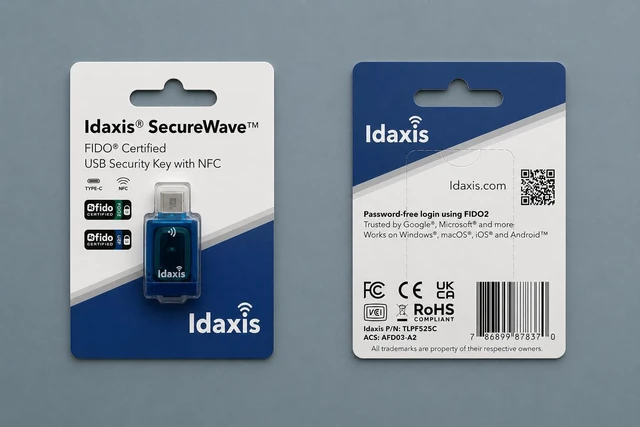
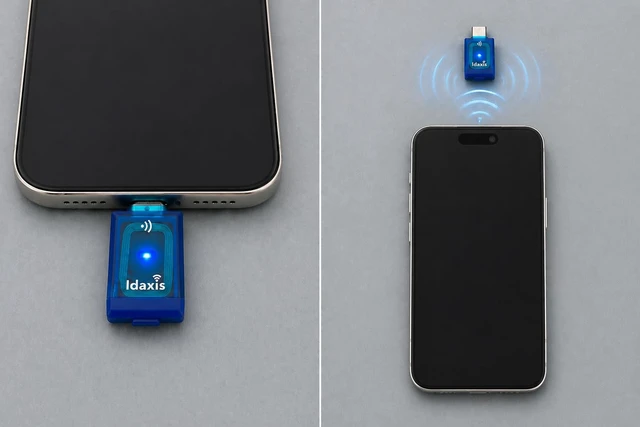
The SecureWave uses FIDO2 to verify your identity through a physical key, not a password. Connect via USB-C or tap over NFC to authenticate across supported platforms. Compact and portable, it travels with you.
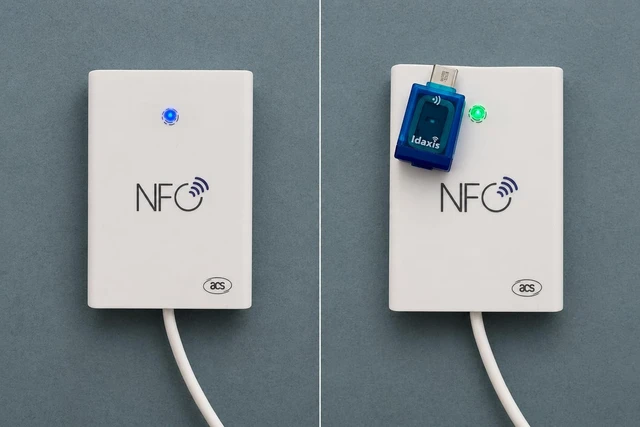
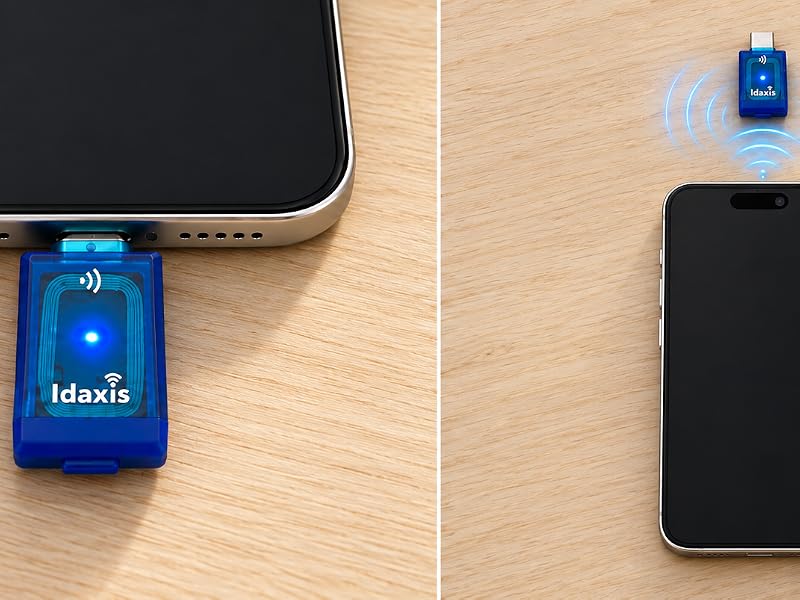
One connection type limits where you can authenticate. The SecureWave offers USB-C for wired authentication on modern devices and NFC for contactless use — no cable required. A 5 MB read speed gives IT evaluators a concrete data point. Both interfaces live in one compact token, keeping you covered across scenarios.
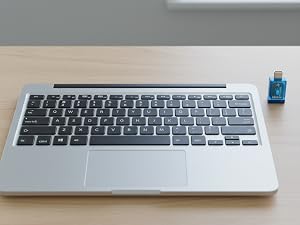
Use FIDO2 authentication to secure email accounts and help block phishing attempts and unauthorized access.
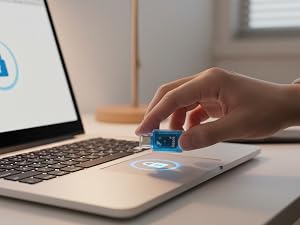
Access cloud storage via USB-C or NFC. FIDO2 support adds a physical layer of protection to your files.
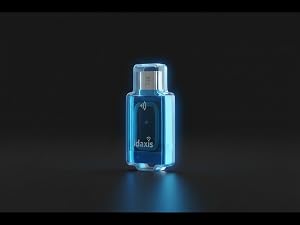
Protect enterprise apps with FIDO2 hardware authentication via the SecureWave's USB-C connection.
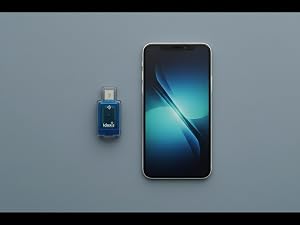
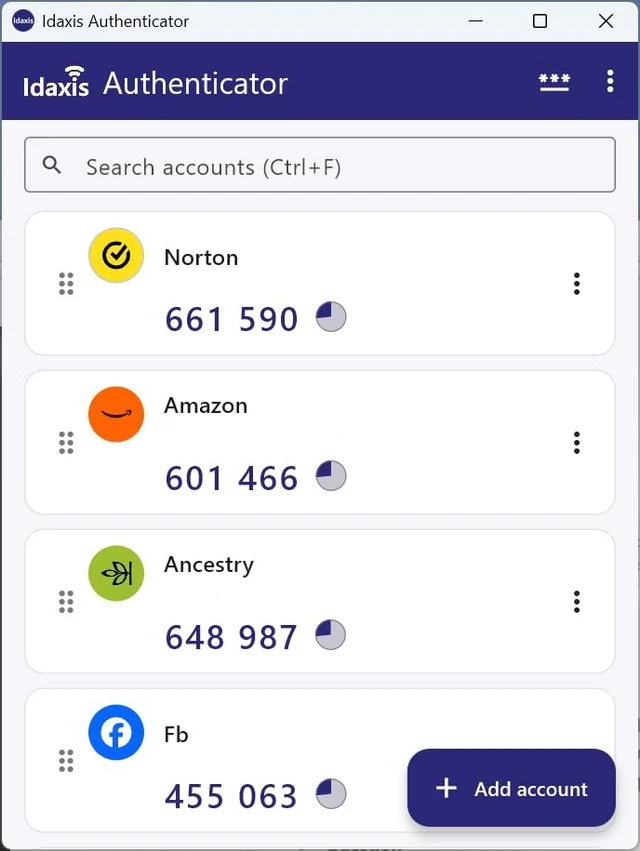
Generate one-time passwords on Windows and Android via the Idaxis Authenticator app for added account security.
What is FIDO2 and how does passwordless login work?
FIDO2 replaces passwords with a physical key. Register the SecureWave with a supported service and the token verifies your login — nothing to steal or phish.
Does the SecureWave protect against phishing?
Yes. The key is tied to the registered site, so a fake login page cannot capture credentials. The SecureWave only responds to the legitimate service it was registered with.
When should I use USB-C versus NFC?
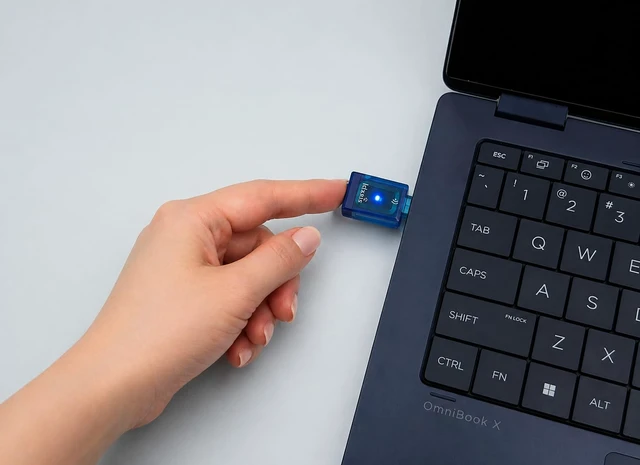
Use USB-C on laptops and desktops. Tap via NFC on supported Android devices. Both interfaces are built into the same token, so you choose based on the device in front of you.
Which platforms and services work with the SecureWave?
The SecureWave works with major platforms and services supporting FIDO2 standards. For one-time password needs, the Idaxis Authenticator app supports Windows and Android.
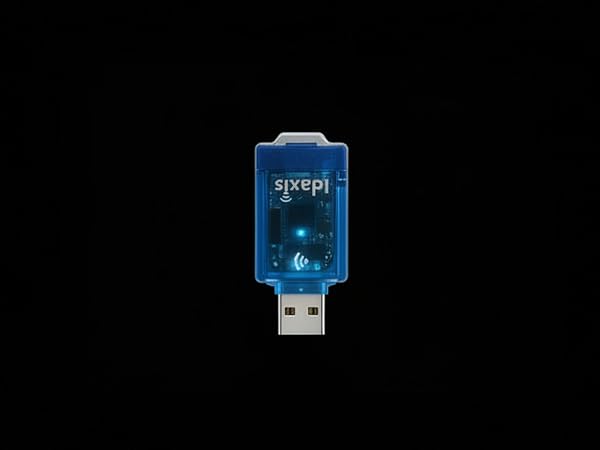
The SecureWave uses FIDO2 to verify your identity through a physical key, not a password. Connect via USB-C or tap over NFC to authenticate across supported platforms. Compact and portable, it travels with you.
Dual Connectivity
One connection type limits where you can authenticate. The SecureWave offers USB-C for wired authentication on modern devices and NFC for contactless use — no cable required. A 5 MB read speed gives IT evaluators a concrete data point. Both interfaces live in one compact token, keeping you covered across scenarios.
Use FIDO2 authentication to secure email accounts and help block phishing attempts and unauthorized access.
Access cloud storage via USB-C or NFC. FIDO2 support adds a physical layer of protection to your files.
Protect enterprise apps with FIDO2 hardware authentication via the SecureWave's USB-C connection.
Generate one-time passwords on Windows and Android via the Idaxis Authenticator app for added account security.
What is FIDO2 and how does passwordless login work?
FIDO2 replaces passwords with a physical key. Register the SecureWave with a supported service and the token verifies your login — nothing to steal or phish.
Does the SecureWave protect against phishing?
Yes. The key is tied to the registered site, so a fake login page cannot capture credentials. The SecureWave only responds to the legitimate service it was registered with.
When should I use USB-C versus NFC?
Use USB-C on laptops and desktops. Tap via NFC on supported Android devices. Both interfaces are built into the same token, so you choose based on the device in front of you.
Which platforms and services work with the SecureWave?
The SecureWave works with major platforms and services supporting FIDO2 standards. For one-time password needs, the Idaxis Authenticator app supports Windows and Android.
| Brand | Idaxis |
|---|---|
| Model | SecureWave |
| Hardware Interface | USB Type-C |
| Connectivity | NFC and USB Type-C |
| Memory | 5 MB |
| Read Speed | 5 MB/s |
| Write Speed | 3 MB/s |
| Dimensions | 3.9 x 2.91 x 0.28 in |
| Weight | 0.317 oz |
| Color | Blue |


