

Your Browsing History



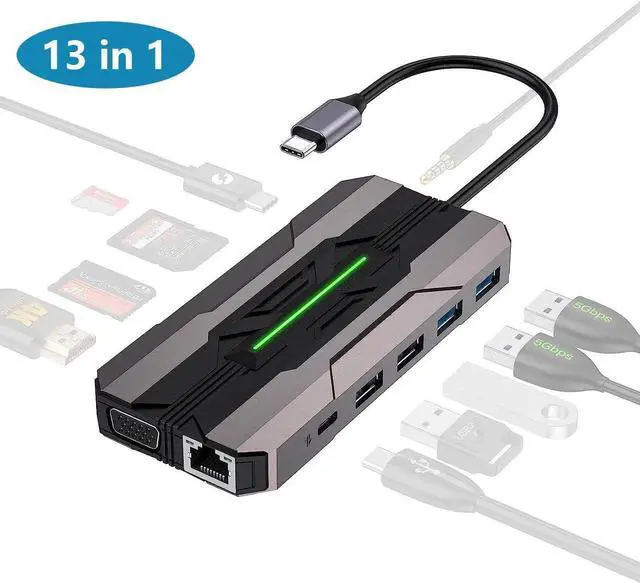



USB C Hub Laptop Type-C Docking Station, 13 in 1 USB C Hub Multiport Adapter Dongle with 4K HDMI, VGA, 100W PD Charging, Ethernet, SD/TF, 2*USB 3.0&USB 2.0, 1*USB C, Mic/Audio for Laptop Mac-book
Limited time offer, ends 08/30 By StarVelocity Technology
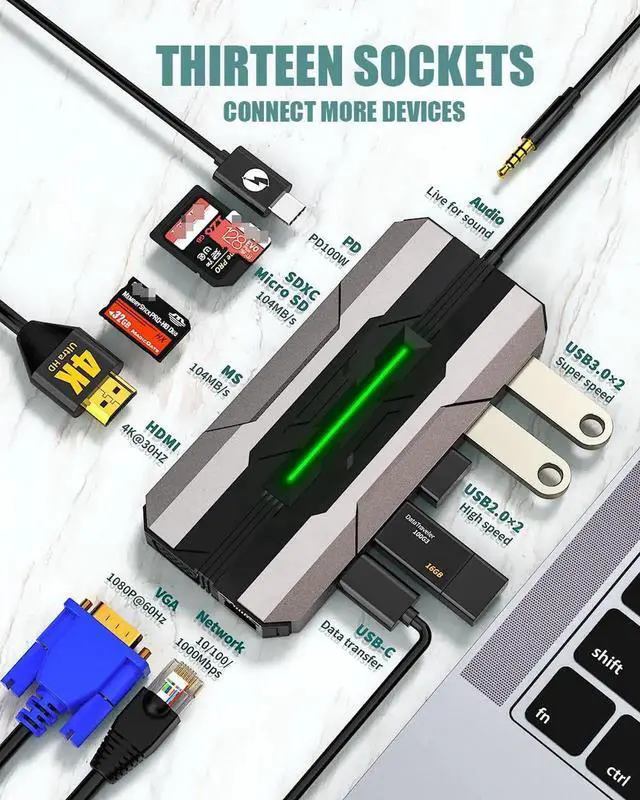
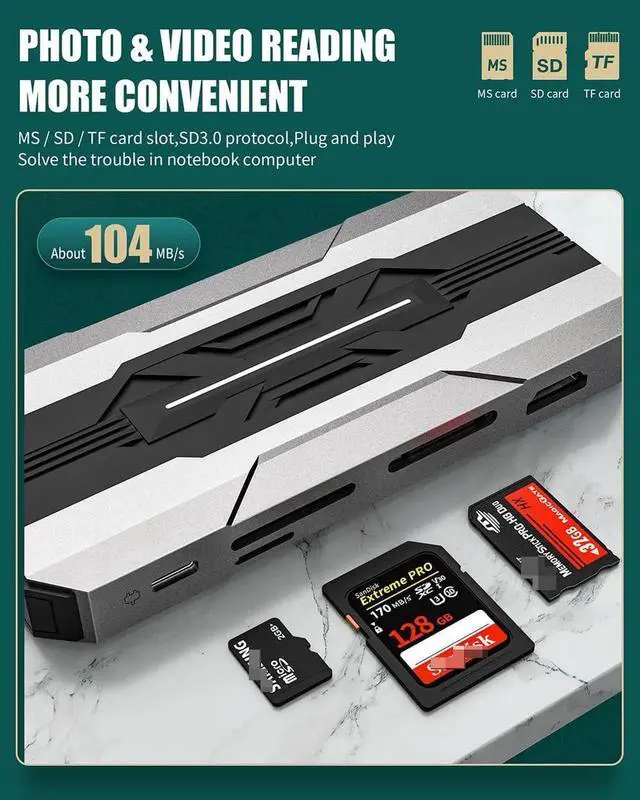
- [13 in 1 USB C Docking Station] Designed with 4K HDMI, 100W PD , 2 USB 3.0 5Gbps ports, 2 USB 2.0, 1 USB C 3.0 5 Gbps port, RJ45 Gigabit 1000Mbps Ethernet, 1 VGA male-to-female port, SD and TF ports (parcel not include SD or TF card). Our multiport adapter lightweight, good heat dissipation, portable and powerful, which meet all your connecting needs in a dock.
- [Super Speed Data Transfer] The USB-C 3.0 data port and 2 USB 3.0 ports of this docking station max data transmission up to 5120Mbps. USB 2.0 data transmission up to 480Mbps, transfer and backup your files in seconds.
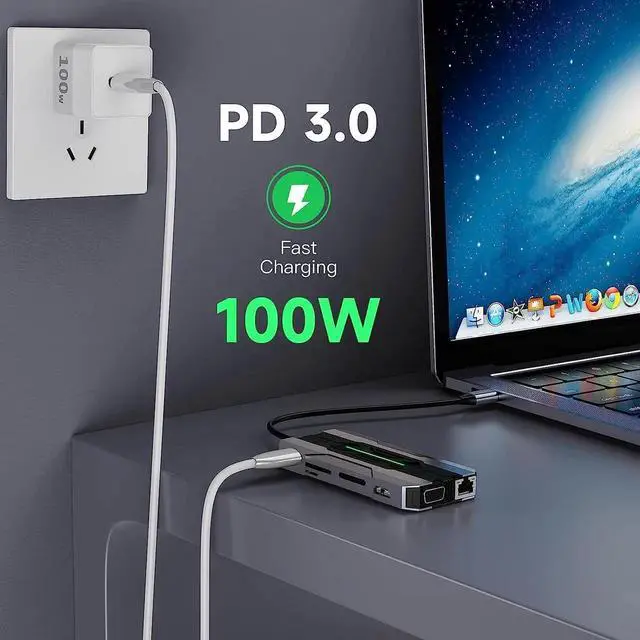
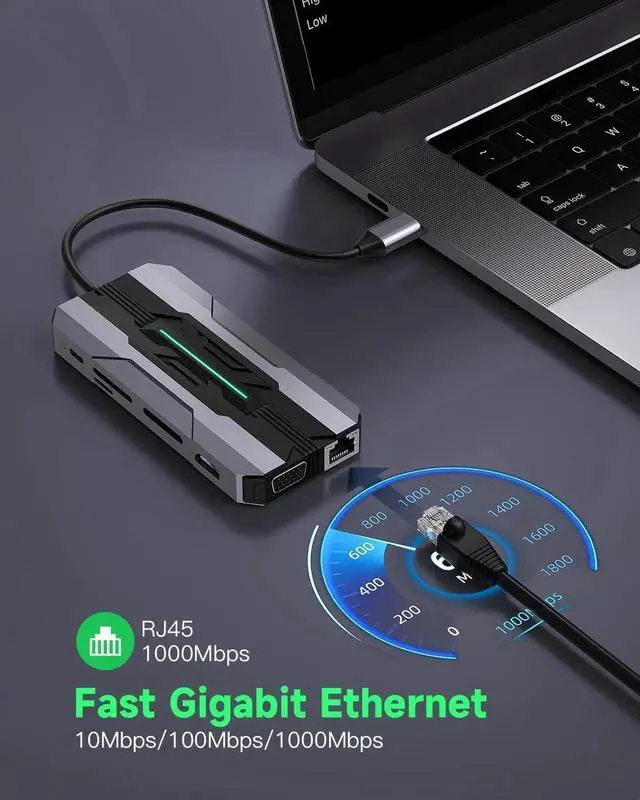
- [100W PD 3.0 and Gigabit Ethernet] USB C one-way charging port supports max up to 100W power delivery. Gigabit Ethernet port presenting you a stable and fast Ethernet condition, perfect standby for your laptop without Ethernet sockets when the wireless network fails.
- [Extensive Compatibility] Works well with type c (Thunderbolt 3) compatible devices, such as Mac-Book/Pro 2020 2019 2018, XPS13/15 etc..
+
+
Overview
Specs
Reviews

Any questions? Our AI mode will help you find out quickly.
Try me now
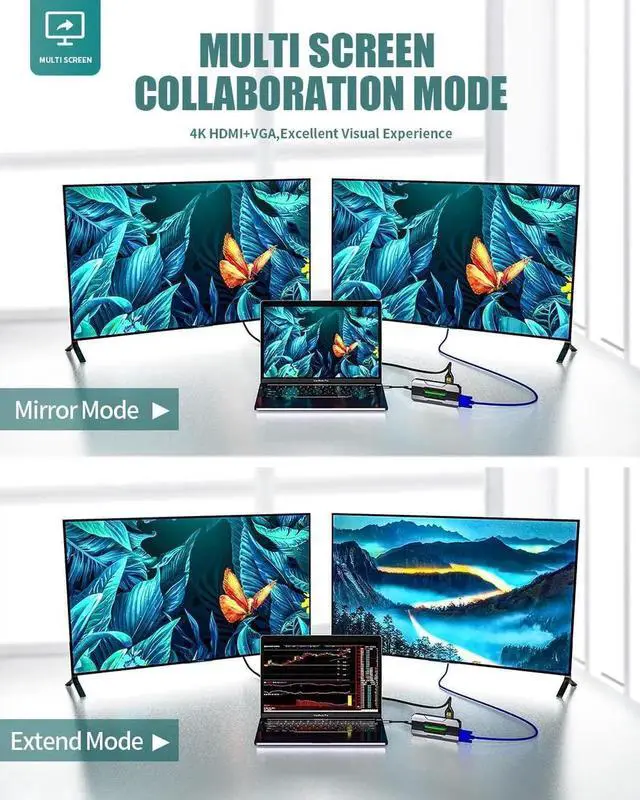
- Connect to multiple monitors via the VGA and HDMI ports for a simpler and more productive experience. And supports 4K@30Hz displays via a USB-C to HDMI splitter . A 3.5mm Audio port lets you listen to music or take part in meetings in full 48 kHz/16-bit digital transmission.
Warranty & Returns
Warranty, Returns, And Additional Information
Warranty
- Please contact the Seller directly for warranty information. Warranty information may also be found on the Manufacturer's website.
- CONTACT
Return Policies
- Return for refund within: 30 days
- Return for replacement within: 30 days
- This item is covered by StarVelocity Technology Return Policy
Manufacturer Contact Info
- For a directory of all our manufacturers, please click below.
- Manufacturers Directory
LOADING...