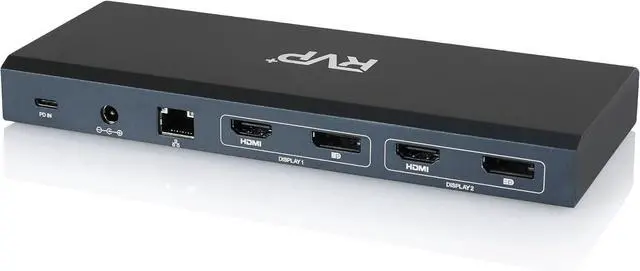
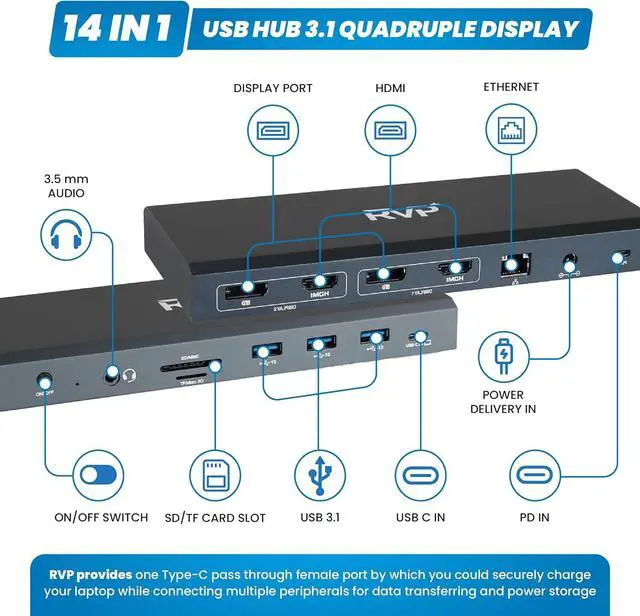
14 in 1 Massive ExpansionTurn one of your laptops
USB-C ports into 14 with: 100W laptop-charging USB-C port, USB-C 3.1, USB 3.0 (×3), 4K HDMI(×2), 4K DisplayPort(×2), Gigabit Ethernet, 3.5 mm AUX, PD Input
Dual-Monitor DisplaySimultaneously stream media to up to 2 monitors in 4K@60Hz via the DisplayPort and dual HDMI ports. Please note, displays are in Mirror mode only for MacOS
Fast and Powerful 100W ChargingIt supports charging your laptop at power up to 100W while connecting multiple peripherals, offering significantly faster charging time. Worry-free about losing the laptop' s power when the hub is fully loaded. Power Adapter Included
Effortless Data TransferBuilt in USB-C 3.1 and USB 3.0 (3x) with 5Gbps data transfer, the hub fulfills high-speed rates of data transfer and a wide range of applications at the same time. Fast enough to transfer an HD movie in seconds
Stable Gigabit EthernetOffering full 10/100/1000 Mbps Gigabit Ethernet performance over the RJ45 Ethernet port ensures you a stable, wired Internet connection. 1000Mbps Ethernet brings you a 1G movie in a few minutes
OS System Display Information MacOS and iPadOS only support Single-Stream Transport (SST) mode, which means all connected monitors will show the same content.