




 here!
here!
I’m your shopping assistant for PC builds, upgrades, and everything tech.
Got questions? Ask away!
Start a conversation
here!
I’m your shopping assistant for PC builds, upgrades, and everything tech.
Got questions? Ask away!
Start a conversation




Any questions? Ask CelesteSM will help you find out quickly.
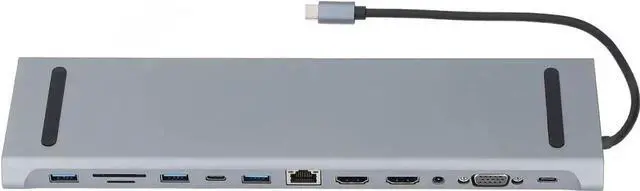
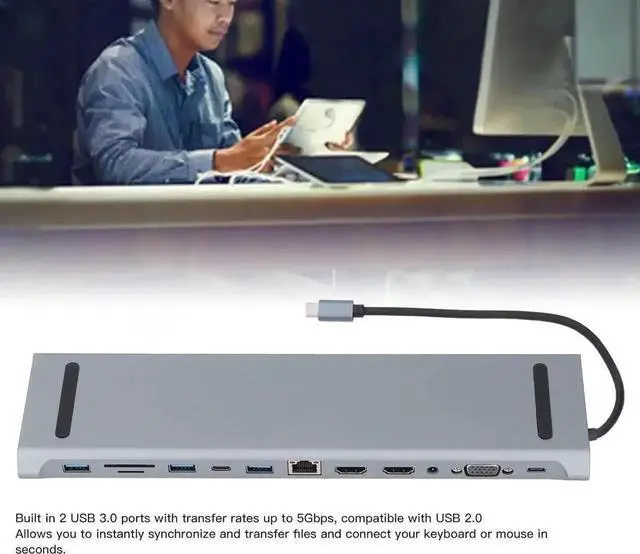
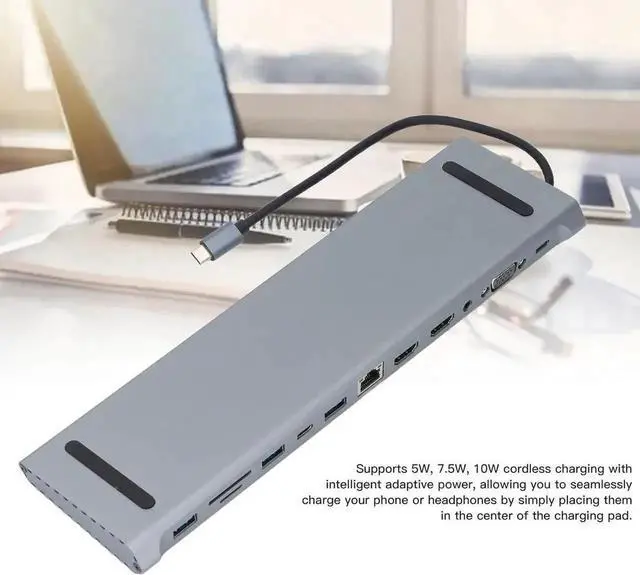
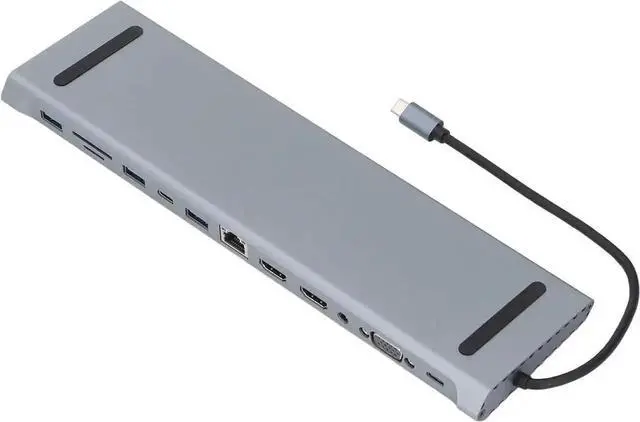
This 12 in 1 USB-C docking station is a practical multi-port expansion accessory designed for office scenarios. It expands your single Type-C port into abundant interfaces to connect monitors, flash drives, external hard drives, headsets and other peripherals.
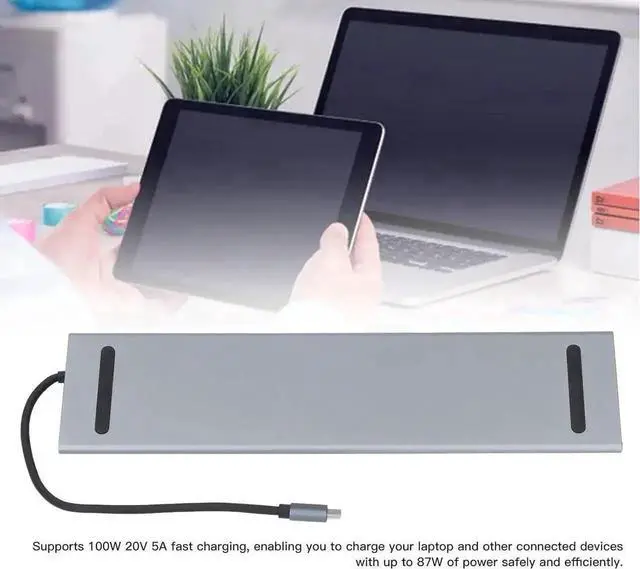
Built-in 100W PD charging function supports pass-through power supply. You can charge your laptop and use external devices at the same time. Optimized internal circuit guarantees steady transmission during long-hour working.
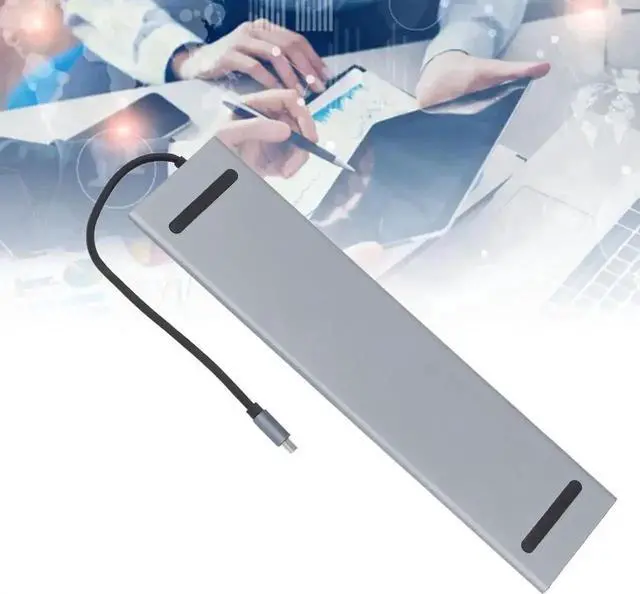
No driver installation needed. Compact size saves desktop space and convenient to carry when travelling. Great daily office accessory for Type-C laptops.
Note: Please make sure your device Type-C port supports data and PD function to access all features of this docking station.


