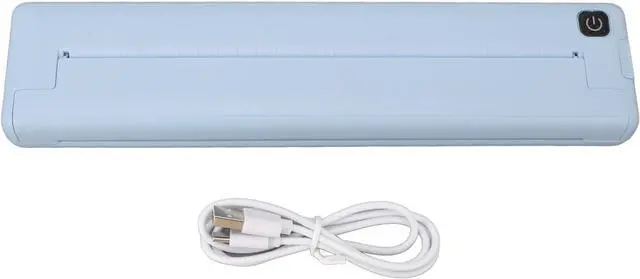
1. Inkless Thermal Printing: With the use of inkless printing technology, this portable wireless printer eliminates the need for carbon, ribbons, and ink, promoting environmental sustainability.
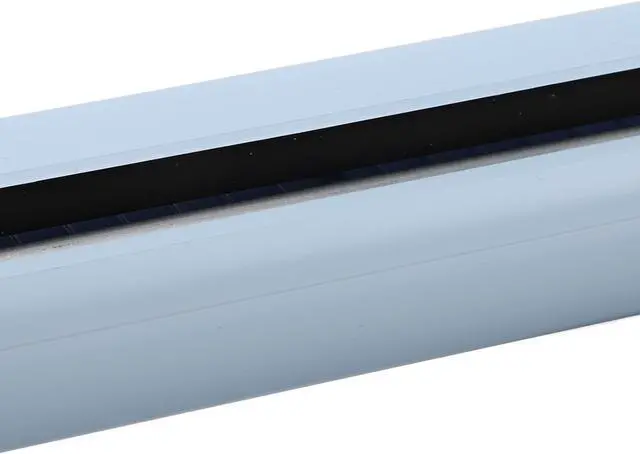
2. Printing Versatility: The printer supports 210mm 218mm wide thermal paper (A4 paper width), allowing you to fulfill various printing needs. It even supports printing small notes and long banners, eliminating the need for specific paper sizes.
3. High Compatibility: The portable wireless printer is suitable for iOS and for Android smartphones (with connectivity). Simply connect via , download for iPrint APP, and start printing anytime and anywhere without the need for complex computer setups.
4. Long Battery Life: Equipped with a built in 1000mAh rechargeable battery, the thermal printer can be fully charged in approximately 1.5 hours. It can continuously print up to 90 sheets of A4 thermal paper and automatically shuts down after 30 minutes of inactivity, with a standby time of up to 30 days.
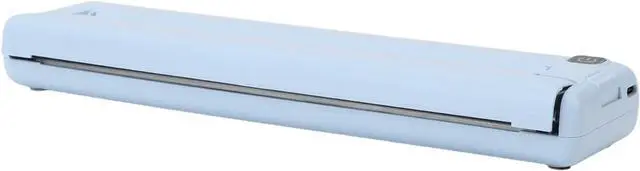
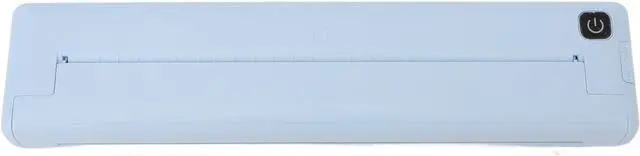
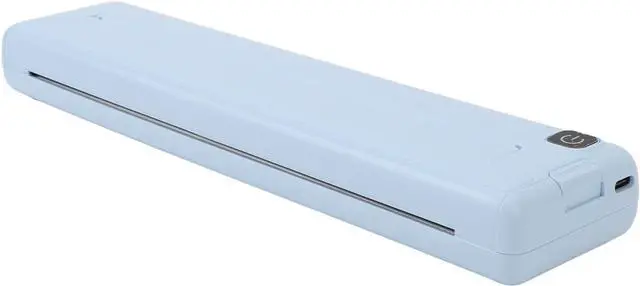
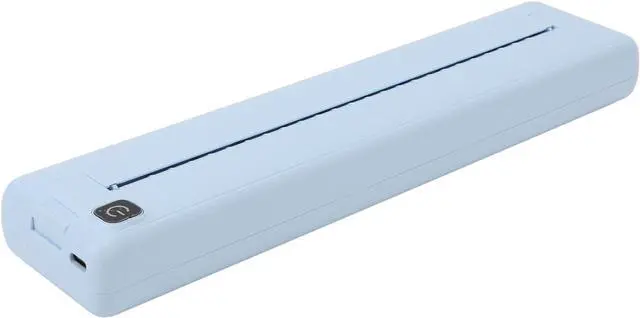
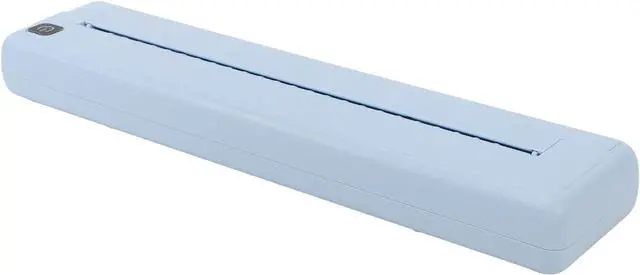
5. Portable Design: Designed for portability and convenience, our portable wireless printer is for use at home, school, travel, and office settings, ensuring ease of use wherever you go.
Specification:
Item Type: Portable Wireless Printer
Material: ABS, paper
Weight: Approx. 595g/21.0oz
Product Size: Approx. 265x58x30mm/10.4x2.3x1.2in
Connectivity: 4.0 and above
APP Supported Systems: for iprint APP, supports for iOS and for Android
Printing Specification: 200dpi
Battery Capacity: 1000mAh rechargeable lithium battery (shipped with built in battery)
Auto Power Off: 30 minutes
Charging Time: About 1.5 hours
Continuous Printing Time: 90 sheets of A4 thermal paper
Printing Speed: 10mm/s
Applicable Paper Size: 210mm 218mm thermal paper (shipped without thermal paper)
Charging Interface: Type C
How to Use:
Follow the instruction manual for .
PackageList:
1 x Portable Wireless Printer
1 x Charging Cable
1 x User Manual
Note:
1. If the device is not found, you can try the following steps to re search: 1. Restart the printer to ensure that it is not connected to other devices. 2. Make sure that the on your phone is turned on. 3. Please turn on GPS (location information) in settings and enable location permission for the app in App, Permission Management. Please go to "My Device" in the app and click on the device to connect. Thank you!
2. This printer is only suitable for thermal paper and cannot be used for regular paper printing.
3. FAQs
Q: I can't find the connected device when I add the device to the application?
A: Please check if the device is turned on to ensure that is functioning properly.
Q: What should I do if my device cannot print?
A: 1. Confirm if the on your phone is turned on and eliminate the possibility of someone else connecting to this device. 2. Check if the thermal paper is jammed. 3. Check if the print is overheated. If it is overheated, please wait for the print to cool down before attempting to print..