Your Browsing History
- $209.00
- Free 30-day Returns
Meet Your Seller
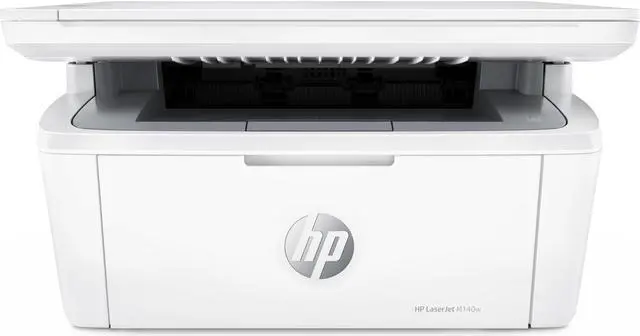
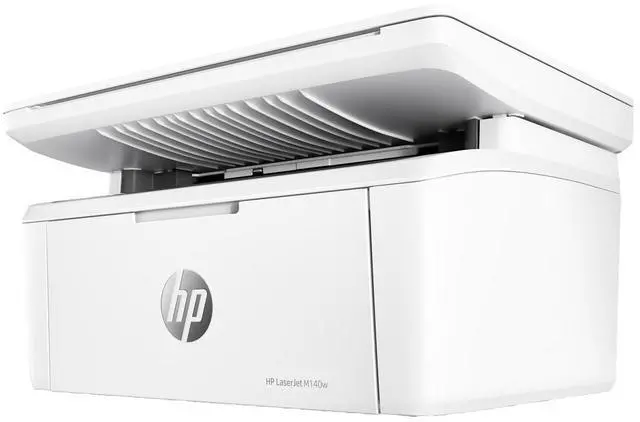
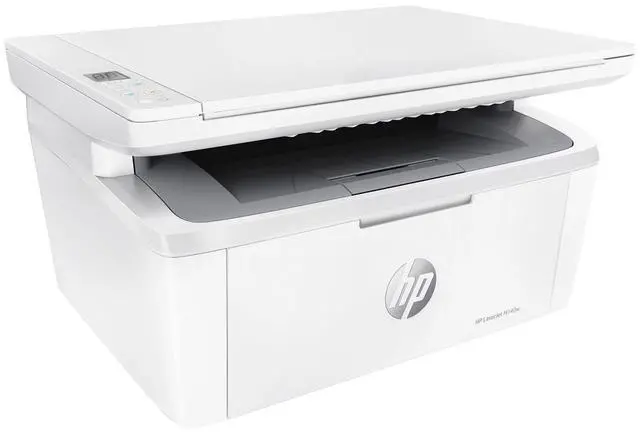
HP LaserJet MFP M140w Laser Printer, Black And White Mobile Print, Copy, Scan Up
- HP LaserJet M140w Wireless Black & White Printer
+
+
Overview
Specs
Reviews (1)
Any questions? Ask CelesteSM will help you find out quickly.
Try me now
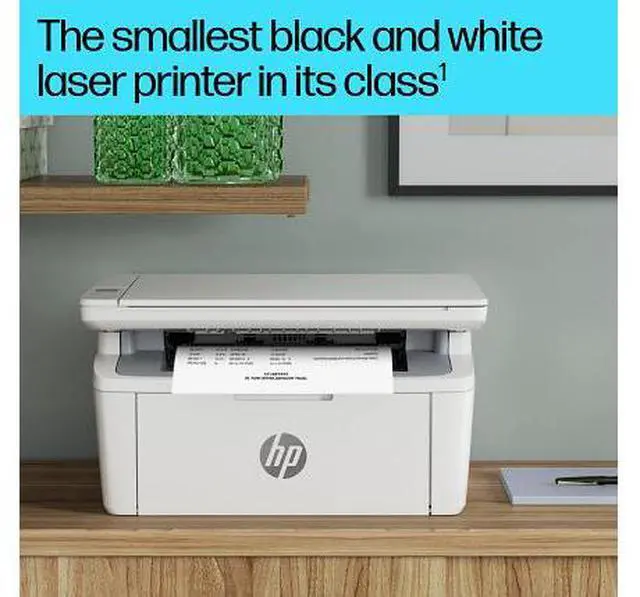
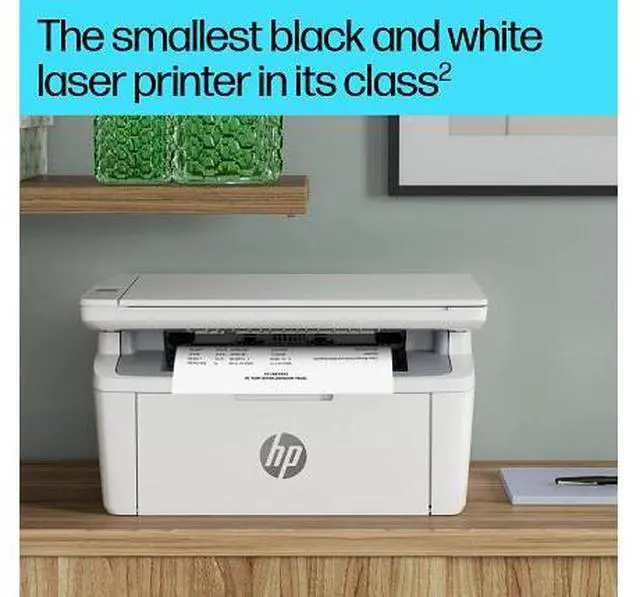
OverviewAn efficient, high-quality multifunction laser printer that fits your space. Get fast printing from HP's smallest laser in its class, plus the time-saving HP app. Count on professional-quality laser printing and seamless setup. HP Personal Laser Multifunction Printers are designed for individuals or small workteams who need affordable, reliable multifunction performance in a compact and easy-to-use desktop device. This printer is intended to work only with cartridges that have a new or reused HP chip, and it uses dynamic security measures to block cartridges using a non-HP chip. Periodic firmware updates will maintain the effectiveness of these measures and block cartridges that previously worked.
A reused HP chip enables the use of reused, remanufactured, and refilled cartridges.
More at:
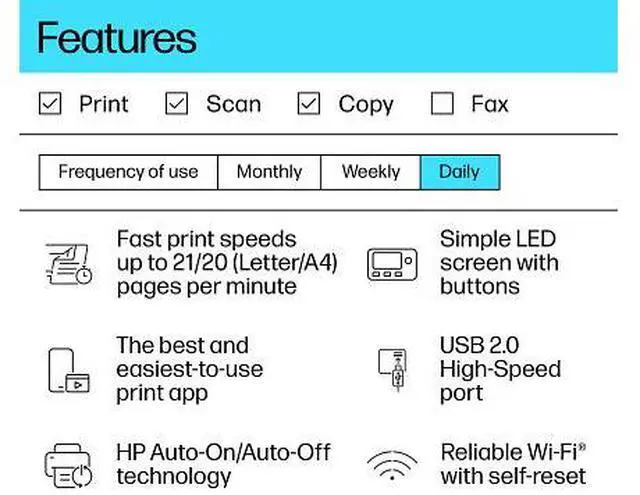
http: //www. hp. com/learn/dsFeaturesHP's smallest multifunction laser in its classHP's smallest multifunction laser in its class designed for efficient performance. Productivity from your phoneGet high-quality scanning, and share to Dropbox, Google Drive or cloud from your phone with HP app. Save energy and help reduce wasteHP Auto-On/Off Technology intelligence can turn your printer on when you need it and off when you dont. Minimum system requirementsMicrosoft® Windows® 11, 10, 2 GB available hard disk space, Internet connection, Microsoft® Internet Explorer or Edge. What's in the box? HP LaserJet M140w Wireless Black & White Printer; HP 141A Black LaserJet Toner Cartridge; Power Cord; Setup Poster; Reference Guide; Waranty Guide & Flyer. Disclaimers Smallest in-class footprint compared only to dimensions of majority of personal black-and-white laser printers and MFPs Requires the HP app download. For details on local printing requirements see www. hp. com/go/mobileprinting. Certain features/software are available in English language only, and differ between desktop and mobile applications. Subscription may be required; subscription may not be available in all countries. See details at www.
hpsmart. com. Internet access required and must be purchased separately. HP account required for full functionality. List of supported operating systems available in app stores. Fax capabilities are for sending a fax only. After 24 months, monthly fee applies to continue advanced features with HP Smart Advance. HP Smart Advance is not available in all countries. For more information, see www. hpsmart. com. Based on internal HP testing.
Average timing estimate based on: 1) downloaded HP app on mobile or desktop device, 2) setting up Shortcut, 3) scanning jobs which have more than 2-3 tasks associated with them (scan to email, save and rename, store to cloud, etc. ). Average timing savings comparison based on using printer and desktop scan software to complete similar scanning tasks. Requires the HP app download and supported HP printer. For details on local printing requirements see www. hp. com/go/mobileprinting. Measured using ISO/IEC 24734, excludes first set of test documents.
For more information see http: //www. hp. com/go/printerclaims. Exact speed varies depending on the system configuration, host OS, port-monitor, software application, driver, and document complexity. Compared to OEM printing apps for the majority of top-selling inkjet/laser printers and all-in-ones for the home and office, priced less than or equal to $ 449.99 USD. Market share as reported by IDC CYQ4 2019 Hardcopy Peripherals Tracker. Claim based on research of printer manufacturers print apps and Keypoint Intelligence - Buyers Lab hands-on testing and study commissioned by HP. For details, please
see: keypointintelligence. com/HPSmartApp. Wireless operations are compatible with 2.4 GHz operations only. Learn more at hp. com/go/mobileprinting. Internet access required and must be purchased separately
Warranty & Returns
Warranty, Returns, And Additional Information
Warranty
- Please contact the Seller directly for warranty information. Warranty information may also be found on the Manufacturer's website.
- Read full details
- CONTACT
Return Policies
- Return for refund within: 30 days
- Return for replacement within: non-replaceable
- This item is covered by Official HP Store Return Policy
Manufacturer Contact Info
- For a directory of all our manufacturers, please click below.
- Manufacturers Directory
LOADING...
The HP LaserJet MFP M140w is a wireless black-and-white laser printer that prints, copies, and scans, making it a practical choice for home users or small workspaces that need everyday document handling at speeds up to 21 pages per minute.
Recommended For
- Home and small-office users who mainly print black-and-white text documents and want copy and scan functions in the same compact machine.
- People with limited desk space who want wireless printing from a home or small-office setup, plus a flatbed for occasional single-page scans or copies.
- Users who print modest monthly volumes of forms, letters, and other monochrome documents; HP recommends a monthly print volume of 100 to 1,000 pages.
- People who occasionally need to copy or scan a single original and are comfortable placing each page on the scanner glass.
Real-World Use Scenarios
- For a home office handling forms, invoices, or contracts, print crisp black-and-white pages and use the same device to copy or scan occasional paperwork; it is better suited to routine personal workloads than a busy shared office.
- When a document is on a phone or tablet, send it to print over Wi-Fi using supported mobile printing; this is useful for printing a form or other text document without first moving it to a computer.
- For schoolwork or household paperwork, print essays, forms, and reading materials as black-and-white text; color assignments, photos, and graphics that need accurate tones call for a different printer.
- To digitize or copy a signed form, receipt, or other single-page original, place it on the flatbed and scan or copy it; multi-page batches require handling pages one at a time.
- For occasional home tasks such as printing an envelope or mailing label, use the supported media types; the single paper tray is more convenient for small jobs than for frequently switching between paper stocks.