BOSGAME P3 [Dual 2.5GbE LAN] Mini Gaming PC AMD Ryzen 9 6900HX 32GB DDR5 RAM 1TB SSD, Mini PC Radeon 680M 12 cores/2200MHz,USB4/WiFi6E/Windows 11 Pro
  •  
  • $689.99 –
  • $600.00
  • Free 30-day Returns
  • Price alert
    Shop it at NeweggBusiness.

    Meet Your Seller

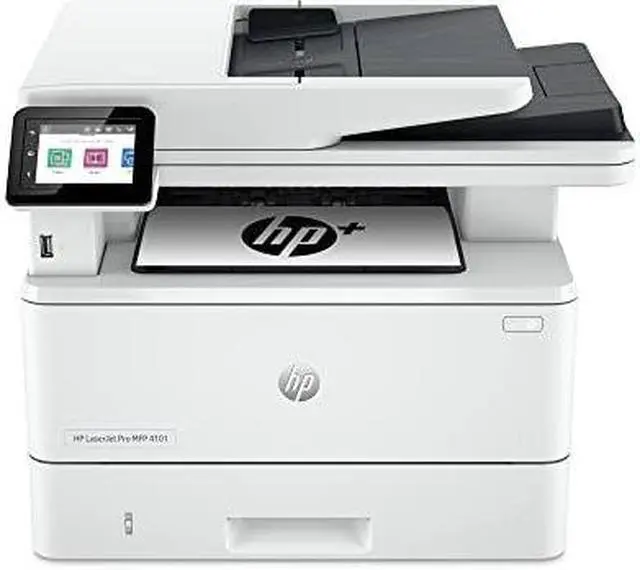
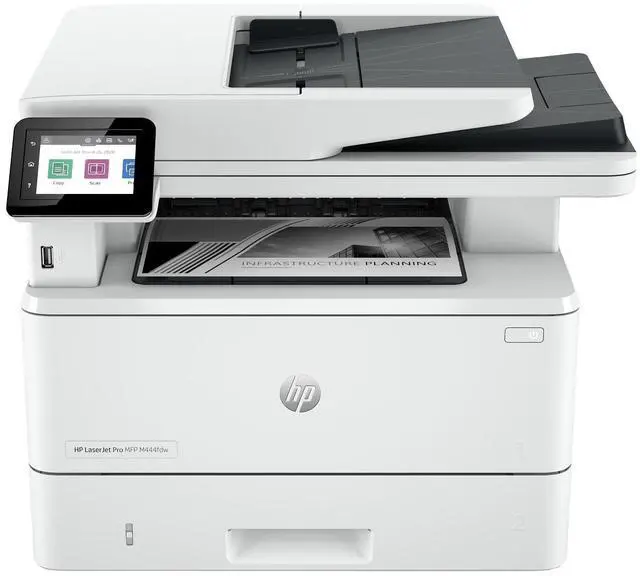
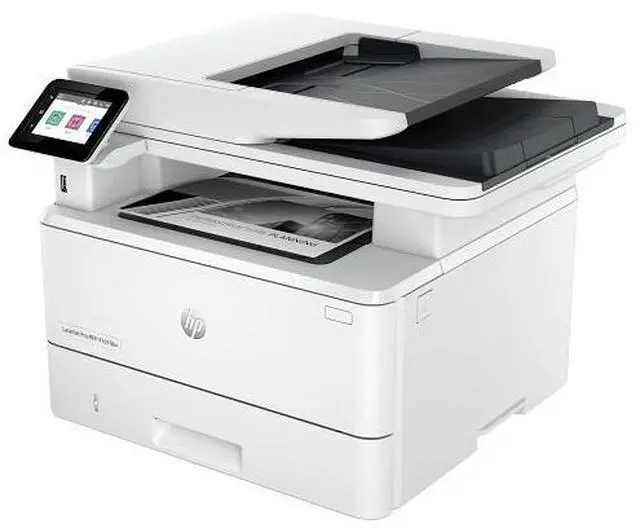
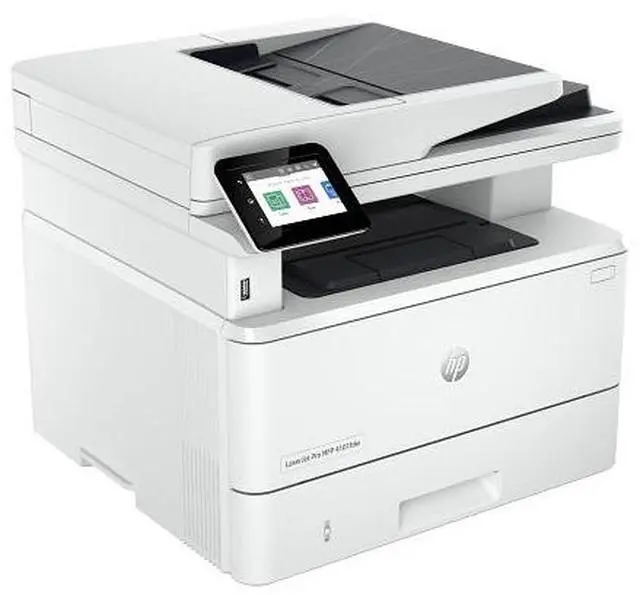
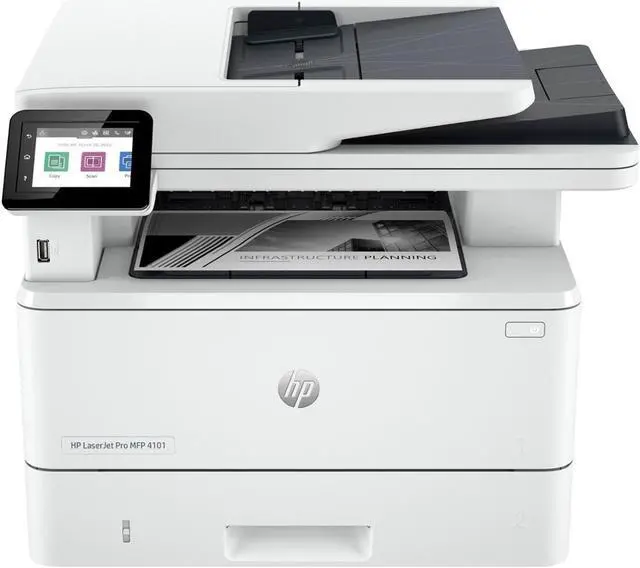
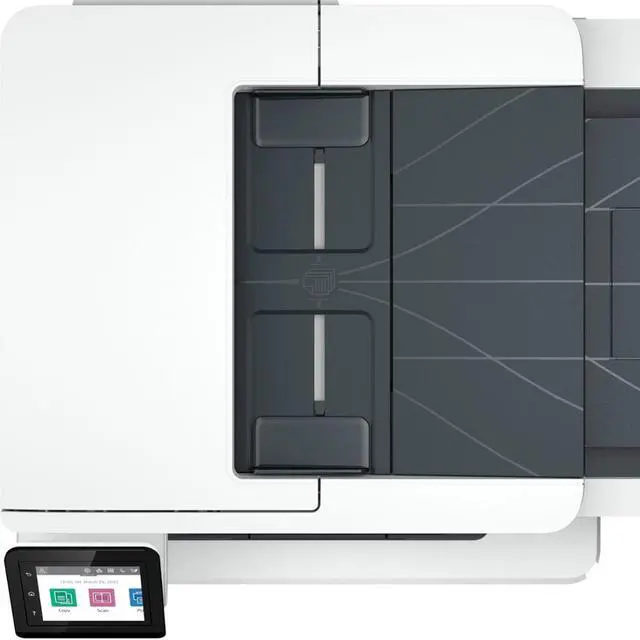
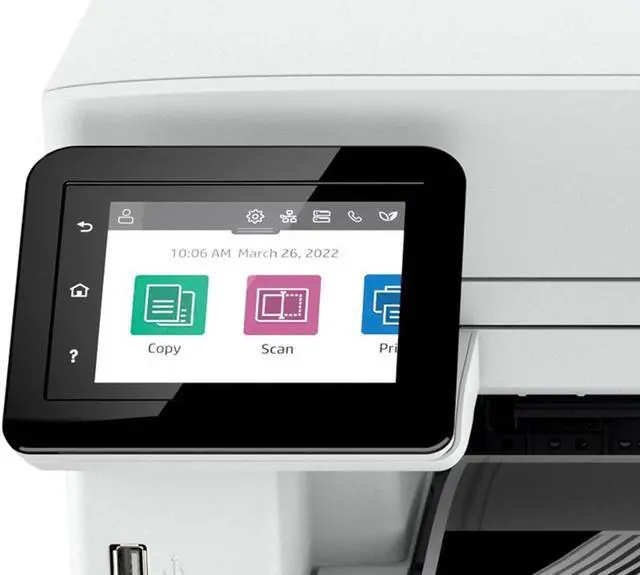
    HP LaserJet Pro 4101fdw Wireless Laser Multifunction Printer Monochrome 2Z619F

    REFURBISHED Product Type
    • Manufacturer: HP
    • Manufacturer Part Number: 2Z619FRBGJ
    • UPC: 196786712173
    +
    +
    Overview
    Specs
    Reviews
    See all Q & A

    Any questions? Ask CelesteSM will help you find out quickly.

    OverviewGet blazing fast printing speeds, high-volume scanning, and easy management tools with LaserJet Pro. HP Office Laser Multifunction Printers are designed for SMBs and small workteams in larger companies, delivering enhanced productivity, simplified workflows and reduced costs. Save on quality, refurbished products. The HP collection of Certified Refurbished products are thoroughly tested to meet the same functional standards as comparable new products. HPs refurbished products are put through a series of mechanical and electrical stress tests, complete software re-installation, a final inspection, and then thoroughly cleaned, sanitized and packaged in new boxes with the same supplies as new version printers.

    Refurbished Print products are covered by a same as new HP limited warranty and offer optional HP Care Pack Services. Most often, refurbished products are indistinguishable from their comparable new counterparts, though some may have cosmetic blemishes or scratches. This printer is intended to work only with cartridges that have a new or reused HP chip, and it uses dynamic security measures to block cartridges using a non-HP chip. Periodic firmware updates will maintain the effectiveness of these measures and block cartridges that previously worked. A reused HP chip enables the use of reused, remanufactured, and refilled cartridges.

    More at:
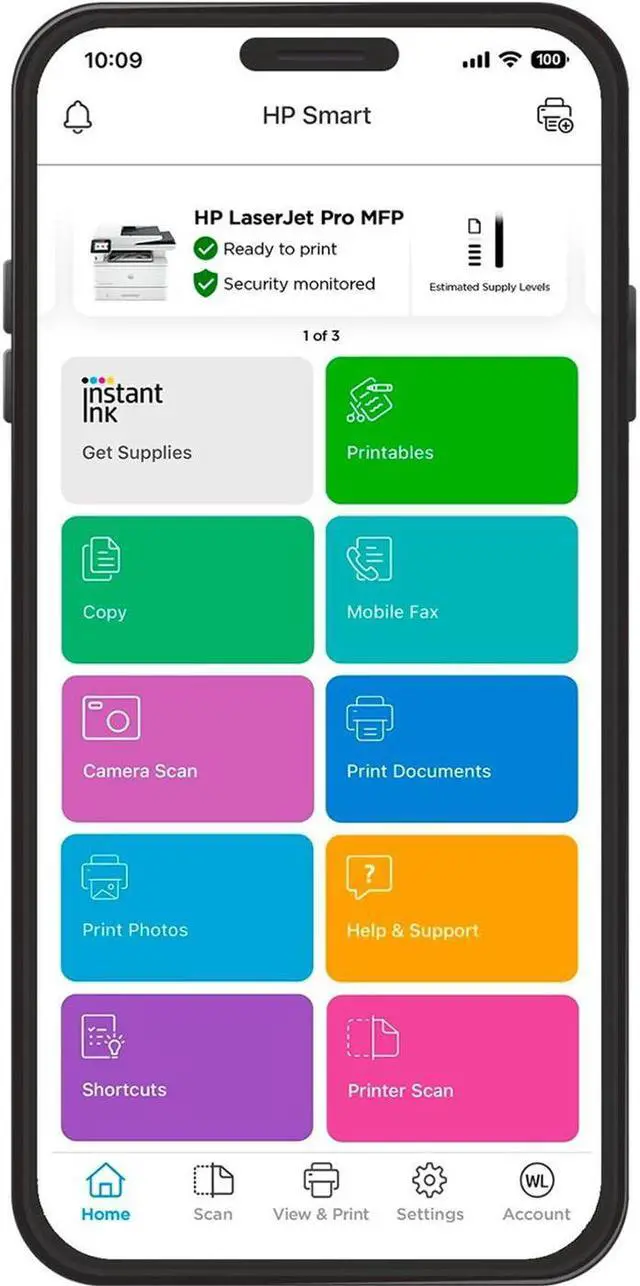
    http: //www. hp. com/learn/dsFeaturesMaximum productivitySupport your dynamic workteam with this high-speed printer, ideal for up to 10 users. Seamless managementCentralize print management for your enterprise. HP Web JetAdmin makes it easy with its suite of features. HP Wolf Pro SecurityGet printer security out of the box. Preconfigured settings mean it's ready when you are. Minimum system requirements2 GB available hard disk space; Internet connection or USB port; Internet browser. For additional OS hardware requirements see microsoft. com; What's in the box? HP Black Original LaserJet Toner Cartridge; Getting Started Guide; Support Flyer; Warranty Guide; Regulatory Flyer; Power cordDisclaimers Measured using ISO/IEC 24734 and excludes first set of test documents. For more information, see hp. com/go/printerclaims. Exact speed varies depending on the system configuration, software application, driver, and document complexity. Requires HP app download available at www. hp. com/go/mobileprinting. Certain features are available in English language only, and may vary by printer model/country, and between desktop/mobile applications. HP reserves the right to introduce charges for use of functionality facilitated by the HP app.

    Internet access required and may not be available in all countries. HP account required for full functionality. Fax capabilities are for sending a fax only. List of supported operating systems available in app stores. See details at www. hpsmart. com. HP Web Jetadmin is available for download at no additional charge at hp. com/go/webjetadmin. HP calculations based on ENERGY STAR® normalized TEC data comparing HP LaserJet 200-500 series printers at launch. See hp. com/ecosmart HP Auto-On/Auto-Off Technology capabilities subject to printer and settings; may require a firmware upgrade.
    Recycling: Program availability varies. Original HP cartridge return and recycling is currently available in more than 60 countries, territories and regions in Asia, Africa, Europe, and North and South America through the HP Planet Partners program. For details, see hp. com/recycle. Internet access required and must be purchased separately. Wireless operations are compatible with 2.4 GHz and 5.0 GHz operations only. Supports both 5.0 GHz and 2.4 GHz using up to 12 non-overlapping channels vs. only 3 non-overlapping channels for 2.4 GHz only. Supports 5.0 GHz band (up to 150 mbps) v. 2.4 GHz band (up to 72

    Warranty & Returns

    Warranty, Returns, And Additional Information

    Warranty

    • Please contact the Seller directly for warranty information. Warranty information may also be found on the Manufacturer's website.
    • CONTACT

    Return Policies

    Manufacturer Contact Info

    LOADING...
    LOADING...

    The refurbished HP LaserJet Pro 4101fdw is a wireless monochrome multifunction laser printer with print, scan, and fax capabilities and speeds up to 42 pages per minute on letter paper, making it a fit for small offices and workgroups with frequent black-and-white document workloads.

    Recommended For

    • Small offices and workgroups that regularly print black-and-white documents and want a shared printer with copy, scan, and fax functions.
    • Teams that print long documents or frequent batches and value fast black-and-white output over color printing.
    • People who regularly scan or copy two-sided paperwork and want an automatic document feeder that captures both sides in one pass.
    • Home offices or small teams that need to send faxes and print from a wireless or mobile device without a wired-only setup.

    Real-World Use Scenarios

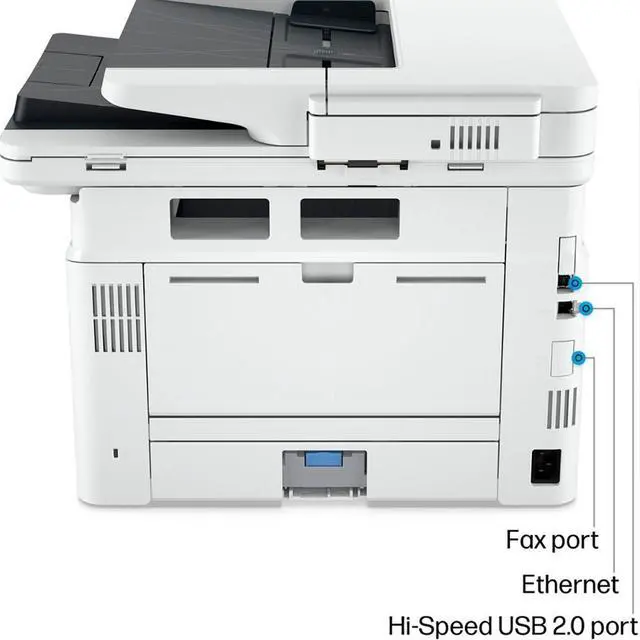
    • In a small office where several people print reports, forms, and other black-and-white documents, the 4101fdw can serve as a shared network printer; routine print jobs can be sent over Wi-Fi or Ethernet.
    • When an office needs to digitize a stack of two-sided paperwork, users can load it into the document feeder and scan both sides in one pass, reducing the need to turn pages manually.
    • For multi-page handouts, proposals, or internal reports, automatic two-sided printing produces duplex copies without requiring users to refeed the paper by hand.
    • When someone needs a quick extra copy of a form or document, the printer can copy from its flatbed or document feeder instead of requiring a separate copier.
    • For a home office or small business that still sends paperwork by fax, users can handle faxing alongside printing, scanning, and copying on the same machine.
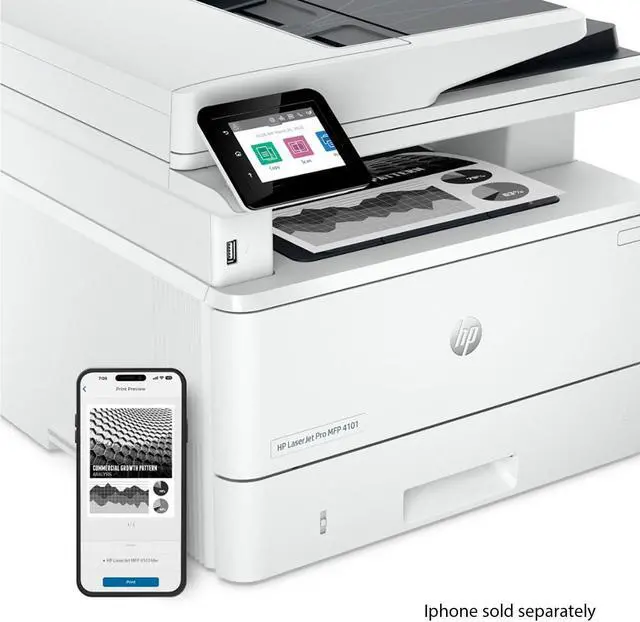
    • When a user wants to print a document from a phone or tablet, wireless and mobile-printing support lets them send the job without first moving it to a computer.