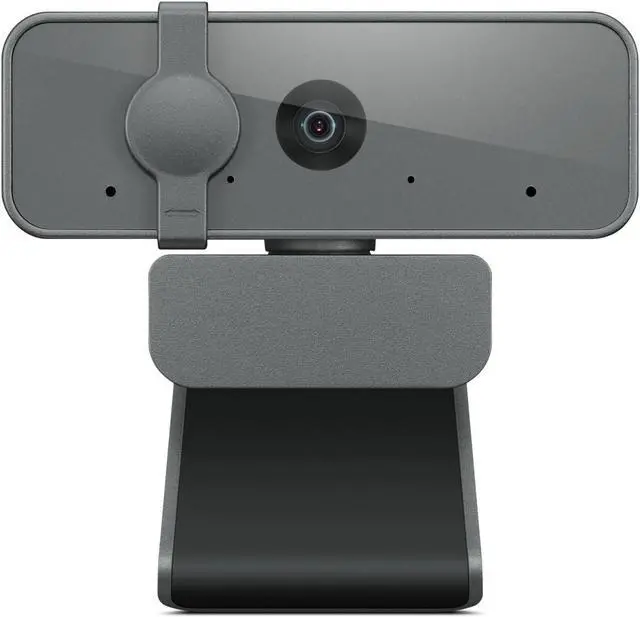
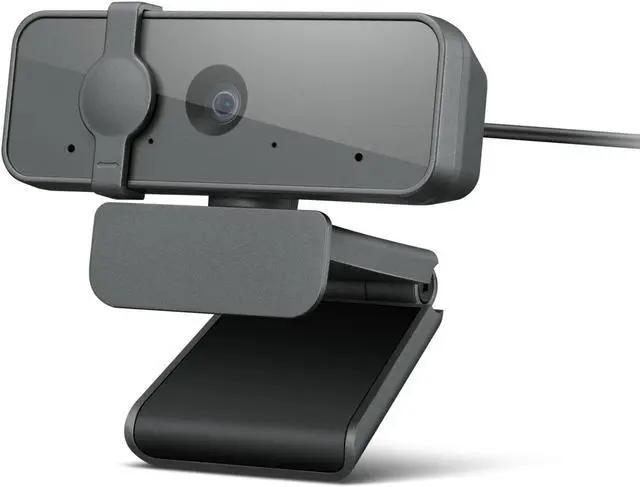
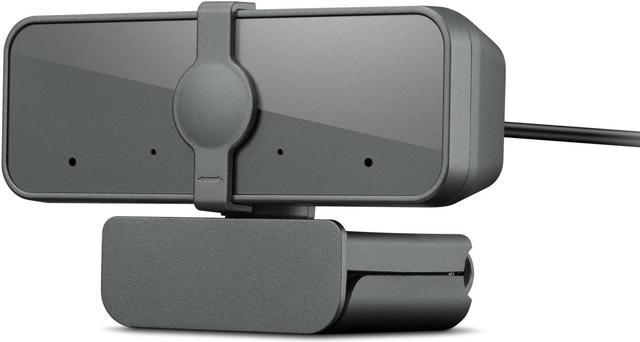
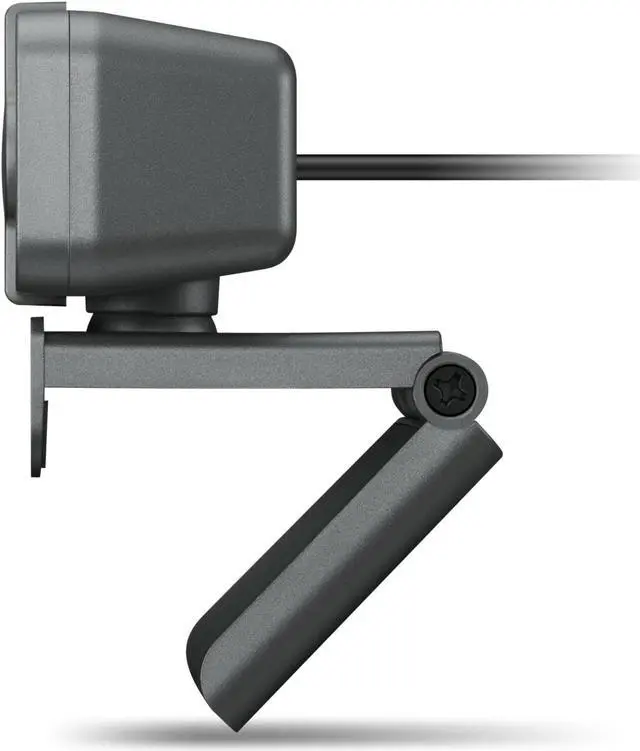
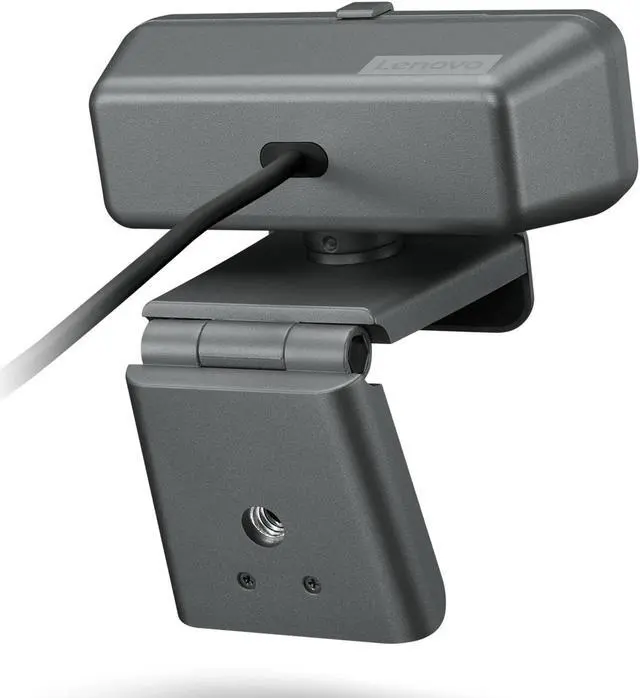
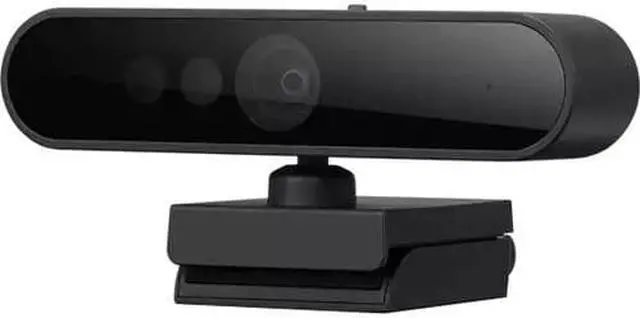
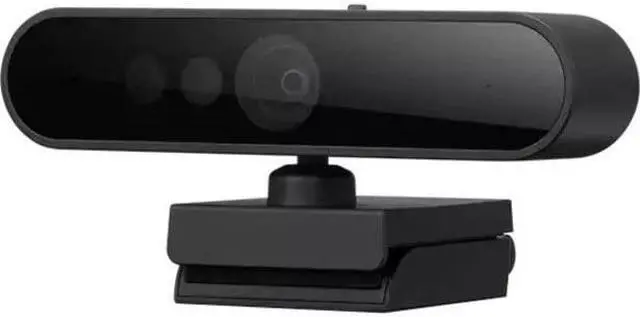
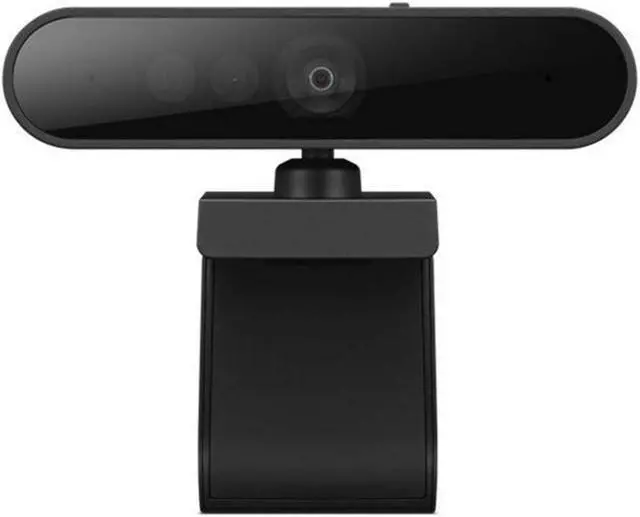
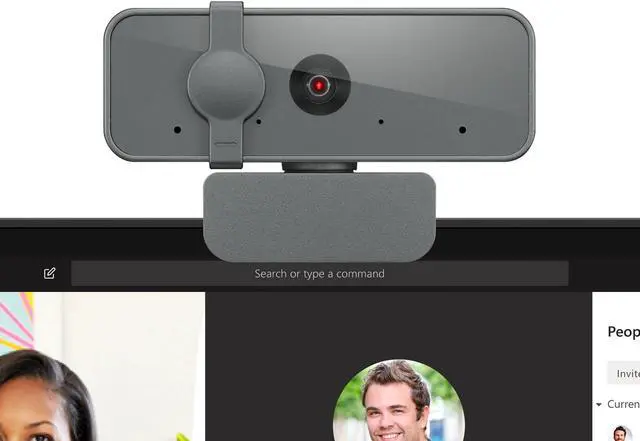
The Lenovo Performance FHD Webcam is a black external webcam for people who want Full HD 1080p video for work calls, online classes, and everyday video chats.
Recommended For
- Remote and hybrid workers who want a dedicated 1080p webcam for regular Teams or other video meetings, especially when their laptop’s built-in camera is poorly positioned or lower resolution.
- Windows users who want a webcam that supports Windows Hello face sign-in alongside video calls; reviews report it working well for some users, though experiences are not uniform.
- Home-office users who keep a webcam mounted on a monitor or tripod and want a wide view for calls that may include more than one person or a broader area of the room.
- People who want a physical privacy shutter and built-in microphones for a straightforward desk-based video-calling setup.
Real-World Use Scenarios
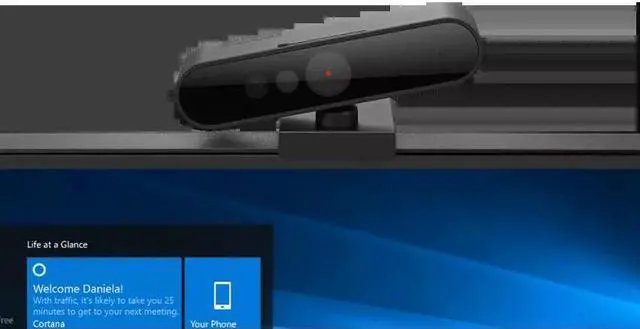
- On a Windows desktop or laptop, use the webcam for Windows Hello face sign-in; a PCWorld review found setup straightforward and logins quick and consistent, including when connected through a dock.
- For regular remote-work video calls, connect it to a desktop or laptop for Full HD video; Lenovo positions it for teleconferencing, and PCWorld describes it as a reliable, basic webcam rather than a feature-rich camera.
- When a laptop’s built-in camera gives an unhelpful angle, clip the webcam to the screen and adjust its pan or tilt to frame yourself for a call; Lenovo lists laptop and monitor mounting plus manual pan/tilt controls.
- For a video call where more of the desk or a few nearby participants need to fit in frame, use the wide-angle view and adjust the camera position; Lenovo specifies a 95° field of view and manual pan/tilt.
- After a meeting, close the built-in privacy shutter to cover the camera when it is not in use; Lenovo lists the shutter as an integrated feature.




 here!

 Hot Seller
 Top Rated