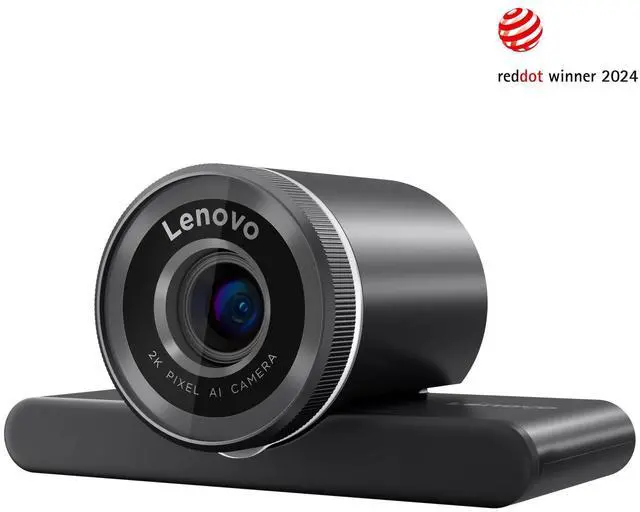
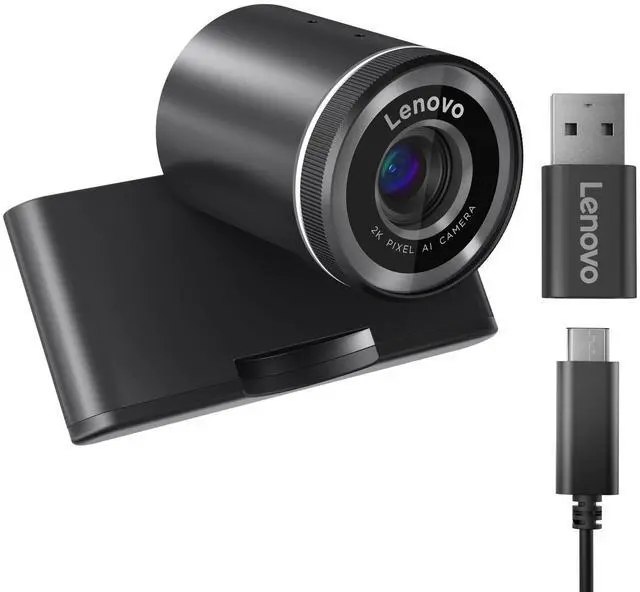
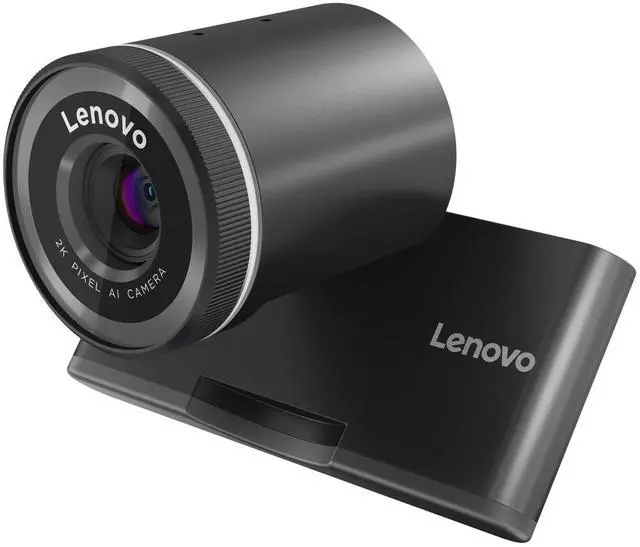
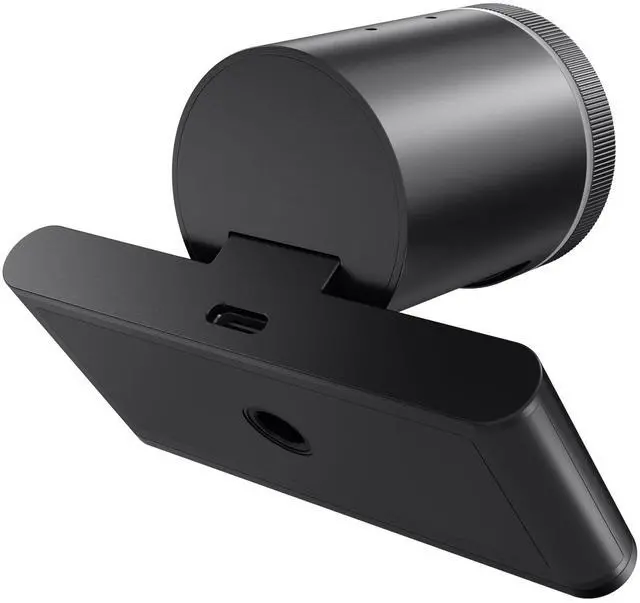
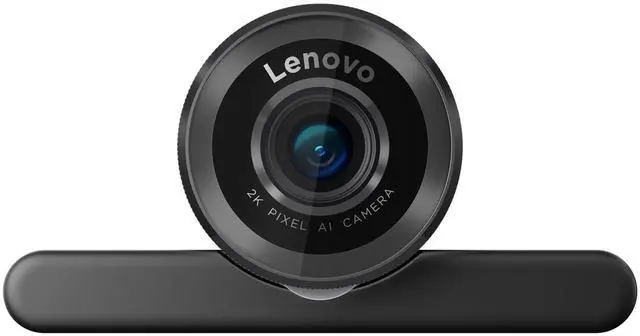
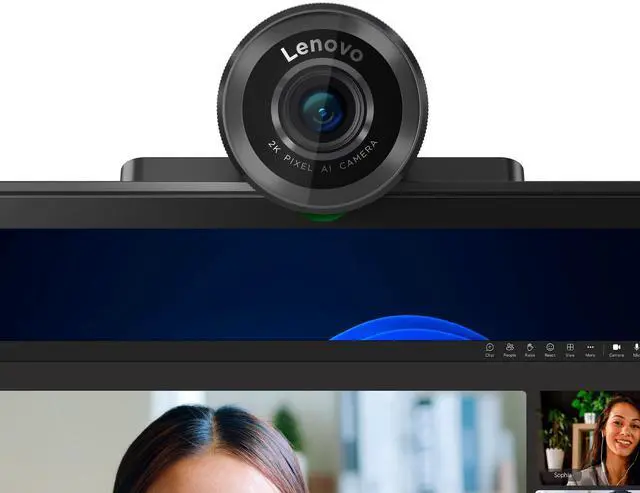
The Lenovo QHD Webcam is a black 2K webcam with AI auto-framing, face exposure and autofocus, and AI noise reduction, making it suitable for professionals who want a clearer, more polished Microsoft Teams meeting experience.
Recommended For
- Remote and hybrid workers who want a sharper-than-FHD image for frequent video calls, with auto-framing and face-focused exposure to help keep them clear and centered.
- Microsoft Teams users looking for a certified webcam for a regular desk-based meeting setup.
- Presenters who shift position or gesture during calls and want auto-framing and autofocus to help keep them in view.
- People taking calls in rooms with changing light who want HDR and automatic light adjustment to help manage exposure.
- Desk-based callers who want a built-in privacy shutter and AI noise reduction for everyday one-to-one meetings.
Real-World Use Scenarios
- For recurring Microsoft Teams meetings from a home or office desk, the webcam provides a dedicated QHD camera with automatic framing and face-focused exposure, helping keep the speaker centered and visible during calls.
- When presenting while shifting position in front of a screen, auto-framing can adjust the view to keep the presenter in frame without manually repositioning the camera.
- For a video call with more than one person near the camera, the selectable wider field of view can include more of the room; a narrower view is available when the user wants less background in frame.
- For calls in a room with uneven lighting, automatic light adjustment and HDR are intended to help the camera handle changing brightness, though results will still depend on the room and lighting.
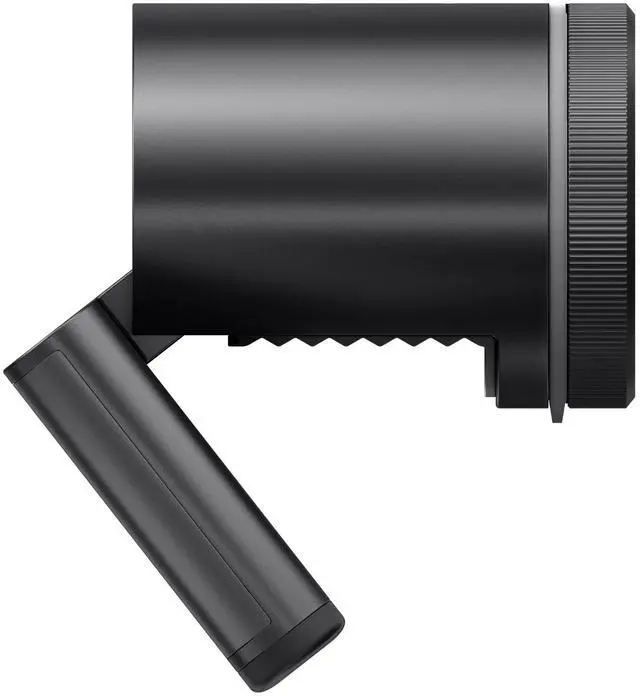
- When the camera is not in use between meetings, the built-in physical privacy shutter lets the user cover the lens without unplugging the webcam.




 here!