






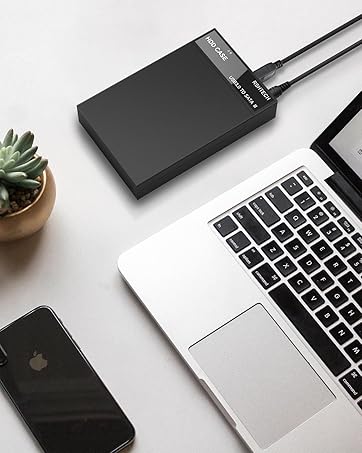
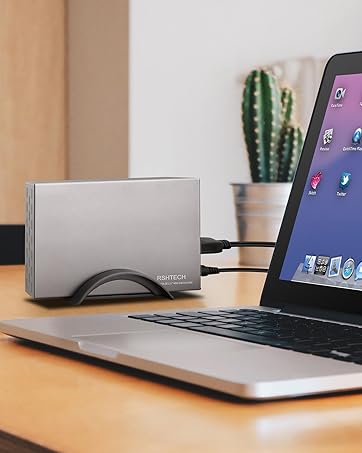
RSHTECH Hard Drive Enclosure [Upgraded Version]

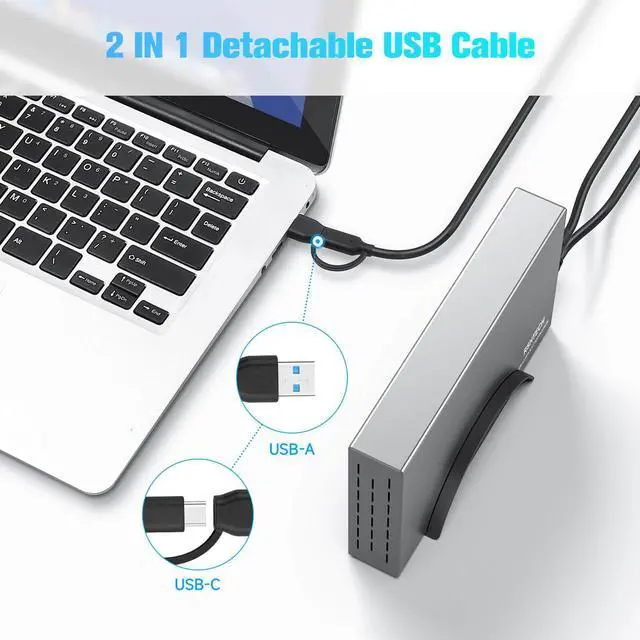
2-IN-1 USB Cable
- Equipped with 2-in-1 connector, is highly compatible with desktops, laptops and more hosts/console with USB-A, USB-C or Thunderbolt ports.
- The 3.3ft detachable USB type-c cable is easy to store and carry.
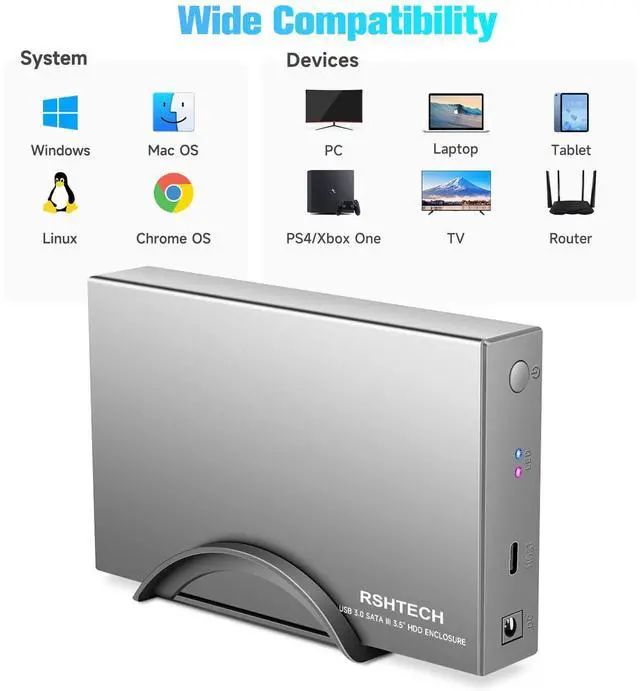
- Hard drive dock is compatible with Windows 11/10/8/7, Mac OS 9/10/11,Linux, Chrome OS, Android.

Ultra-Fast & Stable
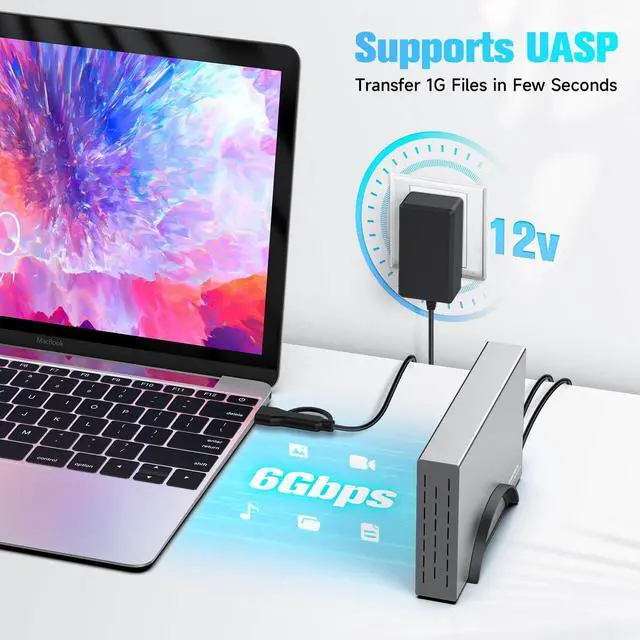
- Supports data transfer up to 5Gbps and UASP up to 6Gbps. (Make sure the device and operating system support the UASP feature)
- Built-in ASM1153E chip, lower power consumption, more stable transmission.
- Features S.M.A.R.T function and allows you to check the status of your HDD or SSD on the host easily.

Smart Hibernation
- After 10 minutes of inactivity, sleep mode is automatically activated, in which the hard disk does not stop completely, it runs at low speed.
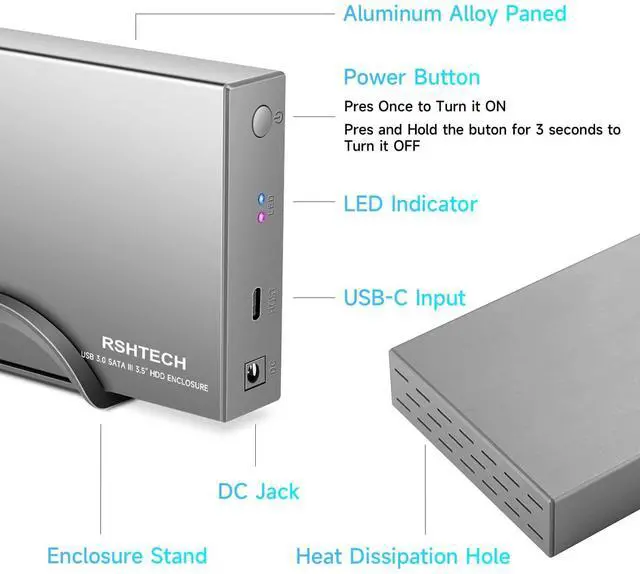
- LED indicators to show power status (Red) and hard drive activity status (Blue).
- Entering the sleep state, the blue LED is switched to the breathing pattern.

Package List
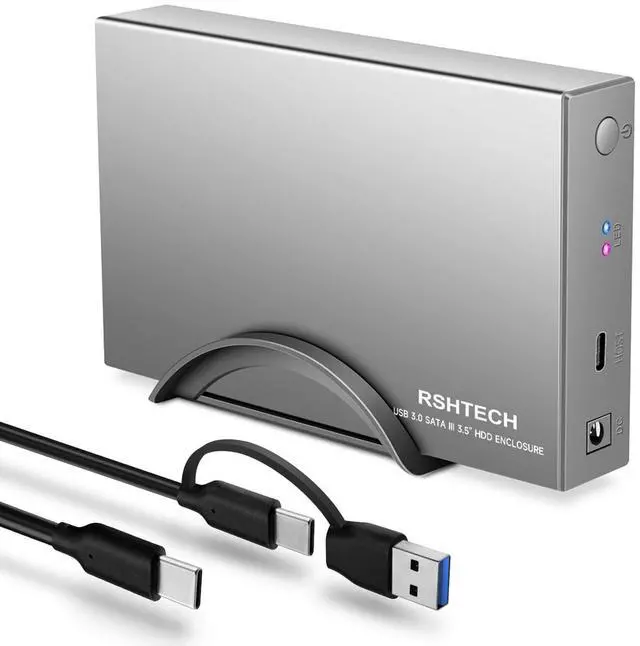
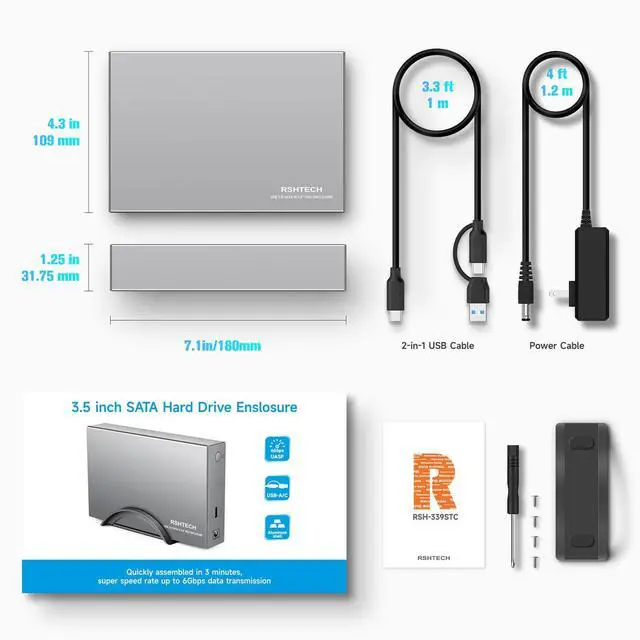
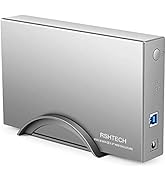
- 1× RSHTECH USB C/USB 3.0 to SATA Hard Drive Enclosure (RSH-339STC)
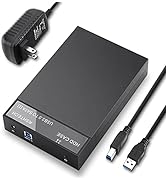
- 1× 12V/2A DC Power Adapter (4ft)
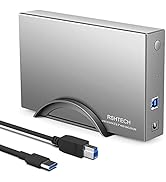
- 1× USB C to USB-A/USB-C Cable (3.3ft)
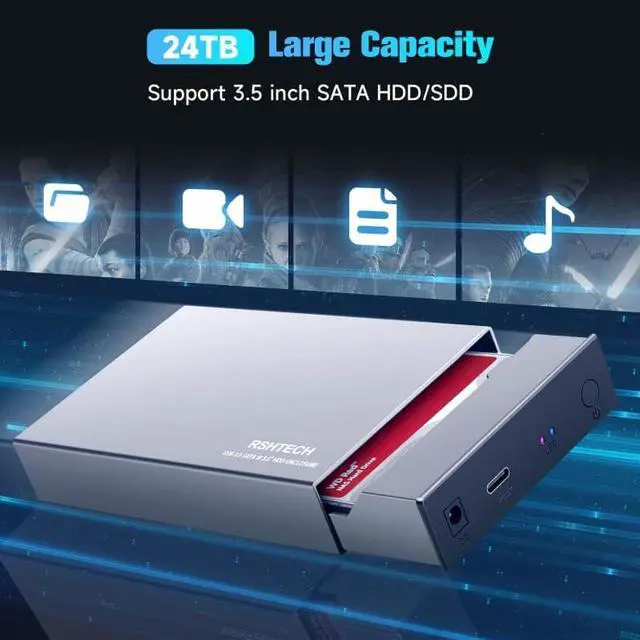
- 1× Bracket+1× Screwdriver and Screws


FAQ
- 1.HDD is not recognized by the Computer
-New or old HDD may not be initialized or formatted(if there is data on the hard drive, please backup it in advance).
-There is unallocated space on the hard drive.
-The hard drive is the right format use GPT format when capacity larger than 2TB.
- 2.Automatic sleep function is abnormal
-The HDD case is connected to a device such as a router and continuously exchanges data, so it does not enter sleep mode.
-Download the firmware update and reinstall it
Note:
- Plug in the power adapter when using the hdd enclosure.
- Always safely eject the hard drive from the system before closing the hard drive enclosure.
RSHTECH Hard Drive Enclosure/Dock
 HDD Dock(RSH-339STC) |  HDD Dock(RSH-339) |  HDD Dock(RSH-319) |  HDD Dock(RSH-DS01C) |  HDD Dock(RSH-DS01) |  HDD Dock(RSH-DS02) |  NVMe Enclosur(RSH-D05P) | |
|---|---|---|---|---|---|---|---|
Customer Reviews | — | — | — | — | — | — | — |
Price | — | — | — | — | — | — | — |
Hard Drive Interface Type | 2.5/3.5 inch SATA I/II/III | 2.5/3.5 inch SATA I/II/III | 2.5/3.5 inch SATA I/II/III | 2.5/3.5 inch SATA I/II/III | 2.5/3.5 inch SATA I/II/III | 2.5/3.5 inch SATA I/II/III | NVMe & SATA M.2 SSDS |
Transfer Speed | 5Gbps(UASP 6Gbps) | 5Gbps(UASP 6Gbps) | 5Gbps(UASP 6Gbps) | 5Gbps(UASP 6Gbps) | 5Gbps(UASP 6Gbps) | 5Gbps(UASP 6Gbps) | 10Gbps |
Cable Type | 3.3ft USB-A/USB-C cable | 3.3ft USB-A cable | 3.3ft USB-A cable | 3.3ft USB-A/USB-C cable | 3.3ft USB-A cable | 3.3ft USB-A cable | 0.82ft(25cm) USB-C cable |
Power Adapter | 24W(12/2A) | 24W(12/2A) | 24W(12/2A) | 36W(12/3A) | 36W(12/3A) | 36W(12/3A) | / |
Hibernation Function | ? | ? | ? | ? | ? | ? | ? |


"Invent and Simplify."
RSHTECH was founded on the idea that it should be easy to use and manage all your computer peripherals through simple products.
At RSHTECH, we are committed to creating products with top-notch functionality and simplicity. We are constantly on the drive to learn, innovate, and always hear from our customers.
Hard Drive Dock
Hard Drive Enclosure
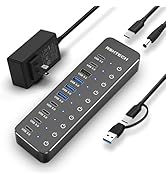
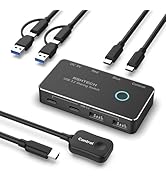
New Series
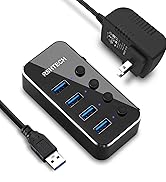
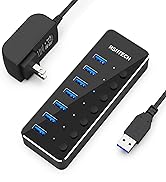
Powered USB 3.0 Hub
Hybrid USB 3.2+3.0 Hub
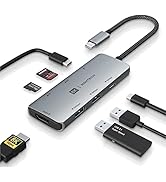
USB C Hub 10Gbps
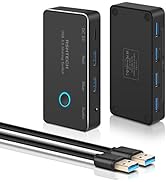
USB Switch

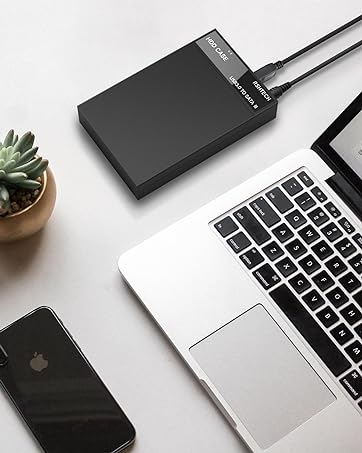
RSHTECH Hard Drive Enclosure [Upgraded Version]
2-IN-1 USB Cable
- Equipped with 2-in-1 connector, is highly compatible with desktops, laptops and more hosts/console with USB-A, USB-C or Thunderbolt ports.
- The 3.3ft detachable USB type-c cable is easy to store and carry.
- Hard drive dock is compatible with Windows 11/10/8/7, Mac OS 9/10/11,Linux, Chrome OS, Android.
Ultra-Fast & Stable
- Supports data transfer up to 5Gbps and UASP up to 6Gbps. (Make sure the device and operating system support the UASP feature)
- Built-in ASM1153E chip, lower power consumption, more stable transmission.
- Features S.M.A.R.T function and allows you to check the status of your HDD or SSD on the host easily.
Smart Hibernation
- After 10 minutes of inactivity, sleep mode is automatically activated, in which the hard disk does not stop completely, it runs at low speed.
- LED indicators to show power status (Red) and hard drive activity status (Blue).
- Entering the sleep state, the blue LED is switched to the breathing pattern.
Package List
- 1× RSHTECH USB C/USB 3.0 to SATA Hard Drive Enclosure (RSH-339STC)
- 1× 12V/2A DC Power Adapter (4ft)
- 1× USB C to USB-A/USB-C Cable (3.3ft)
- 1× Bracket+1× Screwdriver and Screws


FAQ
- 1.HDD is not recognized by the Computer
-New or old HDD may not be initialized or formatted(if there is data on the hard drive, please backup it in advance).
-There is unallocated space on the hard drive.
-The hard drive is the right format use GPT format when capacity larger than 2TB.
- 2.Automatic sleep function is abnormal
-The HDD case is connected to a device such as a router and continuously exchanges data, so it does not enter sleep mode.
-Download the firmware update and reinstall it
Note:
- Plug in the power adapter when using the hdd enclosure.
- Always safely eject the hard drive from the system before closing the hard drive enclosure.
RSHTECH Hard Drive Enclosure/Dock
HDD Dock(RSH-339STC) | HDD Dock(RSH-339) | HDD Dock(RSH-319) | HDD Dock(RSH-DS01C) | HDD Dock(RSH-DS01) | HDD Dock(RSH-DS02) | NVMe Enclosur(RSH-D05P) |
|---|---|---|---|---|---|---|
| Customer Reviews | ||||||
| — | — | — | — | — | — | — |
| Price | ||||||
| — | — | — | — | — | — | — |
| Hard Drive Interface Type | ||||||
| 2.5/3.5 inch SATA I/II/III | 2.5/3.5 inch SATA I/II/III | 2.5/3.5 inch SATA I/II/III | 2.5/3.5 inch SATA I/II/III | 2.5/3.5 inch SATA I/II/III | 2.5/3.5 inch SATA I/II/III | NVMe & SATA M.2 SSDS |
| Transfer Speed | ||||||
| 5Gbps(UASP 6Gbps) | 5Gbps(UASP 6Gbps) | 5Gbps(UASP 6Gbps) | 5Gbps(UASP 6Gbps) | 5Gbps(UASP 6Gbps) | 5Gbps(UASP 6Gbps) | 10Gbps |
| Cable Type | ||||||
| 3.3ft USB-A/USB-C cable | 3.3ft USB-A cable | 3.3ft USB-A cable | 3.3ft USB-A/USB-C cable | 3.3ft USB-A cable | 3.3ft USB-A cable | 0.82ft(25cm) USB-C cable |
| Power Adapter | ||||||
| 24W(12/2A) | 24W(12/2A) | 24W(12/2A) | 36W(12/3A) | 36W(12/3A) | 36W(12/3A) | / |
| Hibernation Function | ||||||
| ? | ? | ? | ? | ? | ? | ? |

"Invent and Simplify."
RSHTECH was founded on the idea that it should be easy to use and manage all your computer peripherals through simple products.
At RSHTECH, we are committed to creating products with top-notch functionality and simplicity. We are constantly on the drive to learn, innovate, and always hear from our customers.
Hard Drive Dock
Hard Drive Enclosure
New Series
Powered USB 3.0 Hub
Hybrid USB 3.2+3.0 Hub
USB C Hub 10Gbps
USB Switch
