







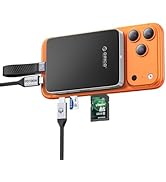
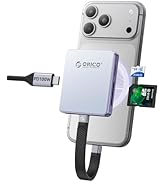
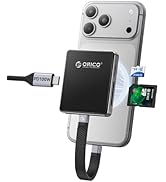
Magsafe Series for iPhone17PRO
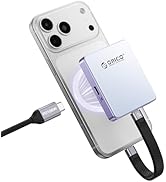
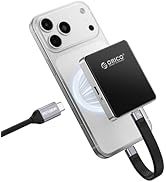
Magsafe M.2 NVMe SSD 2230/2242
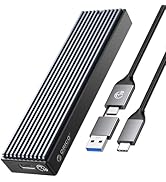
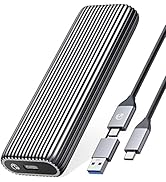
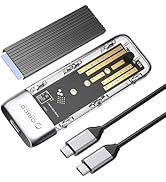
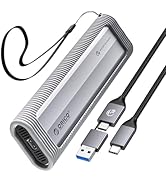
???????????? NVMe Enclosure
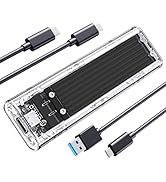
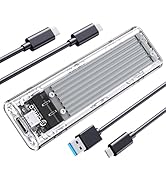
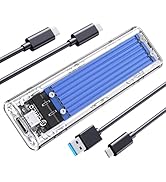
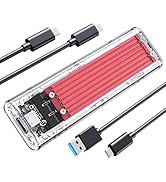
Transparent M.2 Enclosure
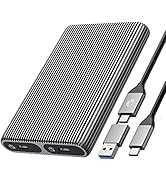
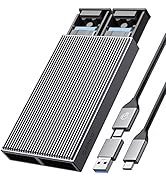
???????? ?????? M.2 Enclosure
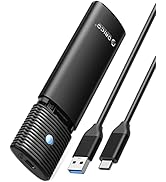
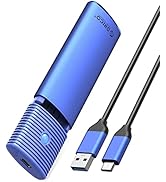
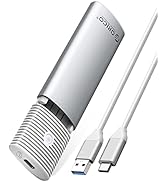
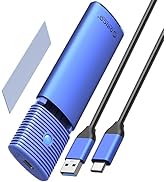
NVMe & SATA M.2 Enclosure
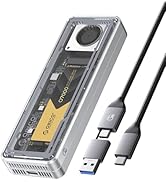
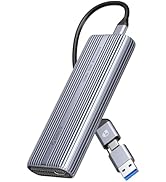
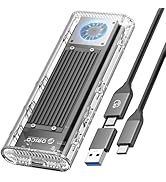
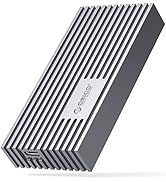
4?????????? NVMe Enclosure
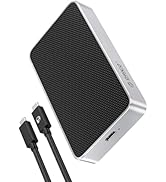
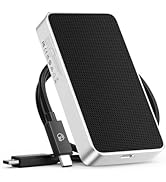
8?????????? NVMe Enclosure
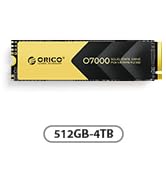
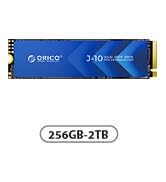
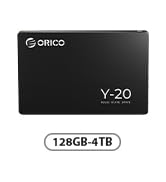
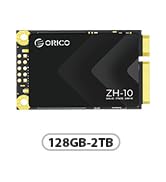
ORICO SSD Series 500-7000MB/s
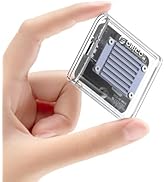
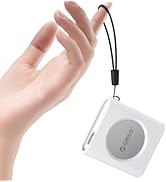
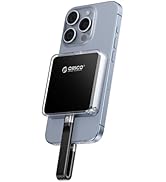
???????? M.2 NVMe SSD


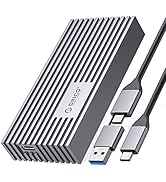
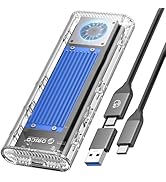
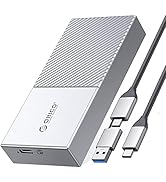
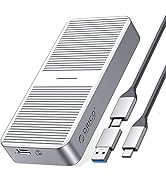
???????????? NVMe Enclosure
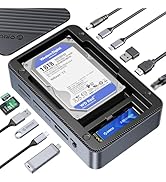
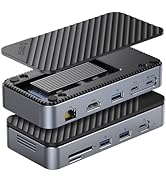
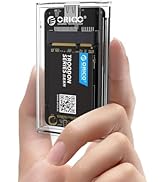
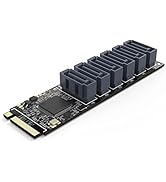
More Featured Products


Why is my drive not recognized by macOS or Windows when using the M.2 enclosure?
If your drive is not recognized by mac OS or Windows when using the M.2 SSD enclosure, please check the following:
- New SSD formatting required: A brand-new SSD must be initialized and formatted before it can be recognized by the operating system. Use Disk Management on Windows or Disk Utility on macOS to perform this process.
- File system compatibility: Ensure your drive is formatted with a file system supported by the target operating system:Windows: NTFS or exFAT is recommended / macOS: APFS or HFS+ is recommended Drives with unsupported file systems may not appear in the operating system.
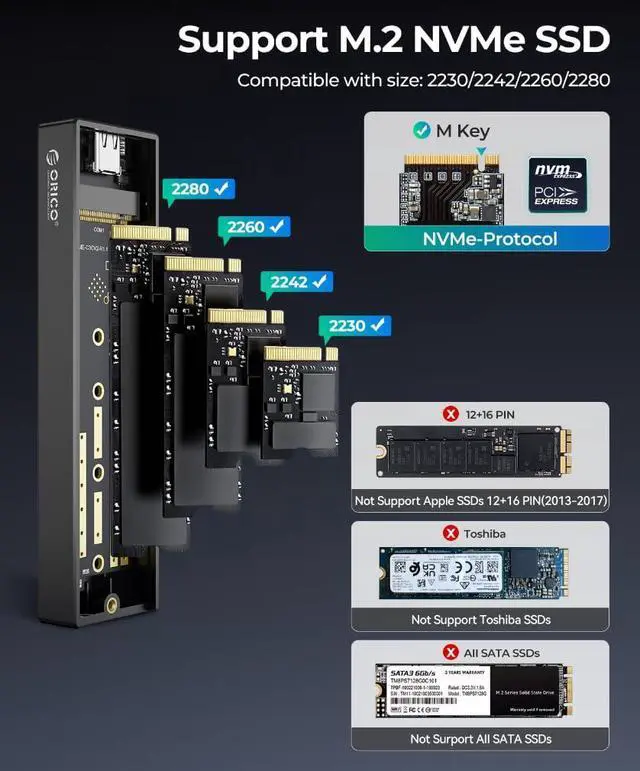
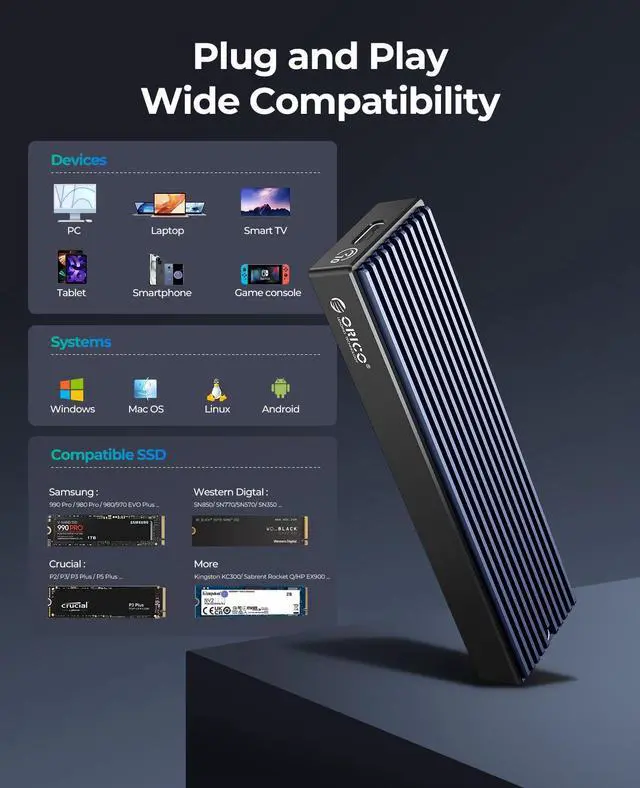
- M.2 SSD Protocol compatibility: This enclosure supports only NVMe SSDs. Ensure that your drive is an NVMe SSD, as the enclosure will not work with SATA-based M.2 SSDs.
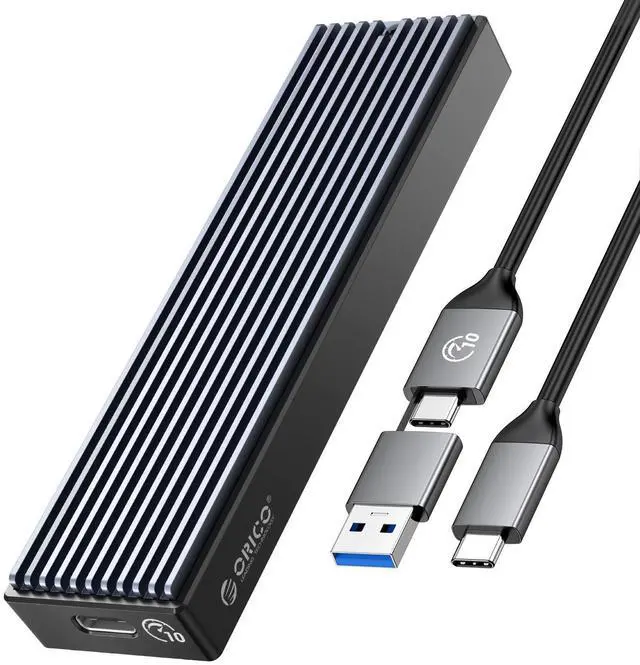
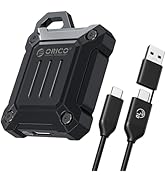
- UPGRADED CABLE DESIGN: To provide ultimate convenience, this NVMe enclosure now may come with an ALL-NEW 2-in1 data cable (USB-C to C + USB-C to A) instead of two separate cables. You will receive one of them randomly, both support high-speed data transfer and charging
If the drive remains unrecognized after these steps, our support team is ready to help you get the drive working.


Remember: It will NOT Compatible with: SATA SSDs (B+M Key) or Apple Proprietary SSDs


Why is my drive not recognized by macOS or Windows when using the M.2 enclosure?
If your drive is not recognized by mac OS or Windows when using the M.2 SSD enclosure, please check the following:
- New SSD formatting required: A brand-new SSD must be initialized and formatted before it can be recognized by the operating system. Use Disk Management on Windows or Disk Utility on macOS to perform this process.
- File system compatibility: Ensure your drive is formatted with a file system supported by the target operating system:Windows: NTFS or exFAT is recommended / macOS: APFS or HFS+ is recommended Drives with unsupported file systems may not appear in the operating system.
- M.2 SSD Protocol compatibility: This enclosure supports only NVMe SSDs. Ensure that your drive is an NVMe SSD, as the enclosure will not work with SATA-based M.2 SSDs.
- UPGRADED CABLE DESIGN: To provide ultimate convenience, this NVMe enclosure now may come with an ALL-NEW 2-in1 data cable (USB-C to C + USB-C to A) instead of two separate cables. You will receive one of them randomly, both support high-speed data transfer and charging
If the drive remains unrecognized after these steps, our support team is ready to help you get the drive working.
Magsafe Series for iPhone17PRO
Magsafe M.2 NVMe SSD 2230/2242
???????????? NVMe Enclosure
Transparent M.2 Enclosure
???????? ?????? M.2 Enclosure
NVMe & SATA M.2 Enclosure
4?????????? NVMe Enclosure
8?????????? NVMe Enclosure
ORICO SSD Series 500-7000MB/s
???????? M.2 NVMe SSD
???????????? NVMe Enclosure
More Featured Products