




 here!
here!
I’m your shopping assistant for PC builds, upgrades, and everything tech.
Got questions? Ask away!
Start a conversation
here!
I’m your shopping assistant for PC builds, upgrades, and everything tech.
Got questions? Ask away!
Start a conversation




Any questions? Ask CelesteSM will help you find out quickly.


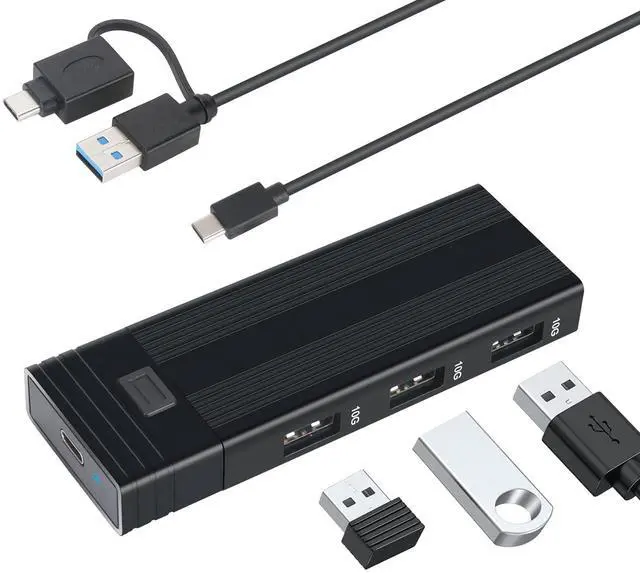
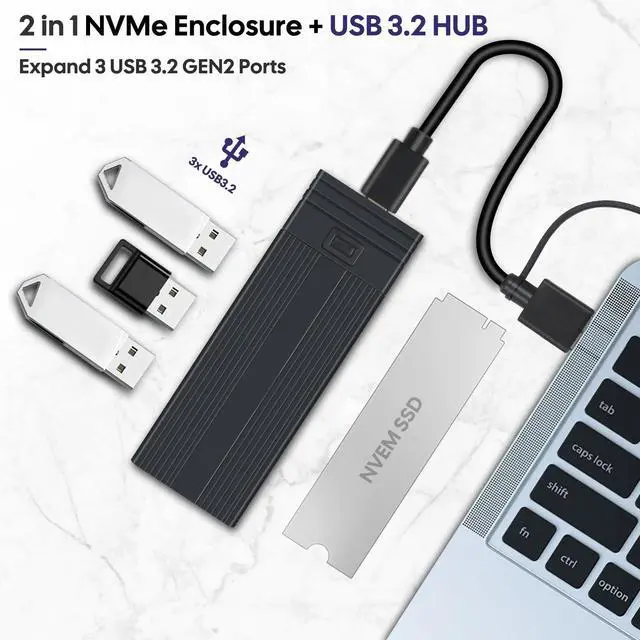
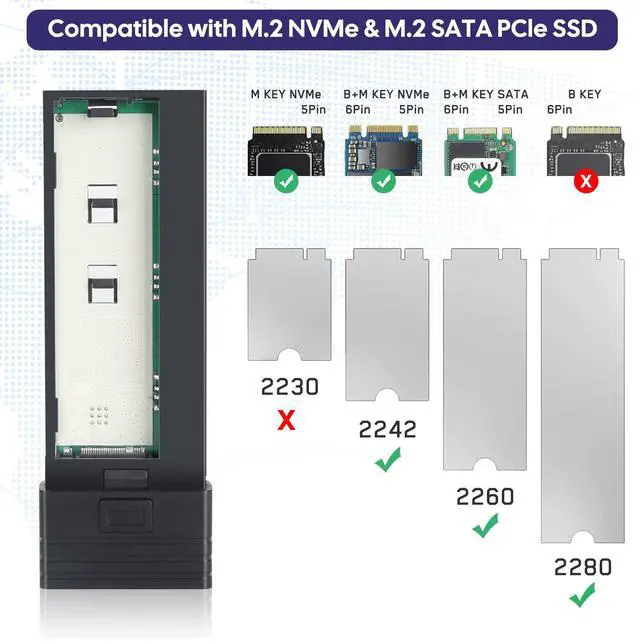
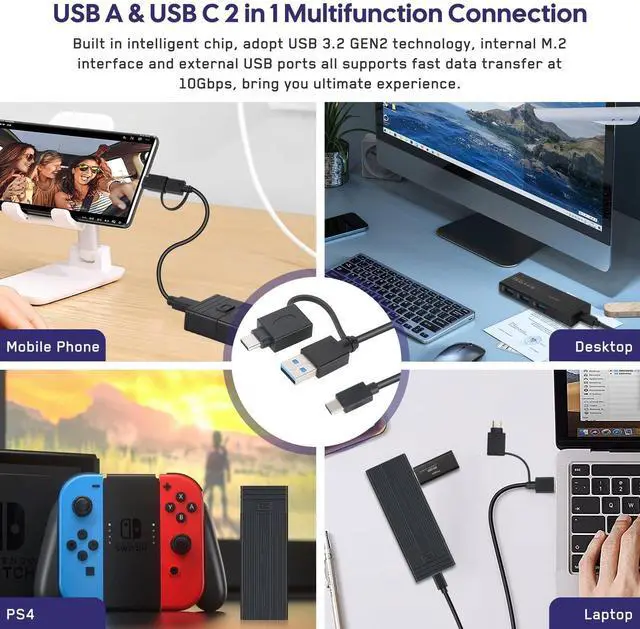
The M.2 NVMe SSD Enclosure Adapter can connect USB-A computer and USB type-C mobile phone, which is easy to read of larging files and quick to backup of photos, moives and etc

We Adopts high performance circuitVL822 and RTL9210B chip Chipset built-in short-circuit, over-current, and multiple protections to ensure the safety of your SSD and data

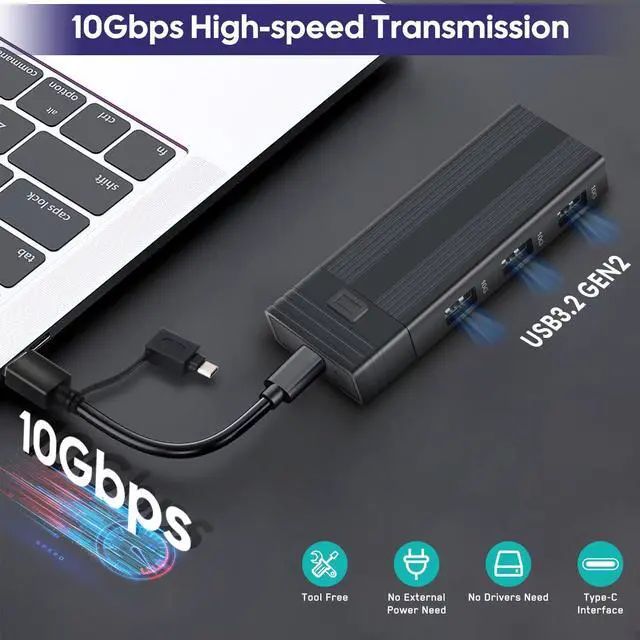
The USB C 3.2 Gen 2 supports fast data transfer of 10 Gbit/s and allows you to transfer surprisingly fast in seconds.

Attention:
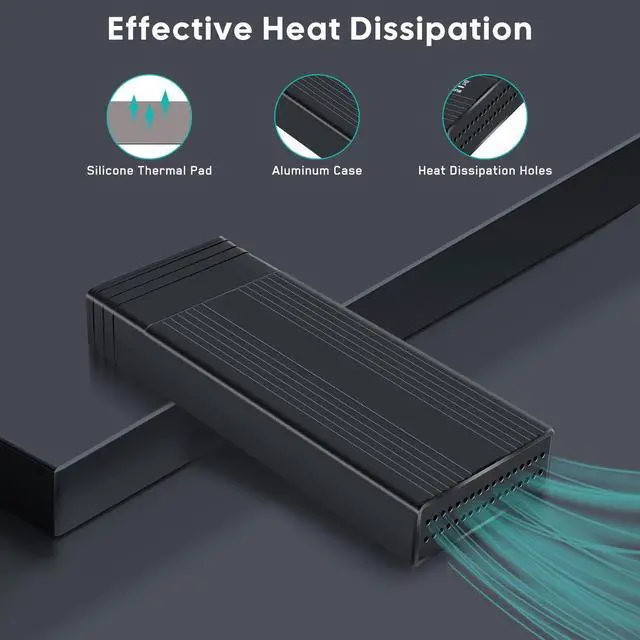
4. Due to the transmission speed is extreme fast for nvme ssd, the temperature is relatively higher than USB3.0 HDD, but beause of our unique product design, the whole SSD case can be worked as the thermal pad, it can repidly dissipate the heat and protect the SSD. Please let us know and we will reply asap and give you a happy solution.
5. According to the New USB-IF standard, the USB 3.2 specification replaces the USB3.0 USB3.1 specification and it introduced a new nomenclature, the USB 3.2 specification absorbed all prior USB 3.0/3.1 specifications, So, our 10Gbps USB C NVME SSD Enclosure, we can say USB3.1 Gen 2 or USB3.2 Gen 2(Old Nomenclature /New Nomenclature)
USB 3.2 New Nomenclature:
1. USB3.2 Gen 1 = USB3.1 Gen 1 , Product transfer rate is up to 5Gbps, Marketing name: SuperSpeed USB
2. USB3.2 Gen 2 = USB3.1 Gen 2 , Product transfer rate is up to 10Gbps, Marketing name: SuperSpeed USB 10Gbps
3. USB3.2 Gen 2X2, Product transfer rate is up to 20Gbps, Marketing name: SuperSpeed USB 20Gbps


About Us
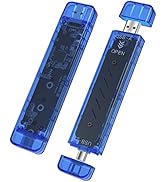
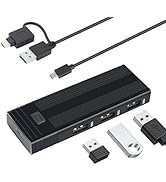
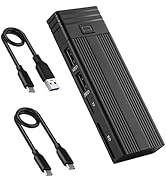
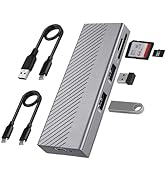
The M.2 NVMe SSD Enclosure Adapter can connect USB-A computer and USB type-C mobile phone, which is easy to read of larging files and quick to backup of photos, moives and etc
We Adopts high performance circuitVL822 and RTL9210B chip Chipset built-in short-circuit, over-current, and multiple protections to ensure the safety of your SSD and data
The USB C 3.2 Gen 2 supports fast data transfer of 10 Gbit/s and allows you to transfer surprisingly fast in seconds.
Attention:
4. Due to the transmission speed is extreme fast for nvme ssd, the temperature is relatively higher than USB3.0 HDD, but beause of our unique product design, the whole SSD case can be worked as the thermal pad, it can repidly dissipate the heat and protect the SSD. Please let us know and we will reply asap and give you a happy solution.
5. According to the New USB-IF standard, the USB 3.2 specification replaces the USB3.0 USB3.1 specification and it introduced a new nomenclature, the USB 3.2 specification absorbed all prior USB 3.0/3.1 specifications, So, our 10Gbps USB C NVME SSD Enclosure, we can say USB3.1 Gen 2 or USB3.2 Gen 2(Old Nomenclature /New Nomenclature)
USB 3.2 New Nomenclature:
1. USB3.2 Gen 1 = USB3.1 Gen 1 , Product transfer rate is up to 5Gbps, Marketing name: SuperSpeed USB
2. USB3.2 Gen 2 = USB3.1 Gen 2 , Product transfer rate is up to 10Gbps, Marketing name: SuperSpeed USB 10Gbps
3. USB3.2 Gen 2X2, Product transfer rate is up to 20Gbps, Marketing name: SuperSpeed USB 20Gbps
About Us


