






Discover the perfect electronics that elevate your lifestyle and exceed your expectations at ikuai.

At ikuai, we tackle tech clutter and data management issues, providing solutions that streamline and simplify your tech experience.
We take pride in designing products that enhance users' tech setups, ensuring reliable performance and adding joy and efficiency to everyday tech use.
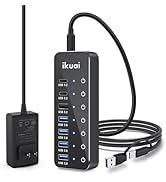
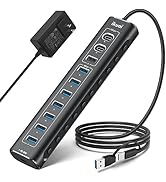
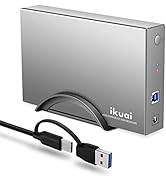
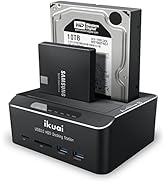
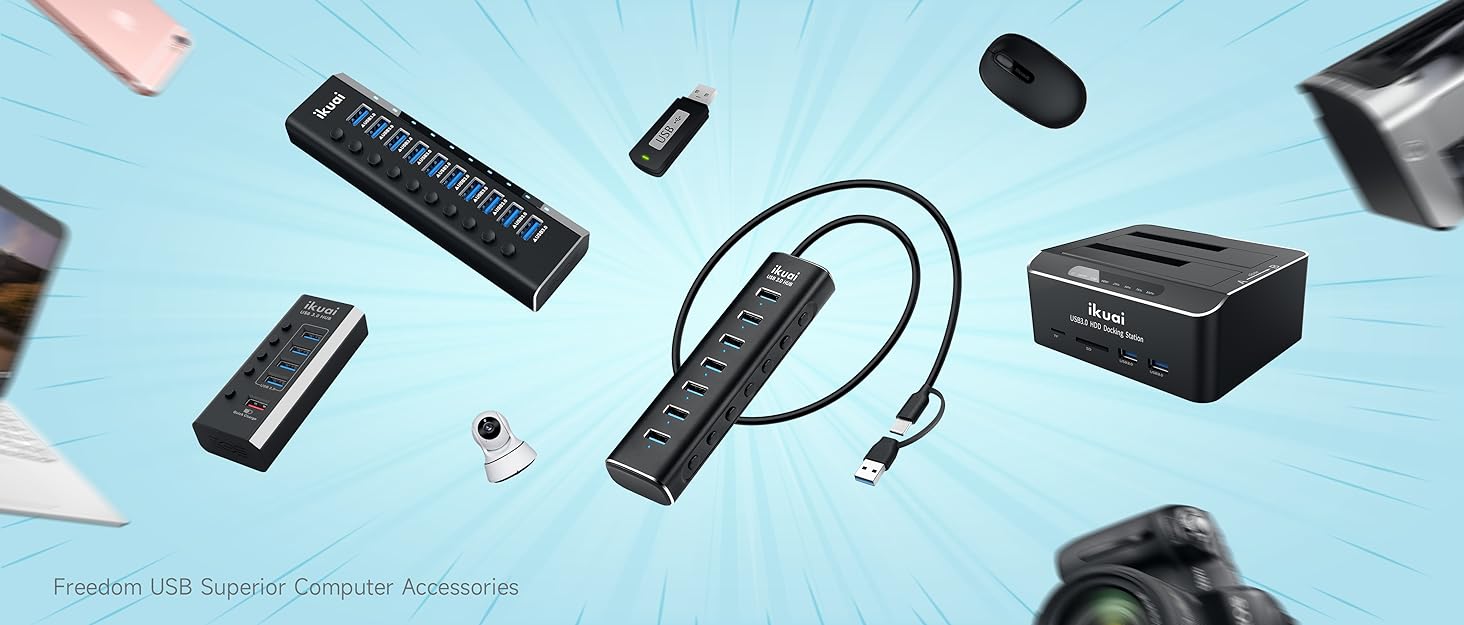
Top Computer Accessory Picks

Exceptional Customer Care
We are here to ensure your needs are met and queries are addressed promptly.


Offline Cloning
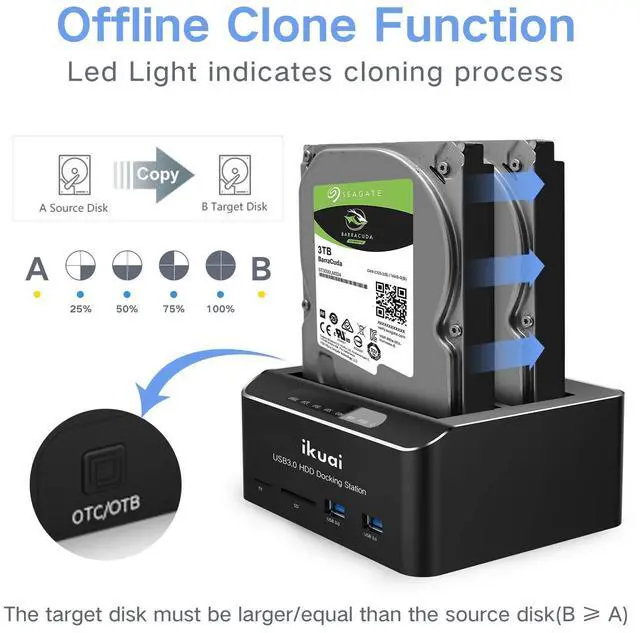
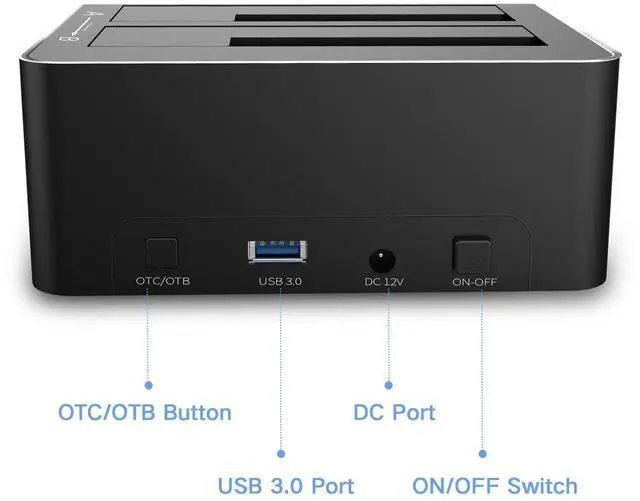
- Press the OTC/OTB button at the back of the docking station to start copy data from A disk to B disk automatically.
- Make sure that the USB cable is disconnected from any computer during the cloning.
- The target disk must be larger/egual than the source disk
- Offline cloning function is NOT applicable for SD/Micro SD ports and USB 3.0 ports.
Notes
- Please backup files before cloning. Any files in the target hard drive will be overwritten when offline cloning occurs.
- The offline clone function cannot be processed if there are bad sectors or tracks on the hard disk.
- Do not try to remove your HDD or SSD device while it is active. Please power off the docking station before removing it.
- Please "eject" the drives before removing and to avoid switching drives rapidly.

Multi-function Docking Station
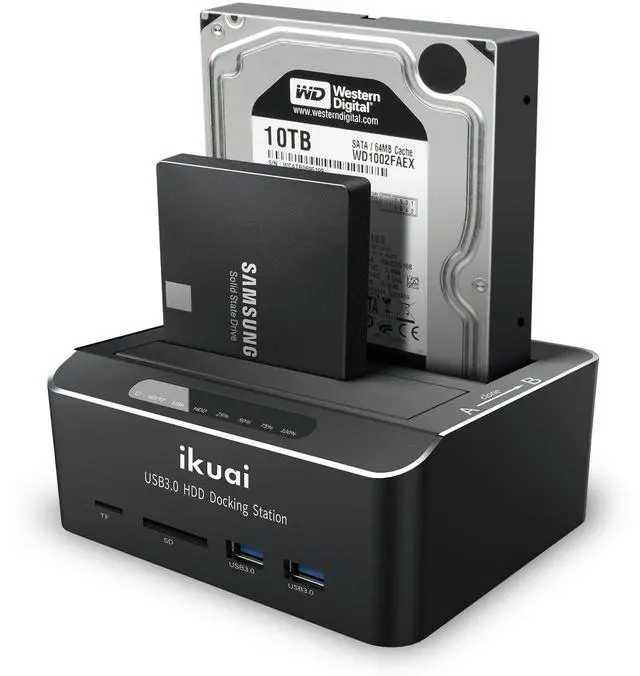
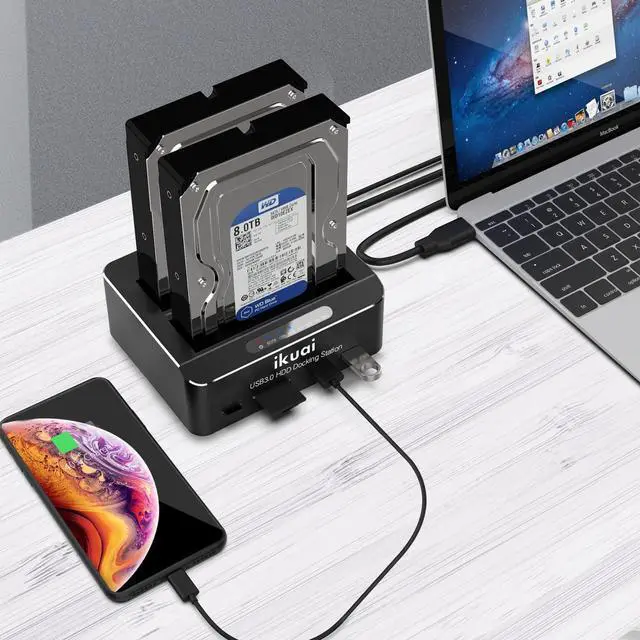
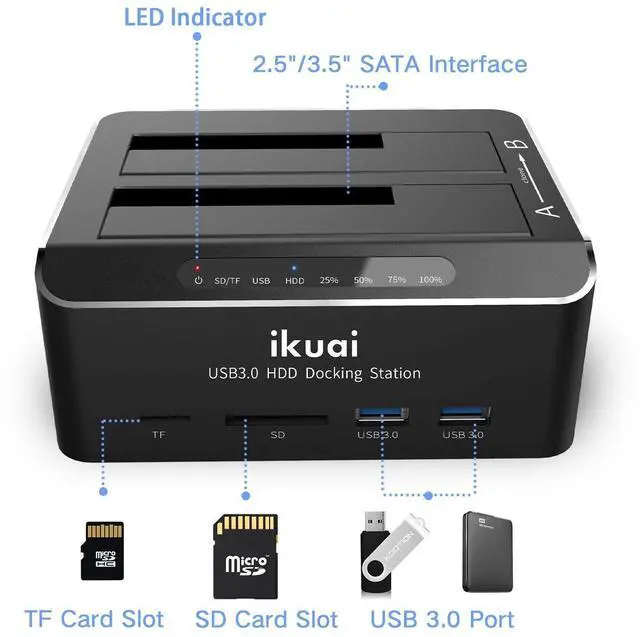
- 4-in-1 function, including storage, clone, USB hub, and card reader.
Please insert the SD/TF card in the direction shown in the picture.
- 2 USB 3.0 port and 2 micro SD card (supports up to 128GB), Plug and Play, easily transferring high-resolution images and video recordings.
Auto-Sleep Function
- Entering sleep mode automatically after 10 minutes of inactivity conserves power and prevents overheating.

USB 3.0 Superspeed
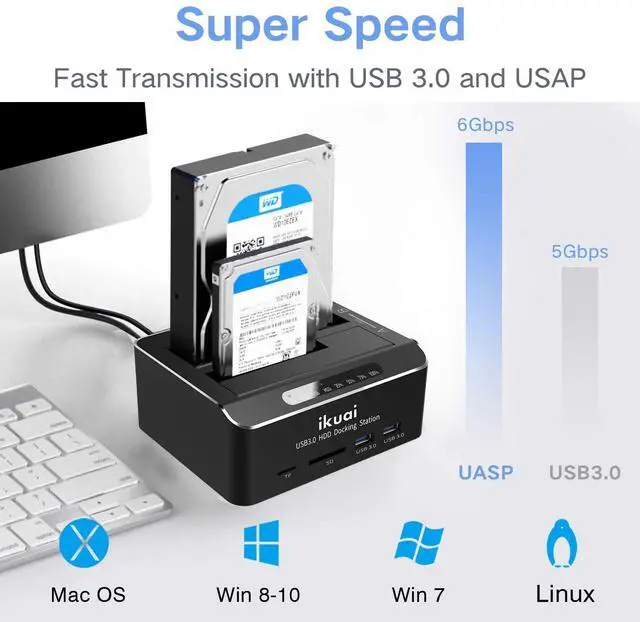
- This USB 3.0 hard drive docking station supports UASP protocol. The transmission rate up to 6Gbps.(Please confirm whether your computer supports the UASP Protocol or not first)
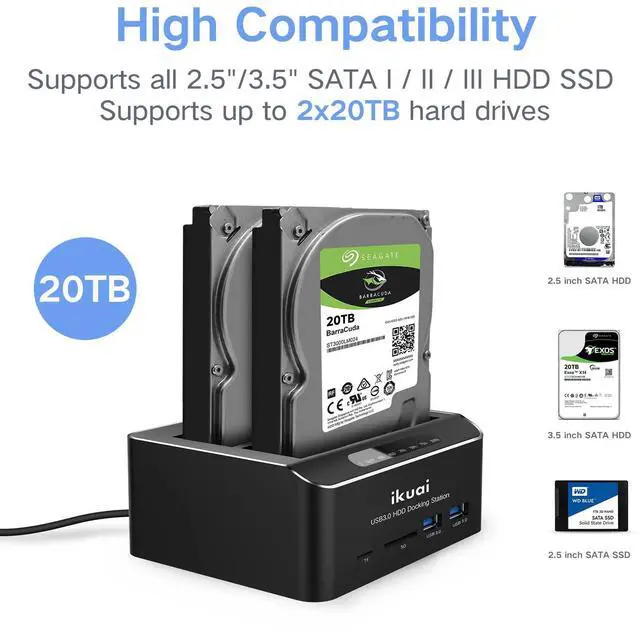
- Support 20TB hard drive for 2.5" & 3.5" SATA HDD / SSD
- Supported OS: Win 10/8/7, VISTA, XP, Mac OS, Linux 9 or above

SATA Interface
Supports SATA hard drive only
[FAQ]
HDD is not recognized by the Computer
- New or old HDD may not be initialized(if there is data on the hard drive, please backup it in advance)
- There is unallocated space on the hard drive

Package contents
1 x Dual Bay SATA Hard Drive Dock
1 x 12V/3A DC Power Adapter (AC 100-240V Input)
1 x USB A to A Cable
1 x User Manual
 Multiport Dual Bay Hard Drive Dock |  3.5" SATA HDD Enclosure |  32ft USB Extension Cable |  7 Port Powered USB 3.0 /USB C Hub |  10-Port Powered USB C Hub | |
|---|---|---|---|---|---|
| Customer Reviews | — | — | — | — | — |
| Price | — | — | — | — | — |
| Transfer Speed Up to | 6Gbps | 6Gbps | 5Gbps | 5Gbps | 10Gbps |
| Supported | USB 3.0/UASP | USB 3.0/UASP | USB 3.0 | USB 3.0 | USB 3.2 |
| Power Adapter | 12V/3A | 12V/2A | 5V/2A | 12V/2A | 12V/5A |
| Connector to Host Type | USB A | USB-A & USB-C | USB A | USB-A & USB-C | USB-A & USB-C |
| Number of SATA Slot | 2 | 1 | no data | no data | no data |
| Micro SD Slots | ? | no data | no data | no data | no data |
| Material | Aluminum+ABS | Aluminum+ABS | PVC | Aluminum+ABS | Aluminum+ABS |
Offline Cloning
- Press the OTC/OTB button at the back of the docking station to start copy data from A disk to B disk automatically.
- Make sure that the USB cable is disconnected from any computer during the cloning.
- The target disk must be larger/egual than the source disk
- Offline cloning function is NOT applicable for SD/Micro SD ports and USB 3.0 ports.
Notes
- Please backup files before cloning. Any files in the target hard drive will be overwritten when offline cloning occurs.
- The offline clone function cannot be processed if there are bad sectors or tracks on the hard disk.
- Do not try to remove your HDD or SSD device while it is active. Please power off the docking station before removing it.
- Please "eject" the drives before removing and to avoid switching drives rapidly.
Multi-function Docking Station
- 4-in-1 function, including storage, clone, USB hub, and card reader.
Please insert the SD/TF card in the direction shown in the picture.
- 2 USB 3.0 port and 2 micro SD card (supports up to 128GB), Plug and Play, easily transferring high-resolution images and video recordings.
Auto-Sleep Function
- Entering sleep mode automatically after 10 minutes of inactivity conserves power and prevents overheating.

USB 3.0 Superspeed
- This USB 3.0 hard drive docking station supports UASP protocol. The transmission rate up to 6Gbps.(Please confirm whether your computer supports the UASP Protocol or not first)
- Support 20TB hard drive for 2.5" & 3.5" SATA HDD / SSD
- Supported OS: Win 10/8/7, VISTA, XP, Mac OS, Linux 9 or above
SATA Interface
Supports SATA hard drive only
[FAQ]
HDD is not recognized by the Computer
- New or old HDD may not be initialized(if there is data on the hard drive, please backup it in advance)
- There is unallocated space on the hard drive
Package contents
1 x Dual Bay SATA Hard Drive Dock
1 x 12V/3A DC Power Adapter (AC 100-240V Input)
1 x USB A to A Cable
1 x User Manual
Multiport Dual Bay Hard Drive Dock | 3.5" SATA HDD Enclosure | 32ft USB Extension Cable | 7 Port Powered USB 3.0 /USB C Hub | 10-Port Powered USB C Hub | |
|---|---|---|---|---|---|
| Customer Reviews | — | — | — | — | — |
| Price | — | — | — | — | — |
| Transfer Speed Up to | 6Gbps | 6Gbps | 5Gbps | 5Gbps | 10Gbps |
| Supported | USB 3.0/UASP | USB 3.0/UASP | USB 3.0 | USB 3.0 | USB 3.2 |
| Power Adapter | 12V/3A | 12V/2A | 5V/2A | 12V/2A | 12V/5A |
| Connector to Host Type | USB A | USB-A & USB-C | USB A | USB-A & USB-C | USB-A & USB-C |
| Number of SATA Slot | 2 | 1 | no data | no data | no data |
| Micro SD Slots | ? | no data | no data | no data | no data |
| Material | Aluminum+ABS | Aluminum+ABS | PVC | Aluminum+ABS | Aluminum+ABS |
Discover the perfect electronics that elevate your lifestyle and exceed your expectations at ikuai.

At ikuai, we tackle tech clutter and data management issues, providing solutions that streamline and simplify your tech experience.
We take pride in designing products that enhance users' tech setups, ensuring reliable performance and adding joy and efficiency to everyday tech use.
Top Computer Accessory Picks

Exceptional Customer Care
We are here to ensure your needs are met and queries are addressed promptly.
