






Important Notice for MacBook Users
Before purchasing, please ensure compatibility and proper setup by reading the following carefully:
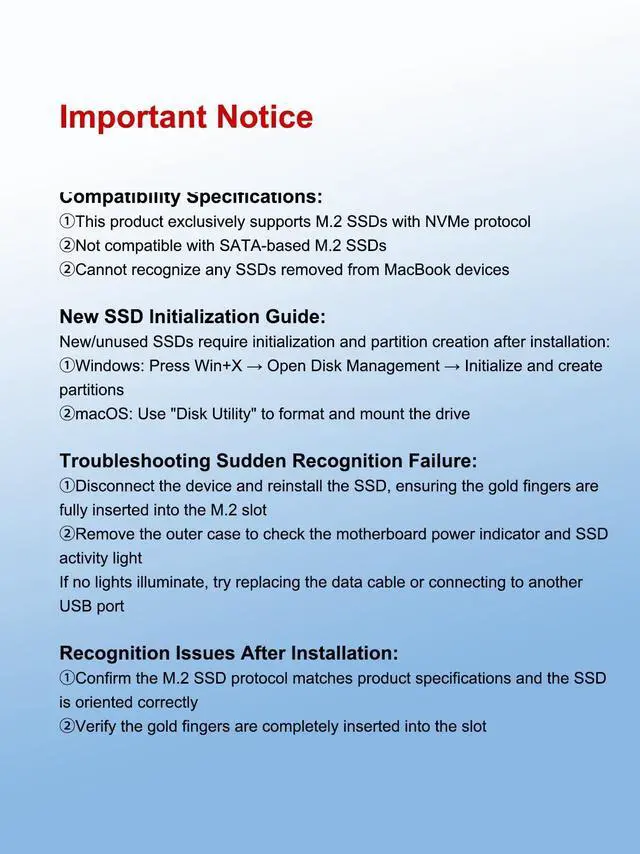
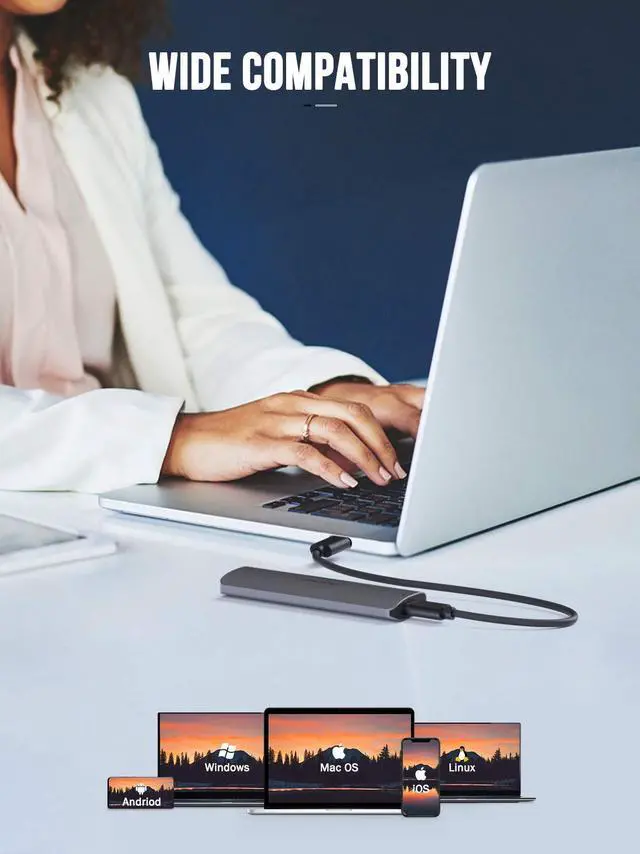
- Not compatible with Apple SSDs: Our product does not support original SSDs removed from any MacBook, regardless of model or year. These Apple internal drives cannot be recognized.
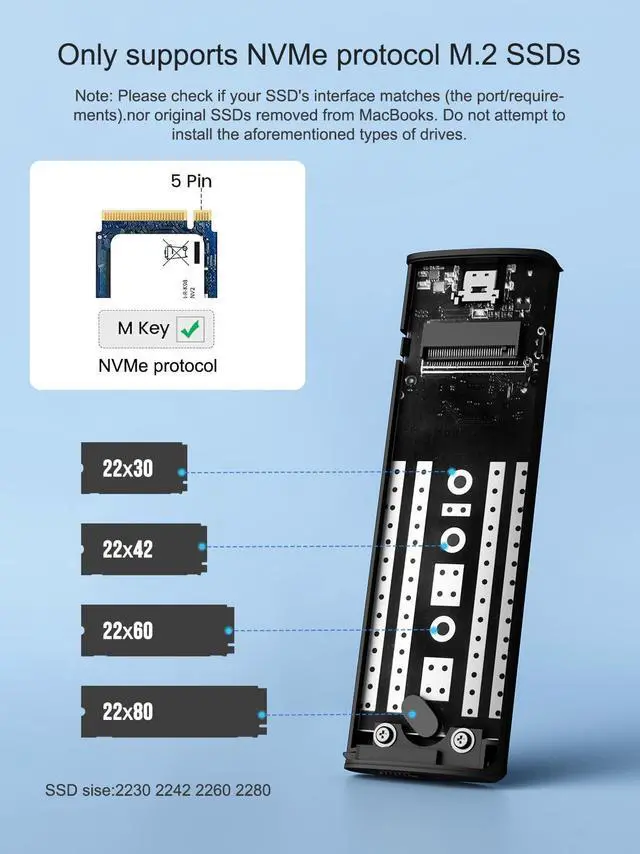
- Requires NVMe protocol for non-Apple SSDs: If your SSD is from a non-Apple device, it must use the NVMe PCIe M.2 protocol. Our product does not support SATA, mSATA, or other SSD protocols.
- New SSDs need initialization: If your SSD is brand new and uninitialized, you must partition and initialize it before your computer can recognize and read it.
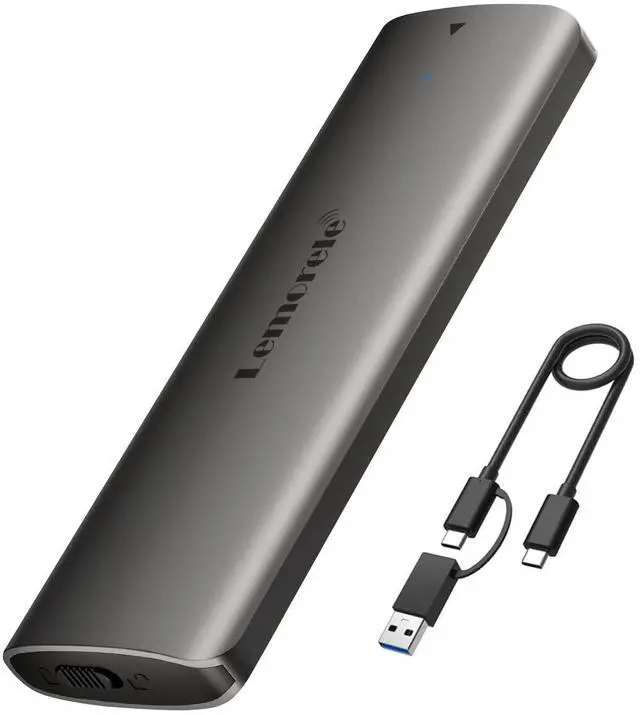
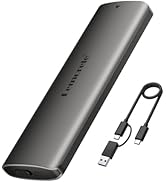
m.2 enclosure Nvme USB Adapter
Merchant Video
More options


More options
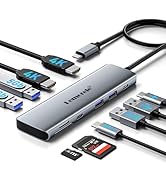
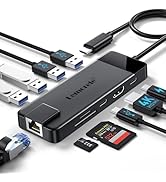
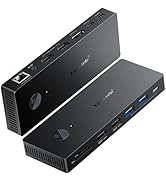
 M.2 NVMe Enclosure |  Dual HDMI Monitor |  Aluminum Docking Station |  10 in 1 USB C Hub |  USB C to HDMI Adapter | |
|---|---|---|---|---|---|
Customer Reviews | — | — | — | — | — |
Price | — | — | — | — | — |
Material | Aluminum | Aluminum | Aluminum | Plastic | Aluminum |
number of ports | 1 | 10 | 11 | 10 | 3 |
Dual Monitor | No | Yes | Yes | No | No |
hardware interface | NVME | usb, hdmi, ethernet, usb3.0 | usb, hdmi, ethernet, usb3.0 | usb, hdmi, ethernet, usb3.0 | usb, hdmi, ethernet, usb3.0 |
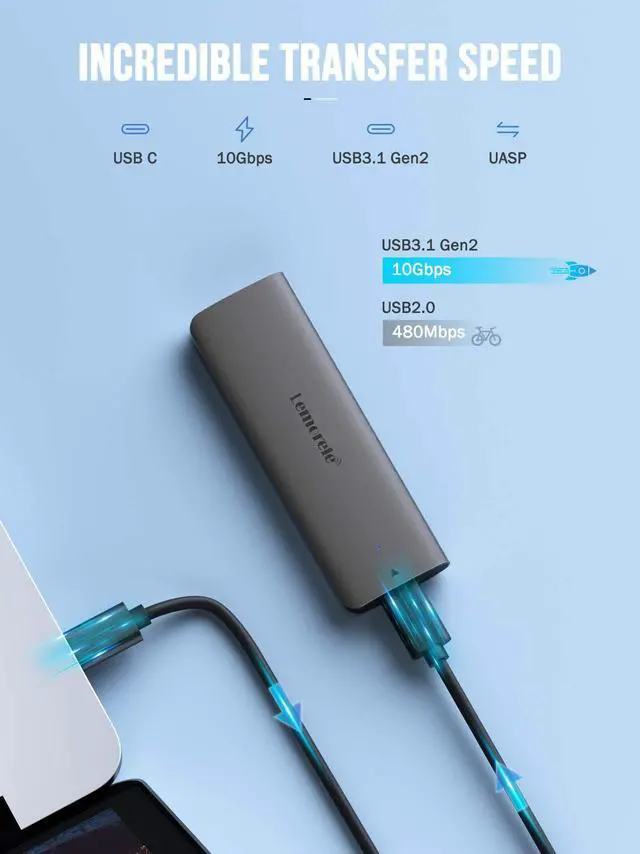
data transfer rate | 10 gigabits per second | 10 gigabits per second | 10 gigabits per second | 10 gigabits per second | 10 gigabits per second |


We want you to live without the inconvenience and uncertainty of where your next tech experience is coming from.
About Lemorele
Our usb c hub and accessories don't just surf Internet, data transfer, upload photos, 4K HDMI, power up your devices,and they offer the tech experience you want with zero restrictions.
The user-centered philosophy runs in our blood and through our R&D, design, manufacturing, sales, and marketing.
Bestseller in Lemorele
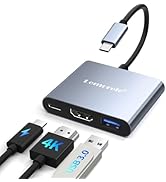
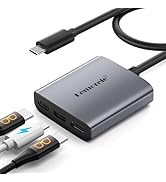
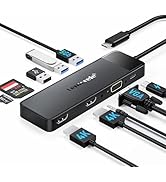
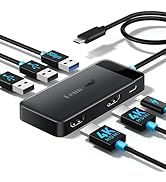
USB C Docking Station
Important Notice for MacBook Users
Before purchasing, please ensure compatibility and proper setup by reading the following carefully:
- Not compatible with Apple SSDs: Our product does not support original SSDs removed from any MacBook, regardless of model or year. These Apple internal drives cannot be recognized.
- Requires NVMe protocol for non-Apple SSDs: If your SSD is from a non-Apple device, it must use the NVMe PCIe M.2 protocol. Our product does not support SATA, mSATA, or other SSD protocols.
- New SSDs need initialization: If your SSD is brand new and uninitialized, you must partition and initialize it before your computer can recognize and read it.
m.2 enclosure Nvme USB Adapter
Merchant Video
More options


More options
M.2 NVMe Enclosure | Dual HDMI Monitor | Aluminum Docking Station | 10 in 1 USB C Hub | USB C to HDMI Adapter |
|---|---|---|---|---|
| Customer Reviews | ||||
| — | — | — | — | — |
| Price | ||||
| — | — | — | — | — |
| Material | ||||
| Aluminum | Aluminum | Aluminum | Plastic | Aluminum |
| number of ports | ||||
| 1 | 10 | 11 | 10 | 3 |
| Dual Monitor | ||||
| No | Yes | Yes | No | No |
| hardware interface | ||||
| NVME | usb, hdmi, ethernet, usb3.0 | usb, hdmi, ethernet, usb3.0 | usb, hdmi, ethernet, usb3.0 | usb, hdmi, ethernet, usb3.0 |
| data transfer rate | ||||
| 10 gigabits per second | 10 gigabits per second | 10 gigabits per second | 10 gigabits per second | 10 gigabits per second |
We want you to live without the inconvenience and uncertainty of where your next tech experience is coming from.
About Lemorele
Our usb c hub and accessories don't just surf Internet, data transfer, upload photos, 4K HDMI, power up your devices,and they offer the tech experience you want with zero restrictions.
The user-centered philosophy runs in our blood and through our R&D, design, manufacturing, sales, and marketing.
Bestseller in Lemorele
USB C Docking Station