







Vantec Storage Devices
Founded in 1994, and headquartered in Fremont, CA, Vantec is a leading brand of computer accessories that provides a complete line of Storage, Thermal, and Mobile solutions. We are devoted to every computer user from mainstream to enthusiast. Our goal is to provide a complete and affordable line of products for all computing needs.
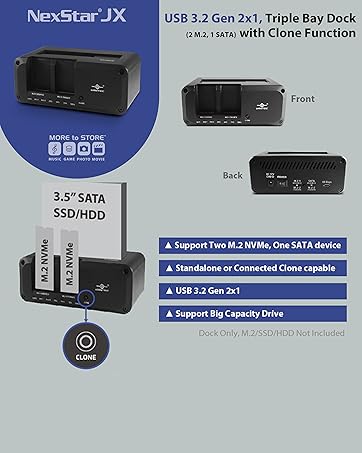
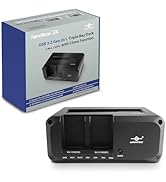
Storage Dock, Triple Devices
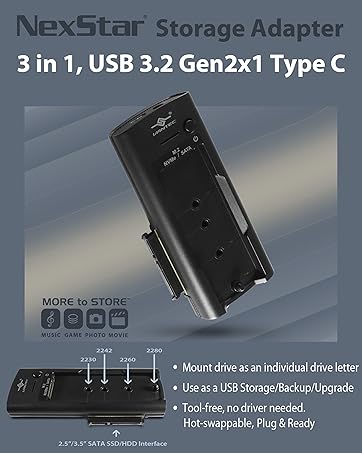
Vantec Storage Products
Vantec Storage Devices
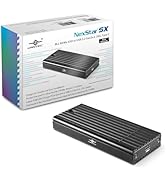
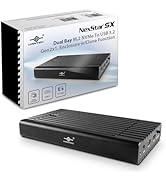
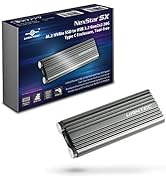
M.2 NVMe Enclosures
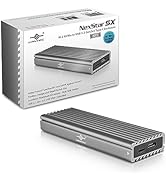
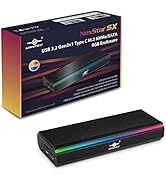
M.2 NVMe Storage Enclosure

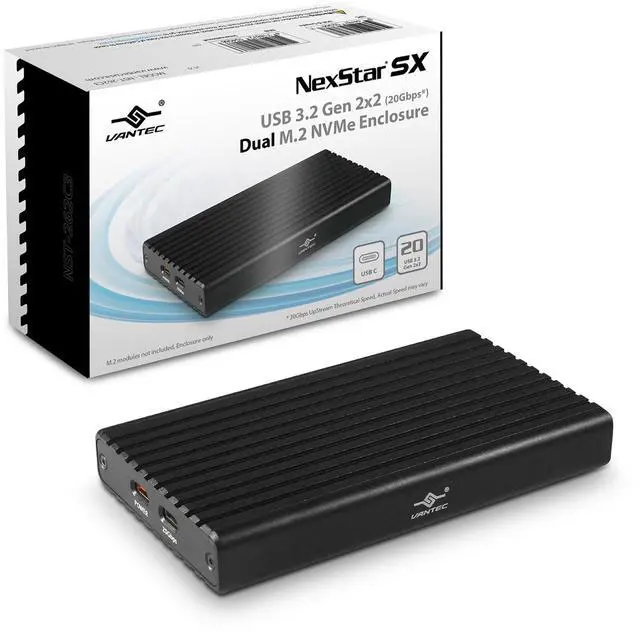
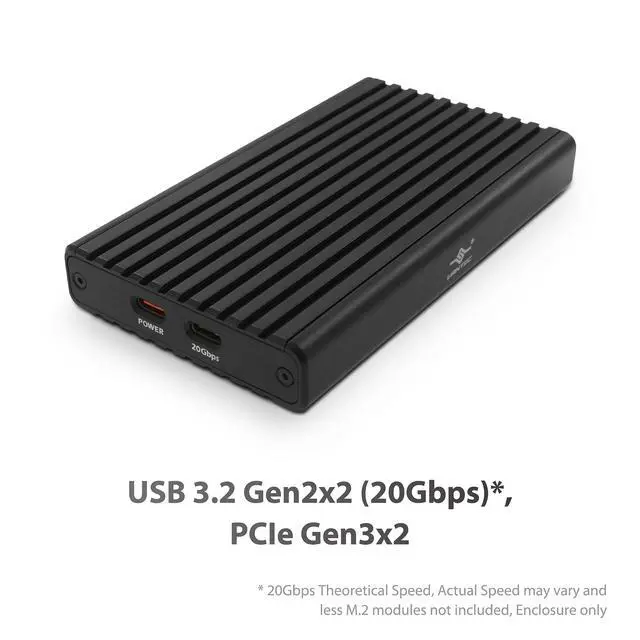
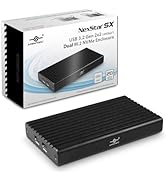
NexStar SX, USB 3.2 Gen2x2 (20Gbps Therotical Speed), Dual M.2 NVMe Enclosure, Model: NST-262C3

Designed for Two M.2 NVMe Modules with a Maximum Total Capacity of 32TB (16TB per bay max, as of this writing, maybe more later)
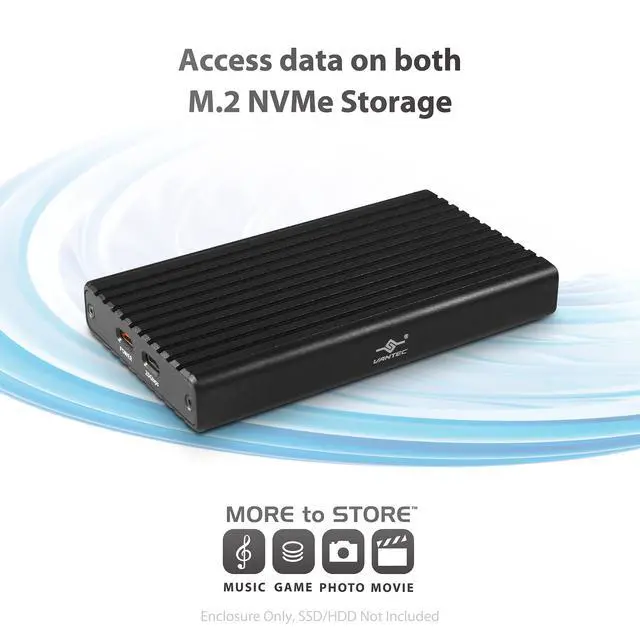
- Access Data on both M.2 NVMe
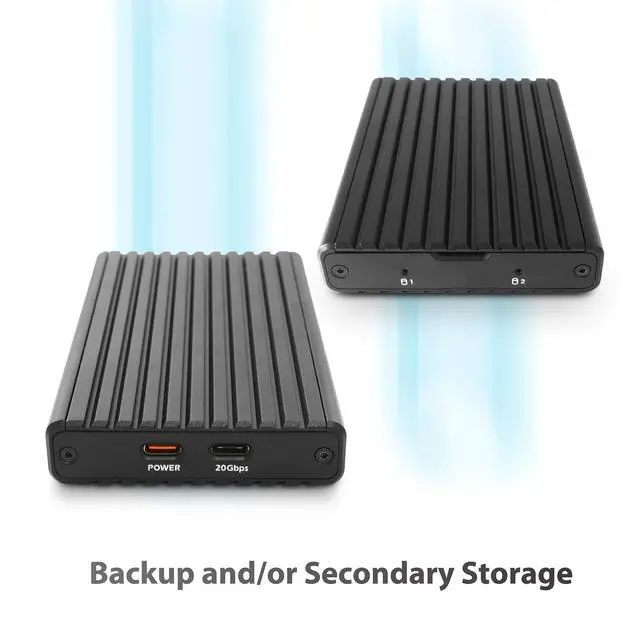
- Backup and/or Secondary Storage
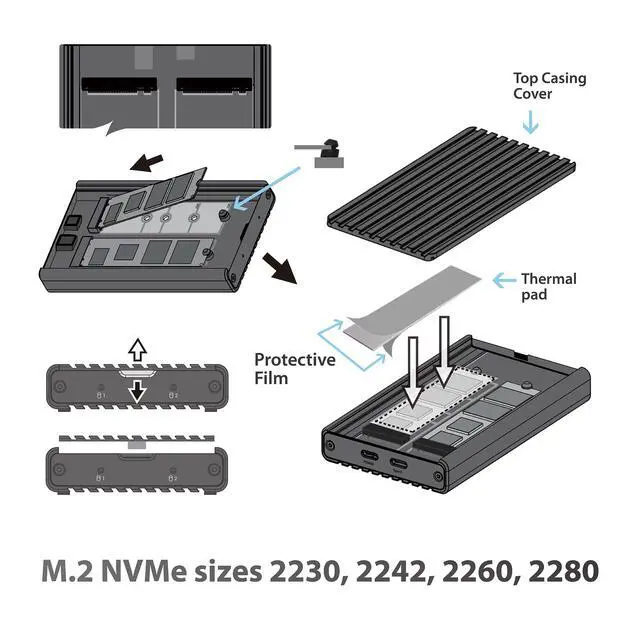
- M.2 NVMe sizes 2230, 2242, 2260, 2280
- Use for Cloning (Software based)***
- 2X PCIe Gen3x2, Large Drive Support
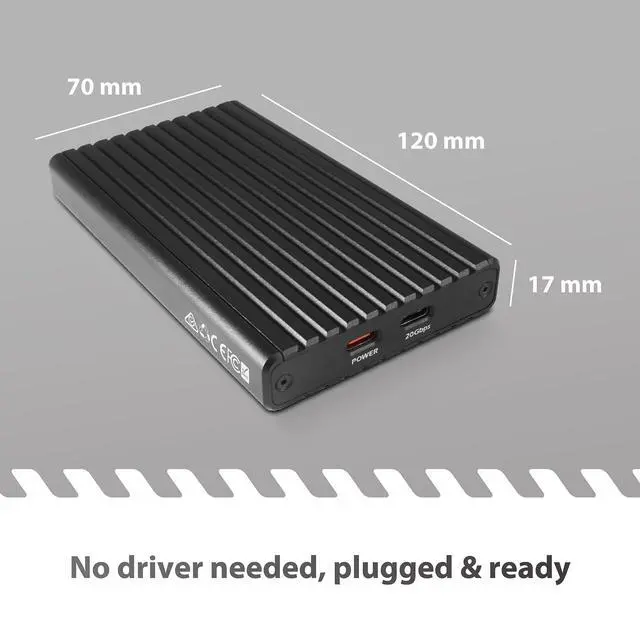
- No driver needed, plugged & ready
No driver needed, plugged & ready; Compatible with All OS with USB support, UASP, BOT, TRIM; Can use Cloning Software** to Clone NVMe to NVMe

Access data on both M.2 NVMe as individual drive; Designed for Backup purposes and/or Secondary Storage
Model: NST-262C3
USB Connector: Native USB C, USB 3.2 Gen2x2 (USB reversible connector)
USB Speed: 20Gbps (theoretical Speed)***
M.2 NVMe Connectors: Two M.2 NVMe ; M.2 NVMe Size Support: 2230, 2242, 2260, 2280
M.2 NVMe bandwidth: PCIe Gen3x2; M.2 NVMe Drive Capacity:** 16TB max per M.2 NVMe connector**
Power Supply:** Bus Powered (power requirement based on user M.2 NVMe module)
Material: Aluminum Alloy
Item Dimensions (L x W x H): 4.72 x 2.77 x 0.68 inches / 119.8 x 70.3 x 17.25 mm; Item Weight: 7.29 oz. / 206.75 g
USB Power/Data Cable: USB C to C/A (Power/Data), 15.7 inches / 400 mm
USB Power Cable:** USB C to Type A (Power Only), 38 inches / 965 mm
OS Support: Windows 10/11, Mac OS X 10.10 or higher, and Linux OS
** NOTE: Tested maximum capacity. The User total M.2 NVMe power requirement will dictate how much power is required from your USB port. If the user’s USB port cannot provide enough power to this enclosure, it is necessary to use the provided USB C Power Port to supplement power. The total power required by the user M.2 cannot be more than what your USB port can provide.
*** USB Actual Speed may vary, Maximum Speed cannot be achieved when using USB Type-A port.
* Cloning Software available from the drive manufacturer or online
Simple toolless installation of DUAL M.2 NVMe.

System Requirement, Package contents and Environmental info.
System Requirements:
• USB C or USB Type-A port***
• Newer OS like Windows 10/11, OS X 10.10, latest Linux
Package Contents:
• Dual Bay M.2 NVMe Enclosure; USB C to C/A cable (Power and Data); USB C to USB A (Power ONLY cable); Quick Install Guide
Country of Origin: Taiwan
Environmental:
Operating Temperature 0 ? to +45?
Operating Humidity 10% to 85 % RH (no condensation)
Storage Temperature -10? to +70?
Storage Humidity 5% to 90% RH (no condensation)
IMPORTANT POWER REQUIREMENT

How Much power do I need to use this enclosure?
The more important question is how much power can my System USB port provide to my TWO power hungry M.2 NVMe
What power do I need to run this enclosure? a) This enclosure by itself uses very little power like 5V, 100mA.
It is your M.2 NVMe that is going to consume more power. Here is what is required. Read what is on your M.2 NVMe module label, often it will state power info like 3.3V, and 2.5A. This value is for one M.2 NVMe module. Take 3.3V * 2.5A = 8.25 watts needed to run this M.2 module. Next do the same to the second module and add them together. If both are the same, it will total up to 16.5 watts.
Next find out what your USB port on your computer can provide. If your USB port can provide 16.5 watts, you are good to go. If your USB port cannot provide enough, please use the orange power port to supplement the power to your drive and make sure the total power provided to the enclosure plus drives is enough.
NexStar SX, USB 3.2 Gen2x2 (20Gbps Therotical Speed), Dual M.2 NVMe Enclosure, Model: NST-262C3
Designed for Two M.2 NVMe Modules with a Maximum Total Capacity of 32TB (16TB per bay max, as of this writing, maybe more later)
- Access Data on both M.2 NVMe
- Backup and/or Secondary Storage
- M.2 NVMe sizes 2230, 2242, 2260, 2280
- Use for Cloning (Software based)***
- 2X PCIe Gen3x2, Large Drive Support
- No driver needed, plugged & ready
No driver needed, plugged & ready; Compatible with All OS with USB support, UASP, BOT, TRIM; Can use Cloning Software** to Clone NVMe to NVMe
Access data on both M.2 NVMe as individual drive; Designed for Backup purposes and/or Secondary Storage
Model: NST-262C3
USB Connector: Native USB C, USB 3.2 Gen2x2 (USB reversible connector)
USB Speed: 20Gbps (theoretical Speed)***
M.2 NVMe Connectors: Two M.2 NVMe ; M.2 NVMe Size Support: 2230, 2242, 2260, 2280
M.2 NVMe bandwidth: PCIe Gen3x2; M.2 NVMe Drive Capacity:** 16TB max per M.2 NVMe connector**
Power Supply:** Bus Powered (power requirement based on user M.2 NVMe module)
Material: Aluminum Alloy
Item Dimensions (L x W x H): 4.72 x 2.77 x 0.68 inches / 119.8 x 70.3 x 17.25 mm; Item Weight: 7.29 oz. / 206.75 g
USB Power/Data Cable: USB C to C/A (Power/Data), 15.7 inches / 400 mm
USB Power Cable:** USB C to Type A (Power Only), 38 inches / 965 mm
OS Support: Windows 10/11, Mac OS X 10.10 or higher, and Linux OS
** NOTE: Tested maximum capacity. The User total M.2 NVMe power requirement will dictate how much power is required from your USB port. If the user’s USB port cannot provide enough power to this enclosure, it is necessary to use the provided USB C Power Port to supplement power. The total power required by the user M.2 cannot be more than what your USB port can provide.
*** USB Actual Speed may vary, Maximum Speed cannot be achieved when using USB Type-A port.
* Cloning Software available from the drive manufacturer or online
Simple toolless installation of DUAL M.2 NVMe.
System Requirement, Package contents and Environmental info.
System Requirements:
• USB C or USB Type-A port***
• Newer OS like Windows 10/11, OS X 10.10, latest Linux
Package Contents:
• Dual Bay M.2 NVMe Enclosure; USB C to C/A cable (Power and Data); USB C to USB A (Power ONLY cable); Quick Install Guide
Country of Origin: Taiwan
Environmental:
Operating Temperature 0 ? to +45?
Operating Humidity 10% to 85 % RH (no condensation)
Storage Temperature -10? to +70?
Storage Humidity 5% to 90% RH (no condensation)
IMPORTANT POWER REQUIREMENT
How Much power do I need to use this enclosure?
The more important question is how much power can my System USB port provide to my TWO power hungry M.2 NVMe
What power do I need to run this enclosure? a) This enclosure by itself uses very little power like 5V, 100mA.
It is your M.2 NVMe that is going to consume more power. Here is what is required. Read what is on your M.2 NVMe module label, often it will state power info like 3.3V, and 2.5A. This value is for one M.2 NVMe module. Take 3.3V * 2.5A = 8.25 watts needed to run this M.2 module. Next do the same to the second module and add them together. If both are the same, it will total up to 16.5 watts.
Next find out what your USB port on your computer can provide. If your USB port can provide 16.5 watts, you are good to go. If your USB port cannot provide enough, please use the orange power port to supplement the power to your drive and make sure the total power provided to the enclosure plus drives is enough.
Vantec Storage Devices
Founded in 1994, and headquartered in Fremont, CA, Vantec is a leading brand of computer accessories that provides a complete line of Storage, Thermal, and Mobile solutions. We are devoted to every computer user from mainstream to enthusiast. Our goal is to provide a complete and affordable line of products for all computing needs.
Storage Dock, Triple Devices
Vantec Storage Products
Vantec Storage Devices
M.2 NVMe Enclosures
M.2 NVMe Storage Enclosure