








How to enter the game system?
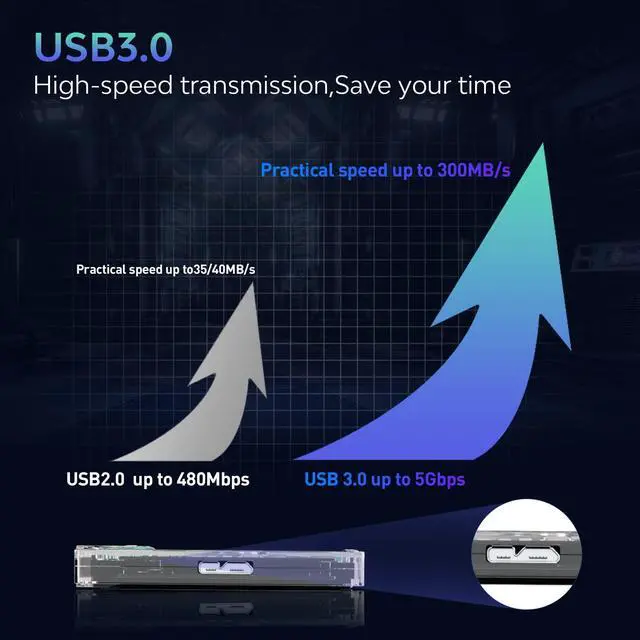
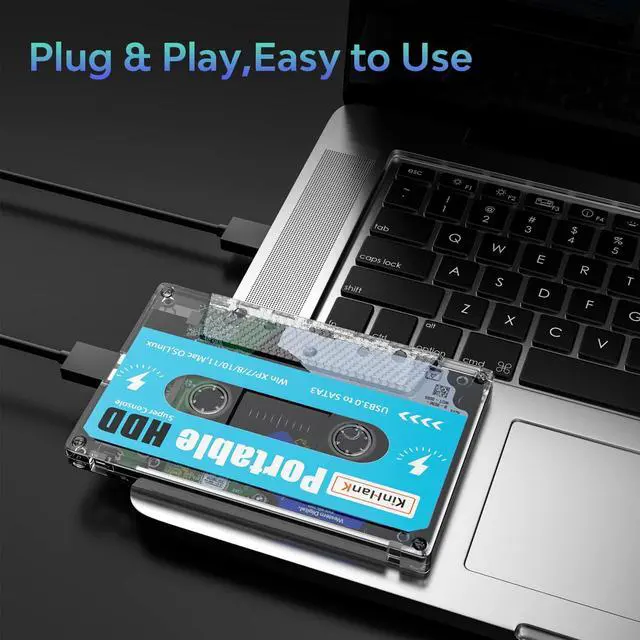
Connect the portable hard drive to the USB port on your PC or Mac when it’s off, USB 3.0 port is recommended.
After pressing the power button, keep tapping ESC or Delete on your keyboard(wired or 2.4g wireless Keyboard, bluetooth keyboard does not work) to enter BIOS. For Mac users, simply hold Option and choose the portable hard drive to boot into.
Notice: This hard drive will only work with X86 hardware (32bit or 64bit), any ARM based device (Windows Surface series, Mac with power pc CPU or M1 CPU) will not work. The BIOS interface and options may vary on your device as manufacturers may adopt unique BIOS or UEFI systems

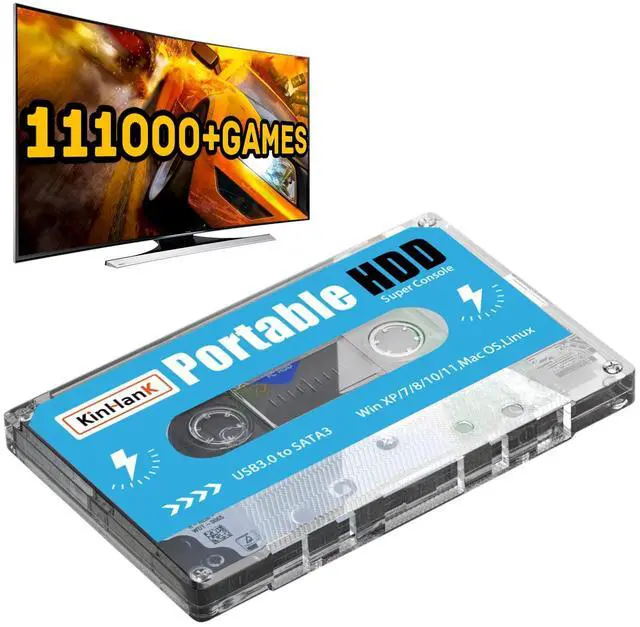
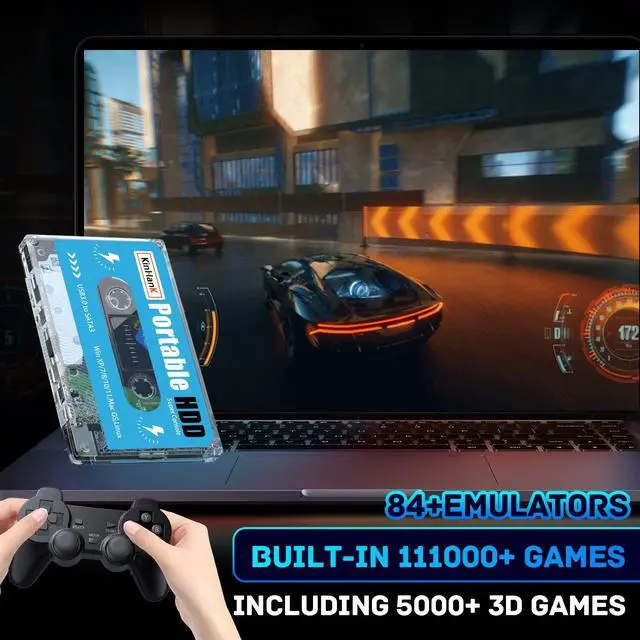
Built-in 111000+ Games
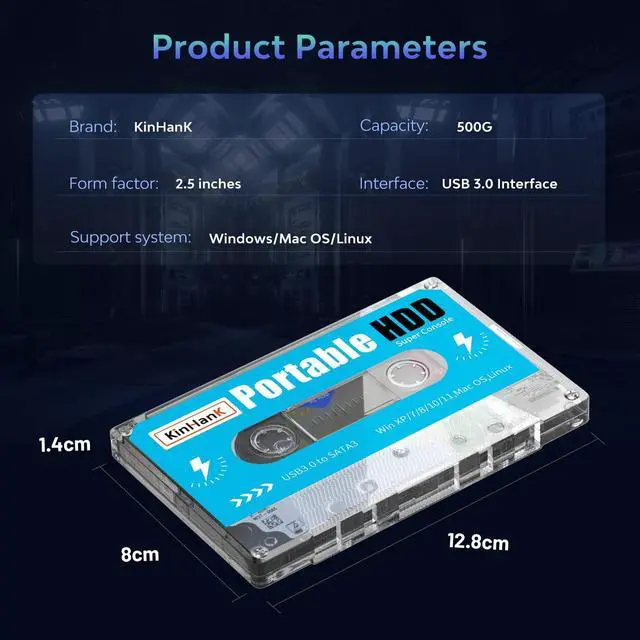
500G HDD is pre-installed with 108 game collections and emulators, 111000+ games, can run works flawlessly with large games

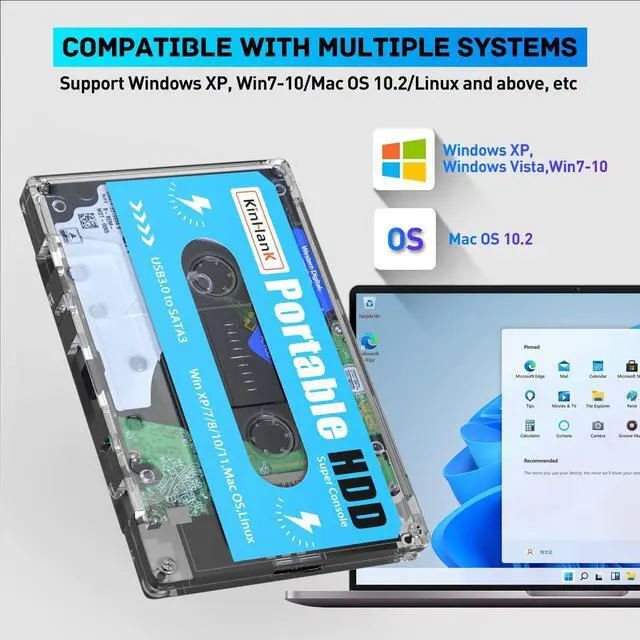
Strong Compatibility
For Super console PC Box, Super console GK MINI, Super console PC Mini, X86 PC. You can turn your computer and notebook into a game console, the game has been pre-installed, plug and play.

10 Min Smart Sleep
LED indicator, monitors the working status at any time.reducing the loss of hard disk.


How to check hard disk capacity?
1. Enter the game system
2. Press the "start" key to enter the main menu to find the system settings
3. Select the "Information" option and click to enter
4. Then you can see system disk usage
Tips: Since the game system of the hard disk is a Linux system file, the game partition can not be seen under the Windows system, you can enter the game system to check.
How to enter the game system?
Connect the portable hard drive to the USB port on your PC or Mac when it’s off, USB 3.0 port is recommended.
After pressing the power button, keep tapping ESC or Delete on your keyboard(wired or 2.4g wireless Keyboard, bluetooth keyboard does not work) to enter BIOS. For Mac users, simply hold Option and choose the portable hard drive to boot into.
Notice: This hard drive will only work with X86 hardware (32bit or 64bit), any ARM based device (Windows Surface series, Mac with power pc CPU or M1 CPU) will not work. The BIOS interface and options may vary on your device as manufacturers may adopt unique BIOS or UEFI systems
Built-in 111000+ Games
500G HDD is pre-installed with 108 game collections and emulators, 111000+ games, can run works flawlessly with large games
Strong Compatibility
For Super console PC Box, Super console GK MINI, Super console PC Mini, X86 PC. You can turn your computer and notebook into a game console, the game has been pre-installed, plug and play.
10 Min Smart Sleep
LED indicator, monitors the working status at any time.reducing the loss of hard disk.
How to check hard disk capacity?
1. Enter the game system
2. Press the "start" key to enter the main menu to find the system settings
3. Select the "Information" option and click to enter
4. Then you can see system disk usage
Tips: Since the game system of the hard disk is a Linux system file, the game partition can not be seen under the Windows system, you can enter the game system to check.