Your Browsing History







Any questions? Our AI beta will help you find out quickly.
How to Save Game Progress?
While in-game, press the "Select" and "Start" buttons simultaneously on your controller.
Select "Save State" from the menu that appears.
Exit the game properly before disconnecting power (cutting power directly may result in lost progress).
What if the TV does not display, or there is no signal source input?
Ensure you use a power adapter that provides at least 5V 1A to maintain sufficient power! If the TV's USB port doesn't supply enough power, be sure to use an additional power adapter!
How to modify the language?
On the menu interface, press the Mode button, access the settings, and select the first option. Then choose English.
What to do if the Game Stick cannot connect to the TV?
Make sure the power is connected, HDMI is plugged in, and select the correct HDMI signal source on your TV. If using HDMI 1 port, select HDMI 1 as the signal source.
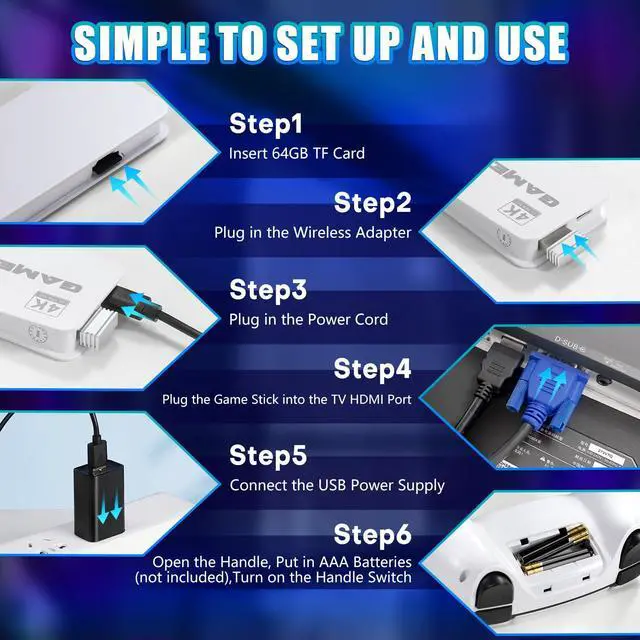
How to Set the Wireless Retro Game Stick
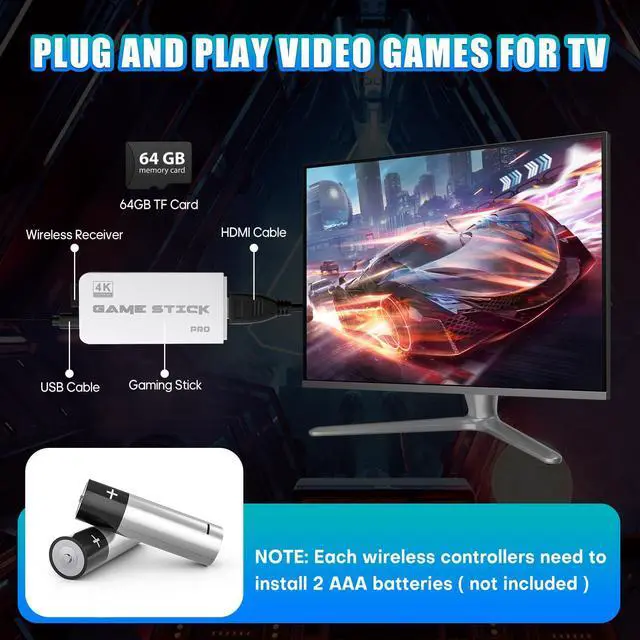
1. Insert the TF card into the controller before connecting the power supply.
2. Plug the game stick into the HDMI port of your TV or computer.
3. Connect to power then the console will automatically turn on.
4. Utilize the game controller to choose the desired game from the menu.
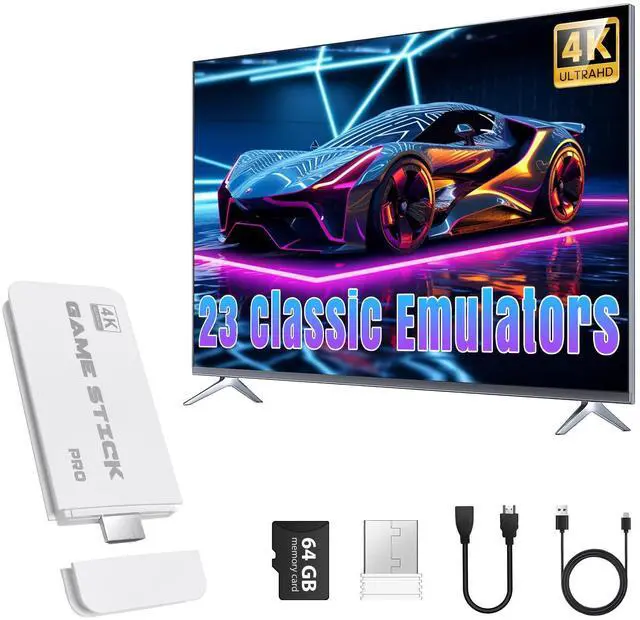
Product Includes:
1 X Game Stick
2 X Wireless Controllers
1 X HDMI Cable
1 X Usb Cable
1 X 64G TF Card
1 X User Manual
If the retro stick does not work, the device may not properly connected, you can check as following steps:
1. Make sure the switch of the controller is in the ON state.
2. Make sure the controller is lit red or green (red for player 1, green for player 2);
3. Make sure the Bluetooth wireless receiver is well inserted into the retro stick;
4. Make sure the stick lights up blue;
5. If the connection is correct, the primary controller (player 1) is red and the secondary controller (player 2) is green.
6. If the indicator lights are flashing at the same time, it means that the battery is low or the wireless receiver has not been successfully connected.
(1) If the battery is low, replace the batteries of the controller.
(2) If the Bluetooth wireless receiver connection is not successful, (may not be able to read the retro stick), please pull out the wireless receiver in the shutdown state and reinsert.