

• $22.99
  • Shipped by YouZiXingBaiHuo

    Price alert
    Shop it at NeweggBusiness.

    Meet Your Seller

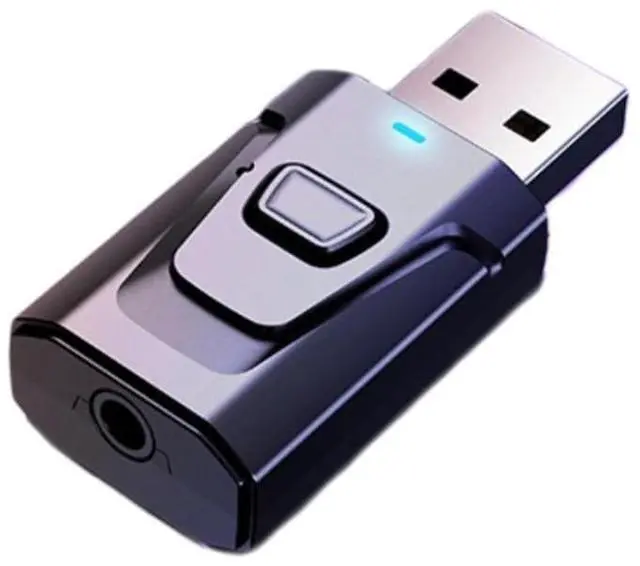
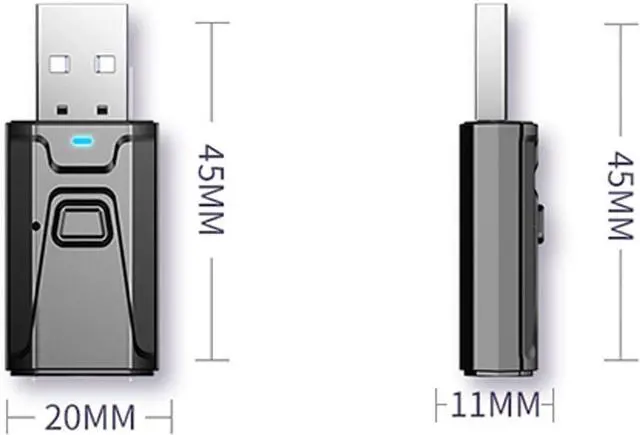
    USB Bluetooth Transmitter for TV with Clear Sound Quality Plug and Play Stable, 5.0 Bluetooth Adapter for TV/Car/PC Audio Adapter

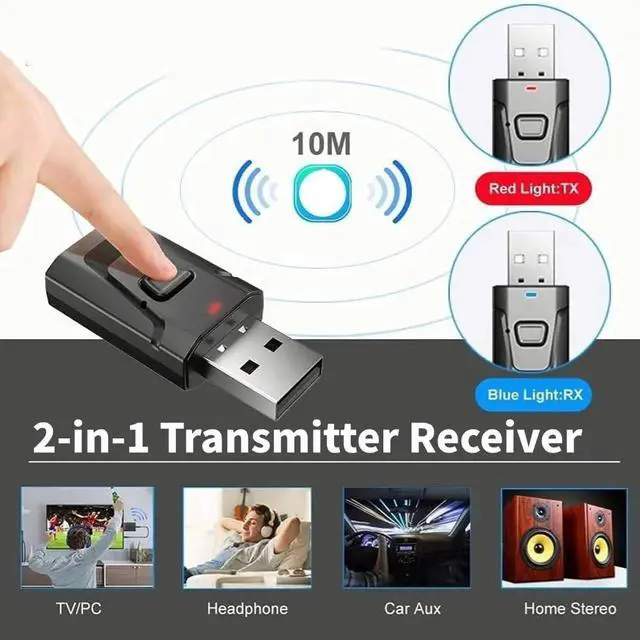
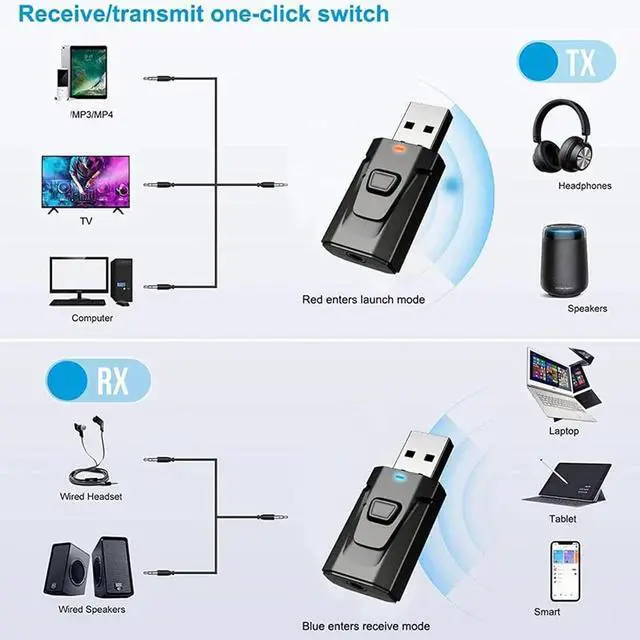
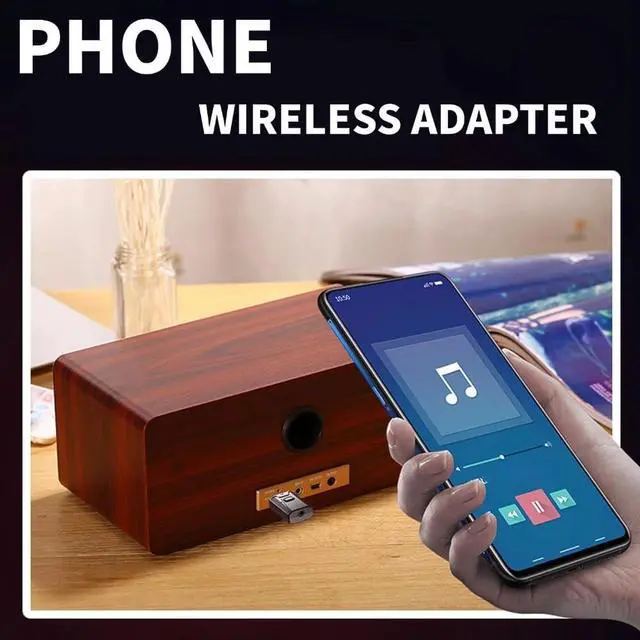
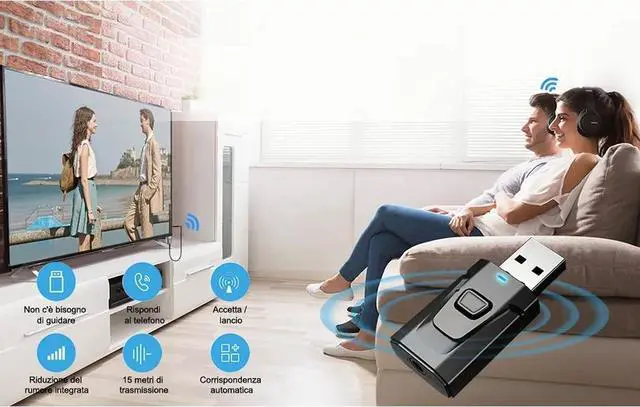
    • 2-in-1 Transmitter Receiver: In TX mode, this Bluetooth transmitter can wirelessly stream audio from non-Bluetooth TVs, computers, and flight,gym devices to Bluetooth headphones or speakers. In RX mode, it can connect your smartphone to wired headphones/speakers/car stereo/home stereo via Bluetooth.
    • Stable Bluetooth 5.0 technology: Built in Bluetooth5.0 chip, with dual output mode, better sound quality, no interference in and lower power consumption. Offering extensive compatibility and an exceptional audio experience.
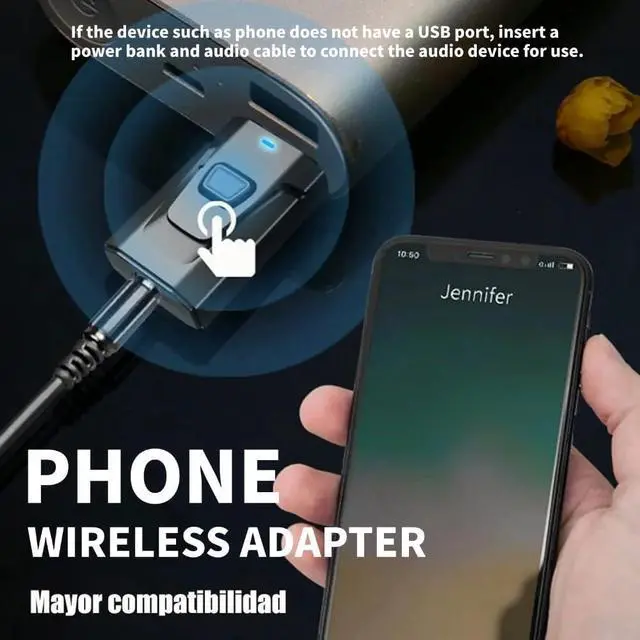
    • Ease of Use: USB bluetooth transmitter has the audio function, plug and play. (If the device such as phone does not have a USB port, insert a power bank and audio cable to connect the audio device for use.) Press the button to switch modes, with blue light for reception and red light for transmission mode
    +
    +
    Overview
    Specs
    Reviews
    avatar

    Any questions? Our AI beta will help you find out quickly.

    HOW TO PAIR WITH TV

    Plug the device into your TV’s USB port for power, then select TX mode. The Bluetooth adapter will turn on automatically, with a flashing RED light indicating it’s in wireless search mode.

    Connect the 3.5mm aux cable to the adapter’s 3.5mm port, then plug the other end into your TV's "AUDIO OUT" or headphone jack.

    Put your Bluetooth headphones in pairing mode. The adapter will pair automatically—once successful, the red light stays solid.

    If you can't hear the sound of the TV, make sure the headphones are paired successfully. Then, change the TV sound settings from "TV speaker" to "Audio out".

    To switch to another wireless audio device, quickly press the adapter’s function button. For a fast connection, make sure no other Bluetooth devices are nearby.

    HOW TO PAIR WITH TV

    Plug the device into your TV’s USB port for power, then select TX mode. The Bluetooth adapter will turn on automatically, with a flashing RED light indicating it’s in wireless search mode.

    Connect the 3.5mm aux cable to the adapter’s 3.5mm port, then plug the other end into your TV's "AUDIO OUT" or headphone jack.

    Put your Bluetooth headphones in pairing mode. The adapter will pair automatically—once successful, the red light stays solid.

    If you can't hear the sound of the TV, make sure the headphones are paired successfully. Then, change the TV sound settings from "TV speaker" to "Audio out".

    To switch to another wireless audio device, quickly press the adapter’s function button. For a fast connection, make sure no other Bluetooth devices are nearby.

    USB Bluetooth Transmitter for TV with Clear Sound Quality Plug and Play Stable, 5.0 Bluetooth Adapter for TV/Car/PC Audio Adapter

    Warranty & Returns

    Warranty, Returns, And Additional Information

    Warranty

    • Please contact the Seller directly for warranty information. Warranty information may also be found on the Manufacturer's website.
    • CONTACT

    Return Policies

    Manufacturer Contact Info

    LOADING...