







Synchronize with the world
Since 2009, GODO's branding strategy has been officially launched. After 17 years of industry development, it has its own patent advantages in PC and mobile peripheral hardware. GODO Motivation has become an important core unit of the current and future intelligent world, and has remained outstanding on the path of Internet evolution.
- One bit, One generation
- Expand the future
- Connect the happy life
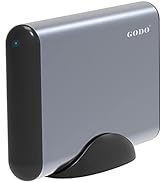
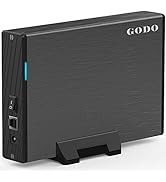
Visit the Store
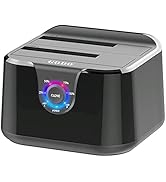
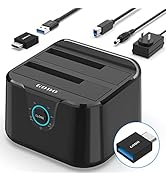
Visit the Store
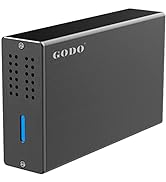
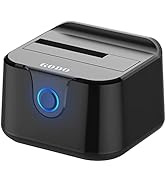
Visit the Store
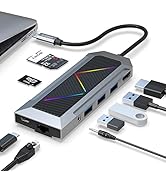
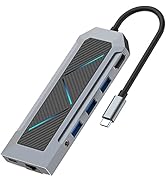
Visit the Store
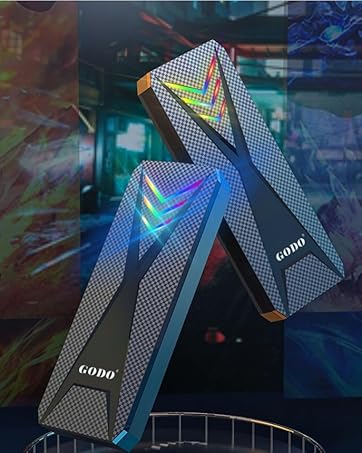
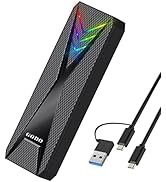
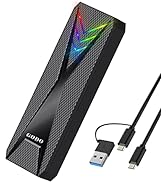
RGB m.2 Nvme/SATA Enclosure
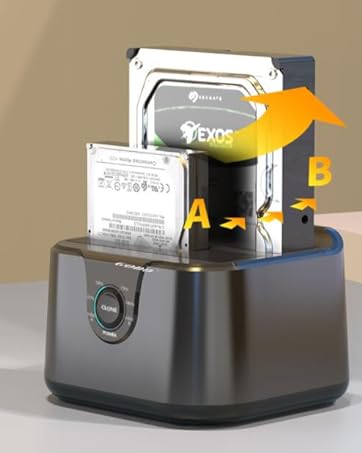
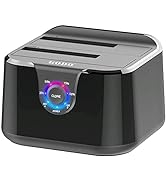
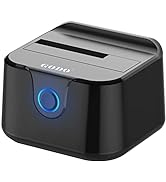
HDD DOCK- Offline Clone
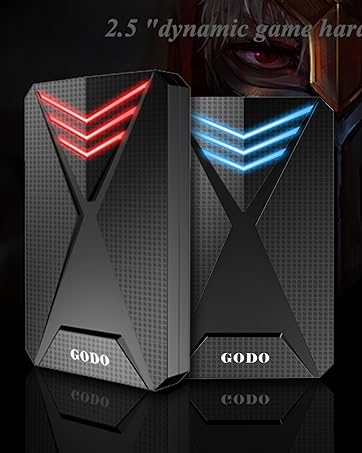
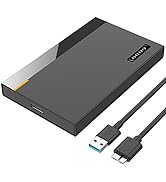
2.5" SATA SSD/HDD Enclosure
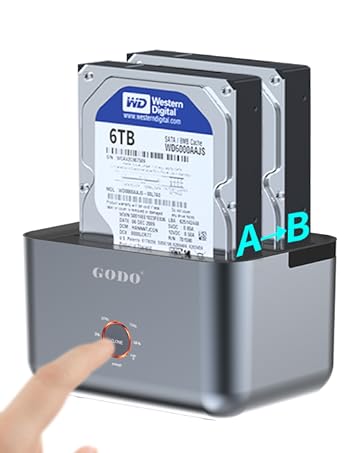
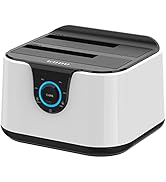
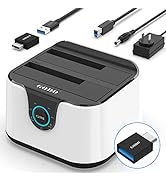
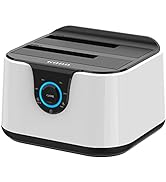
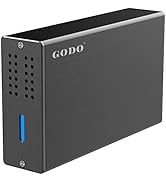
2 Bay HDD Docking Staion
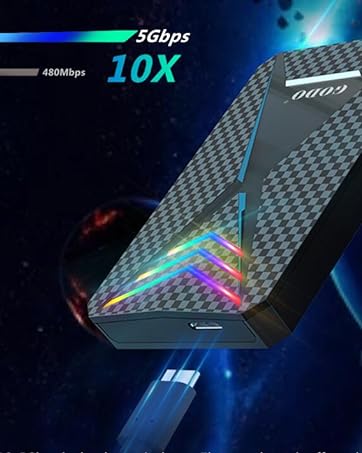
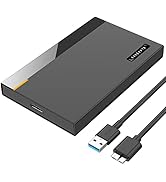
RGB 2.5" Hard Drive Enclosure
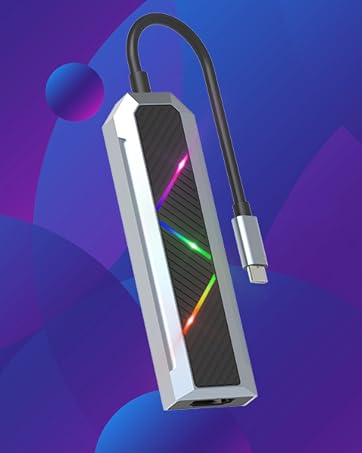
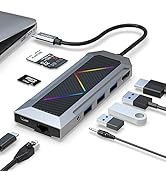
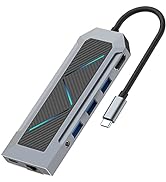
RGB USB C Hub 9 in 1
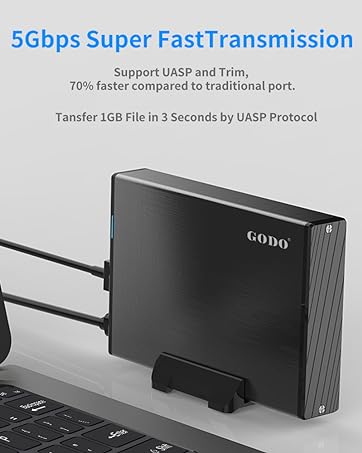
5Gbps Super Speed
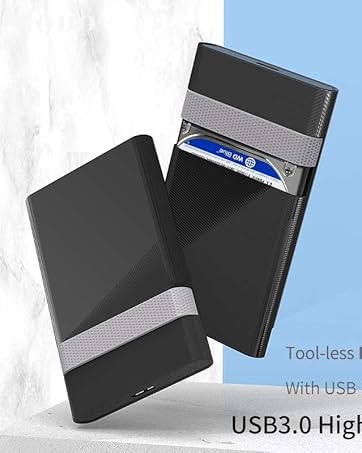
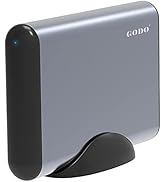
2.5 inch Hard Drive Enclosure
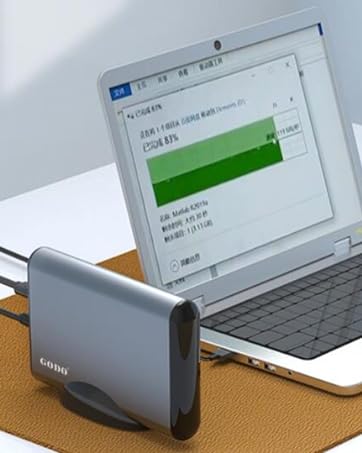
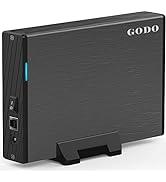
3.5" SATA HDD/SSD Enclosure
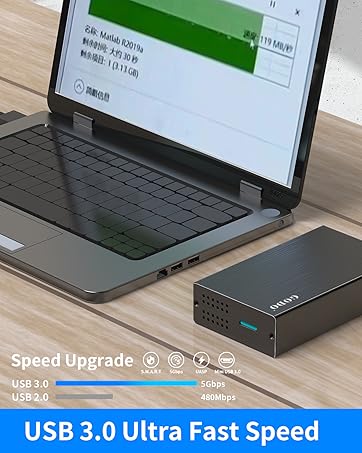
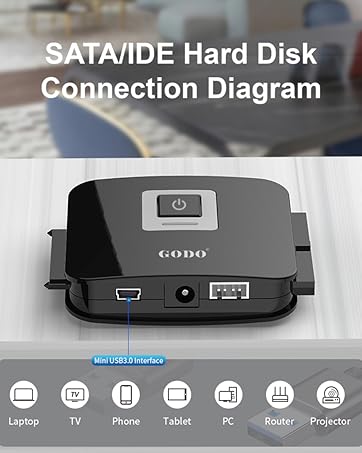
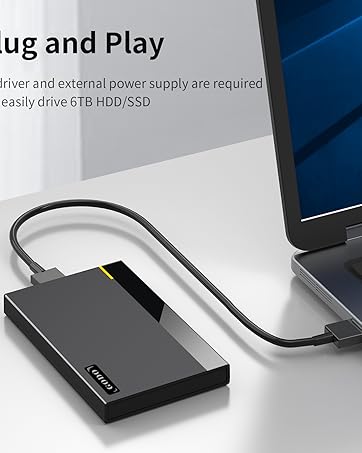
2.5 inch Plug and Play
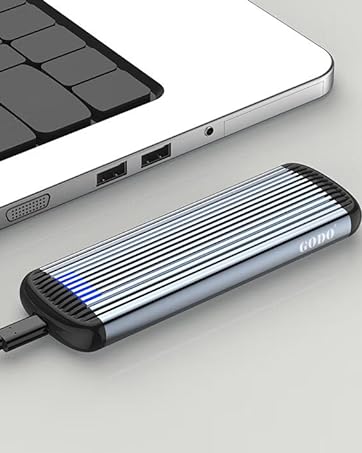

GODO has nearly 20 years of industry experience and product development and design experience. Its products cover professional fields such as USB-C expansion and mobile storage optimization. GODO's brand footprints are all over the world, mainly in Europe and North America. It is one of the few technology-based, intelligent and export-oriented enterprises that have independent intellectual property patents and can export products.
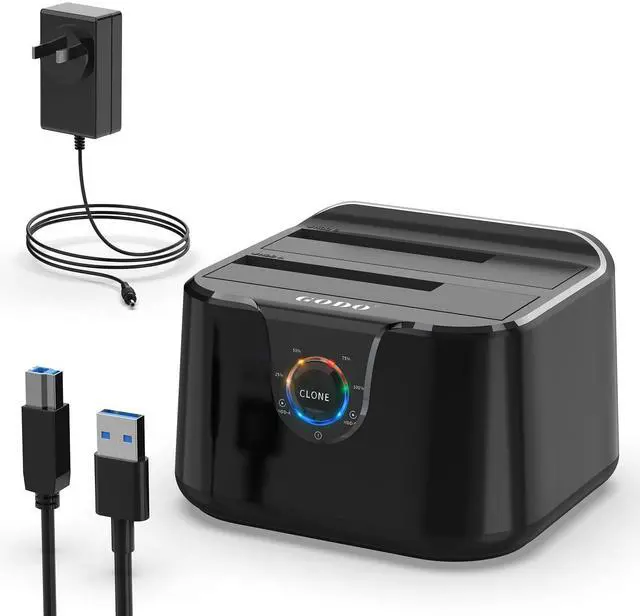
GODO Dual Bay External Hard Drive Docking Station USB 3.0 for 2.5/3.5 inch SSD HDD

GODO 2.5 / 3.5 inch HDD SSD Hard Drive Docking Station
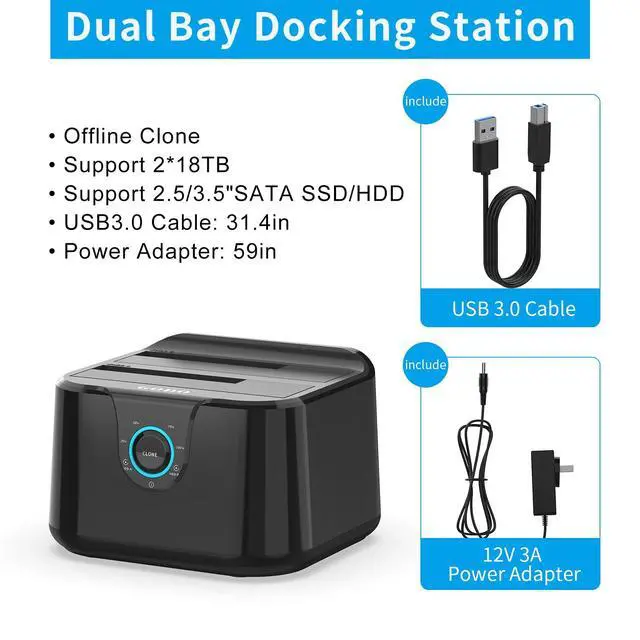
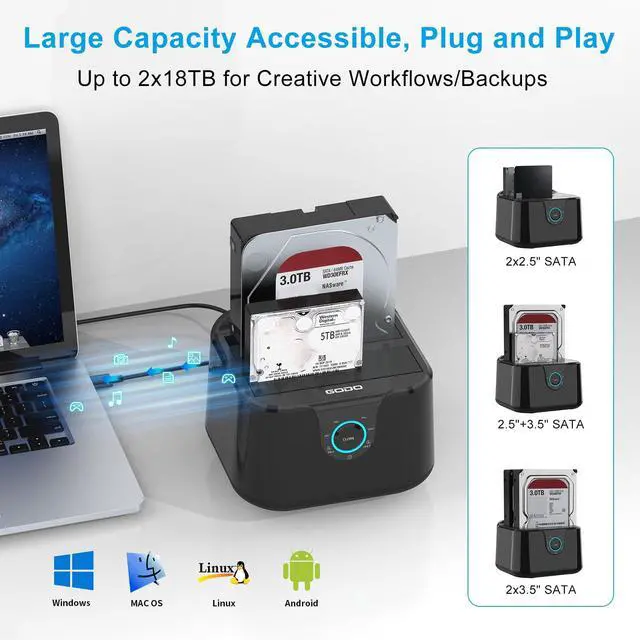
Widely Compatibility:GODO two-slot hard drive dokcking station supports all 2.5''/ 3.5'' SATA I/ II / III HDD SSD drives (up to 2 x 18TB).The product is compatible with almost all kinds of 2.5” and 3.5” HDDs and SSDs on the market. Compatible with Windows, Mac OS, Linux and Android.
PS: Clone : 25% 50% 70% 100%(LED indicates the progress status)
Note: When other waiting LEDs flash back and forth, it indicates that cloning is in progress, not a fault.
Characteristic of 2.5/3.5 Clone Docking Station

LED Progress Indicators
Each grid LED light represents 25% of the completion progress, the completed progress light will be on for a long time, and other waiting lights will flash back and forth; When all LED progress indicators are remaining on Until the power is turned off , the Clone is completed.
Note: When other waiting LEDs flash back and forth, it indicates that cloning is in progress, not a fault.

Dual Bay Sata Docking Station
GODO USB Type-A SATA 2.5” & 3.5” Dual Bay Docking Station
The GODO SATA Hard Drive Docking Station enables you to access desktop or laptop hard drives, without the frustration of assembling hard drive enclosures. By inserting a 2.5"/3.5" SATA hard drive directly into this docking station, you can quickly access drive contents and transfer files. Plus you can swap out hard drives effortlessly with plug and play mounting. Transfer data quickly and easily through USB 3.0 at speeds up to 5Gbps.

Non Slip Mat
Thick and good silica gel, more stable on the desktop,GODO External hard drive docking station enclosure With this anti slip rubber pad, it won't slide or break,Can better protect your HDDs and SSDs.

Hard Drive Docking Station Size

Synchronize with the world
Since 2009, GODO's branding strategy has been officially launched. After 17 years of industry development, it has its own patent advantages in PC and mobile peripheral hardware. GODO Motivation has become an important core unit of the current and future intelligent world, and has remained outstanding on the path of Internet evolution.
- One bit, One generation
- Expand the future
- Connect the happy life
GODO USB 3.0 to SATA III Mini Dual Bay External Hard Drive Docking Station
Specifications:
* Support all 2.5 / 3.5 inch SATA I / II / III HDD & SSD. Support up to 2x18TB drives
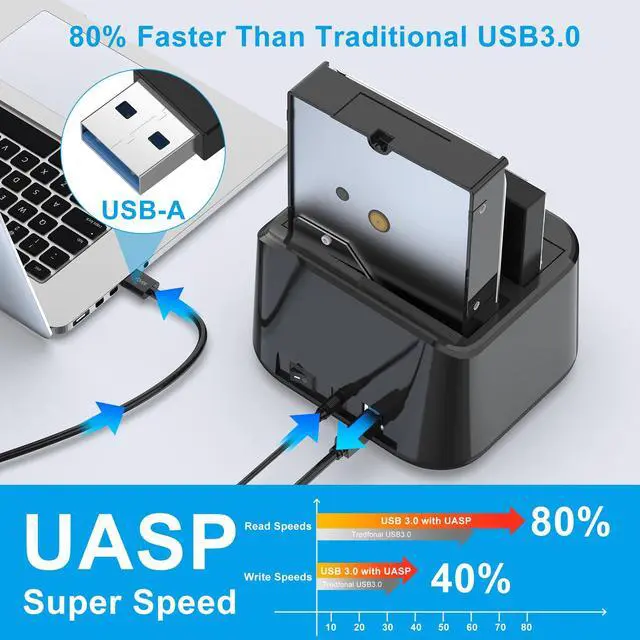
* Support USB 3.0 super-speed (5Gbps),Backwards complies with USB 2.0 hight speed (480Mbps), USB 1.1(12Mbps), USB 1.0 (1.5Mbps)
* Support UASP: 80% faster than traditional USB 3.0
* Support Offline Clone Function
* Support One Touch Backup or Duplicate
* Easy installation: Tool-free, no driver needed. Hot-swappable, plug and play !
- What's in the box:
- USB 3.0 Dual Bay Docking Station x 1
- USB 3.0 Cable x 1
- Power Adapter 12V/3A x 1
- User Manua x 1
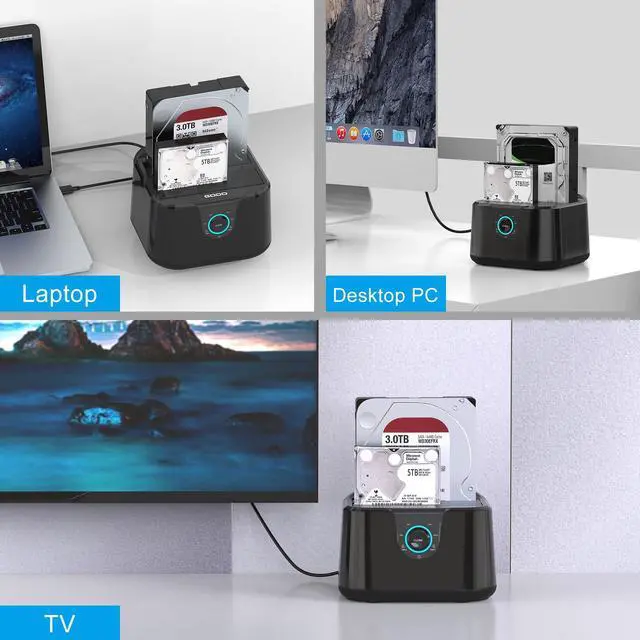
Use Scenarios of Dual bay HDD SSD docking station

Connecting the PC/Laptop
Data can be stored and read at any time,the USB 3.0 hard drive enclosure will provide you greater convenience of use and versatility of digital data storage

Connecting TV
Watch a large number of high-definition movies, collect and download favorite TV plays and movies.

Connecting PS4/PS5
Play games freely, store more games, and don't worry about running out of computer memory

Connecting the Routers
By connecting the Routers,remote Access Seconds to NAS

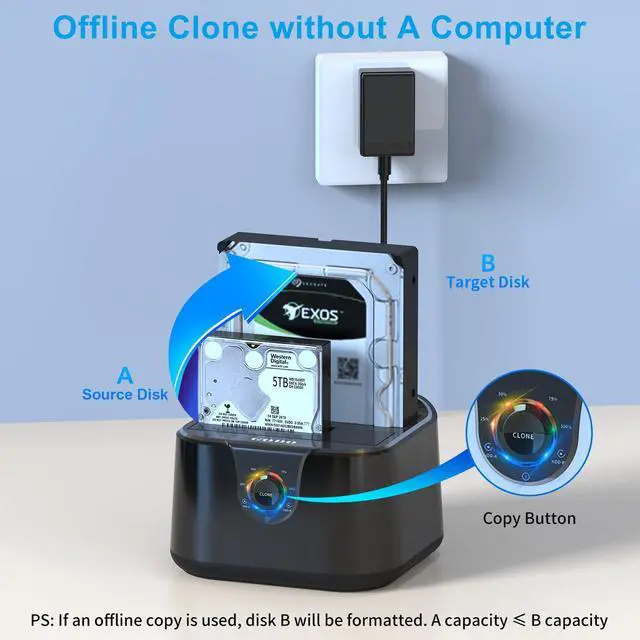
Offline Clone without a computer:
Attention
- The target disk B must be larger than the source disk A.
- Please backup files in the target hard drive (HDD B) before cloning. Any files in target hard drive will be overwritten when offline cloning occurs.
- To avoid data transfer errors, overheating and damage to the device please make sure that there are no faulty driver cells.
- To avoid data loss, do not remove or insert drives when one drive is working in the docking station. Please power off the dock before removing.
Tool Free Installation

Installation Steps of 2 Bay External Hard Drive Dock
1, Install the hard disk into the hard disk base .
2, Connect to the power adapter .
3, USB cable is connected to the computer .
4, Turn on the power switch and start working .
Offline Cloning is so simple:
Clone : 25% 50% 70% 100%(LED indicates the progress status)
01. Differentiate A/B disk: HDD A is the master disk, HDD B is the sub disk, and the capacity requirement of HDD A = HDD B.
02. Prepare the target disk: The data of disk B will be cleared when Cloning.If there are important data, please use the computer to make a backup first.
03. Connection: Disconnect the computer from the hard disk, insert the hard disk into the corresponding drawer, and then connect the power; Press the power switch and wait for 10 seconds to let the hard disk run to increase the speed.
04. One key operation: long press CLONE key for 3-5 seconds to start automatic Cloning; Each grid LED light represents 25% of the completion progress, the completed progress light will be on for a long time, and other waiting lights will flash back and forth; When all LED progress indicators are remaining on Until the power is turned off , the Clone is completed.
 Dual Bay 2.5/3.5 Sata Hard Drive docking Station Black |  Dual Bay 2.5/3.5 Sata Hard Drive docking Station with USB C Black |  Single Bay 2.5/3.5 Sata Hard Drive docking Station Black |  Dual Bay 2.5/3.5 Sata Hard Drive docking Station White |  Dual Bay 2.5/3.5 Sata Hard Drive docking Station with USB C White |  Dual Bay 2.5/3.5 Sata Hard Drive docking Station Gray | |
|---|---|---|---|---|---|---|
| Customer Reviews | — | — | — | — | — | — |
| Price | — | — | — | — no data | — no data | — no data |
| Compatibility | 2.5 Inch & 3.5 Inch | 2.5 Inch & 3.5 Inch | 2.5 Inch & 3.5 Inch | 2.5 Inch & 3.5 Inch | 2.5 Inch & 3.5 Inch | 2.5 Inch & 3.5 Inch |
| Bay Number | 2 BAY | 2 BAY | 1 BAY | 2 BAY | 2 BAY | 2 BAY |
| Transmission Speed | Up to 5 Gbps | Up to 5 Gbps | Up to 5 Gbps | Up to 5 Gbps | Up to 5 Gbps | Up to 5 Gbps |
| Max HDD Capacity | 2*18TB | 2*18TB | 18TB | 2*18TB | 2*18TB | 2*16TB |
| Material | ABS | ABS | ABS | ABS | ABS | ABS |
| Offline Clone | ? | ? | no data | ? | ? | ? |
| Plug and play | ? | ? | ? | ? | ? | ? |
| Support UASP | ? | ? | ? | ? | ? | ? |
GODO Dual Bay External Hard Drive Docking Station USB 3.0 for 2.5/3.5 inch SSD HDD
GODO 2.5 / 3.5 inch HDD SSD Hard Drive Docking Station
Widely Compatibility:GODO two-slot hard drive dokcking station supports all 2.5''/ 3.5'' SATA I/ II / III HDD SSD drives (up to 2 x 18TB).The product is compatible with almost all kinds of 2.5” and 3.5” HDDs and SSDs on the market. Compatible with Windows, Mac OS, Linux and Android.
PS: Clone : 25% 50% 70% 100%(LED indicates the progress status)
Note: When other waiting LEDs flash back and forth, it indicates that cloning is in progress, not a fault.
Characteristic of 2.5/3.5 Clone Docking Station
LED Progress Indicators
Each grid LED light represents 25% of the completion progress, the completed progress light will be on for a long time, and other waiting lights will flash back and forth; When all LED progress indicators are remaining on Until the power is turned off , the Clone is completed.
Note: When other waiting LEDs flash back and forth, it indicates that cloning is in progress, not a fault.
Dual Bay Sata Docking Station
GODO USB Type-A SATA 2.5” & 3.5” Dual Bay Docking Station
The GODO SATA Hard Drive Docking Station enables you to access desktop or laptop hard drives, without the frustration of assembling hard drive enclosures. By inserting a 2.5"/3.5" SATA hard drive directly into this docking station, you can quickly access drive contents and transfer files. Plus you can swap out hard drives effortlessly with plug and play mounting. Transfer data quickly and easily through USB 3.0 at speeds up to 5Gbps.
Non Slip Mat
Thick and good silica gel, more stable on the desktop,GODO External hard drive docking station enclosure With this anti slip rubber pad, it won't slide or break,Can better protect your HDDs and SSDs.
GODO USB 3.0 to SATA III Mini Dual Bay External Hard Drive Docking Station
Synchronize with the world
Since 2009, GODO's branding strategy has been officially launched. After 17 years of industry development, it has its own patent advantages in PC and mobile peripheral hardware. GODO Motivation has become an important core unit of the current and future intelligent world, and has remained outstanding on the path of Internet evolution.
- One bit, One generation
- Expand the future
- Connect the happy life
Hard Drive Docking Station Size
Specifications:
* Support all 2.5 / 3.5 inch SATA I / II / III HDD & SSD. Support up to 2x18TB drives
* Support USB 3.0 super-speed (5Gbps),Backwards complies with USB 2.0 hight speed (480Mbps), USB 1.1(12Mbps), USB 1.0 (1.5Mbps)
* Support UASP: 80% faster than traditional USB 3.0
* Support Offline Clone Function
* Support One Touch Backup or Duplicate
* Easy installation: Tool-free, no driver needed. Hot-swappable, plug and play !
- What's in the box:
- USB 3.0 Dual Bay Docking Station x 1
- USB 3.0 Cable x 1
- Power Adapter 12V/3A x 1
- User Manua x 1
Use Scenarios of Dual bay HDD SSD docking station
Connecting the PC/Laptop
Data can be stored and read at any time,the USB 3.0 hard drive enclosure will provide you greater convenience of use and versatility of digital data storage
Connecting TV
Watch a large number of high-definition movies, collect and download favorite TV plays and movies.
Connecting PS4/PS5
Play games freely, store more games, and don't worry about running out of computer memory
Connecting the Routers
By connecting the Routers,remote Access Seconds to NAS
Offline Clone without a computer:
Attention
- The target disk B must be larger than the source disk A.
- Please backup files in the target hard drive (HDD B) before cloning. Any files in target hard drive will be overwritten when offline cloning occurs.
- To avoid data transfer errors, overheating and damage to the device please make sure that there are no faulty driver cells.
- To avoid data loss, do not remove or insert drives when one drive is working in the docking station. Please power off the dock before removing.
Tool Free Installation
Installation Steps of 2 Bay External Hard Drive Dock
1, Install the hard disk into the hard disk base .
2, Connect to the power adapter .
3, USB cable is connected to the computer .
4, Turn on the power switch and start working .
Offline Cloning is so simple:
Clone : 25% 50% 70% 100%(LED indicates the progress status)
01. Differentiate A/B disk: HDD A is the master disk, HDD B is the sub disk, and the capacity requirement of HDD A = HDD B.
02. Prepare the target disk: The data of disk B will be cleared when Cloning.If there are important data, please use the computer to make a backup first.
03. Connection: Disconnect the computer from the hard disk, insert the hard disk into the corresponding drawer, and then connect the power; Press the power switch and wait for 10 seconds to let the hard disk run to increase the speed.
04. One key operation: long press CLONE key for 3-5 seconds to start automatic Cloning; Each grid LED light represents 25% of the completion progress, the completed progress light will be on for a long time, and other waiting lights will flash back and forth; When all LED progress indicators are remaining on Until the power is turned off , the Clone is completed.
Dual Bay 2.5/3.5 Sata Hard Drive docking Station Black | Dual Bay 2.5/3.5 Sata Hard Drive docking Station with USB C Black | Single Bay 2.5/3.5 Sata Hard Drive docking Station Black | Dual Bay 2.5/3.5 Sata Hard Drive docking Station White | Dual Bay 2.5/3.5 Sata Hard Drive docking Station with USB C White | Dual Bay 2.5/3.5 Sata Hard Drive docking Station Gray | |
|---|---|---|---|---|---|---|
| Customer Reviews | — | — | — | — | — | — |
| Price | — | — | — | — no data | — no data | — no data |
| Compatibility | 2.5 Inch & 3.5 Inch | 2.5 Inch & 3.5 Inch | 2.5 Inch & 3.5 Inch | 2.5 Inch & 3.5 Inch | 2.5 Inch & 3.5 Inch | 2.5 Inch & 3.5 Inch |
| Bay Number | 2 BAY | 2 BAY | 1 BAY | 2 BAY | 2 BAY | 2 BAY |
| Transmission Speed | Up to 5 Gbps | Up to 5 Gbps | Up to 5 Gbps | Up to 5 Gbps | Up to 5 Gbps | Up to 5 Gbps |
| Max HDD Capacity | 2*18TB | 2*18TB | 18TB | 2*18TB | 2*18TB | 2*16TB |
| Material | ABS | ABS | ABS | ABS | ABS | ABS |
| Offline Clone | ? | ? | no data | ? | ? | ? |
| Plug and play | ? | ? | ? | ? | ? | ? |
| Support UASP | ? | ? | ? | ? | ? | ? |
Synchronize with the world
Since 2009, GODO's branding strategy has been officially launched. After 17 years of industry development, it has its own patent advantages in PC and mobile peripheral hardware. GODO Motivation has become an important core unit of the current and future intelligent world, and has remained outstanding on the path of Internet evolution.
- One bit, One generation
- Expand the future
- Connect the happy life
Visit the Store
Visit the Store
Visit the Store
Visit the Store
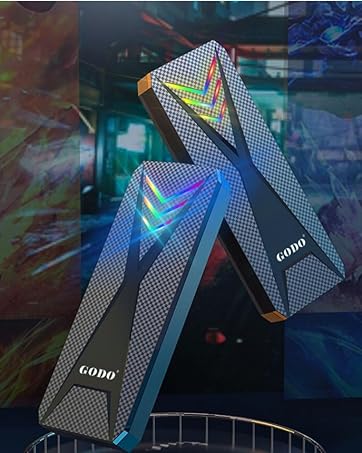
RGB m.2 Nvme/SATA Enclosure
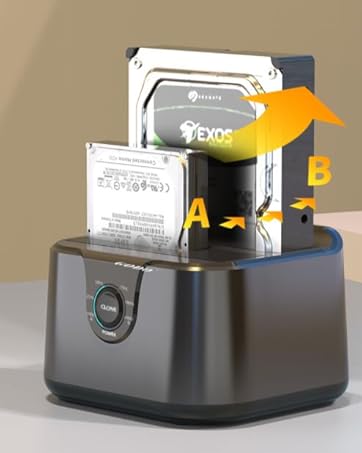
HDD DOCK- Offline Clone
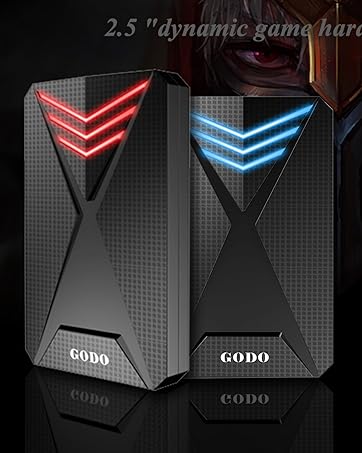
2.5" SATA SSD/HDD Enclosure
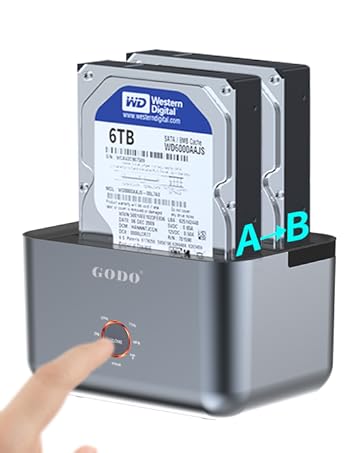
2 Bay HDD Docking Staion
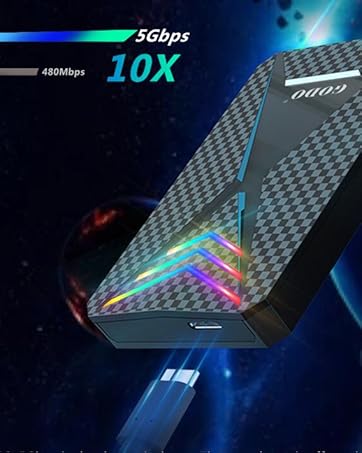
RGB 2.5" Hard Drive Enclosure
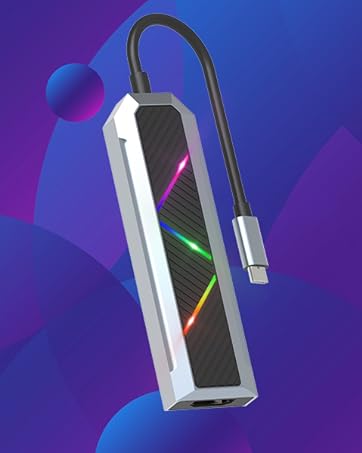
RGB USB C Hub 9 in 1
5Gbps Super Speed
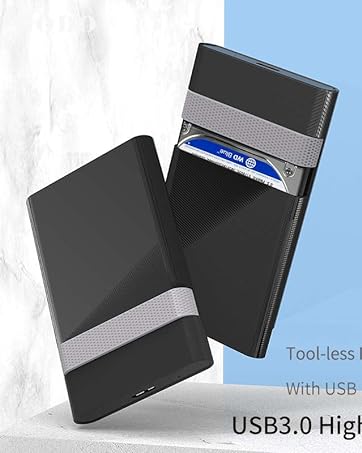
2.5 inch Hard Drive Enclosure
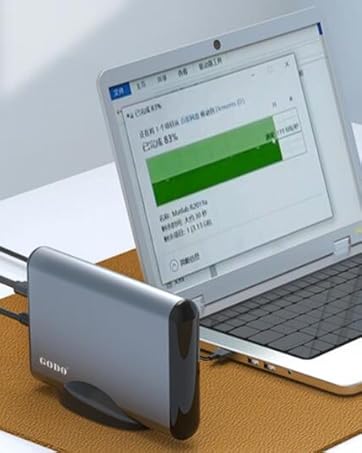
3.5" SATA HDD/SSD Enclosure
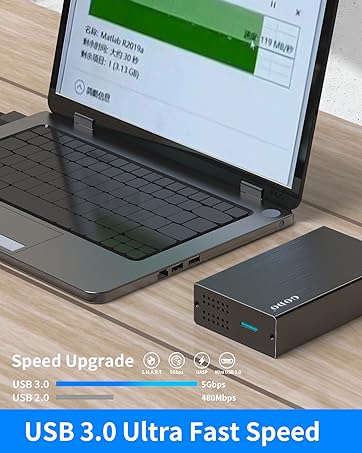
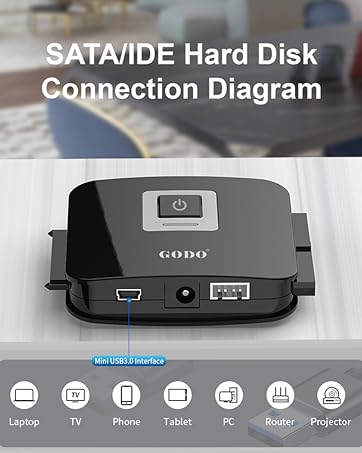
2.5 inch Plug and Play
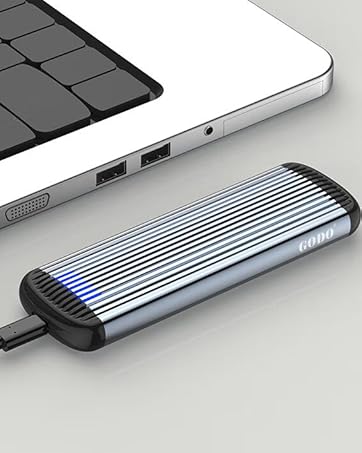

GODO has nearly 20 years of industry experience and product development and design experience. Its products cover professional fields such as USB-C expansion and mobile storage optimization. GODO's brand footprints are all over the world, mainly in Europe and North America. It is one of the few technology-based, intelligent and export-oriented enterprises that have independent intellectual property patents and can export products.
