





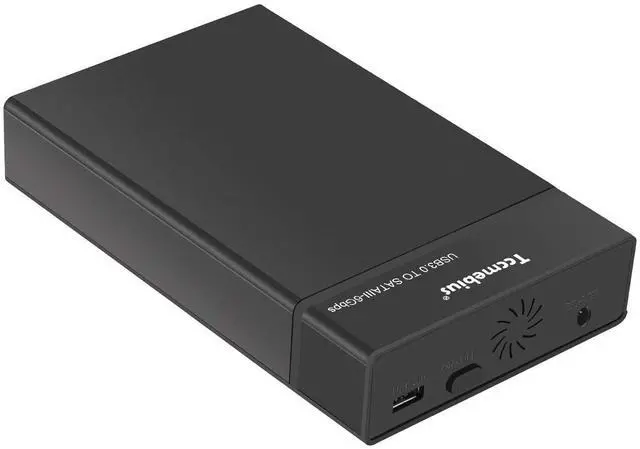
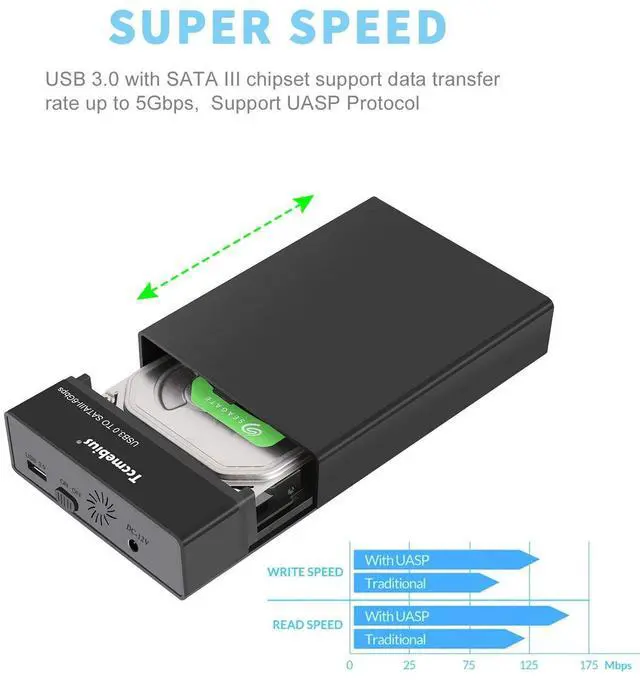
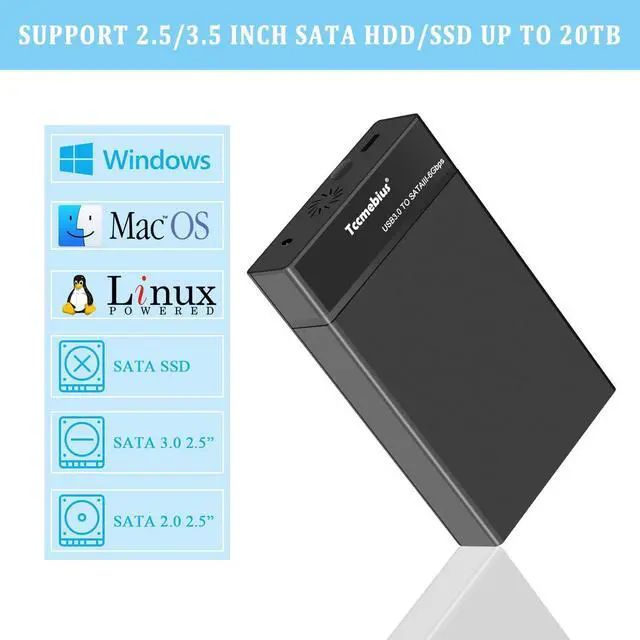
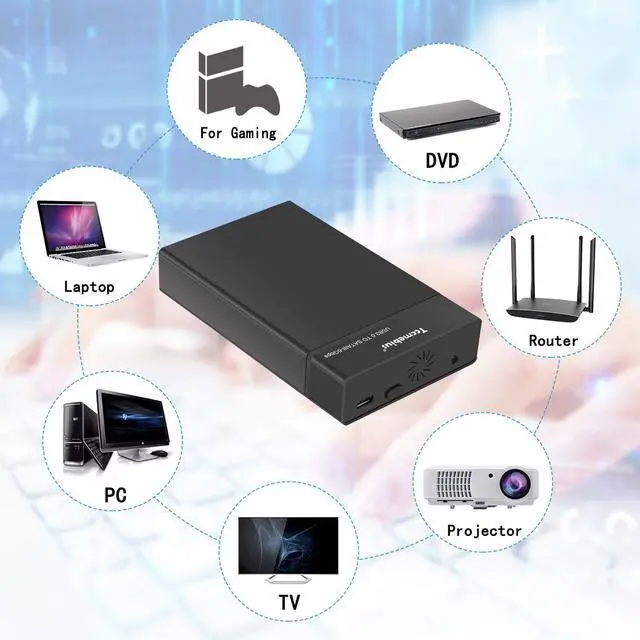
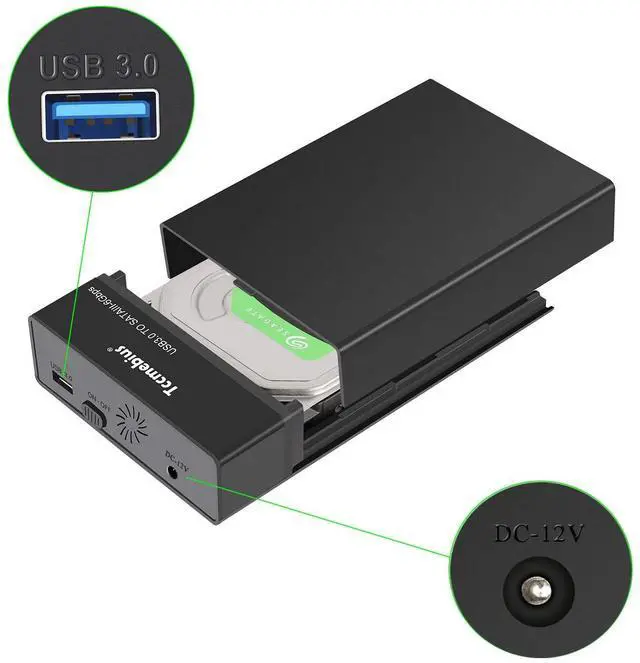
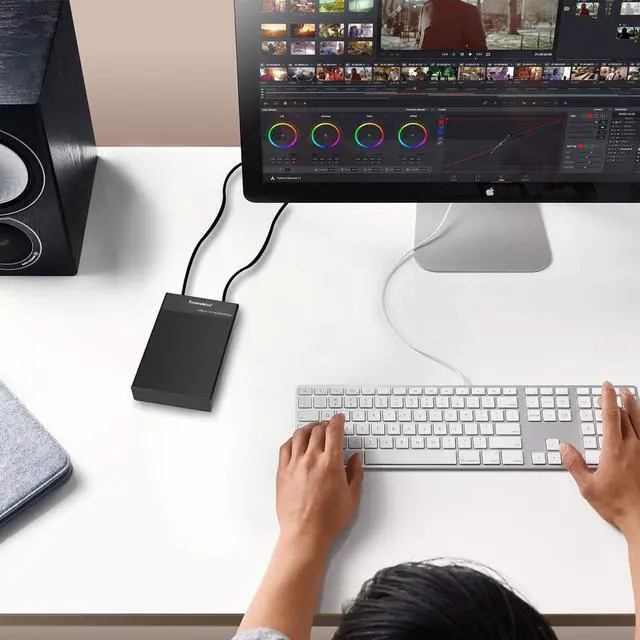
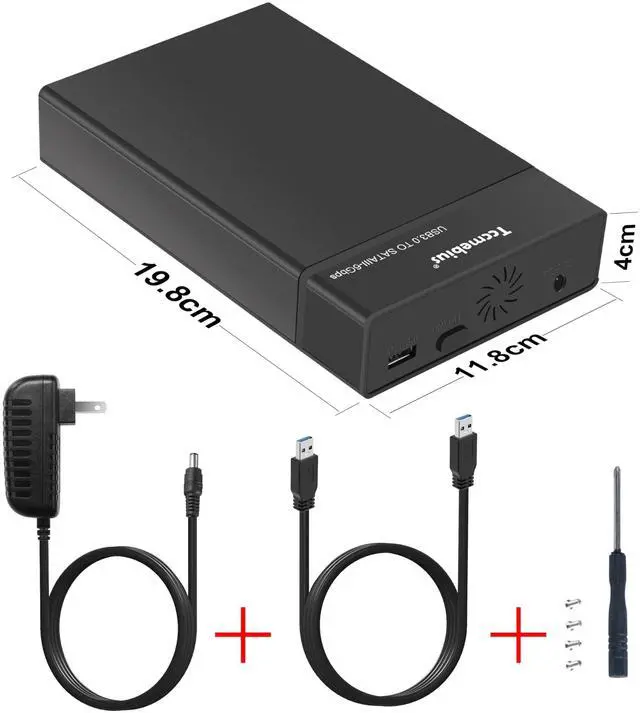




Tccmebius USB 3.0 SATA enclosure is designed specifically for 2.5/3.5 inch SATA HDDs or SATA SSDs, with data transfer speeds up to 5Gbps, It can support up to 22TB of hard drives for full load operation. It is an ideal choice for digital enthusiasts, movie enthusiasts, and business elites.


What should we do if the computer cannot read the brand new hard drive after connecting it to the product normally?
A brand new hard drive needs to be formatted and partitioned according to the hard drive manual before it can be read normally. For hard drives larger than 2TB, please use GPT format to partition the hard drive.
The description indicates that it supports Max of 22TB hard drives. Can it connect to 24TB/28TB hard drives and work?
The SATA enclosure can support up to 22TB of hard drives for full load operation. However, in general, hard drives do not operate at full capacity, so this product can connect SATA port hard drives with 24TB / 28TB or higher memory and work normally.
What should I do if the HDD enclosure does not work properly when connected to smartphone via OTG adapter?
Firstly, check if the USB C port of Phone supports OTG. If not supported, the product will not function properly. Then check if the format of the external hard drive is compatible with the system of the Phone. (The product not include OTG adapter)
What should I do if the Tccmebius USB 3.0 HDD enclosure does not work properly when connected to an Apple device?
Please check if the format of the external hard drive is NTFS. The operating system (MAC/iOS) of Apple devices requires the installation of NTFS reading software to read and write to external hard drives in NTFS format.
Why does Tccmebius HDD Enclosure not automatically enter sleep mode?
When the USB 3.0 SATA enclosure is connected to devices such as routers and game controllers, it may continue to transfer data and therefore will not enter sleep mode.
Tccmebius Hard Drive Readers Series
 TCC-S863 |  TCC-S862 |  TCC-S8 |  TCC-S9 |  TCC-S186 |  TCC-S867 |  TCC-S865 | |
|---|---|---|---|---|---|---|---|
Customer Reviews | — | — | — | — | — | — | — |
Price | — | — | — | — | — | — | — |
For SATA | 2.5/3.5 SATA HDD | 2.5/3.5 SATA HDD | 2.5/3.5 SATA HDD | 2.5/3.5 SATA HDD | NO | 2.5/3.5 SATA HDD | 2.5/3.5 SATA HDD |
For IDE | NO | 2.5/3.5 IDE HDD | NO | NO | NO | 2.5/3.5 IDE HDD | 2.5/3.5 IDE HDD |
For SSD | SATA SSD | SATA SSD | SATA SSD | NO | M.2 NVMe + SATA SSD | SATA SSD | SATA SSD |
Transmission Speed | Up to 5Gbps | Up to 480Mb/s | Up to 5Gbps | Up to 5Gbps | Up to 10Gbps | Up to 480Mb/s | Up to 5Gbps |
Connection Port | USB 3.0 | USB 2.0 | USB 3.0 (TYPE-A/C) | USB 3.0 | USB 3.1 (Type A&C) | USB 2.0 | USB 3.0 |
Power Adapter | 12V/3A | 12V/3A | 12V/3A | NO | NO | 12V/3A | 12V/3A |

Tccmebius dedicated to crafting computer peripherals such, as HDD/SSD docking stations (Enclosure), USB Hub, Card reader, Ethernet adapter, etc.
Since our foundation in 2013, we have continuously learned, innovated, and always listened to the opinions of our customers. Tccmebius is committed to providing customers with high-quality products, friendly designs, and excellent services.
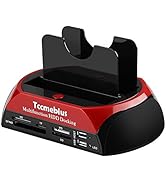
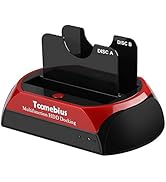
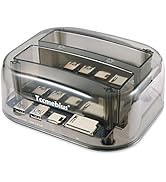
HDD DOCKING STATION
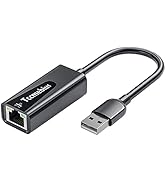
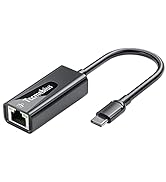
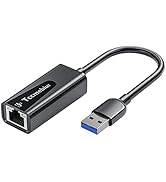
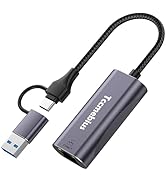
USB A/C Ethernet Adapter
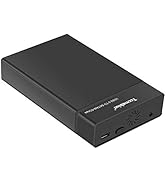
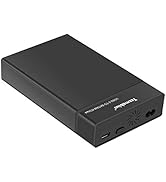
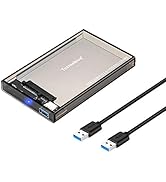
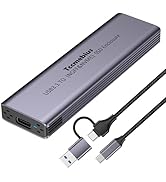
HDD / SSD ENCLOSURE
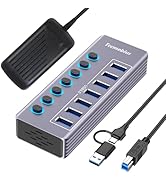
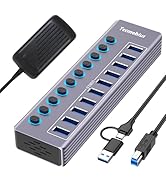
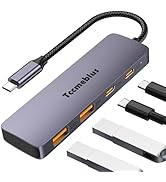
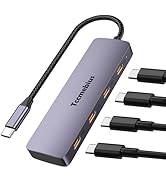
Multi-functional USB Hub

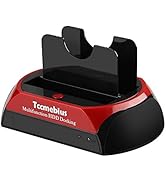
Tccmebius USB 3.0 SATA enclosure is designed specifically for 2.5/3.5 inch SATA HDDs or SATA SSDs, with data transfer speeds up to 5Gbps, It can support up to 22TB of hard drives for full load operation. It is an ideal choice for digital enthusiasts, movie enthusiasts, and business elites.


What should we do if the computer cannot read the brand new hard drive after connecting it to the product normally?
A brand new hard drive needs to be formatted and partitioned according to the hard drive manual before it can be read normally. For hard drives larger than 2TB, please use GPT format to partition the hard drive.
The description indicates that it supports Max of 22TB hard drives. Can it connect to 24TB/28TB hard drives and work?
The SATA enclosure can support up to 22TB of hard drives for full load operation. However, in general, hard drives do not operate at full capacity, so this product can connect SATA port hard drives with 24TB / 28TB or higher memory and work normally.
What should I do if the HDD enclosure does not work properly when connected to smartphone via OTG adapter?
Firstly, check if the USB C port of Phone supports OTG. If not supported, the product will not function properly. Then check if the format of the external hard drive is compatible with the system of the Phone. (The product not include OTG adapter)
What should I do if the Tccmebius USB 3.0 HDD enclosure does not work properly when connected to an Apple device?
Please check if the format of the external hard drive is NTFS. The operating system (MAC/iOS) of Apple devices requires the installation of NTFS reading software to read and write to external hard drives in NTFS format.
Why does Tccmebius HDD Enclosure not automatically enter sleep mode?
When the USB 3.0 SATA enclosure is connected to devices such as routers and game controllers, it may continue to transfer data and therefore will not enter sleep mode.
Tccmebius Hard Drive Readers Series
TCC-S863 | TCC-S862 | TCC-S8 | TCC-S9 | TCC-S186 | TCC-S867 | TCC-S865 |
|---|---|---|---|---|---|---|
| Customer Reviews | ||||||
| — | — | — | — | — | — | — |
| Price | ||||||
| — | — | — | — | — | — | — |
| For SATA | ||||||
| 2.5/3.5 SATA HDD | 2.5/3.5 SATA HDD | 2.5/3.5 SATA HDD | 2.5/3.5 SATA HDD | NO | 2.5/3.5 SATA HDD | 2.5/3.5 SATA HDD |
| For IDE | ||||||
| NO | 2.5/3.5 IDE HDD | NO | NO | NO | 2.5/3.5 IDE HDD | 2.5/3.5 IDE HDD |
| For SSD | ||||||
| SATA SSD | SATA SSD | SATA SSD | NO | M.2 NVMe + SATA SSD | SATA SSD | SATA SSD |
| Transmission Speed | ||||||
| Up to 5Gbps | Up to 480Mb/s | Up to 5Gbps | Up to 5Gbps | Up to 10Gbps | Up to 480Mb/s | Up to 5Gbps |
| Connection Port | ||||||
| USB 3.0 | USB 2.0 | USB 3.0 (TYPE-A/C) | USB 3.0 | USB 3.1 (Type A&C) | USB 2.0 | USB 3.0 |
| Power Adapter | ||||||
| 12V/3A | 12V/3A | 12V/3A | NO | NO | 12V/3A | 12V/3A |
Tccmebius dedicated to crafting computer peripherals such, as HDD/SSD docking stations (Enclosure), USB Hub, Card reader, Ethernet adapter, etc.
Since our foundation in 2013, we have continuously learned, innovated, and always listened to the opinions of our customers. Tccmebius is committed to providing customers with high-quality products, friendly designs, and excellent services.
HDD DOCKING STATION
USB A/C Ethernet Adapter
HDD / SSD ENCLOSURE
Multi-functional USB Hub