





INTRODUCTION:
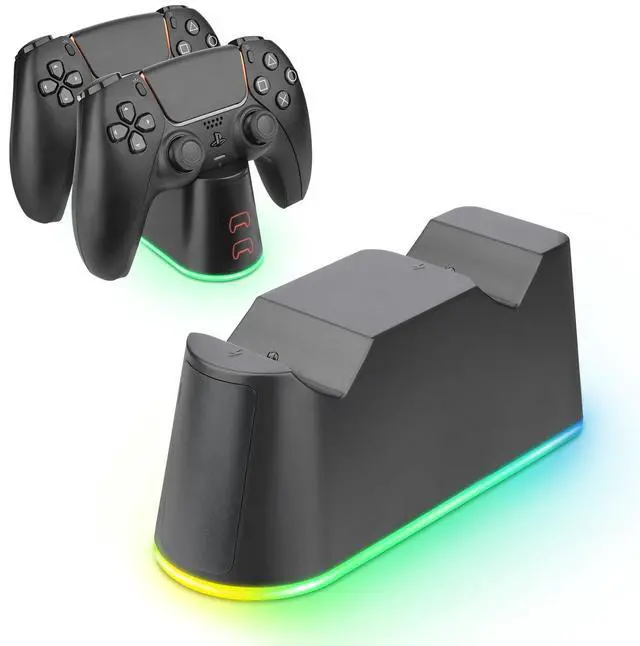
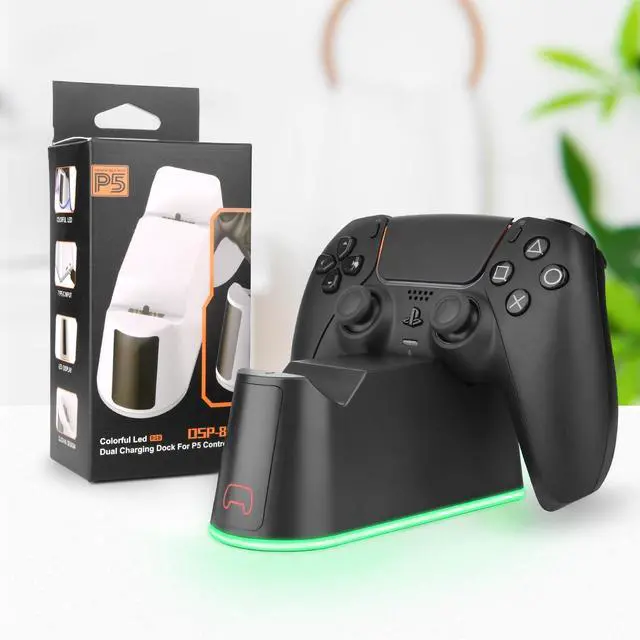
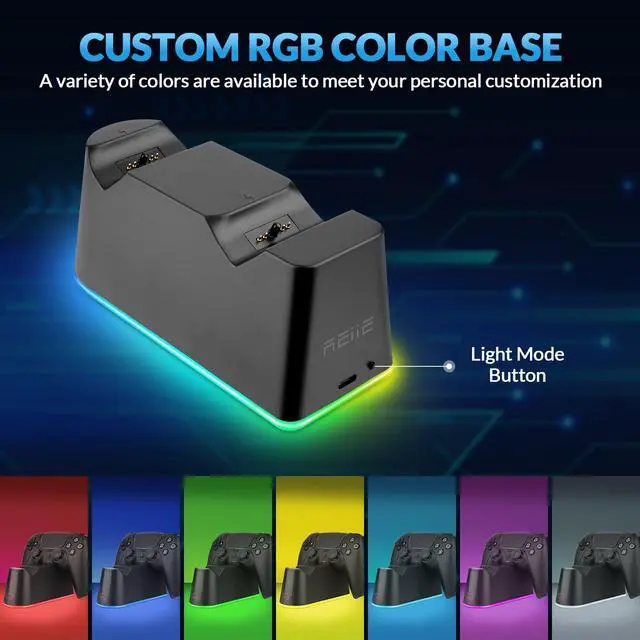
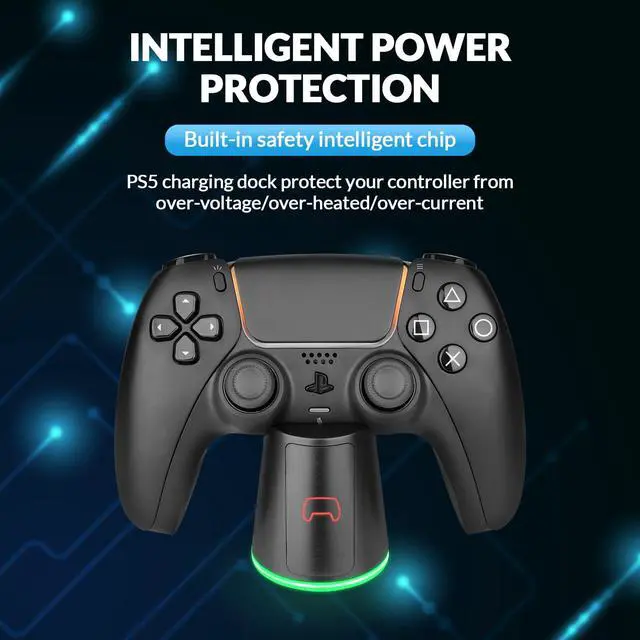
RGB dual charging dock for PS5 controllers is a product designed according to charging request of PS5 wirless controllers.It supports charging for two PS5 controllers at same time.The charging status of PS5 controllers can be shown by the LED indication in the front of the charging dock.The standard Type-C interface for charging,supports to get power easily from Type-C interface of PS5 console or dedicated power adapter.The RGB light can be switch to different mode by pressing the button in the bottom of charging dock.The product design is novel and light and it is easy,convenient,practical and essential for PS5 controller players.
OPERATION INSTRUCTION:
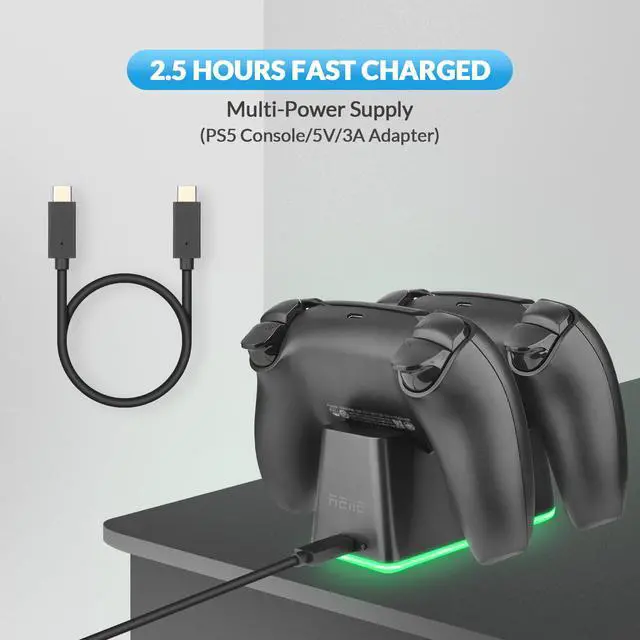
1. Plug the Type-C cable included to PS5 console,or using standard Type-C power adapter.The male interface of Type-C plug to the female interface of Type-C in the back of charging dock,then it will get power.
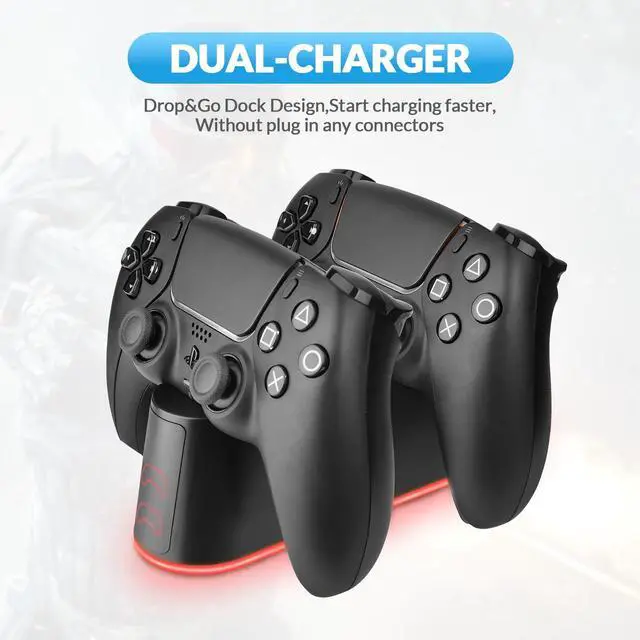
2. Put PS5 controllers on the charging dock,connecting the contact of controllers to the contact of charging dock and charging for it.The LED charging indication light in the front of dock to show charging status of two controllers.Charging light of the controllers is on,means dock is charging for the controllers.
3. The LED indication light on the dock will be off after full charging for controllers.The LED indication light on the dock will be always on when it charges for controllers.
TECHNICAL PARAMETER
INTRODUCTION:
RGB dual charging dock for PS5 controllers is a product designed according to charging request of PS5 wirless controllers.It supports charging for two PS5 controllers at same time.The charging status of PS5 controllers can be shown by the LED indication in the front of the charging dock.The standard Type-C interface for charging,supports to get power easily from Type-C interface of PS5 console or dedicated power adapter.The RGB light can be switch to different mode by pressing the button in the bottom of charging dock.The product design is novel and light and it is easy,convenient,practical and essential for PS5 controller players.
OPERATION INSTRUCTION:
1. Plug the Type-C cable included to PS5 console,or using standard Type-C power adapter.The male interface of Type-C plug to the female interface of Type-C in the back of charging dock,then it will get power.
2. Put PS5 controllers on the charging dock,connecting the contact of controllers to the contact of charging dock and charging for it.The LED charging indication light in the front of dock to show charging status of two controllers.Charging light of the controllers is on,means dock is charging for the controllers.
3. The LED indication light on the dock will be off after full charging for controllers.The LED indication light on the dock will be always on when it charges for controllers.
TECHNICAL PARAMETER
| Compatible with | PS5 original controllers |
| Innput voltagr | DC5V |
| Input current | 3A(max) |
| Material | ABS |
| Cable length | 1M |
| Product size | 140*51*58.5mm |
| Product weight | 125g |
| Accessories | 1 pc charging cable |