







AIKOR Document Camera for teachers in-class with Mic, Manual Focus 1080p Webcam

- IMPORTANT : The AIKOR BR-200 Document Camera (without illumination light) is only compatible with desktop or laptop computers and will not work with iPads or mobile devices.
- The camera requires a desktop or laptop computer to operate in conjunction with software, as detailed below.
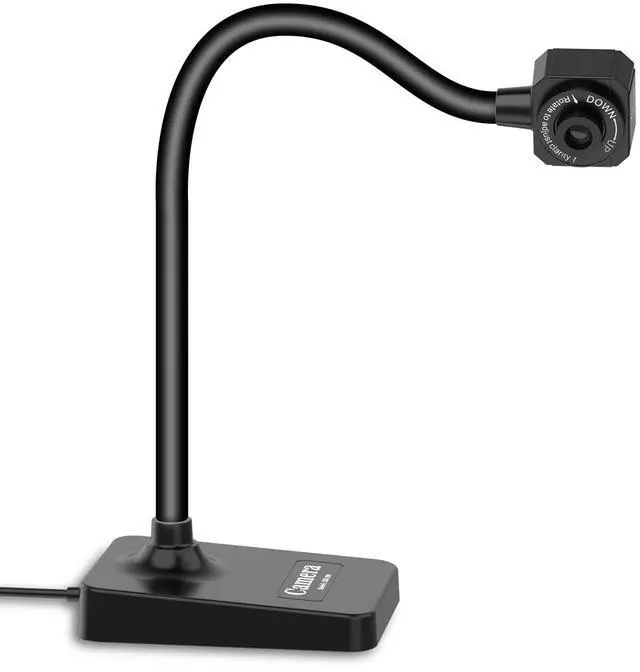
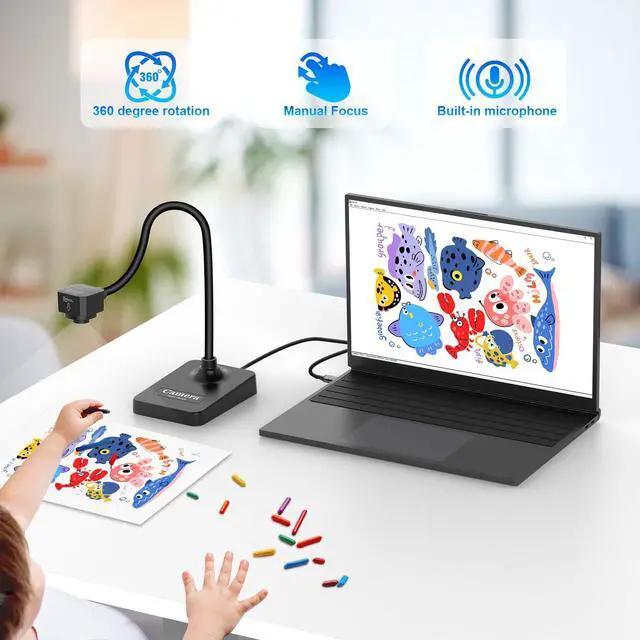
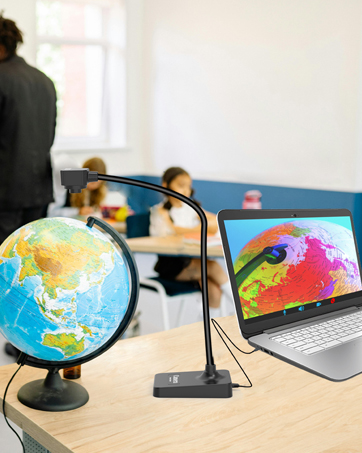
- AIKOR Document Camera for Teachers comes with a built-in microphone, manual focus adjustment, and a flexible foldable design. It’s super easy to use and perfect for remote learning, online education, art classes, or live presentations.
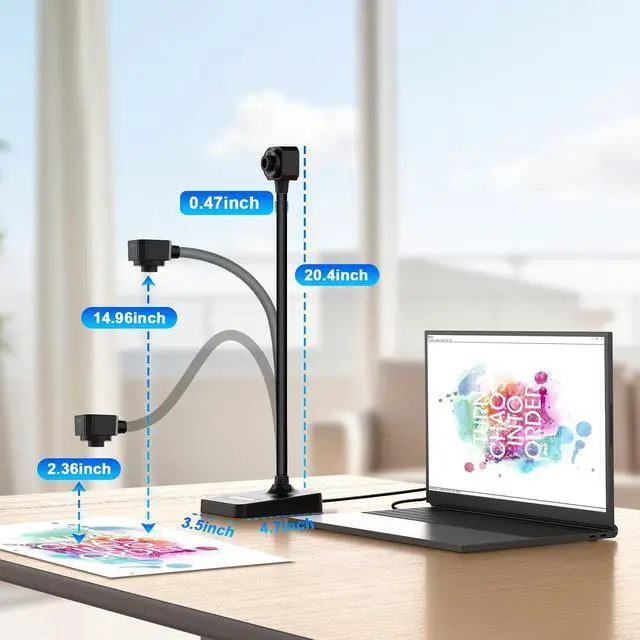
- AIKOR offers clear image resolution and high frame rate video output. The unique flexible hose design allows you to easily adjust the camera angle. Portable & Flexible,Fully adjustable flexible hose stand. Capture from different heights and angles.Weighs just 1.1 lbs, foldable, and easy to carry.
Key Features :

Video Recording Camera :
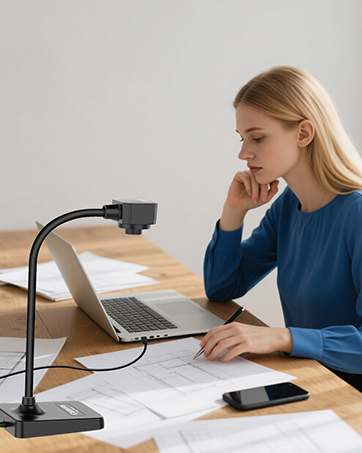
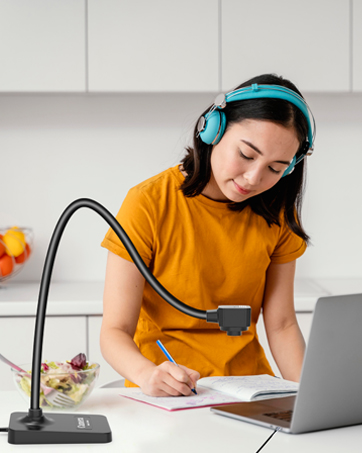
- AIKOR The flexible USB camera hose design lets you capture images from different angles.
- Full HD real-time video capture at up to 30 fps.
- HD resolution up to 1920x1080.

Eeasy to use :
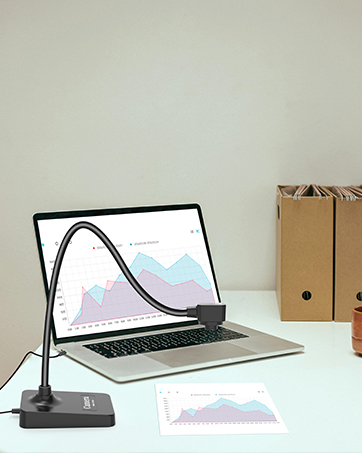
- AIKOR document camera works with the projector, simply connect the document camera to the computer and then connect the computer to the projector.
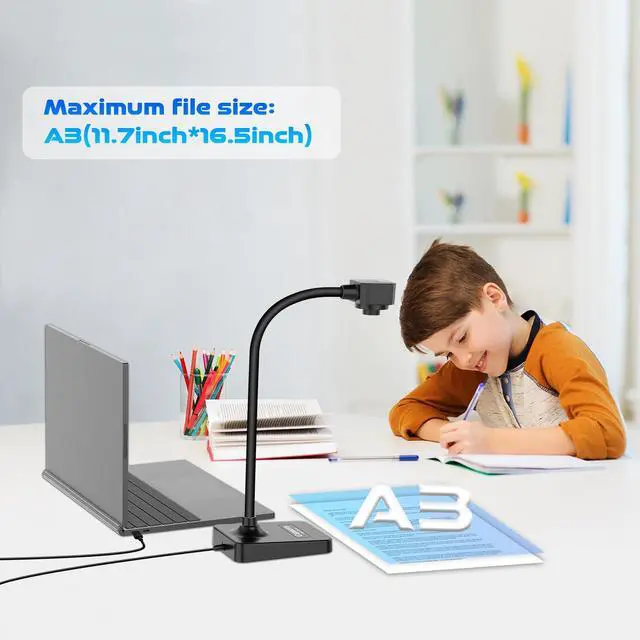
- Capture area up to A3 size (16.5 inches x 11.6 inches).

Convenient Built-In Features :
- Rotate the lens and swivel the camera head to use as a webcam.
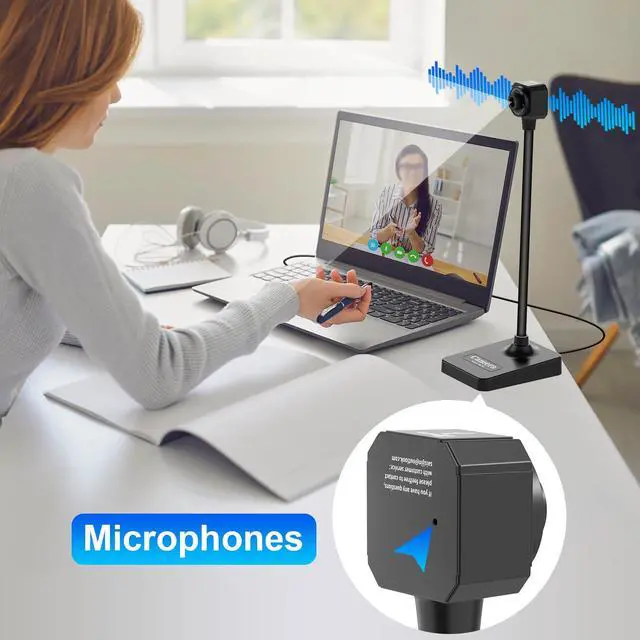
- Built-in sealed silicone microphone for recording lessons and video calls.
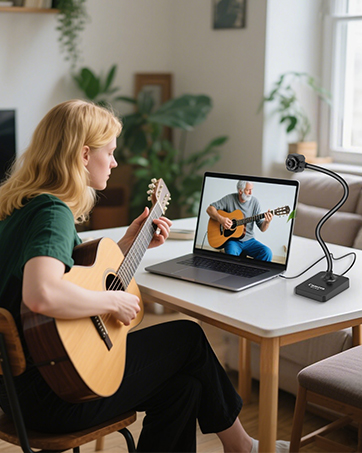
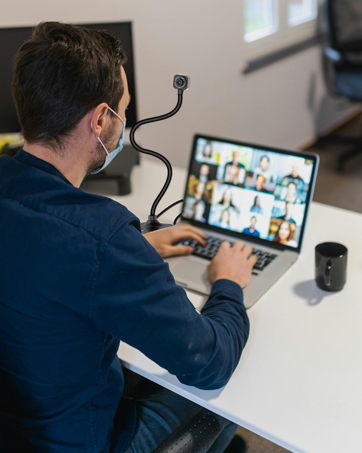
- Suitable for Online Classes, Web Conferencing & Live Demos.
Manually adjust camera clarity :

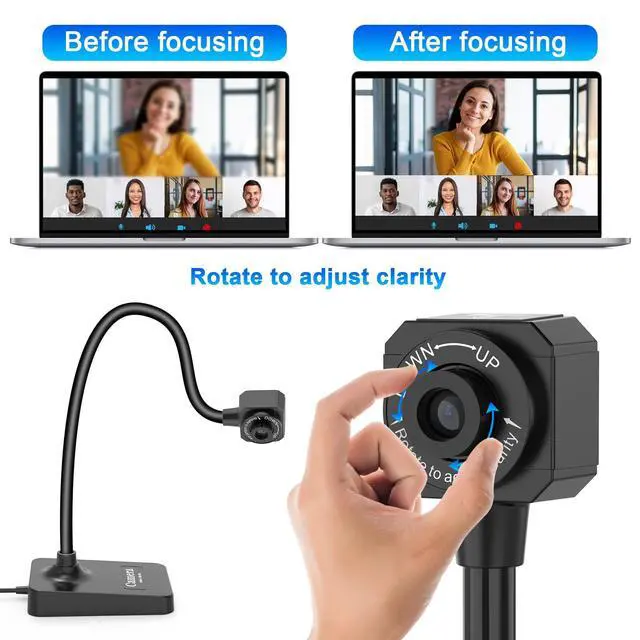
- AIKOR camera’s manual rotating lens provides clearer images, and the system is compatible with Windows 11/10/XP/7/8, Mac, Chromebook, and Linux.
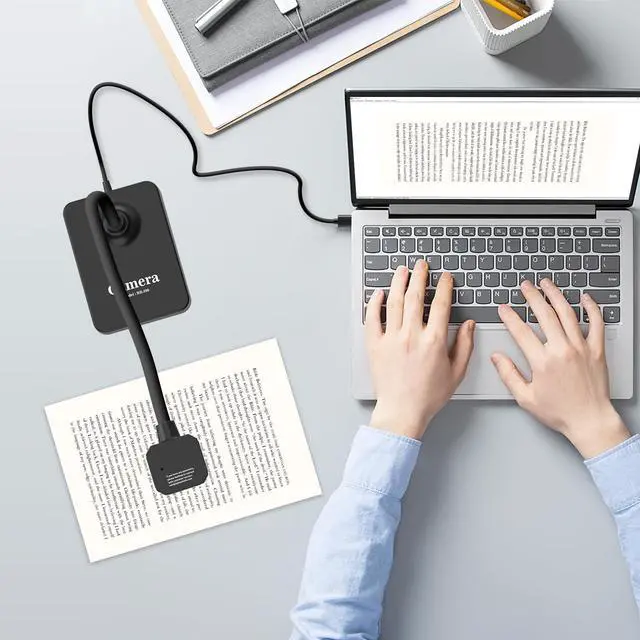
- This document camera is not a plug-and-play webcam: you need to place the document camera on the left side or the right side of the computer,plug the USB into the computer, then open the video software and select "USB Camera" to use this document camera.
- IMPORTANT: The AIKOR BR-200 Document Camera (without illumination light) is only compatible with desktop or laptop computers and will not work with iPads or mobile devices.
AIKOR compatible with Windows 11/10/7/8/XP, Mac OS, Chromebooks

You can start a video conference with doc cam in 3 steps :
- Step 1 : Plug in the computer. It will be automatically detected. No need to install any drivers or other software.
- Step 2 : Launch the desired video sharing app.
- Step 3 : In the settings menu, change the camera source to ““Stream Camera”” and you can start using it.
- Finally : Image resolution can be adjusted as you need.
- AIKOR Document cameras can be connected to projectors. The document camera needs to be connected to the projector through a computer. Please connect the camera to the computer, open the video software, and then connect the projector to the computer.
- IMPORTANT : When you are using the document camera, do not open two software manipulate at the same time, otherwise the image on the computer will go black when you switch in and out.
Application system and platform :

- System supporting Windows PC, Macs,and Chromebooks.
- Compatible for E-Learning/Online Lesson App: Tiktok, Google Meet, Skype, Microsoft Teams, Zoom.
- Document camera is compatible with Tiktok, Zoom, Skype, Google Meet, Microsoft Teams, FaceTime, etc. !


AIKOR Document Camera for teachers in-class with Mic, Manual Focus 1080p Webcam
- IMPORTANT : The AIKOR BR-200 Document Camera (without illumination light) is only compatible with desktop or laptop computers and will not work with iPads or mobile devices.
- The camera requires a desktop or laptop computer to operate in conjunction with software, as detailed below.
- AIKOR Document Camera for Teachers comes with a built-in microphone, manual focus adjustment, and a flexible foldable design. It’s super easy to use and perfect for remote learning, online education, art classes, or live presentations.
- AIKOR offers clear image resolution and high frame rate video output. The unique flexible hose design allows you to easily adjust the camera angle. Portable & Flexible,Fully adjustable flexible hose stand. Capture from different heights and angles.Weighs just 1.1 lbs, foldable, and easy to carry.
Key Features :
Video Recording Camera :
- AIKOR The flexible USB camera hose design lets you capture images from different angles.
- Full HD real-time video capture at up to 30 fps.
- HD resolution up to 1920x1080.
Eeasy to use :
- AIKOR document camera works with the projector, simply connect the document camera to the computer and then connect the computer to the projector.
- Capture area up to A3 size (16.5 inches x 11.6 inches).
Convenient Built-In Features :
- Rotate the lens and swivel the camera head to use as a webcam.
- Built-in sealed silicone microphone for recording lessons and video calls.
- Suitable for Online Classes, Web Conferencing & Live Demos.
Manually adjust camera clarity :
- AIKOR camera’s manual rotating lens provides clearer images, and the system is compatible with Windows 11/10/XP/7/8, Mac, Chromebook, and Linux.
- This document camera is not a plug-and-play webcam: you need to place the document camera on the left side or the right side of the computer,plug the USB into the computer, then open the video software and select "USB Camera" to use this document camera.
- IMPORTANT: The AIKOR BR-200 Document Camera (without illumination light) is only compatible with desktop or laptop computers and will not work with iPads or mobile devices.
AIKOR compatible with Windows 11/10/7/8/XP, Mac OS, Chromebooks
You can start a video conference with doc cam in 3 steps :
- Step 1 : Plug in the computer. It will be automatically detected. No need to install any drivers or other software.
- Step 2 : Launch the desired video sharing app.
- Step 3 : In the settings menu, change the camera source to ““Stream Camera”” and you can start using it.
- Finally : Image resolution can be adjusted as you need.
- AIKOR Document cameras can be connected to projectors. The document camera needs to be connected to the projector through a computer. Please connect the camera to the computer, open the video software, and then connect the projector to the computer.
- IMPORTANT : When you are using the document camera, do not open two software manipulate at the same time, otherwise the image on the computer will go black when you switch in and out.
Application system and platform :
- System supporting Windows PC, Macs,and Chromebooks.
- Compatible for E-Learning/Online Lesson App: Tiktok, Google Meet, Skype, Microsoft Teams, Zoom.
- Document camera is compatible with Tiktok, Zoom, Skype, Google Meet, Microsoft Teams, FaceTime, etc. !
Document Camera - Distance Learning
Document Camera - Work from home
Document Camera - Remote Teaching
Document Camera - Web Conferencing
Document Camera - Sharing of business concepts
Document Camera - Live demonstration in class