




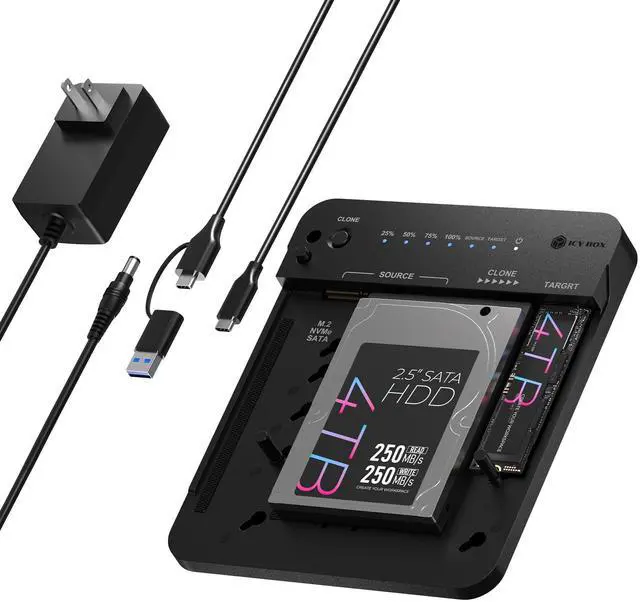




Box contents:
- 1 x IB-2913MCL-C31
- 1 x Power supply
- 1 x USB combo cable
- 3 x M.2 rubber fixing
- 1 x Manual
Universal hard drive docking station with offline cloning function
IB-2913MCL-C31
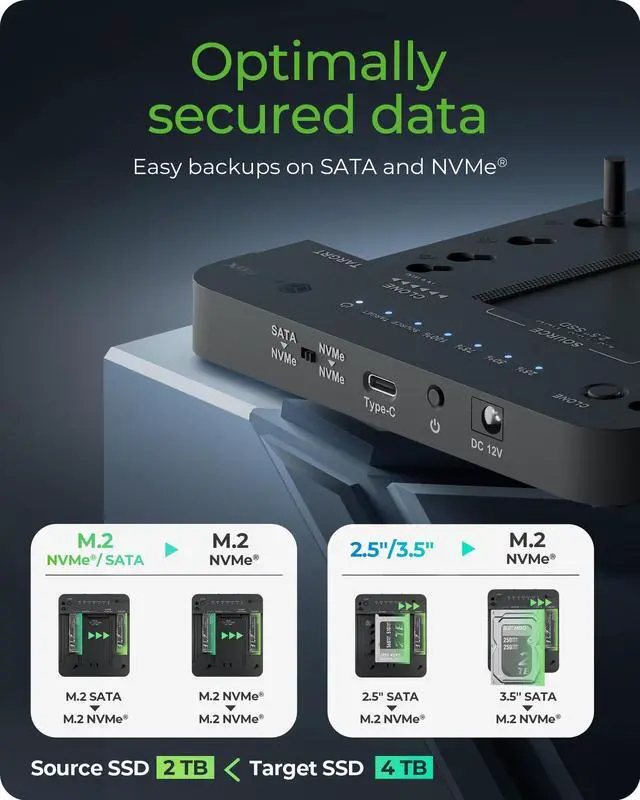
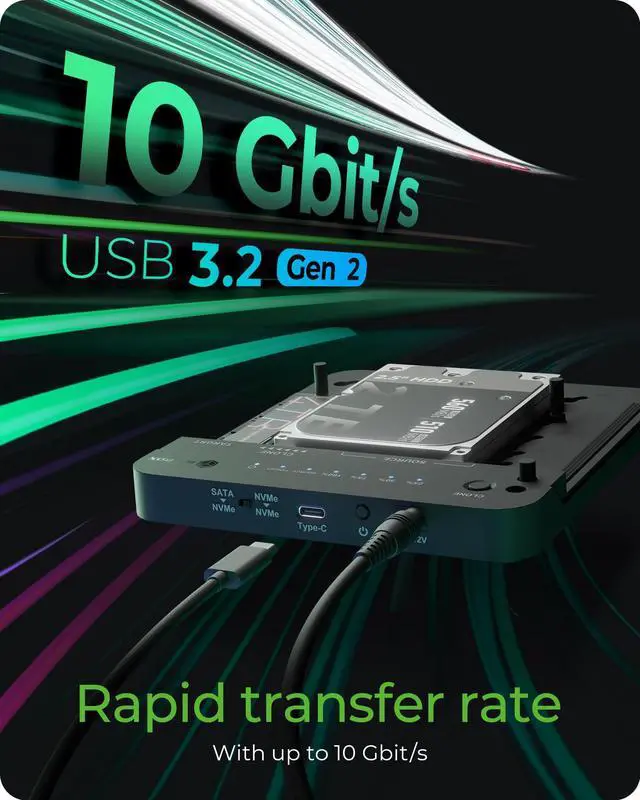
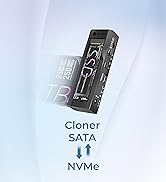
With our flexible cloning station, you can transfer hard drive contents even easier. Whether from 2.5" or 3.5" SATA HDD or SSD to M.2 PCIe NVMe SSD or from M.2 SATA SSD to M.2 PCIe NVMe SSD or M.2 PCIe NVMe SSD to M.2 PCIe NVMe SSD - everything is possible with just one push of a button. In addition, you can access the connected data carriers via USB 3.2 Gen 2 and the included USB Type-C/Type-A combination cable with up to 10 Gbit/s.
- Cloning SATA to M.2 PCIe NVMe and M.2 NVMe to M.2 NVMe
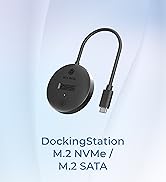
- For M.2 SATA and 2.5"/3.5" drives
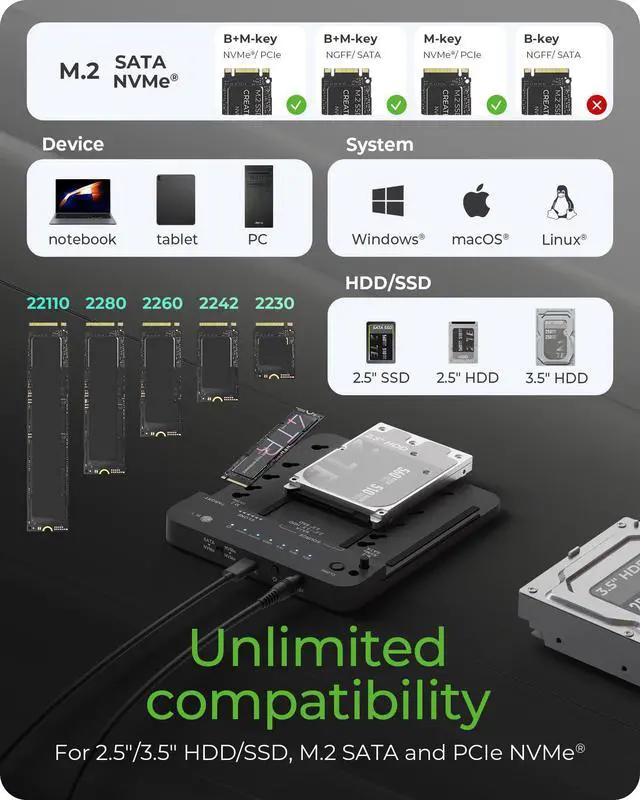
- For M.2 SSDs of sizes 22x 30/42/60/80/110 mm
- USB 3.2 Gen 2 - High data transfer rates (up to 10Gbps)
- LED for drive status and clone progress
- Fast, easy and tool-free drive installation
- Cloning without computer (stand-alone)
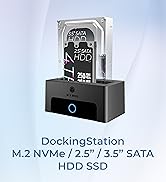
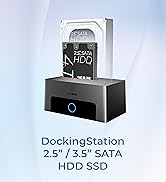
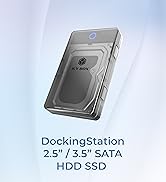
- Use as HDD/SSD/NVMe Hard Drive DockingStation

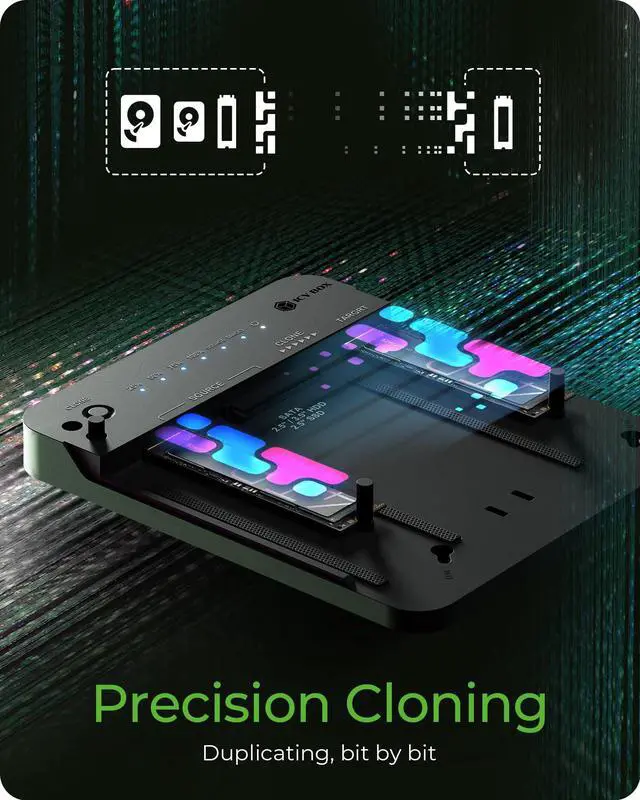
Bit to Bit Clone
A "bit-by-bit copy," also known as a bit stream duplicate or forensic image, is a method of creating an exact duplicate of a storage medium, where every bit is copied identically to the original. This includes all data, deleted files, and even unused portions of the drive

NVMe M.2 and 2.5''/3.5'' SATA SSD/HDD Clone Duplicator
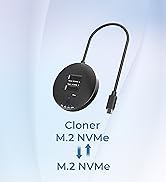
- Supports M.2 NVMe SSD to M.2 NVMe SSD Cloning
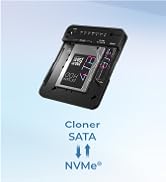
- Supports M.2 SATA SSD to M.2 NVMe SSD Cloning
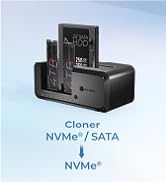
- Supports SATA 2.5''/3.5'' SSD/HDD to M.2 NVMe SSD Cloning

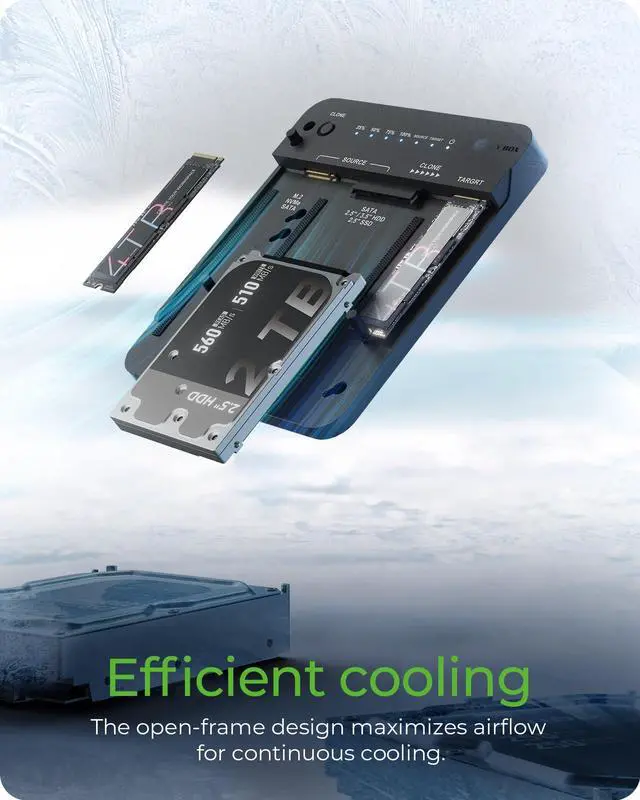
Efficient Cooling hard drive cloner
Innovative open-frame design that maximizes airflow through its vented structure, effectively eliminating heat buildup to ensure consistent 24/7 operation - particularly crucial for demanding large file transfer configurations. This intelligent thermal design not only maintains optimal performance but also provides essential protection by significantly reducing internal temperatures, thereby prolonging your hard drive's lifespan and preventing performance throttling during extended use.

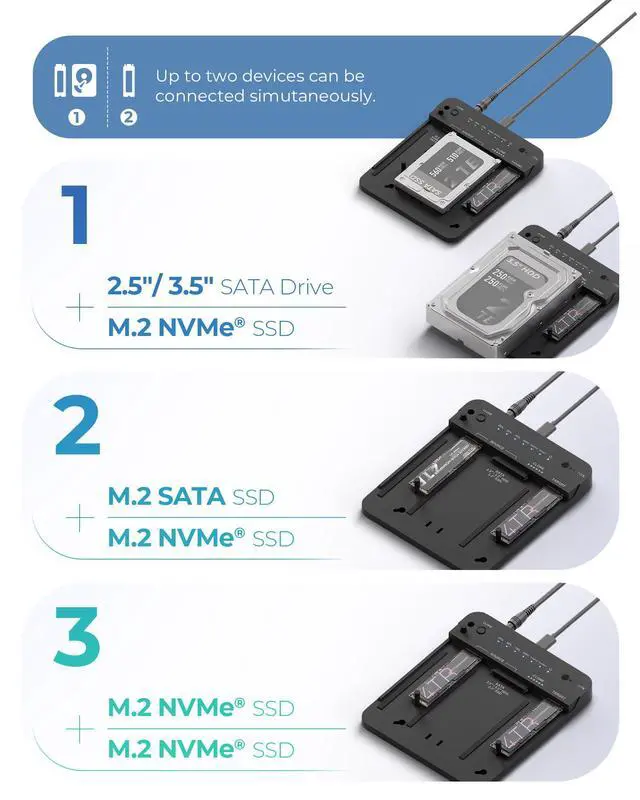
Whether you're using M.2 NVMe +M.2 NVMe, M.2 SATA, 2.5" SSD/HDD, or 3.5" HDD, this device supports a wide range of combinations to meet your data transfer and backup needs. Easily connect up to two different types of drives simultaneously.
It supports the following clone combinations:
M.2 NVMe or M.2 SATA ? M.2 NVMe
2.5"/3.5" SATA SSD/HDD ? M.2 NVMe
Note: Cloning from M.2 NVMe to 2.5"/3.5" SATA or M.2 SATA is not supported.

It supports the following drive types:
2.5"/3.5" SATA HDDs/SSDs
M.2 SATA SSDs
M.2 PCIe NVMe SSDs
(2230 / 2242 / 2260 / 2280 sizes)

Why choose ICY BOX?
26 years of German-engineered storage mastery since 1999—where precision engineering meets relentless durability. Backed by lifetime dedicated service. Pure focus, zero compromises.
Q: Can this docking station read multi SSDs simultaneously?
A:Yes, it can simultaneously read two SSDs/HDD, making it easy to expand your storage and manage files across both drives at once.
Note: It cannot read three drives simultaneously.
Q: What happens if the target drive is smaller than the source drive?
A:The cloning process will not start. To clone successfully, the target drive must be equal to or larger than the source drive in capacity.
Q: Why can’t I start the cloning process?
A:Please make sure you're following the correct steps:
1. Insert both the source and target SSDs; 2. Use the switch to select the correct cloning direction;3. Press and hold the "Clone" button for 5 seconds – this step is crucial;4. When the all LED starts flashing, press the "Clone" button again;5. The cloning process will begin.
Note: Make sure the target drive is larger than the source drive and that important data is backed up, as the target drive will be overwritten.
Note: Make sure to disconnect the USB-C cable from your computer. The cloning process will not start if the docking station is still connected to a device.
 M.2 NVMe & SATA SSD/HDD Docking Station&Cloner |  Bidirection M.2 NVMe&SATA SSD/HDD Dock&Cloner |  3 Bay M.2 NVMe & SATA SSD/HDD Hard Drive Docking Station&Cloner |  4 Bay NVMe M.2&SATA SSD/HDD Hard Drive Dock |  2 Bay M.2 NVMe&SATA Cloner&Reader |  2 Bay M.2 NVMe to SATA Cloner | |
|---|---|---|---|---|---|---|
| Customer Reviews | — | — | — | — | — | — |
| Price | — | — | — | — | — | — |
| Supported Protocols | SATA I,II,III M.2 NVMe / SATA | SATA I,II,III M.2 NVMe / SATA | SATA I,II,III M.2 NVMe | SATA I,II,III M.2 NVMe | SATA I,II,III M.2 NVMe / SATA | SATA, M.2 NVMe |
| Supported Sizes | 2230/2242/2260/2280 2.5"/3.5" SATA SSD/HDD | 2230/2242/2260/2280 2.5"/3.5" SATA SSD/HDD | 2230/2242/2260/2280 2.5"/3.5" SATA SSD/HDD | 2230/2242/2260/2280 2.5"/3.5" SATA SSD/HDD | 2230/2242/2260/2280 2.5"/3.5" SATA SSD/HDD | 2.5"/3.5" 2230/2242/2260/2280 |
| Direction | (M.2 NVMe/SATA-->M.2 NVMe) (2.5''/3.5'' --> M.2 NVMe) | Bidirection (M.2 SATA <--> M.2 NVMe) (2.5''/3.5'' <--> M.2 NVMe) | (M.2 NVMe -->M.2 NVMe) (2.5''/3.5'' --> M.2 NVMe) | / | Bidirection 2.5"/3.5" <--> M.2 NVMe | 2.5"/3.5" <--> M.2 NVMe |
| Transmission Speed | 10GB | 10GB | 10GB | 10GB | 10GB | 10GB |
| Offline Clone | Y | Y | Y | / | Y | Y |
| Plug and play | Y | Y | Y | Y | Y | Y |
| Support UASP | Y | Y | Y | Y | Y | Y |
| Assembly | Tool Free | Tool Free | Tool Free | Tool Free | Tool Free | Tool Free |
| Cable | C to C+A | C to C+A | C to C+A | C to C+A | C to C+A | C to C+A |
| Support devices | PC/Phone/Game console | PC/Phone/Game console | PC/Phone/Game console | PC/Phone/Game console | PC/Phone/Game console | PC/Phone/Game console |

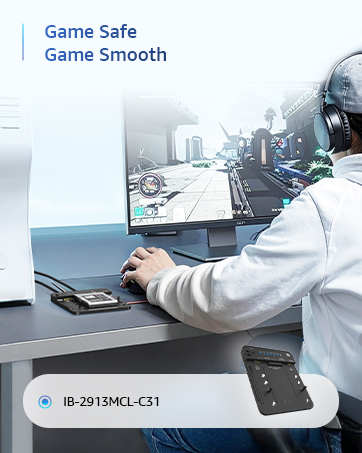
Universal hard drive docking station with offline cloning function
Box contents:
- 1 x IB-2913MCL-C31
- 1 x Power supply
- 1 x USB combo cable
- 3 x M.2 rubber fixing
- 1 x Manual
IB-2913MCL-C31
With our flexible cloning station, you can transfer hard drive contents even easier. Whether from 2.5" or 3.5" SATA HDD or SSD to M.2 PCIe NVMe SSD or from M.2 SATA SSD to M.2 PCIe NVMe SSD or M.2 PCIe NVMe SSD to M.2 PCIe NVMe SSD - everything is possible with just one push of a button. In addition, you can access the connected data carriers via USB 3.2 Gen 2 and the included USB Type-C/Type-A combination cable with up to 10 Gbit/s.
- Cloning SATA to M.2 PCIe NVMe and M.2 NVMe to M.2 NVMe
- For M.2 SATA and 2.5"/3.5" drives
- For M.2 SSDs of sizes 22x 30/42/60/80/110 mm
- USB 3.2 Gen 2 - High data transfer rates (up to 10Gbps)
- LED for drive status and clone progress
- Fast, easy and tool-free drive installation
- Cloning without computer (stand-alone)
- Use as HDD/SSD/NVMe Hard Drive DockingStation
Bit to Bit Clone
A "bit-by-bit copy," also known as a bit stream duplicate or forensic image, is a method of creating an exact duplicate of a storage medium, where every bit is copied identically to the original. This includes all data, deleted files, and even unused portions of the drive
NVMe M.2 and 2.5''/3.5'' SATA SSD/HDD Clone Duplicator
- Supports M.2 NVMe SSD to M.2 NVMe SSD Cloning
- Supports M.2 SATA SSD to M.2 NVMe SSD Cloning
- Supports SATA 2.5''/3.5'' SSD/HDD to M.2 NVMe SSD Cloning
Efficient Cooling hard drive cloner
Innovative open-frame design that maximizes airflow through its vented structure, effectively eliminating heat buildup to ensure consistent 24/7 operation - particularly crucial for demanding large file transfer configurations. This intelligent thermal design not only maintains optimal performance but also provides essential protection by significantly reducing internal temperatures, thereby prolonging your hard drive's lifespan and preventing performance throttling during extended use.
Whether you're using M.2 NVMe +M.2 NVMe, M.2 SATA, 2.5" SSD/HDD, or 3.5" HDD, this device supports a wide range of combinations to meet your data transfer and backup needs. Easily connect up to two different types of drives simultaneously.
It supports the following clone combinations:
M.2 NVMe or M.2 SATA ? M.2 NVMe
2.5"/3.5" SATA SSD/HDD ? M.2 NVMe
Note: Cloning from M.2 NVMe to 2.5"/3.5" SATA or M.2 SATA is not supported.
It supports the following drive types:
2.5"/3.5" SATA HDDs/SSDs
M.2 SATA SSDs
M.2 PCIe NVMe SSDs
(2230 / 2242 / 2260 / 2280 sizes)
Why choose ICY BOX?
26 years of German-engineered storage mastery since 1999—where precision engineering meets relentless durability. Backed by lifetime dedicated service. Pure focus, zero compromises.
Q: Can this docking station read multi SSDs simultaneously?
A:Yes, it can simultaneously read two SSDs/HDD, making it easy to expand your storage and manage files across both drives at once.
Note: It cannot read three drives simultaneously.
Q: What happens if the target drive is smaller than the source drive?
A:The cloning process will not start. To clone successfully, the target drive must be equal to or larger than the source drive in capacity.
Q: Why can’t I start the cloning process?
A:Please make sure you're following the correct steps:
1. Insert both the source and target SSDs; 2. Use the switch to select the correct cloning direction;3. Press and hold the "Clone" button for 5 seconds – this step is crucial;4. When the all LED starts flashing, press the "Clone" button again;5. The cloning process will begin.
Note: Make sure the target drive is larger than the source drive and that important data is backed up, as the target drive will be overwritten.
Note: Make sure to disconnect the USB-C cable from your computer. The cloning process will not start if the docking station is still connected to a device.
M.2 NVMe & SATA SSD/HDD Docking Station&Cloner | Bidirection M.2 NVMe&SATA SSD/HDD Dock&Cloner | 3 Bay M.2 NVMe & SATA SSD/HDD Hard Drive Docking Station&Cloner | 4 Bay NVMe M.2&SATA SSD/HDD Hard Drive Dock | 2 Bay M.2 NVMe&SATA Cloner&Reader | 2 Bay M.2 NVMe to SATA Cloner | |
|---|---|---|---|---|---|---|
| Customer Reviews | — | — | — | — | — | — |
| Price | — | — | — | — | — | — |
| Supported Protocols | SATA I,II,III M.2 NVMe / SATA | SATA I,II,III M.2 NVMe / SATA | SATA I,II,III M.2 NVMe | SATA I,II,III M.2 NVMe | SATA I,II,III M.2 NVMe / SATA | SATA, M.2 NVMe |
| Supported Sizes | 2230/2242/2260/2280 2.5"/3.5" SATA SSD/HDD | 2230/2242/2260/2280 2.5"/3.5" SATA SSD/HDD | 2230/2242/2260/2280 2.5"/3.5" SATA SSD/HDD | 2230/2242/2260/2280 2.5"/3.5" SATA SSD/HDD | 2230/2242/2260/2280 2.5"/3.5" SATA SSD/HDD | 2.5"/3.5" 2230/2242/2260/2280 |
| Direction | (M.2 NVMe/SATA-->M.2 NVMe) (2.5''/3.5'' --> M.2 NVMe) | Bidirection (M.2 SATA <--> M.2 NVMe) (2.5''/3.5'' <--> M.2 NVMe) | (M.2 NVMe -->M.2 NVMe) (2.5''/3.5'' --> M.2 NVMe) | / | Bidirection 2.5"/3.5" <--> M.2 NVMe | 2.5"/3.5" <--> M.2 NVMe |
| Transmission Speed | 10GB | 10GB | 10GB | 10GB | 10GB | 10GB |
| Offline Clone | Y | Y | Y | / | Y | Y |
| Plug and play | Y | Y | Y | Y | Y | Y |
| Support UASP | Y | Y | Y | Y | Y | Y |
| Assembly | Tool Free | Tool Free | Tool Free | Tool Free | Tool Free | Tool Free |
| Cable | C to C+A | C to C+A | C to C+A | C to C+A | C to C+A | C to C+A |
| Support devices | PC/Phone/Game console | PC/Phone/Game console | PC/Phone/Game console | PC/Phone/Game console | PC/Phone/Game console | PC/Phone/Game console |
M.2 NVMe / SATA Clone Station
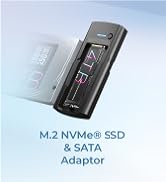
M.2 NVMe/SATA Dock
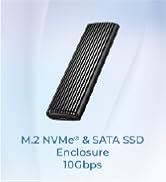
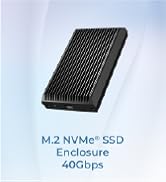
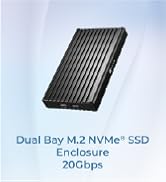
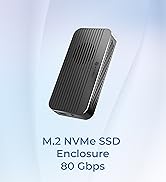
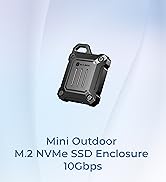
10-80Gbps M.2 NVMe Enclosure
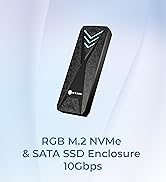
10GB M2 NVMe enclosure
