







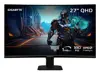


HOW TO PAIR WITH TV
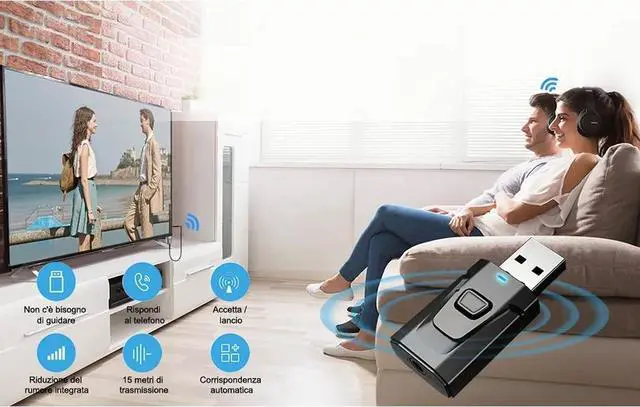
Plug the device into your TV’s USB port for power, then select TX mode. The Bluetooth adapter will turn on automatically, with a flashing RED light indicating it’s in wireless search mode.
Connect the 3.5mm aux cable to the adapter’s 3.5mm port, then plug the other end into your TV's "AUDIO OUT" or headphone jack.
Put your Bluetooth headphones in pairing mode. The adapter will pair automatically—once successful, the red light stays solid.
If you can't hear the sound of the TV, make sure the headphones are paired successfully. Then, change the TV sound settings from "TV speaker" to "Audio out".
To switch to another wireless audio device, quickly press the adapter’s function button. For a fast connection, make sure no other Bluetooth devices are nearby.
3 Steps to Pair TX Mode
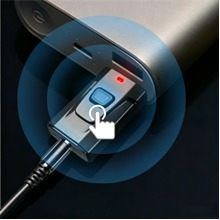
1. Plug into the USB port
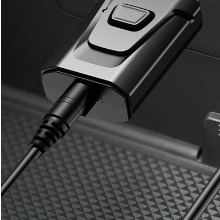
2. Connect the 3.5mm cable
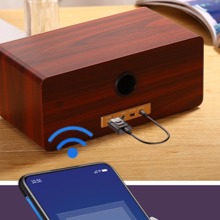
3.Pairing
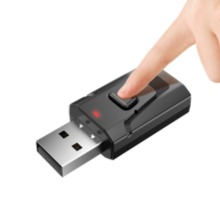
Note: Press to search for other Bluetooth devices
3 Steps to Pair RX Mode
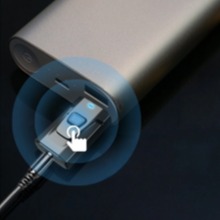
1. Plug into the USB port
2. Connect the 3.5mm cable
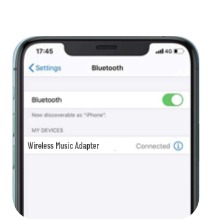
3. Connect the Bluetooth
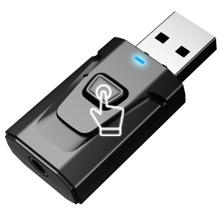
Note:Press 2s to switch the mode
How to pair with headphones:
When the Bluetooth receiver switches to transmission mode and the red indicator light flashes rapidly, if there is no button on the back of the wireless headphone case, simply open the cover of the headphone case; For those with buttons on the back, keep holding down the button to automatically pair.
Instructions for using Bluetooth transmitter and receiver:
1. Mode description:
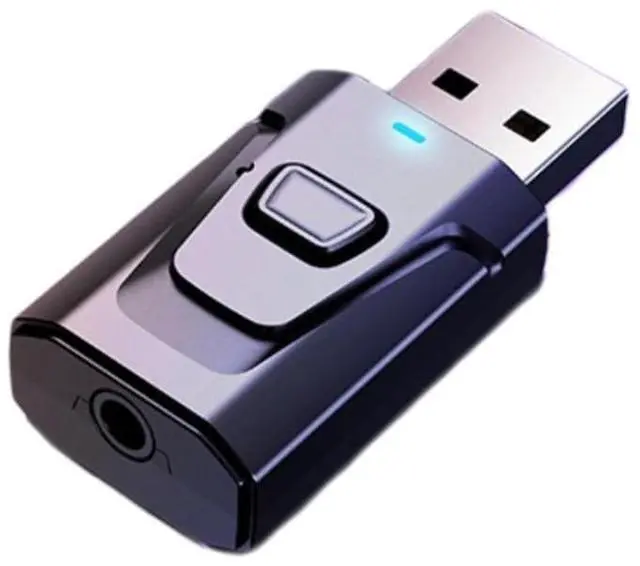
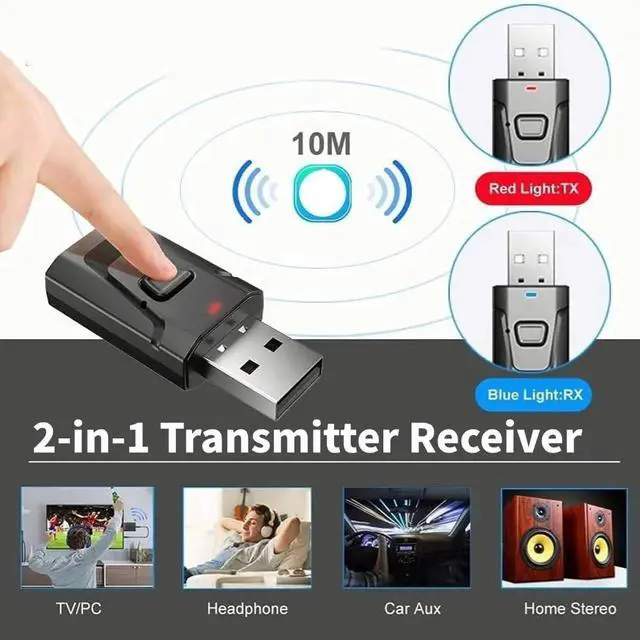
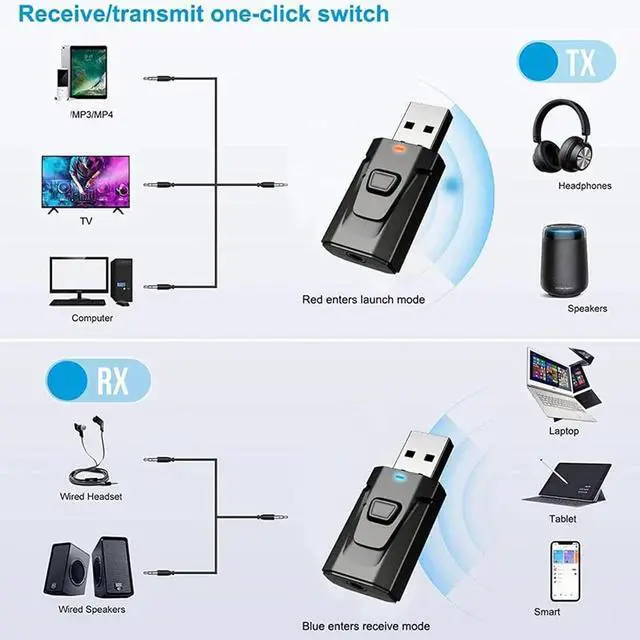
Red indicator light: emission mode; Blue indicator light: receiving mode;
Long press the function key to switch modes
2. Pairing Connection Instructions:
Insert the USB port into the nearest USB port for power supply;
Launch mode: Add Bluetooth launch function to playback devices without Bluetooth function
One end of the 3.5mm audio cable is connected to the transmitter, and the other end is connected to the audio output port of the device (such as a TV, computer (only USB can be plugged in on the computer without connecting the audio cable), projector, and other devices with audio output ports).
The transmitter needs to be paired with a Bluetooth earphone or Bluetooth speaker (microphone) to achieve wireless transmission function. First, adjust the Bluetooth earphone or Bluetooth speaker to the pairing state. After the transmitter is turned on, the red light flashes rapidly to enter the automatic pairing state until pairing is successful, and the red light remains on.
Reception mode: Add Bluetooth reception function to the headphone device for speakers without Bluetooth function
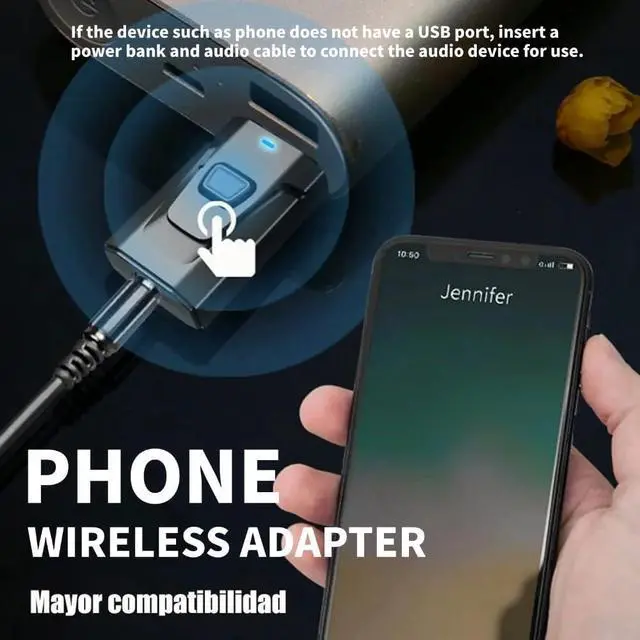
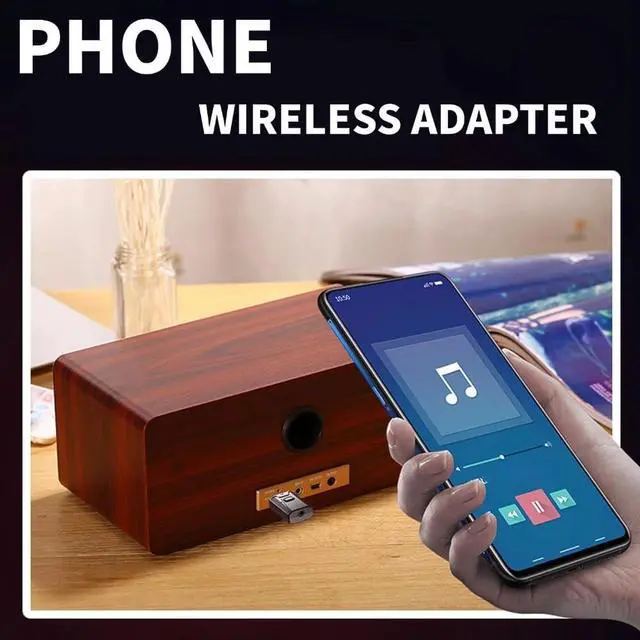
One end of the 3.5mm audio cable is connected to a transmitter, and the other end is connected to a speaker, wired headphones, car stereo, etc. Open the Bluetooth on your phone or tablet and search for "Wireless Music Adapter", then confirm the pairing and connection.
HOW TO PAIR WITH TV
Plug the device into your TV’s USB port for power, then select TX mode. The Bluetooth adapter will turn on automatically, with a flashing RED light indicating it’s in wireless search mode.
Connect the 3.5mm aux cable to the adapter’s 3.5mm port, then plug the other end into your TV's "AUDIO OUT" or headphone jack.
Put your Bluetooth headphones in pairing mode. The adapter will pair automatically—once successful, the red light stays solid.
If you can't hear the sound of the TV, make sure the headphones are paired successfully. Then, change the TV sound settings from "TV speaker" to "Audio out".
To switch to another wireless audio device, quickly press the adapter’s function button. For a fast connection, make sure no other Bluetooth devices are nearby.
3 Steps to Pair TX Mode
1. Plug into the USB port
2. Connect the 3.5mm cable
3.Pairing
Note: Press to search for other Bluetooth devices
3 Steps to Pair RX Mode
1. Plug into the USB port
2. Connect the 3.5mm cable
3. Connect the Bluetooth
Note:Press 2s to switch the mode
How to pair with headphones:
When the Bluetooth receiver switches to transmission mode and the red indicator light flashes rapidly, if there is no button on the back of the wireless headphone case, simply open the cover of the headphone case; For those with buttons on the back, keep holding down the button to automatically pair.
Instructions for using Bluetooth transmitter and receiver:
1. Mode description:
Red indicator light: emission mode; Blue indicator light: receiving mode;
Long press the function key to switch modes
2. Pairing Connection Instructions:
Insert the USB port into the nearest USB port for power supply;
Launch mode: Add Bluetooth launch function to playback devices without Bluetooth function
One end of the 3.5mm audio cable is connected to the transmitter, and the other end is connected to the audio output port of the device (such as a TV, computer (only USB can be plugged in on the computer without connecting the audio cable), projector, and other devices with audio output ports).
The transmitter needs to be paired with a Bluetooth earphone or Bluetooth speaker (microphone) to achieve wireless transmission function. First, adjust the Bluetooth earphone or Bluetooth speaker to the pairing state. After the transmitter is turned on, the red light flashes rapidly to enter the automatic pairing state until pairing is successful, and the red light remains on.
Reception mode: Add Bluetooth reception function to the headphone device for speakers without Bluetooth function
One end of the 3.5mm audio cable is connected to a transmitter, and the other end is connected to a speaker, wired headphones, car stereo, etc. Open the Bluetooth on your phone or tablet and search for "Wireless Music Adapter", then confirm the pairing and connection.