




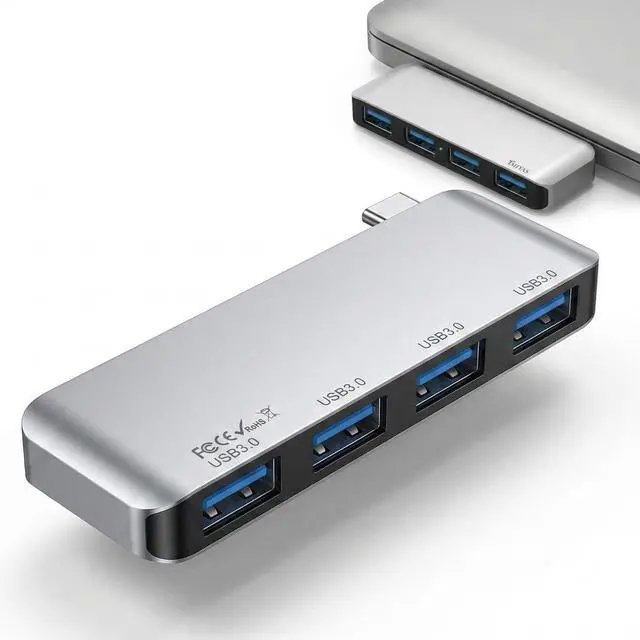
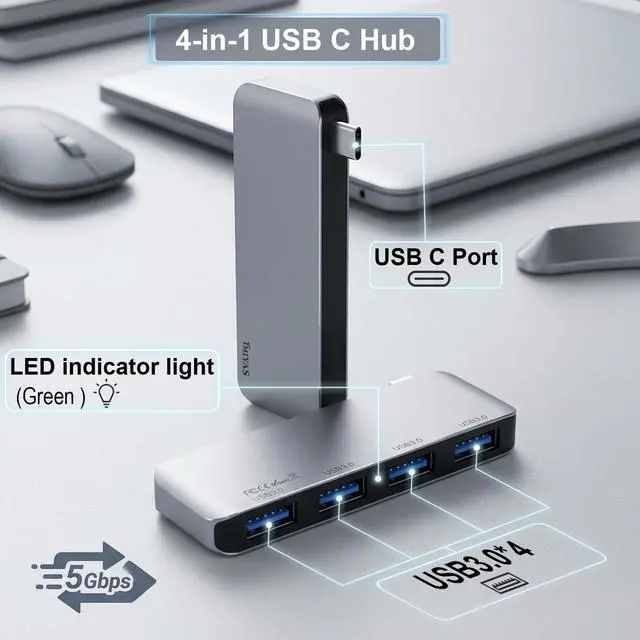
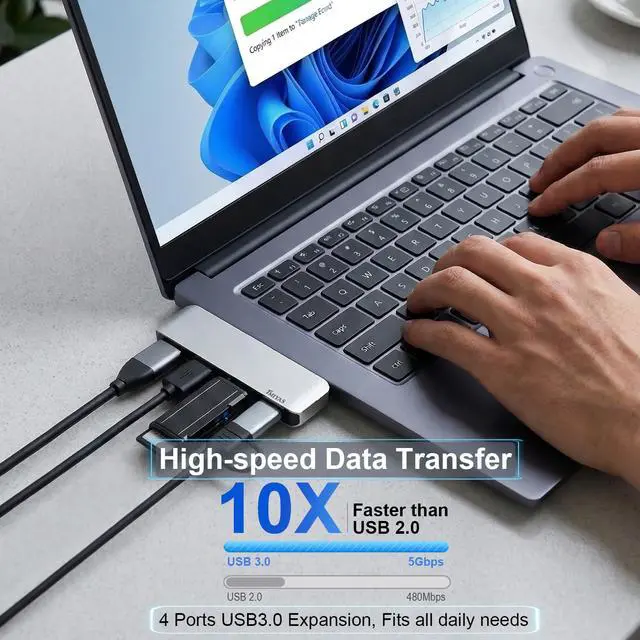
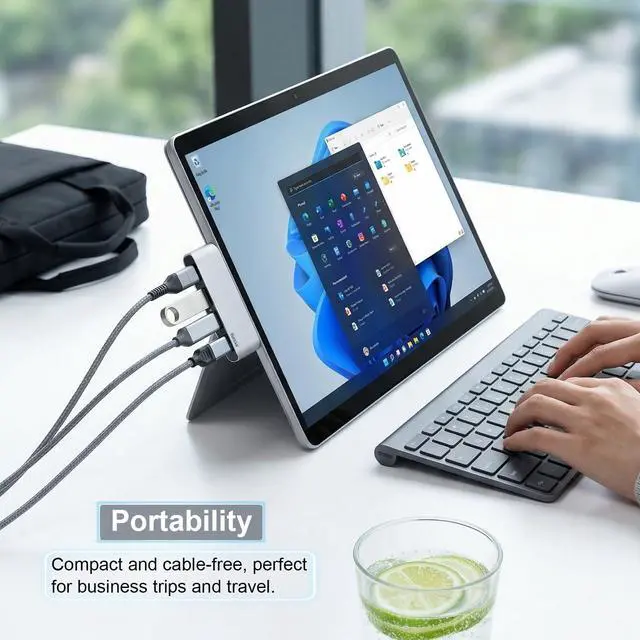
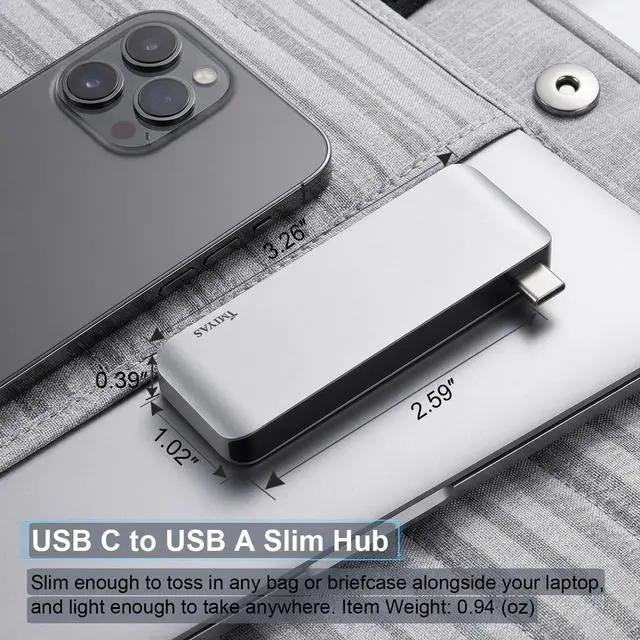
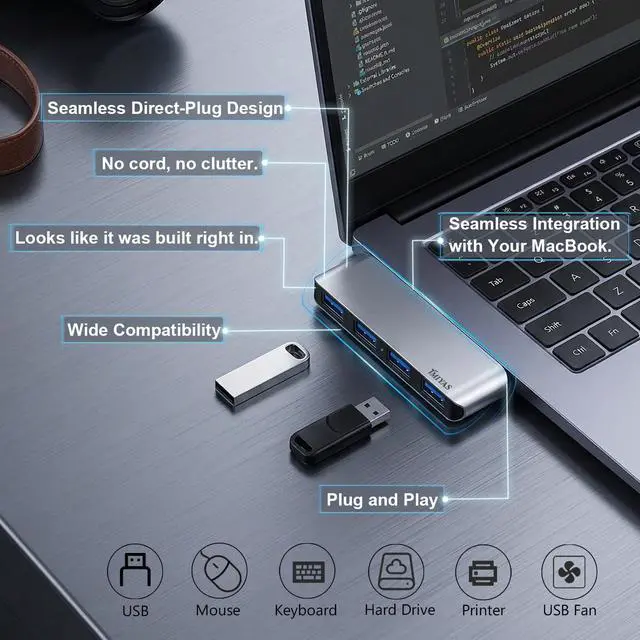




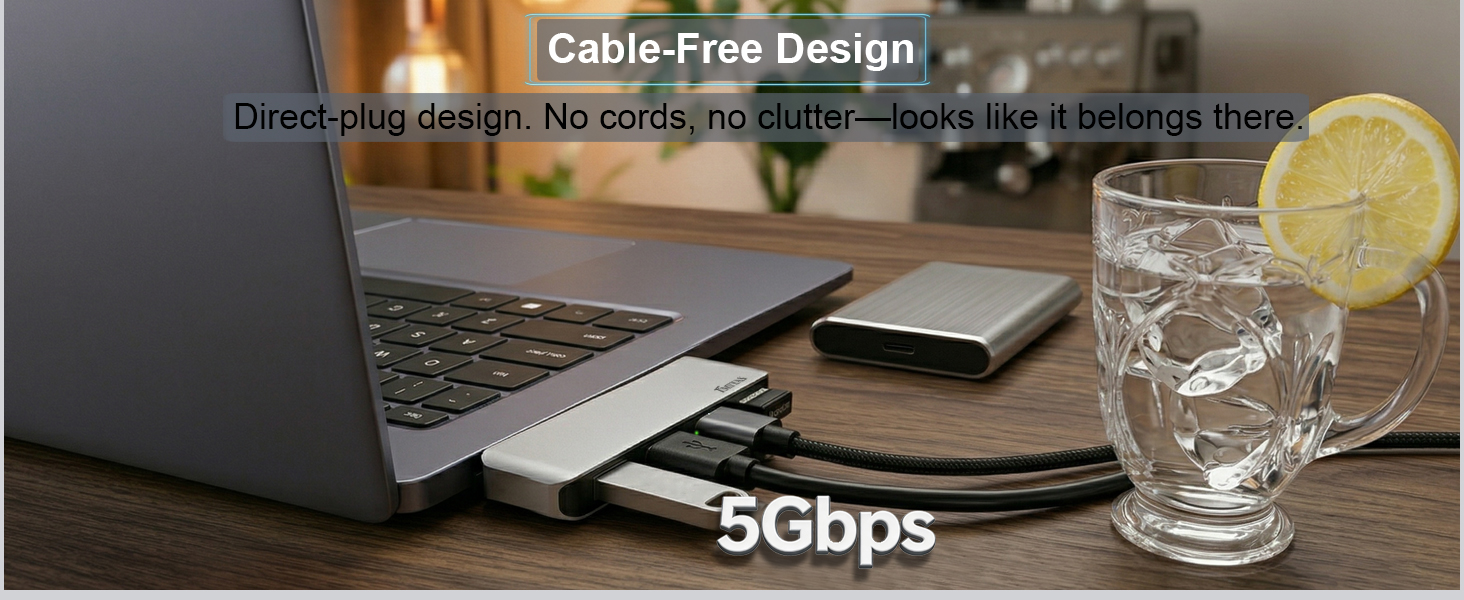
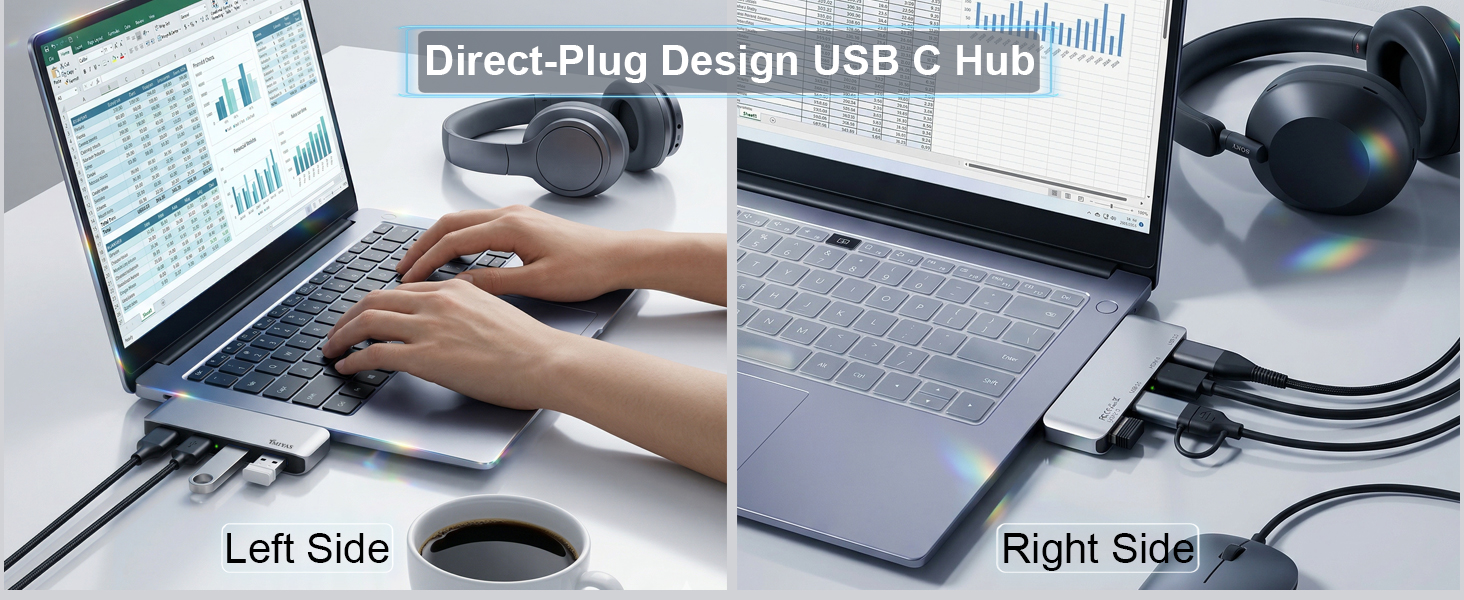

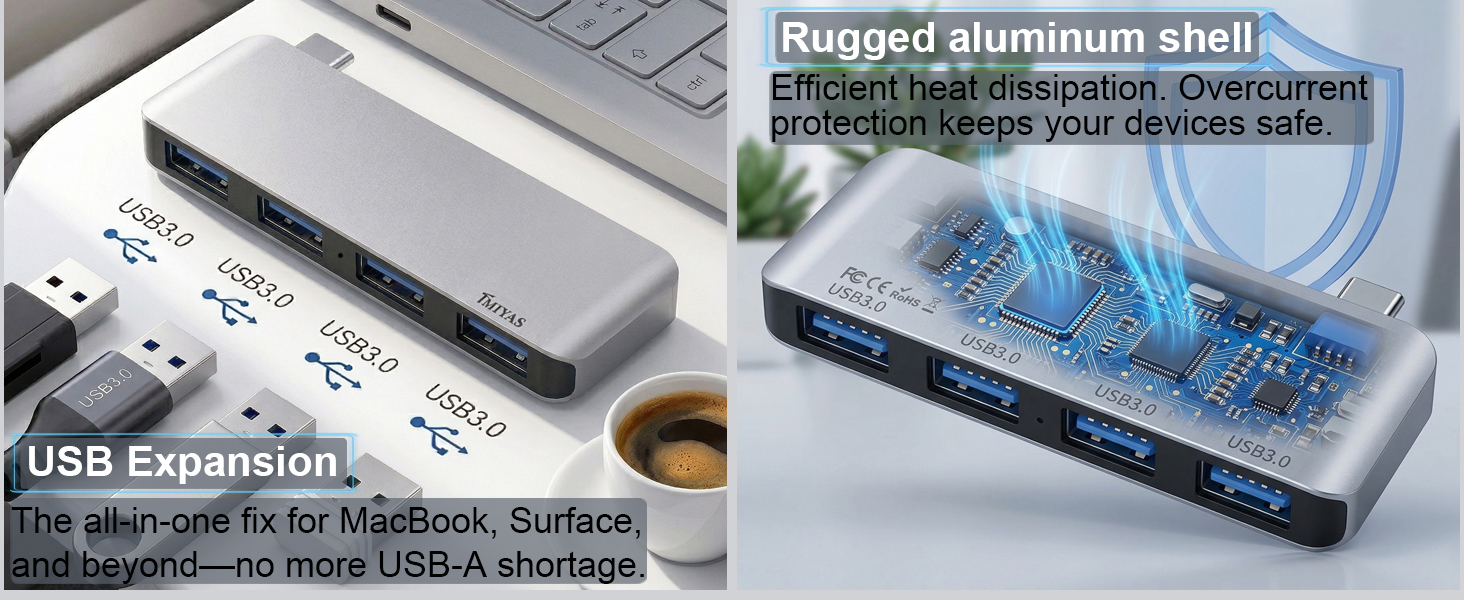
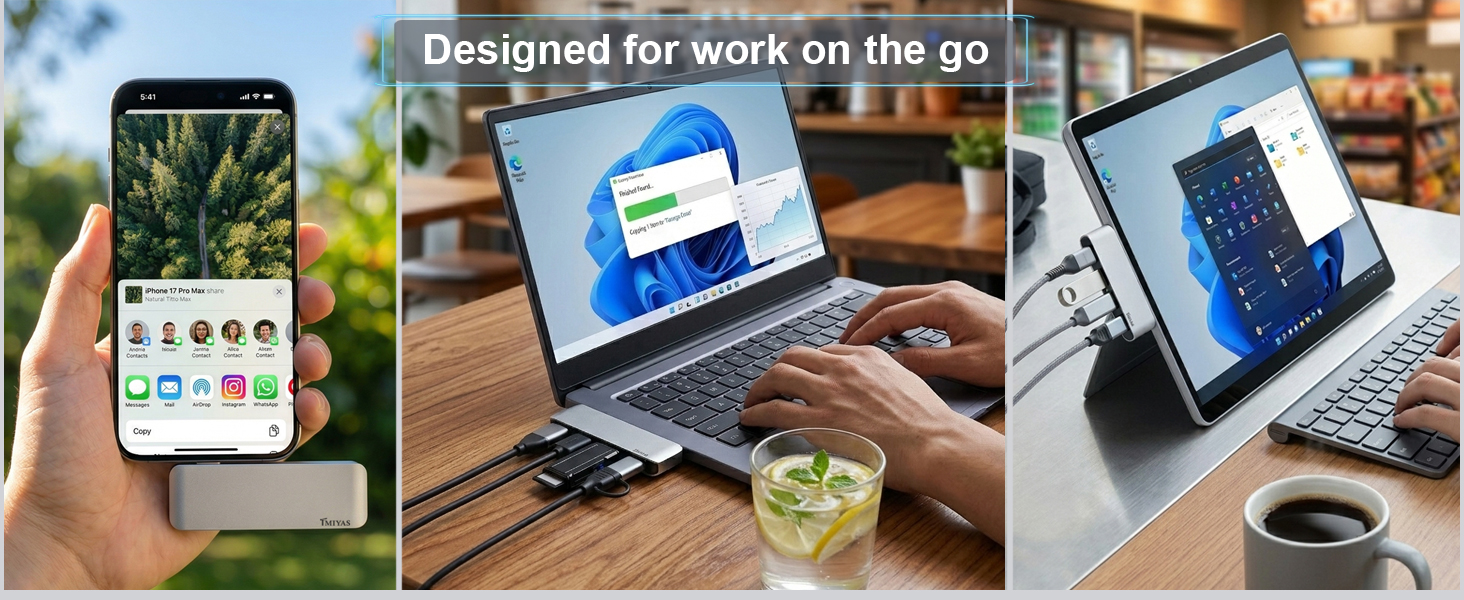
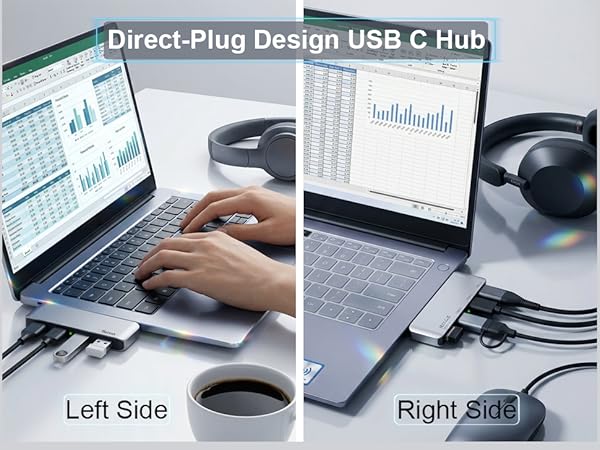
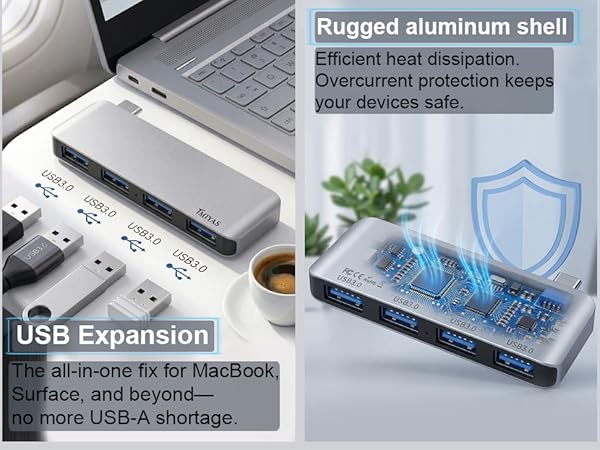
This Tmiyas 4-in-1 USB-C to USB hub is a really good solution that strikes the perfect balance. It’s well-priced, works reliably, looks and feels premium (especially with a MacBook), and eliminates the need to carry around a bulky dock for everyday extended use.
Who This Hub Is Best For
- MacBook users who want occasional extra usb a ports without carrying a full dock.
- Professionals who work from multiple locations (home, office, client sites, cafés).
- Anyone tired of cheap, unreliable USB-C adapters that fail after a few months.
- Users who value aesthetics and a premium feel in their accessories.
- People who need a simple, reliable “grab-and-go” solution rather than a permanent desk setup.
Minor Considerations
- It doesn’t include Ethernet or SD card slots (fine for most users, but worth noting if you need those specifically).
- Like most compact hubs, it’s best used for moderate workloads rather than heavy video editing or multiple high-power peripherals at once.
- Always check that your MacBook model supports the required video output capabilities over USB-C/Thunderbolt. Due to its design, this product may block adjacent ports. Please check your device's port layout before purchasing.
More Cable-Free USB Hub Options
 USB C to USB Hub 4 Ports | 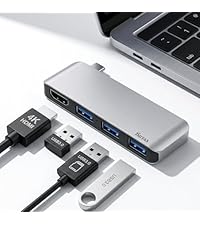 USB C Hub With HDMI | 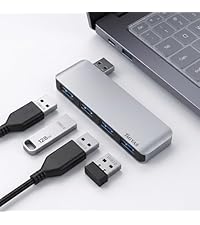 Left Side USB Splitter | 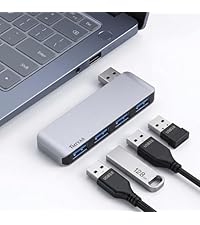 Right Side USB Splitter | |
|---|---|---|---|---|
Customer Reviews | — | — | — | — |
Price | — | — | — | — |
Connector (Male) | USB C Male | USB C Male | USB Male | USB Male |
Connector (Female) | 4*USB3.0 | 3*USB3.0 + 1*HDMI | 4*USB3.0 | 4*USB3.0 |
USB Data Transfer Speed | Up to 5Gpbs | Up to 5Gpbs | Up to 5Gpbs | Up to 5Gpbs |
Plug & Play | ? | ? | ? | ? |
HDMI Port (4K@30Hz) | / | 1 | / | / |
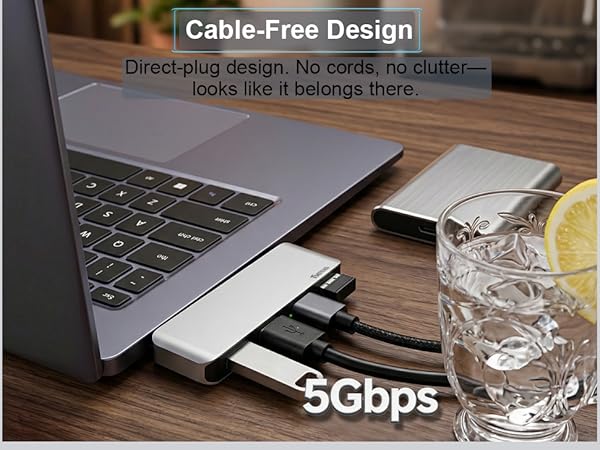


This Tmiyas 4-in-1 USB-C to USB hub is a really good solution that strikes the perfect balance. It’s well-priced, works reliably, looks and feels premium (especially with a MacBook), and eliminates the need to carry around a bulky dock for everyday extended use.
Who This Hub Is Best For
- MacBook users who want occasional extra usb a ports without carrying a full dock.
- Professionals who work from multiple locations (home, office, client sites, cafés).
- Anyone tired of cheap, unreliable USB-C adapters that fail after a few months.
- Users who value aesthetics and a premium feel in their accessories.
- People who need a simple, reliable “grab-and-go” solution rather than a permanent desk setup.
Minor Considerations
- It doesn’t include Ethernet or SD card slots (fine for most users, but worth noting if you need those specifically).
- Like most compact hubs, it’s best used for moderate workloads rather than heavy video editing or multiple high-power peripherals at once.
- Always check that your MacBook model supports the required video output capabilities over USB-C/Thunderbolt. Due to its design, this product may block adjacent ports. Please check your device's port layout before purchasing.
More Cable-Free USB Hub Options
USB C to USB Hub 4 Ports | USB C Hub With HDMI | Left Side USB Splitter | Right Side USB Splitter |
|---|---|---|---|
| Customer Reviews | |||
| — | — | — | — |
| Price | |||
| — | — | — | — |
| Connector (Male) | |||
| USB C Male | USB C Male | USB Male | USB Male |
| Connector (Female) | |||
| 4*USB3.0 | 3*USB3.0 + 1*HDMI | 4*USB3.0 | 4*USB3.0 |
| USB Data Transfer Speed | |||
| Up to 5Gpbs | Up to 5Gpbs | Up to 5Gpbs | Up to 5Gpbs |
| Plug & Play | |||
| ? | ? | ? | ? |
| HDMI Port (4K@30Hz) | |||
| / | 1 | / | / |