





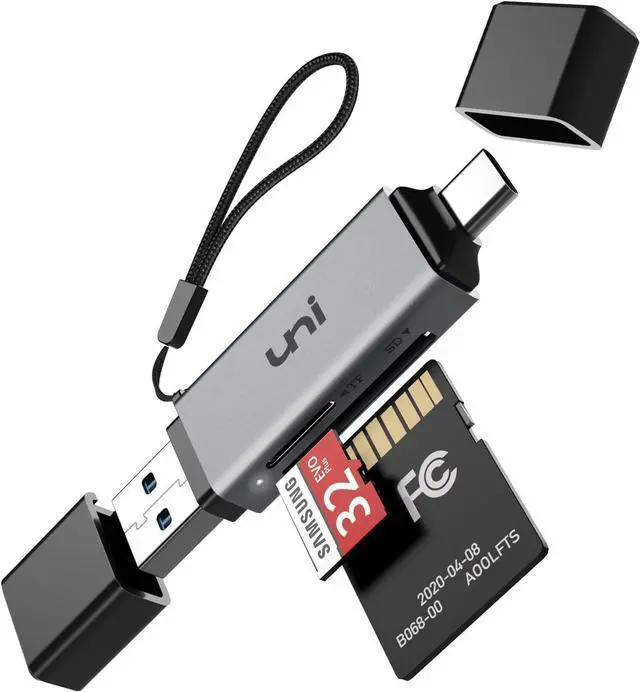



uni 2-IN-1 SD CARD READER


Product Highlights
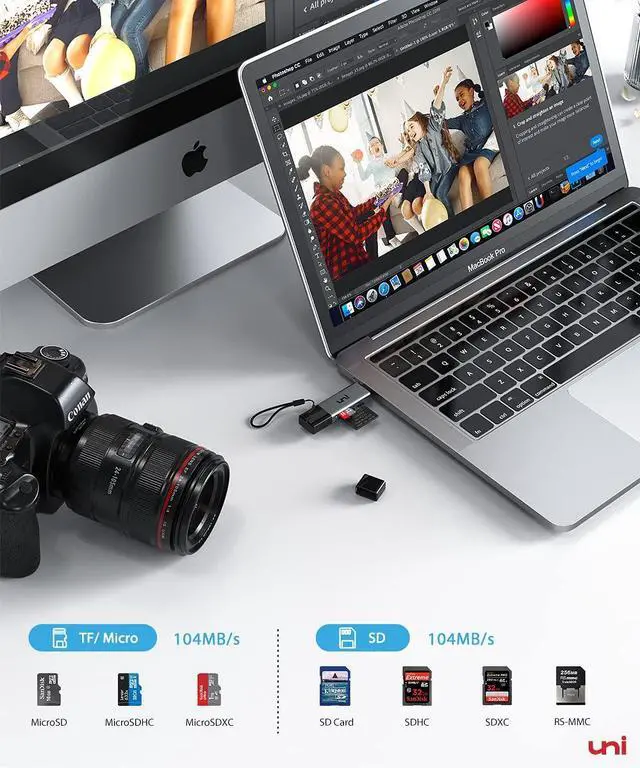
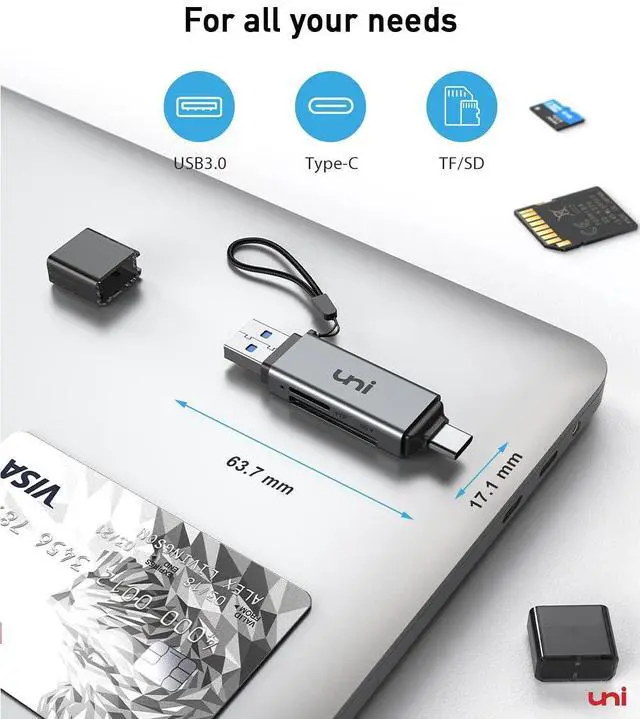
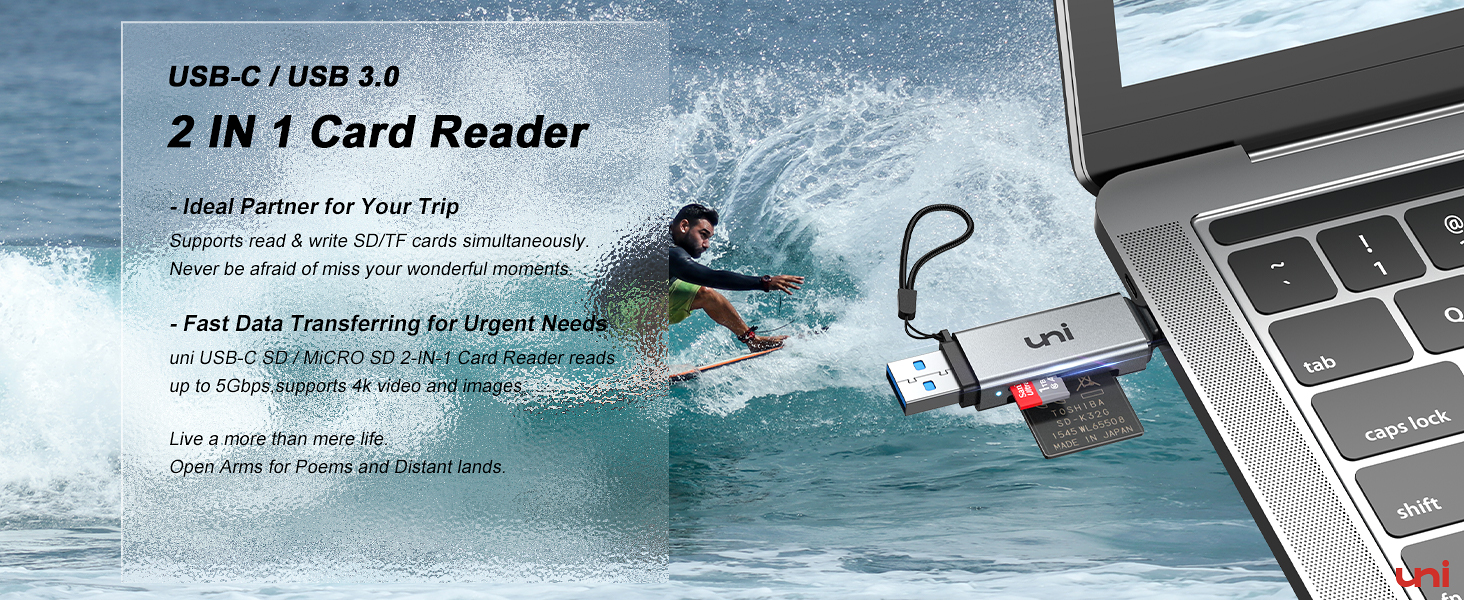
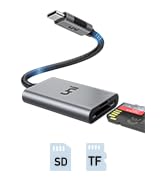
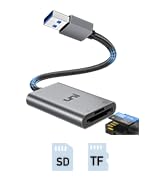
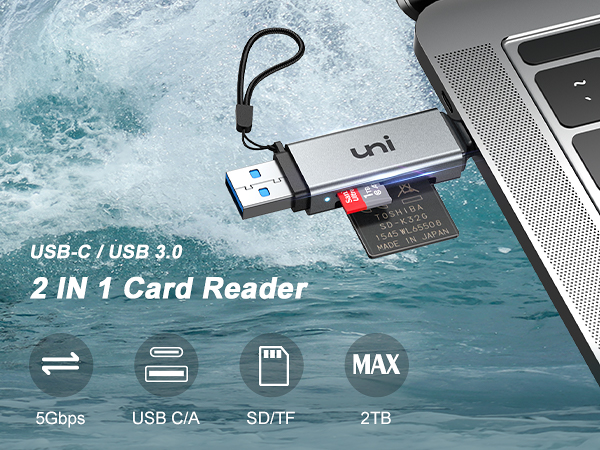
- SD/ MicroSD, SDHC/ MicroSDHC, SDXC/ MicroSDXC cards from Dash Cam/Trail Cam/Digital Camera are supported in UHS-I mode up to 104MB/s.
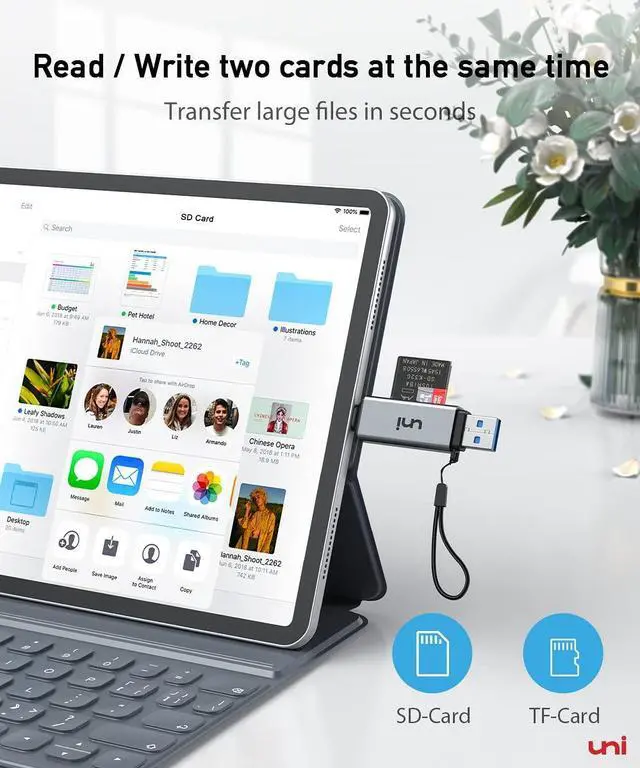
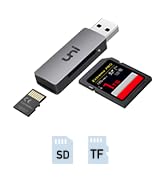
- Simultaneously read & write on 2 cards, you can back up your camera cards to other cards.
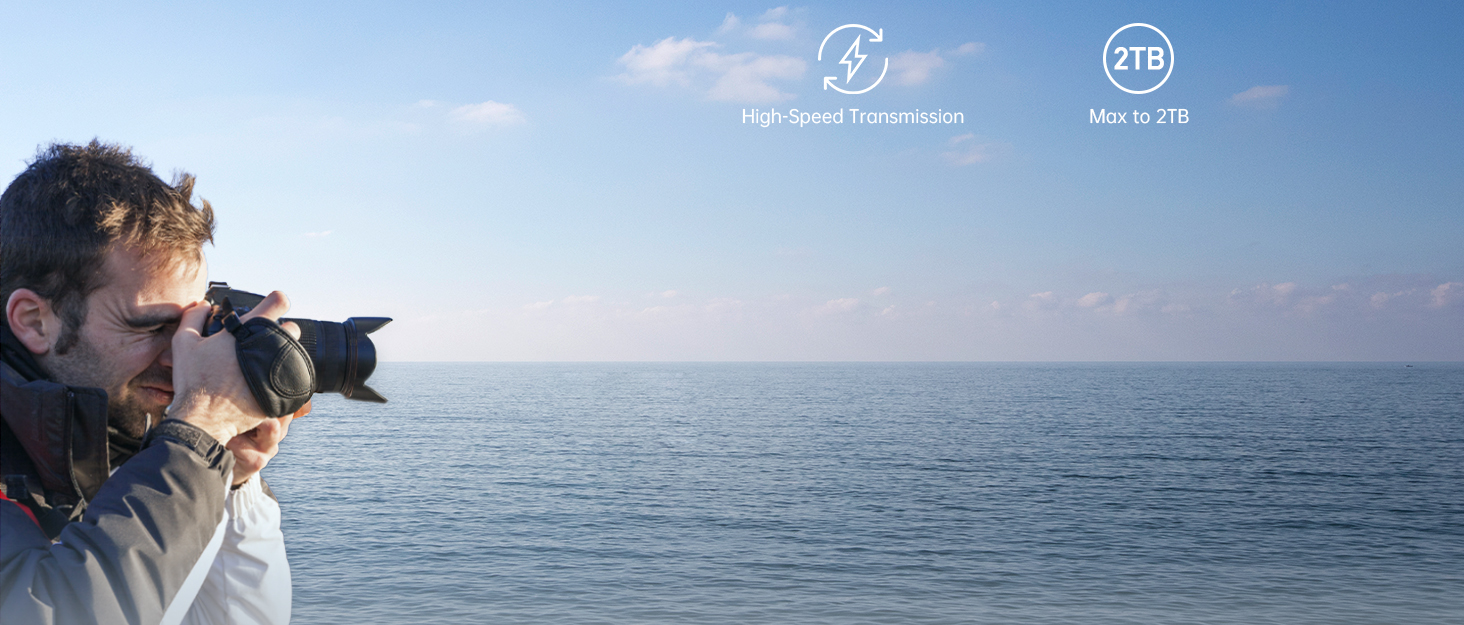
- Support memory card capacity up to 2TB.
- Plug and Play, easy in and easy out.

Warm Tips
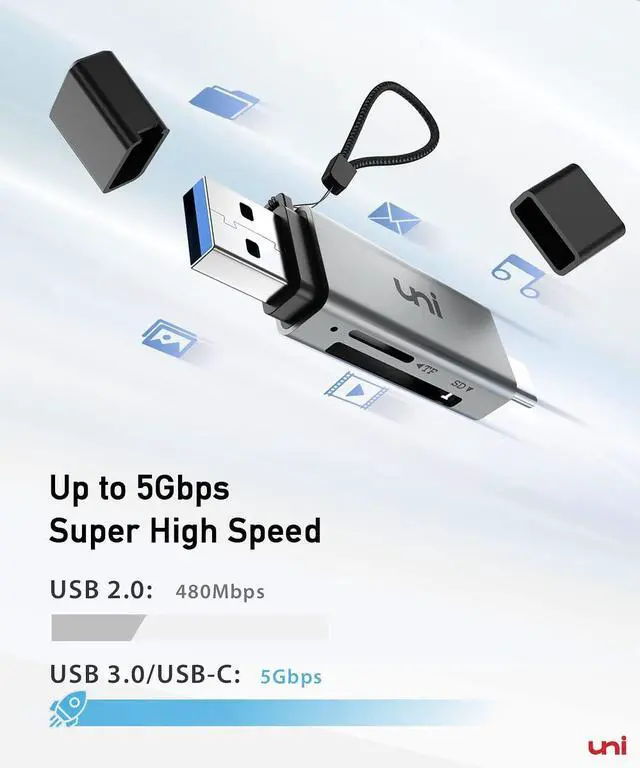
- Data transfer rates are subject to the speed of the memory card itself and your computer's USB ports.
- A device with USB 2.0 would only run at 480Mbps.
- Read UHS-II cards at UHS-I speed.
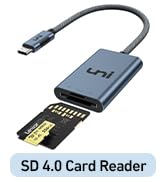
- Memory cards shown in images are NOT INCLUDED in the product.
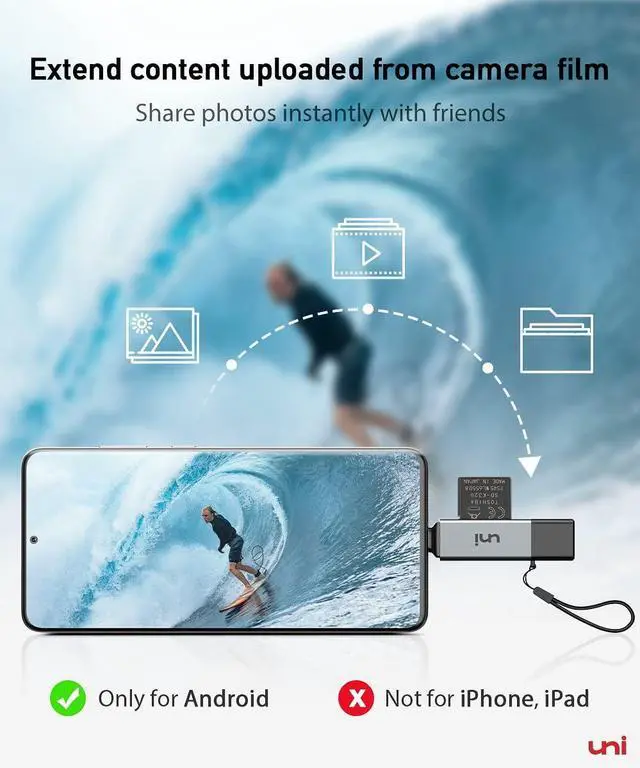
- Not support iPad, iPhone(lightning. But for iPhone(typec


Usage Notice
| Q1 | Incompatible devices |
| - | 1. Devices that do not support the "Lightning" and "USB-A" interface(such as only "USB-A" port of PC) |
| - | 2. Some SD cards were exFAT/NTFS with encryption or special formats (such as camera-specific formats) |
| - | 3. Android phones and tablets that do not support OTG function (OTG support can be checked in settings or official specifications) |
| Q2 | What to do if the card reader does not work? |
| - | 1. Make sure the card is inserted in the correct orientation |
| - | 2. Devices that support the OTG function, enable OTG on your device and find the SD card in the settings. |
| - | 3. If it still does not work, you can always ask us and we will help you solve it as soon as possible. |
| Q3 | Data transfer speed is slow? |
| - | Data transfer rates are subject to the speed of the memory card itselfand your computer's USB-C ports.The SD card reader is USB 3.0 version, the theoretical of USB-C port transfer speed is 5Gbps; for micro SD/SD slot, theoretical speed is UHS-I (104MB/s). |
| Q4 | How to find files on SD Card on iPhone? |
| - | Insert the SD card into the reader > plug the device card reader into thhe iPhone(TYPE-C) > click on the "FILES" app > click on iCloud Drive's "Browse" > click on Browse's SD card name>Now you can view your files from your SD card on "Your SD card name" |
| *Q5 | How to easily insert and remove the card? |
| - | Insert the micro SD first, then the SD. To remove, take out the SD first, then the micro SD — it’s easier this way. |
| Q6 | Error message when transferring files? |
| - | (1)If you fail to transfer large files, please try to format the SD/MicroSD cards to the right format for your devices. Recommend using MS-DOS (FAT) for 32GB or smaller cards, and exFAT for 64GB cards; (2)macOS system devices can only read NTFS by default, but not write. |
uni Card Reader Comparison
 SD Card Reader 2in1 |  SD4.0 Card Reader |  SD Card Reader 4in1 |  USB-C SD Card Reader |  SD Card Reader USB |  USB SD Card Reader |  USB 3.0 Sharing Switch | |
|---|---|---|---|---|---|---|---|
Customer Reviews | — | — | — | — | — | — | — |
Price | — | — | — | — | — | — | — |
USB Type | USB C & USB 3.0 | USB C | USB C & USB 3.0 | USB C | USB 3.0 | USB 3.0 | USB 3.0 |
Card Slot | SD / Micro SD | SD4.0 / Micro SD4.0 | SD / CF / Micro SD / MS card | SD / Micro SD | SD / Micro SD | SD / Micro SD | N/M |
Transfer Rate | 5Gbps / UHS-I | 312MB/s / UHS-? | 5Gbps / UHS-I | 5Gbps / UHS-I | 5Gbps / UHS-I | 5Gbps / UHS-I | 5Gbps |
Work Simultaneously | ? | ? | ? | ? | ? | ? | ? |
Note | Memory cards are not included | Memory cards are not included | Memory cards are not included | Memory cards are not included | Memory cards are not included | Memory cards are not included | Sharing Switch for 2 PCs |
![uni USB C to HDMI Cable, [4K, High-Speed] USB Type C to HDMI Cable for Home Office, [Thunderbolt ...](http://c1.neweggimages.com/sellingpilot/modules/product/a-plus/59465c6bf3f3f5ba2a14811a0289855166295abd29b7ce8a49f194fd1498cc93.jpg)
![uni USB C to Ethernet Adapter, Driver Free RJ45 to USB C [Thunderbolt 3/4 Compatible], 1Gbps Type...](http://c1.neweggimages.com/sellingpilot/modules/product/a-plus/709035e02c349762bfbb761bcb6e70ad86714084f97c6f8c1526743098061efe.jpg)

uni 2-IN-1 SD CARD READER


Product Highlights
- SD/ MicroSD, SDHC/ MicroSDHC, SDXC/ MicroSDXC cards from Dash Cam/Trail Cam/Digital Camera are supported in UHS-I mode up to 104MB/s.
- Simultaneously read & write on 2 cards, you can back up your camera cards to other cards.
- Support memory card capacity up to 2TB.
- Plug and Play, easy in and easy out.
Warm Tips
- Data transfer rates are subject to the speed of the memory card itself and your computer's USB ports.
- A device with USB 2.0 would only run at 480Mbps.
- Read UHS-II cards at UHS-I speed.
- Memory cards shown in images are NOT INCLUDED in the product.
- Not support iPad, iPhone(lightning. But for iPhone(typec


Usage Notice
| Q1 | Incompatible devices |
|---|---|
| - | 1. Devices that do not support the "Lightning" and "USB-A" interface(such as only "USB-A" port of PC) |
| - | 2. Some SD cards were exFAT/NTFS with encryption or special formats (such as camera-specific formats) |
| - | 3. Android phones and tablets that do not support OTG function (OTG support can be checked in settings or official specifications) |
| Q2 | What to do if the card reader does not work? |
| - | 1. Make sure the card is inserted in the correct orientation |
| - | 2. Devices that support the OTG function, enable OTG on your device and find the SD card in the settings. |
| - | 3. If it still does not work, you can always ask us and we will help you solve it as soon as possible. |
| Q3 | Data transfer speed is slow? |
| - | Data transfer rates are subject to the speed of the memory card itselfand your computer's USB-C ports.The SD card reader is USB 3.0 version, the theoretical of USB-C port transfer speed is 5Gbps; for micro SD/SD slot, theoretical speed is UHS-I (104MB/s). |
| Q4 | How to find files on SD Card on iPhone? |
| - | Insert the SD card into the reader > plug the device card reader into thhe iPhone(TYPE-C) > click on the "FILES" app > click on iCloud Drive's "Browse" > click on Browse's SD card name>Now you can view your files from your SD card on "Your SD card name" |
| *Q5 | How to easily insert and remove the card? |
| - | Insert the micro SD first, then the SD. To remove, take out the SD first, then the micro SD — it’s easier this way. |
| Q6 | Error message when transferring files? |
| - | (1)If you fail to transfer large files, please try to format the SD/MicroSD cards to the right format for your devices. Recommend using MS-DOS (FAT) for 32GB or smaller cards, and exFAT for 64GB cards; (2)macOS system devices can only read NTFS by default, but not write. |
uni Card Reader Comparison
SD Card Reader 2in1 | SD4.0 Card Reader | SD Card Reader 4in1 | USB-C SD Card Reader | SD Card Reader USB | USB SD Card Reader | USB 3.0 Sharing Switch |
|---|---|---|---|---|---|---|
| Customer Reviews | ||||||
| — | — | — | — | — | — | — |
| Price | ||||||
| — | — | — | — | — | — | — |
| USB Type | ||||||
| USB C & USB 3.0 | USB C | USB C & USB 3.0 | USB C | USB 3.0 | USB 3.0 | USB 3.0 |
| Card Slot | ||||||
| SD / Micro SD | SD4.0 / Micro SD4.0 | SD / CF / Micro SD / MS card | SD / Micro SD | SD / Micro SD | SD / Micro SD | N/M |
| Transfer Rate | ||||||
| 5Gbps / UHS-I | 312MB/s / UHS-? | 5Gbps / UHS-I | 5Gbps / UHS-I | 5Gbps / UHS-I | 5Gbps / UHS-I | 5Gbps |
| Work Simultaneously | ||||||
| ? | ? | ? | ? | ? | ? | ? |
| Note | ||||||
| Memory cards are not included | Memory cards are not included | Memory cards are not included | Memory cards are not included | Memory cards are not included | Memory cards are not included | Sharing Switch for 2 PCs |
uni SD Card Reader
![uni USB C to HDMI Cable, [4K, High-Speed] USB Type C to HDMI Cable for Home Office, [Thunderbolt ...](//c1.neweggimages.com/sellingpilot/modules/product/a-plus/59465c6bf3f3f5ba2a14811a0289855166295abd29b7ce8a49f194fd1498cc93.jpg)
![uni USB C to Ethernet Adapter, Driver Free RJ45 to USB C [Thunderbolt 3/4 Compatible], 1Gbps Type...](//c1.neweggimages.com/sellingpilot/modules/product/a-plus/709035e02c349762bfbb761bcb6e70ad86714084f97c6f8c1526743098061efe.jpg)
More Choices for you
