




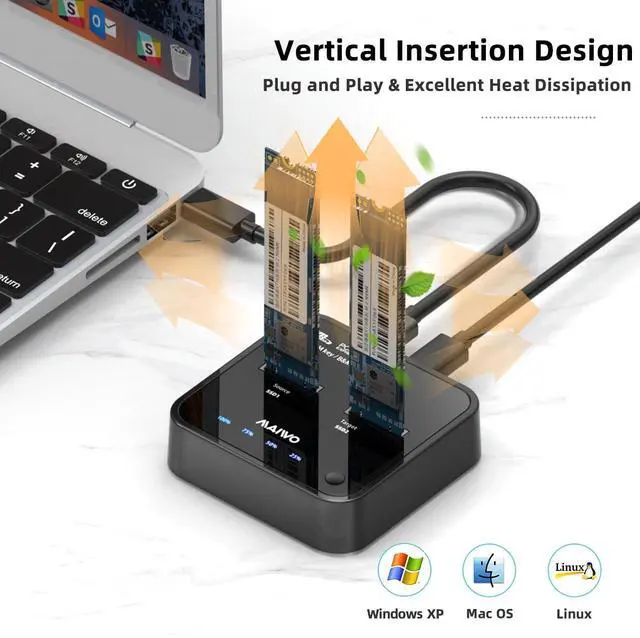
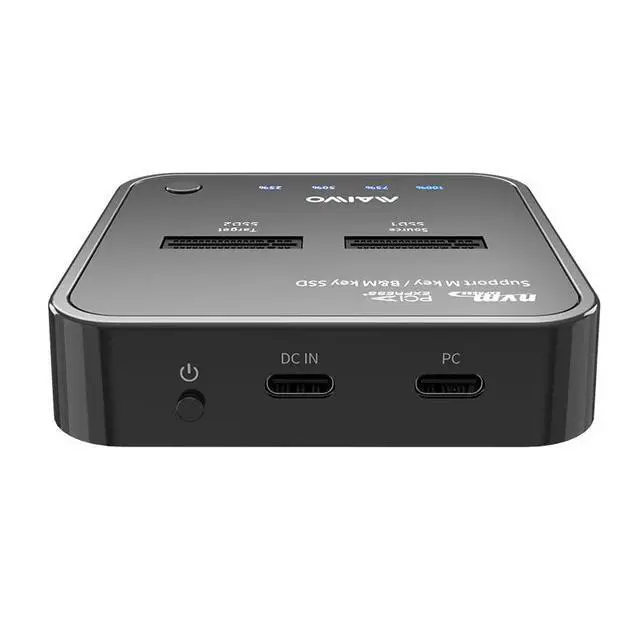


Please do drive initialization before using if your SSDs are brand new
- Initialization: Right-click "Computer" - "Management" - "Disk Management" to find new disk to initialize.
- Partition and Formatting: New hard drive will show as "Disk 1" after initialzation. Right-click "Disk 1" - " New Simple Volume" to create partition. Follow prompts to select the desired partition size and select the format option. Repeat this process to create multiple partitions until the setup is complete.
- Note: There are two options when initialization. If your drive is less than 2TB, please choose MBR. if larger than 2TB, please choose GPT.


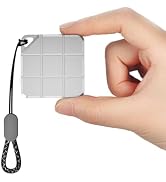
Portable Mini External SSD
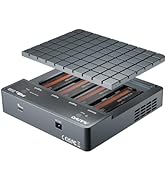
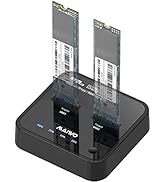
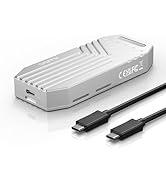
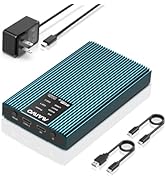
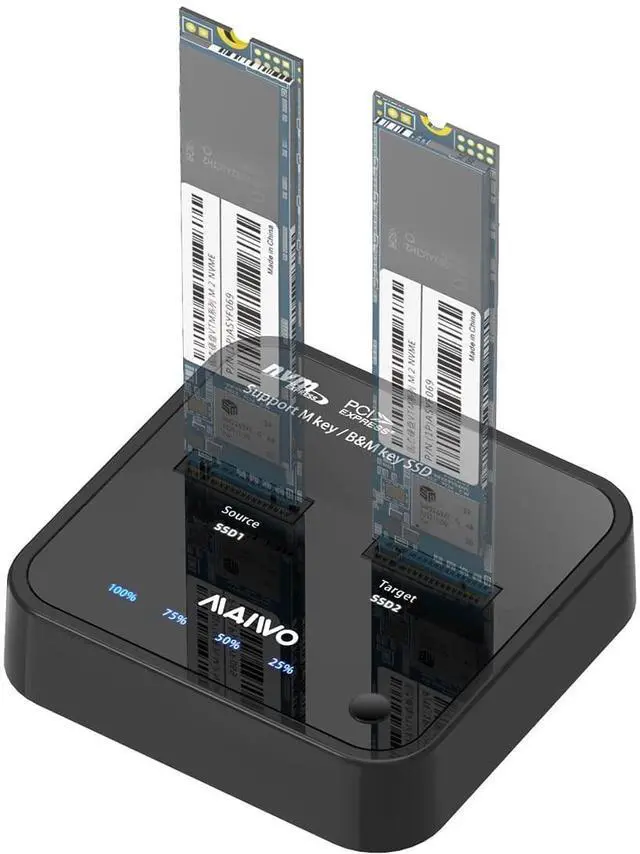
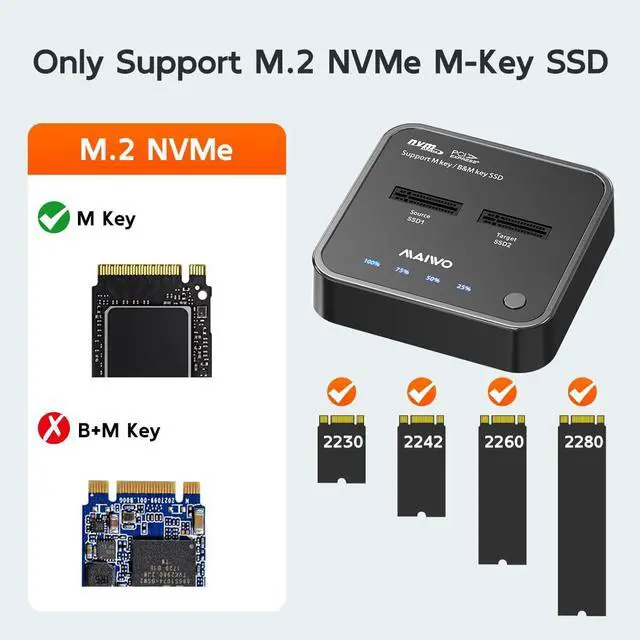
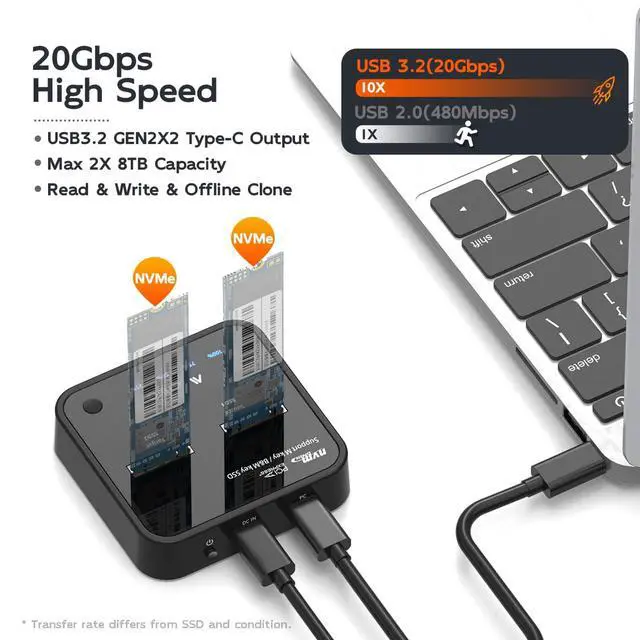
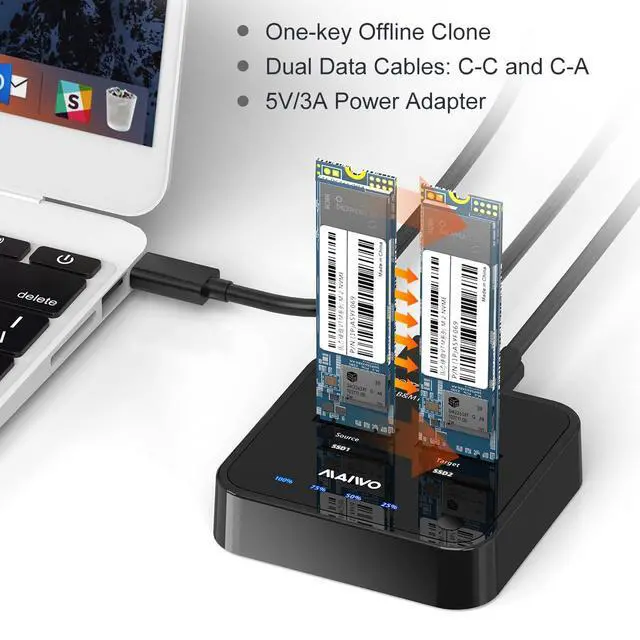
PCIe NVMe Enclosure Duplicator
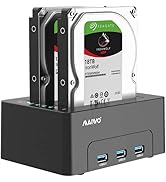
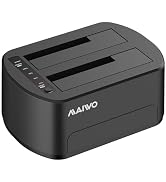
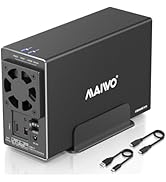
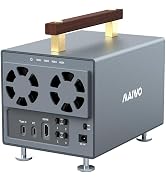
HDD RAID Enclosure/Cloner
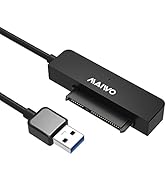
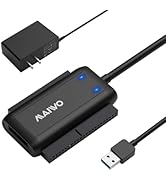
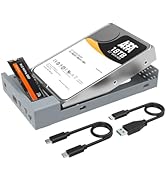
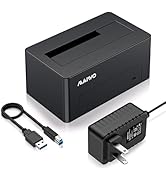
SATA/SAS Drive to USB Adapter

Founded in 2005, MAIWO is dedicated to designing and manufacturing innovative data storage solutions such as External Portable SSD, HDD Enclosure, Docking Station, Duplicator and USB Hub with the mission of helping users "Enjoy Digital Life." The company specializes in creating simple, user-friendly, and high-performance computer peripherals, offering consumers reliable, efficient, and seamless solutions for managing and storing their data.


Please do drive initialization before using if your SSDs are brand new
- Initialization: Right-click "Computer" - "Management" - "Disk Management" to find new disk to initialize.
- Partition and Formatting: New hard drive will show as "Disk 1" after initialzation. Right-click "Disk 1" - " New Simple Volume" to create partition. Follow prompts to select the desired partition size and select the format option. Repeat this process to create multiple partitions until the setup is complete.
- Note: There are two options when initialization. If your drive is less than 2TB, please choose MBR. if larger than 2TB, please choose GPT.


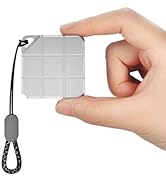
Portable Mini External SSD
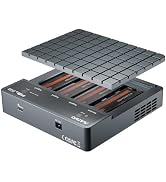
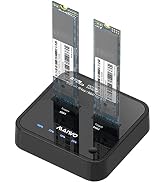
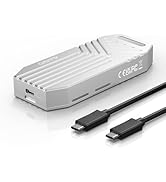
PCIe NVMe Enclosure Duplicator
HDD RAID Enclosure/Cloner
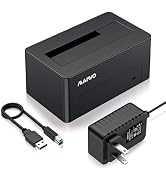
SATA/SAS Drive to USB Adapter
Founded in 2005, MAIWO is dedicated to designing and manufacturing innovative data storage solutions such as External Portable SSD, HDD Enclosure, Docking Station, Duplicator and USB Hub with the mission of helping users "Enjoy Digital Life." The company specializes in creating simple, user-friendly, and high-performance computer peripherals, offering consumers reliable, efficient, and seamless solutions for managing and storing their data.
