




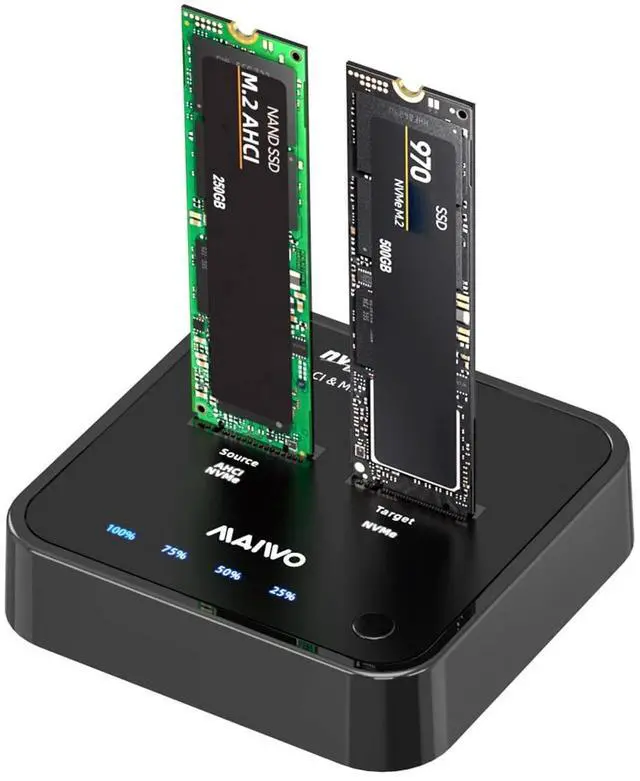




MAIWO K3016P2 M.2 NVMe SSD Cloner Docking Station Duplicator
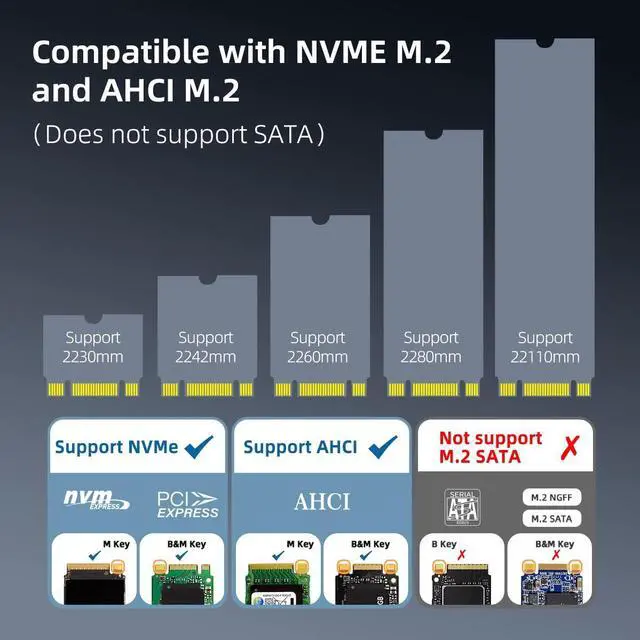
- Support M.2 NVMe to NVMe and AHCI to NVMe SSD Read&Write&Clone
- MAX2*4TB Storage Expandsion.Single Disk Support 4TB
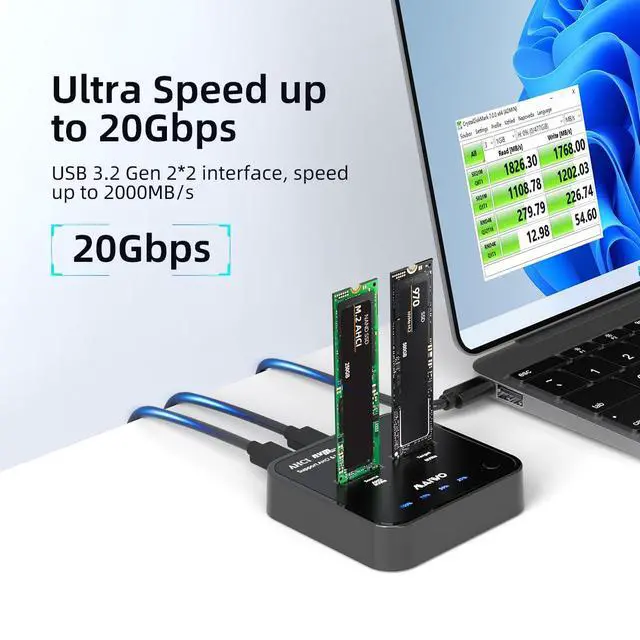
- With USB C interface and USB C Cable, MAX Transfer Speed 20Gbps
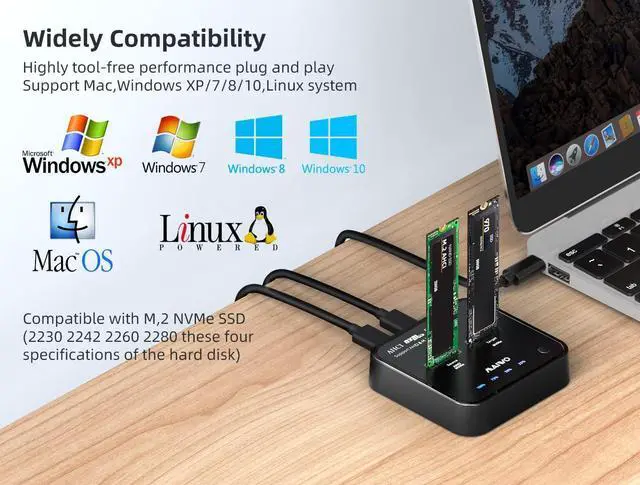
- Multiple Compatible with Different Devices
- Support Systems:Windows/MAC OS/Linux

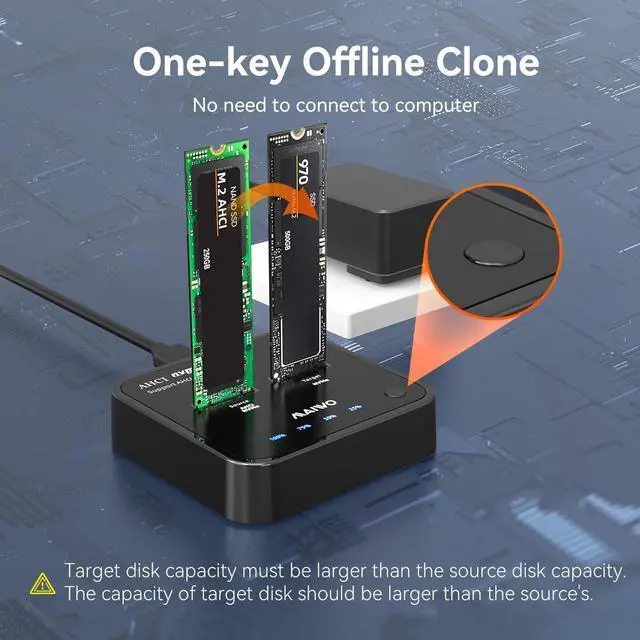
One Key Clone For M.2 NVME/AHCI SSD
- You can use it to clone your data/file just by connecting to a power adapter without connecting to any devices.
The clone step as below:
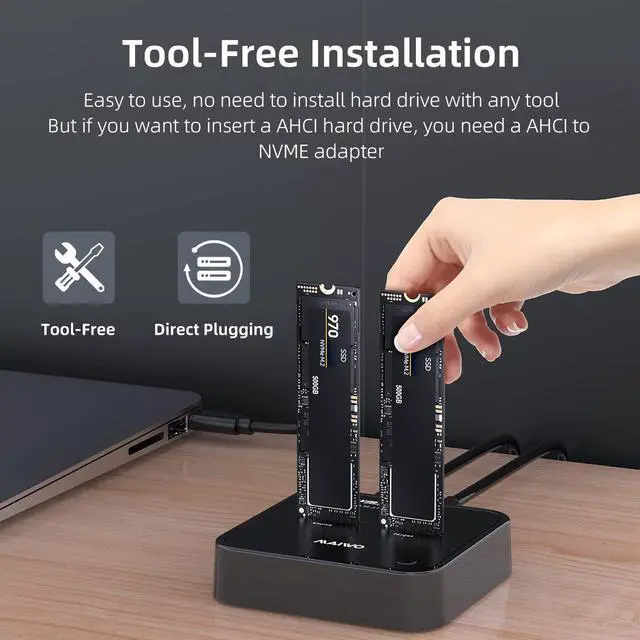
(1)Insert two disks into the slots.
(2)Connect the power adapter to the docking station.(Caution: Don't plug the USB cable when use the clone function.)
(3)Turn on the power switch,then press and hold the clone button for 3 seconds,when the 25%-100% blue light start flashing,press the clone button for one time ,if 25%-100% blue light starts flashing sequentially (the hard disk display light is also flashing) and cloning begins.
Please Attention!!!!
Please make sure meet the following conditions or the clone will failed
1. Your SSDs is NOT defective.
2. The capacity of target disk is larger than or equal to that of source disk.
3. NO bad sectors on your SSDs.
4. The clone step is correct .(You must follow the cloning steps mentioned above)

- With Independent Power Adapter, Make Sure MAIWO K3016P2 NVMe/AHCI Docking Station Stable Work When Reading&Writing
- There is Clone Progress Indicator Light so that it is easy to Know the clone Progress and status
- MAIWO K3016P2 have USB C Interface and USB C Cable, the Transfer Rate can Speed Up to 20Gbps

Q&A
1.If within 3 month,we will send you a replacement according to your idea.
If the light is on or the hard drive heats up, it means the enclosure is fine, please check the "disk-managemen", if you couldn't find your hard drive, it means one of your hard drive,cable or interface is detective,change them can solve problem.
2.Why the speed is slower than the description?
That depends on the interface and driver on your computer, please comfirm that your interface is USB3.0, if you are sure the interface is USB3.0 but the speed is 30-40MB, please down the corresponding USB3.0 driver of your system from internet.
3.If make sure that my hard drive is find but the enclosure is detective, what should you do?
If within 3 month,we will send you a replacement according to your idea.
 M.2 AHCI/NVME Cloner Dock |  M.2 NVME Cloner Dock |  M.2 NVME to 2.5/3.5 inch SATA Enclosure |  4 Bay 2.5/3.5 inch SATA Dock | |
|---|---|---|---|---|
| Customer Reviews | — | — | — | — |
| Price | — | — no data | — | — no data |
| Support Interface: | M.2 NVME/AHCI | M.2 NVME | M.2 NVME/2.5"&3.5" SATA | 2.5"&3.5" SATA |
| Size Compatibility: | 2230/2242/2260/2280/22110 | 2230/2242/2260/2280/22110 | 2230/2242/2260/2280&2.5"/3.5" | 2.5"/3.5" |
| Capacity Supported: | 8TB | 8TB | 18TB | 90TB |
| Transfer Speed: | 20Gbps | 10Gbps | 10Gbps | 5Gbps |
| UASP | ? | ? | ? | ? |
| Material | ABS | ABS | Aluminum Alloy | ABS |
| Included Cable | C-C | C-C&C-A | C-C&C-A | USB3.0 A to B |

Main Product Categories
hard drive enclosure, hard drive docking station
external portable ssd, USB raid enclsoure
SSD/HDD enclosure, hard drive Cloner
In October 2024, one of product from MAIWO stood out from more than 900 entries and won the Hong Kong Global Sources Innovation Award. MAIWO has been on the path of product update and innovation, striving to make global users love and appreciate our products. User satisfaction is MAIWO's unwavering pursuit.
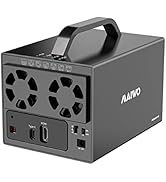
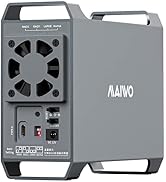
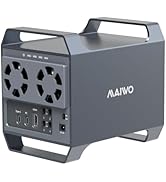
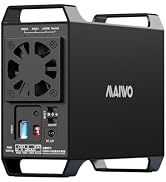
das enclosure / raid enclosure
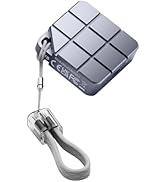
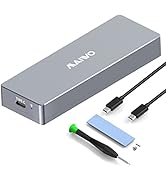
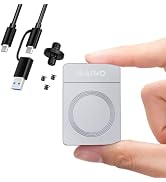
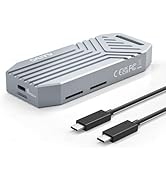
ssd and ssd enclosure
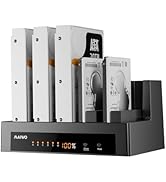
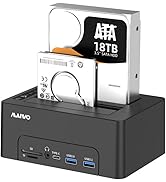
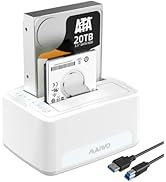
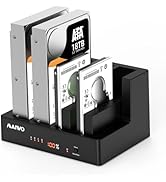
hard drive docking station
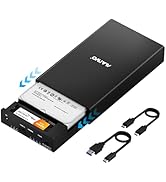
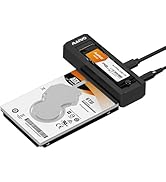
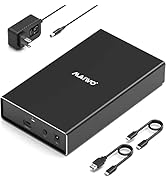
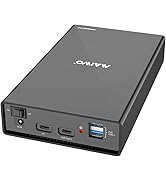
USB C hard drive enclosure
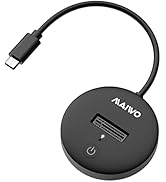
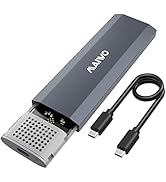
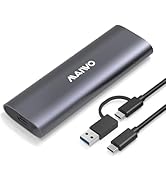
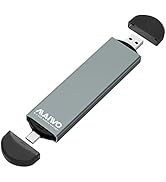
M.2 SSD enclosure
MAIWO team established its foundation in the data storage industry in 2005, with hard drive enclosures, hard drive array cabinets, and hard drive duplicators as the key products that define our brand. MAIWO's vision is to become the world's leading provider of data storage solutions, offering affordable and convenient data storage devices to customers globally.
MAIWO K3016P2 M.2 NVMe SSD Cloner Docking Station Duplicator
- Support M.2 NVMe to NVMe and AHCI to NVMe SSD Read&Write&Clone
- MAX2*4TB Storage Expandsion.Single Disk Support 4TB
- With USB C interface and USB C Cable, MAX Transfer Speed 20Gbps
- Multiple Compatible with Different Devices
- Support Systems:Windows/MAC OS/Linux
One Key Clone For M.2 NVME/AHCI SSD
- You can use it to clone your data/file just by connecting to a power adapter without connecting to any devices.
The clone step as below:
(1)Insert two disks into the slots.
(2)Connect the power adapter to the docking station.(Caution: Don't plug the USB cable when use the clone function.)
(3)Turn on the power switch,then press and hold the clone button for 3 seconds,when the 25%-100% blue light start flashing,press the clone button for one time ,if 25%-100% blue light starts flashing sequentially (the hard disk display light is also flashing) and cloning begins.
Please Attention!!!!
Please make sure meet the following conditions or the clone will failed
1. Your SSDs is NOT defective.
2. The capacity of target disk is larger than or equal to that of source disk.
3. NO bad sectors on your SSDs.
4. The clone step is correct .(You must follow the cloning steps mentioned above)
- With Independent Power Adapter, Make Sure MAIWO K3016P2 NVMe/AHCI Docking Station Stable Work When Reading&Writing
- There is Clone Progress Indicator Light so that it is easy to Know the clone Progress and status
- MAIWO K3016P2 have USB C Interface and USB C Cable, the Transfer Rate can Speed Up to 20Gbps
Q&A
1.If within 3 month,we will send you a replacement according to your idea.
If the light is on or the hard drive heats up, it means the enclosure is fine, please check the "disk-managemen", if you couldn't find your hard drive, it means one of your hard drive,cable or interface is detective,change them can solve problem.
2.Why the speed is slower than the description?
That depends on the interface and driver on your computer, please comfirm that your interface is USB3.0, if you are sure the interface is USB3.0 but the speed is 30-40MB, please down the corresponding USB3.0 driver of your system from internet.
3.If make sure that my hard drive is find but the enclosure is detective, what should you do?
If within 3 month,we will send you a replacement according to your idea.
M.2 AHCI/NVME Cloner Dock | M.2 NVME Cloner Dock | M.2 NVME to 2.5/3.5 inch SATA Enclosure | 4 Bay 2.5/3.5 inch SATA Dock | |
|---|---|---|---|---|
| Customer Reviews | — | — | — | — |
| Price | — | — no data | — | — no data |
| Support Interface: | M.2 NVME/AHCI | M.2 NVME | M.2 NVME/2.5"&3.5" SATA | 2.5"&3.5" SATA |
| Size Compatibility: | 2230/2242/2260/2280/22110 | 2230/2242/2260/2280/22110 | 2230/2242/2260/2280&2.5"/3.5" | 2.5"/3.5" |
| Capacity Supported: | 8TB | 8TB | 18TB | 90TB |
| Transfer Speed: | 20Gbps | 10Gbps | 10Gbps | 5Gbps |
| UASP | ? | ? | ? | ? |
| Material | ABS | ABS | Aluminum Alloy | ABS |
| Included Cable | C-C | C-C&C-A | C-C&C-A | USB3.0 A to B |
Main Product Categories
hard drive enclosure, hard drive docking station
external portable ssd, USB raid enclsoure
SSD/HDD enclosure, hard drive Cloner
In October 2024, one of product from MAIWO stood out from more than 900 entries and won the Hong Kong Global Sources Innovation Award. MAIWO has been on the path of product update and innovation, striving to make global users love and appreciate our products. User satisfaction is MAIWO's unwavering pursuit.
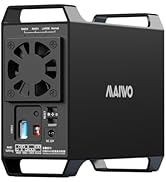
das enclosure / raid enclosure
ssd and ssd enclosure
hard drive docking station
USB C hard drive enclosure
M.2 SSD enclosure
MAIWO team established its foundation in the data storage industry in 2005, with hard drive enclosures, hard drive array cabinets, and hard drive duplicators as the key products that define our brand. MAIWO's vision is to become the world's leading provider of data storage solutions, offering affordable and convenient data storage devices to customers globally.
