








Product Details:

- Tool-free setup and plug-and-play functionality
- Compatible with M.2 NVMe/AHCI M-Key and B&M-Key sizes 2230, 2242, 2260, and 2280
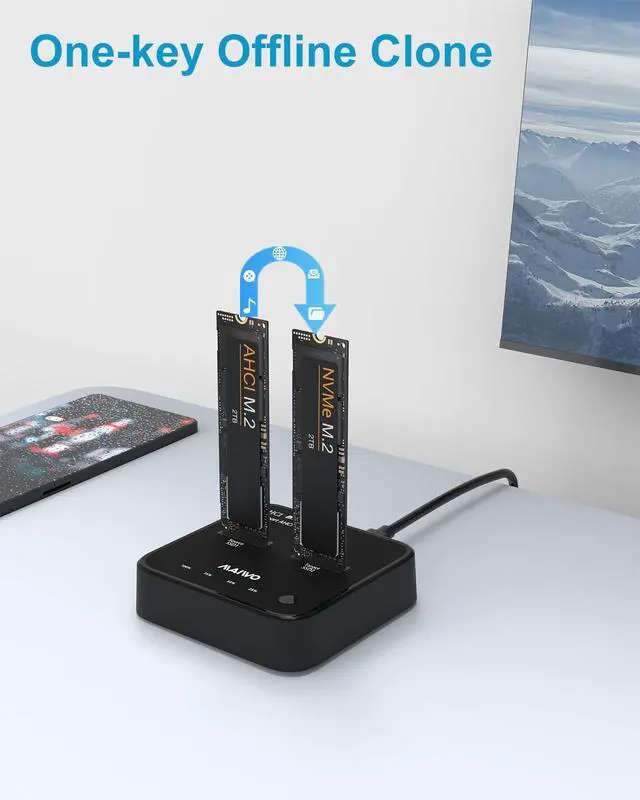
- One-button offline clone function for quick and easy duplication
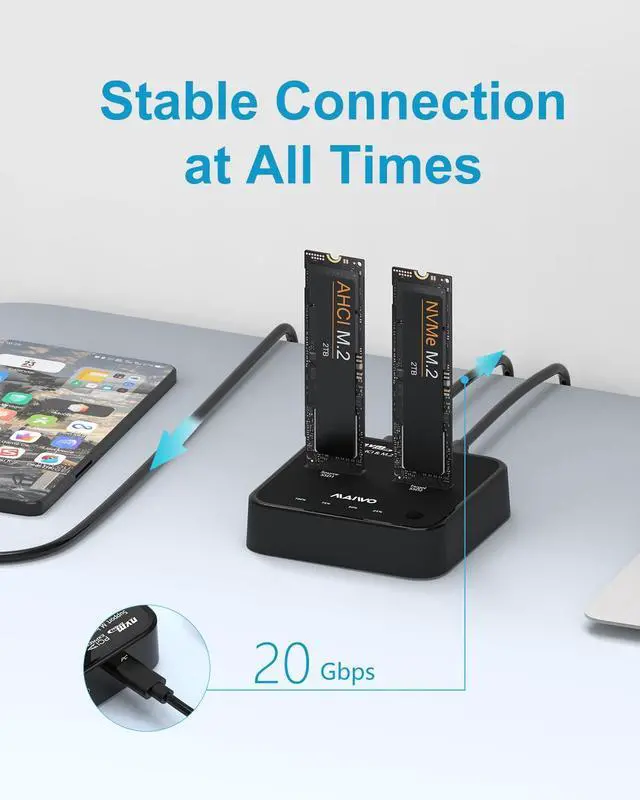
- USB3.2 Gen2x2 interface with superfast transmission speeds up to 20Gbps
- Automatic sleep mode after 3 minutes of inactivity to conserve power
- Independent 5V/3A power supply for optimal performance
- Aluminum alloy shell and silicone heat sink for improved heat dissipation
- USB A and USB C cable compatibility
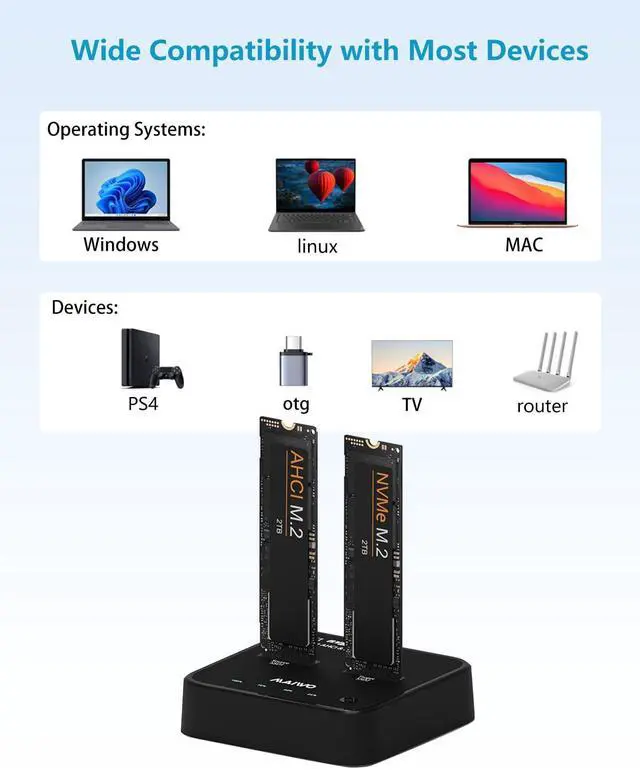
- Works with Windows, Mac, Linux, PCs, smartphones, smart TVs, routers, PS4, PS5

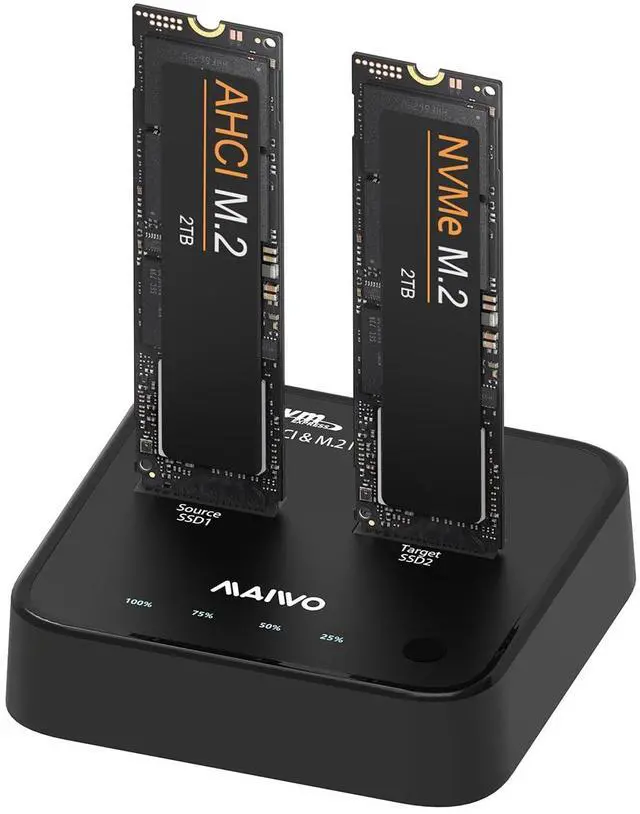
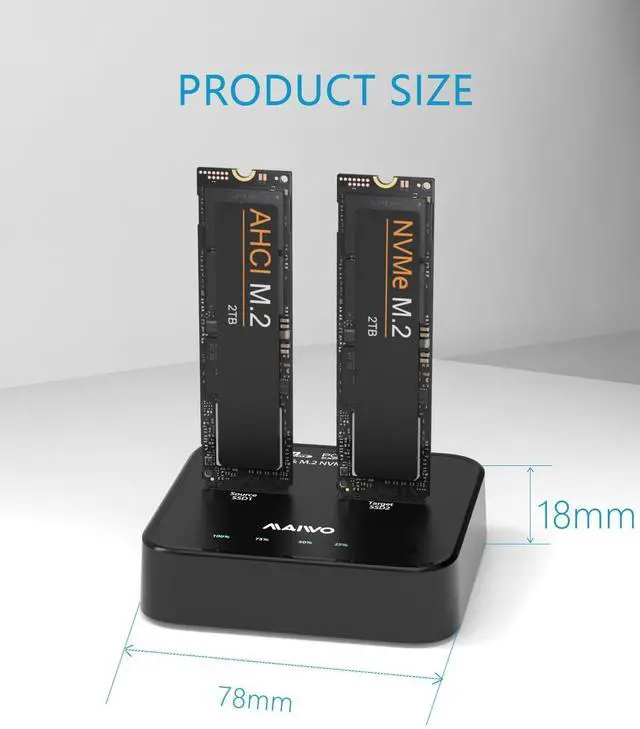
- MAIWO K3016P2+ M.2 NVMe AHCI SSD Clone Duplicator Enclosure, designed for simplicity and high-speed performance.
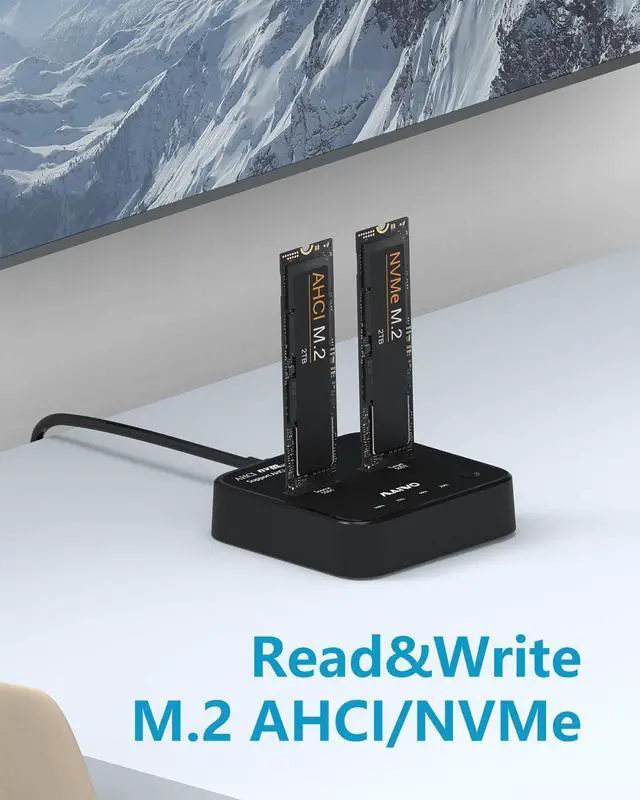
- This dual bay M.2 SSD enclosure supports simultaneous reads and writes of both NVMe and AHCI SSDs, making it ideal for a variety of applications.

Application Scenario

Note:
2. When using the Offline Clone Duplicator, the capacity of ‘2’ SSD must be bigger than the capacity of ‘1’ SSD , otherwise the clone cannot be completed.
3. Offline Clone Function cannot be connected to the computer.Only supports offline clone.
4. SSD condition: If there is a bad sector in the SSD, copying may stop. Scan the SSD once before copying to make sure there are no bad sectors.
5. Make sure that the two SSD disks can be recognized on the computer when plug in our AHCI / nvme Duplicator.If not, it could not clone.
7. It's normal that the Device heats up, for the high-speed NVMe M.2 drives generate much heat while working. Do not touch the SSD during operation.
8. For the brand new SSD drive, it may not find the drive, because the brand new SSD drive should be formatted before first time using. And also need to make the SSD drive partition.
9. To get the 20Gbps data transmission rate, the USB 3.1 interface on your PC should be USB 3.1 Gen 2*2. Some PCs only come with USB 3.1 Gen1 whose max speed is 5Gbps.
13.If you need to take out the SSD, please pull out the power first, and then take out the SSD.
14. The clone function does not support encrypted SSD. Before operating the clone, you need to decrypt the hard disk first.
15. while cloning drives disconnect the USB cable to your computer.
Product Details:
- Tool-free setup and plug-and-play functionality
- Compatible with M.2 NVMe/AHCI M-Key and B&M-Key sizes 2230, 2242, 2260, and 2280
- One-button offline clone function for quick and easy duplication
- USB3.2 Gen2x2 interface with superfast transmission speeds up to 20Gbps
- Automatic sleep mode after 3 minutes of inactivity to conserve power
- Independent 5V/3A power supply for optimal performance
- Aluminum alloy shell and silicone heat sink for improved heat dissipation
- USB A and USB C cable compatibility
- Works with Windows, Mac, Linux, PCs, smartphones, smart TVs, routers, PS4, PS5
- MAIWO K3016P2+ M.2 NVMe AHCI SSD Clone Duplicator Enclosure, designed for simplicity and high-speed performance.
- This dual bay M.2 SSD enclosure supports simultaneous reads and writes of both NVMe and AHCI SSDs, making it ideal for a variety of applications.
Application Scenario
Note:
2. When using the Offline Clone Duplicator, the capacity of ‘2’ SSD must be bigger than the capacity of ‘1’ SSD , otherwise the clone cannot be completed.
3. Offline Clone Function cannot be connected to the computer.Only supports offline clone.
4. SSD condition: If there is a bad sector in the SSD, copying may stop. Scan the SSD once before copying to make sure there are no bad sectors.
5. Make sure that the two SSD disks can be recognized on the computer when plug in our AHCI / nvme Duplicator.If not, it could not clone.
7. It's normal that the Device heats up, for the high-speed NVMe M.2 drives generate much heat while working. Do not touch the SSD during operation.
8. For the brand new SSD drive, it may not find the drive, because the brand new SSD drive should be formatted before first time using. And also need to make the SSD drive partition.
9. To get the 20Gbps data transmission rate, the USB 3.1 interface on your PC should be USB 3.1 Gen 2*2. Some PCs only come with USB 3.1 Gen1 whose max speed is 5Gbps.
13.If you need to take out the SSD, please pull out the power first, and then take out the SSD.
14. The clone function does not support encrypted SSD. Before operating the clone, you need to decrypt the hard disk first.
15. while cloning drives disconnect the USB cable to your computer.