

Your Browsing History
- Free 30-day Returns
$89.98


Meet Your Seller

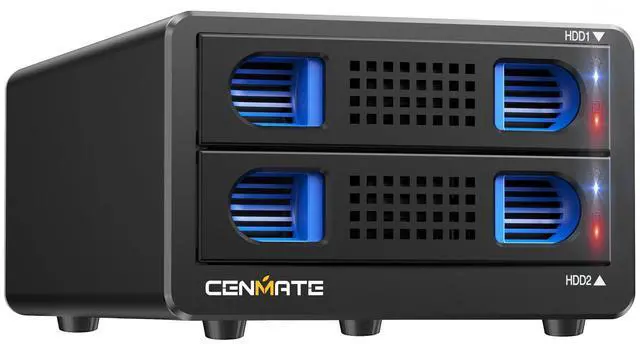


Aluminum 2 Bay Hard Drive RAID Enclosure with Cooling Fan for 2.5/3.5" SATA HDD/SSD with USB A/C 3.0, Tool-Free HDD Enclosure, 4Modes
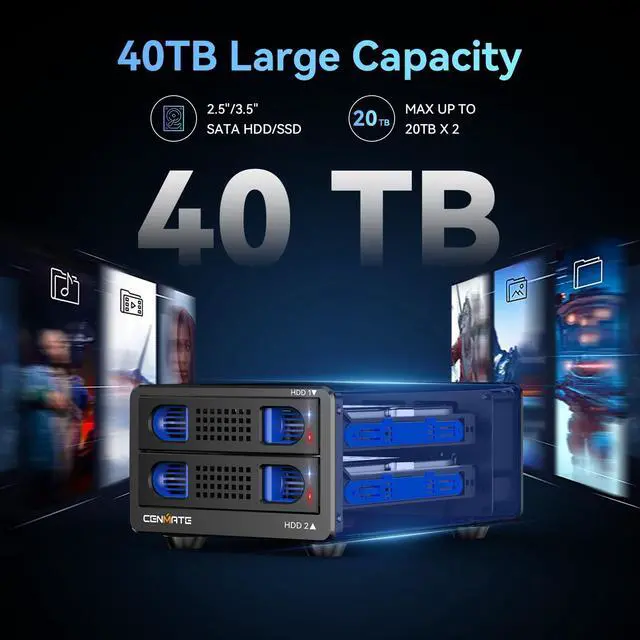
- Reliable External Storage System for Individuals and businessThe 3.5 hard drive enclosure supports 2.5/3.5 inches HDD and SSD, max capacity up to 20TB for each hard drive, it's a ideal external hard drive enclosure for personal or enterprise using.Save space on your desktop or laptop.
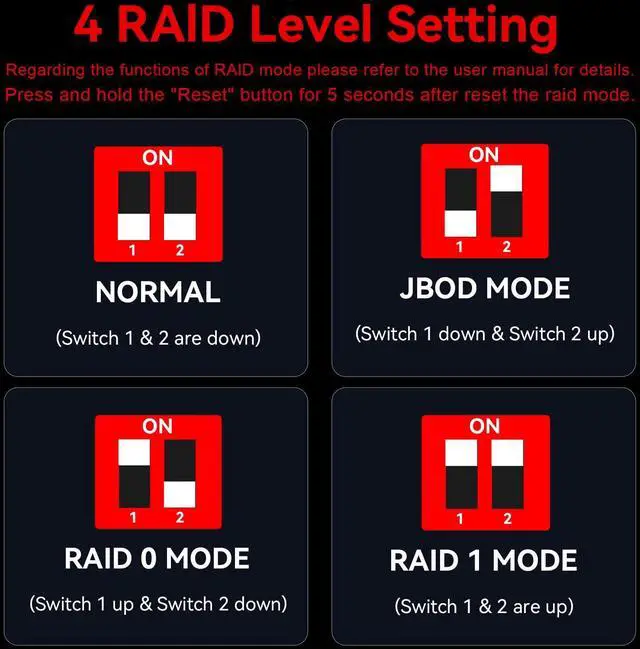
- 4 Raid Modes!!!NOTE:Press and hold the "Reset" button for 5 seconds after reset the RAID array!!!This raid enclosure supports 4 RAID Modes(RAID 0, RAID 1, Normal, JBOD).Designing RAID may result in data loss.MAC OS no Raid software.
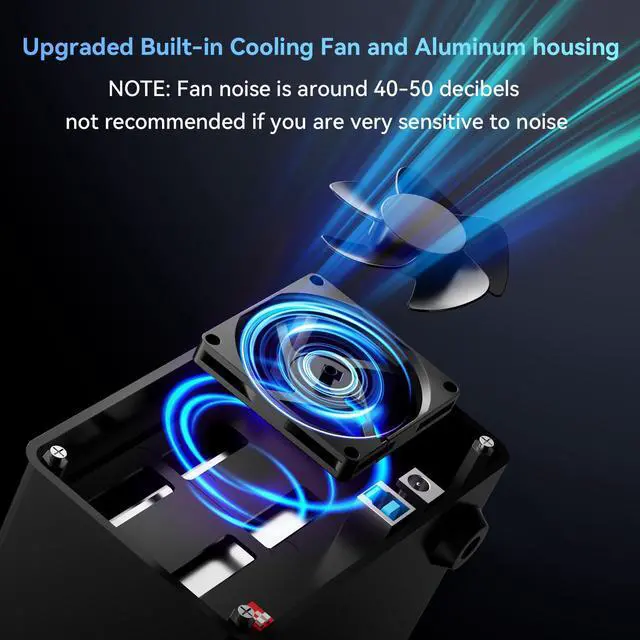
- No heatThe 2 bay hard drive reader built in Aluminum-Alloy materials and 2 inch Fan.Maximize the security of your data.NOTEFan noise is around 40-50 decibels, not recommended if you are very sensitive to noise.
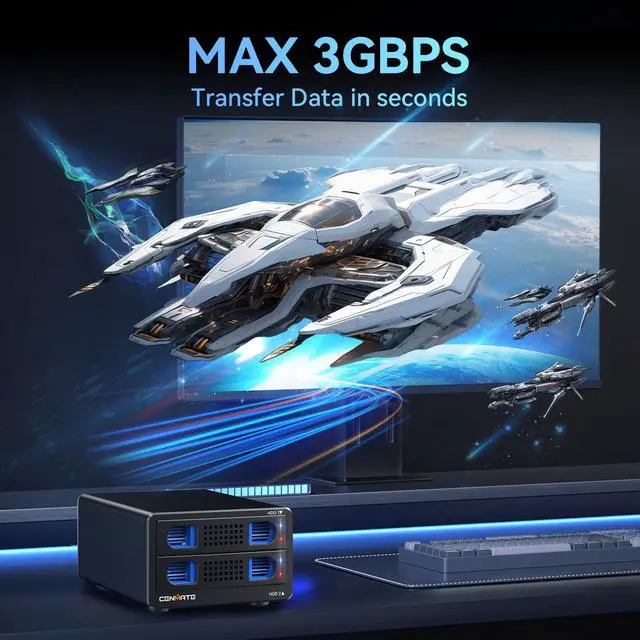
- Up to 5GbpsThis dual bay raid enclosure equips with JMS561 chip and USB 3.0 output interface, Max 5Gbps under UASP control.
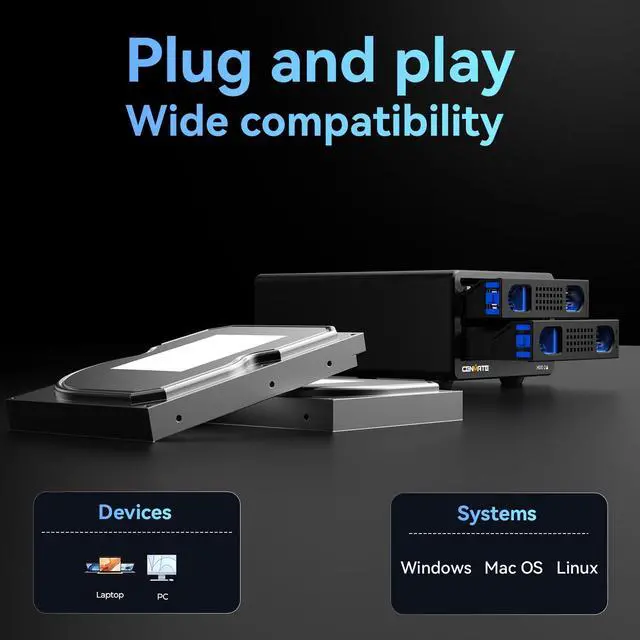
- Wide Compatibility, Plug and PlayEquipped with USB A/C 3.0 Cable.Compatible with Windows 7 and above, Mac 9.1 and above, Linux.Plug and play, no fuss, no muss.
- Quality AssuranceCenmate provides technical support.If you have any questions about the product, please don't hesitate to contact us, reply and solve your problem within 24 hours.
+
+
Overview
Specs
Reviews
See all Q & A 
Any questions? Our AI mode will help you find out quickly.
Try me now
- Reliable External Storage System for Individuals and businessThe 3.5 hard drive enclosure supports 2.5/3.5 inches HDD and SSD, max capacity up to 20TB for each hard drive, it's a ideal external hard drive enclosure for personal or enterprise using.Save space on your desktop or laptop.
- 4 Raid Modes!!!NOTE:Press and hold the "Reset" button for 5 seconds after reset the RAID array!!!This raid enclosure supports 4 RAID Modes(RAID 0, RAID 1, Normal, JBOD).Designing RAID may result in data loss.MAC OS no Raid software.
- No heatThe 2 bay hard drive reader built in Aluminum-Alloy materials and 2 inch Fan.Maximize the security of your data.NOTE:Fan noise is around 40-50 decibels, not recommended if you are very sensitive to noise.
- Up to 5GbpsThis dual bay raid enclosure equips with JMS561 chip and USB 3.0 output interface.
- Wide Compatibility, Plug and PlayEquipped with USB A/C 3.0 Cable.Compatible with Windows 7 and above, Mac 9.1 and above, Linux.Plug and play, no fuss, no muss.
Warranty & Returns
Warranty, Returns, And Additional Information
Warranty
- Please contact the Seller directly for warranty information. Warranty information may also be found on the Manufacturer's website.
- CONTACT
Return Policies
- Return for refund within: 30 days
- Return for replacement within: 30 days
- This item is covered by Virtue & Thrive Store Return Policy
Manufacturer Contact Info
- For a directory of all our manufacturers, please click below.
- Manufacturers Directory
LOADING...