




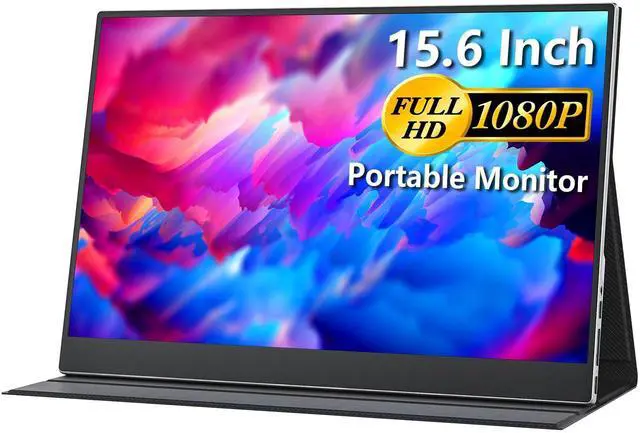
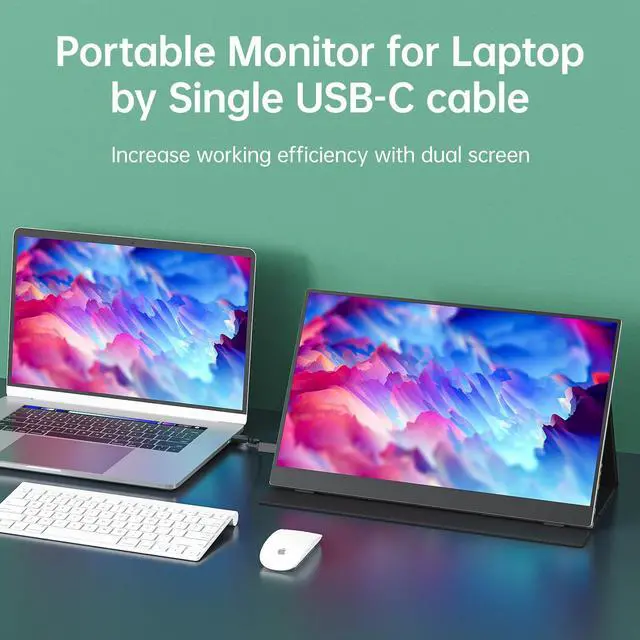
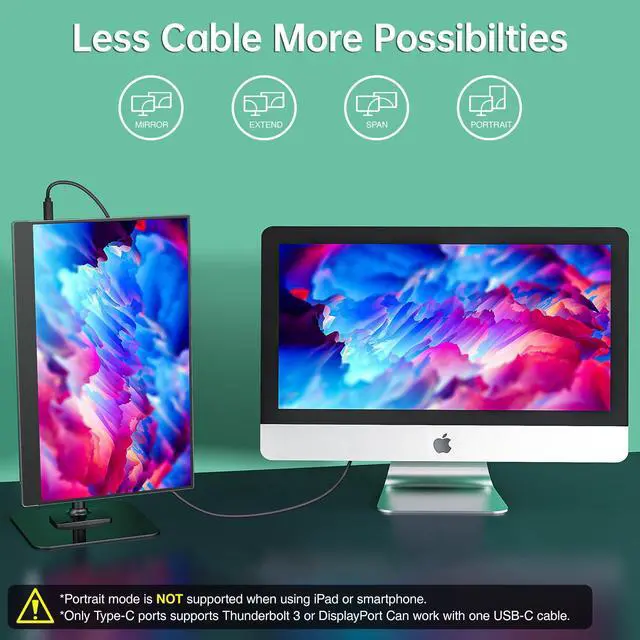

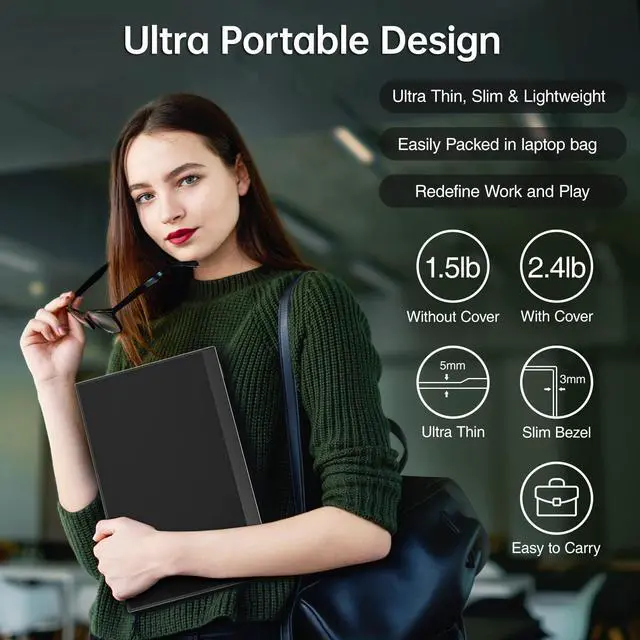


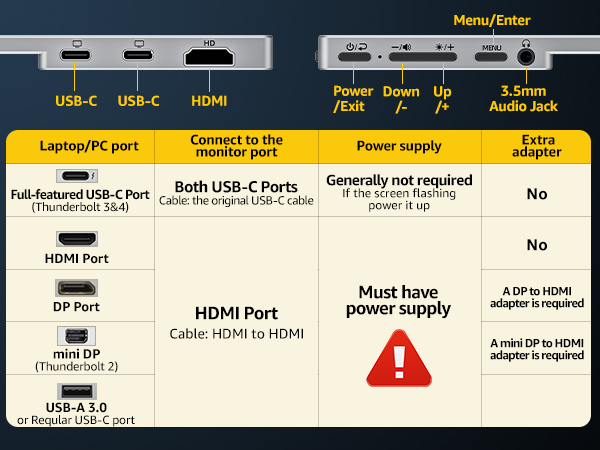
Why it doesn't work when I connect the monitor with my devices by my own USB-C cable.
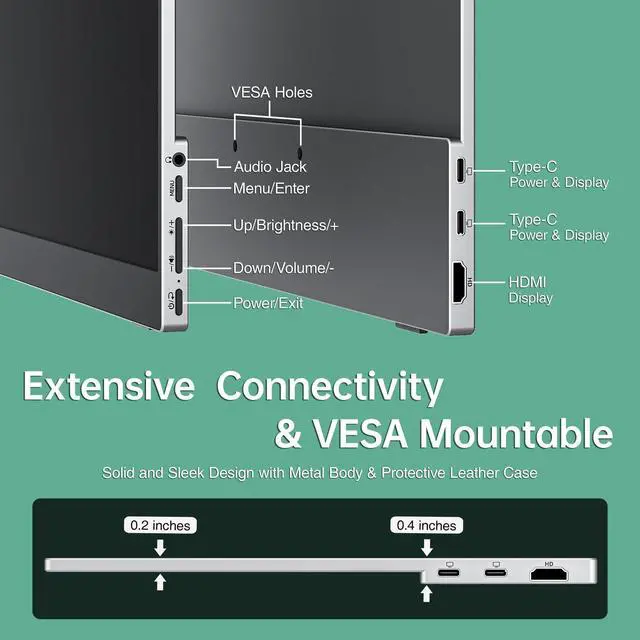
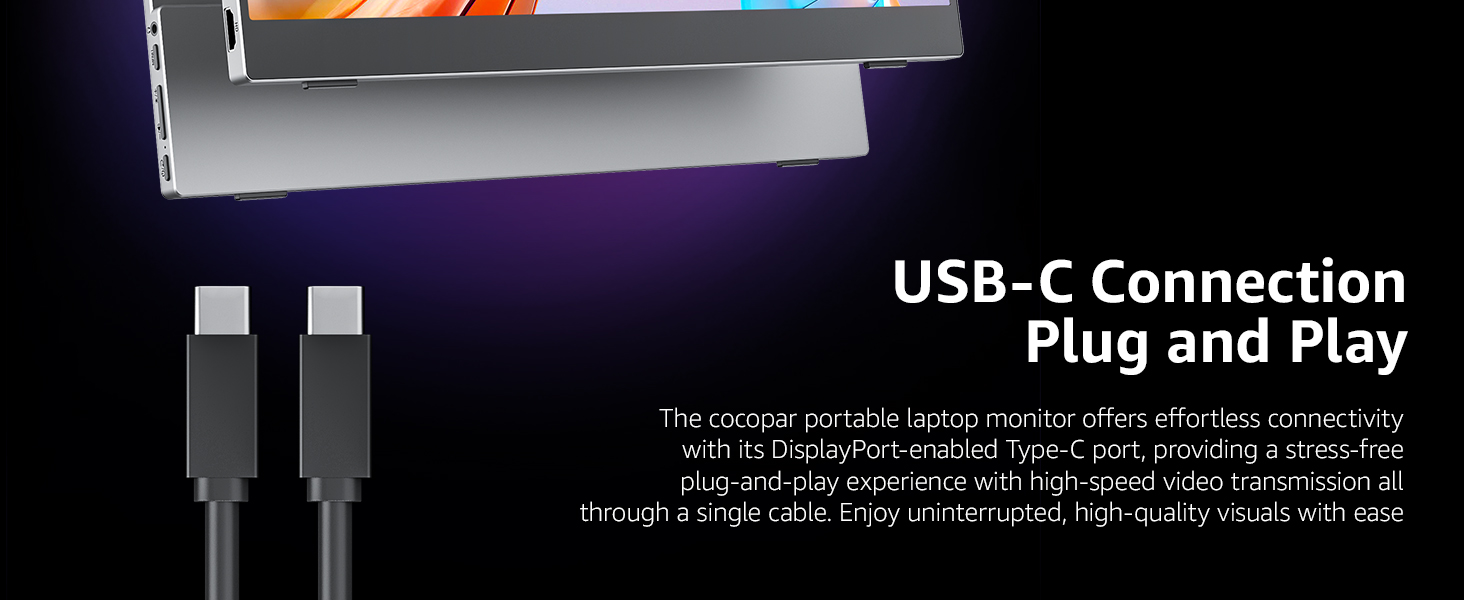
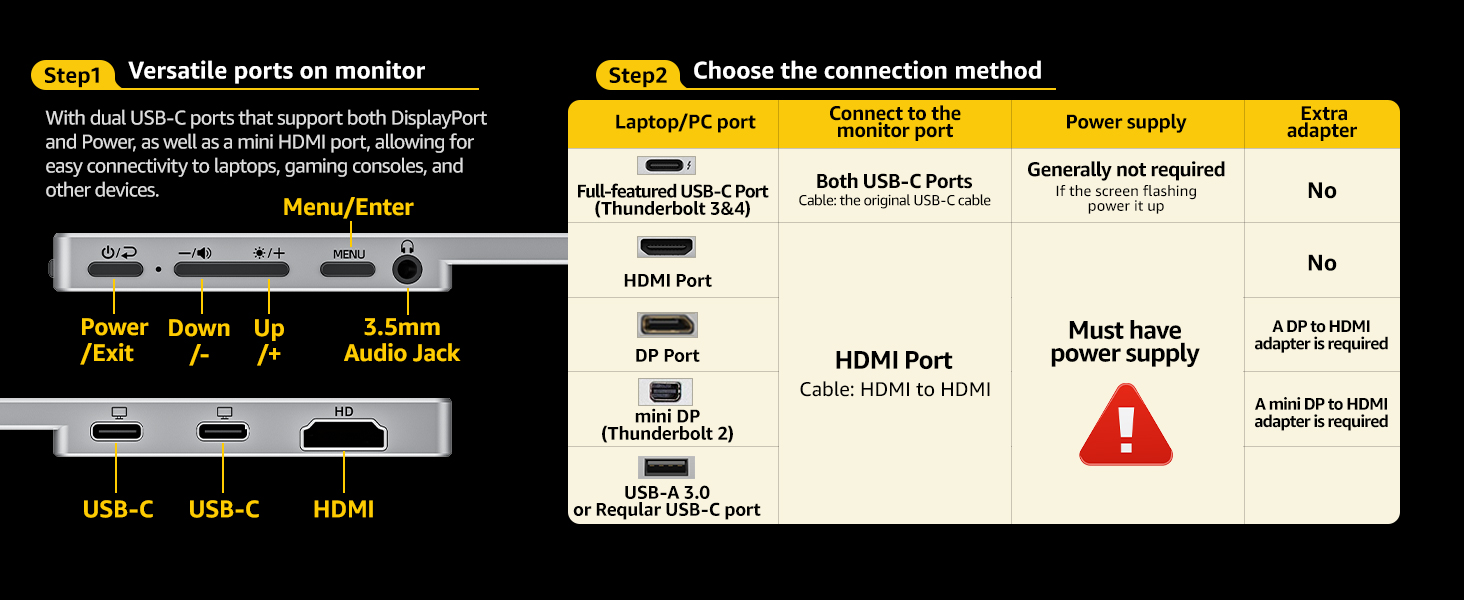
Please make sure the USB-C port on your laptop is a Thunderbolt 3/4 port or supports display.
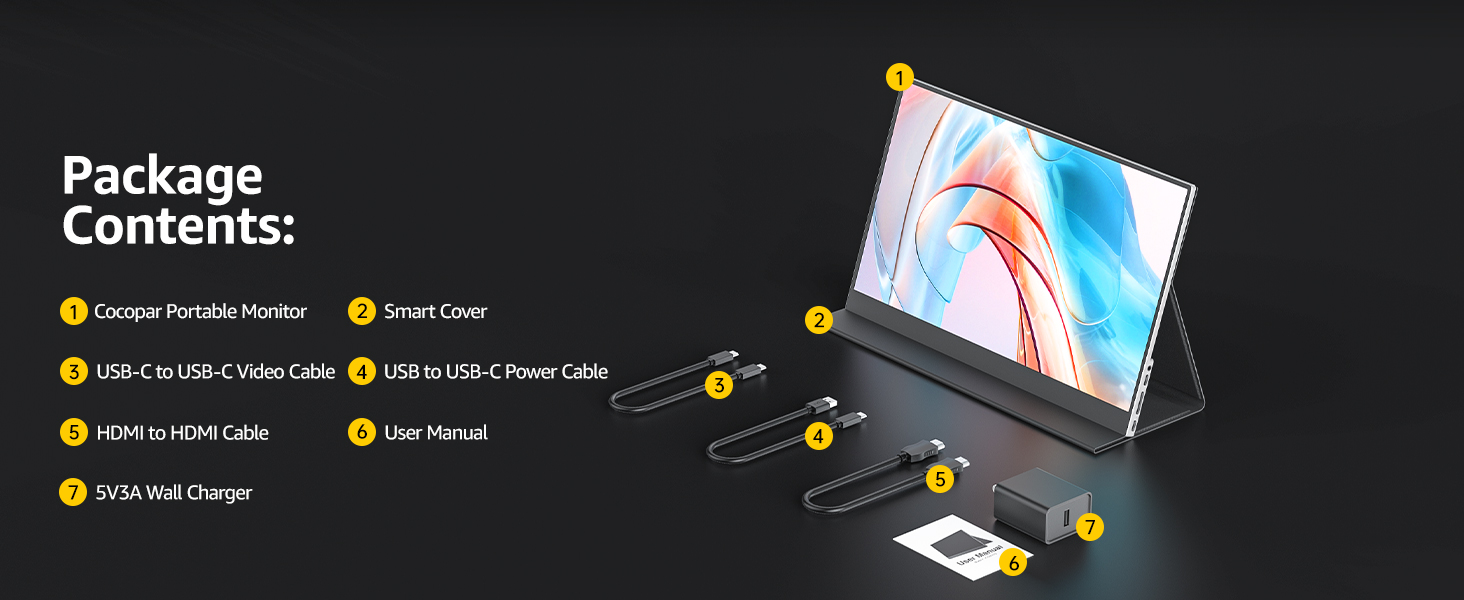
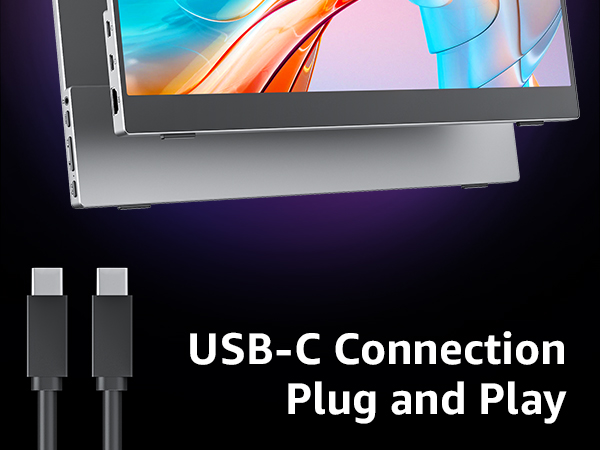
There are two kinds of USB-C cables, USB-C charging cable and USB-C video cable (the original one). Your own cable may be only a charging cable.
What if my laptop doesn't have a USB-C or HDMI port?(e.g Surface Pro/ HP Elitebook/old MacBook )
You may need a (mini)DP to HDMI adapter for connection.
What should I do if my monitor flickers?
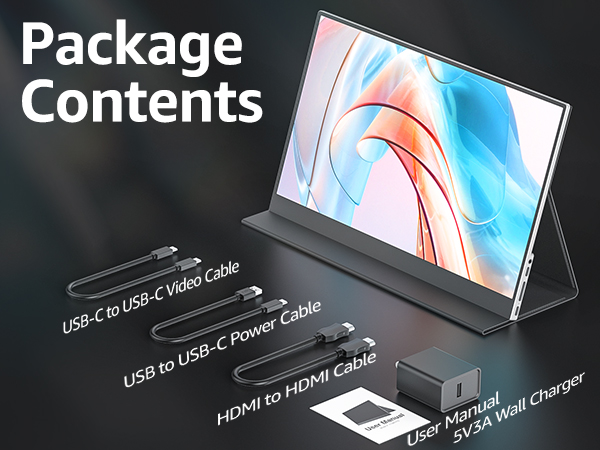
Please make sure you’re powering the monitor by the original wall charger we provided in the package.
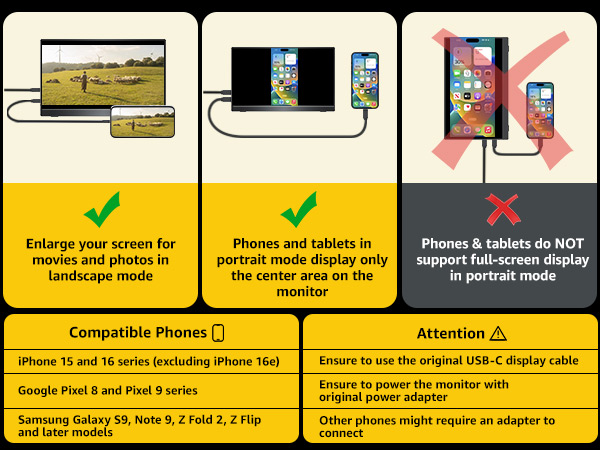
How do I connect my iPhone to the monitor?
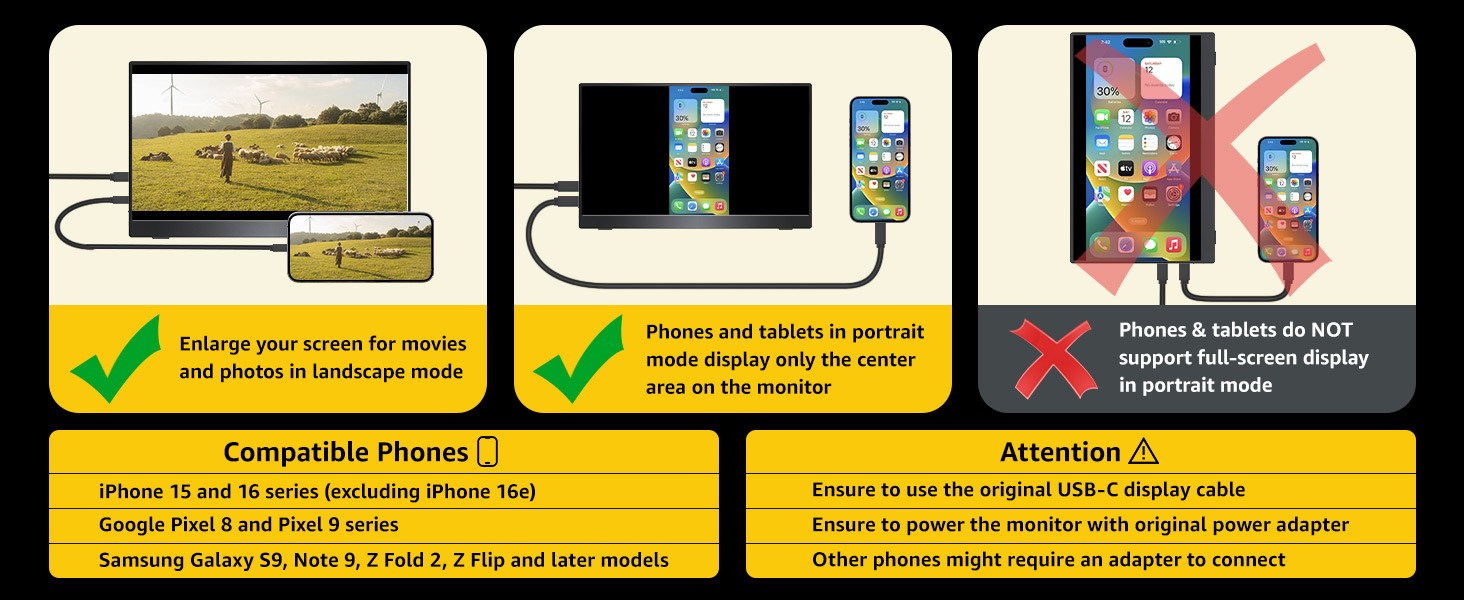
1. iPhone 15 and 16 series(excluding iPhone 16e) work with the monitor by the original USB-C cable
2. iPhone with a Lightning port will need an Apple Lightning Digital AV Adapter
(Please connect the monitor to power to avoid power shortage.)
My Android phone has a USB-C port, does this monitor work with my phone/tablet by the original USB-C to USB-C cable?
Only some Samsung phones(S8/S9/S10/S20/S21/S22series; Note8/9/10/20series; Galaxy Fold, Z Fold 2/3/4) work with the monitor by the original USB-C cable. Others need an HDTV cable to work.
(Please connect the monitor to power to avoid power shortage.)

Why it doesn't work when I connect the monitor with my devices by my own USB-C cable.
Please make sure the USB-C port on your laptop is a Thunderbolt 3/4 port or supports display.
There are two kinds of USB-C cables, USB-C charging cable and USB-C video cable (the original one). Your own cable may be only a charging cable.
What if my laptop doesn't have a USB-C or HDMI port?(e.g Surface Pro/ HP Elitebook/old MacBook )
You may need a (mini)DP to HDMI adapter for connection.
What should I do if my monitor flickers?
Please make sure you’re powering the monitor by the original wall charger we provided in the package.
How do I connect my iPhone to the monitor?
1. iPhone 15 and 16 series(excluding iPhone 16e) work with the monitor by the original USB-C cable
2. iPhone with a Lightning port will need an Apple Lightning Digital AV Adapter
(Please connect the monitor to power to avoid power shortage.)
My Android phone has a USB-C port, does this monitor work with my phone/tablet by the original USB-C to USB-C cable?
Only some Samsung phones(S8/S9/S10/S20/S21/S22series; Note8/9/10/20series; Galaxy Fold, Z Fold 2/3/4) work with the monitor by the original USB-C cable. Others need an HDTV cable to work.
(Please connect the monitor to power to avoid power shortage.)