Take a tax holiday. Take advantage of limited-time, tax-free savings on select products in certain states. Learn More>
  • $182.99
  • Free 30-day Returns
  • Price alert
    Shop it at NeweggBusiness.

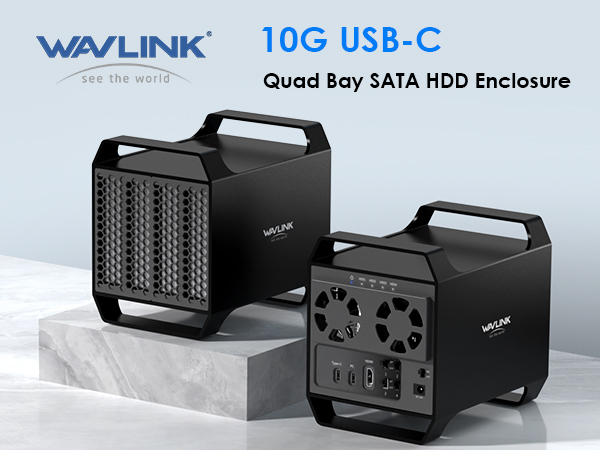
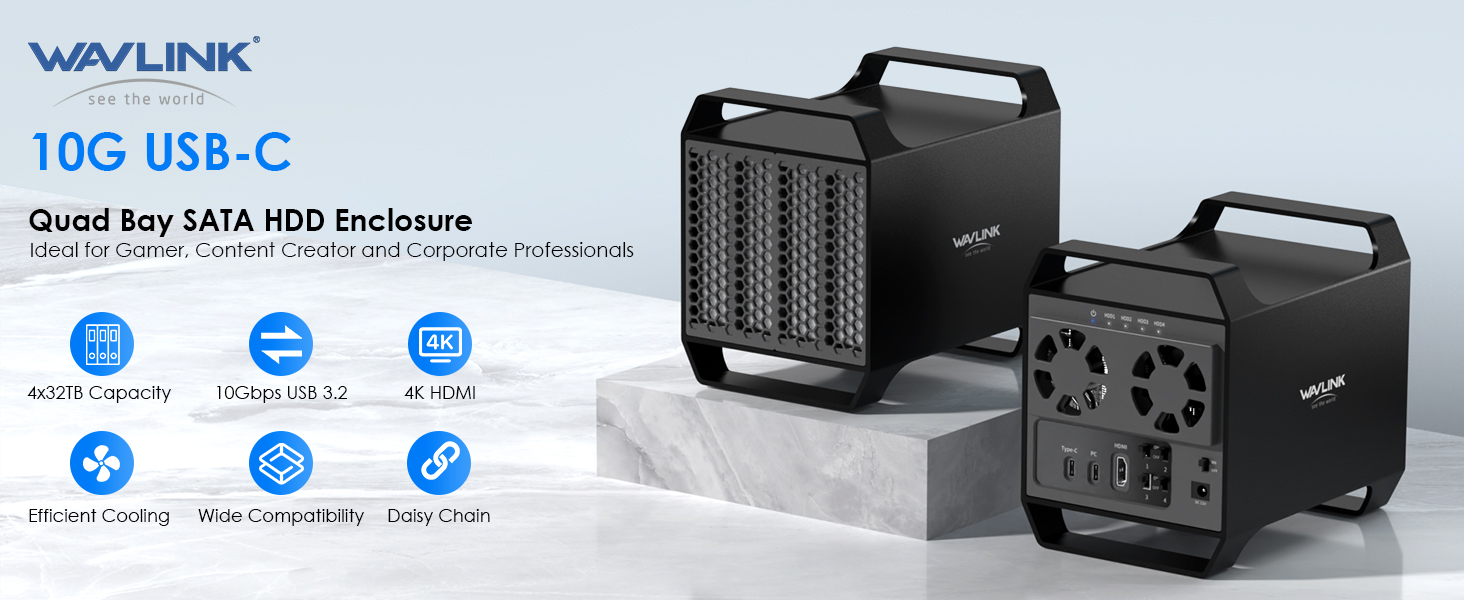
    4-Bay Hard Drive Enclosure for 3.5" and 2.5'' SATA HDD/SSD Featuring 10Gbps USB-C 3.2, Max 128TB Capacity, Built-in Temp-Controlled Cooling Fans, 4K HDMI Stunning Video Output, Aluminum Shell

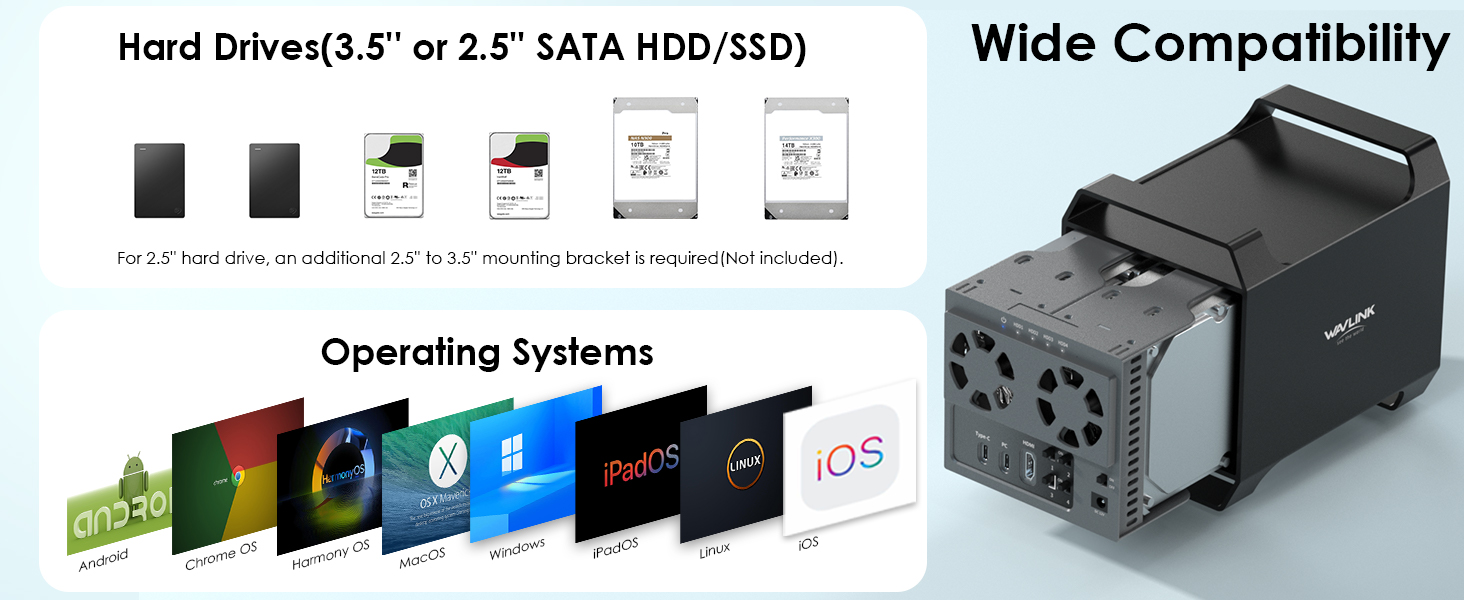
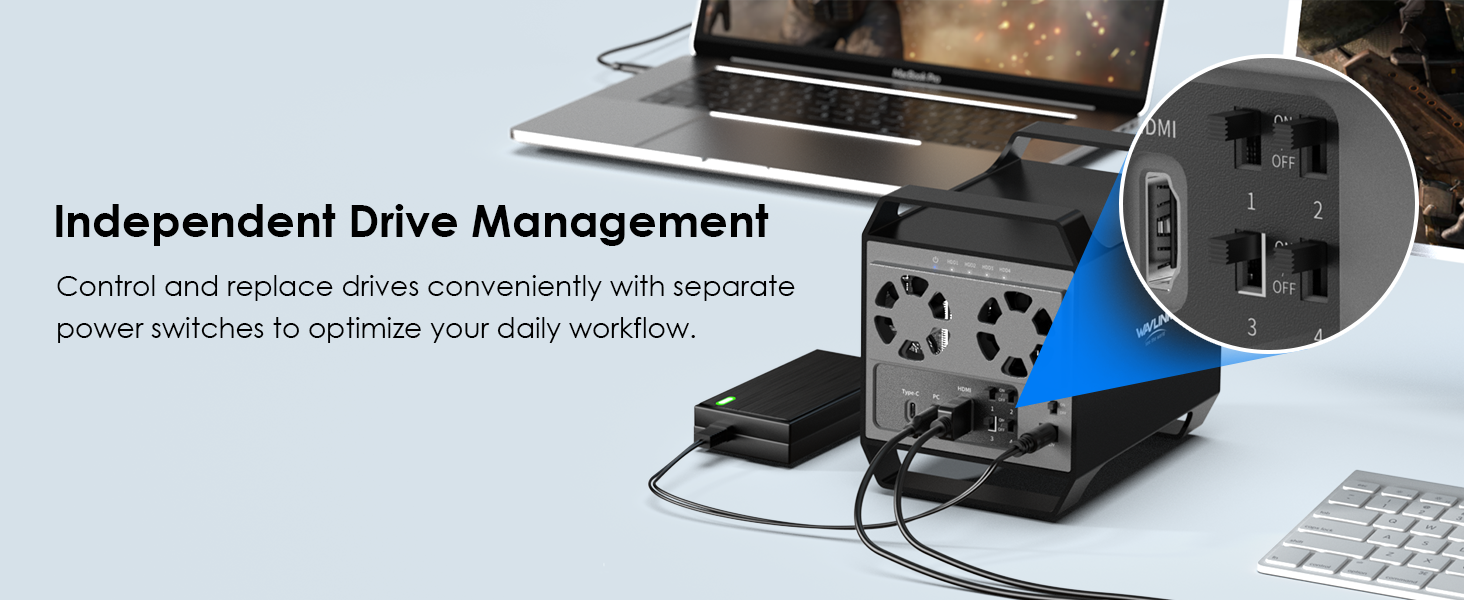
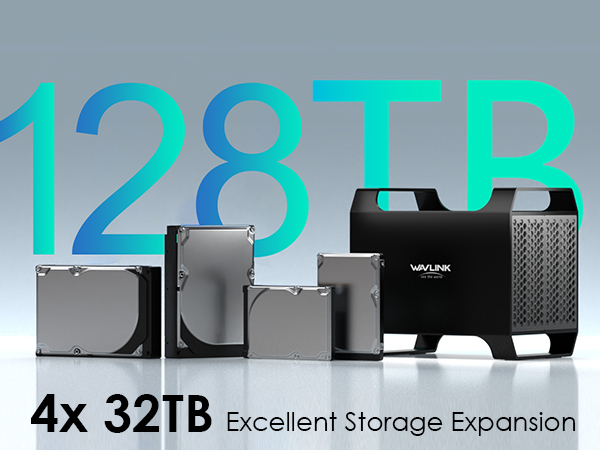
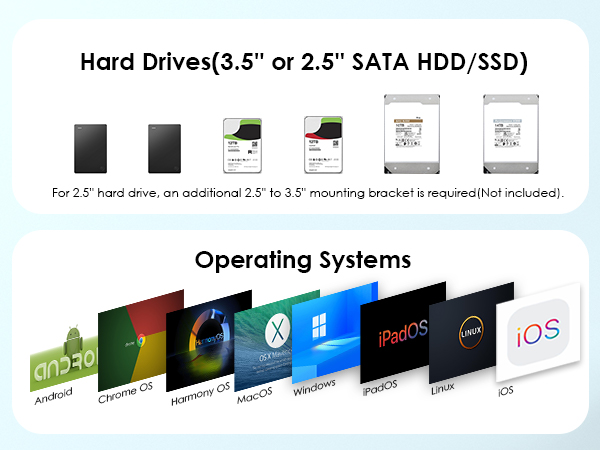
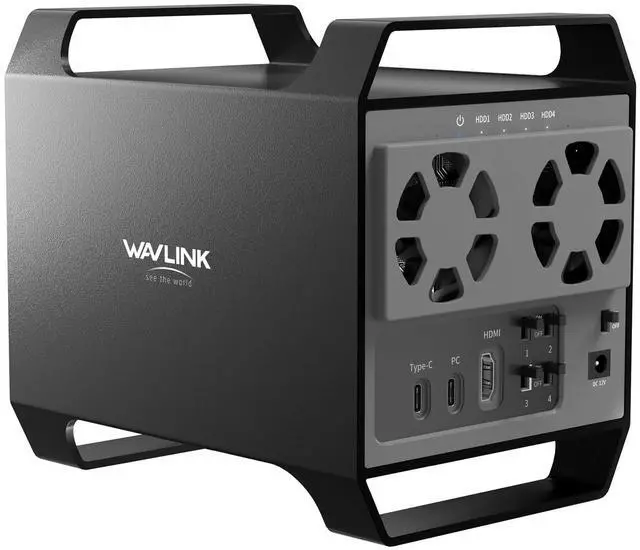
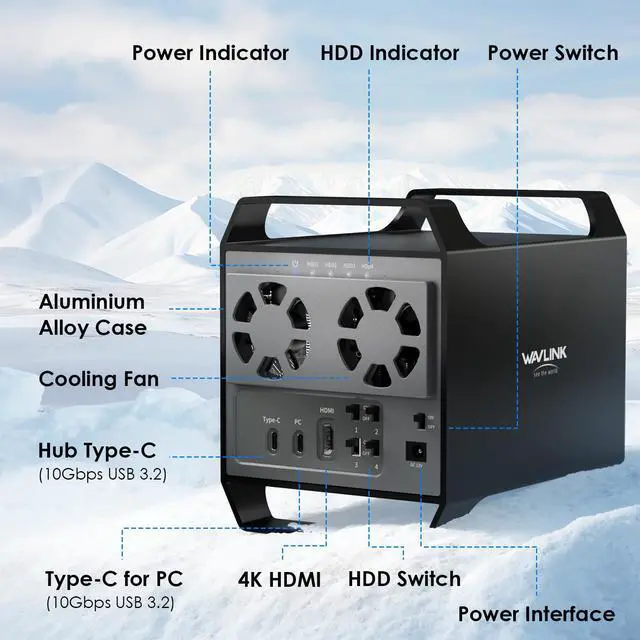
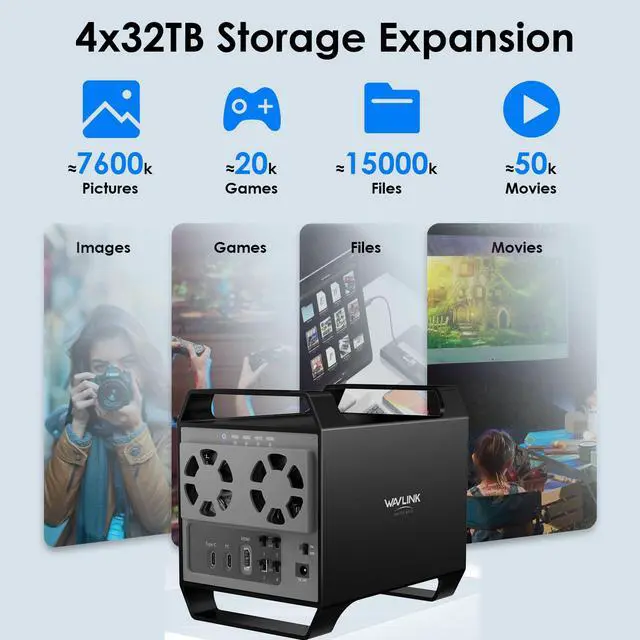
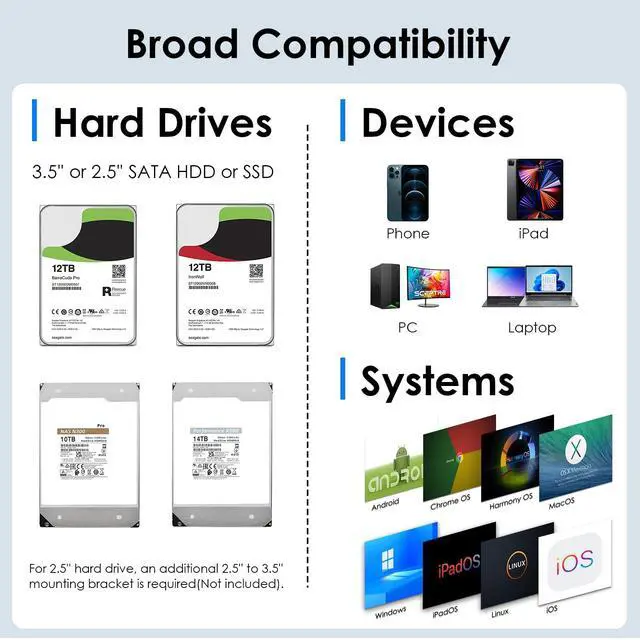
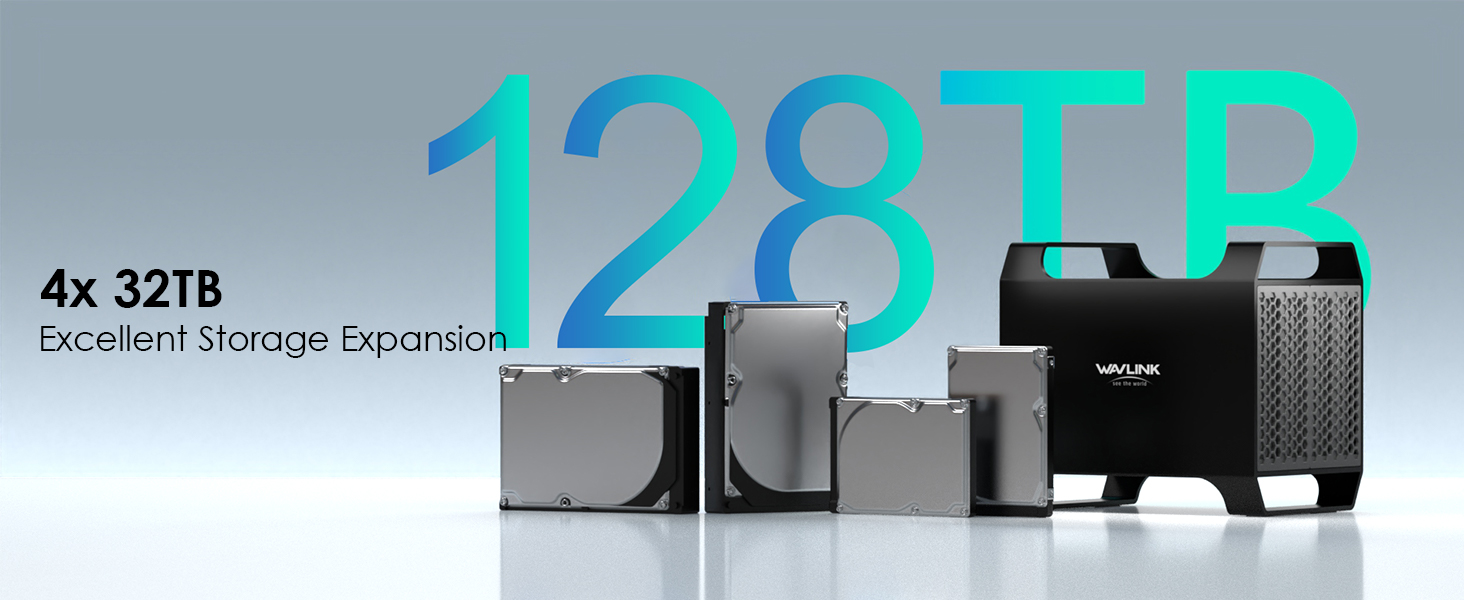
    • Ultimate Storage Versatility: Featuring four SATA 6Gbit/s bays, the enclosure supports both 3.5'' and 2.5'' hard drives and SSDs. Effortlessly expand your storage capacity up to 4x32TB, ensuring you have ample space for all your critical data, multimedia projects, and extensive game libraries. Note: For 2.5'' hard drives, additional 2.5'' to 3.5'' mounting brackets are required(Not included).
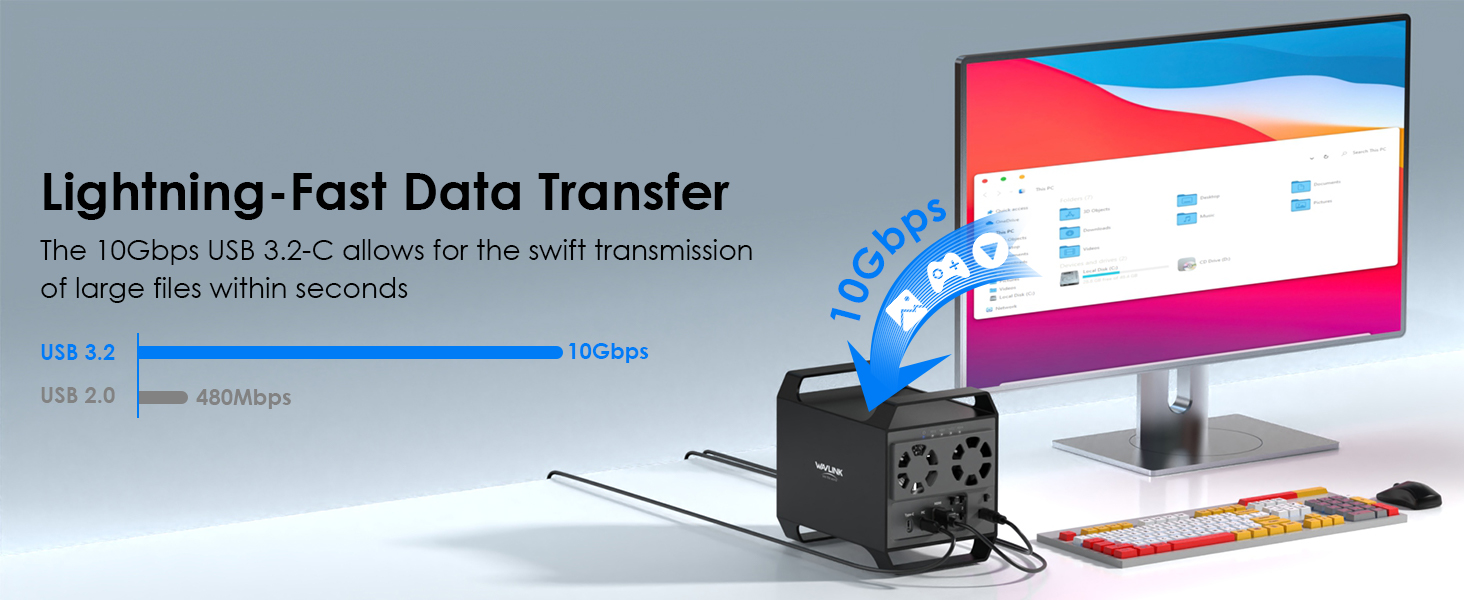
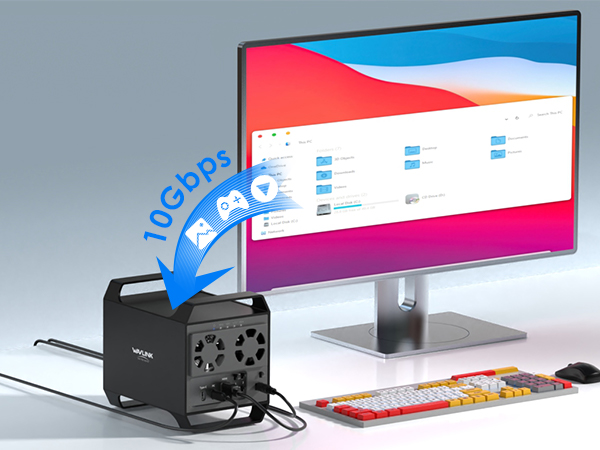
    • Blazing Fast Data Transfer: Experience unparalleled data transfer speeds with the USB 3.2 Type-C port, capable of reaching up to 10Gbps. Seamlessly handle massive files and high-volume data transfers with exceptional efficiency and speed, perfect for both professional and personal use.
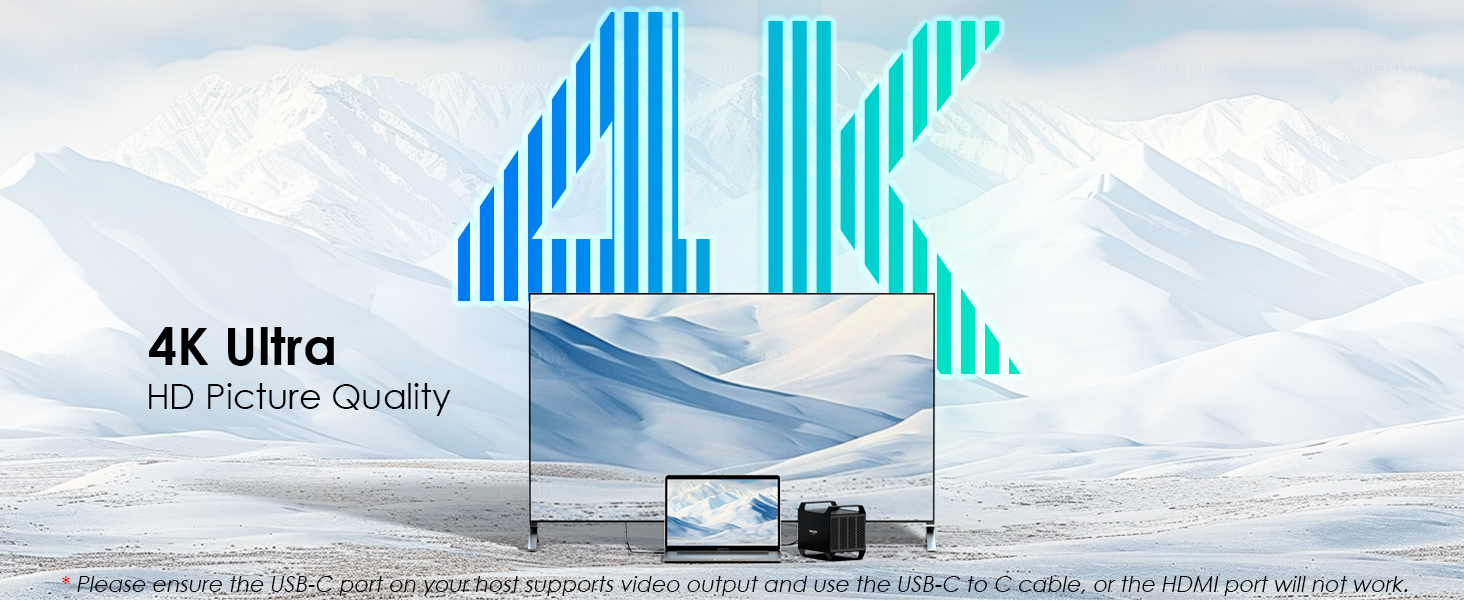
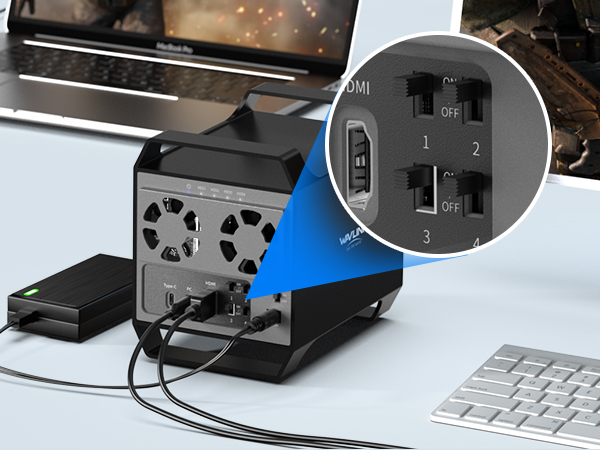
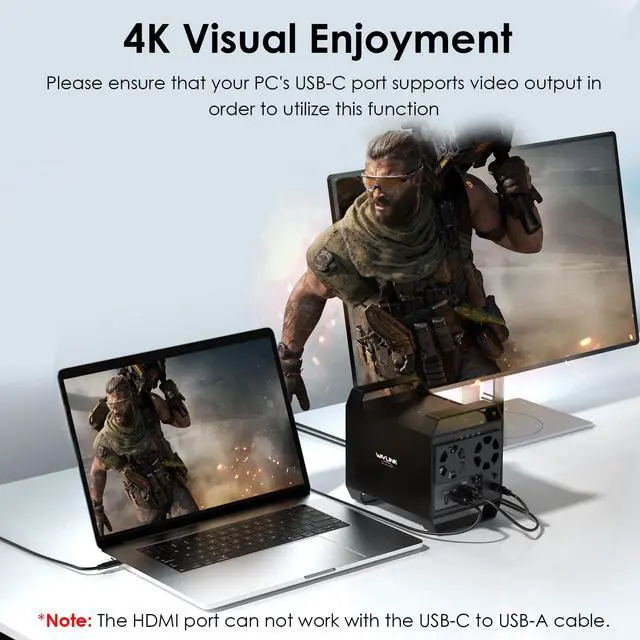
    • Enhanced Connectivity and Display Options: Beyond storage, this docking station features an additional USB 3.2 Type-C port for connecting peripherals or daisy-chaining devices, along with an HDMI interface that supports up to 4K@60Hz resolution(under DP1.4). Create a seamless and efficient workspace with high-speed connectivity and stunning display capabilities. Note: Please ensure the USB-C port on your host supports video output and use the USB-C to C cable, or the HDMI port will not work.
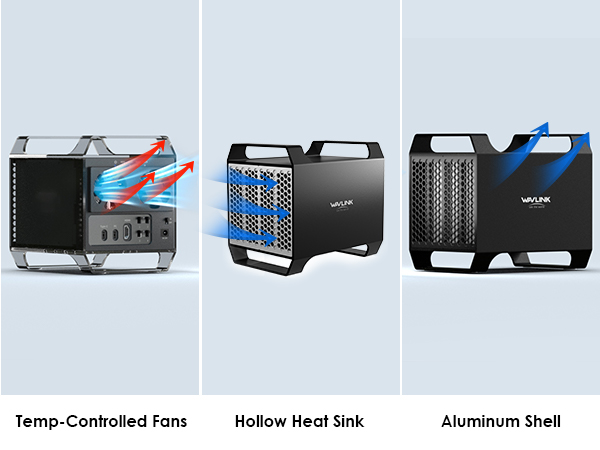
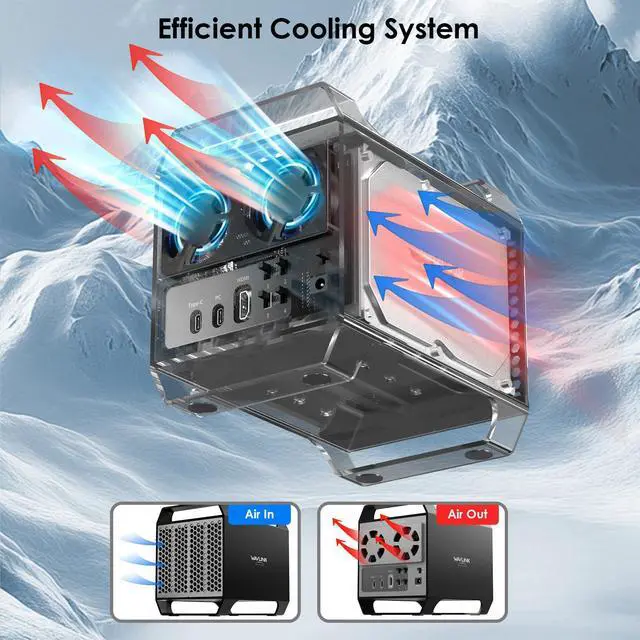
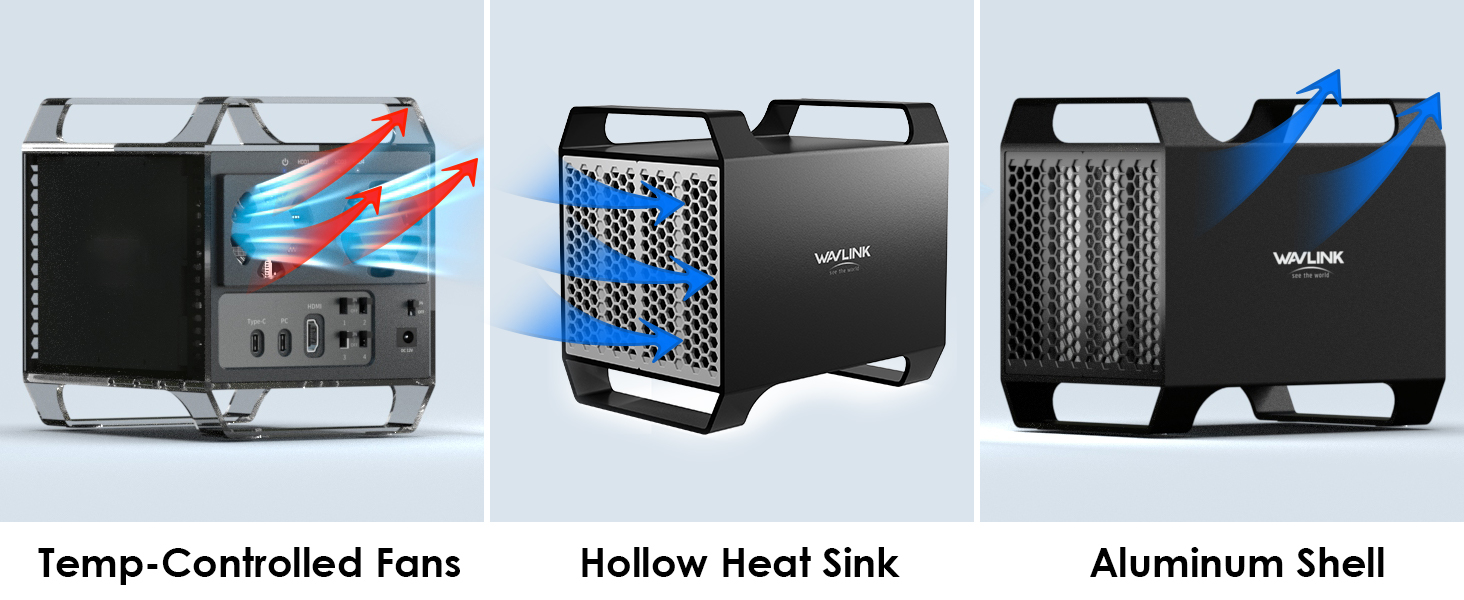
    • Premium Build Quality and Cooling: Constructed from high-quality aluminum, the docking station offers superior heat dissipation and robust structural integrity. Dual built-in fans automatically activate at 48°C, ensuring your drives remain cool and perform optimally, even during intensive tasks.
    +
    +
    Overview
    Specs
    Reviews
    avatar

    Any questions? Our AI beta will help you find out quickly.

    WAVLINK USB3.2 to 4-Bay SATA HDD/SSD Tray Enclosure
    hard disk docking station
    Compatibility Notes

    - Please ensure the USB-C port on your host supports video output and use the USB-C to C cable, or the HDMI port will not work.

    - HDD/SSD: 3.5" and 2.5'' SATA HDD/SSD. For 2.5'' hard drives, additional 2.5'' to 3.5'' mounting brackets are required(Not included).

    HDD Installation Steps

    HDD Installation Steps

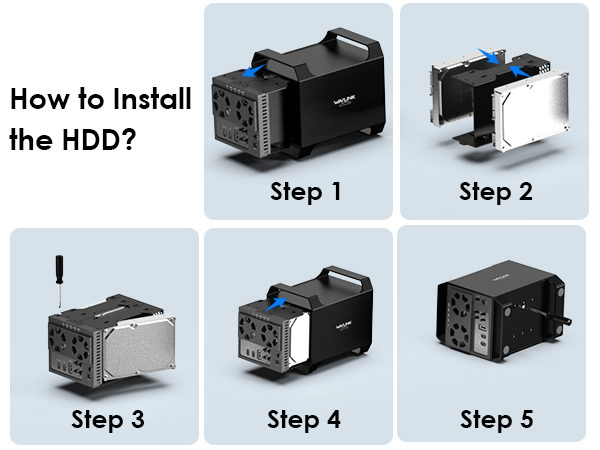
    Step 1: Remove the brackets. >>Step 2: Place HDD 1&2, 3&4 into the brackets.

    >>Step 3: Secure the brackets together.

    >>Step 4: Reinstall the brackets.

    >>Step 5: Tighten the screws on the bottom.

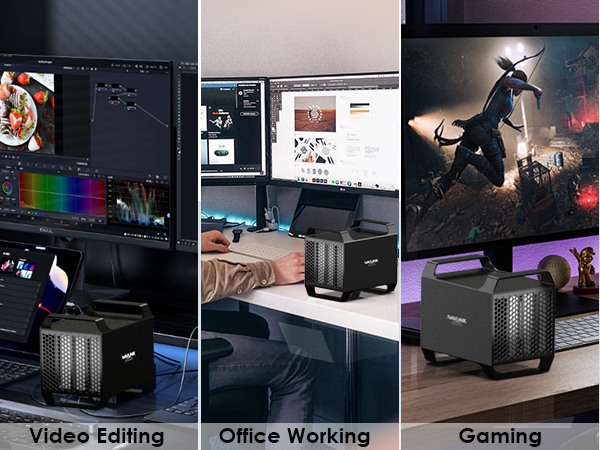
    Usage Scenarios

    Warm Tips:

    - The performance will be limited if the host USB-C port standard is lower than USB3.2 Gen2.

    - For 2.5'' hard drives, additional 2.5'' to 3.5'' mounting brackets are required (Not included).

    - The HDMI port will not work if USB-C port on the host does not support video output or use the USB-C to A cable.

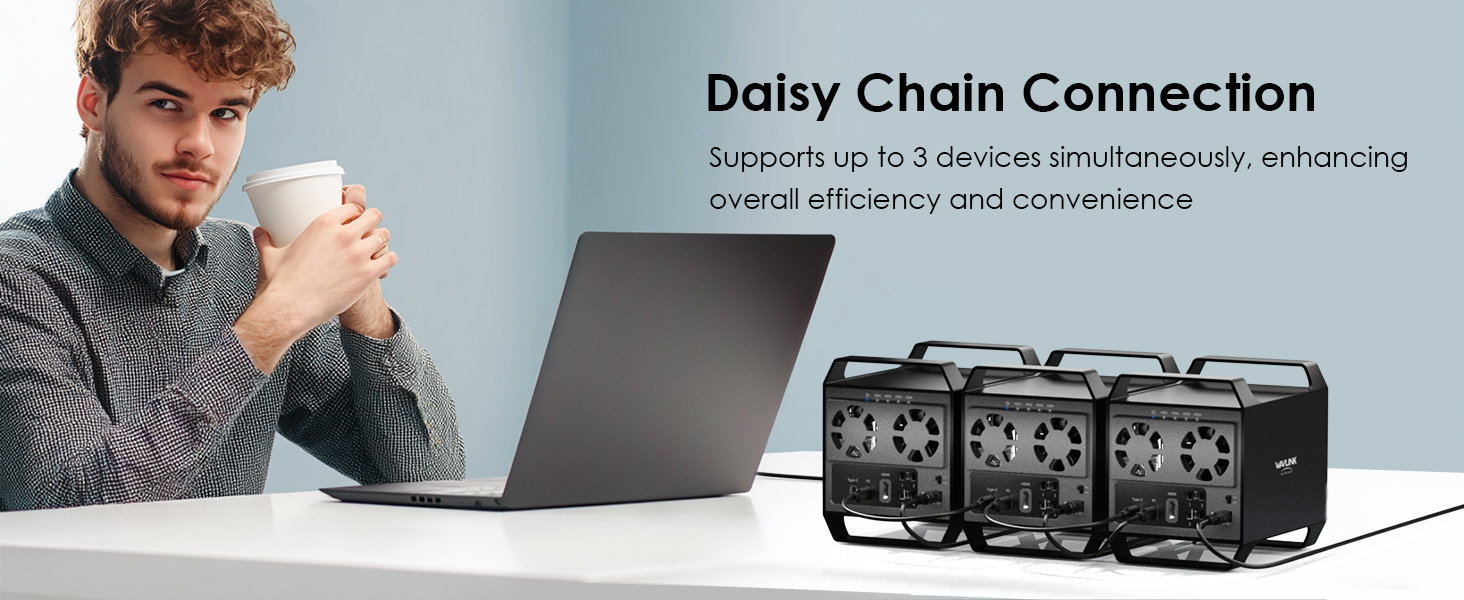
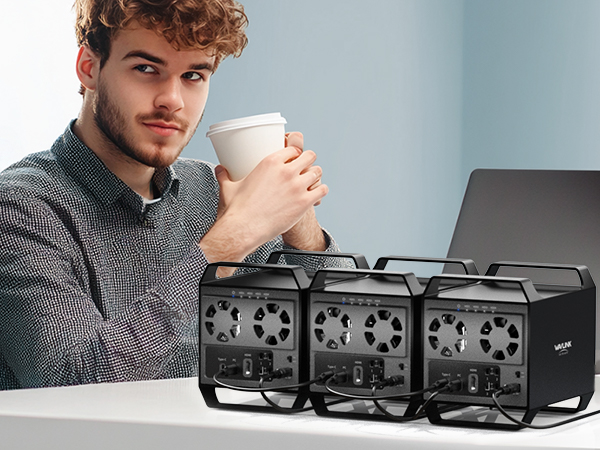
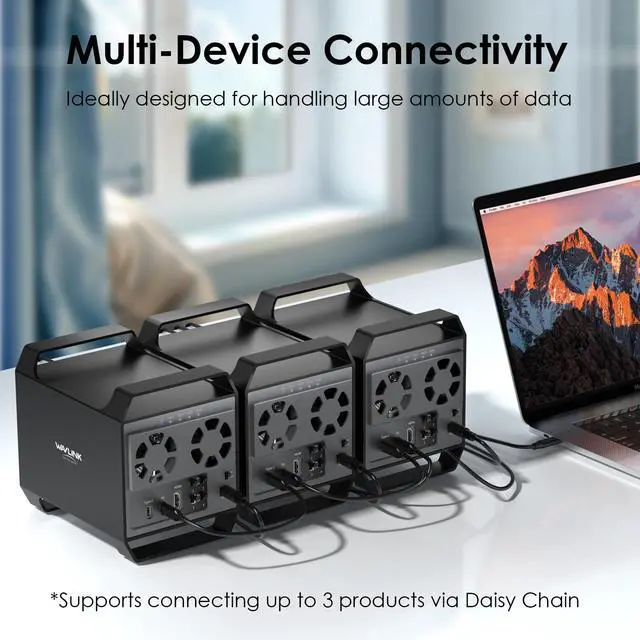
    - Connect up to 3 products via Daisy Chain.

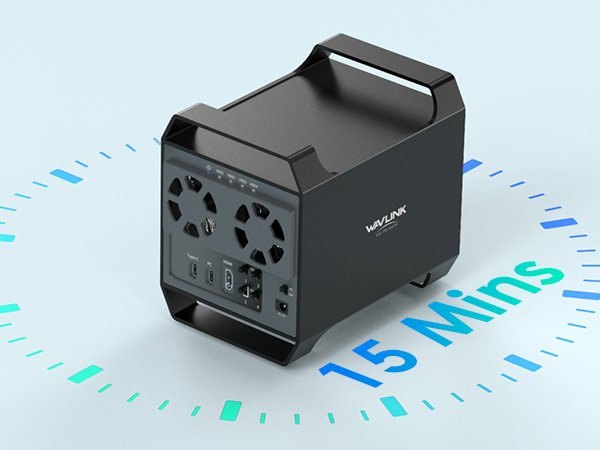
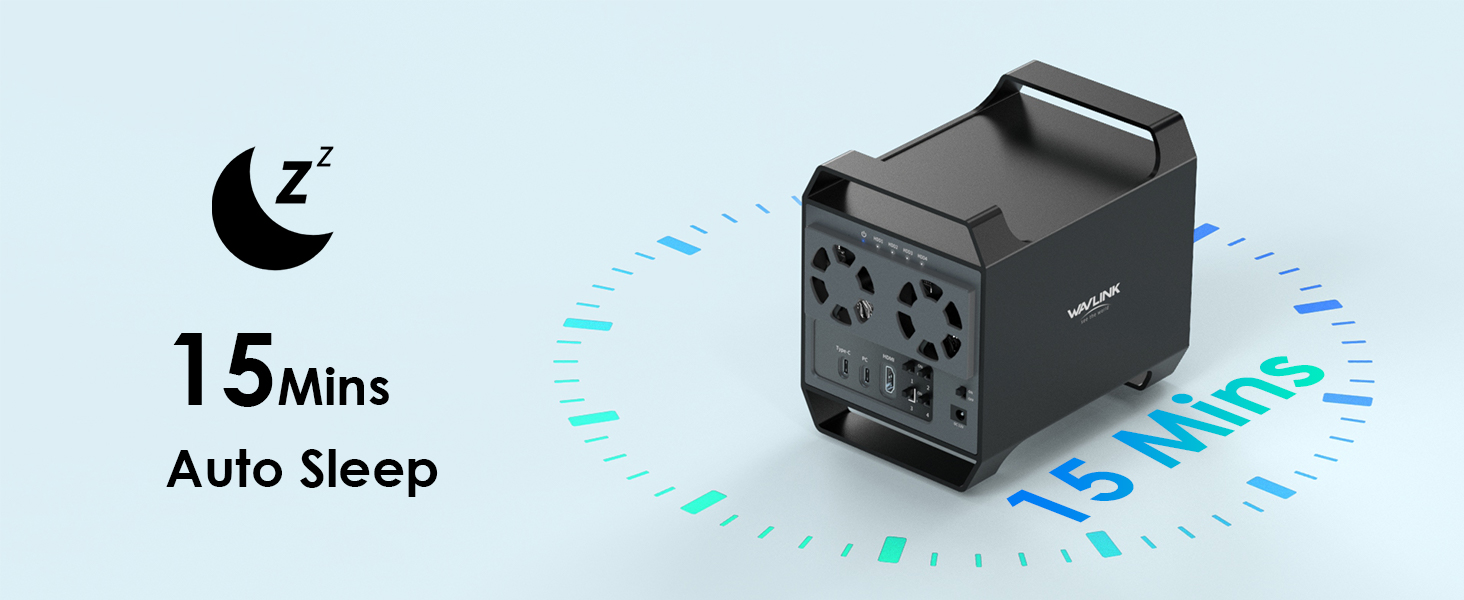
    - Supports auto-sleep function, automatically sleeps after 15 minutes of no operation.

    - When installing the hard disk, use screws for better stability.

    - Does not support RAID array setup; configure separately if needed.

    - If the SSD is brand-new and unformatted, please perform partition installation so that the computer can read the data normally. If the SSD is formatted and has stored data, you have no need to perform partition installation because the computer can read the data normally.

    WAVLINK USB3.2 to 4-Bay SATA HDD/SSD Tray Enclosure
    hard disk dock
    Compatibility Notes

    - Please ensure the USB-C port on your host supports video output and use the USB-C to C cable, or the HDMI port will not work.

    - HDD/SSD: 3.5" and 2.5'' SATA HDD/SSD. For 2.5'' hard drives, additional 2.5'' to 3.5'' mounting brackets are required(Not included).
    HDD Installation Steps
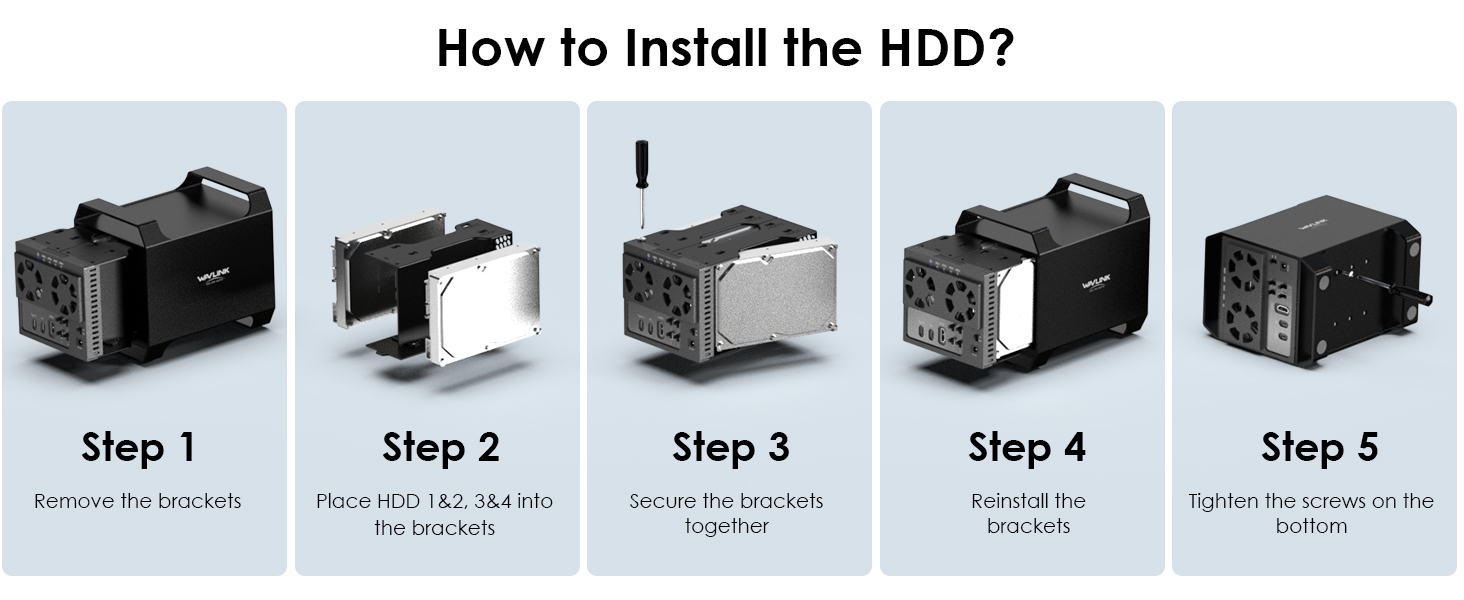
    HDD Installation Steps

    Step 1: Remove the brackets. >>Step 2: Place HDD 1&2, 3&4 into the brackets.

    >>Step 3: Secure the brackets together.

    >>Step 4: Reinstall the brackets.

    >>Step 5: Tighten the screws on the bottom.
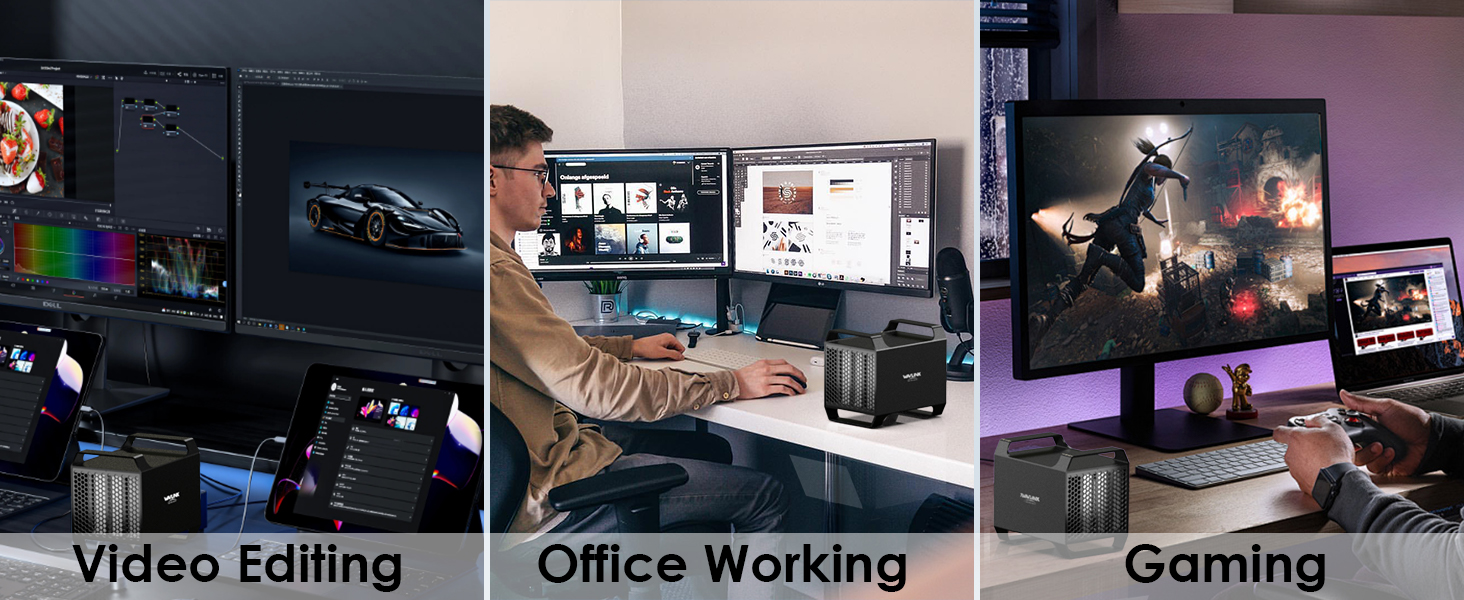
    Usage Scenarios

    Warm Tips:

    - The performance will be limited if the host USB-C port standard is lower than USB3.2 Gen2.

    - For 2.5'' hard drives, additional 2.5'' to 3.5'' mounting brackets are required (Not included).

    - The HDMI port will not work if USB-C port on the host does not support video output or use the USB-C to A cable.

    - Connect up to 3 products via Daisy Chain.

    - Supports auto-sleep function, automatically sleeps after 15 minutes of no operation.

    - When installing the hard disk, use screws for better stability.

    - Does not support RAID array setup; configure separately if needed.

    - If the SSD is brand-new and unformatted, please perform partition installation so that the computer can read the data normally. If the SSD is formatted and has stored data, you have no need to perform partition installation because the computer can read the data normally.

    4-Bay Hard Drive Enclosure for 3.5" and 2.5 '' SATA HDD/SSD Featuring 10Gbps USB-C 3.2, Max 128TB Capacity, Built-in Temp-Controlled Cooling Fans, 4K HDMI Stunning Video Output, Aluminum Shell

    Warranty & Returns

    Warranty, Returns, And Additional Information

    Warranty

    • Please contact the Seller directly for warranty information. Warranty information may also be found on the Manufacturer's website.
    • CONTACT

    Return Policies

    Manufacturer Contact Info

    LOADING...