



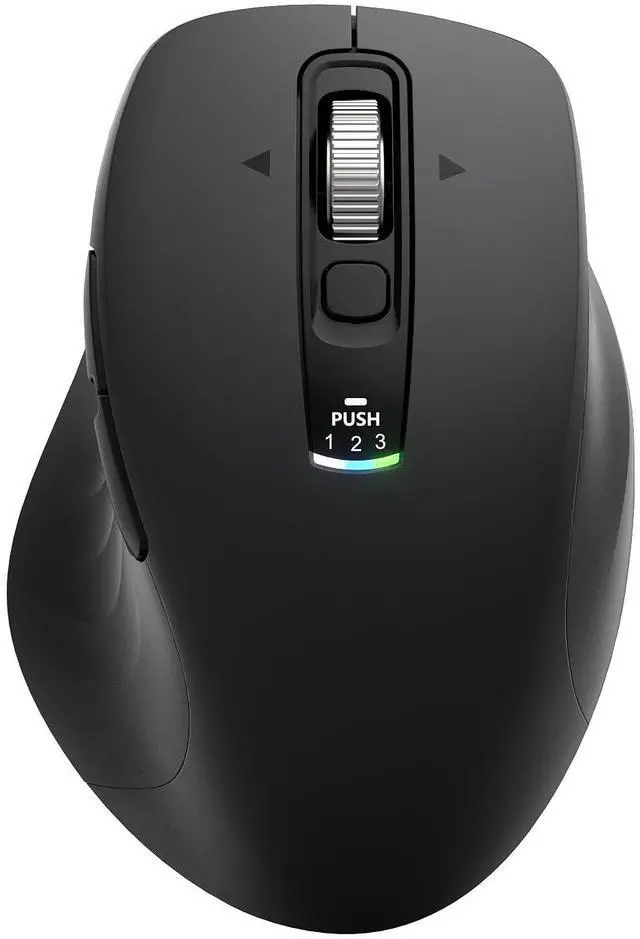


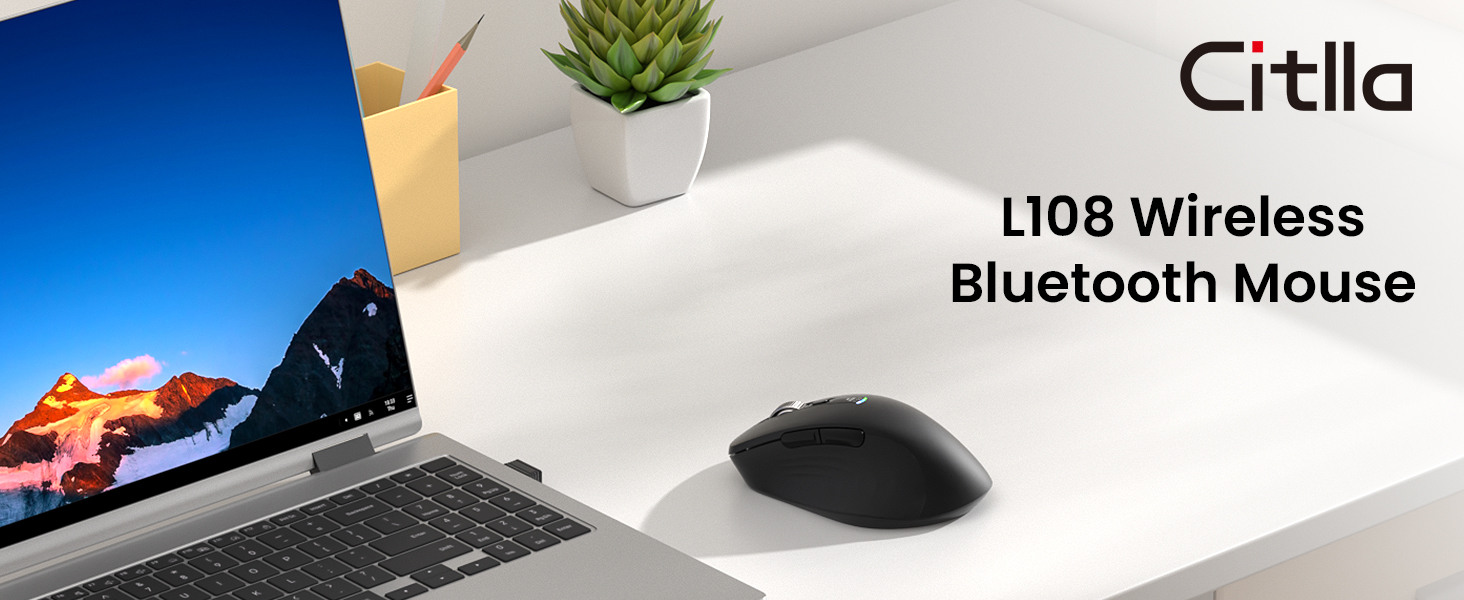
CITLLA L108 Wireless Bluetooth Mouse
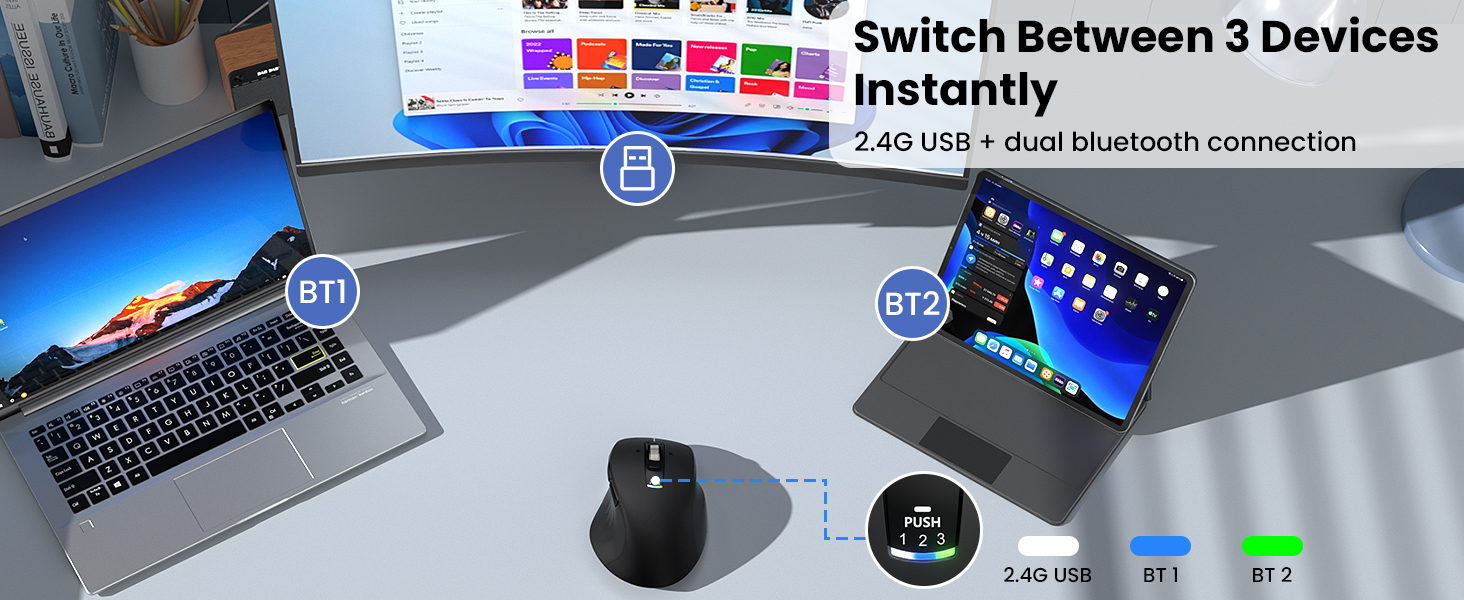
3 Device Switching

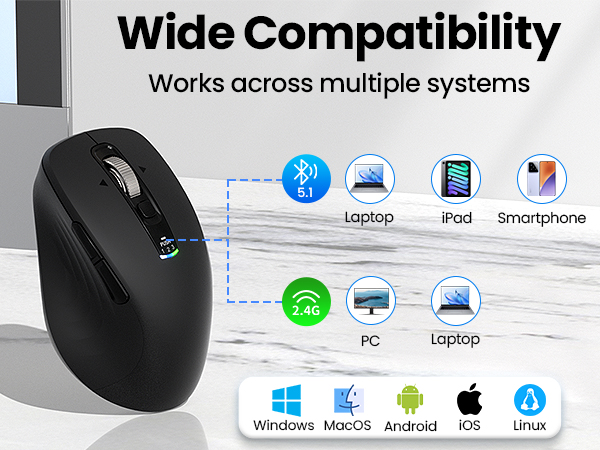
Wide Compatibility
Work Smarter Anywhere
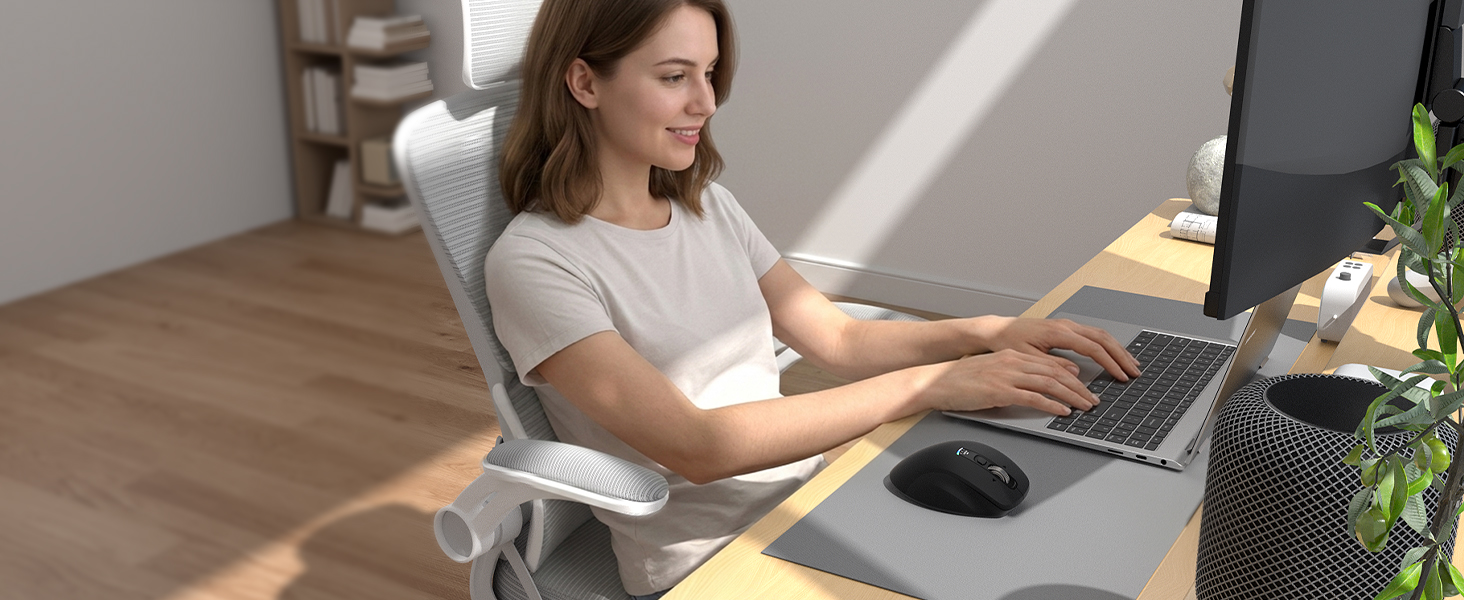
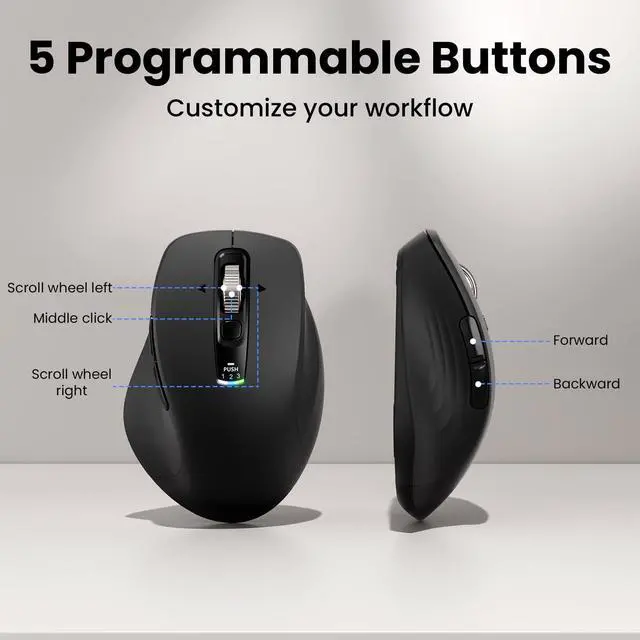
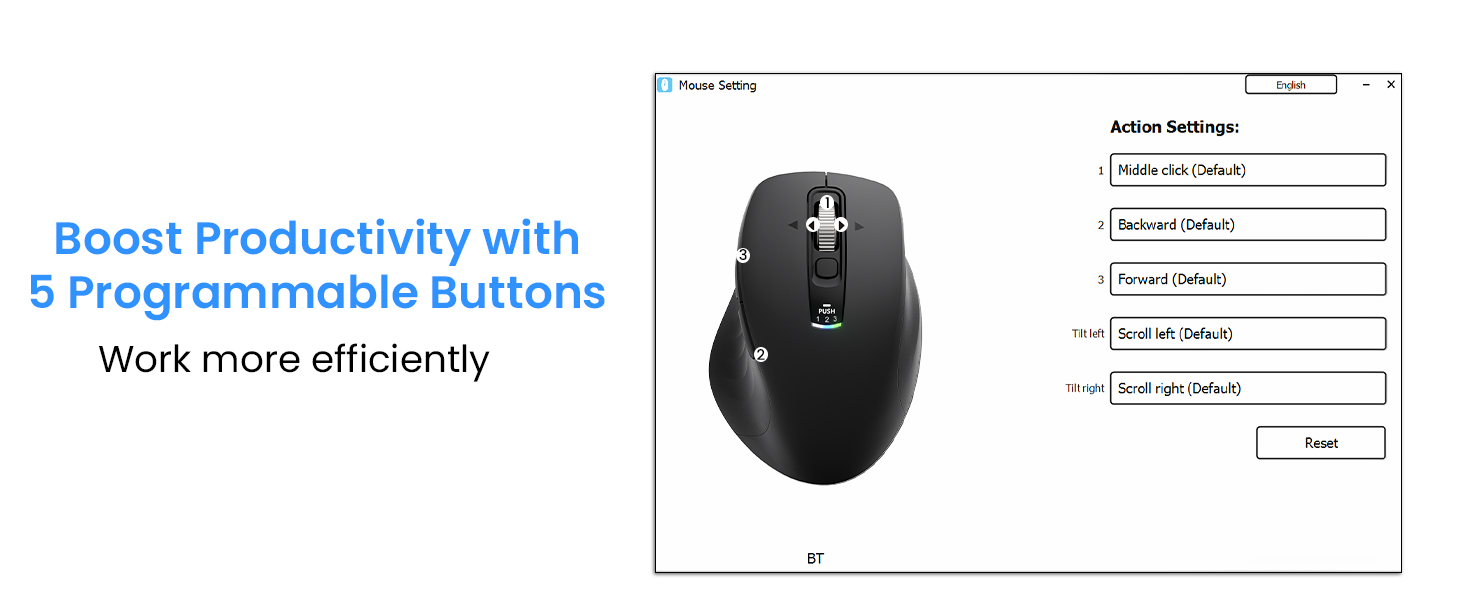
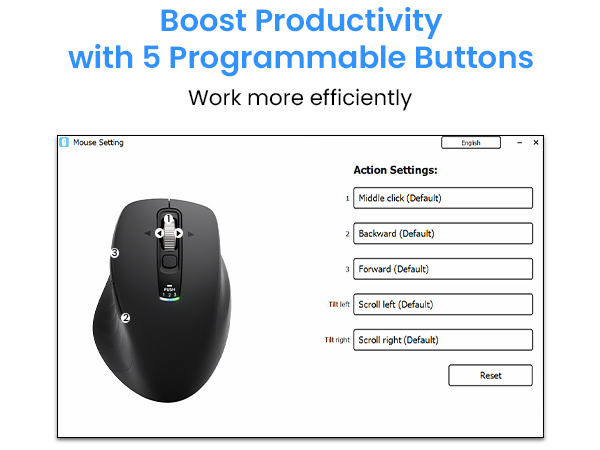
How do I customize the 5 programmable buttons, and are they compatible with macOS?
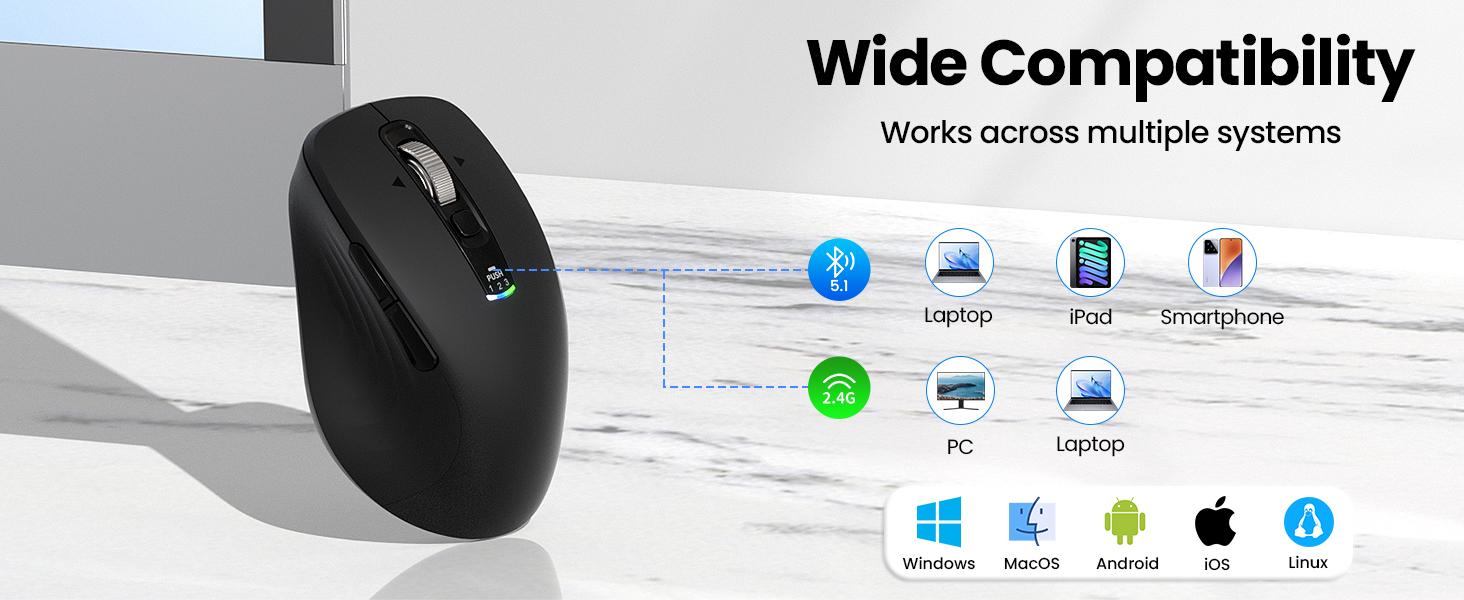
Download the software via the manual's link to program the buttons. The mouse is plug-and-play on Windows and Mac. While the software is fully compatible with Windows, it only supports limited customization features on macOS.
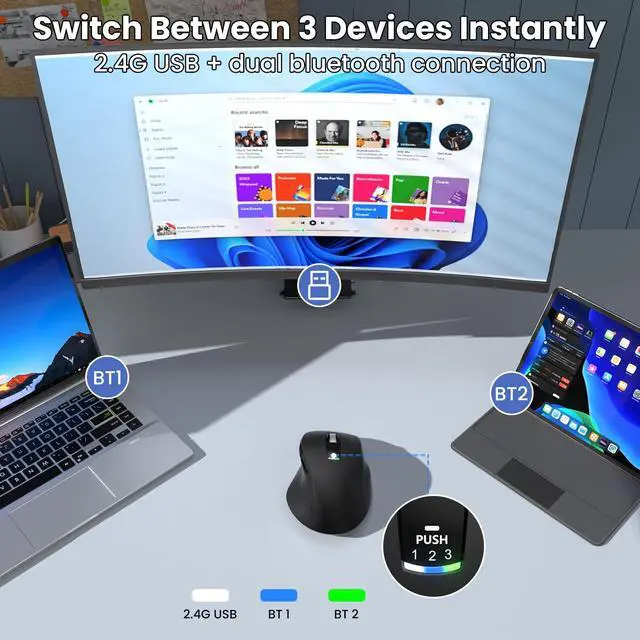
How do I connect this mouse to multiple devices, and how do I switch between them?
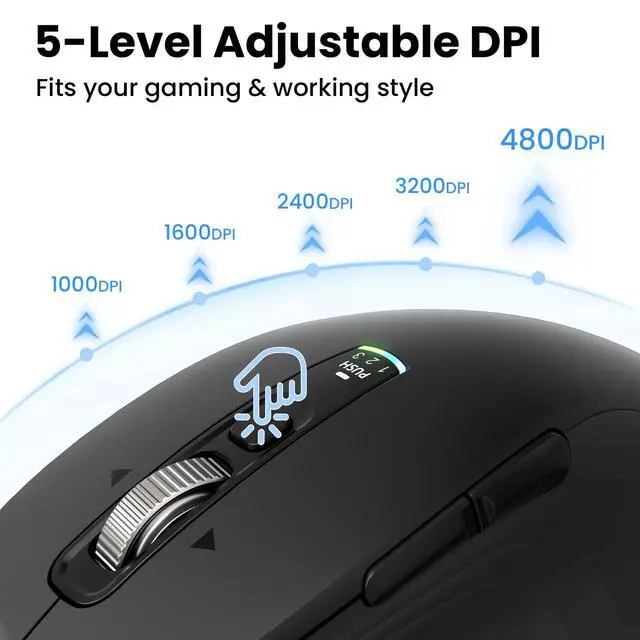
Connect up to 3 devices (laptop, tablet, or PC) via 2.4G USB and Bluetooth (BT1/BT2). To switch devices, press the switch button on the top. Indicator lights show which device is currently active.
Is this mouse rechargeable, and does it come with a battery?
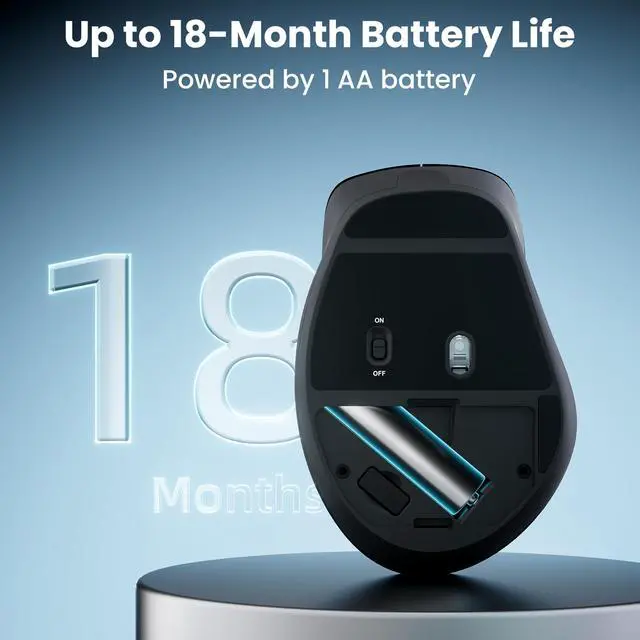
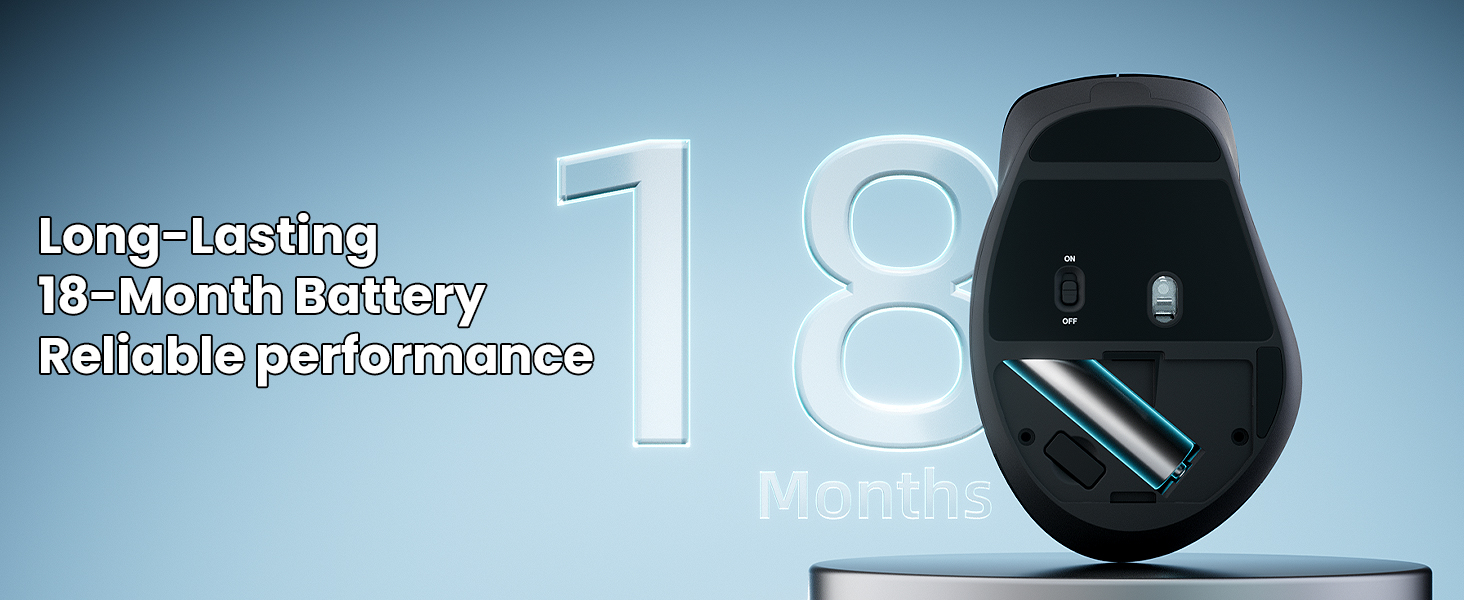
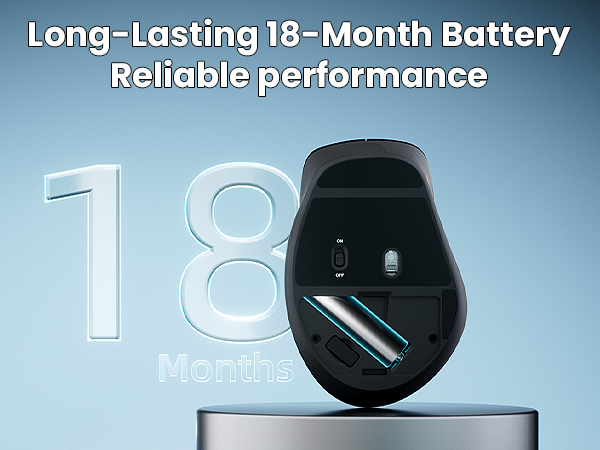
No, this mouse is not rechargeable. It is powered by 1 AA battery, and one is included in the package. Thanks to auto-sleep technology, the battery can last up to 18 months of daily use.
Is this ergonomic mouse suitable for left-handed users, and what hand sizes is it best for?
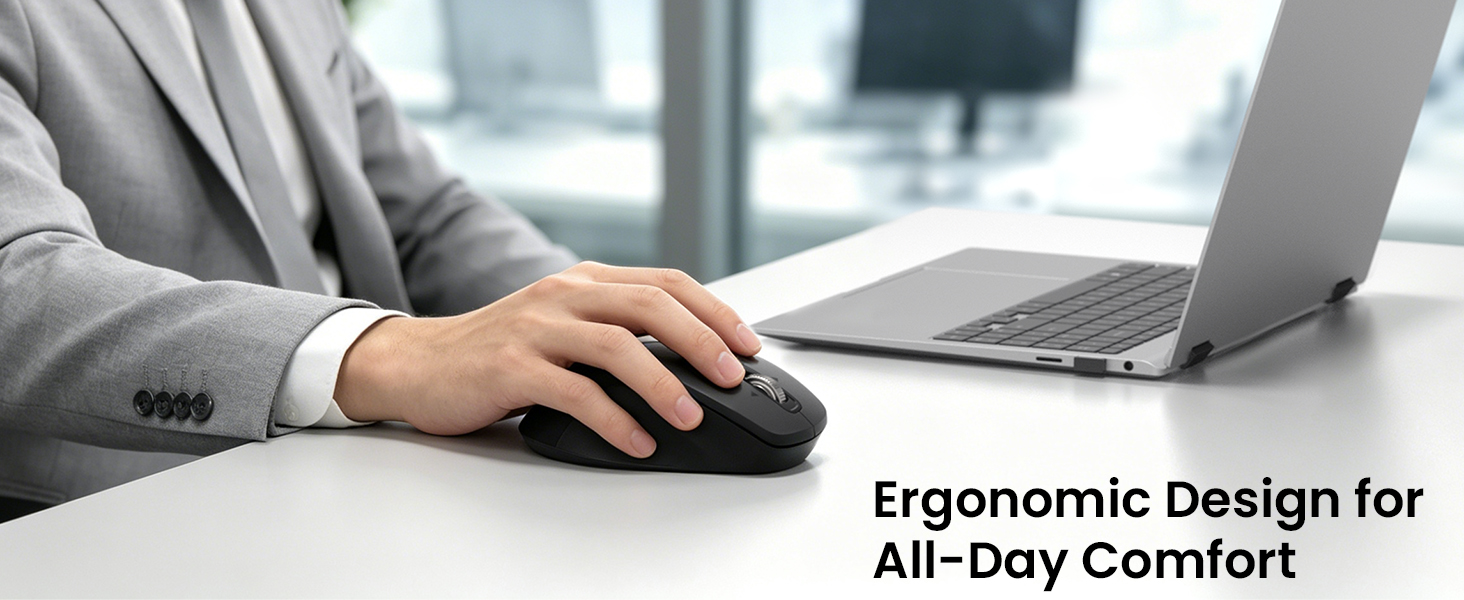
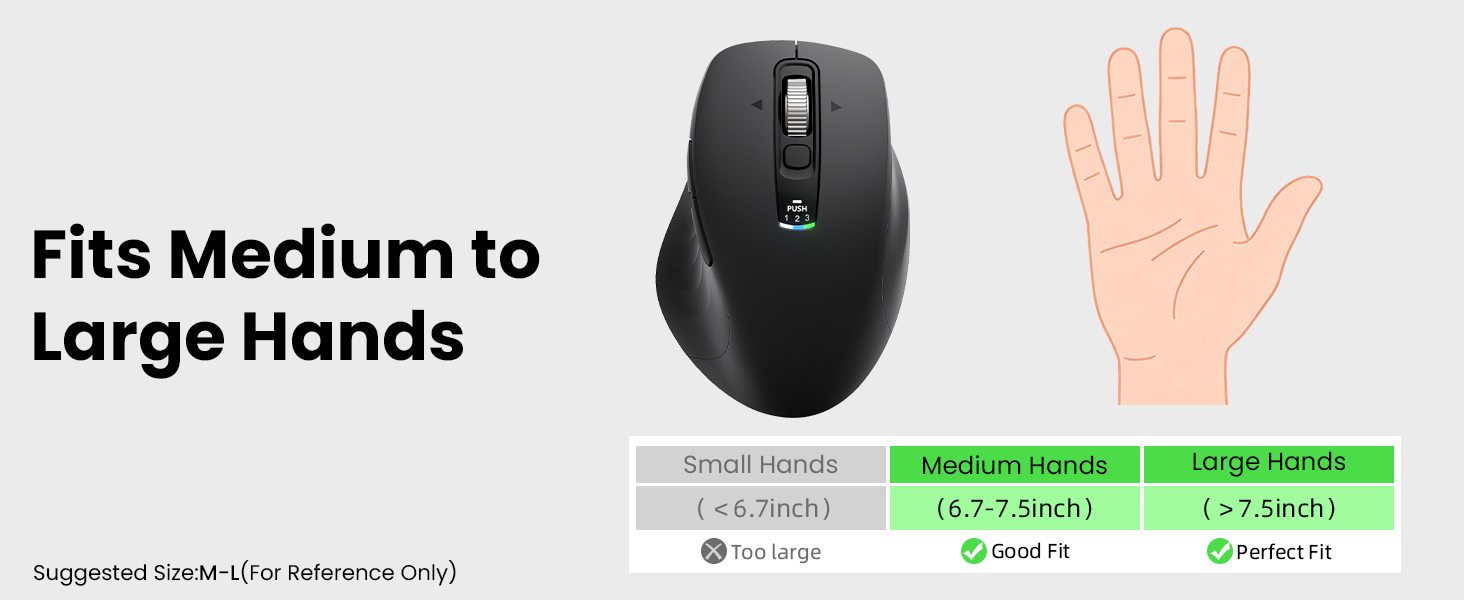
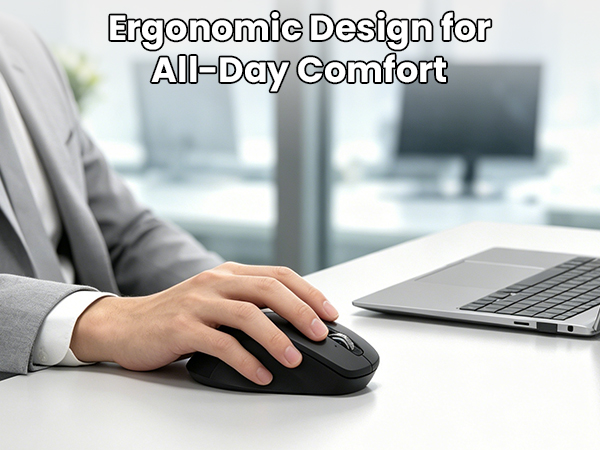
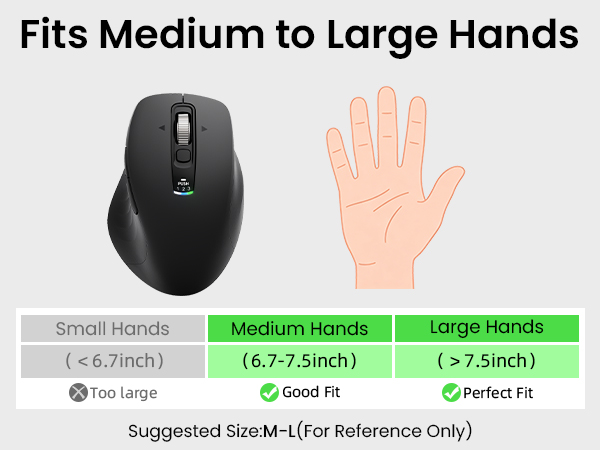
No, it is designed specifically for right-handed users to reduce fatigue and is not recommended for left-handed use. Its ergonomic shape is best suited for medium to large hands.
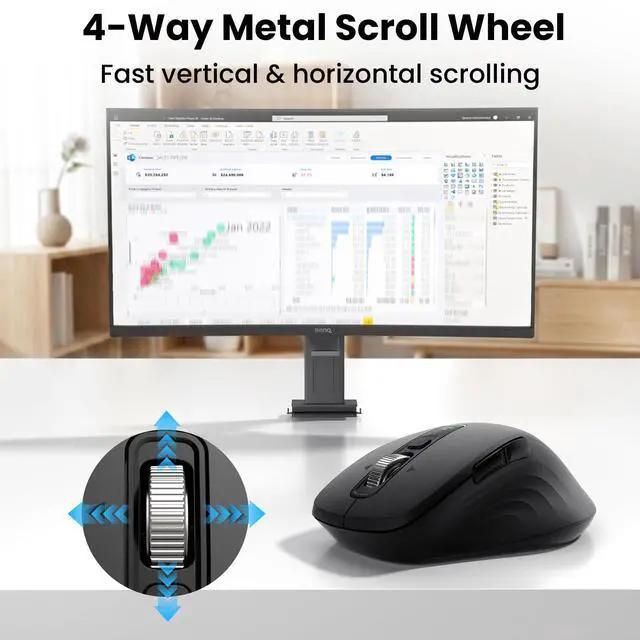
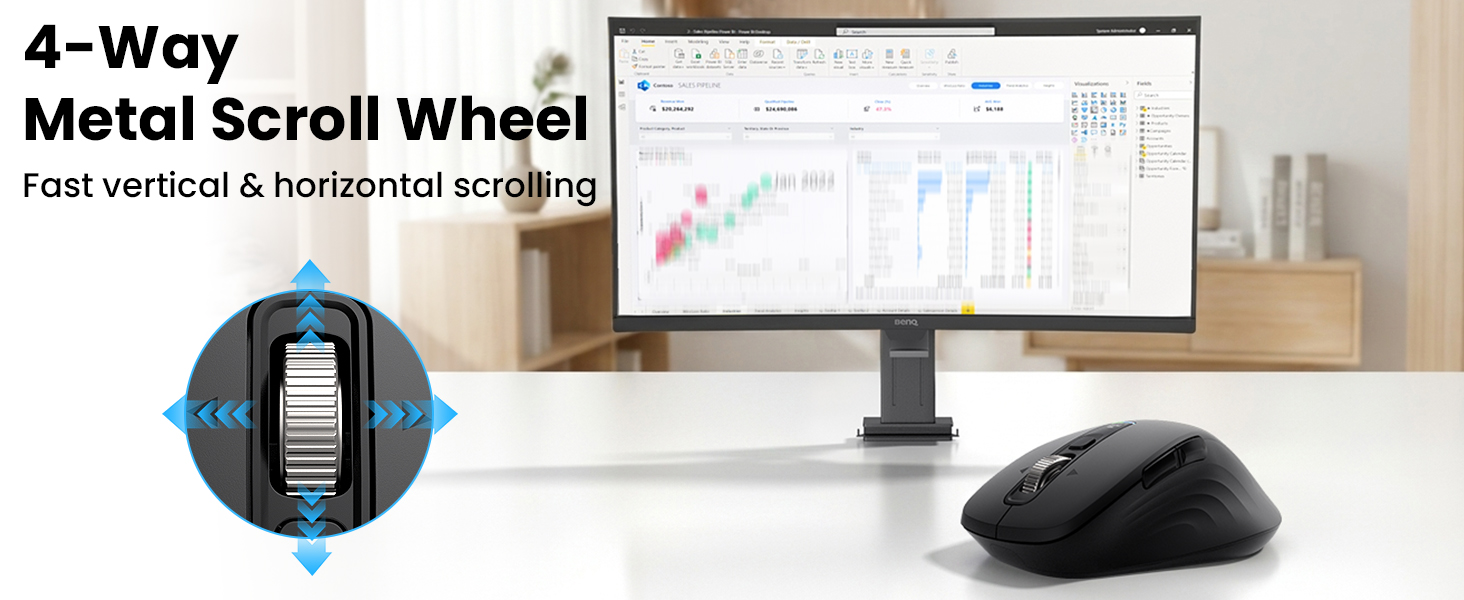
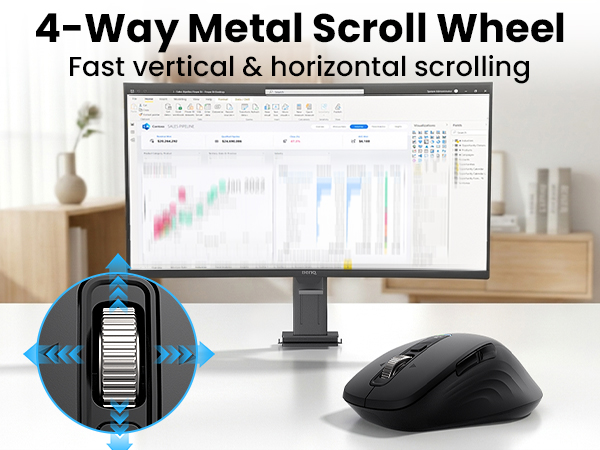
How does the "4-Way Metal Scroll Wheel" work, and do I need to install a driver to use horizontal scrolling?
The 4-way metal scroll wheel vertically and tilts left/right for horizontal scrolling as a default plug-and-play feature. No driver is needed for this, but you can install the software if you want to customize the tilt button functions.


CITLLA is a manufacturer of computer accessories, we manufacture and supply computer peripherals to companies around the world.
All our products go through multiple checks to ensure that there are no quality problems, we also provide positive pre-sales and after-sales service, and we are willing to solve any problems for our customers.
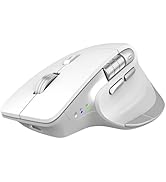
CITLLA Bluetooth Mouse
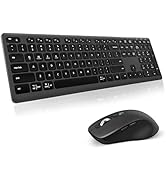
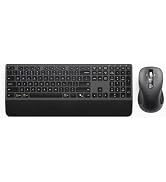
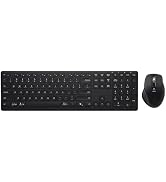
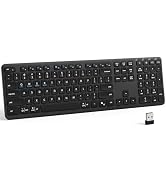
CITLLA Keyboard and Mouse
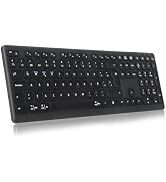
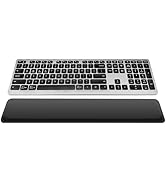
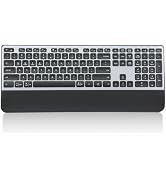
CITLLA Bluetooth Keyboard
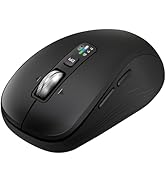
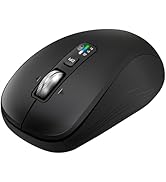
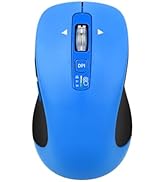
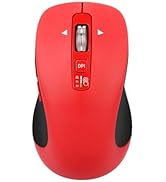
CITLLA Bluetooth Mouse
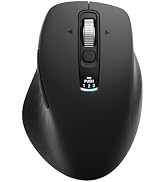
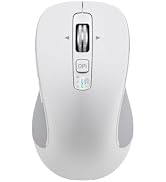
B310 RGB Ergonomic Mouse
CITLLA L108 Wireless Bluetooth Mouse
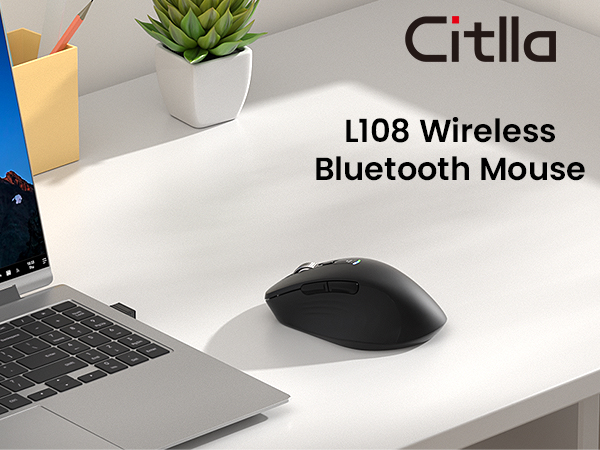
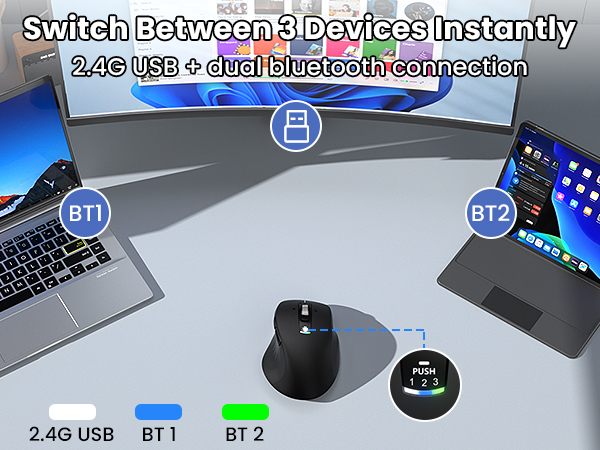
3 Device Switching

Wide Compatibility
Work Smarter Anywhere
How do I customize the 5 programmable buttons, and are they compatible with macOS?
Download the software via the manual's link to program the buttons. The mouse is plug-and-play on Windows and Mac. While the software is fully compatible with Windows, it only supports limited customization features on macOS.
How do I connect this mouse to multiple devices, and how do I switch between them?
Connect up to 3 devices (laptop, tablet, or PC) via 2.4G USB and Bluetooth (BT1/BT2). To switch devices, press the switch button on the top. Indicator lights show which device is currently active.
Is this mouse rechargeable, and does it come with a battery?
No, this mouse is not rechargeable. It is powered by 1 AA battery, and one is included in the package. Thanks to auto-sleep technology, the battery can last up to 18 months of daily use.
Is this ergonomic mouse suitable for left-handed users, and what hand sizes is it best for?
No, it is designed specifically for right-handed users to reduce fatigue and is not recommended for left-handed use. Its ergonomic shape is best suited for medium to large hands.
How does the "4-Way Metal Scroll Wheel" work, and do I need to install a driver to use horizontal scrolling?
The 4-way metal scroll wheel vertically and tilts left/right for horizontal scrolling as a default plug-and-play feature. No driver is needed for this, but you can install the software if you want to customize the tilt button functions.
CITLLA is a manufacturer of computer accessories, we manufacture and supply computer peripherals to companies around the world.
All our products go through multiple checks to ensure that there are no quality problems, we also provide positive pre-sales and after-sales service, and we are willing to solve any problems for our customers.
CITLLA Bluetooth Mouse
CITLLA Keyboard and Mouse
CITLLA Bluetooth Keyboard
CITLLA Bluetooth Mouse
B310 RGB Ergonomic Mouse