


  • $63.99
  • Free 30-day Returns
  • Sold by StarPick Shop

    Shipped by StarPick Shop

    Price alert
    Shop it at NeweggBusiness.

    Meet Your Seller

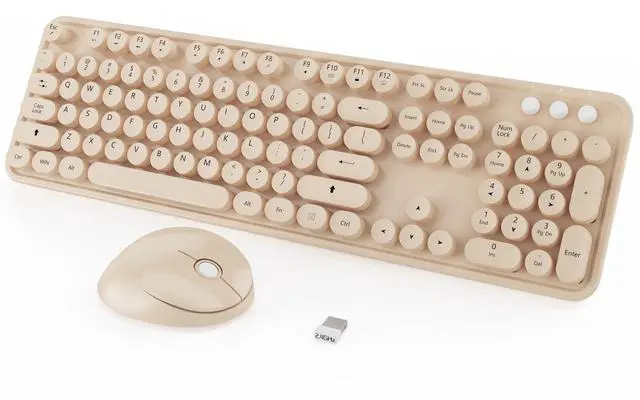
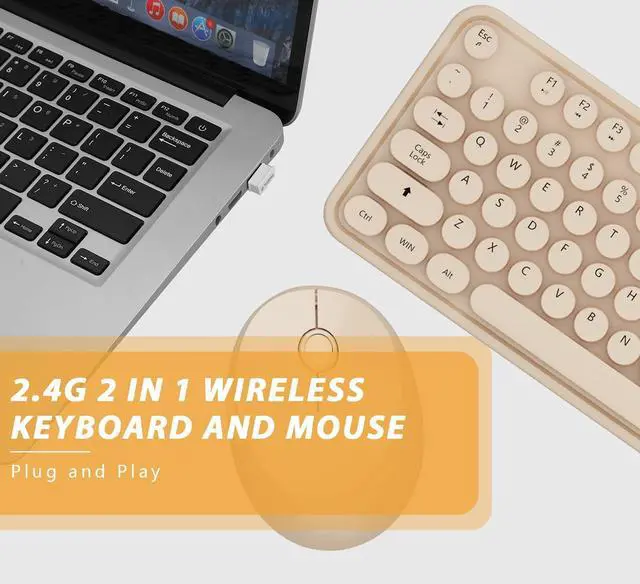
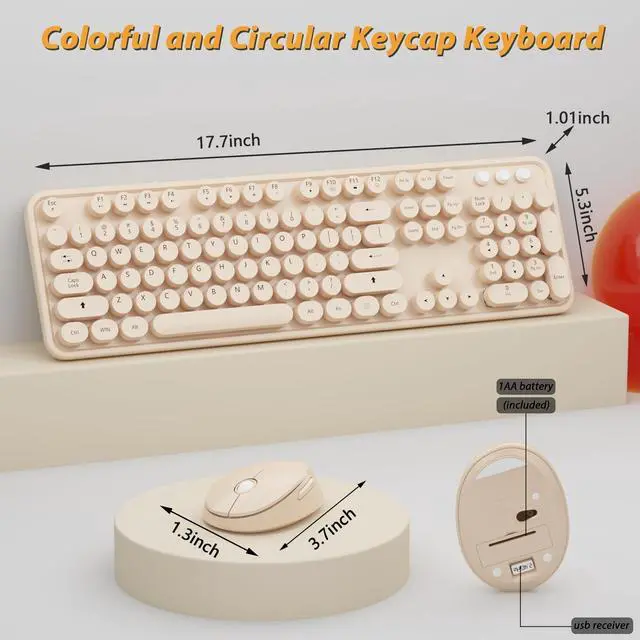
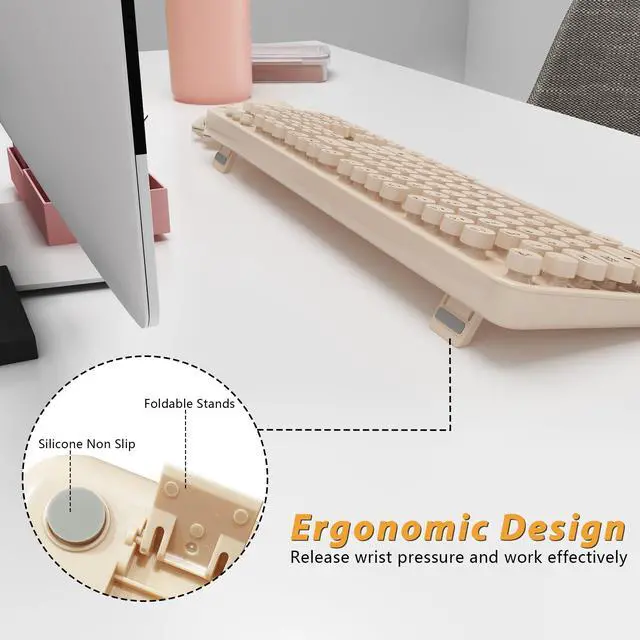
    Cute Colorful Wireless Keyboard and Mouse Combo

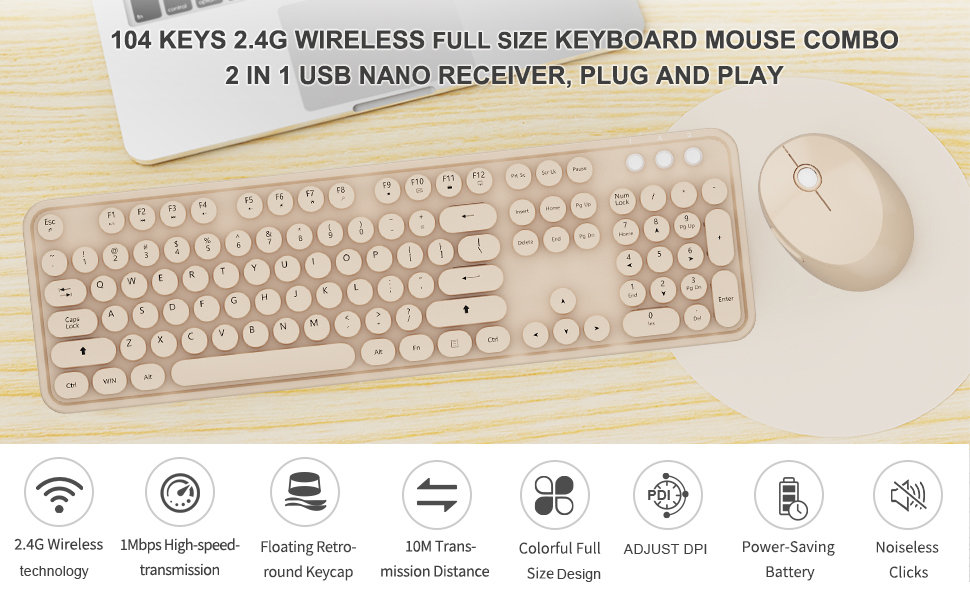
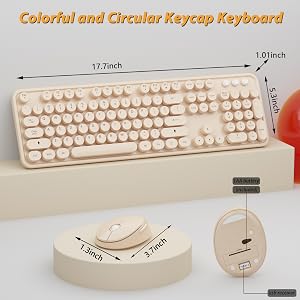
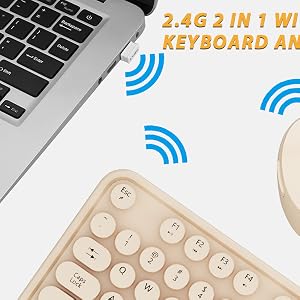
    • 2.4GHz Wireless Technology plug and play, 35 feet working range, 2-in-1 nano receiver, no need to install other software, no delays or Drop the line, Make your desk surface more neat and tidy, Keyboard or mouse can be used separately, just insert a single USB Receiver to use your Wireless Keyboard Mouse Combo
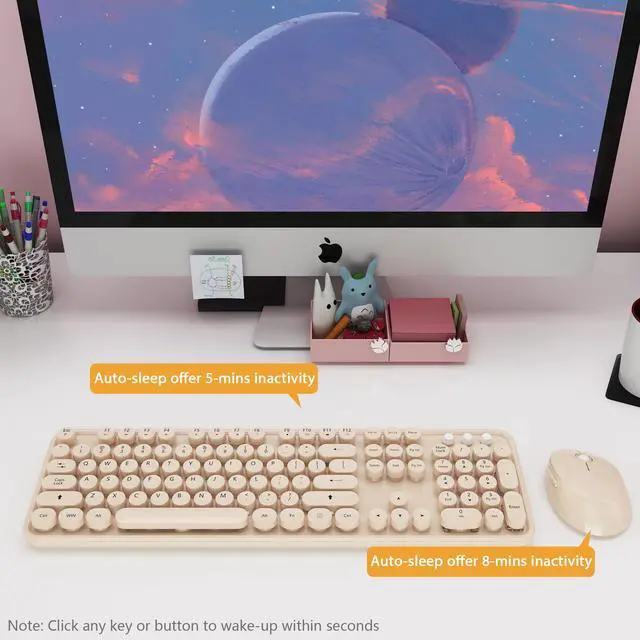
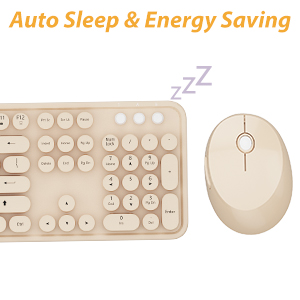
    • Silent Wireless Mouse & Long Battery Life This cute mouse provides whisper-quiet clicking, don't worry about disturbing others, or causing unnecessary distracting noises. The white keyboard and mouse wireless, to further conserve battery life, energy-saving sleep mode kicks in automatically after 8 minutes of no use, click any key or button of to wake-up within seconds
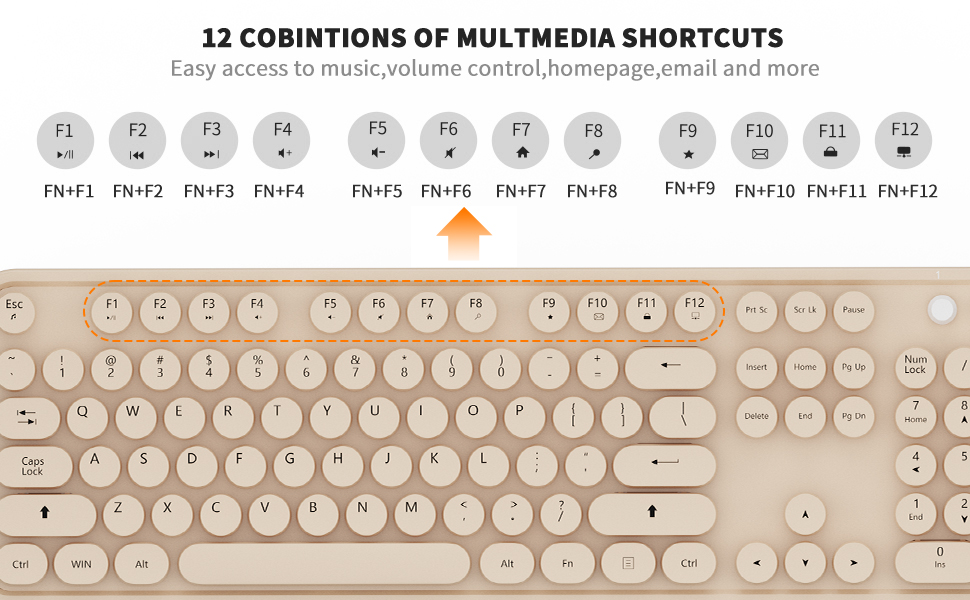
    • 12 Multimedia Hot Keys This cute wireless keyboard and mouse layout with numeric keypad. 12 multimedia hotkeys combined with FN provide a shortcut to your music, emails, movies, web, ect. (Note: the 12 Multimedia shortcuts are not compatible with Mac systems
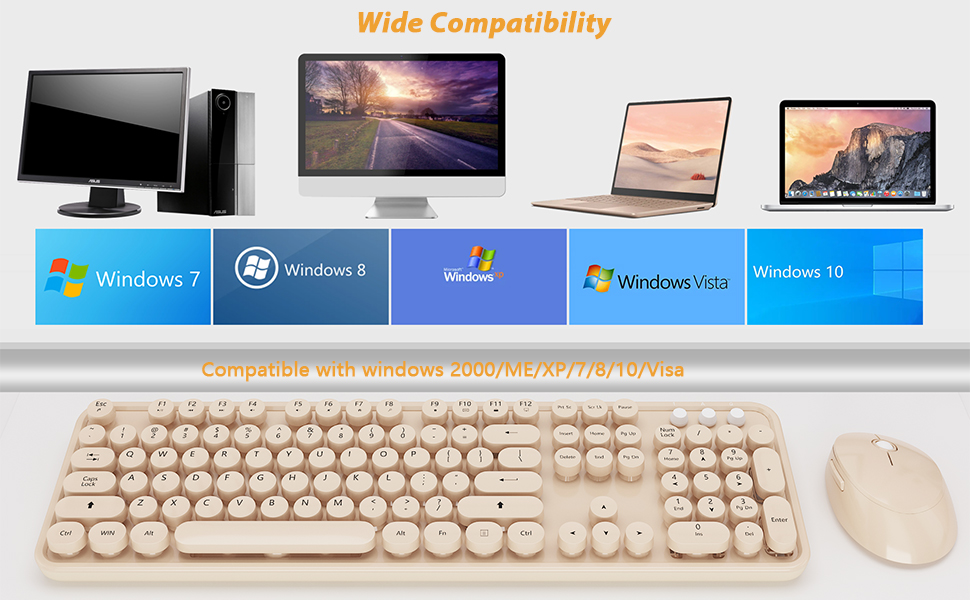
    • Wide Compatibility & Great Service wireless keyboard white compatible with Windows 2000 / ME / XP / 7 / 8 / 10, VISTA and Mac. White ergonomic keyboard, suitable for desktops, Chrome-book, PC, Laptop, Computer,Smart TVs and more. If you encounter any problems Wduring use, please contact us, we will provide a satisfactory solution
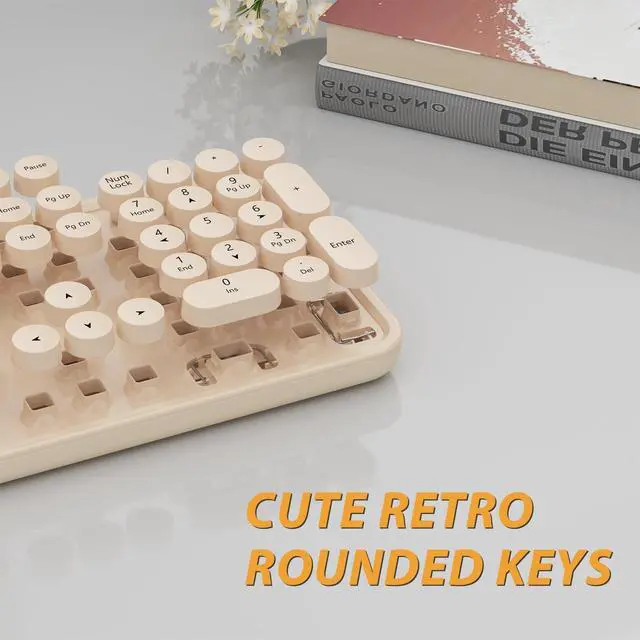
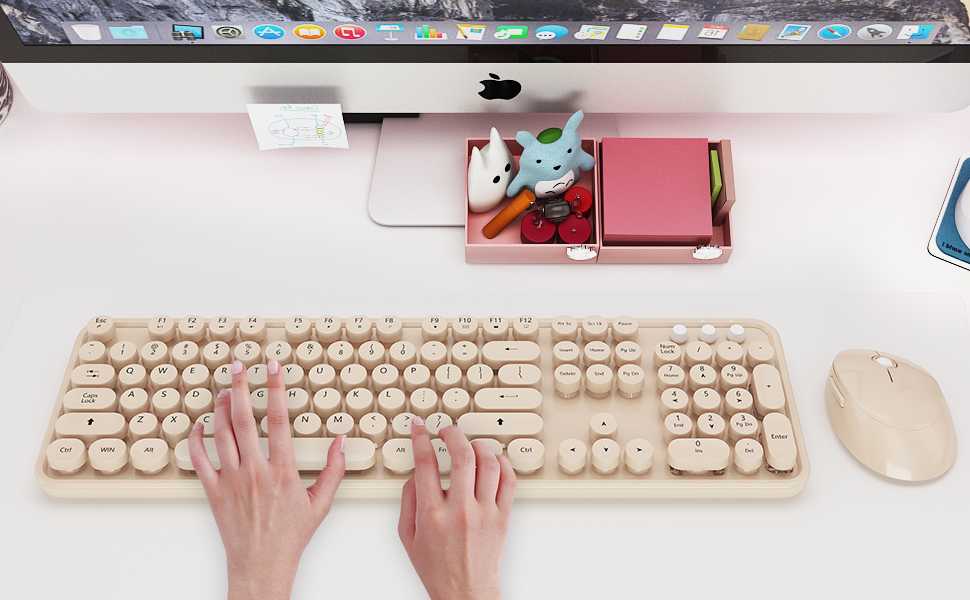
    • RETRO ROUND KEYCAPS white color keyboard and mouse wireless with vintage typewriter-inspired rounded keycaps, gives you the most comfortable typing experience and adds some much needed spunk to your desk
    +
    +
    Overview
    Specs
    Reviews
    avatar

    Any questions? Our AI mode will help you find out quickly.

    wireless keyboard and mouse
    wireless keyboard and mouse
    wireless keyboard and mouse
    wireless keyboard and mouse
    What You Can Get:
    • * 1x Full-size Wireless Keyboard
    • * 1x Wireless Mouse
    • * 1x USB Receiver (Stored in the mouse)
    • * 2*AA battery

    Retro Keyboard and Mouse Wireless

    * Solution For Mouse

    Step 1: To take out the battery and USB receiver;

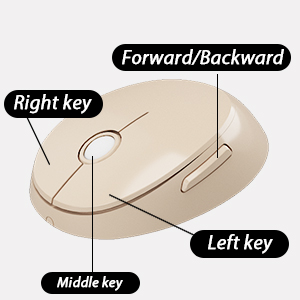
    Step 2: Turn it ON, press and hold on the middle button and the right button of the mouse;

    Step 3: Inserting the receiver within 10 seconds, then let it go for 5 seconds.

    Tips: If plug the USB over 10s ,it need to restart from step 2 again.
    * Solution For Keyboard

    Step 1: To take out the battery and USB receiver;

    Step 2: Turn it ON, press and hold on the ESC+K keys of the keyboard;

    Step 3: Inserting the receiver within 10 seconds, then let it go for 5 seconds.

    Tips: If plug the USB over 10s ,it need to restart from step 2 again.

    wireless keyboard and mouse

    Plug and Play

    2.4 GHz wireless technology delivers a reliable connection with up to 33ft.
    wireless keyboard and mouse

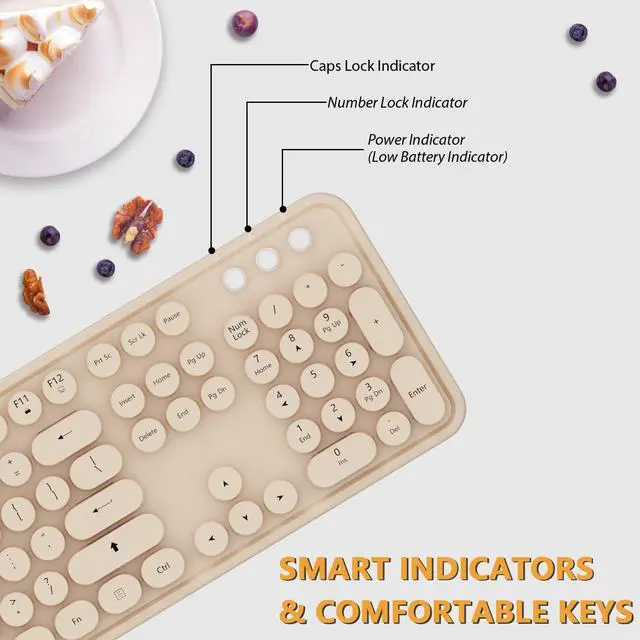
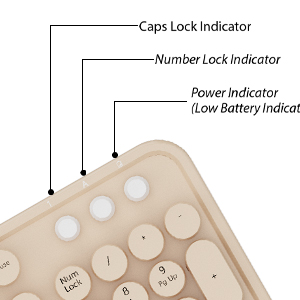
    Three Light Indicator

    To help you easily catch the typing status.
    wireless keyboard and mouse

    Auto Power -Saving

    To further conserve battery life, turn into power-save mode automatically.
    wireless keyboard and mouse

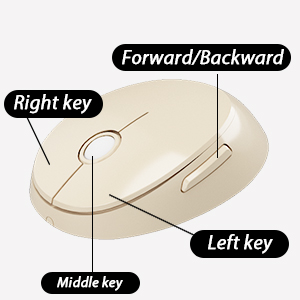
    Silent & Cute Wireless Mouse

    Quieter click, don't worry about disturbing others, and make you concentrate on your work.
    wireless keyboard and mouse

    Wide Compatibility

    Compatible with Windows 2000 / 7 / 8/10, Vista / 7 / 8 / 10,Mac OS.Chrome OS, Linux. Work well with desktops, Chrome-book, PC, Laptop, Computer, etc.
    wireless keyboard and mouse

    USB Receiver

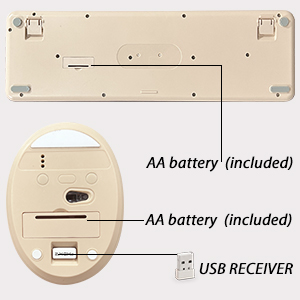
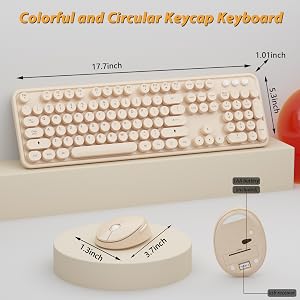
    Wireless keyboard requires 1*AA batteries, wireless mouse requires 1*AA battery. ( Included)

    Tips: The receiver is placed in the back of the mouse.
    wireless keyboard and mouse
    wireless keyboard and mouse
    wireless keyboard and mouse
    wireless keyboard and mouse
    wireless keyboard and mouse
    What You Can Get:
    • * 1x Full-size Wireless Keyboard
    • * 1x Wireless Mouse
    • * 1x USB Receiver (Stored in the mouse)
    • * 2*AA battery

    Retro Keyboard and Mouse Wireless

    * Solution For Mouse

    Step 1: To take out the battery and USB receiver;

    Step 2: Turn it ON, press and hold on the middle button and the right button of the mouse;

    Step 3: Inserting the receiver within 10 seconds, then let it go for 5 seconds.

    Tips: If plug the USB over 10s ,it need to restart from step 2 again.

    * Solution For Keyboard

    Step 1: To take out the battery and USB receiver;

    Step 2: Turn it ON, press and hold on the ESC+K keys of the keyboard;

    Step 3: Inserting the receiver within 10 seconds, then let it go for 5 seconds.

    Tips: If plug the USB over 10s ,it need to restart from step 2 again.

    wireless keyboard and mouse

    Plug and Play

    2.4 GHz wireless technology delivers a reliable connection with up to 33ft.

    wireless keyboard and mouse

    Three Light Indicator

    To help you easily catch the typing status.

    wireless keyboard and mouse

    Auto Power -Saving

    To further conserve battery life, turn into power-save mode automatically.

    wireless keyboard and mouse

    Silent & Cute Wireless Mouse

    Quieter click, don't worry about disturbing others, and make you concentrate on your work.
    wireless keyboard and mouse

    Wide Compatibility

    Compatible with Windows 2000 / 7 / 8/10, Vista / 7 / 8 / 10,Mac OS.Chrome OS, Linux. Work well with desktops, Chrome-book, PC, Laptop, Computer, etc.

    wireless keyboard and mouse

    USB Receiver

    Wireless keyboard requires 1*AA batteries, wireless mouse requires 1*AA battery. ( Included)

    Tips: The receiver is placed in the back of the mouse.

    wireless keyboard and mouse
    Cute Colorful Wireless Keyboard and Mouse Combo

    Warranty & Returns

    Warranty, Returns, And Additional Information

    Warranty

    • Please contact the Seller directly for warranty information. Warranty information may also be found on the Manufacturer's website.
    • CONTACT

    Return Policies

    Manufacturer Contact Info

    LOADING...