






UNIOJO Upgraded Pink Gaming Headset – Elevate Your Gaming
Stylish Design, Superior Sound, Ultimate Comfort

Play in Style, Hear Every Detail
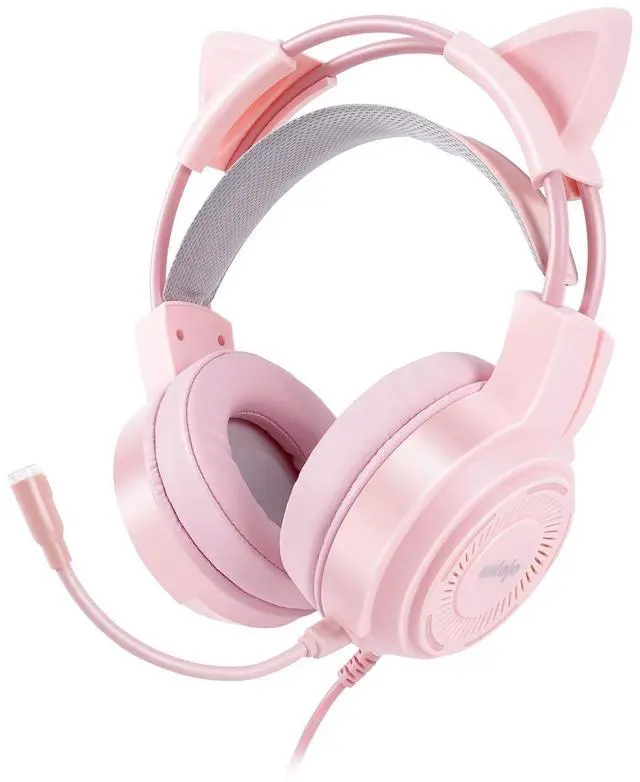
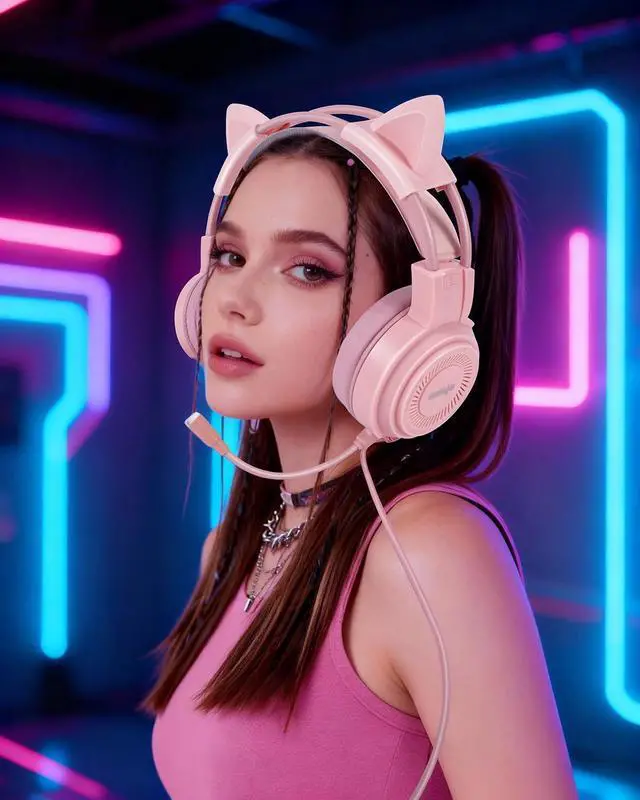
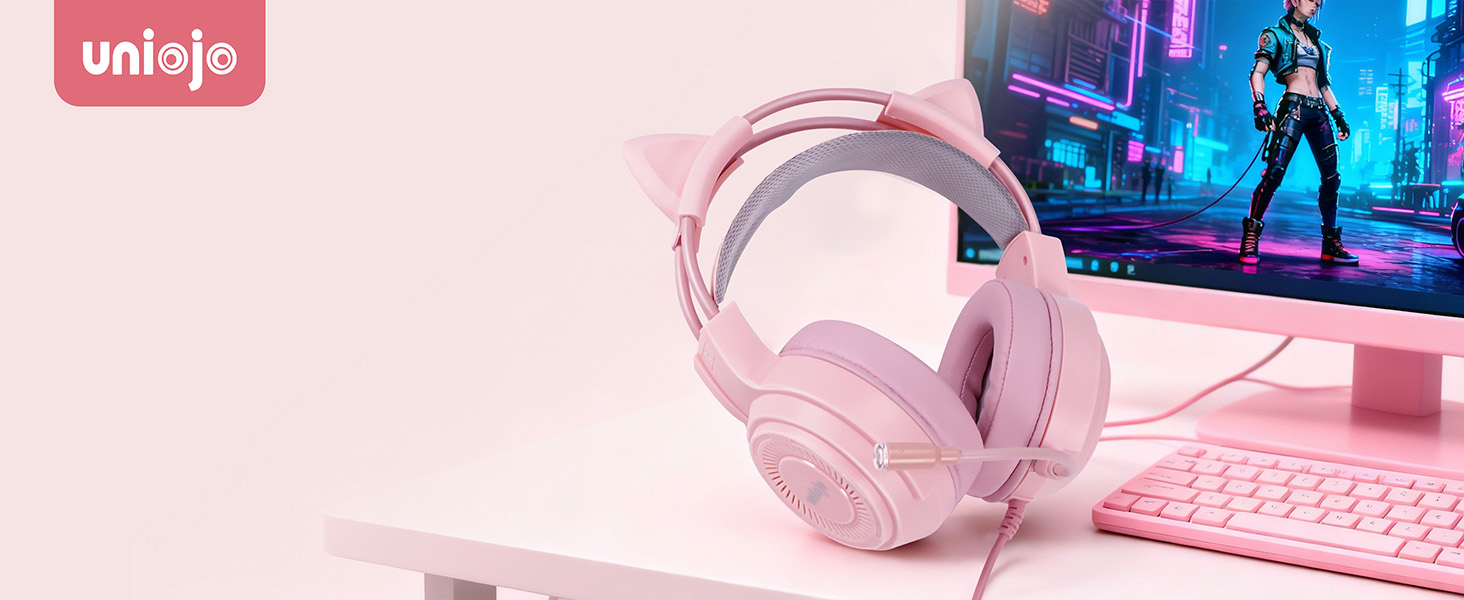
The UNIOJO Upgraded Pink Gaming Headset combines performance and style. Featuring detachable cat ears, 7.1 surround sound, and a noise-canceling mic, it delivers great audio with a fun look. Compatible with PS4, PS5, Xbox, PC, Switch, and mobile devices, it’s perfect for any gamer.

IMMERSIVE 7.1 SURROUND SOUND
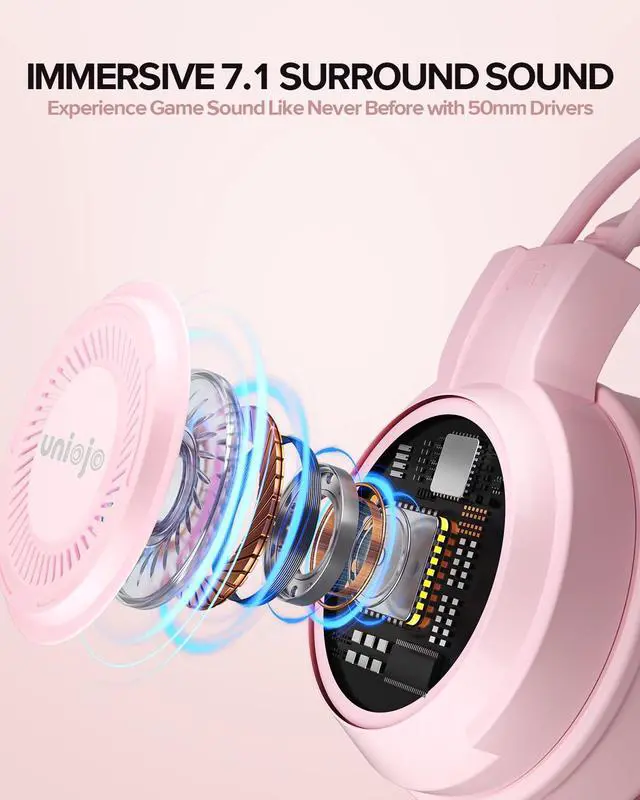
Experience immersive sound with 50mm drivers and 7.1 surround, making every game and battle intense
Skin-Friendly
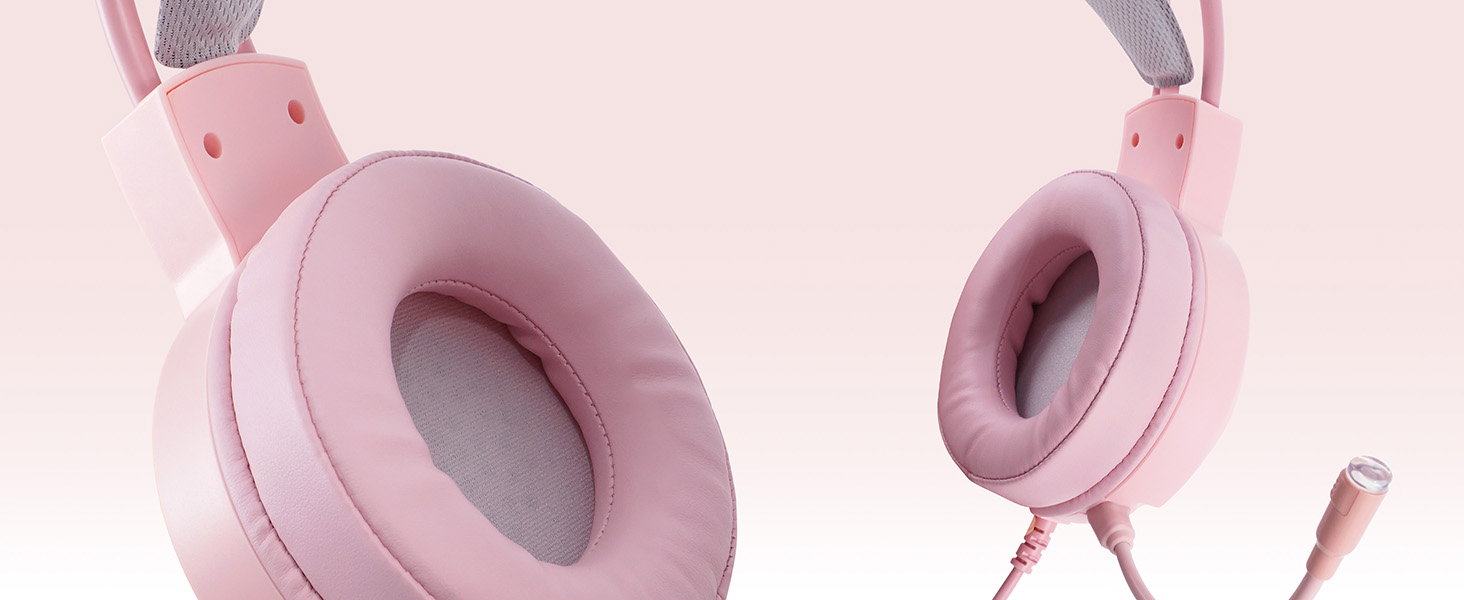
Soft, skin-friendly ear cushions ensure comfort for hours of gaming with no irritation or discomfort
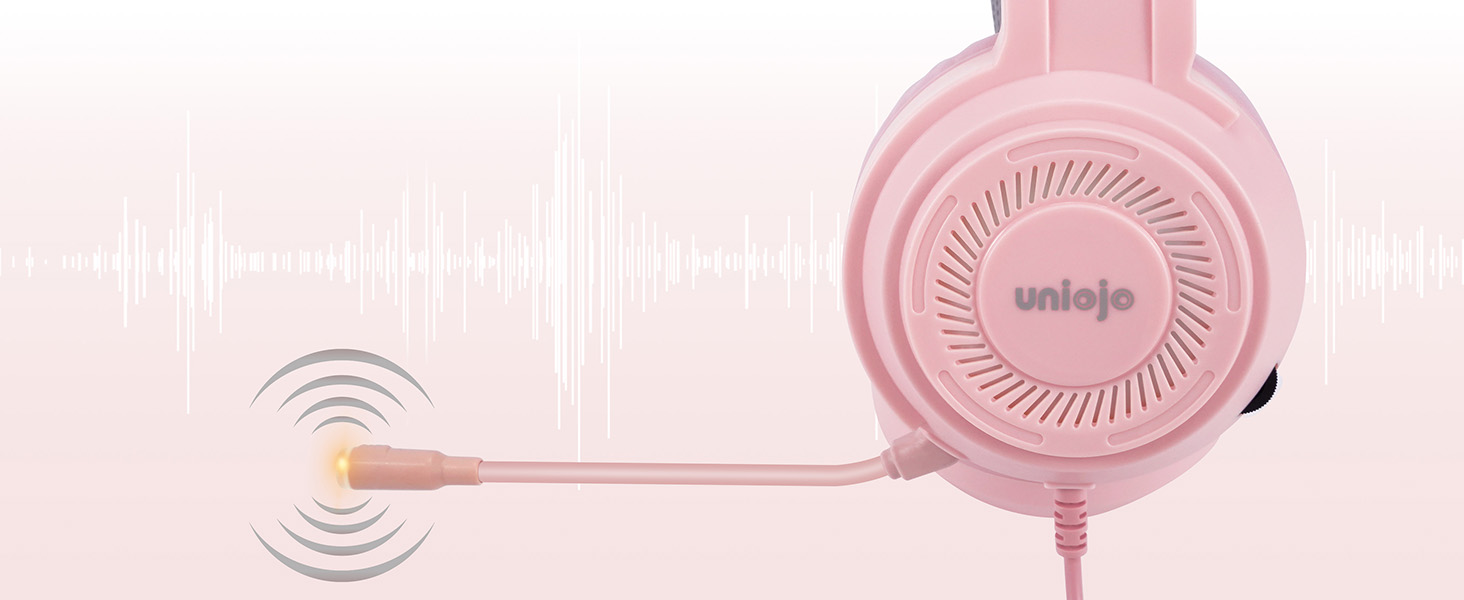
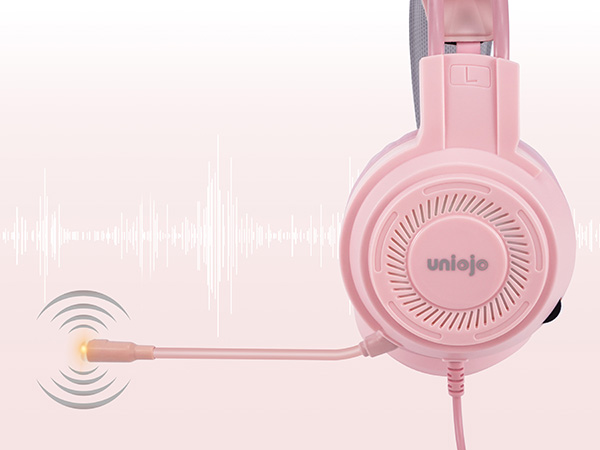
NOISE-CANCELING MICROPHONE
The noise-canceling mic ensures clear, uninterrupted communication during your gameplay sessions
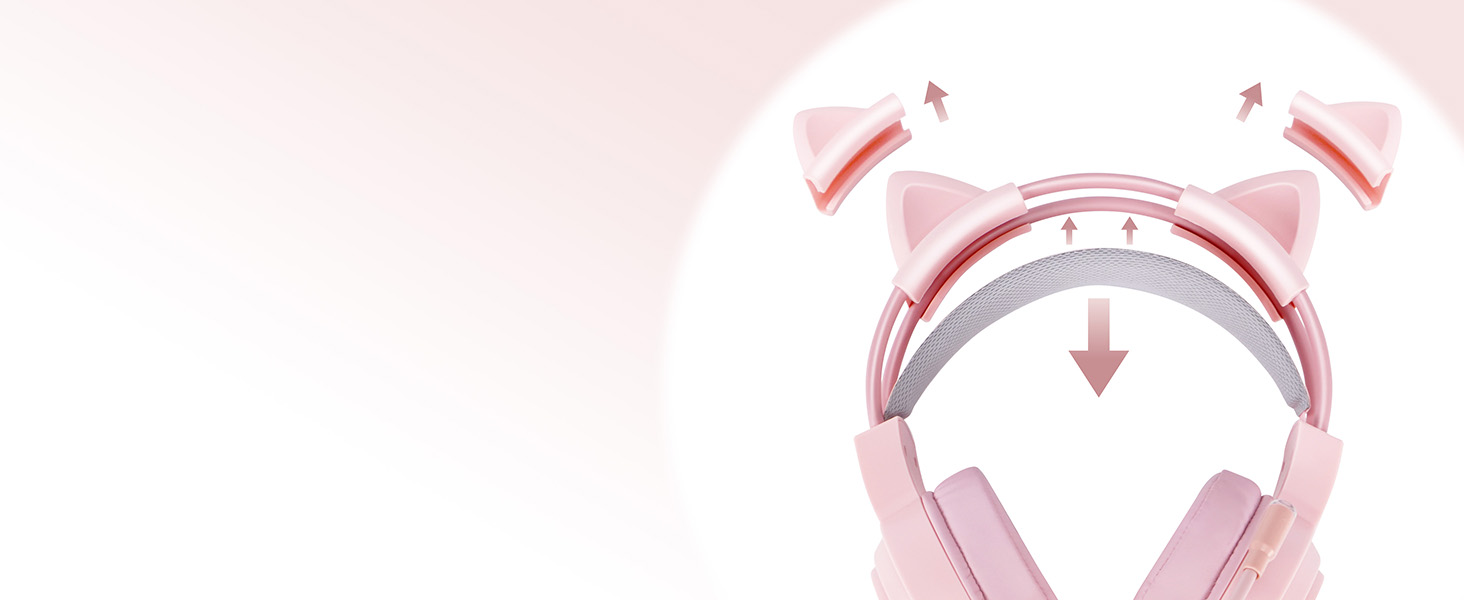
Detachable Cat Ears & Adjustable Headband
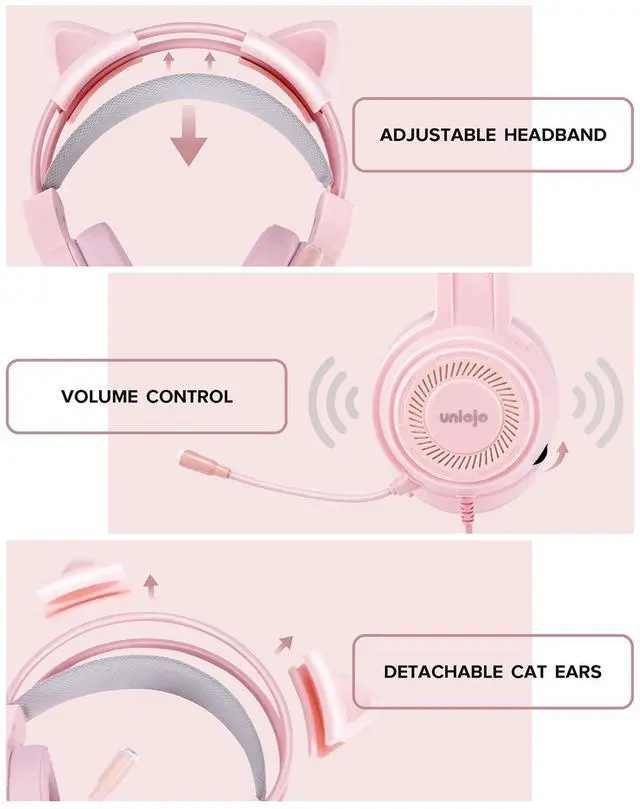
Customize your look with detachable cat ears, easily swapped for a playful or sleek design to match your mood or gaming session.
The adjustable headband offers a personalized, snug fit for any head size, ensuring comfort and security during long gaming sessions.
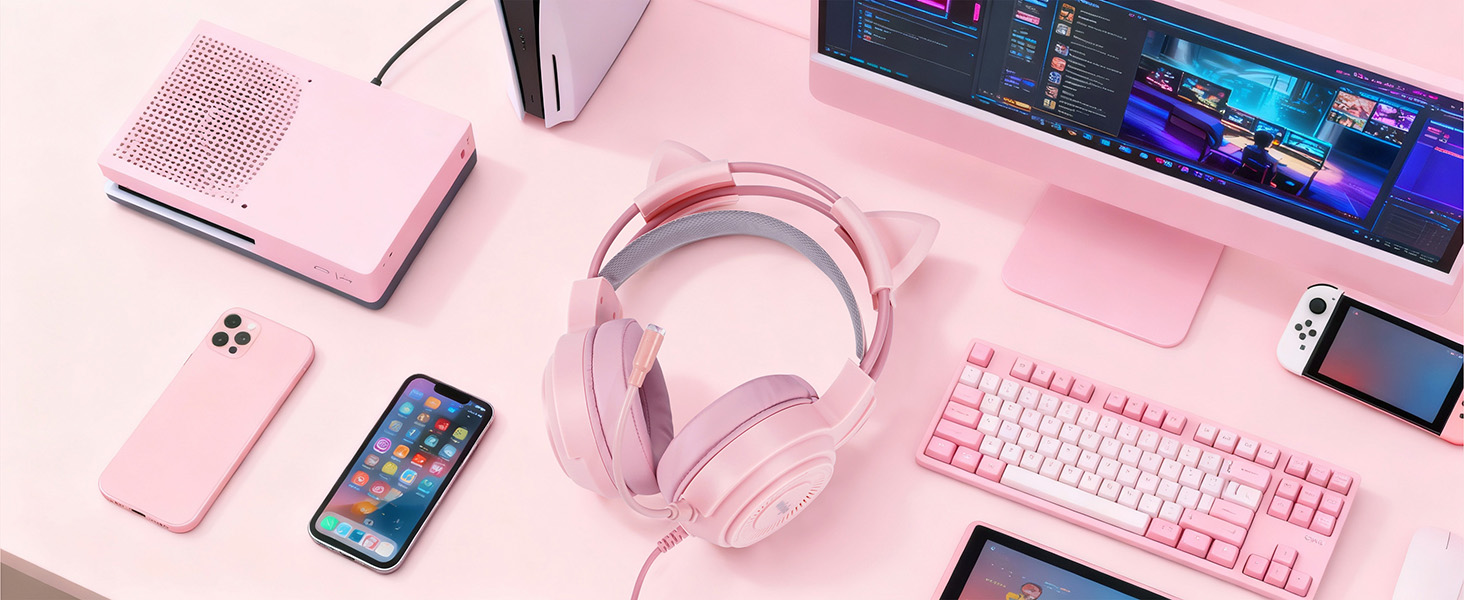
MULTI-PLATFORM COMPATIBILITY
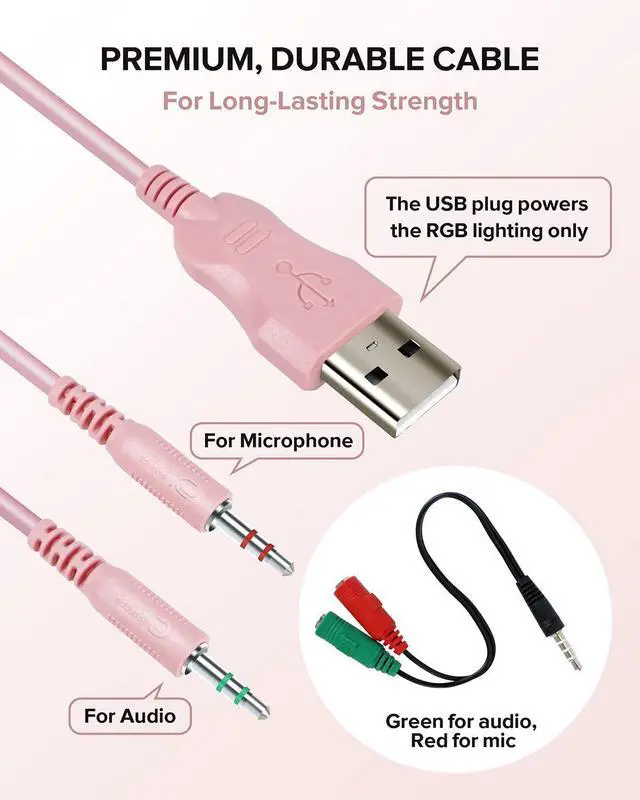
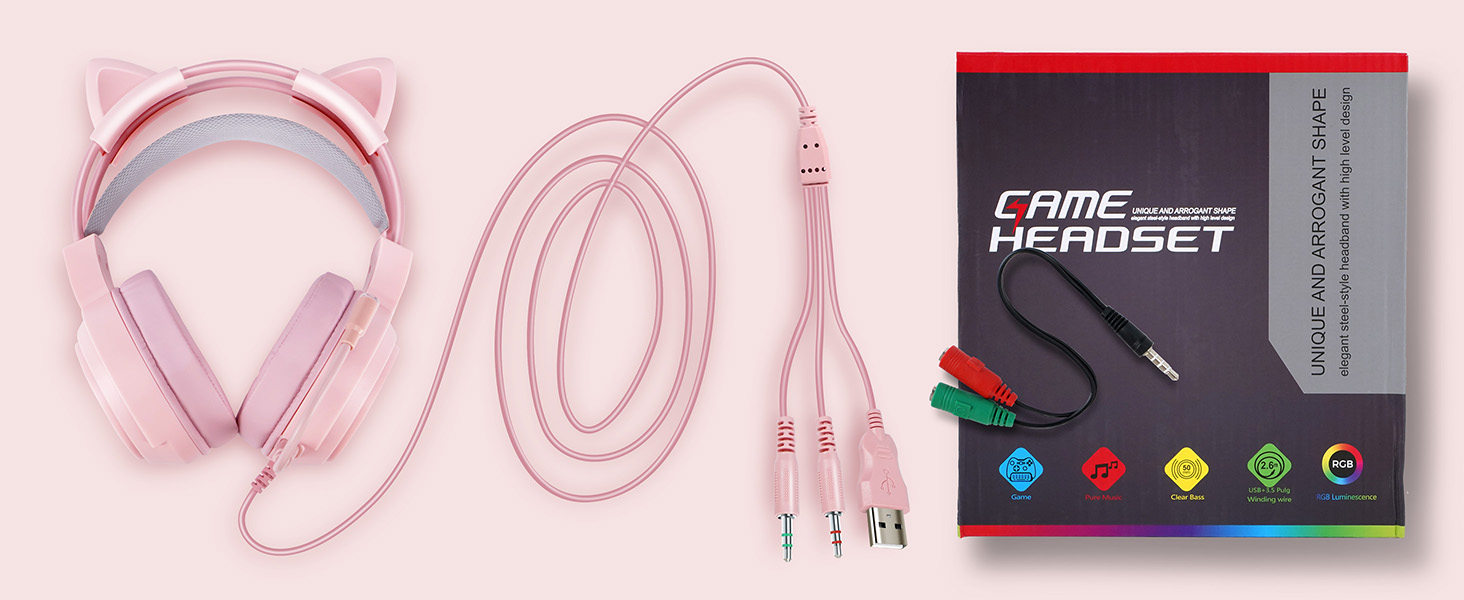
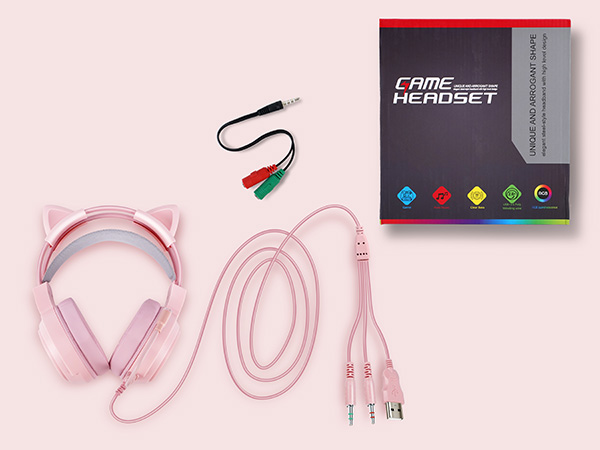
Easily connect to your favorite gaming systems via the 3.5mm jack and included 2-to-1 adapter for seamless compatibility across platforms
Which platforms are compatible with this headset?
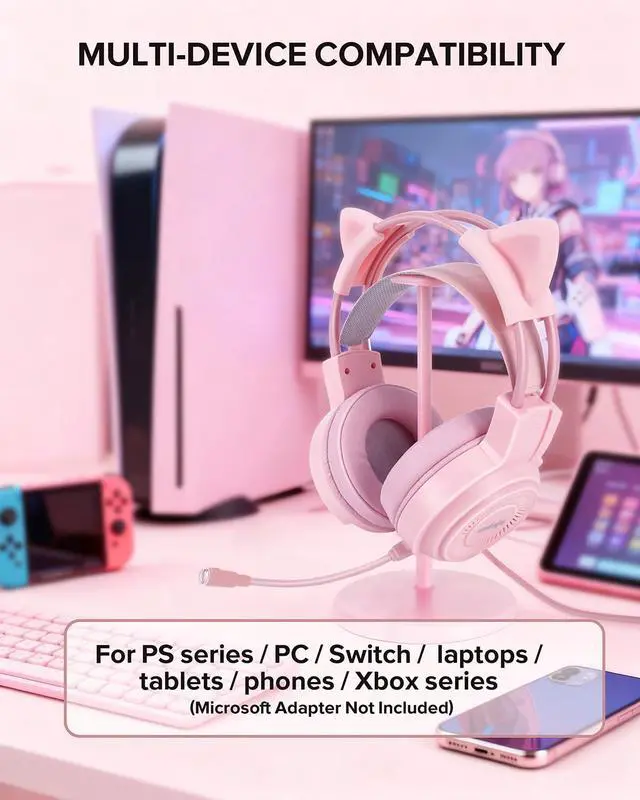
The UNIOJO Pink Gaming Headset is compatible with PS4, PS5, Xbox One, PC, Switch, laptops, and any mobile device with 3.5mm headphone jack. (some devices may require an adapter, not included).
No sound on desktop computer?
Set the output device to Realtek HD Audio 2nd output (2-Realtek(R) Audio) from the volume icon.
Open Realtek HD Audio Manager ? Connector Settings ? uncheck “Disable front panel jack detection.”
Make sure the audio driver is installed and updated.
Can I turn off the LED lights?
The LED lights are powered by the USB plug and cannot be turned off. If you prefer not to use the RGB lighting, simply leave the USB cable unplugged.
Does this headset support wireless connection?
No, this headset only supports wired connection via the 3.5mm jack, ensuring stable and high-quality audio transmission across all platforms and devices.
What accessories do I need when using this headset with a laptop?
When using the headset with a laptop, you need to connect the included 2-to-1 port adapter (green for audio, red for the mic). This ensures both the audio and microphone work properly.
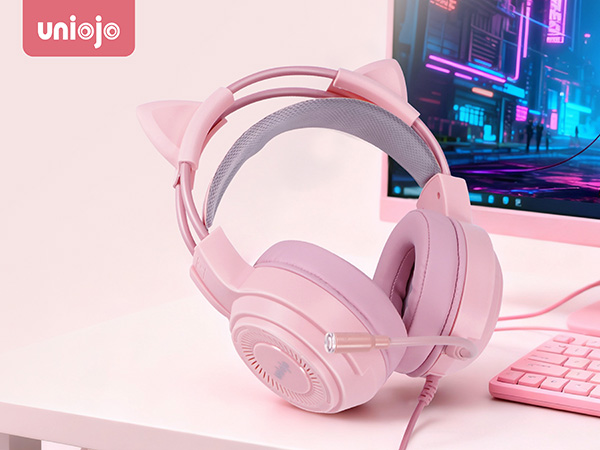
UNIOJO Upgraded Pink Gaming Headset – Elevate Your Gaming
Stylish Design, Superior Sound, Ultimate Comfort
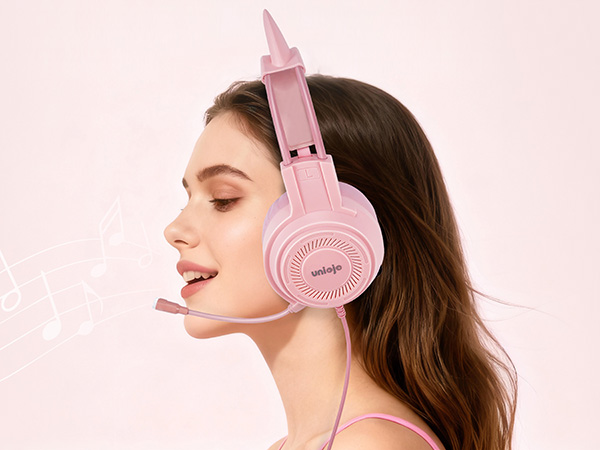
Play in Style, Hear Every Detail
The UNIOJO Upgraded Pink Gaming Headset combines performance and style. Featuring detachable cat ears, 7.1 surround sound, and a noise-canceling mic, it delivers great audio with a fun look. Compatible with PS4, PS5, Xbox, PC, Switch, and mobile devices, it’s perfect for any gamer.
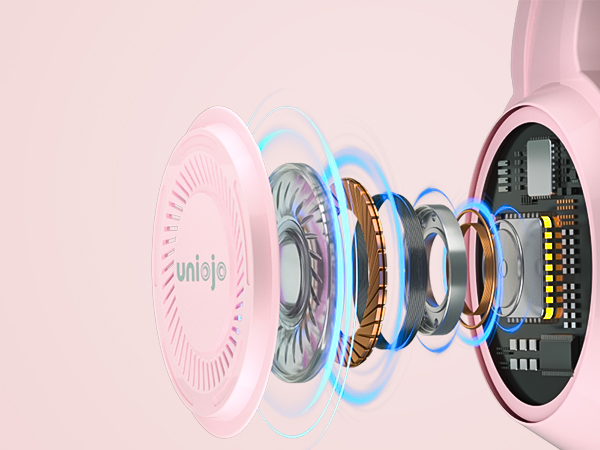
IMMERSIVE 7.1 SURROUND SOUND
Experience immersive sound with 50mm drivers and 7.1 surround, making every game and battle intense
Skin-Friendly
Soft, skin-friendly ear cushions ensure comfort for hours of gaming with no irritation or discomfort
NOISE-CANCELING MICROPHONE
The noise-canceling mic ensures clear, uninterrupted communication during your gameplay sessions
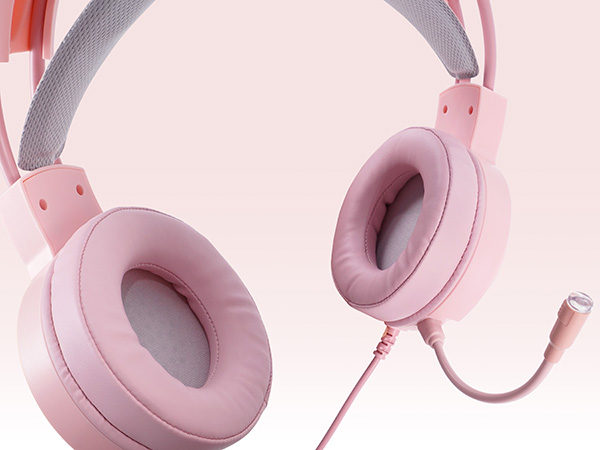
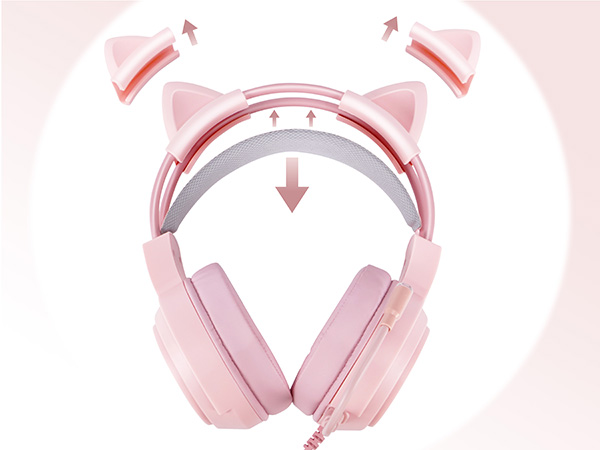
Detachable Cat Ears & Adjustable Headband
Customize your look with detachable cat ears, easily swapped for a playful or sleek design to match your mood or gaming session.
The adjustable headband offers a personalized, snug fit for any head size, ensuring comfort and security during long gaming sessions.
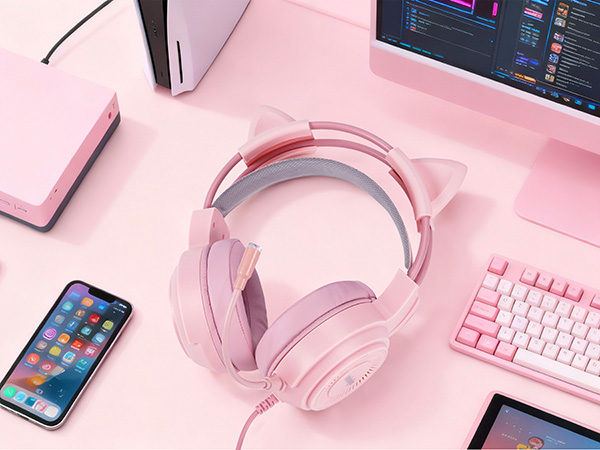
MULTI-PLATFORM COMPATIBILITY
Easily connect to your favorite gaming systems via the 3.5mm jack and included 2-to-1 adapter for seamless compatibility across platforms
Which platforms are compatible with this headset?
The UNIOJO Pink Gaming Headset is compatible with PS4, PS5, Xbox One, PC, Switch, laptops, and any mobile device with 3.5mm headphone jack. (some devices may require an adapter, not included).
No sound on desktop computer?
Set the output device to Realtek HD Audio 2nd output (2-Realtek(R) Audio) from the volume icon.
Open Realtek HD Audio Manager ? Connector Settings ? uncheck “Disable front panel jack detection.”
Make sure the audio driver is installed and updated.
Can I turn off the LED lights?
The LED lights are powered by the USB plug and cannot be turned off. If you prefer not to use the RGB lighting, simply leave the USB cable unplugged.
Does this headset support wireless connection?
No, this headset only supports wired connection via the 3.5mm jack, ensuring stable and high-quality audio transmission across all platforms and devices.
What accessories do I need when using this headset with a laptop?
When using the headset with a laptop, you need to connect the included 2-to-1 port adapter (green for audio, red for the mic). This ensures both the audio and microphone work properly.