











Protect Your Wrist
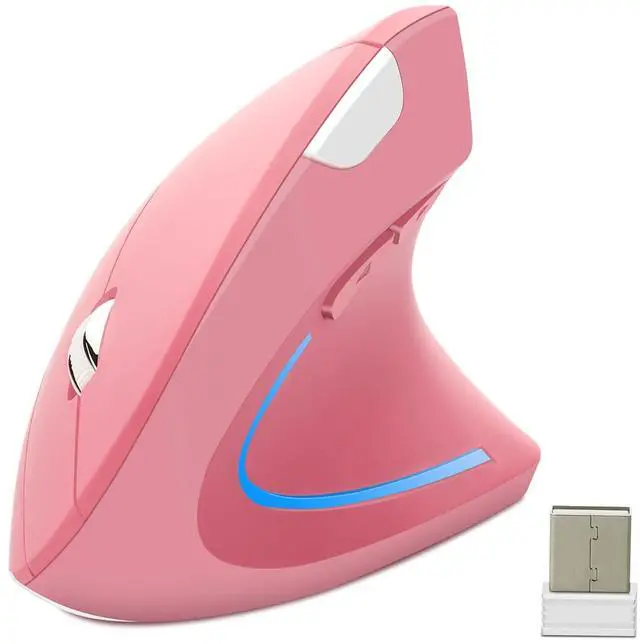
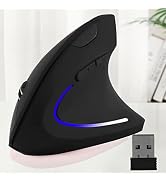
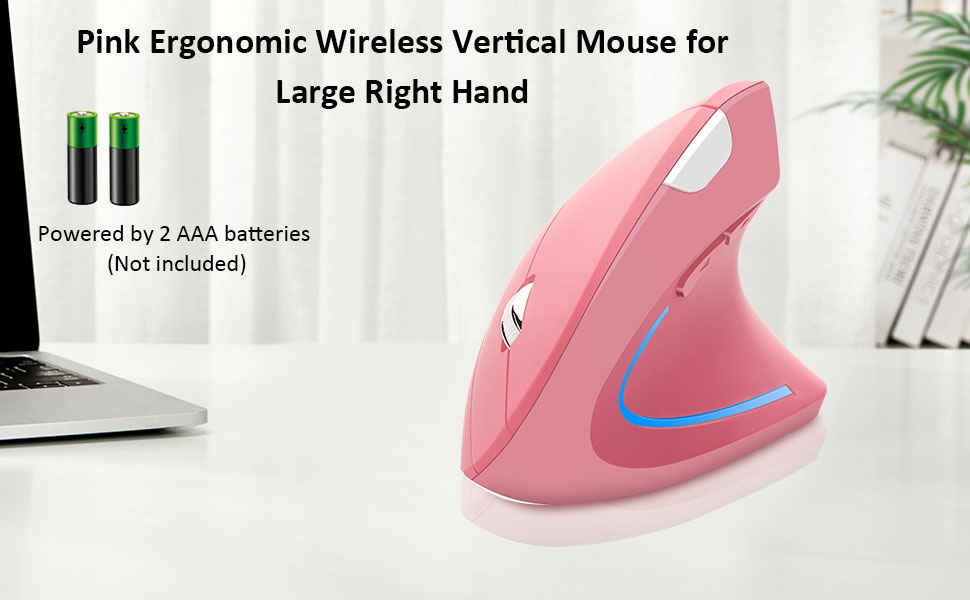
- This is a right-hand mouse
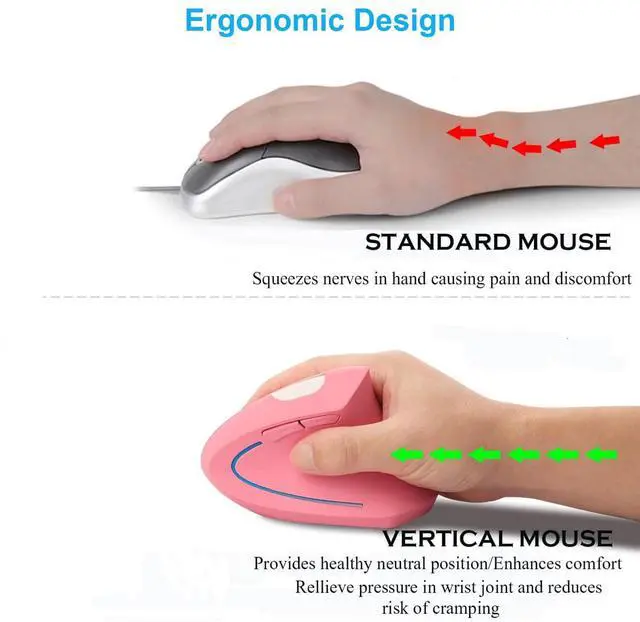
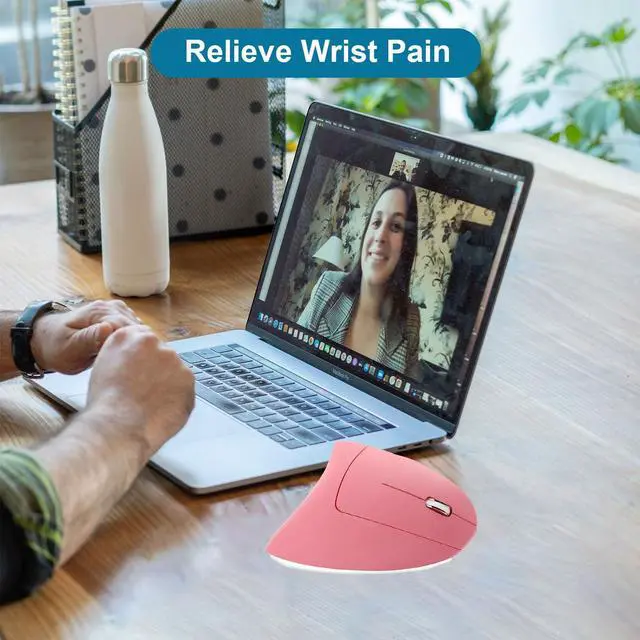
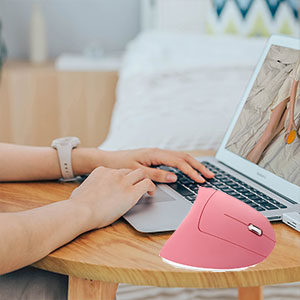
- When you use a traditional mouse, the wrist needs to be upturned to support the palm, and the arm is tight.
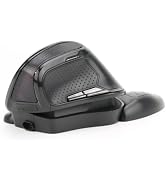
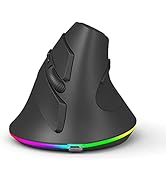
- But using our wireless vertical ergonomic optical mouse, you will hold the mouse sideways vertically, freeing the wrist to relieve hand fatigue.
- The ergonomically designed thumb rests and grips fit the contour of your palm for maximum comfort!
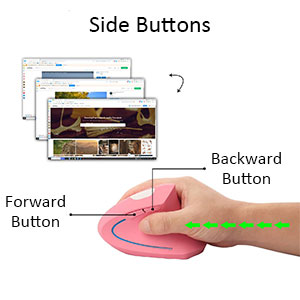
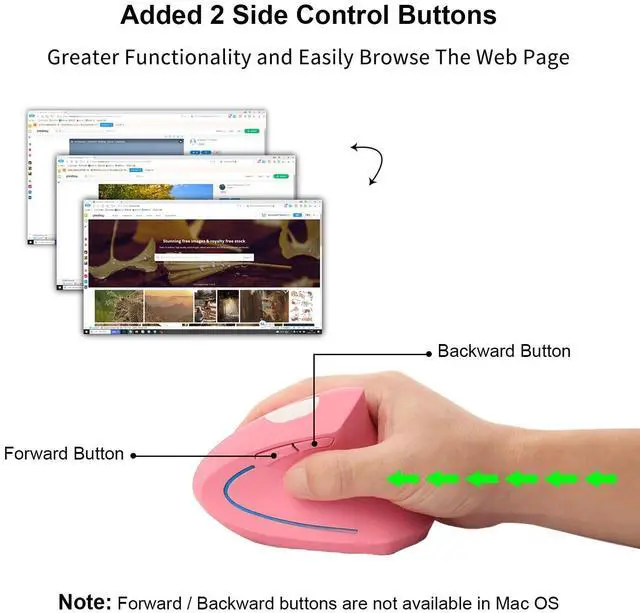
Added Two Side Buttons
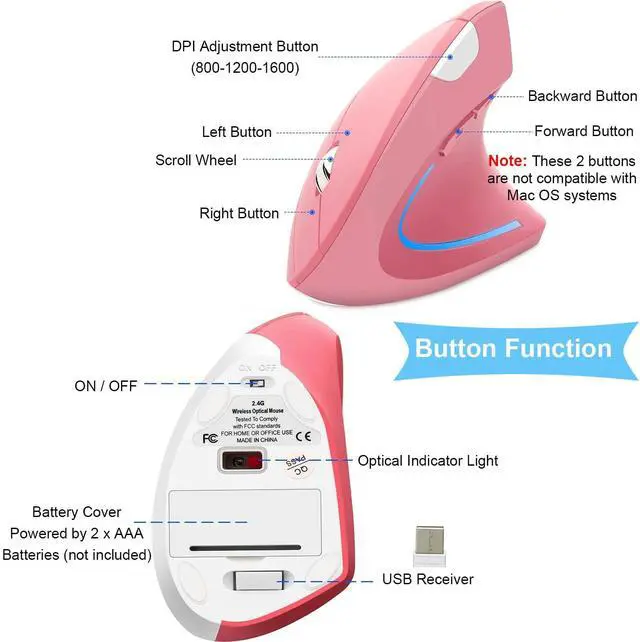
- These two buttons are very convenient for web page operations. The forward and back buttons improve browsing speed and are the best choice for Internet surfers and people who work in front of the computer for a long time
How to use it?
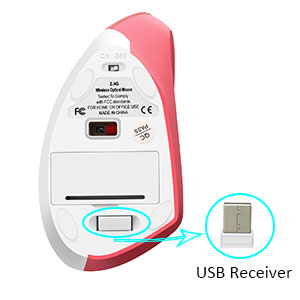
Step 01
- Remove the USB receiver (stored on the bottom of the mouse)
- Open the battery cover at the bottom of the mouse and insert 2 AAA batteries (not included)
- Turn the switch button to "ON"
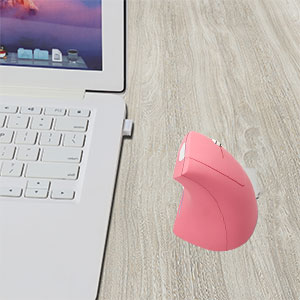
Step 02
- Plug the USB receiver into your computer's USB A port (If your port is Type C, you need a converter to use it)
- Wait a few seconds and it will be automatically recognized and connected
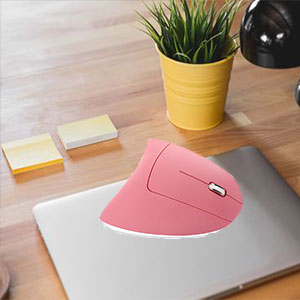
Mouse not working?
- Make sure the power switch on the bottom of the mouse is “on” or at an undefined position
- If the mouse is not responding, try restarting your computer
- In order to have a better experience, you can use this mouse on the mouse pad
Perfect Gift
- The ergonomic rechargeable vertical wireless mouse helps you improve control over your computer's systems.
- Whether dragging and dropping, selecting large volumes of data, or casually gaming, this mouse provides a low-cost, effective solution for your needs!
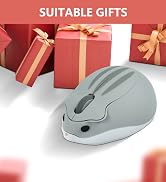
- Very suitable for gifting to your friends and family :)
Package List:
- 1 x Wireless Mouse
- 1 x USB Receiver
- 1 X User Manual
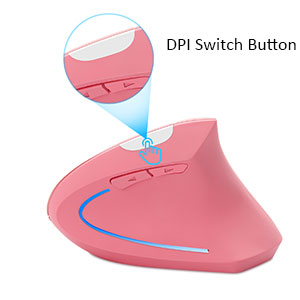
3 Levels of Adjustable DPI
- There are 3 levels of DPI for you to adjust, 800-1200-1600. You can choose the one that suits you according to your daily needs
Comfortable and Easy to Use
- The plastic surface feels very comfortable to the touch, and the sliding pad on the bottom is very easy to clean and adheres very well to the base without sliding around
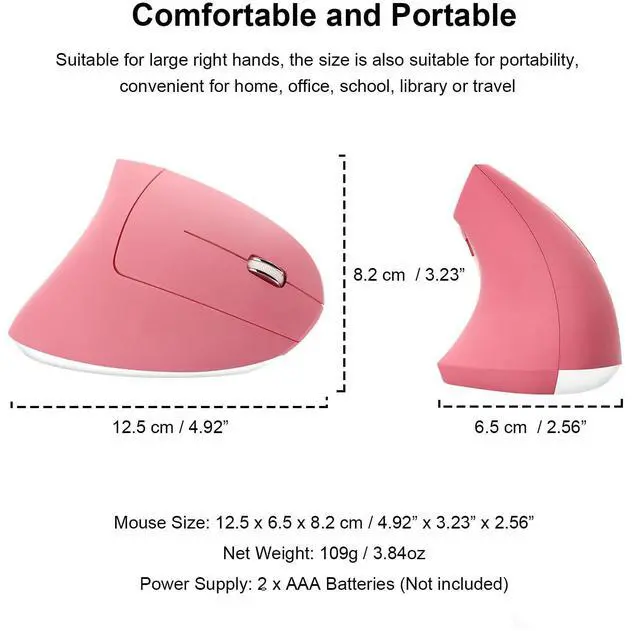
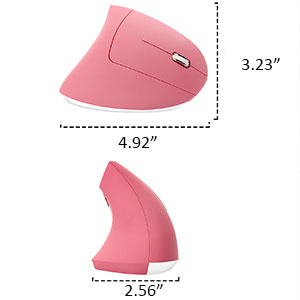
- Size: 12.5 x 6.5 x 8.2 cm / 4.92" x 2.56" x 3.23", suitable for large right hand
Widely Compatible
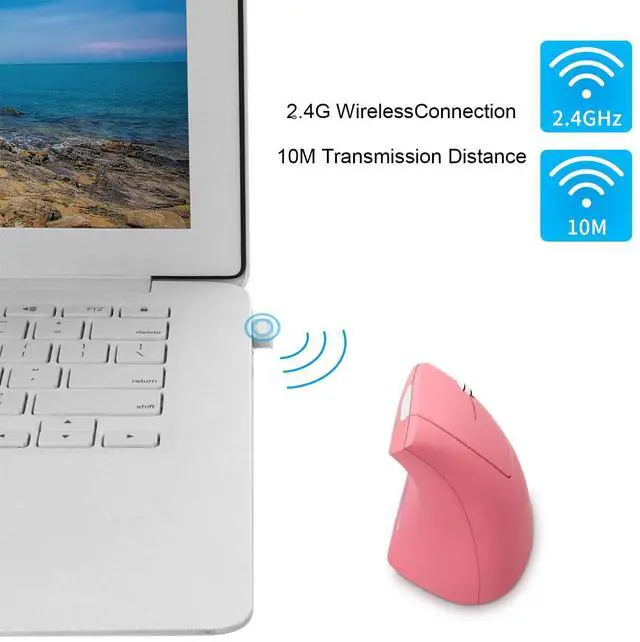
- Compatible with laptops, desktops, or any device with a USB A port, simply plug the USB receiver, plug, and play. (Note: The USB receiver is stored in the battery compartment of the mouse)
- Well compatible with Windows7/8/10/XP, Vista, etc (Forward and backward buttons are not compatible with Mac OS systems)
Product Specification
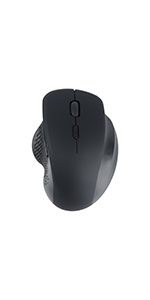 Dual Mode Ergonomic Vertical Wireless Mouse | 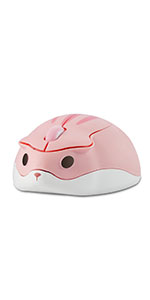 Cute Hamster Shape Bluetooth Mouse - Pink Color | 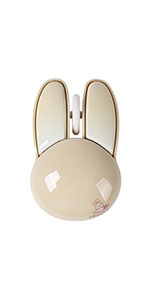 Cute Rabbit Shape Wireless Mouse | 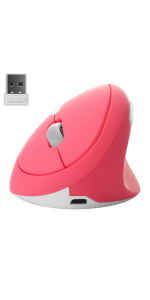 Pink Vertical Wireless Mouse | 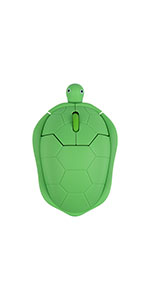 Cute Turtle Shape Wireless Mouse for Kids |  Cloud Keyboard Wrist Rest and Mouse Pad | |
|---|---|---|---|---|---|---|
| Customer Reviews | — | — | — | — | — | — |
| Price | — no data | — no data | — no data | — | — | — |
| Wireless Connection | ? | no data | ? | ? | ? | no data |
| Bluetooth | ? | ? | no data | no data | no data | no data |
| DPI Level | 800/1200/1600 | 1200 | 1200 | 800/1200/1600 | 1600 | no data |
| USB Receiver | ? | no data | ? | ? | ? | no data |
| Rechargeable | ? | no data | no data | ? | no data | no data |
| Sensor Technology | Optical | Optical | Optical | Optical | Optical | no data |
| Cute Office Supplies | ? | ? | ? | ? | ? | ? |
Protect Your Wrist
- This is a right-hand mouse
- When you use a traditional mouse, the wrist needs to be upturned to support the palm, and the arm is tight.
- But using our wireless vertical ergonomic optical mouse, you will hold the mouse sideways vertically, freeing the wrist to relieve hand fatigue.
- The ergonomically designed thumb rests and grips fit the contour of your palm for maximum comfort!
Added Two Side Buttons
- These two buttons are very convenient for web page operations. The forward and back buttons improve browsing speed and are the best choice for Internet surfers and people who work in front of the computer for a long time
How to use it?
Step 01
- Remove the USB receiver (stored on the bottom of the mouse)
- Open the battery cover at the bottom of the mouse and insert 2 AAA batteries (not included)
- Turn the switch button to "ON"
Step 02
- Plug the USB receiver into your computer's USB A port (If your port is Type C, you need a converter to use it)
- Wait a few seconds and it will be automatically recognized and connected
Mouse not working?
- Make sure the power switch on the bottom of the mouse is “on” or at an undefined position
- If the mouse is not responding, try restarting your computer
- In order to have a better experience, you can use this mouse on the mouse pad
Perfect Gift
- The ergonomic rechargeable vertical wireless mouse helps you improve control over your computer's systems.
- Whether dragging and dropping, selecting large volumes of data, or casually gaming, this mouse provides a low-cost, effective solution for your needs!
- Very suitable for gifting to your friends and family :)
Package List:
- 1 x Wireless Mouse
- 1 x USB Receiver
- 1 X User Manual
3 Levels of Adjustable DPI
- There are 3 levels of DPI for you to adjust, 800-1200-1600. You can choose the one that suits you according to your daily needs
Comfortable and Easy to Use
- The plastic surface feels very comfortable to the touch, and the sliding pad on the bottom is very easy to clean and adheres very well to the base without sliding around
- Size: 12.5 x 6.5 x 8.2 cm / 4.92" x 2.56" x 3.23", suitable for large right hand
Widely Compatible
- Compatible with laptops, desktops, or any device with a USB A port, simply plug the USB receiver, plug, and play. (Note: The USB receiver is stored in the battery compartment of the mouse)
- Well compatible with Windows7/8/10/XP, Vista, etc (Forward and backward buttons are not compatible with Mac OS systems)
Product Specification
| Name | Ergonomic Wireless Vertical Mouse |
| Net Weight | 109g / 3.84oz |
| Dimensions | 12.5 x 6.5 x 8.2 cm / 4.92" x 2.56" x 3.23" |
| Connection Method | USB Receiver (stored on the bottom of the mouse) |
| Power Supply | 2 AAA batteries (not included) |
| Applicable Equipment | PC, computer, laptop and other device with USB A port (If it is a device with Type C interface, you need a converter) |
| Suitable for Hand | Only for right hand |
| Suitable Hand Size | Suitable for big hands |
| Note | Front and back buttons don't work on Apple computers (not compatible) |
Dual Mode Ergonomic Vertical Wireless Mouse | Cute Hamster Shape Bluetooth Mouse - Pink Color | Cute Rabbit Shape Wireless Mouse | Pink Vertical Wireless Mouse | Cute Turtle Shape Wireless Mouse for Kids | Cloud Keyboard Wrist Rest and Mouse Pad | |
|---|---|---|---|---|---|---|
| Customer Reviews | — | — | — | — | — | — |
| Price | — no data | — no data | — no data | — | — | — |
| Wireless Connection | ? | no data | ? | ? | ? | no data |
| Bluetooth | ? | ? | no data | no data | no data | no data |
| DPI Level | 800/1200/1600 | 1200 | 1200 | 800/1200/1600 | 1600 | no data |
| USB Receiver | ? | no data | ? | ? | ? | no data |
| Rechargeable | ? | no data | no data | ? | no data | no data |
| Sensor Technology | Optical | Optical | Optical | Optical | Optical | no data |
| Cute Office Supplies | ? | ? | ? | ? | ? | ? |
OTYSRH
Wireless Smart Life, Convenient Life
Committed to computer equipment, computer peripherals,
game peripherals and other fields !
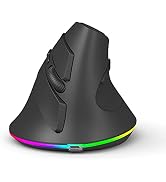
High Precise Vertical Mouse
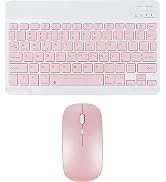
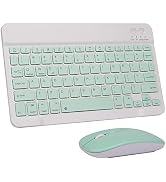
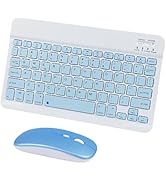
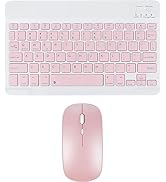
Bluetooth Keyboard Mouse combo
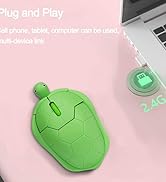
Cute Colorful Cartoon Mouse


Cloud Keyboard Wrist Rest Pad
