





MOFII Bluetooth Numpad
Brand story
As the leader of the keyboard industry, Research and development and manufacturing of keyboards for 22 years, We have successfully produced many kinds of keyboards which are recognized by customers all over the world, we carefully drill the design of numeric keyboard appearance, use top materials and humanized functions to meet all keyboard needs, you Encourage, always the driving force we advance.
Mofii is always committed to quality design, High-performance product is our core, Mofii invites you to enjoy the new keyboard experience!


Bluetooth Numeric Keypad to use:
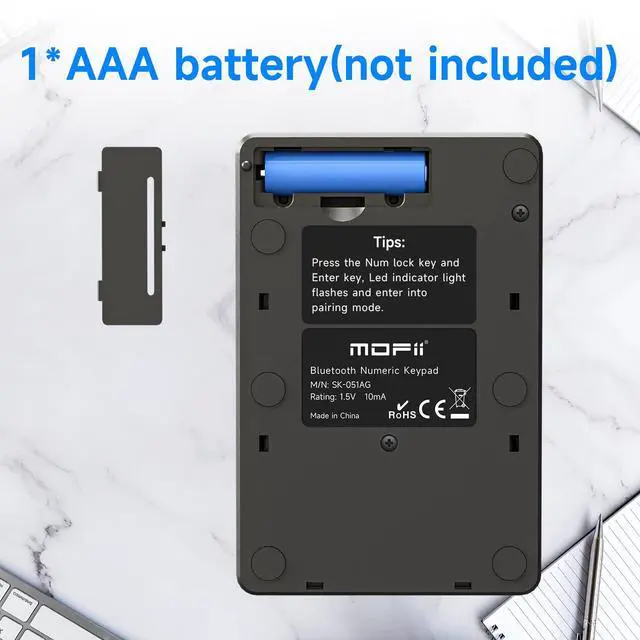
1. Pay attention to the battery is on the cathode,
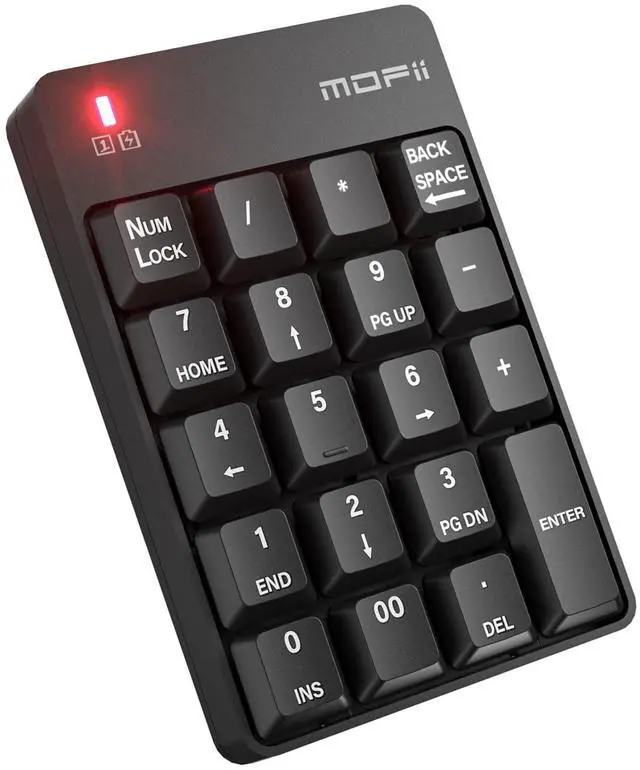
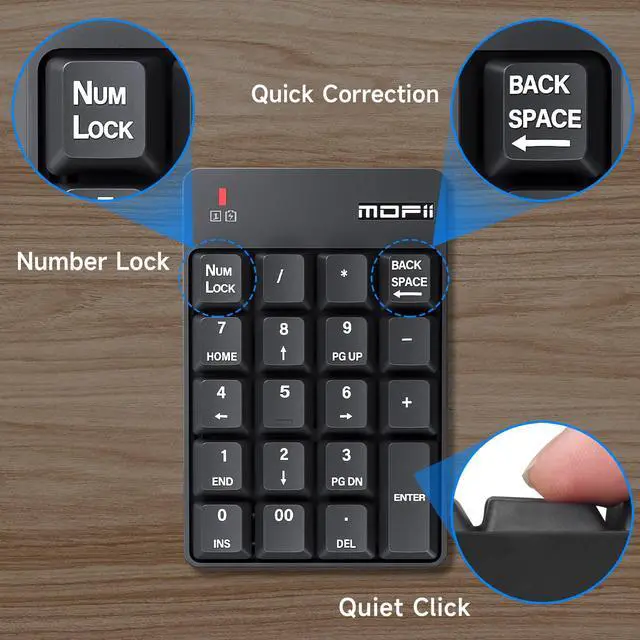
2. Press the Numlock+enter key and the indicator light in the upper left comer of the keyboard flashes and enter into pairing mode.
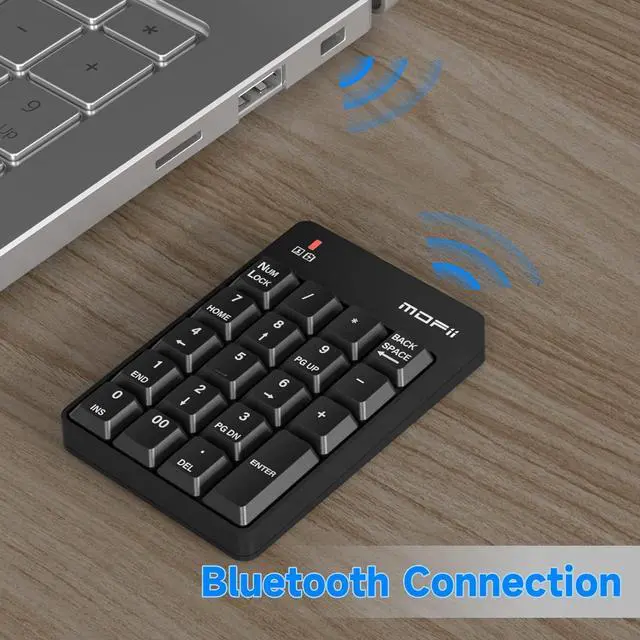
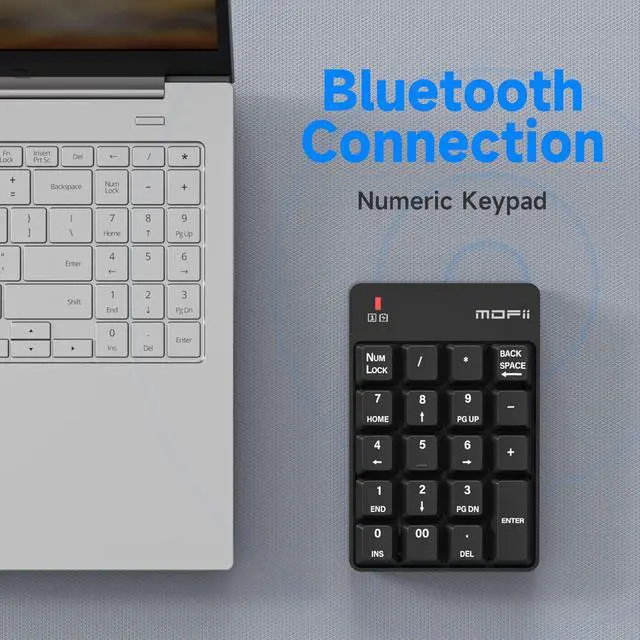
3. Open the bluetooth search switch on bluetooth devices, search the bluetooth keyboard.
4. Double-click the MOFII BT keyboard icon on the bluetooth device.
5. After successful connection, you can use it normally
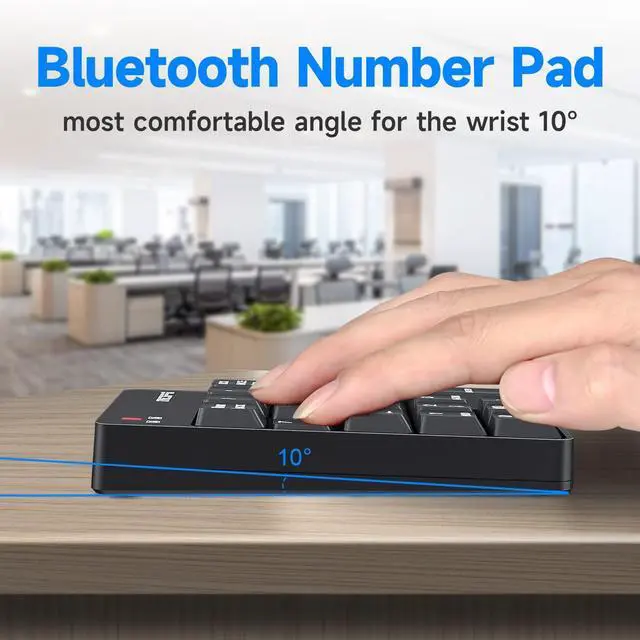
Bluetooth Wireless 10 Key USB Keypad

When you find this wireless keyboard does t work, do not worry, you can make the keyboard in working condition by
Restoring back to factory default settings.
1. Check the battery volume is normal; if the battery is used out, please replace new batteries.
2. Insert the USB receiver onto the USB port of the PC or notebook
3. At the same time the battery into the keyboard, and the keyboard LED lights flash quickly saying, restore factory Settings successfully.
Bluetooth Wireless Connections


MOFII Bluetooth Numpad
Brand story
As the leader of the keyboard industry, Research and development and manufacturing of keyboards for 22 years, We have successfully produced many kinds of keyboards which are recognized by customers all over the world, we carefully drill the design of numeric keyboard appearance, use top materials and humanized functions to meet all keyboard needs, you Encourage, always the driving force we advance.
Mofii is always committed to quality design, High-performance product is our core, Mofii invites you to enjoy the new keyboard experience!
Bluetooth Numeric Keypad to use:
1. Pay attention to the battery is on the cathode,
2. Press the Numlock+enter key and the indicator light in the upper left comer of the keyboard flashes and enter into pairing mode.
3. Open the bluetooth search switch on bluetooth devices, search the bluetooth keyboard.
4. Double-click the MOFII BT keyboard icon on the bluetooth device.
5. After successful connection, you can use it normally
Bluetooth Wireless 10 Key USB Keypad
When you find this wireless keyboard does t work, do not worry, you can make the keyboard in working condition by
Restoring back to factory default settings.
1. Check the battery volume is normal; if the battery is used out, please replace new batteries.
2. Insert the USB receiver onto the USB port of the PC or notebook
3. At the same time the battery into the keyboard, and the keyboard LED lights flash quickly saying, restore factory Settings successfully.
Bluetooth Wireless Connections