




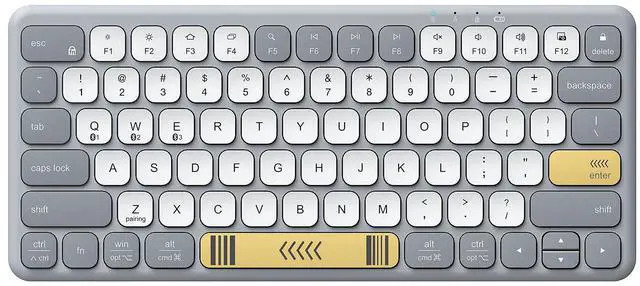
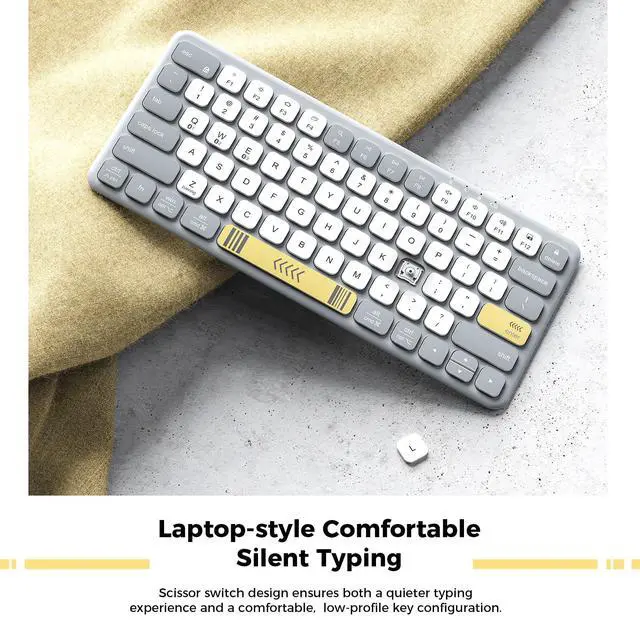
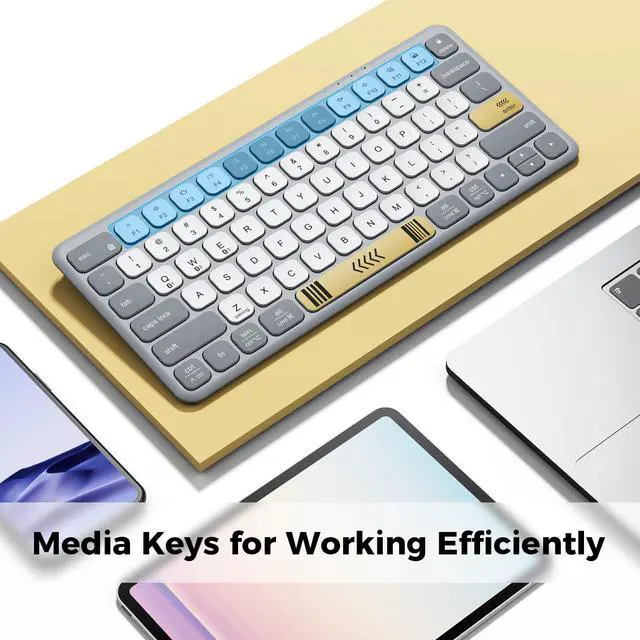
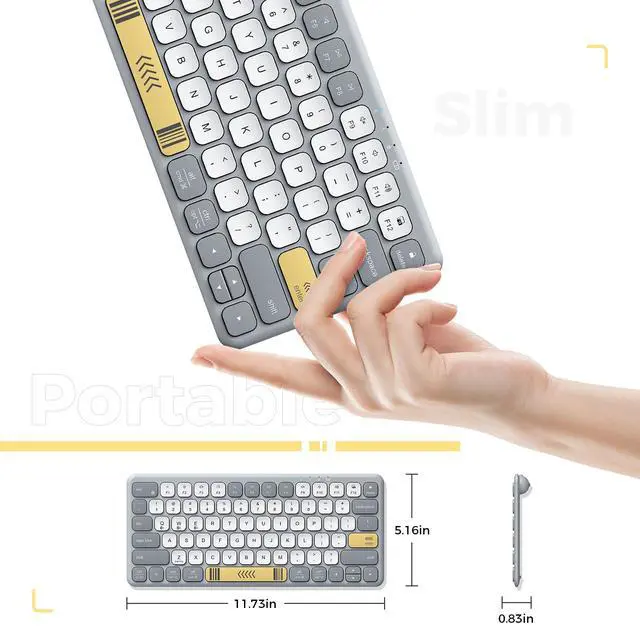



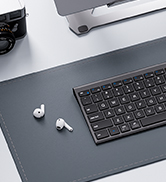
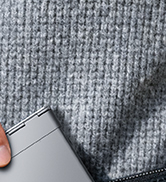
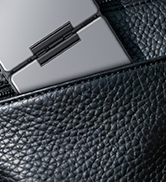
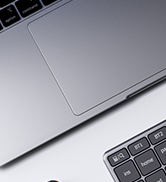
Slim and Lightweight
Pocket size design makes it easy to pack and go anywhere.
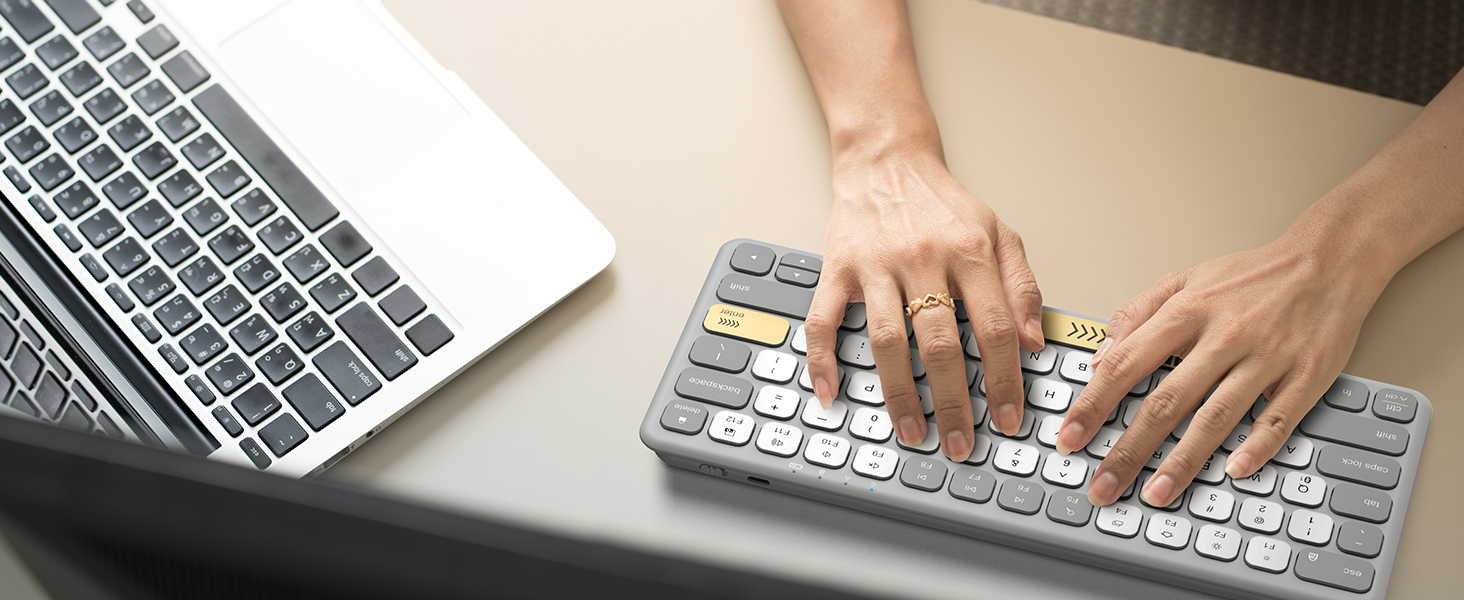
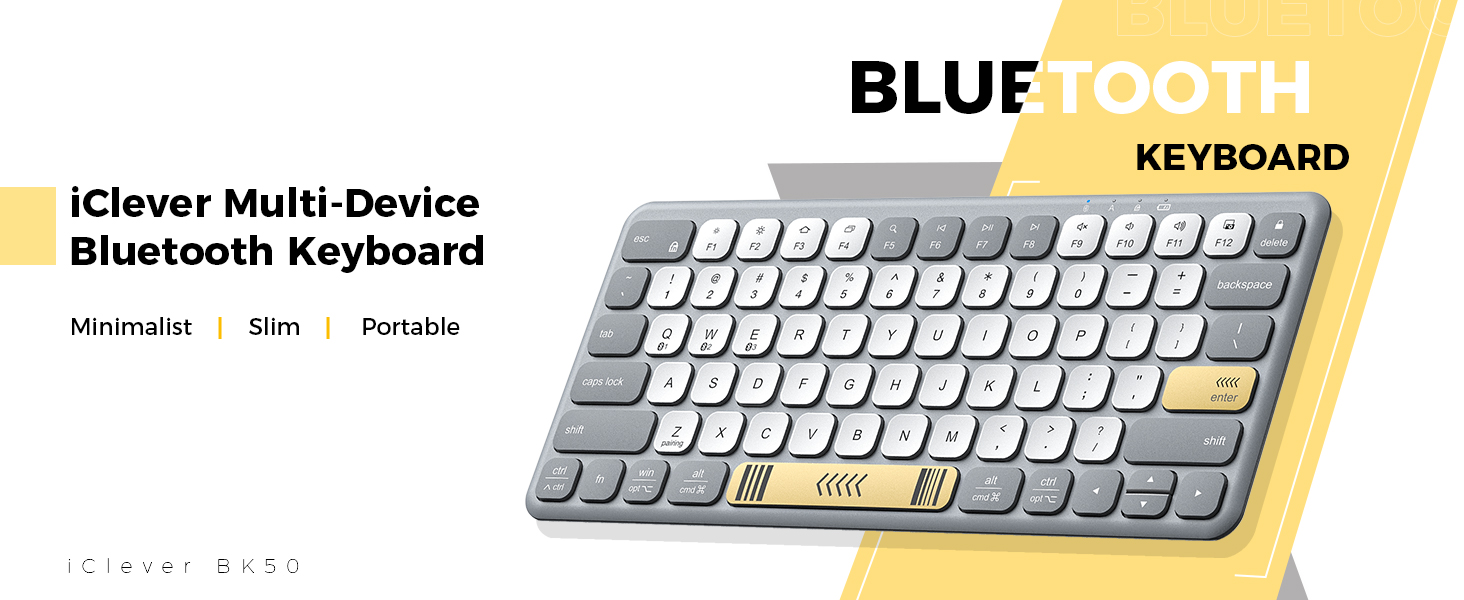
Minimalist Layout
Compact design allows the mouse to be placed closer for more comfort and better body posture.
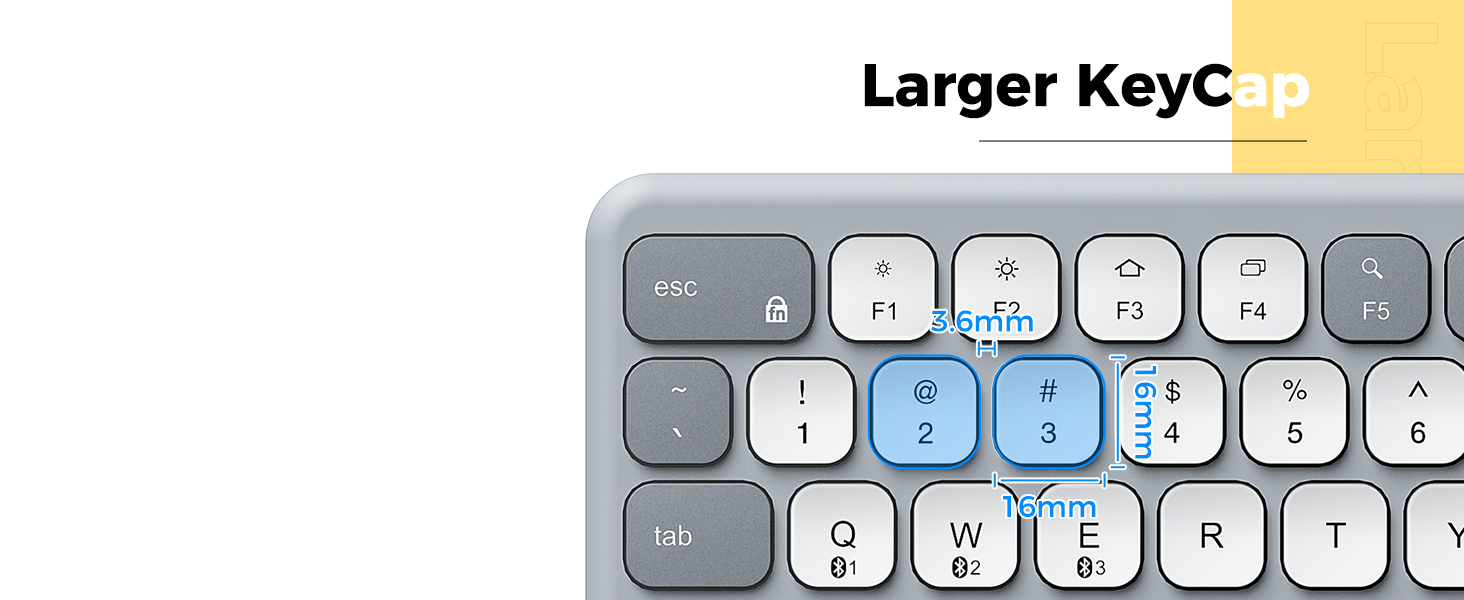
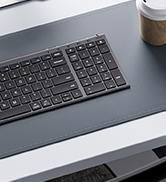
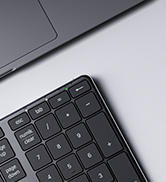
Improved Large Keycap Size
Better for medium and large-finger typing.
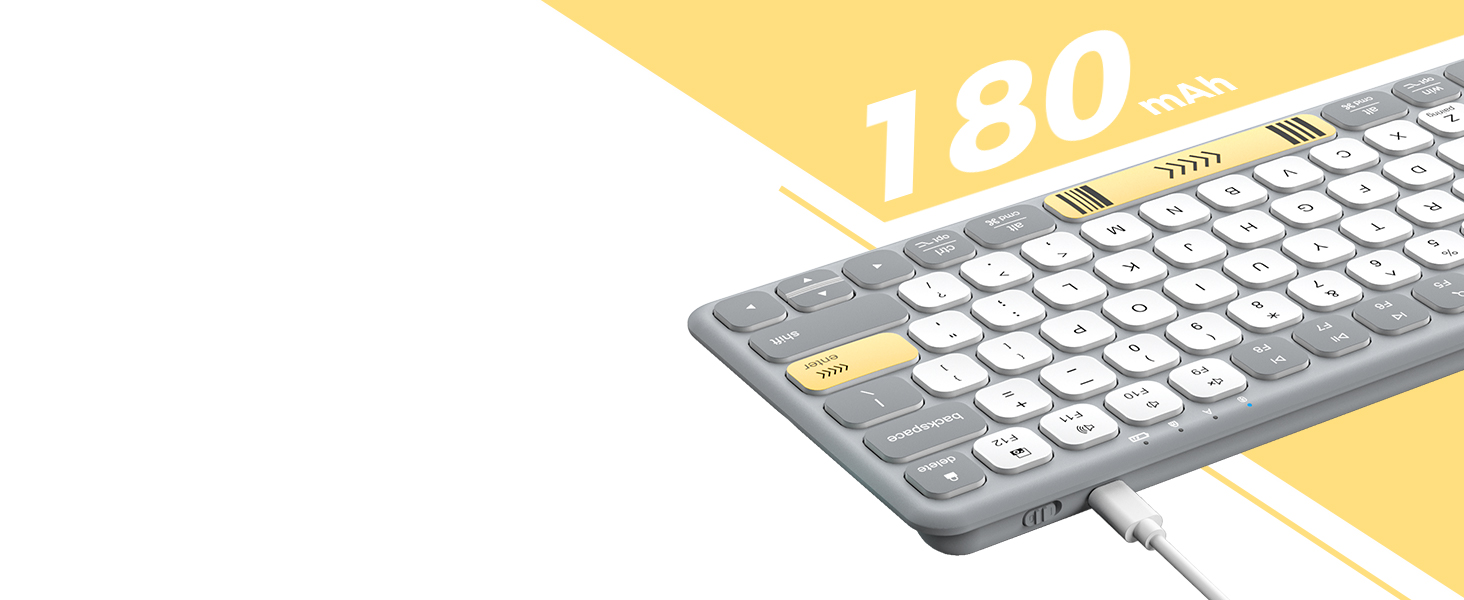
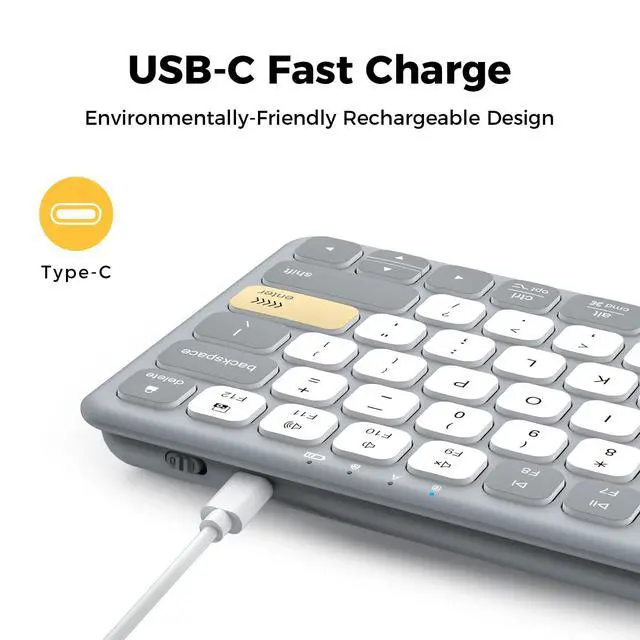
USB-C Rechargeable
Built-in lithium battery supports more than 22 days of working on a full charge.
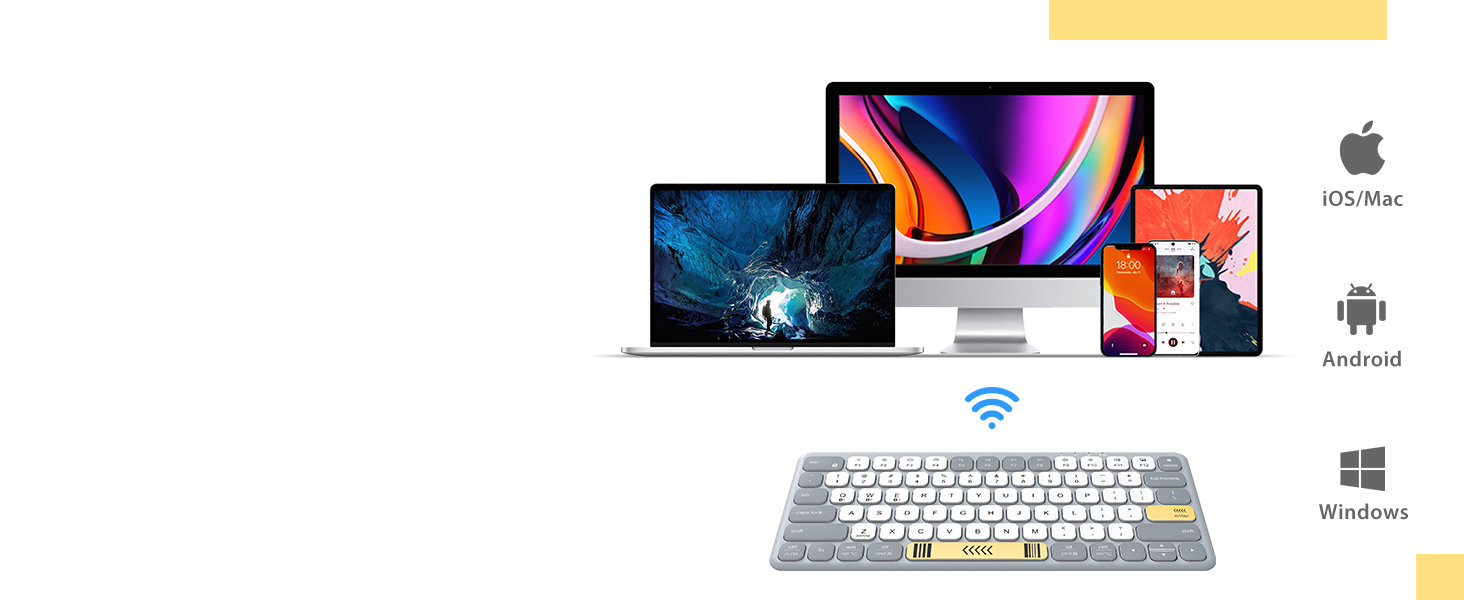
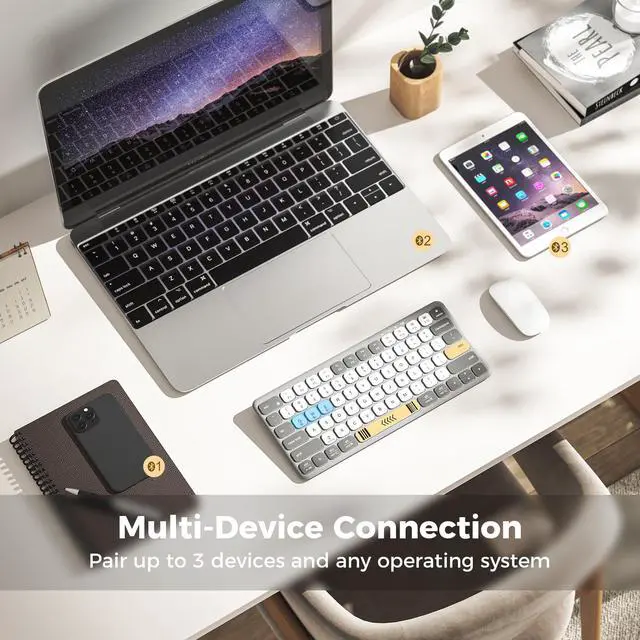
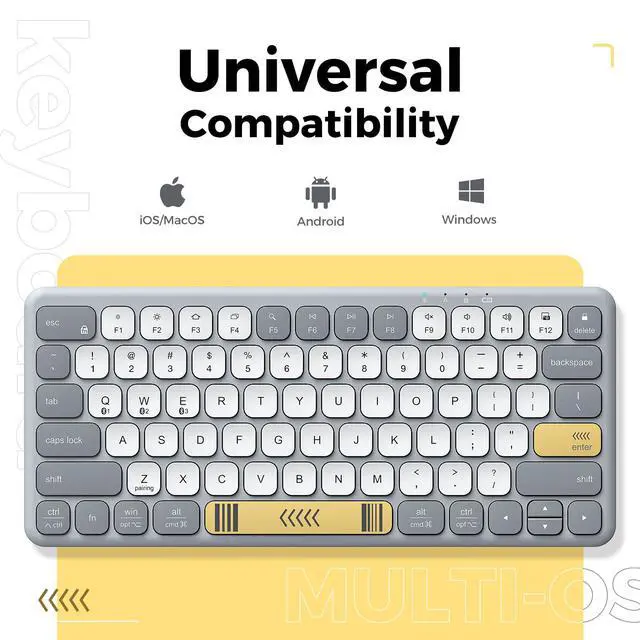
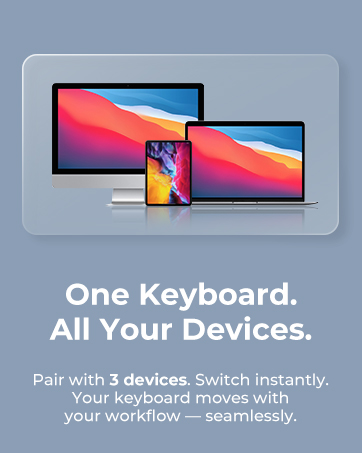
Sync up to 3 devices
Automatically recognizes each device system and maps keys to give you a familiar layout.
How do I keep the Bluetooth connection stable?
Stay within33 ft, avoid metal barriers.
Turn keyboard ON, hold the BT key 5s until the LED blinks
Select “iClever BK50.” If it drops, toggle Bluetooth off/on to reconnect.
What if the keyboard types double letters or random characters?
This is often due to low battery or wireless interference. Recharge fully and keep Wi-Fi routers or metal objects at least 8 inches away.
How long does the battery last, and how do I charge it?
Up to 60 days of typing per charge. Red LED means charging; green means full (˜2hrs). You can type while charging via USB-C.
Is it fully compatible with Mac, iPad, or Windows?
Yes—macOS 10.15+, iPadOS 13.4+, Windows 10/11, Android, ChromeOS (BT 4.0+)
What if the keyboard fails after a few months?
Charge for 2h, switch the power switch off/on, delete“iClever BK50”from your Bluetooth list, then pair again. If it still won’t respond, press fn + Z again to force pairing and test on another device.







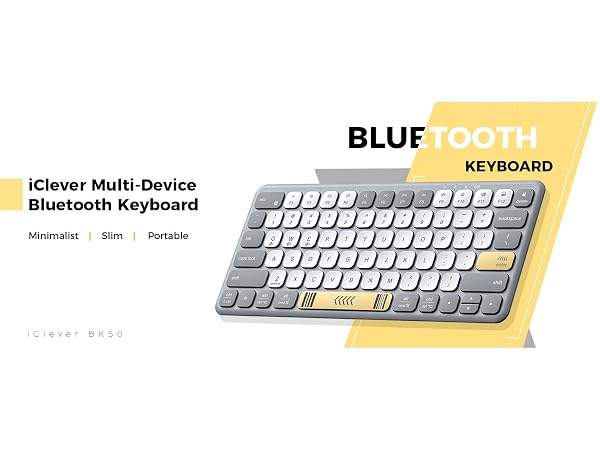

Slim and Lightweight
Pocket size design makes it easy to pack and go anywhere.
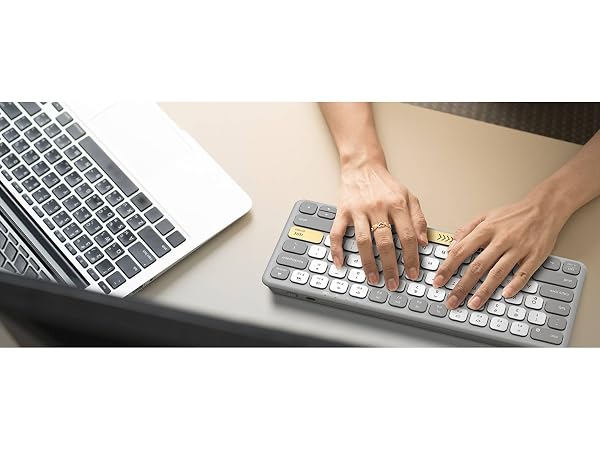
Minimalist Layout
Compact design allows the mouse to be placed closer for more comfort and better body posture.
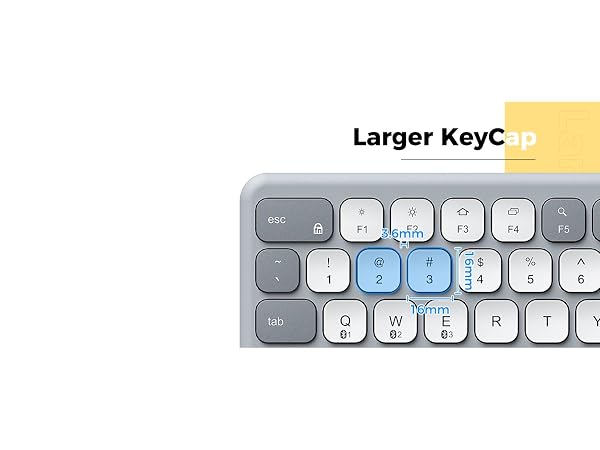
Improved Large Keycap Size
Better for medium and large-finger typing.
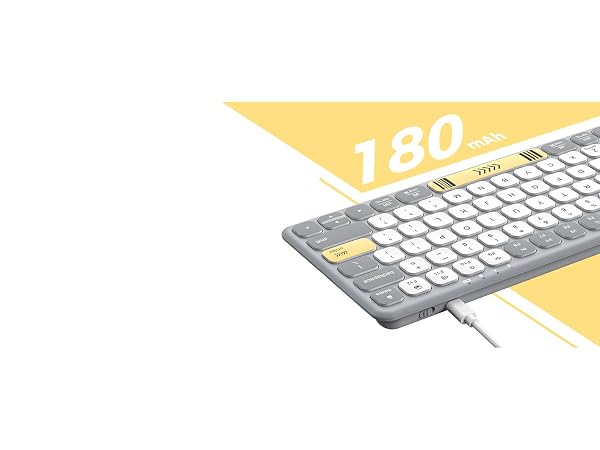
USB-C Rechargeable
Built-in lithium battery supports more than 22 days of working on a full charge.
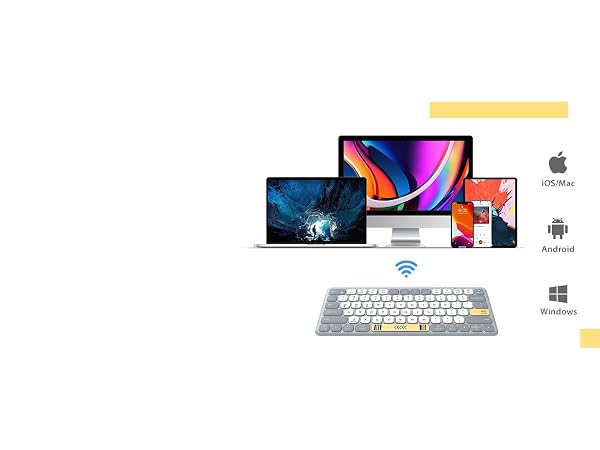
Sync up to 3 devices
Automatically recognizes each device system and maps keys to give you a familiar layout.
How do I keep the Bluetooth connection stable?
Stay within33 ft, avoid metal barriers.
Turn keyboard ON, hold the BT key 5s until the LED blinks
Select “iClever BK50.” If it drops, toggle Bluetooth off/on to reconnect.
What if the keyboard types double letters or random characters?
This is often due to low battery or wireless interference. Recharge fully and keep Wi-Fi routers or metal objects at least 8 inches away.
How long does the battery last, and how do I charge it?
Up to 60 days of typing per charge. Red LED means charging; green means full (˜2hrs). You can type while charging via USB-C.
Is it fully compatible with Mac, iPad, or Windows?
Yes—macOS 10.15+, iPadOS 13.4+, Windows 10/11, Android, ChromeOS (BT 4.0+)
What if the keyboard fails after a few months?
Charge for 2h, switch the power switch off/on, delete“iClever BK50”from your Bluetooth list, then pair again. If it still won’t respond, press fn + Z again to force pairing and test on another device.
WorkMate
FoldMate
NumMate
SilentTap
