






Influencer Recommendation!
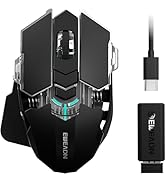
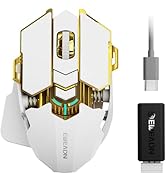
EWEADN wireless gaming mouse
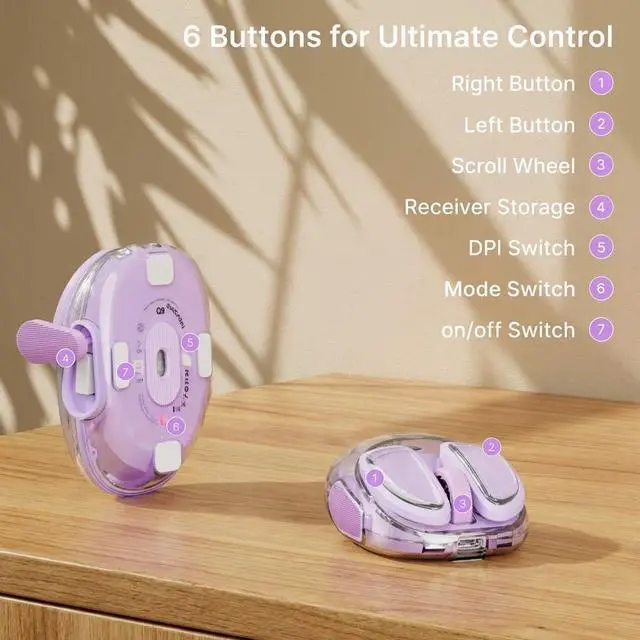
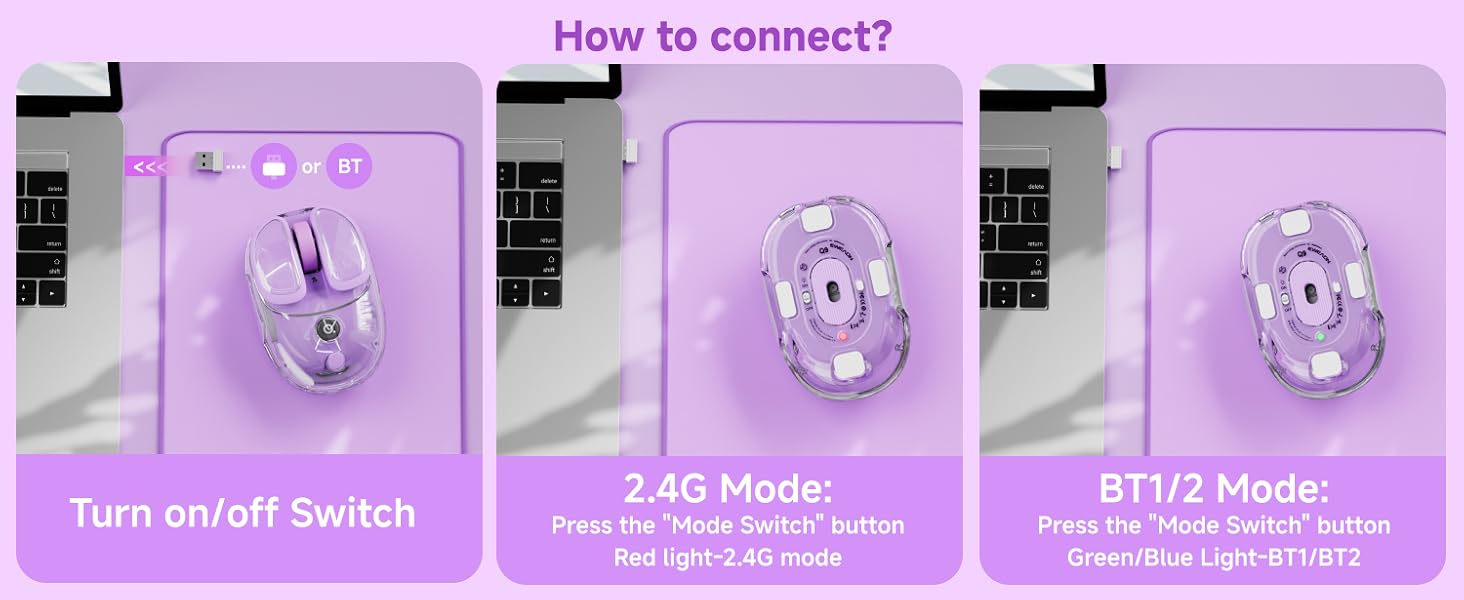
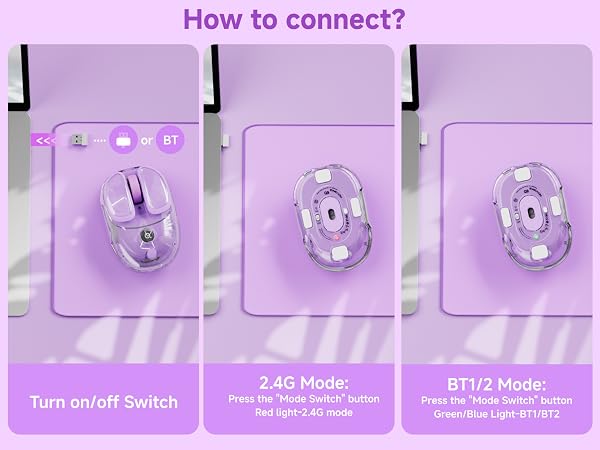
Quick Note: Locating Your Mouse's USB Receiver(on the side of the mouse)
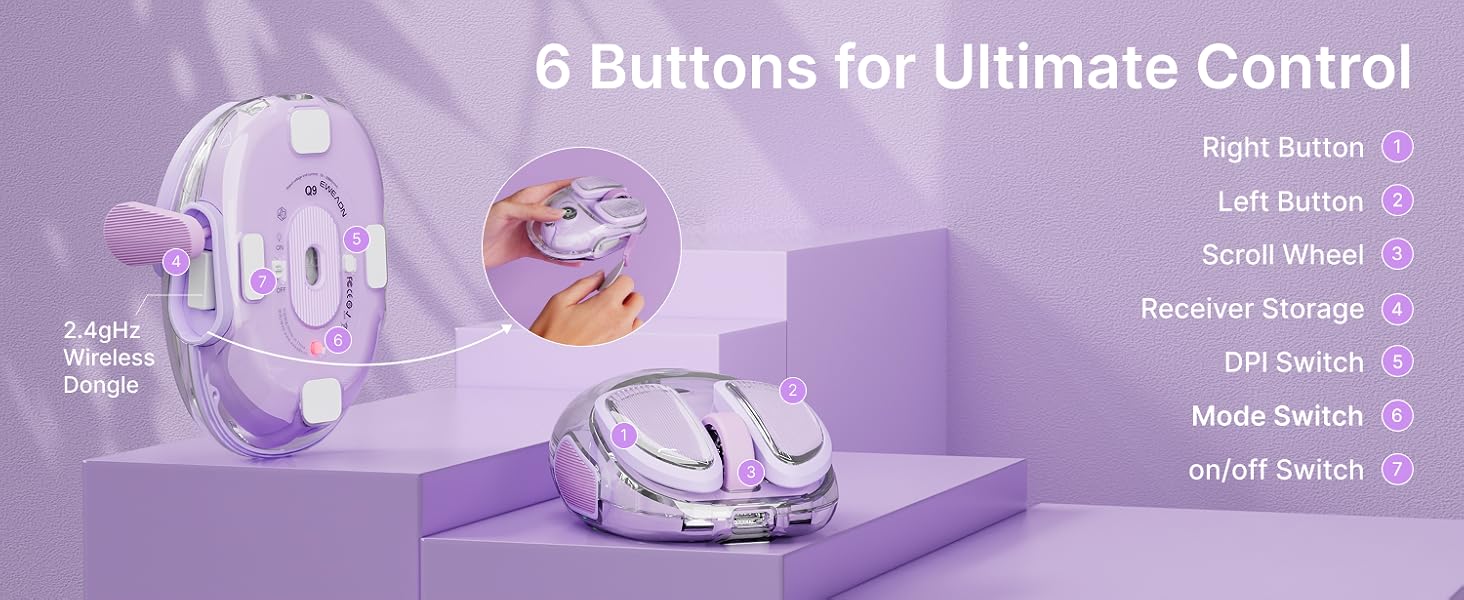
Need the USB receiver?
- Find the rubber panel on the mouse's side.
- Lift it with the included guitar pick.
- Remove the receiver inside.
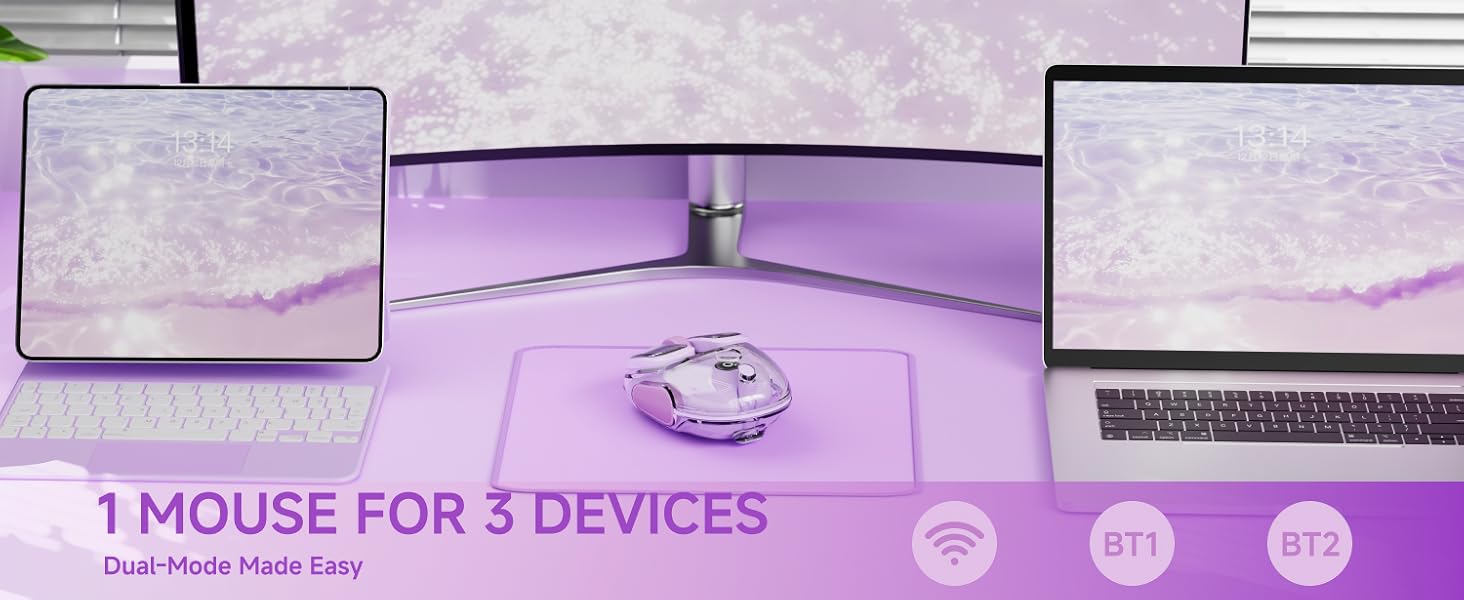
MacBook Users: Skip the USB Port!
- Switch your mouse to BT mode.
- Pair directly in your Mac’s BT settings.
- No receiver needed – great for USB-C life!




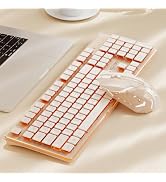
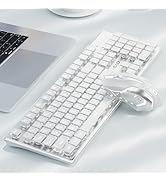
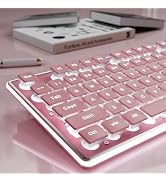
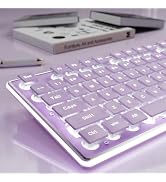







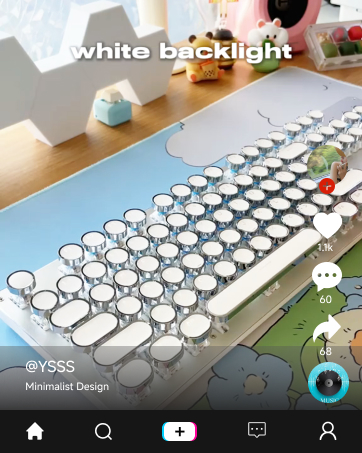


Influencer Recommendation!
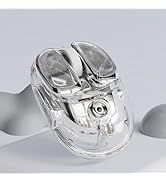
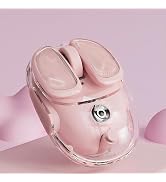
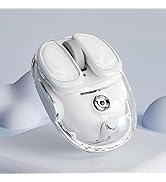
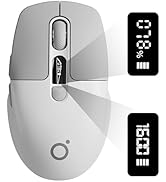
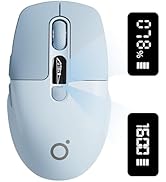
EWEADN Q9 Wireless Clear Mouse
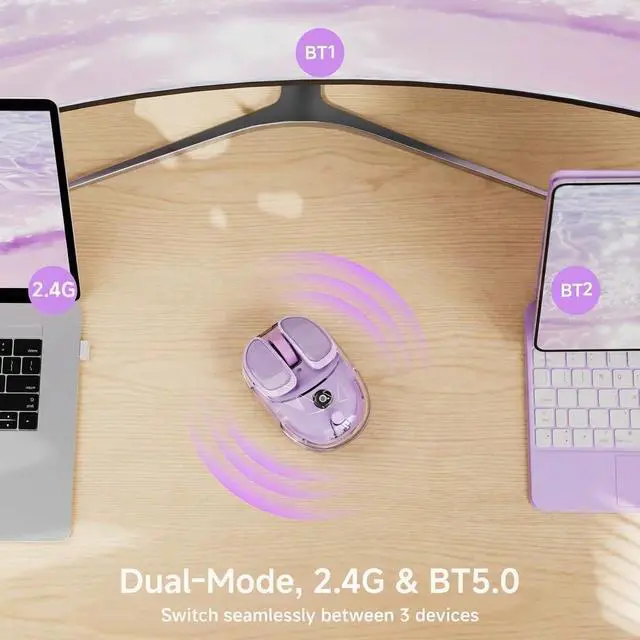
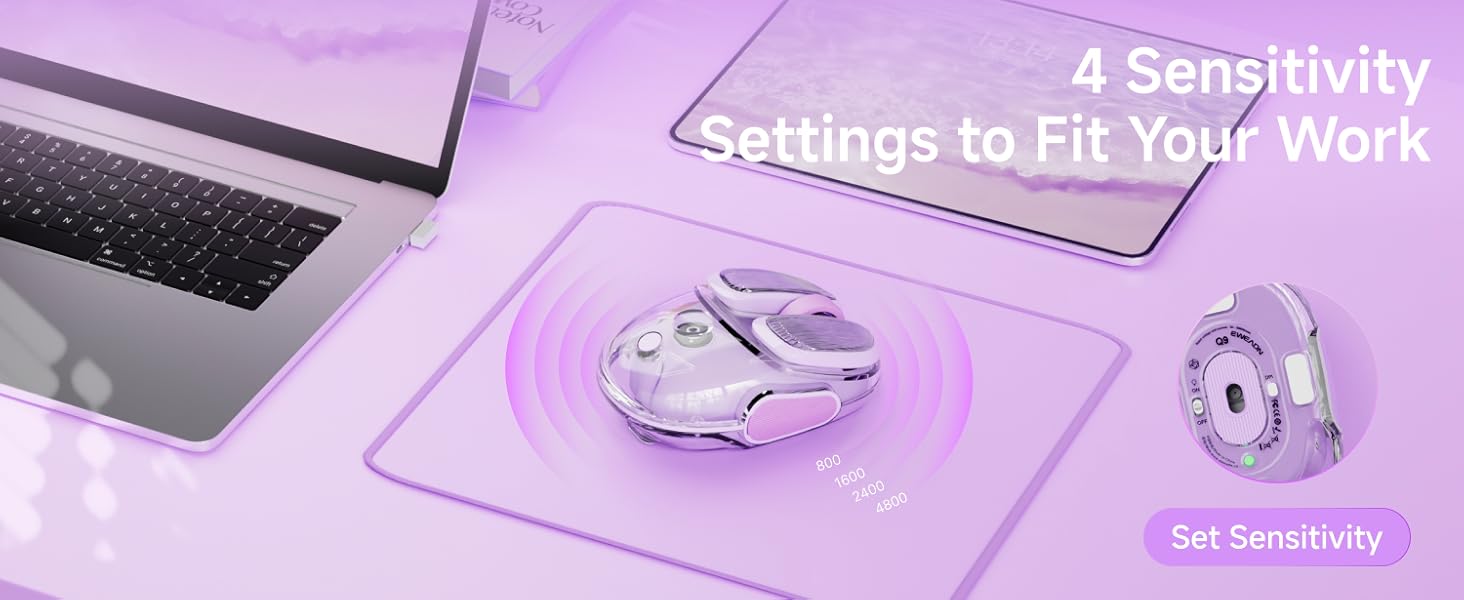
Dual Mode Connectivity
· Bluetooth & 2.4G Connection
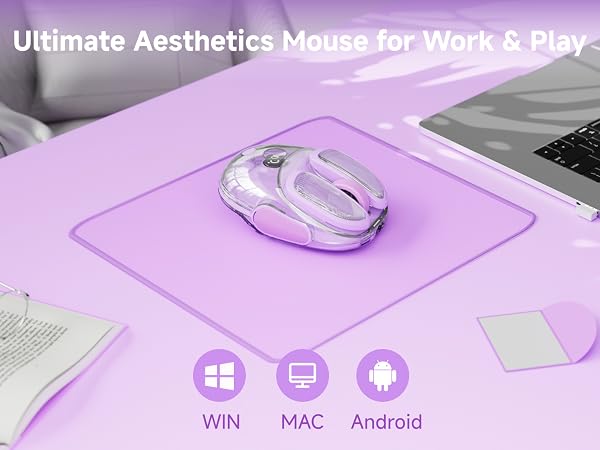
· Multi-Device Compatibility for Laptop, PC, MacBook
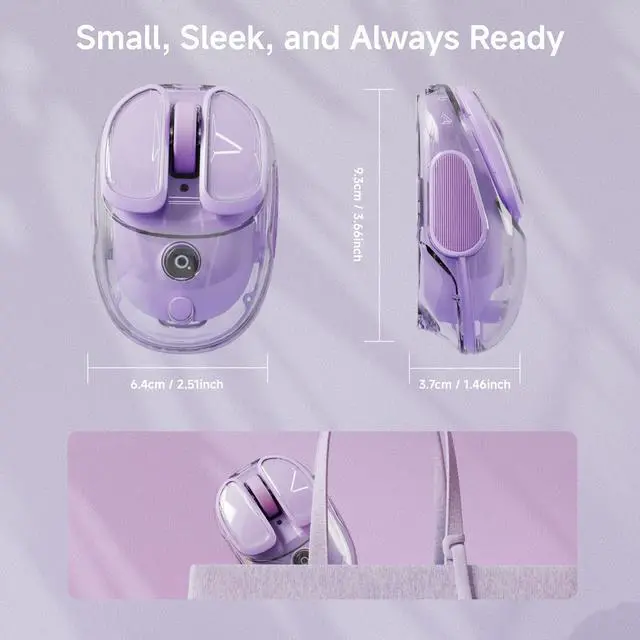
Sleek Transparent Design
RGB Breathing Light
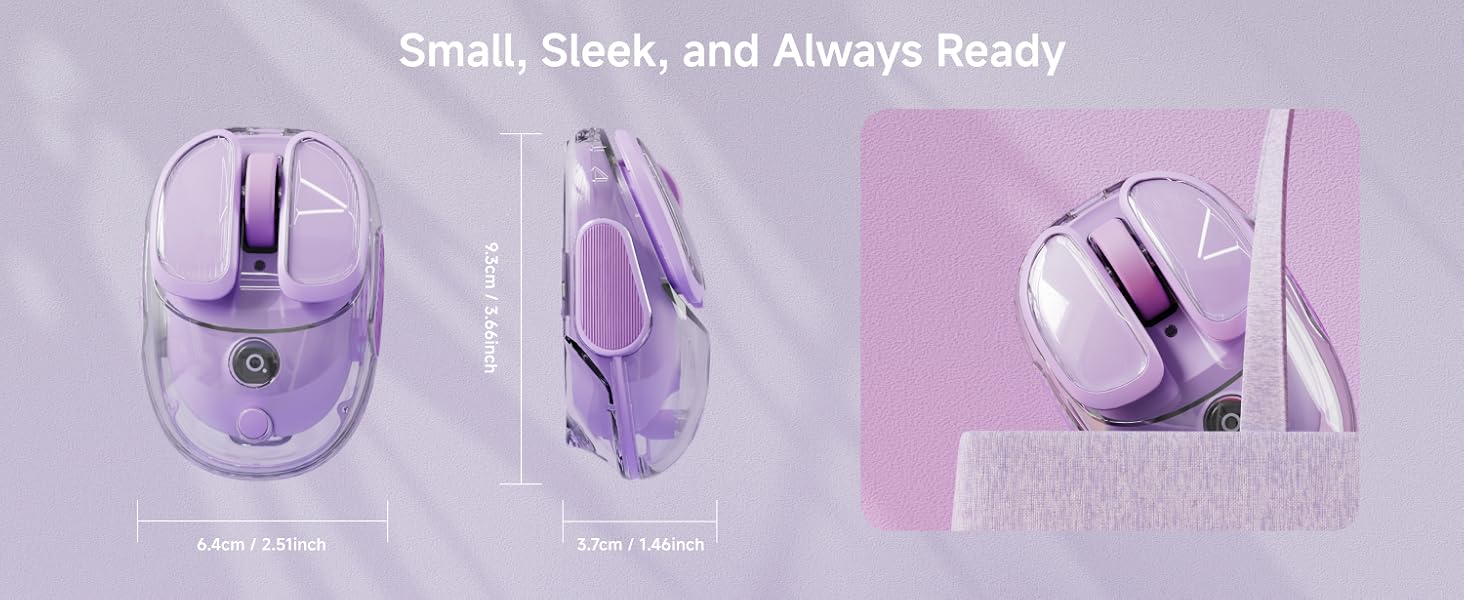
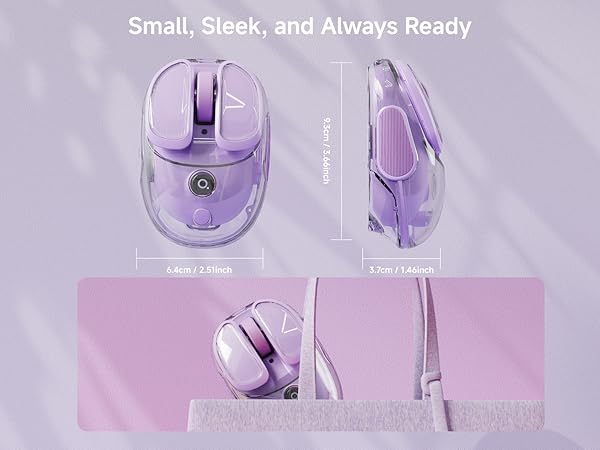
. Small and cute
· lce-clear Body
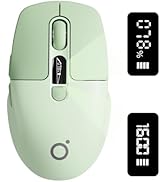
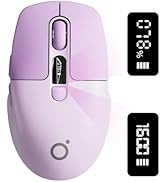
High Appearance, Fresh Color Scheme
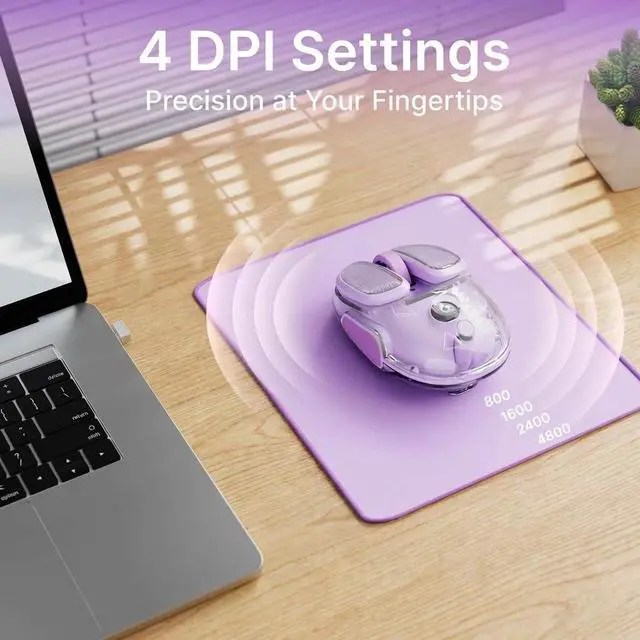
Four-speed DPl Adjustment
· Exquisite body, portable storage
· Lightweight, new color scheme
Ergonomic & Lightweight Build
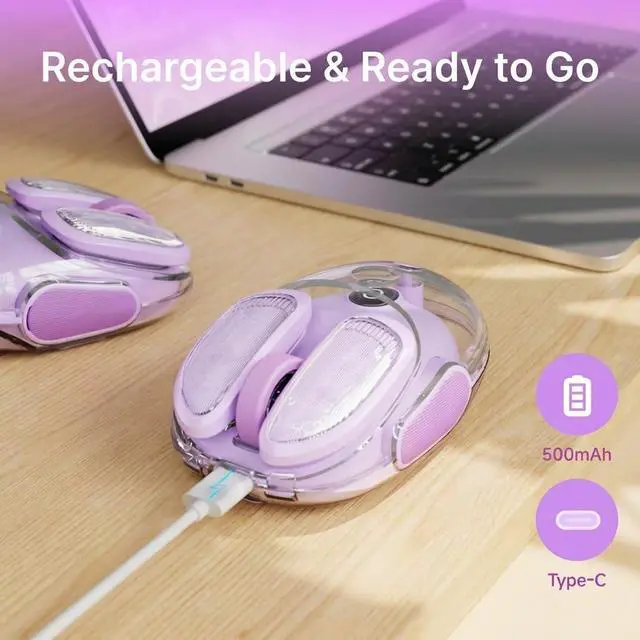
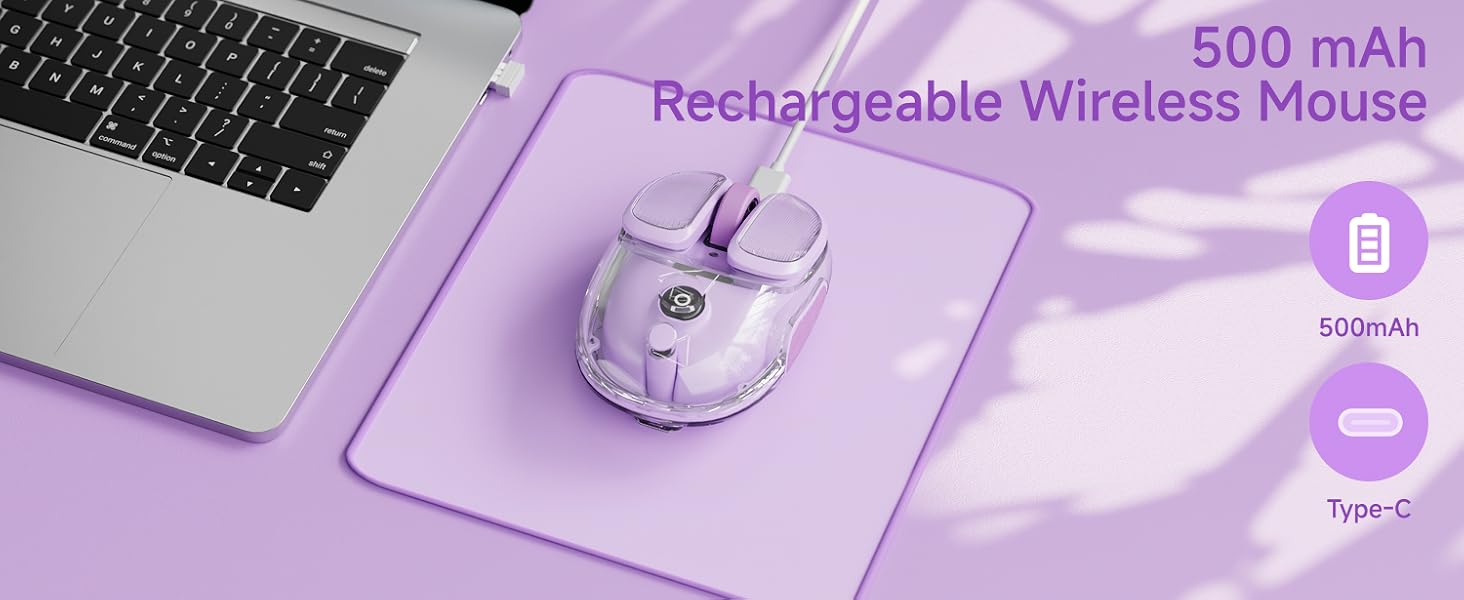
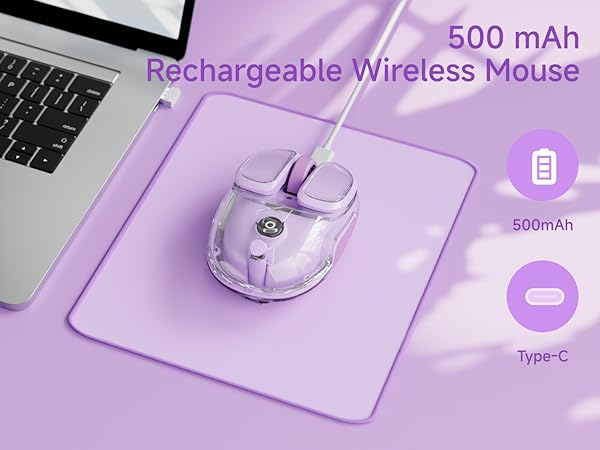
Extremely long battery life
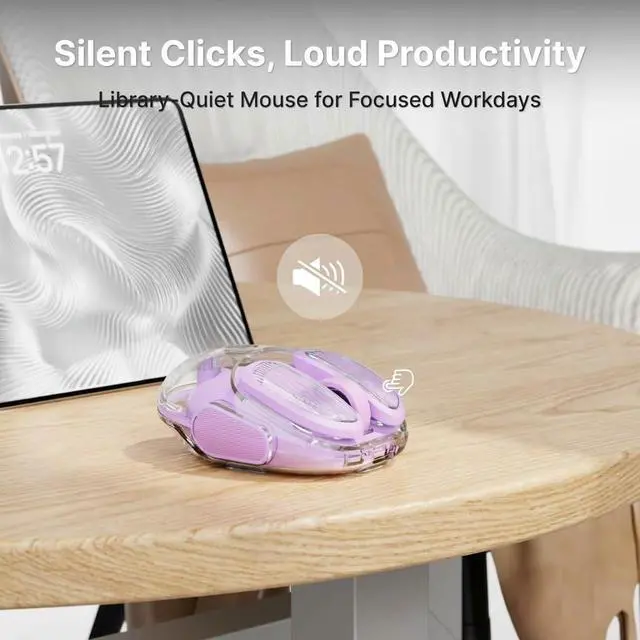
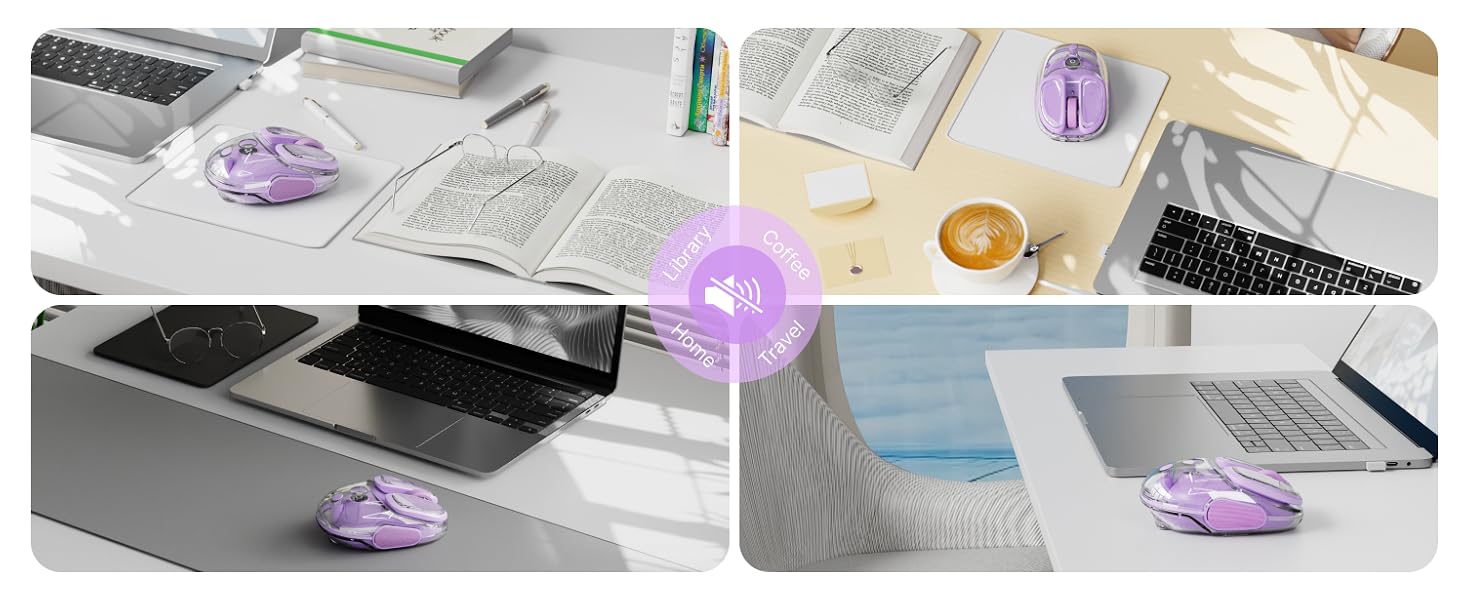
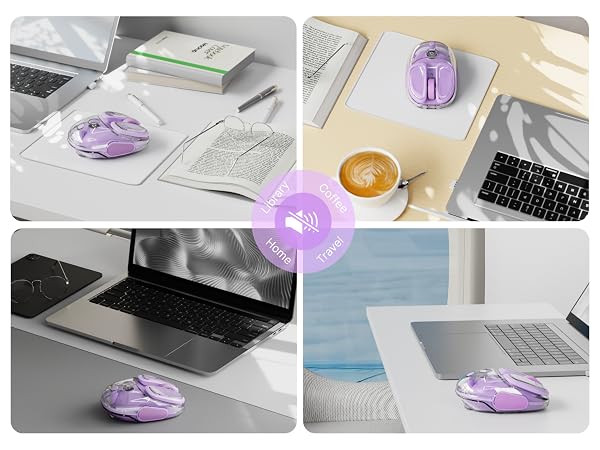
. Enjoy quiet, noise-less
· Easy button, efficient office
EWEADN wireless gaming mouse
Quick Note: Locating Your Mouse's USB Receiver(on the side of the mouse)
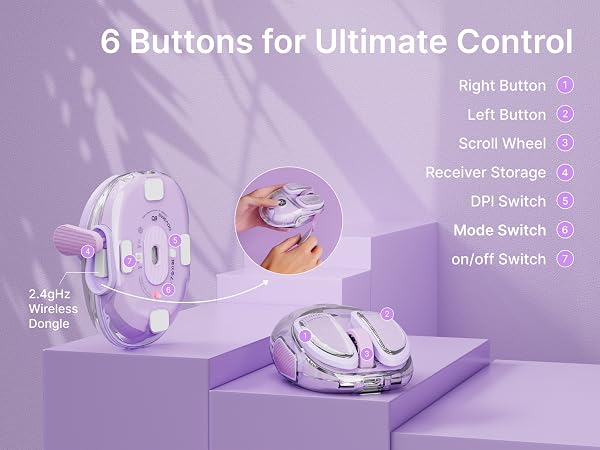
Need the USB receiver?
- Find the rubber panel on the mouse's side.
- Lift it with the included guitar pick.
- Remove the receiver inside.
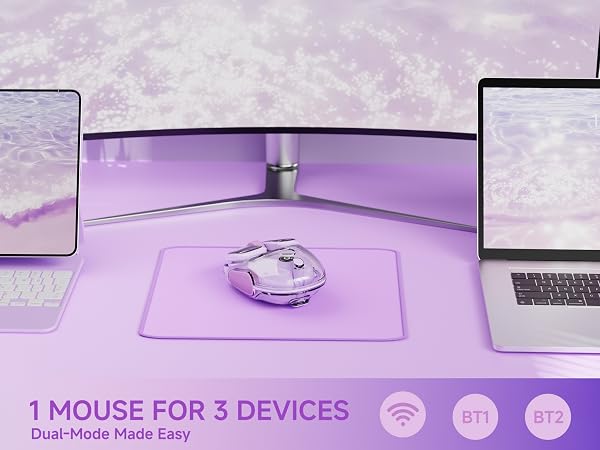
MacBook Users: Skip the USB Port!
- Switch your mouse to BT mode.
- Pair directly in your Mac’s BT settings.
- No receiver needed – great for USB-C life!
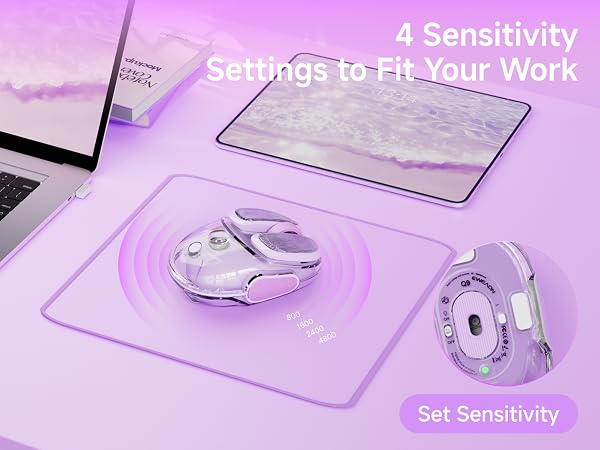
EWEADN
- Beauty and Practicality Coexist
- Genuine Brand Support
V3 KEYBOARD & MOUSE
GX710S WIRED KEYBOARD
TK100 WIRED KEYBOARD
Q9 WIRELESS MOUSE
Q1 Wireless Mouse
NEW PRODUCT IS COMING


TK950 WIRELESS KEYBOARD

