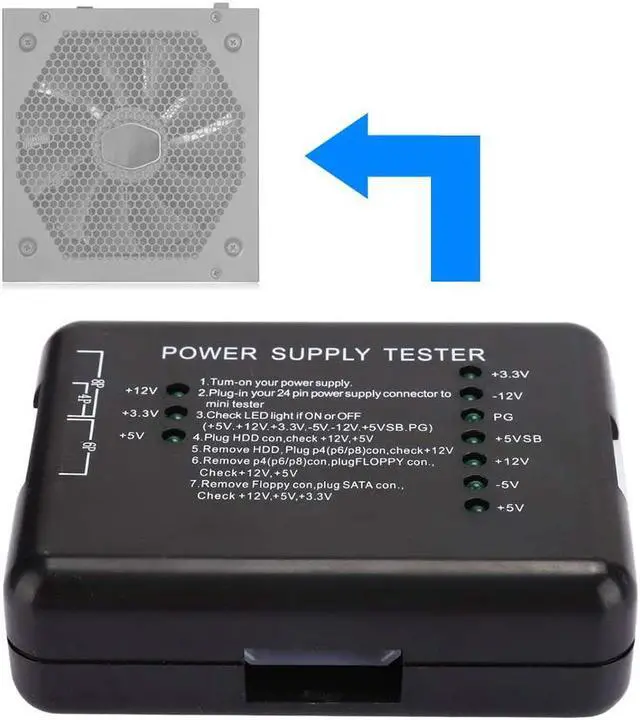
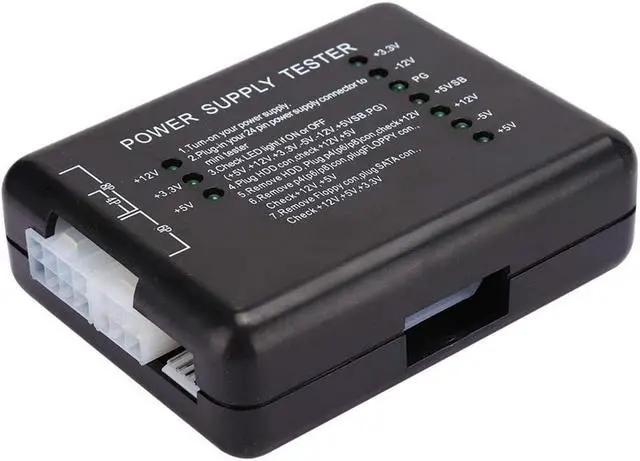
Feature:
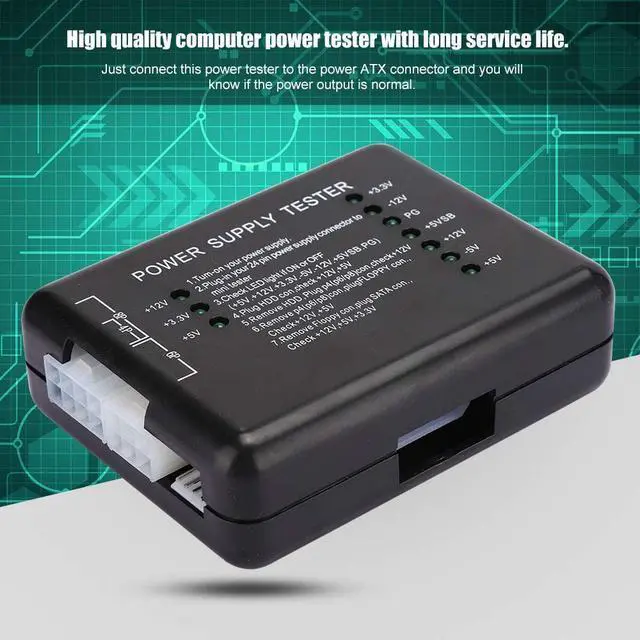
1. High quality computer power tester with long service life.
2. Just connect this power tester to the power ATX connector and you will know if the power output is normal.
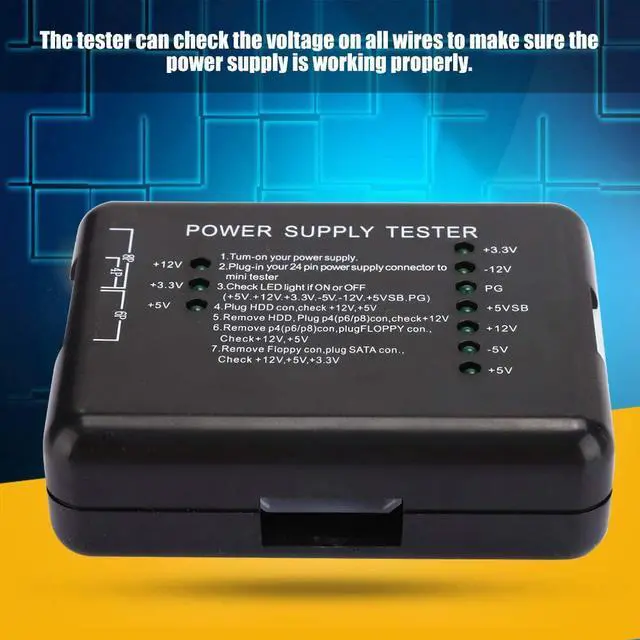
3. The tester can check the voltage on all wires to make sure the power supply is working properly.
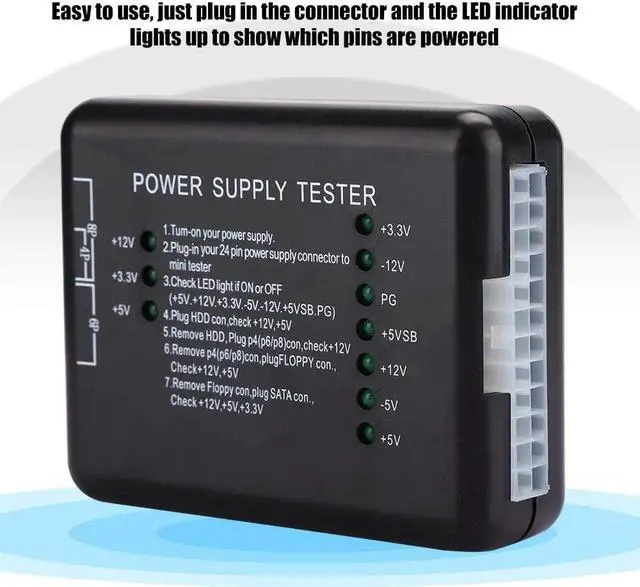
4. Easy to use, just plug in the connector and the LED indicator lights up to show which pins are powered
5. Can help you quickly diagnose or troubleshoot power problems, a must-have for any computer technician
Specification:
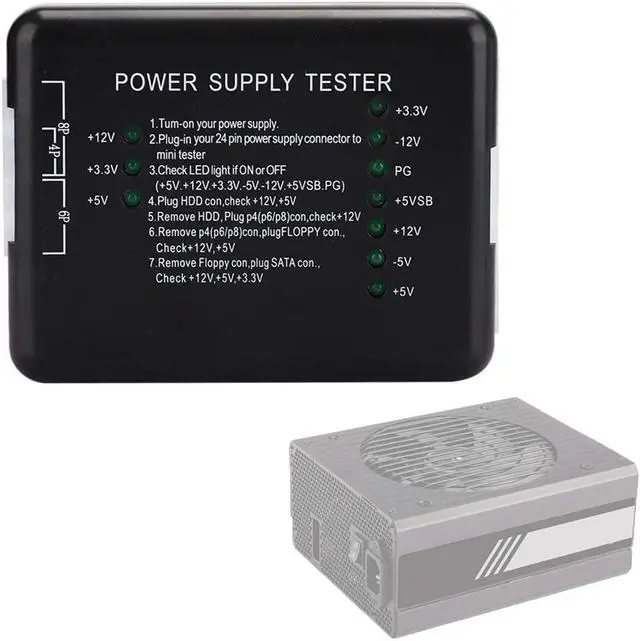
Item Type: Power Supply Tester
Color: Black
Material: ABS
Instructions:
1. Powering the power supply under test;
2. Insert the 24P (20P) plug of the power supply to be tested into the corresponding 24P (20P) socket of the power tester;
3. Check whether the 7 indicators on the right (+3.3, -12v, PG, + 5VSB, + 12V, -5v, + 5V) are on;
4. Insert the HDD plug of the power supply to be tested into the HDD socket of the power tester, and check whether the 2 indicators (+12, + 5V) on the left are on;
5. Unplug the HDD plug from the power tester, and then insert the P4 (P6 / P8) plug into the corresponding P4 (P6 / P8) socket to check whether the left light (+ 12V) is on;
6. Unplug the P4 (P6 / P8) plug from the power tester, and then insert the FLOPPY disk plug into the corresponding FLOPPY socket, and check whether the two indicators (+ 12V, + 5V) on the left are on;
7. Unplug the FLOPPY plug from the power tester and insert it into the corresponding SATA socket in the SATA plug. Then check if the 3 indicators on the left (+ 12V, + 3.3v and + 5V) are on.
Package List:
1 x Power Supply Tester1 x User Manual(on the packaging surface)





 here!
here!