GIGABYTE Z890 AORUS MASTER Ultra Core (Series 2) LGA 1851, ATX, DDR5, 5x M.2, PCIe 5.0, Thunderbolt 4, WIFI7, 10GbE LAN, EZ-Latch
  •  
  • $338.99 
  • Save: 32%
  • $22.99
  • Free 30-day Returns
  • Ships from China.
    Sold by TechMax Depot

    Shipped by TechMax Depot

    Price alert
    Newegg PC Builder
    Shop it at NeweggBusiness.

    Meet Your Seller

    Get Educated

    Make informed decisions with expert advice. Learn More
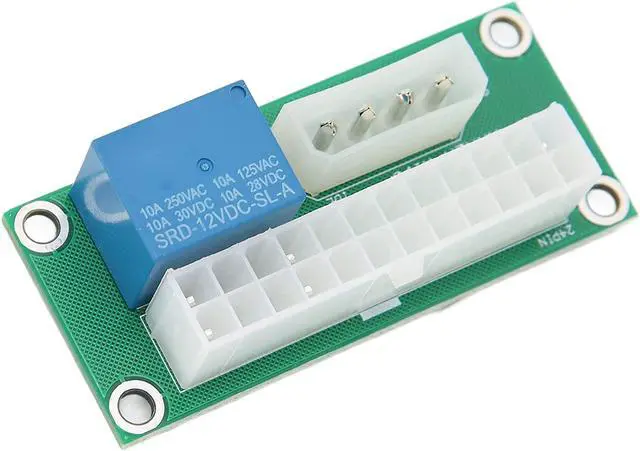
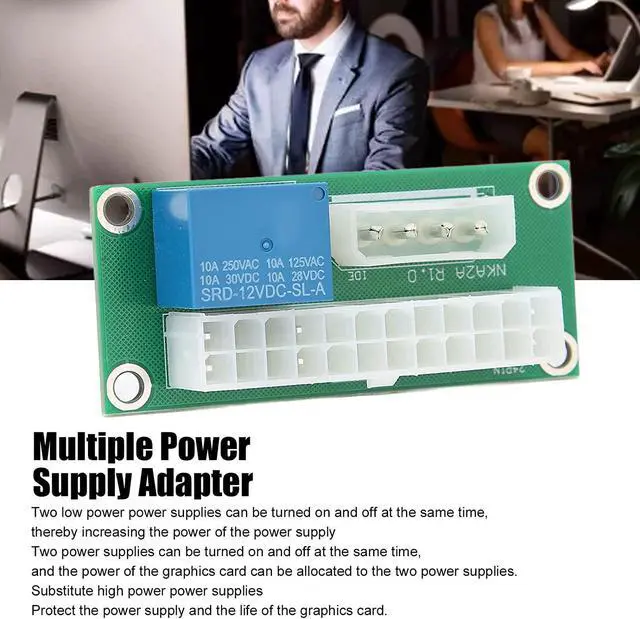
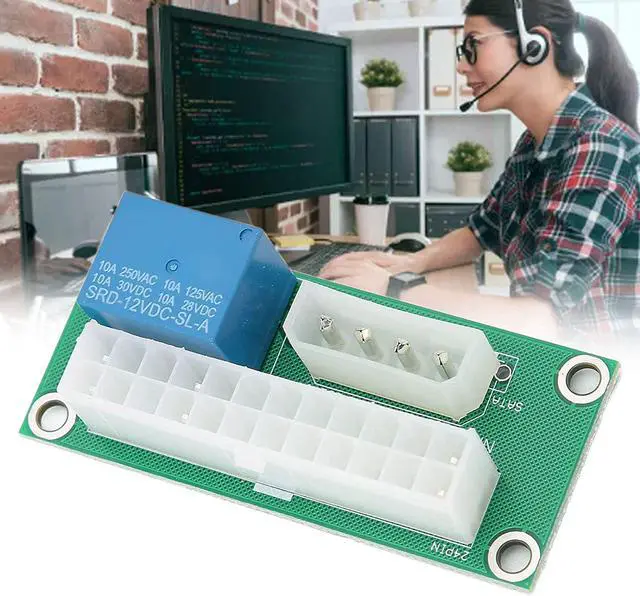
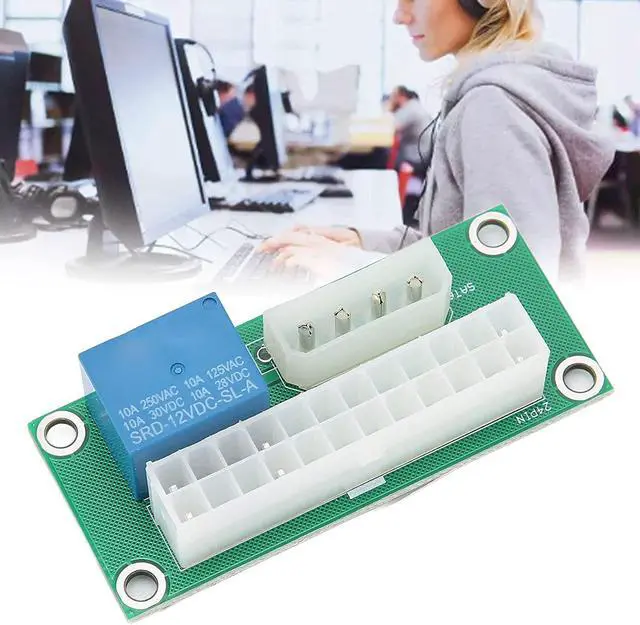
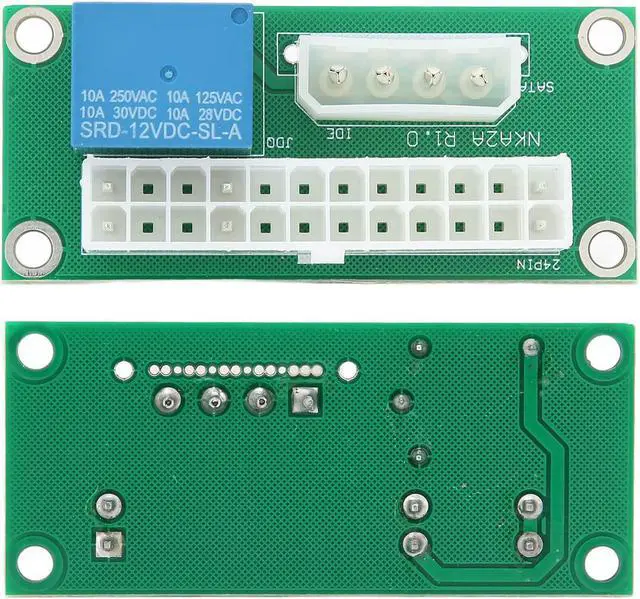
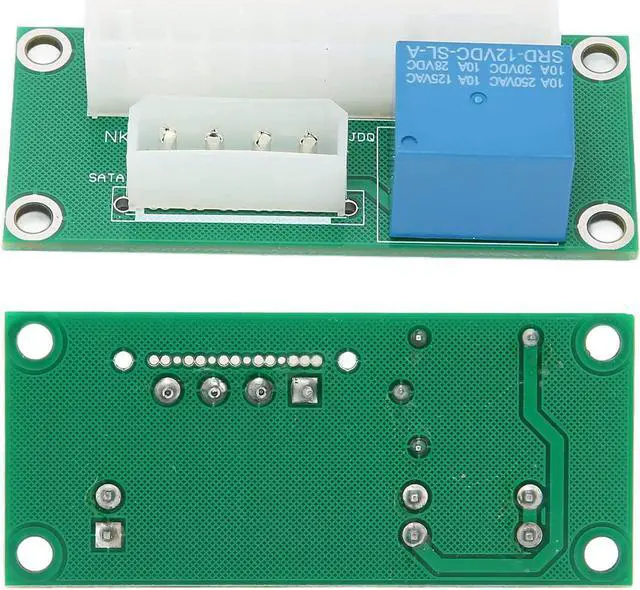
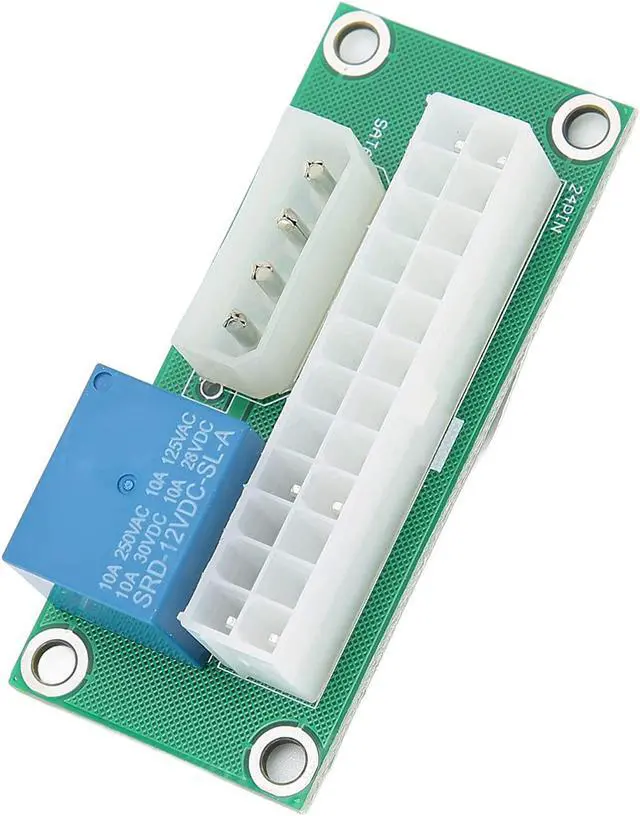
    Zyyini ATX Power Synchronization, 24Pin Dual Power Startup Board, Plug and Play, Adapter for Multiple Power Supplies, Protect The Service Life of Power Supply and Graphics Card(IDE)

    • [Advantages] With this card, the two power supplies can be turned on and off at the same time, and the power of the graphics card can be allocated to the two power supplies to replace high-performance power supplies to solve the problem of insufficient performance.
    • [Principle of Operation] When the power is turned on, the main power supply has a large SATA power output, and the relay on the adapter board is started and the auxiliary power switch is turned on to turn on the power supply.
    • [Principle of Operation] Since the adapter card is not involved in the power supply, the motherboard cannot be burned to burn up the power supply. If there is a fire, it is usually because the power supply unit is overloaded and the interface is swapped when the device is plugged in.
    • [Wiring Mode] Plug the 24PIN of the secondary power supply into the 24PIN socket and plug the SATA power cable of the main power supply into the adapter card so that the secondary power supply and the main power supply
    🔥Don't forget your OS, we have Windows 11 OEM, Download and USB versions available
    +
    +
    Overview
    Specs
    Reviews
    avatar

    Any questions? Our AI beta will help you find out quickly.

    Usage:
    Plug and Play

    Specification:
    Item Type: Multiple Power Supply Adapter
    Material: PCB


    Package list:
    1 x multiple power supply adapter

    Note:
    Precautions:
    Be sure to recognize the direction when plugging it in, do not plug it in upside down or in the off position to avoid burns. When inserting the device, hold the socket firmly before plugging it in to avoid inserting the connector pins with excessive force.

    Warranty & Returns

    Warranty, Returns, And Additional Information

    Warranty

    • Please contact the Seller directly for warranty information. Warranty information may also be found on the Manufacturer's website.
    • CONTACT

    Return Policies

    Manufacturer Contact Info

    LOADING...